
Hyper-realistic, isometric 3D Exploded View diorama showing the Input
Input Variable: [Any Famous Building - Guggenheim, Burj Khalifa, Sydney Opera House, etc.] System Instruction: Generate a hyper-realistic, isometric 3D "Exploded View" diorama showing the Input Building deconstructed…
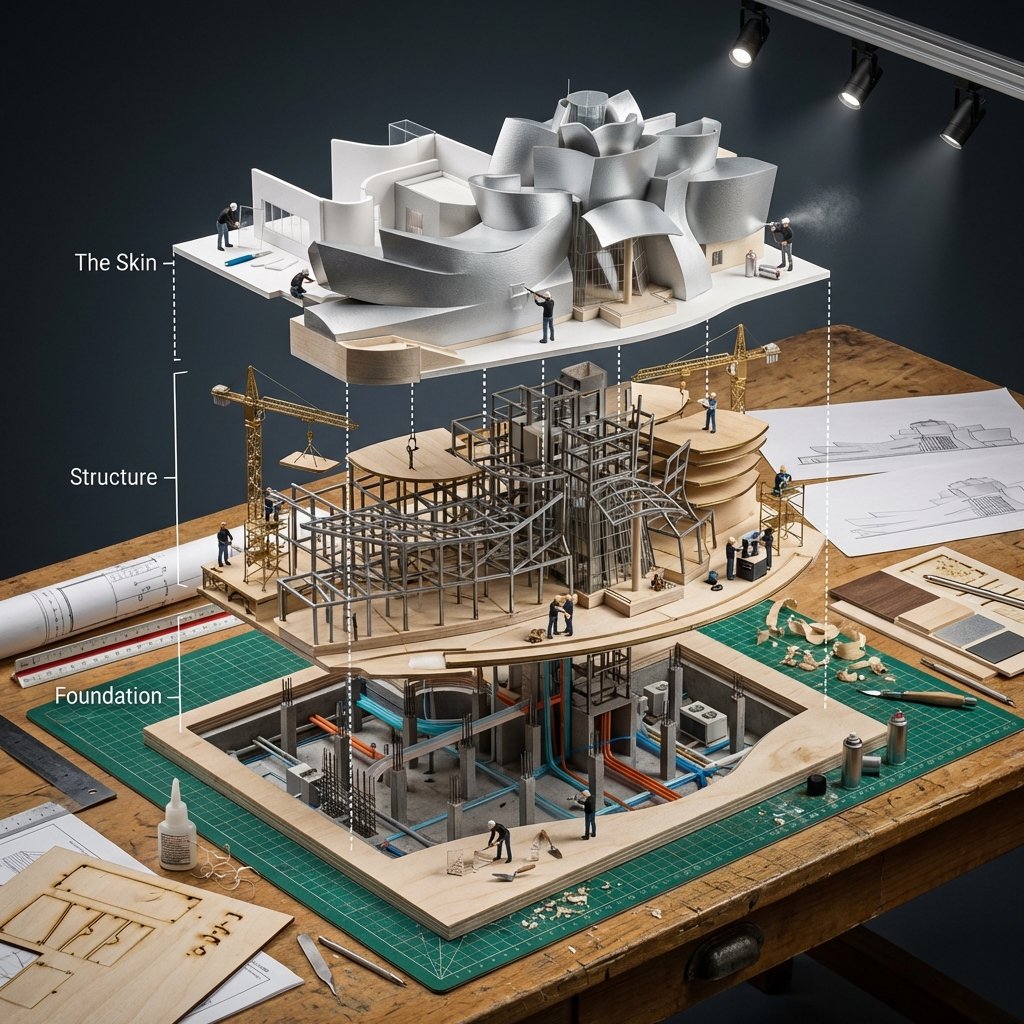
- Prompt included
- Model and format preset
- Premium template
The prompt behind this image
Copy the exact prompt behind Hyper-realistic, isometric 3D Exploded View diorama showing the Input, or open it in the studio and make it yours.
Input Variable: [Any Famous Building - Guggenheim, Burj Khalifa, Sydney Opera House, etc.] System Instruction: Generate a hyper-realistic, isometric 3D "Exploded View" diorama showing the Input Building deconstructed into its structural systems with an architectural model-making crew assembling a scale version. 1. Semantic Engineering Analysis: Layer 1 (The Skin): Exterior facade panels, windows, cladding, roofing, entrance canopy Layer 2 (The Structure): Steel framework, floor plates, columns, beams, elevator shafts, stairwells, mechanical systems Layer 3 (The Foundation): Basement levels, support pillars, utility conduits, HVAC units, individual rivets/bolts, rebar cages 2. Container: Surface: Architect's drafting table with cutting mats and T-squares Layout: Building layers stacked vertically showing ground-up construction sequence Connections: White architectural section lines showing structural load paths and circulation Additional Elements: Blueprint sheets, scale rulers, material samples, elevation drawings 3. Micro-Narrative: CRITICAL: This is meta - tiny workers building a model that's being built by tiny workers. Recursive scale concept. Workers: 1:87 scale model makers in black turtlenecks (architect stereotype) Equipment: Laser cutters, 3D printers, basswood cutting stations, acrylic gluing rigs, miniature cranes positioning floor plates Interaction: Architects cutting foam core, assembling balsa wood frames, installing tiny windows, spray painting facades, arranging scale furniture 4. Visual Syntax & Material Physics: Materials: Basswood grain, clear acrylic sheets, white foam core, brass rod framework, museum board textures Lighting: Architecture studio track lighting creating dramatic model shadows Special Effects: Glue strands, wood shavings, spray paint mist, laser cutter burn marks Output: Elevated three-quarter view, architectural presentation, 1:1 ratio, 8K, Archdaily model photography aesthetic
How to use Hyper-realistic, isometric 3D Exploded View diorama showing the Input in 3 steps
- 1
Open
The prompt is already in the box next to the preview, with the template's model and format selected.
- 2…a portrait of your subject in softgolden-hour light, 85mm…
Personalize
Edit the subject and creative details for your destination.
- 3Generate
Generate
Press Generate — your image is created in PicX Studio, so you can compare it with the original and refine one variable at a time.
More like this
Templates with the same subject, style or setup. Open one to see its prompt.
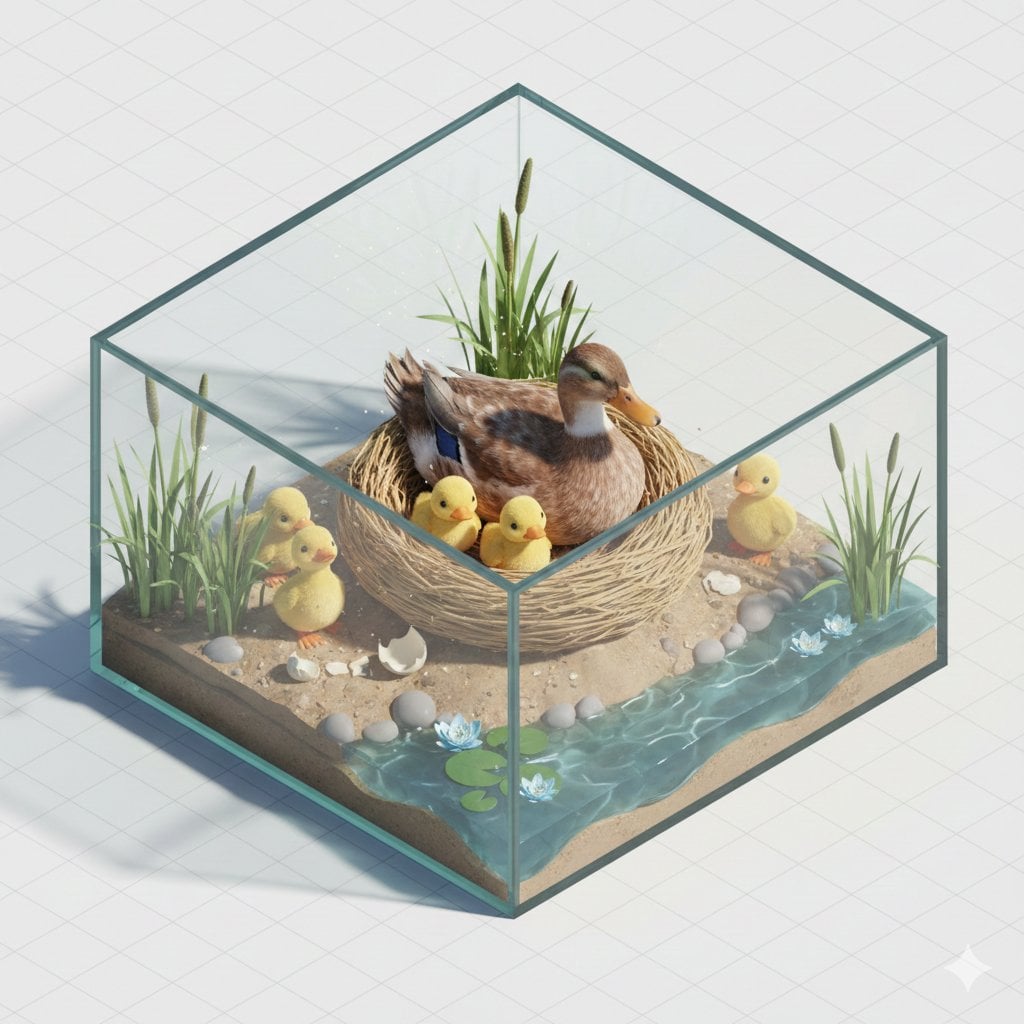
Isometric miniature nature diorama showing a mother feeding newborn
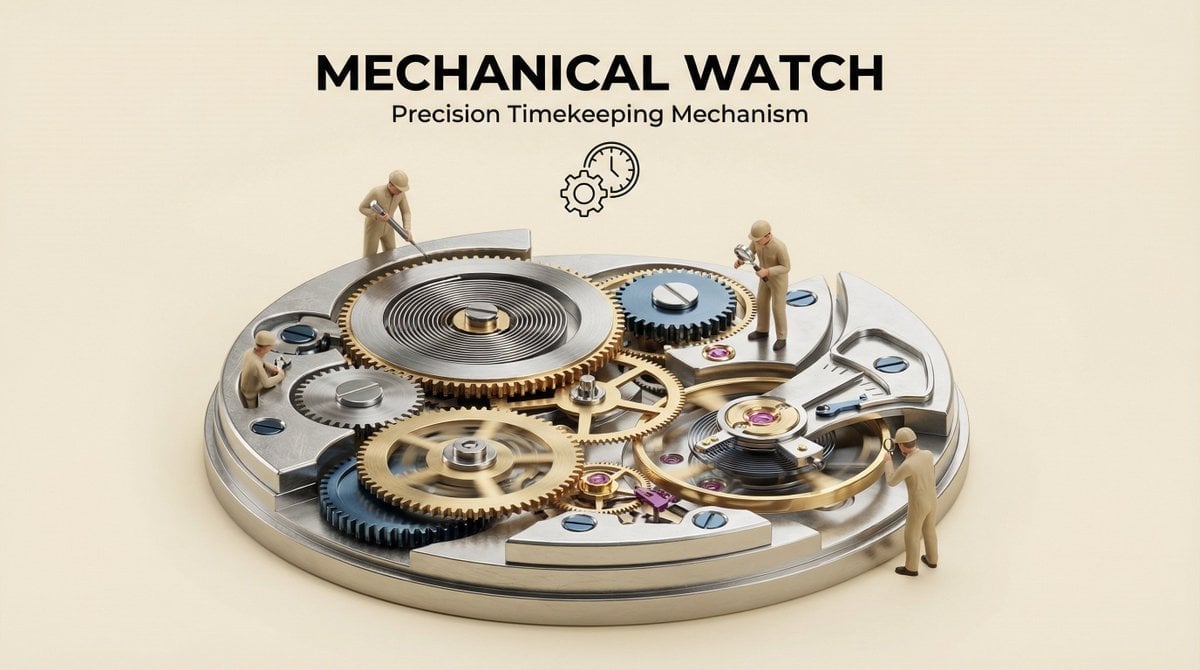
Clear, 45 top-down isometric miniature 3D cutaway diorama showing
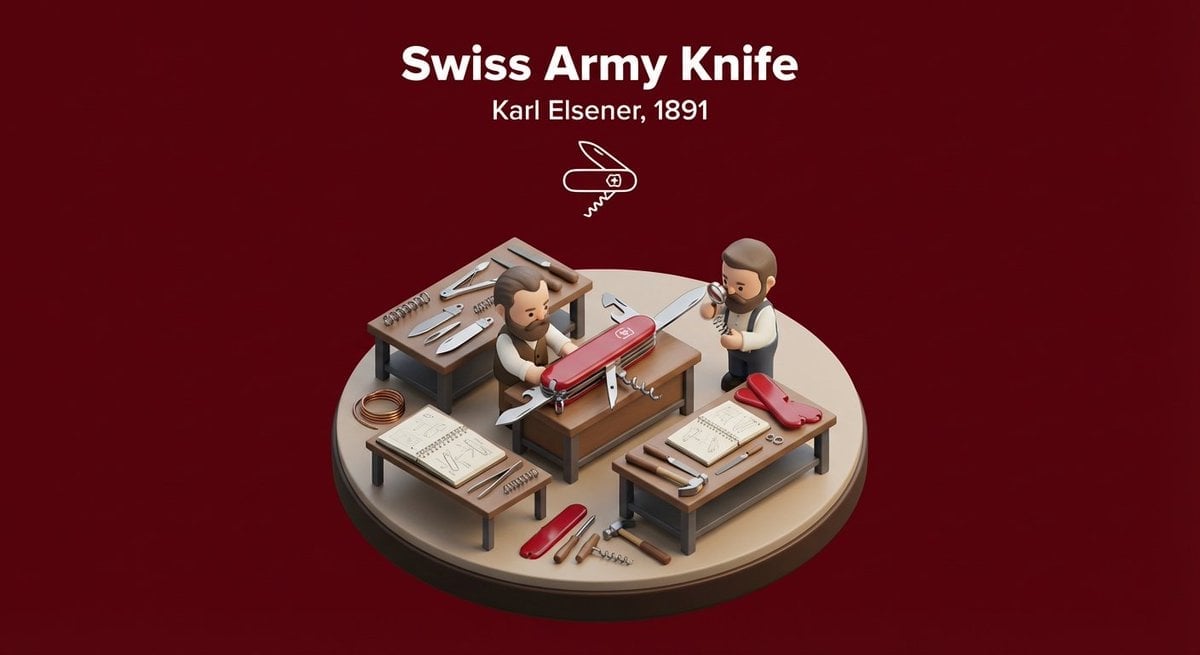
Miniature 3D isometric diorama showing the invention of at the moment
A vertical LEGO diorama showing
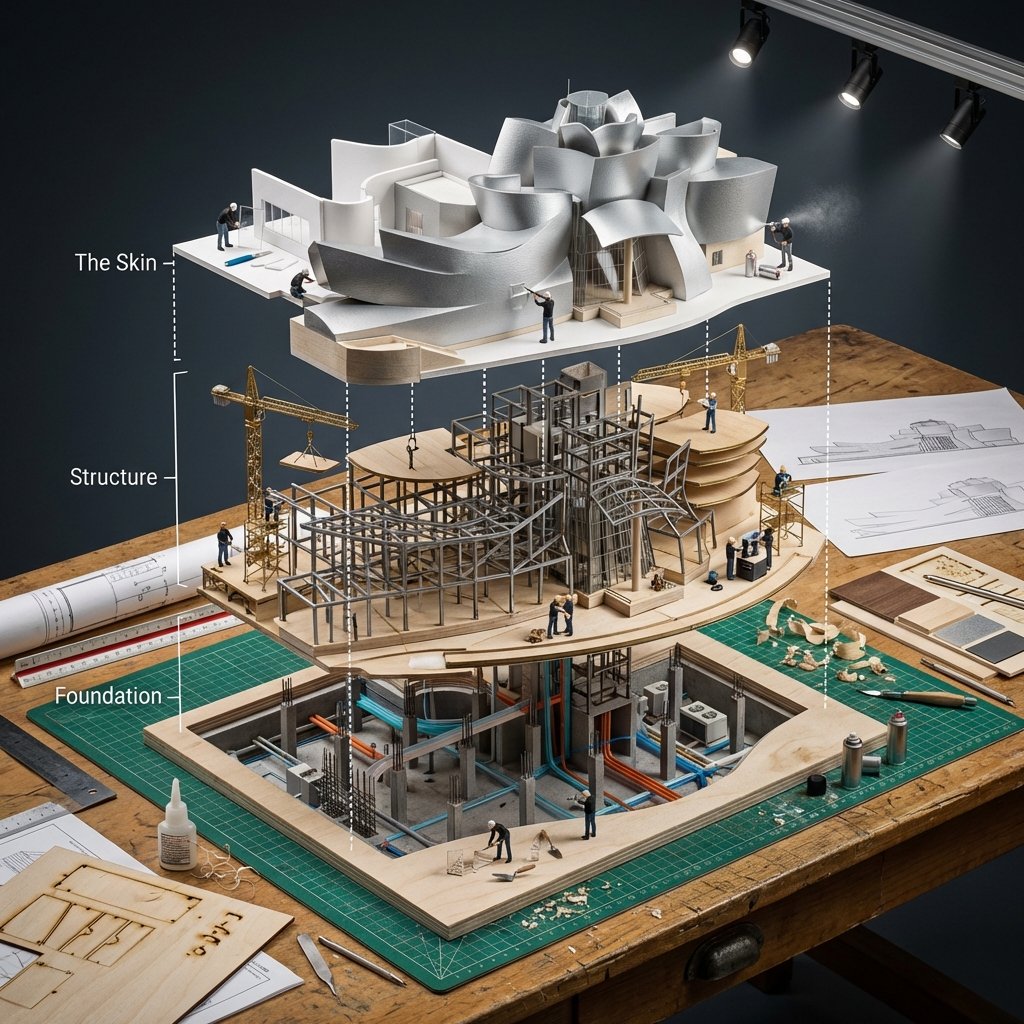
Building Exploded View Architectural Diorama
Input photo into a refined monochromatic ink portrait on a pure white
A hyper-realistic 3D photo concept showing a hand holding a square
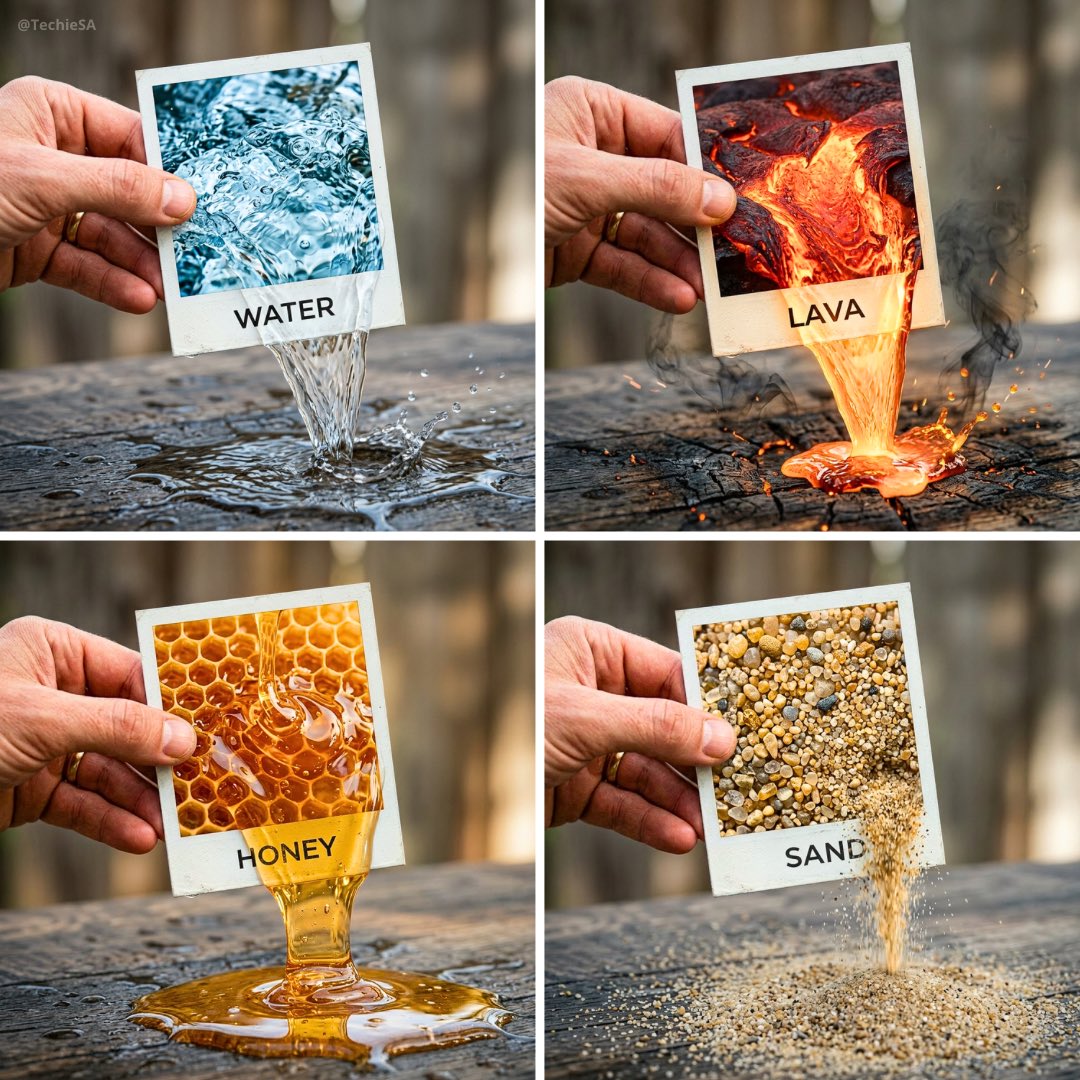
A hyper-realistic 3D photo concept showing a hand holding a square

Clear, 45 top-down isometric miniature 3D cartoon scene of the iconic
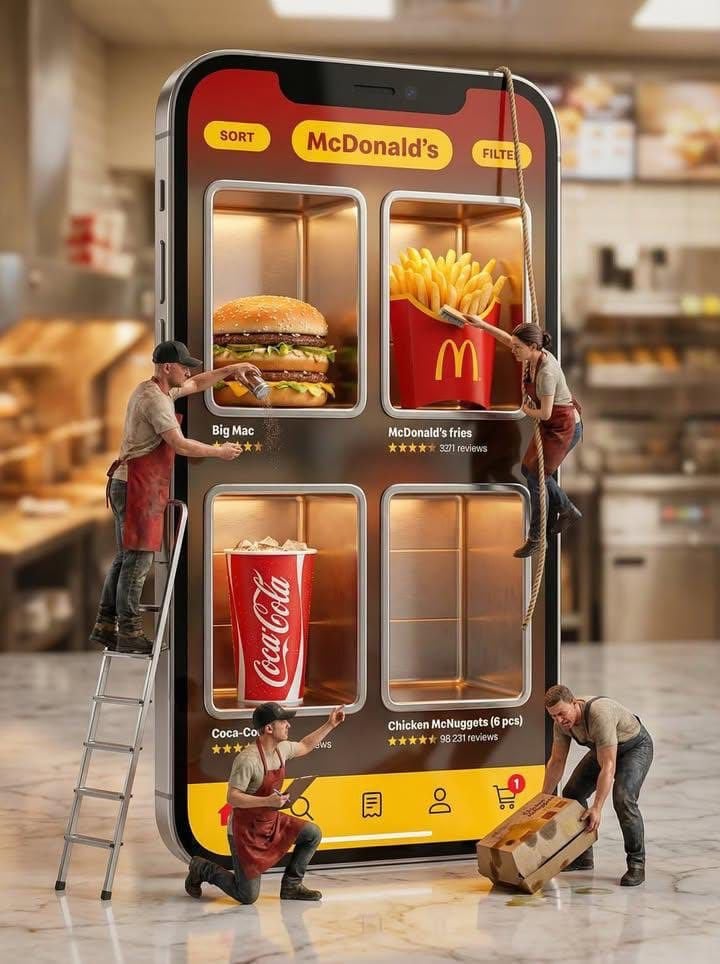
Ultra-realistic creative advertising scene showing a giant smartphone
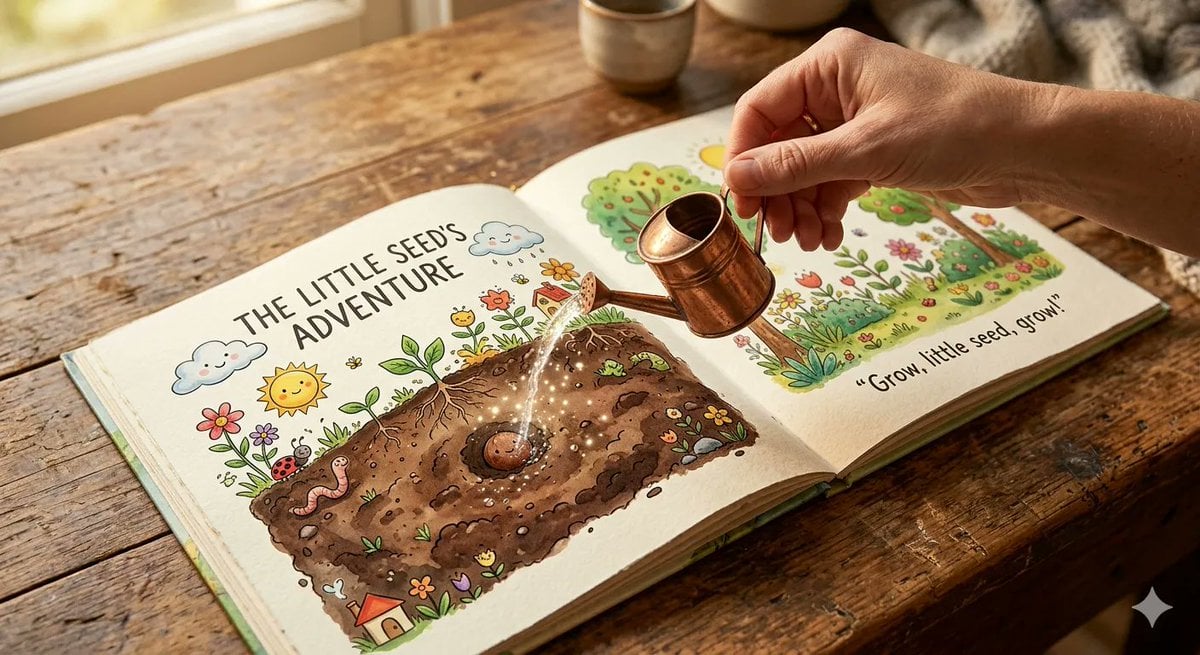
An open children s picture book rests on a wooden table, showing
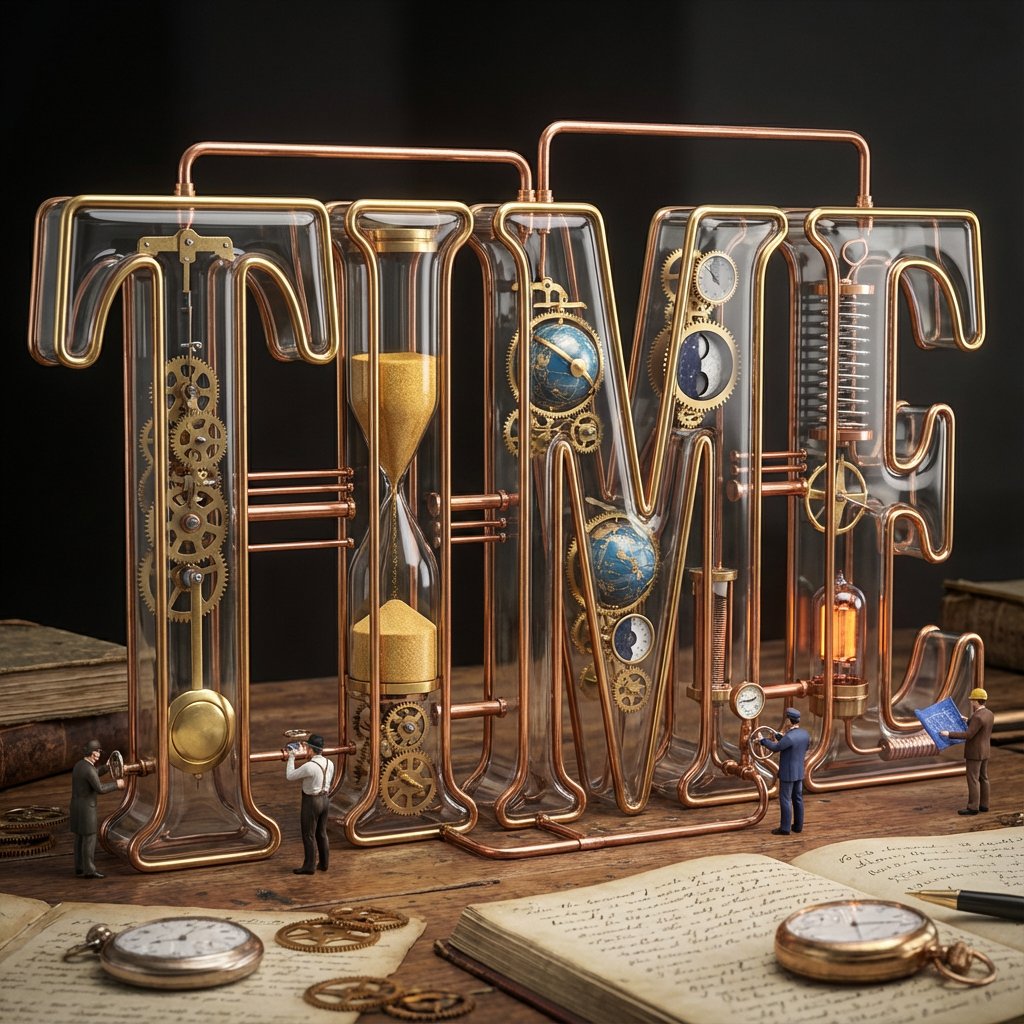
Input word or concept
Make it yours
Hyper-realistic, isometric 3D Exploded View diorama showing the Input works as-is. These are the safest ways to change it without losing the look.
Change one field
Copy a single group, rewrite it, and generate again so you can see what that field is doing.
Keep the frame, change the subject
Hold the composition and light of Hyper-realistic, isometric 3D Exploded View diorama showing the Input, then swap wardrobe, props or the person for a new take.
| If the result… | Why | Fix |
|---|---|---|
| The result drifts from the preview | Too many fields changed at once. | Reuse Hyper-realistic, isometric 3D Exploded View diorama showing the Input as-is first, then change one group — subject, light, or setting. |
| The model over-stylizes the scene | The prose prompt leaves finish and camera underspecified. | Add one camera or lighting sentence and stay on Nano Banana 2. |
More Nano Banana 2 templates
Other prompts made for Nano Banana 2.

Photorealistic Leaf Shaped Like a Dragon

K-Pop Idol Portrait Grid for Rapid Selection

Poetic Rain Forest Portrait During Golden Hour

Urban Street Portrait with Cartoon Inner Self Duo

Candid Nighttime Photo with Cat Prompt

High-Concept 3D Diorama Generation Prompt

Cinematic Futuristic Studio Portrait Template

Skincare Editorial Photography Collage Prompt

Hyper-Realistic Commercial Product Photography (Splash Effect)

Hyper-Realistic Nightclub Portrait Prompt
More image prompts
Fresh picks from across the catalog.
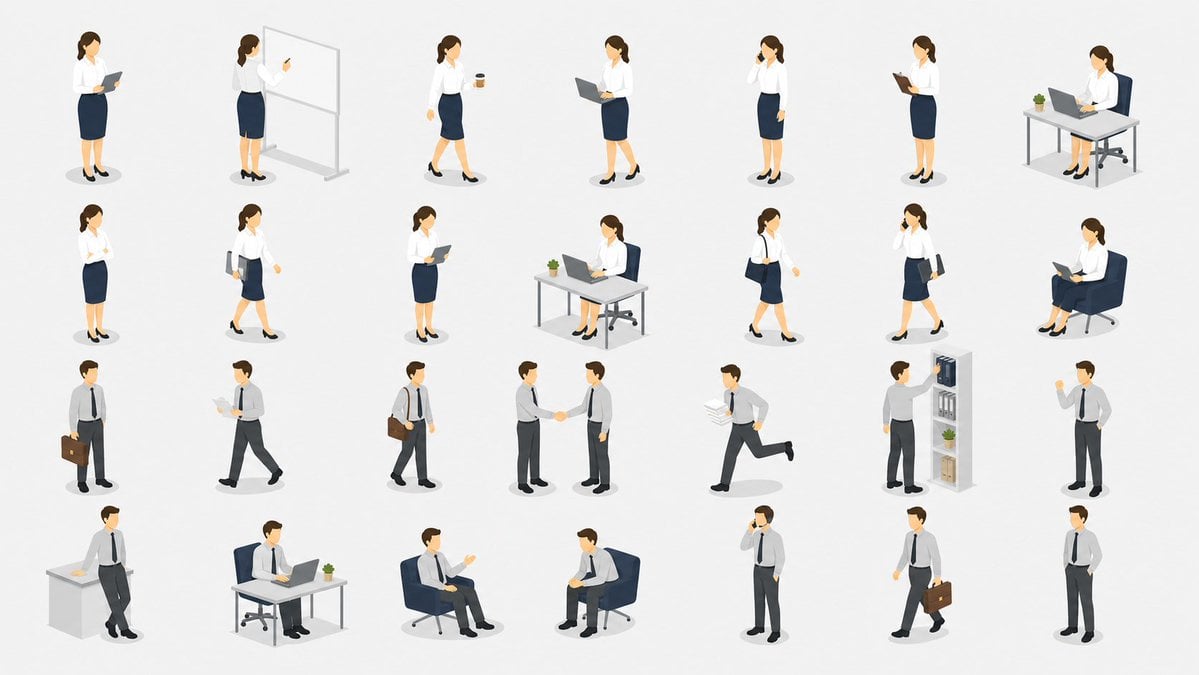
Isometric Office Worker Asset Sheet
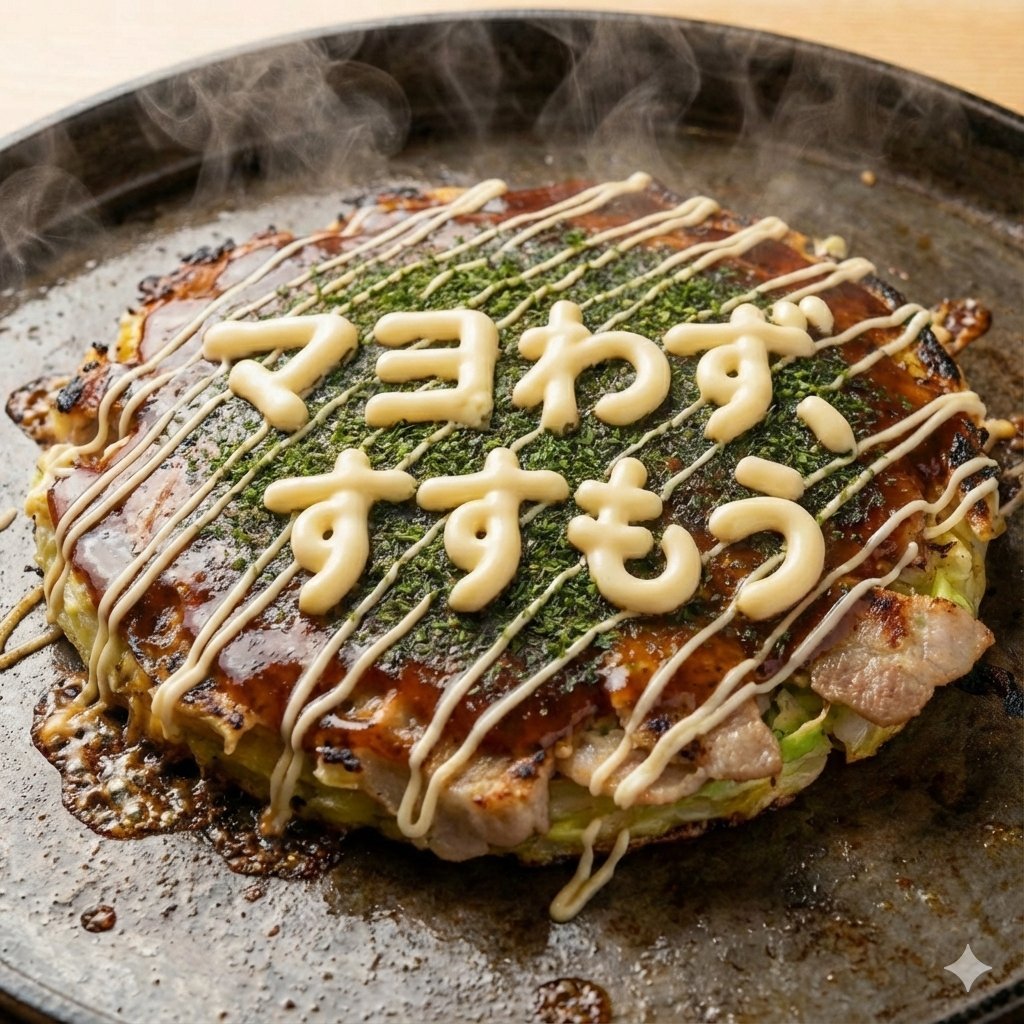
Close-up 1:1 image of hot okonomiyaki

Hyper-Real Influencer Portrait with Extreme Contrapposto

Cozy Café Window Portrait

Hero Shot Portrait in a Bookstore with Warm Lighting
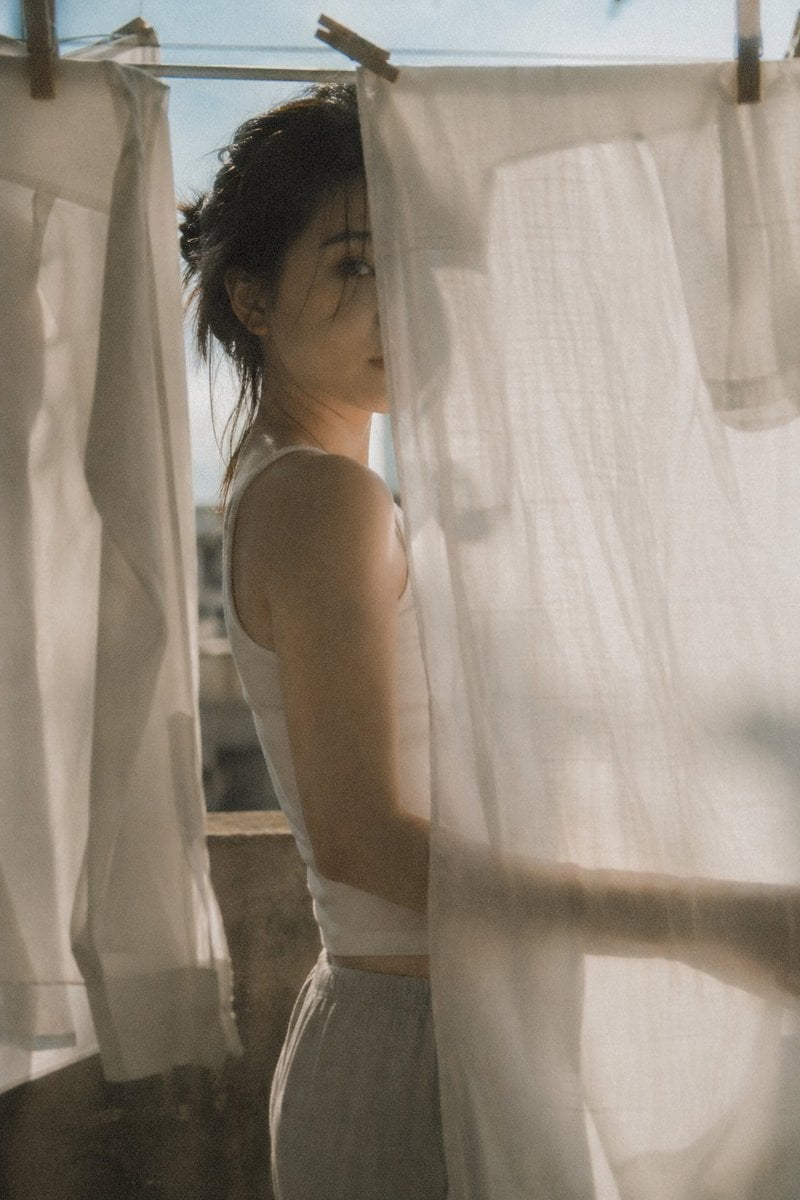
Japanese negative film aesthetic prompt
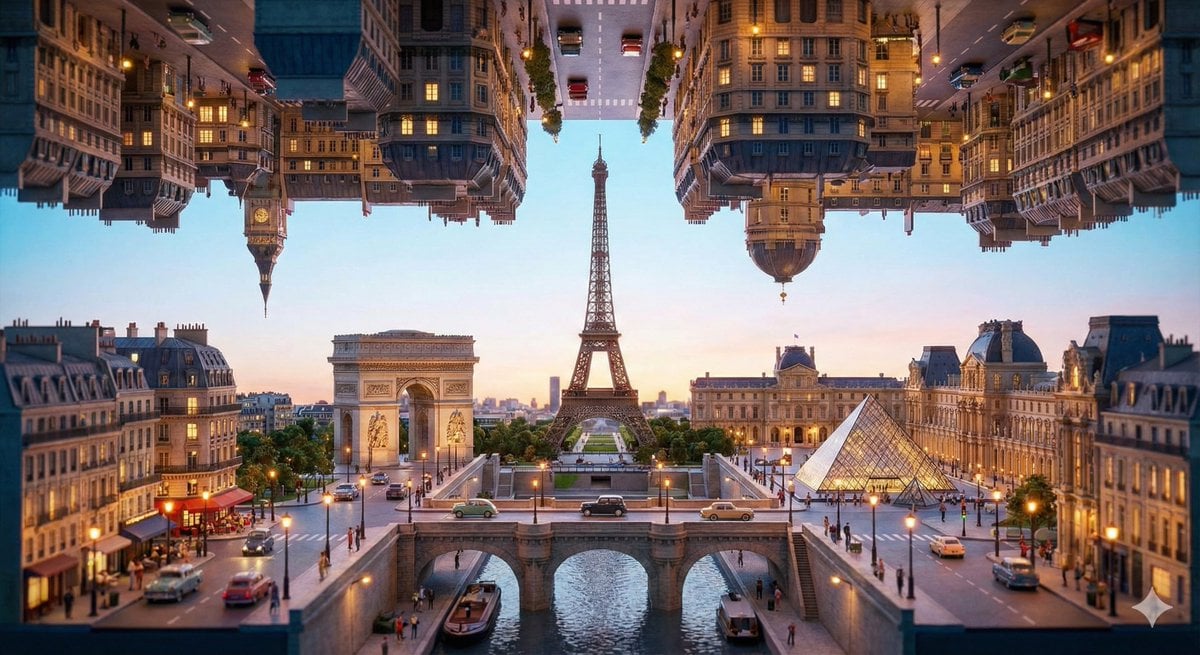
Inception-Style Folding City Diorama Prompt
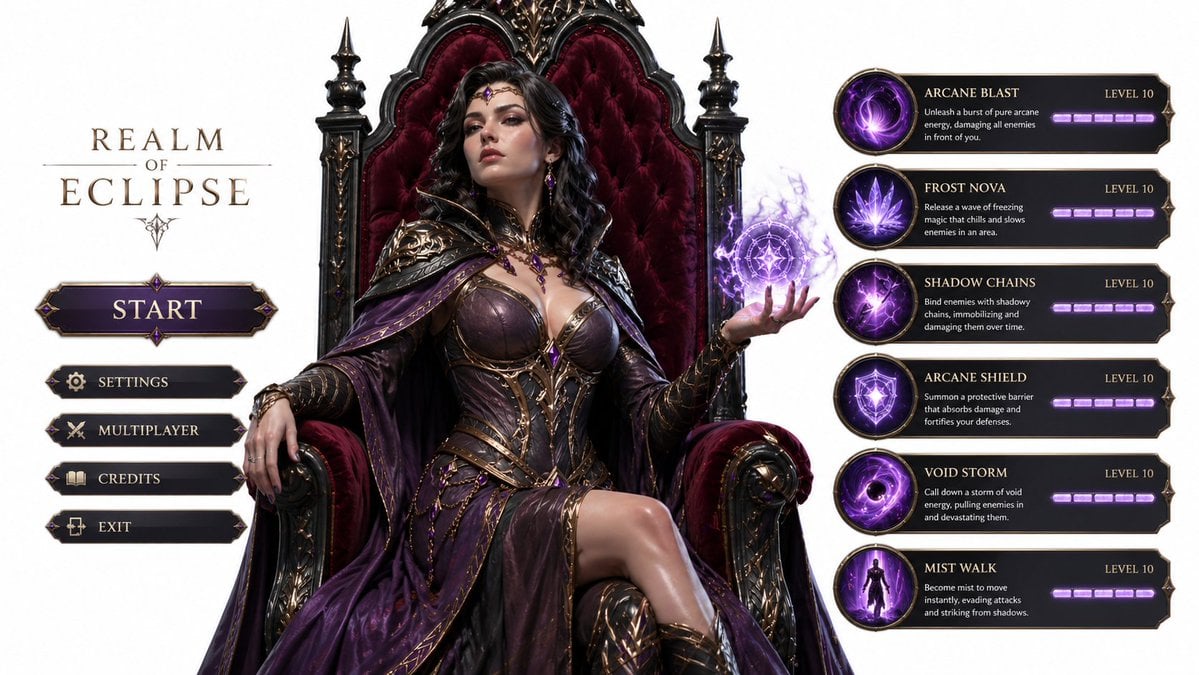
3D Gaming Sorceress Character
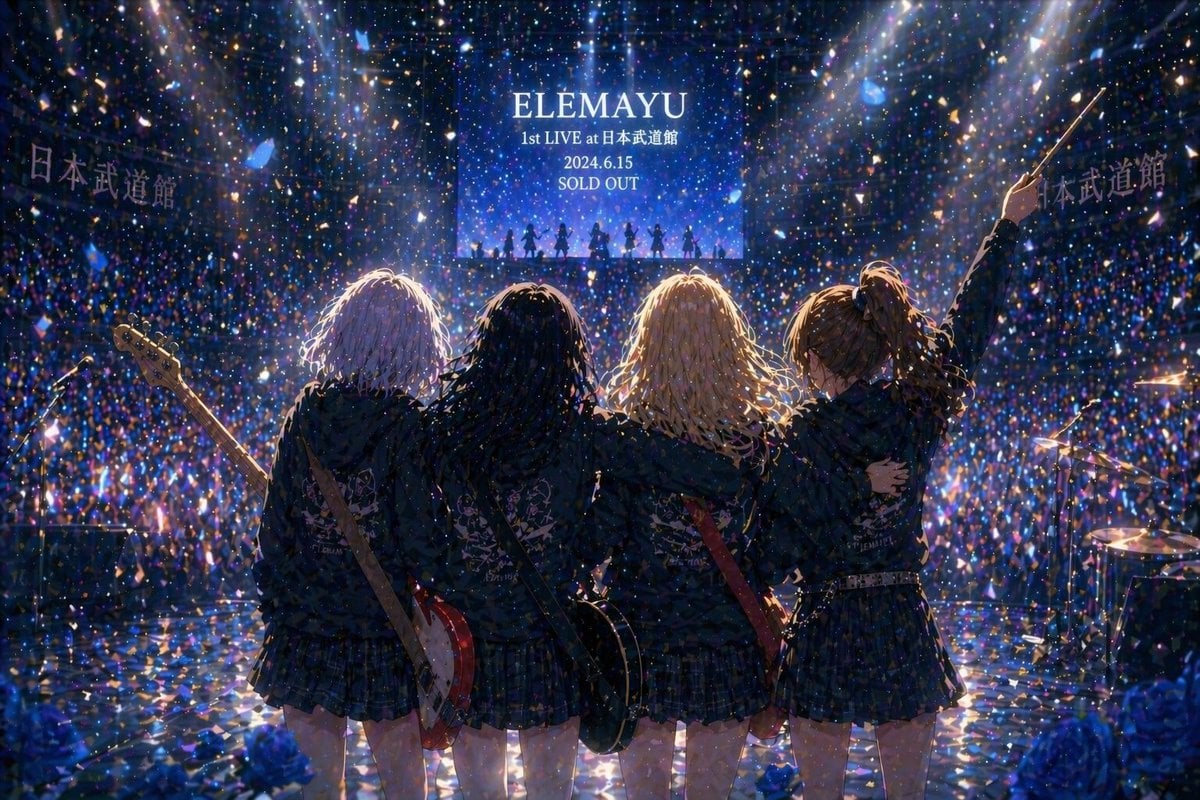
Anime Band Finale at Budokan
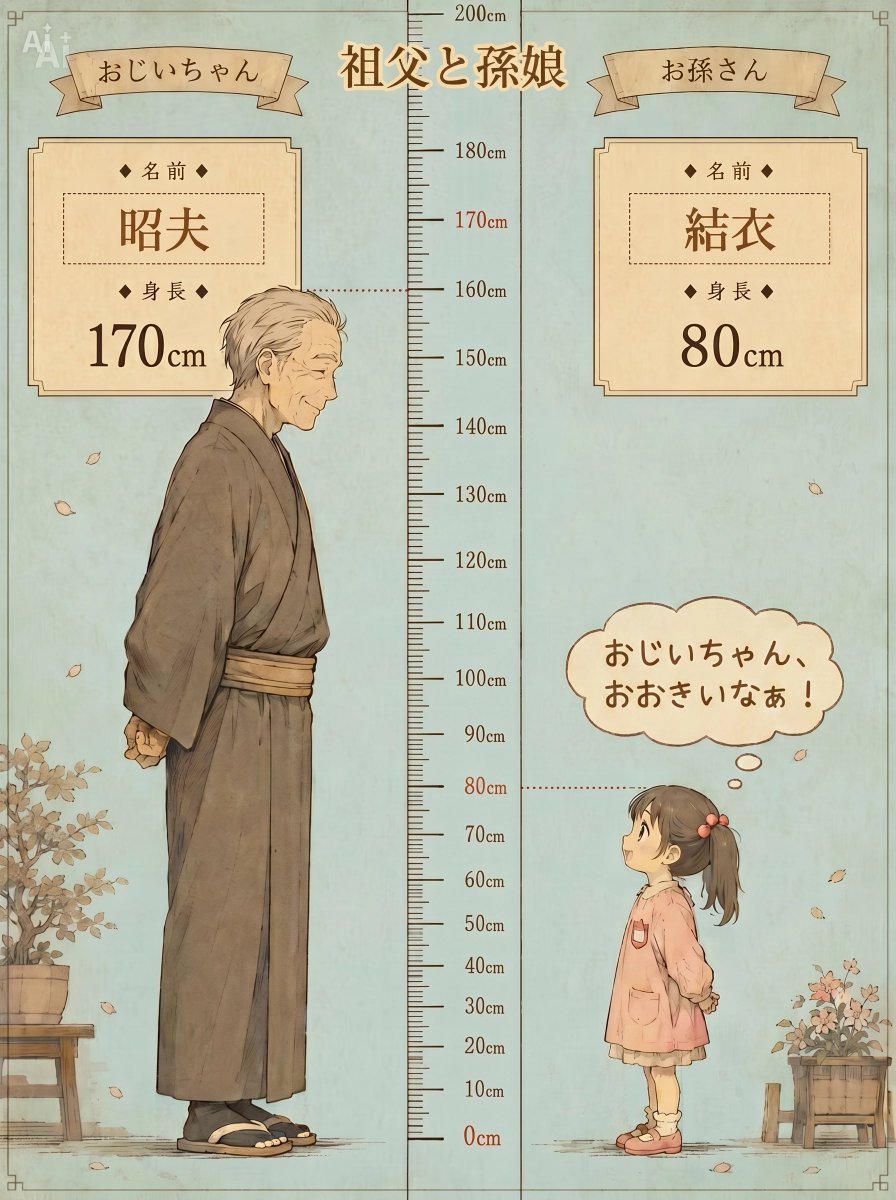
Grandfather and Granddaughter Height Chart
Browse template categories
Hyper-realistic, isometric 3D Exploded View diorama showing the Input questions
How do I use the Hyper-realistic, isometric 3D Exploded View diorama showing the Input template?
Add your photo if the template asks for one, edit the prompt if you like — the template's model and format are already selected — and press Generate. Your version opens in PicX Studio.
Can I customize the Hyper-realistic, isometric 3D Exploded View diorama showing the Input template?
Yes. You can change the subject, setting, lighting, mood, format, and available model controls before creating your image.
Is the Hyper-realistic, isometric 3D Exploded View diorama showing the Input template free?
Opening and editing this template is free. Generating uses credits, shown on the Generate button when you are signed in.
Which AI model should I use?
Start with Nano Banana 2, which is the model associated with this template. You can compare another compatible model for a different finish.
Looking for something else? Browse all templates.

Your photo, any look
Thousands of ready templates for every top image and video model, from one credit balance.