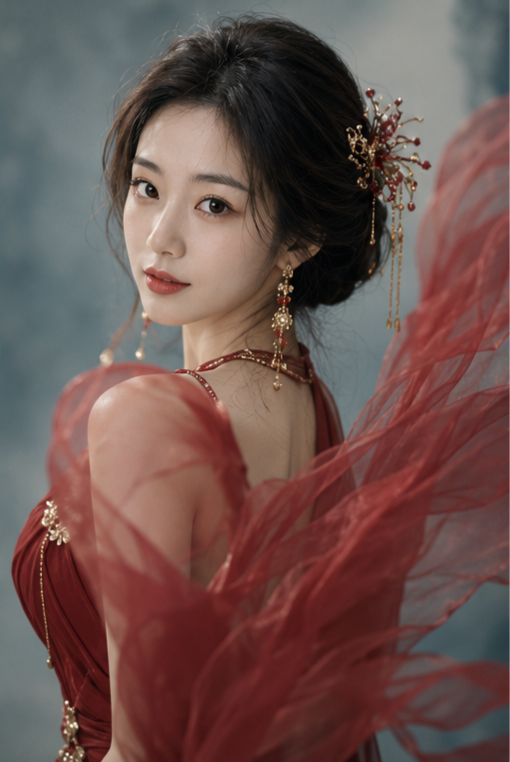
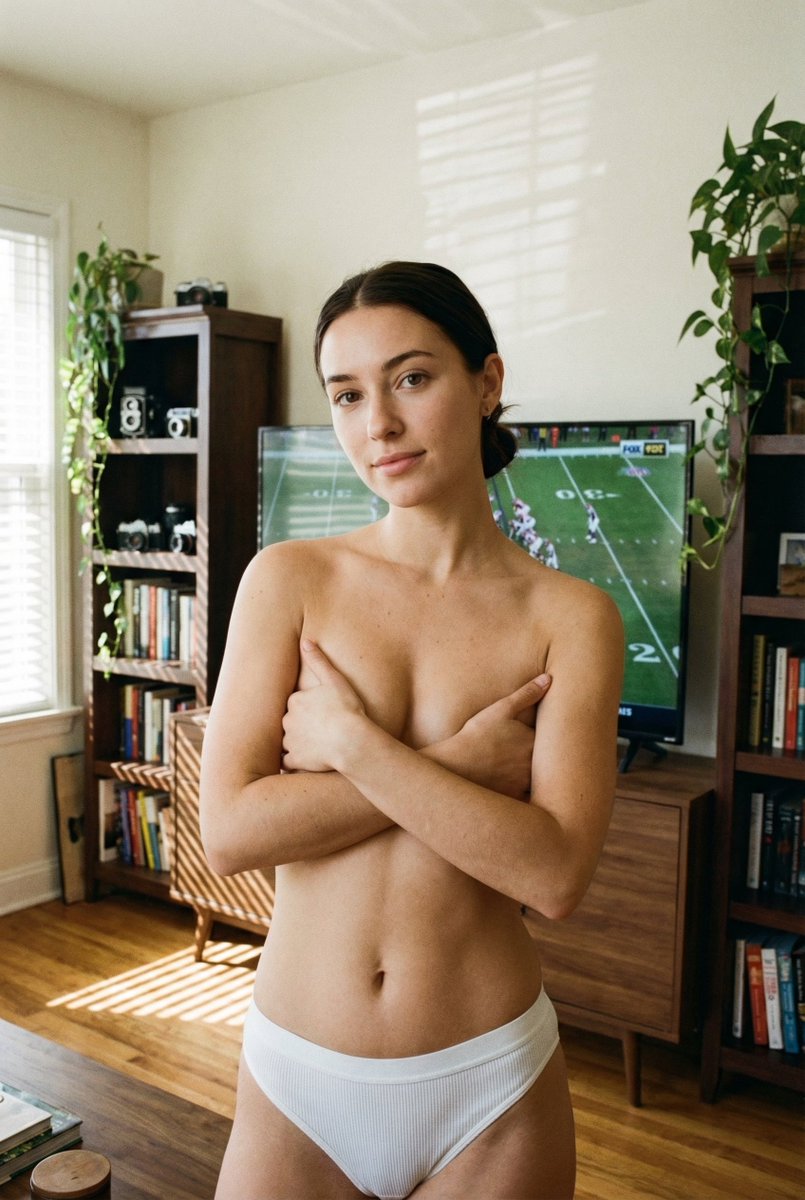
Intimate Topless Portrait in White Ribbed Underwear
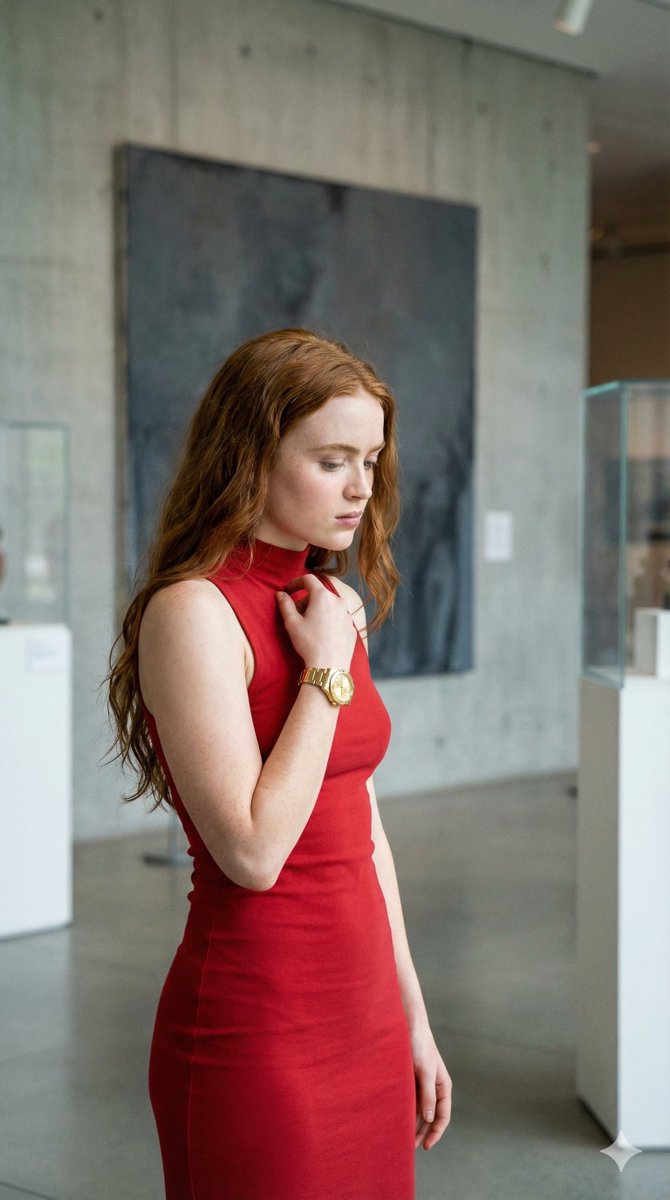
{ "subject": { "description": "A young adult woman standing barefoot in a cozy living room, topless but tastefully covered by her crossed arms, wearing white ribbed underwear, with a slim natural figure and a calm intimate presence.", "mirror_rules": "Not a mirror selfie; keep normal camera perspective, no mirrored text logic.", "age": "young adult woman in her 20s", "expression": { "eyes": { "look": "soft, steady, quietly confident", "energy": "gentle and self-possessed", "direction": "looking directly at the camera" }, "mouth": { "position": "closed with a very faint hint of a smile", "energy": "restrained, warm, intimate" }, "overall": "calm, private, subtly playful, emotionally present" }, "face": { "preserve_original": "keep natural facial proportions, realistic features, no glamorized reshaping", "makeup": "minimal makeup, fresh skin, natural brows, soft lips, almost bare-faced" } }, "hair": { "color": "dark brown to near-black", "style": "center-parted and loosely tied back in a low bun or low tie", "effect": "clean silhouette with a few soft natural flyaways" }, "body": { "frame": "slim, softly toned, natural proportions", "waist": "defined and narrow", "chest": "covered by crossed forearms and hands in tasteful implied nudity", "legs": "slender with a relaxed straight stance", "skin": { "visible_areas": "face, shoulders, arms, torso, abdomen, hips, thighs, legs", "tone": "warm light-medium skin tone", "texture": "real skin with soft natural texture, lightly sun-warmed, not airbrushed, tactile and human", "lighting_effect": "window daylight creates soft highlights on the upper body and striped shadow bands across the lower body and floor" } }, "pose": { "position": "standing centered in frame", "base": "front-facing body with head slightly tilted and shoulders relaxed, one hand resting near the collarbone while both arms cross to cover the chest", "overall": "still, balanced, intimate, self-aware without looking performative" }, "clothing": { "top": { "type": "no top, implied nudity with arms covering chest", "color": "none", "details": "tasteful coverage, no visible nipples, natural arm placement", "effect": "quiet vulnerability mixed with confidence" }, "bottom": { "type": "ribbed underwear", "color": "white", "details": "simple low-rise brief, soft stretch fabric, minimal design" } }, "accessories": { "jewelry": "small subtle earrings" }, "photography": { "camera_style": "realistic social-media style indoor portrait, likely smartphone or casual digital capture", "angle": "slightly below eye level to eye level, straight-on", "shot_type": "vertical full-body portrait", "aspect_ratio": "9:16", "texture": "softly detailed, light








![Glass Brand Logo Volcanic Landscape — [BRAND NAME]. CGI cinematic hero landscape with a glass logo sculpture emerging from volcanic rock.…](/_next/image?url=https%3A%2F%2Fcdn.picxstudio.com%2Fuploads%2Fmeigen_a9fd468cb68d_a2e4e108-a6bc-443c-8644-48d0f477dfee.jpg&w=828&q=100)




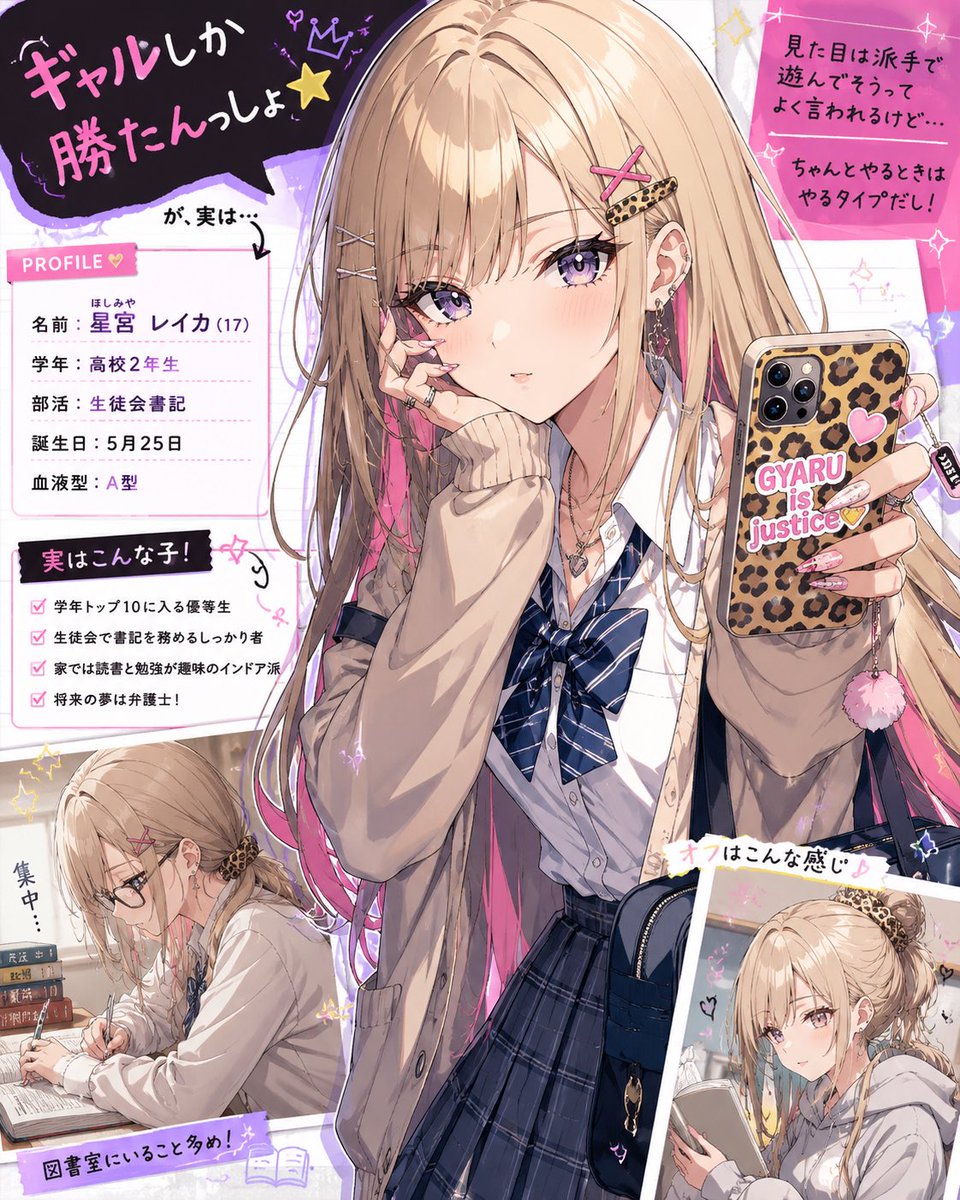
![Naive doodle-style subject illustration — A doodle-style {argument name="subject" default="[subject]"}, naive lines, humorous shape exaggeration](https://pbs.twimg.com/media/G6Wl2YxbsAARB2b.jpg)





















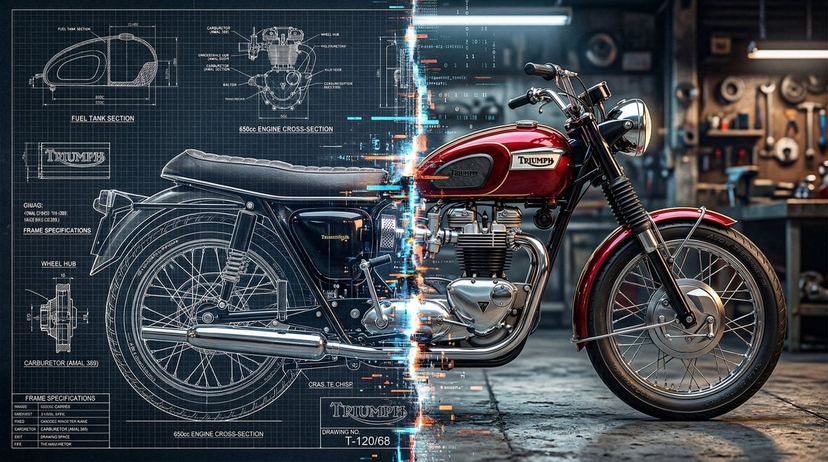
![Technical Infographic Sheet Product Specification Template — Create a branded technical infographic of a [{argument name="product name" default="PRODUCT NAME"}]](https://pbs.twimg.com/media/HCnWqiOX0AAMPnq.jpg)

![Uzumaki Naruto Pop-Up Book Prompt — manga <Uzumaki Naruto>
[ OUT OF FOCUS LIBRARY BACKGROUND ]
[ VERTICAL M…](https://pbs.twimg.com/media/HCp3EbTboAAg1Ba.jpg)