How do I use the Ethereal High-Fashion Close-up Portrait Prompt template?
Choose the primary action to open PicX Studio with the available template settings. Review the model and format, personalize the creative direction, and generate when ready.
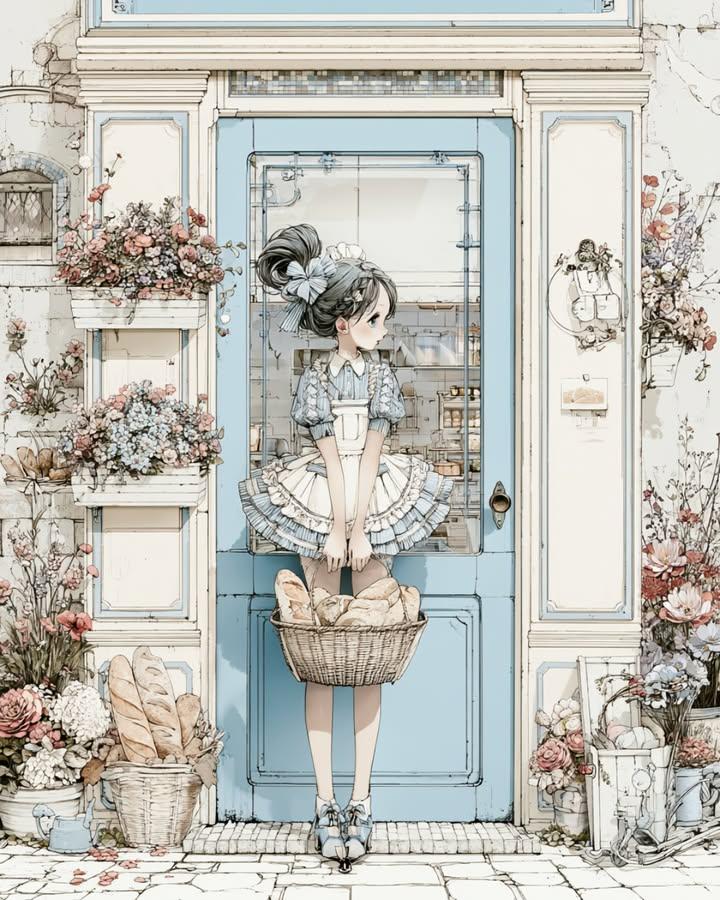
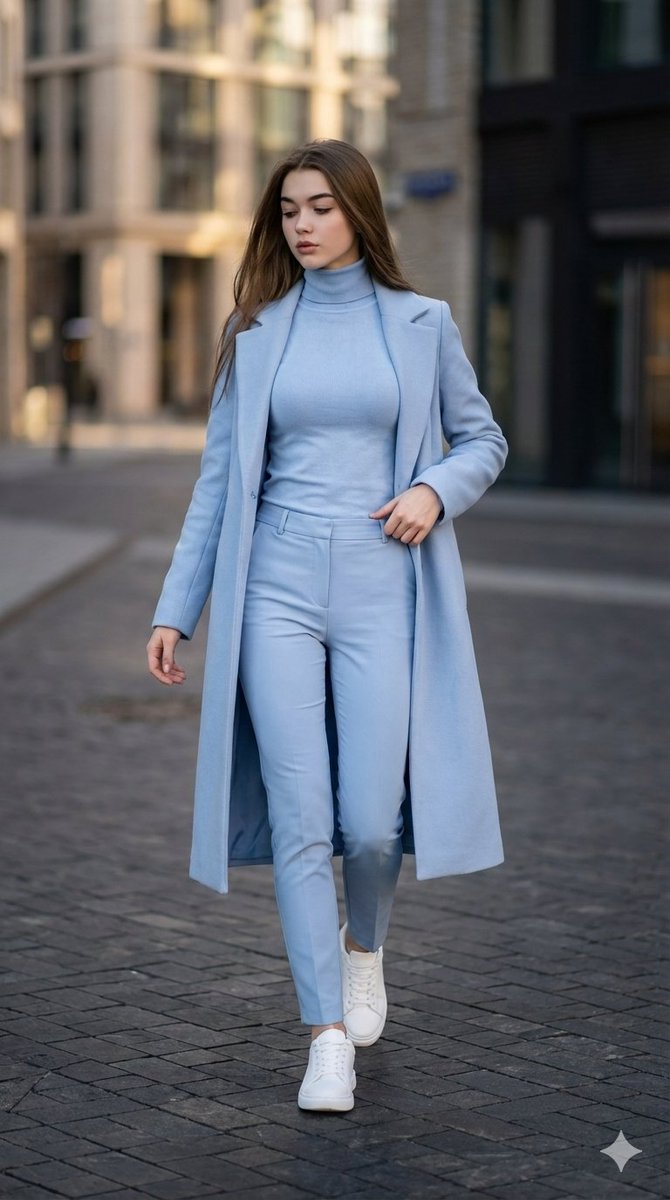
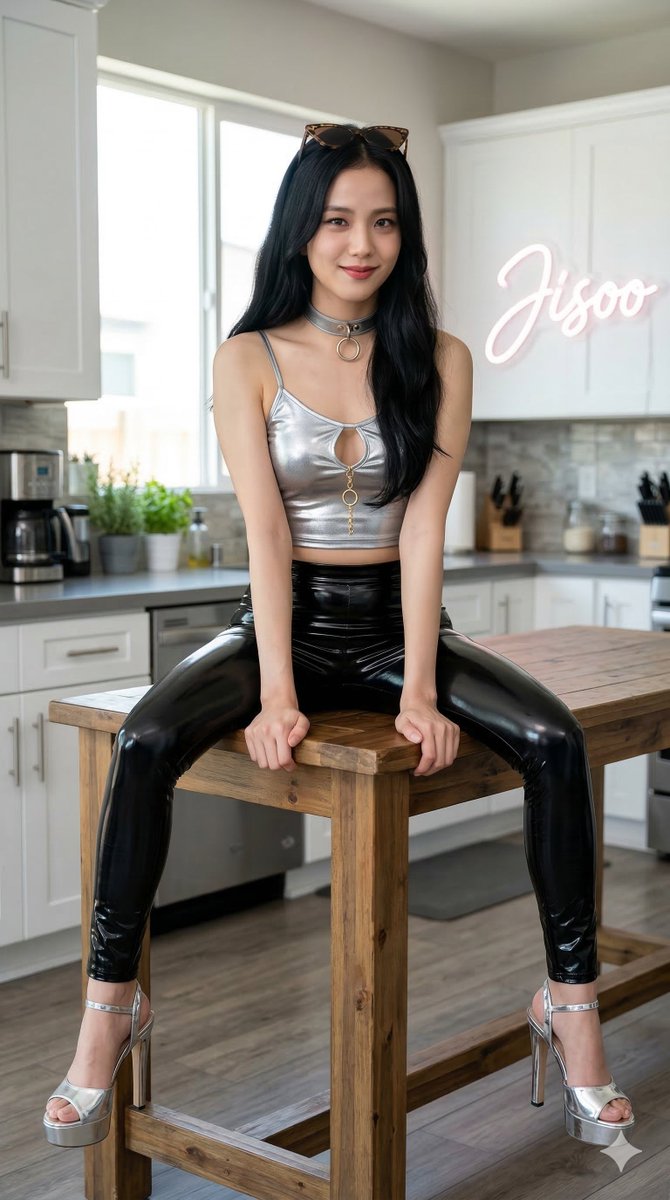
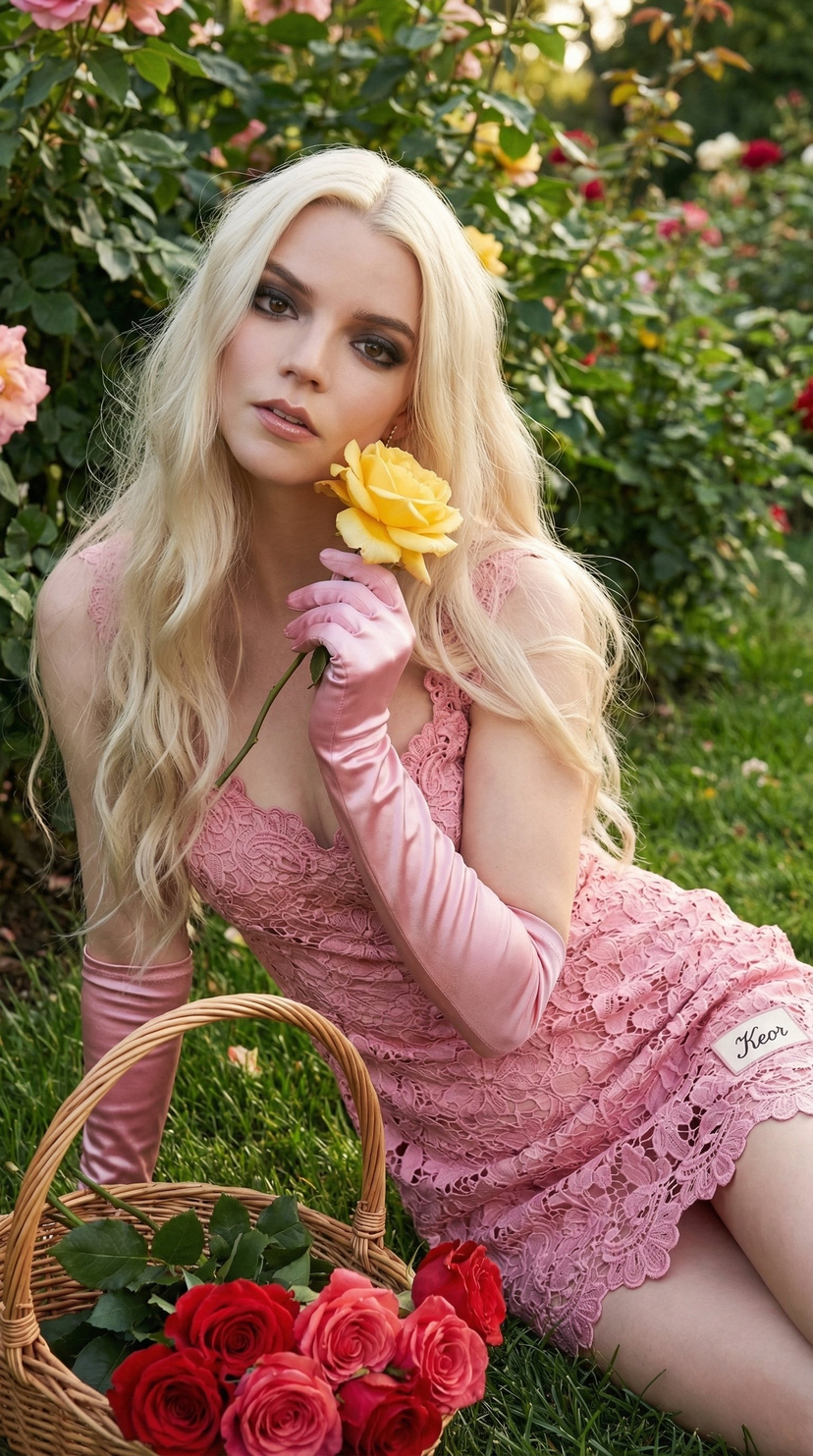
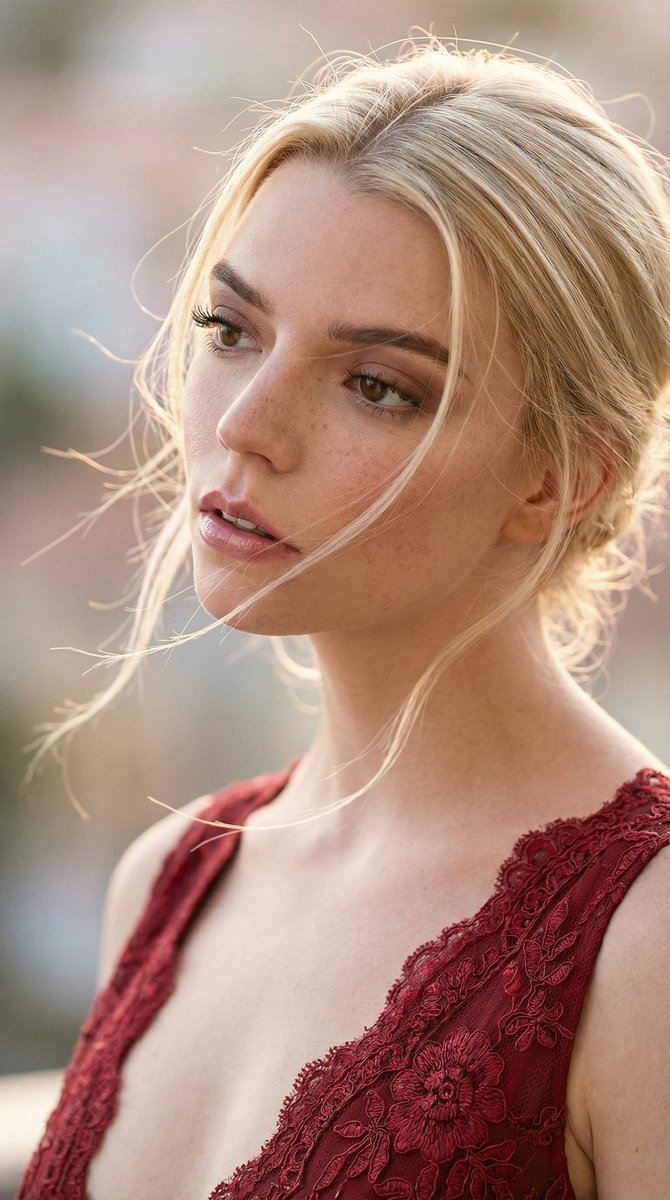
A hierarchical descriptive prompt for generating an ultra-high-definition, high-fashion portrait close-up, focusing on detailed facial features, hair physics, and wardrobe specifications. It uses an 85mm lens profile and shallow depth of field to create an ethereal, dreamy aesthetic with hyper-realistic skin textures. (free to use) — Free AI image template on PicX Studio.
{ "prompt_configuration": { "type": "Hierarchical Descriptive Prompt", "output_format": "Ultra-High-Definition Photography", "aspect_ratio": "9:16" }, "compositional_framework": { "camera_profile": { "lens_shot": "85mm prime lens, tight close-up", "angle": "60-degree lateral head tilt", "depth_of_field": "Shallow (f/1.8), creamy bokeh background", "focus_point": "Sharp focus on the iris and eyelashes" }, "lighting_and_atmosphere": { "primary_source": "Paris setup", "secondary_source": "Warm rim lighting highlighting hair texture", "mood": "Ethereal, dreamy, high-fashion aesthetic", "color_palette": "Muted pastels, cream, and natural skin tones" } }, "subject_profile": { "identity": "{argument name="subject name" default="Megan Fox"}", "facial_geometry": { "expression": "Serene, dreamy gaze, soft parted lips", "skin_render": "Hyper-realistic texture, visible pores, natural freckles, matte finish", "makeup": { "lips": "High-shine pink-nude glossy lipstick with subtle liner", "eyes": "Meticulously separated long lashes, subtle earth-tone eyeshadow" } }, "hair_physics": { "style": "Soft, elegant messy aesthetic, flowing with movement", "strands": "Individual wispy strands catching the light, overlapping the face", "color": "Signature tone with high-gloss straight highlights", "dynamics": "Windswept effect, creating a sense of motion" } }, "wardrobe_specifications": { "garment": "Avant-garde body-hugging evening gown", "textile_detail": "Intricate off-pink yellow, floral embroidery patterns", "cut": "Dramatic deep V-neckline", "fit": "Tailored, form-fitting silhouette across the shoulders" }, "technical_fidelity": { "resolution": "8k UHD", "post_processing": "Professional color grading, film grain (subtle), ray-tracing", "quality_tags": [ "Masterpiece", "Photorealistic", "Vogue editorial style", "Intricate details" ] } }
Use Ethereal High-Fashion Close-up Portrait Prompt to plan an AI image around nano-banana-2 generation. Match the preview's composition first, then personalize the subject, setting, and mood for your own project.
Use the primary action to load the template settings in PicX Studio.
Adjust the subject and creative details for your destination.
Create the image, compare the result with the preview, and refine one variable at a time.
A continuous mix — similar concepts first, woven with same-model prompts and fresh picks from the catalog.
Choose the primary action to open PicX Studio with the available template settings. Review the model and format, personalize the creative direction, and generate when ready.
Yes. You can change the subject, setting, lighting, mood, format, and available model controls before creating your image.
This template is free to open and customize. Generation usage is shown in PicX Studio before you create.
Start with nano-banana-2, which is the model associated with this template. You can compare another compatible model for a different finish.
Follow a topic to a crawlable collection of related PicX Studio templates.
39,155 public templates available. Verified via the PicX Studio public templates API; refreshed hourly.
A continuous mix — similar concepts first, woven with same-model prompts and fresh picks from the catalog.