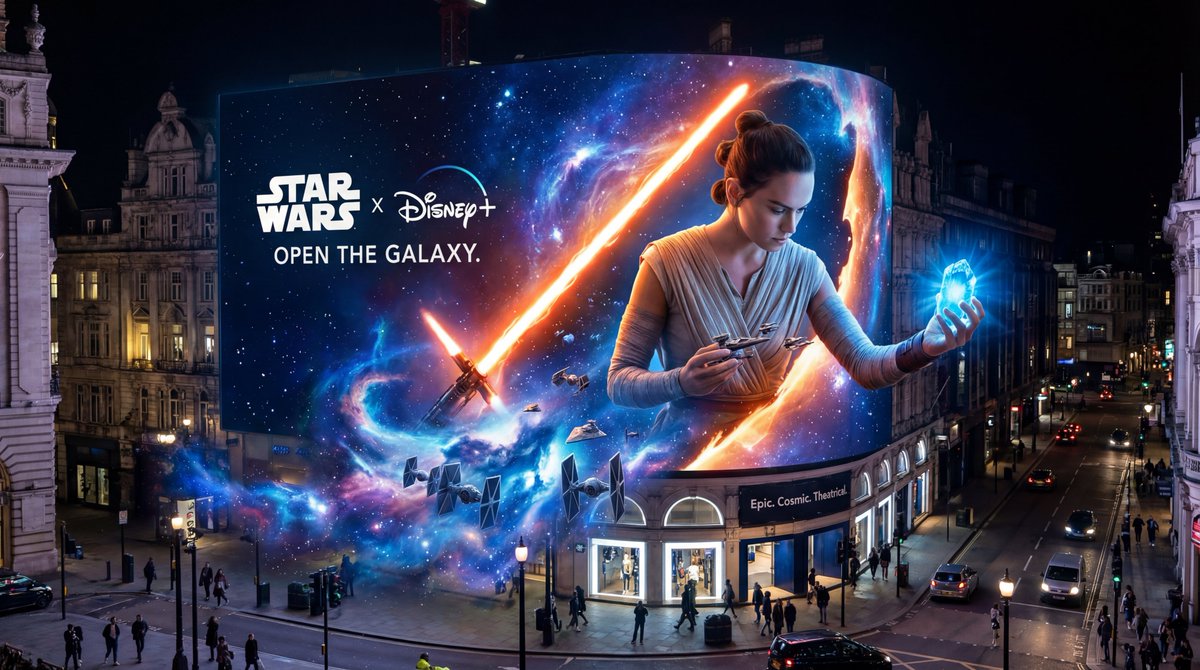
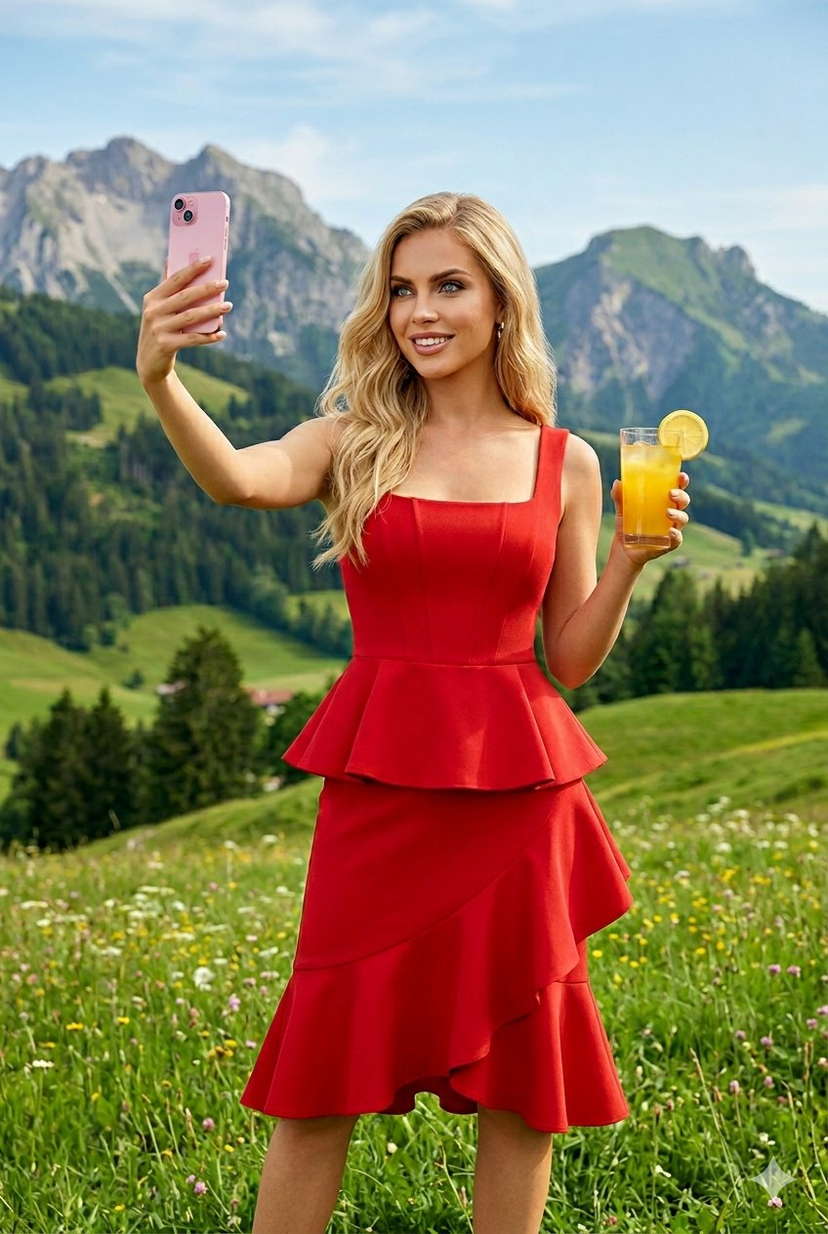
How do I use the Cinematic Red Dress Portrait in a Vintage Library template?
Choose the primary action to open PicX Studio with the available template settings. Review the model and format, personalize the creative direction, and generate when ready.













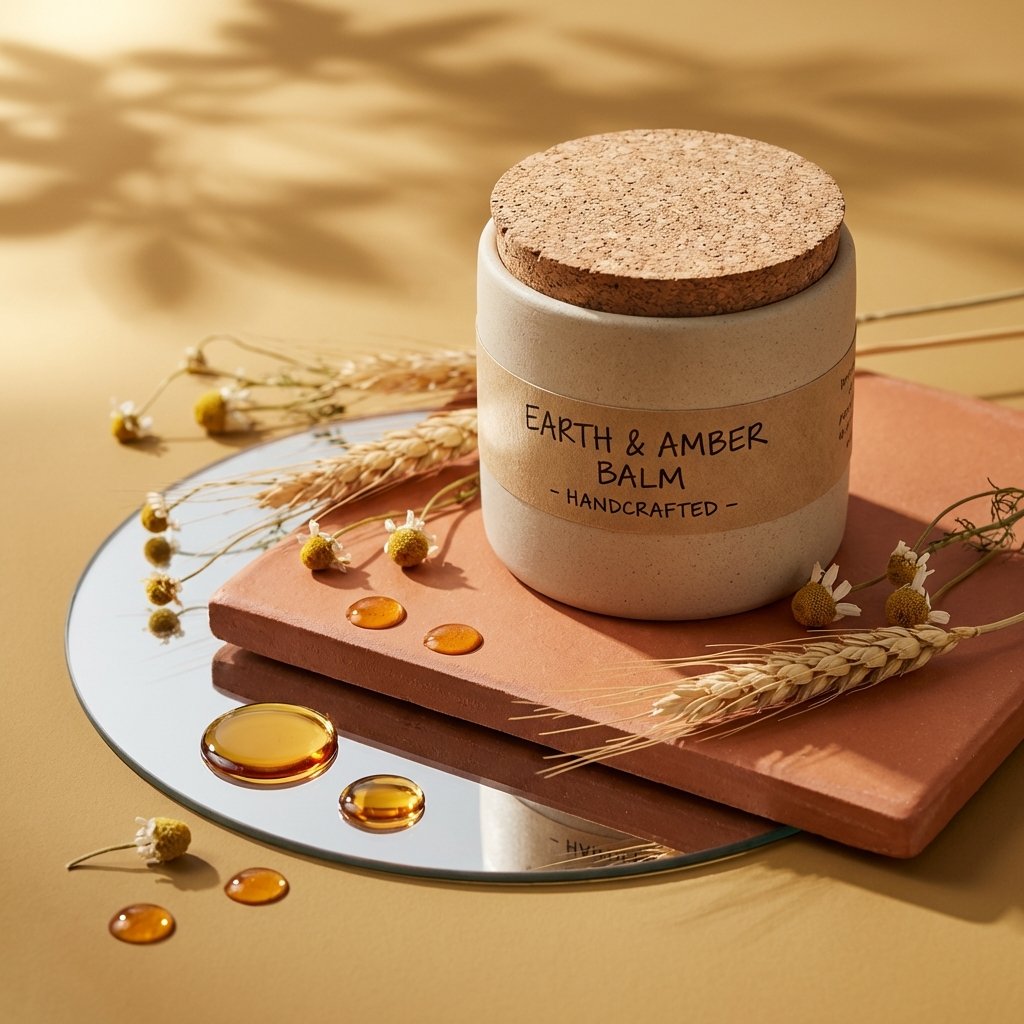
![69-untitled — FORMAT: 15s / 145 BPM / 14 SHOTS
SUBJECT: @[image1]
WARDROBE: Clean modern outfit
ENVIRONMENT: Street / indoor transitions
MOOD: Discovery → contr](/_next/image?url=https%3A%2F%2Fcdn.picxstudio.com%2Fuploads%2Fpost69_img0_d45faecf-38c3-4bcb-81a4-f6eb1cf42bb2.jpg&w=828&q=100)









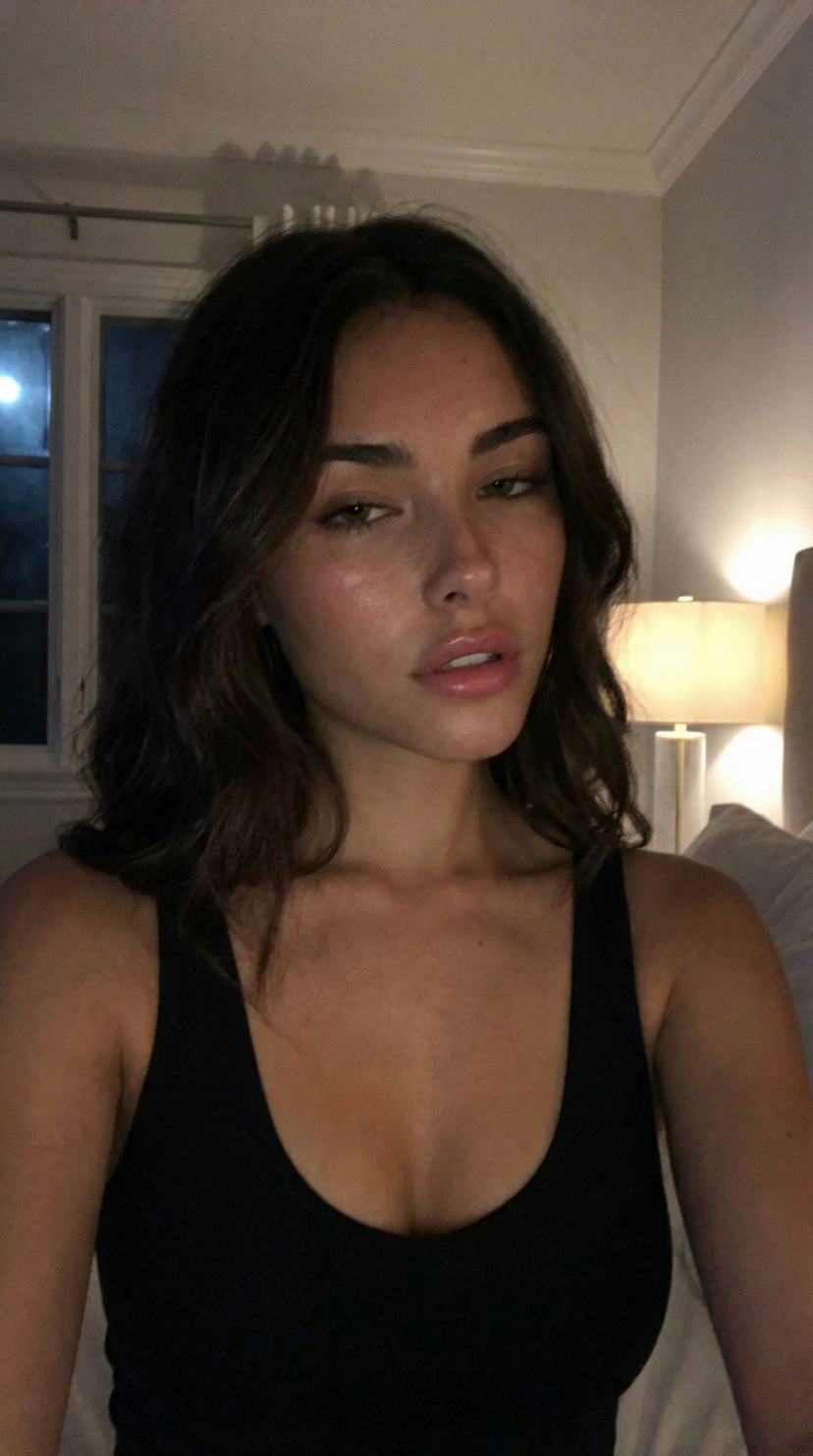
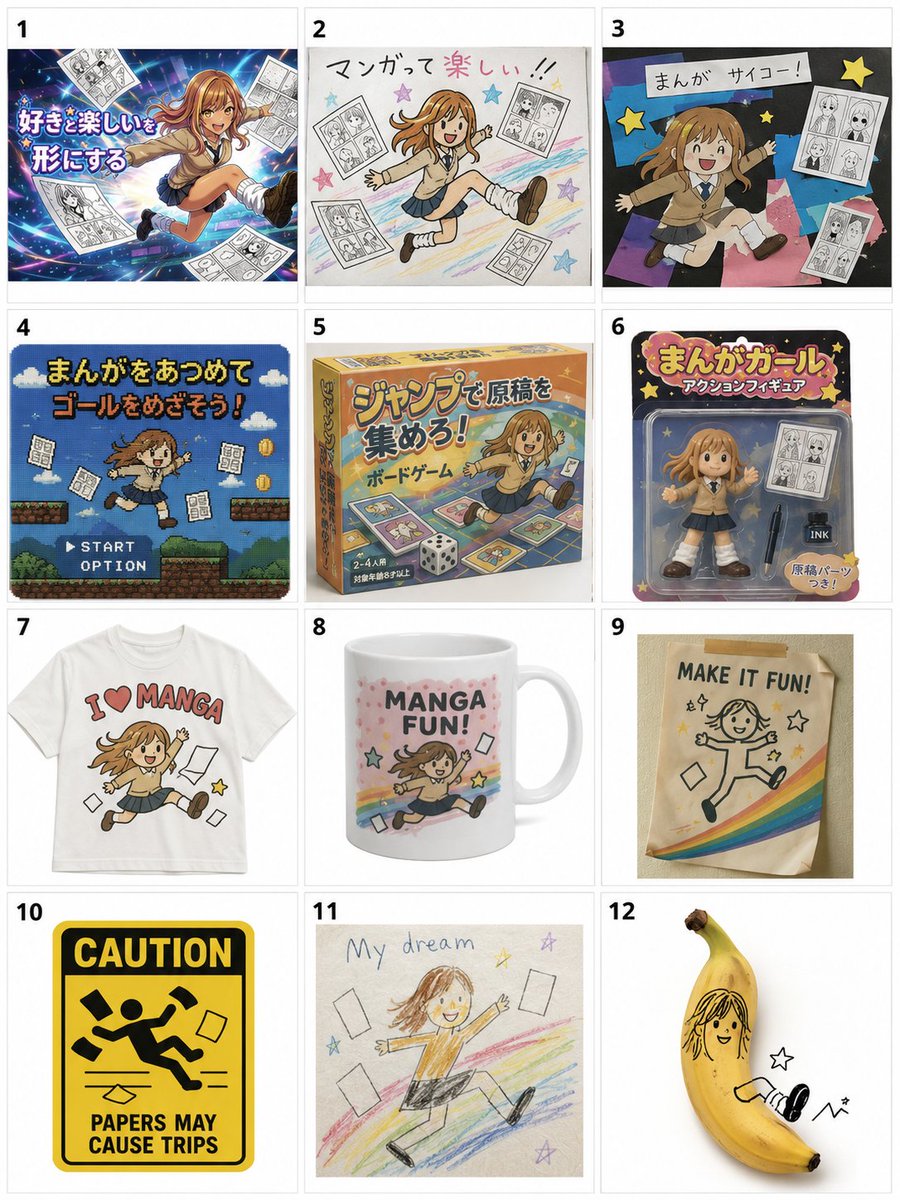
![Naive doodle-style subject illustration — A doodle-style {argument name="subject" default="[subject]"}, naive lines, humorous shape exaggeration](https://pbs.twimg.com/media/G6Wl2YxbsAARB2b.jpg)











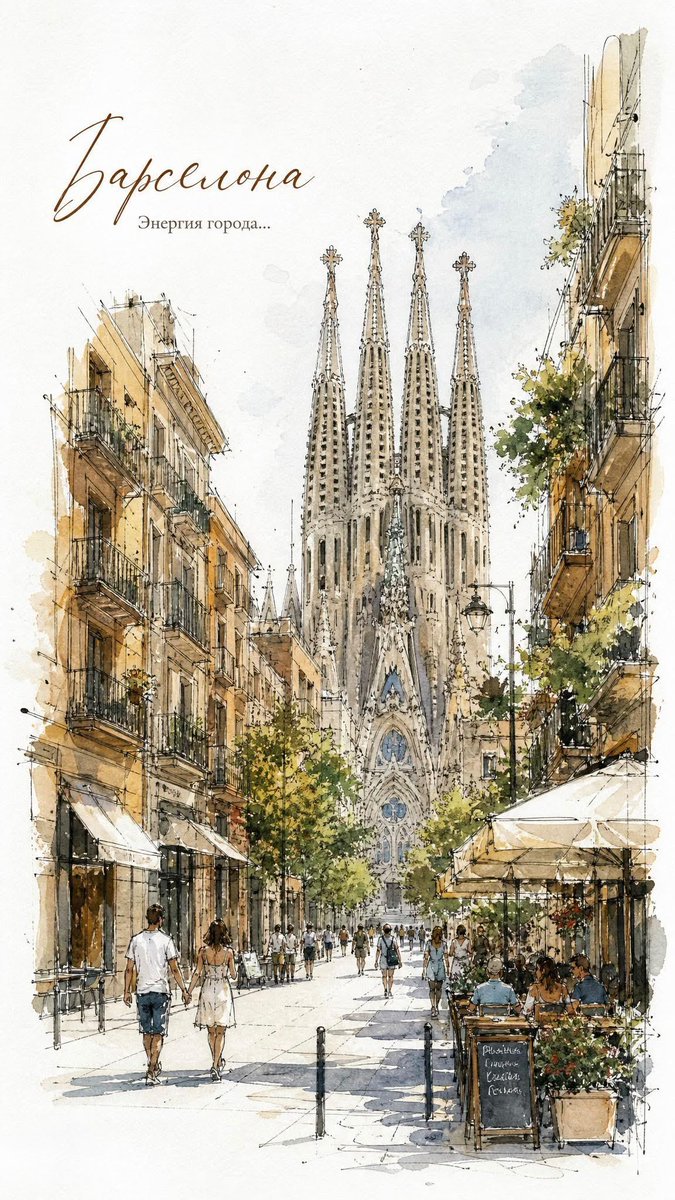


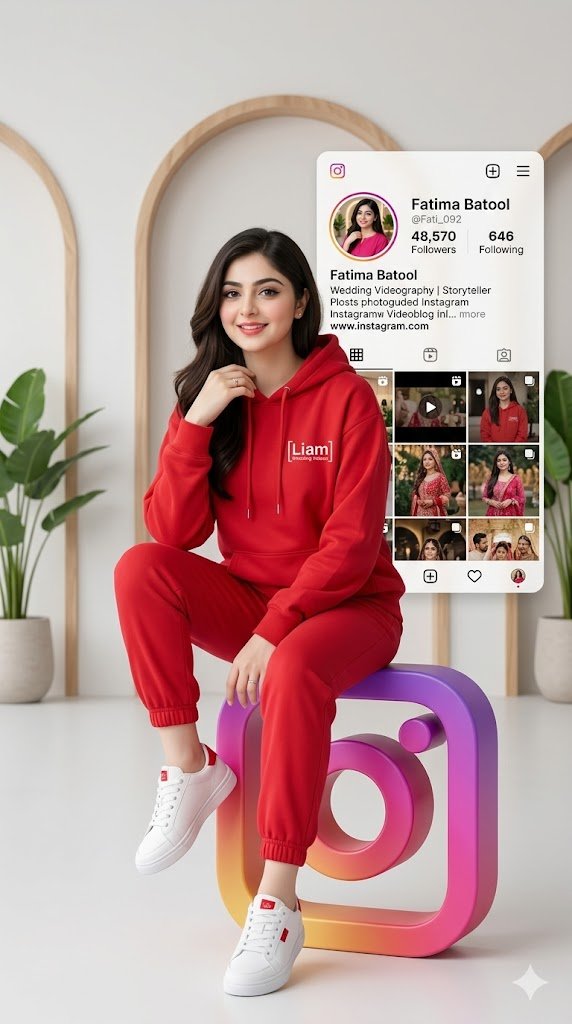


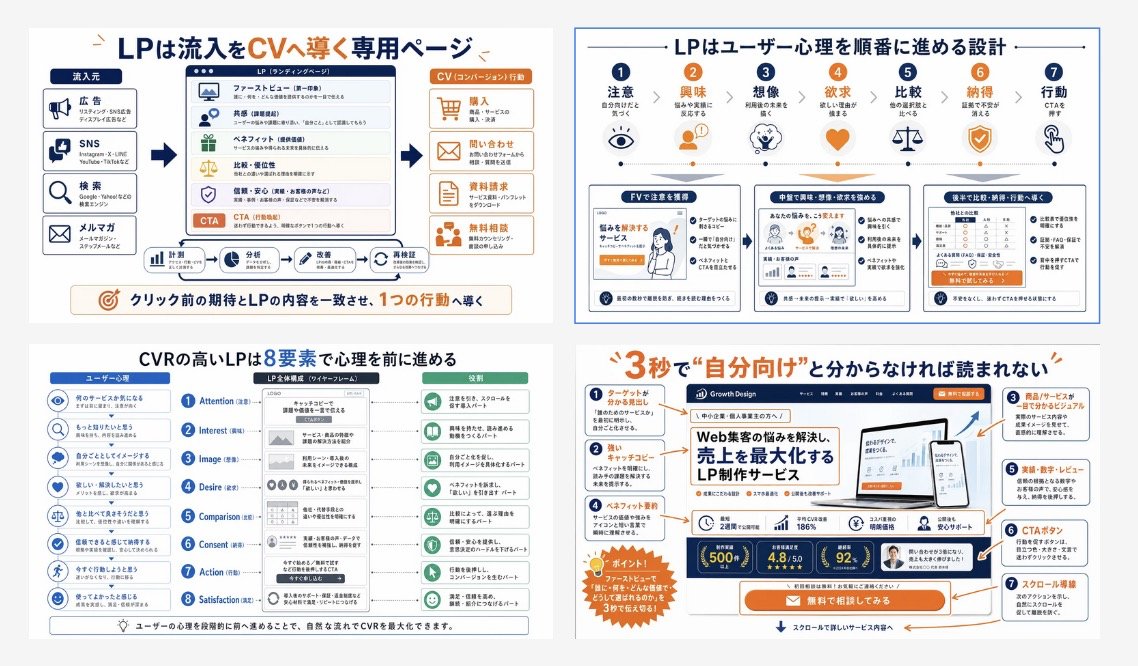


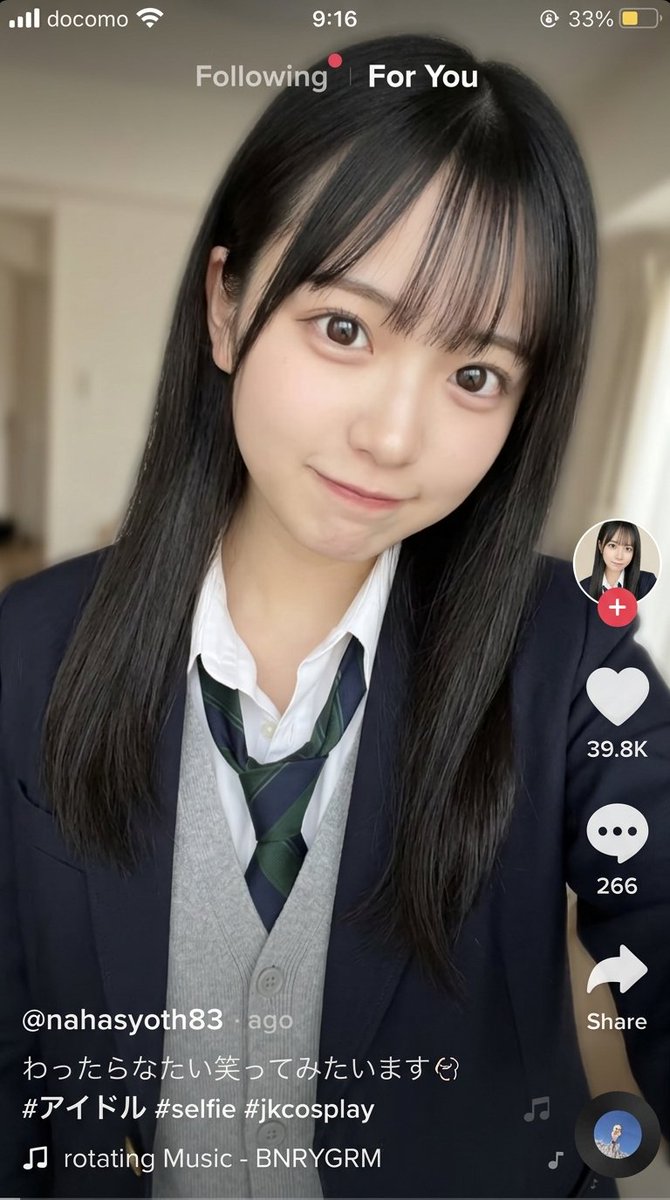



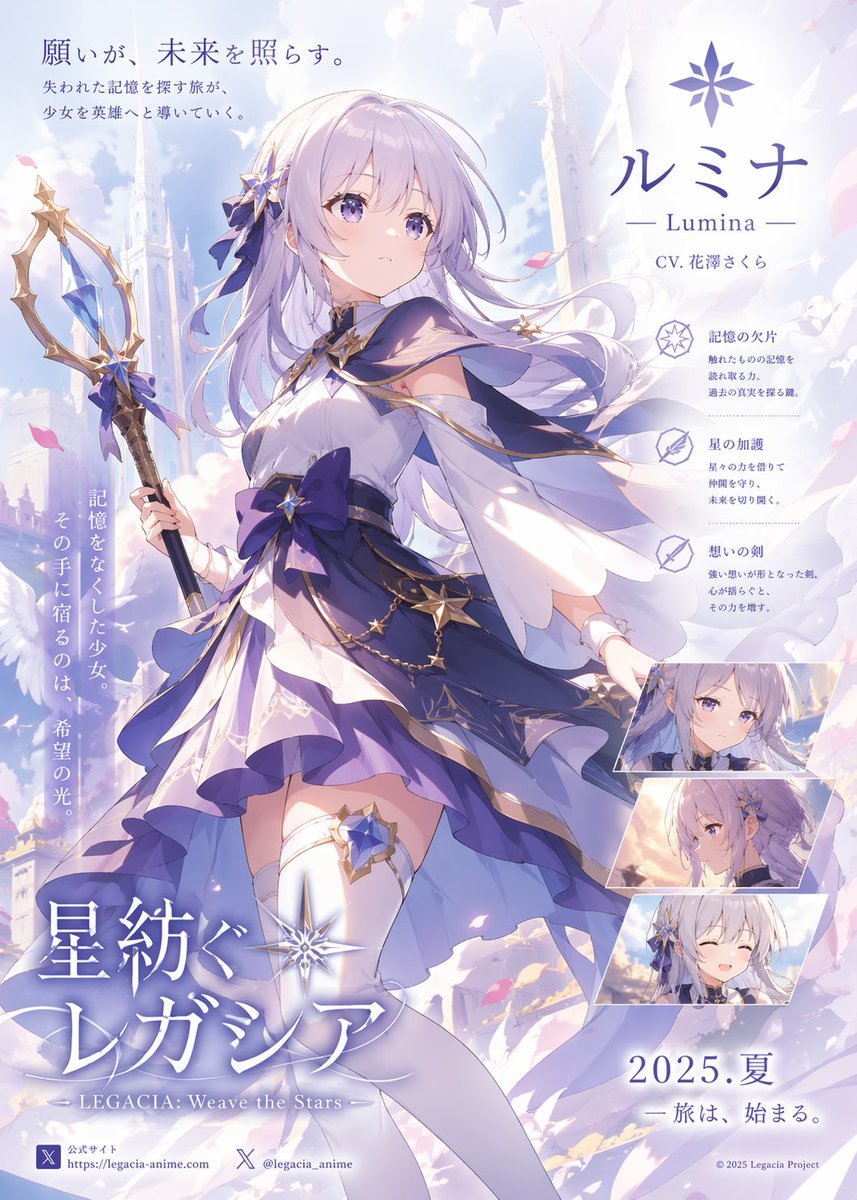


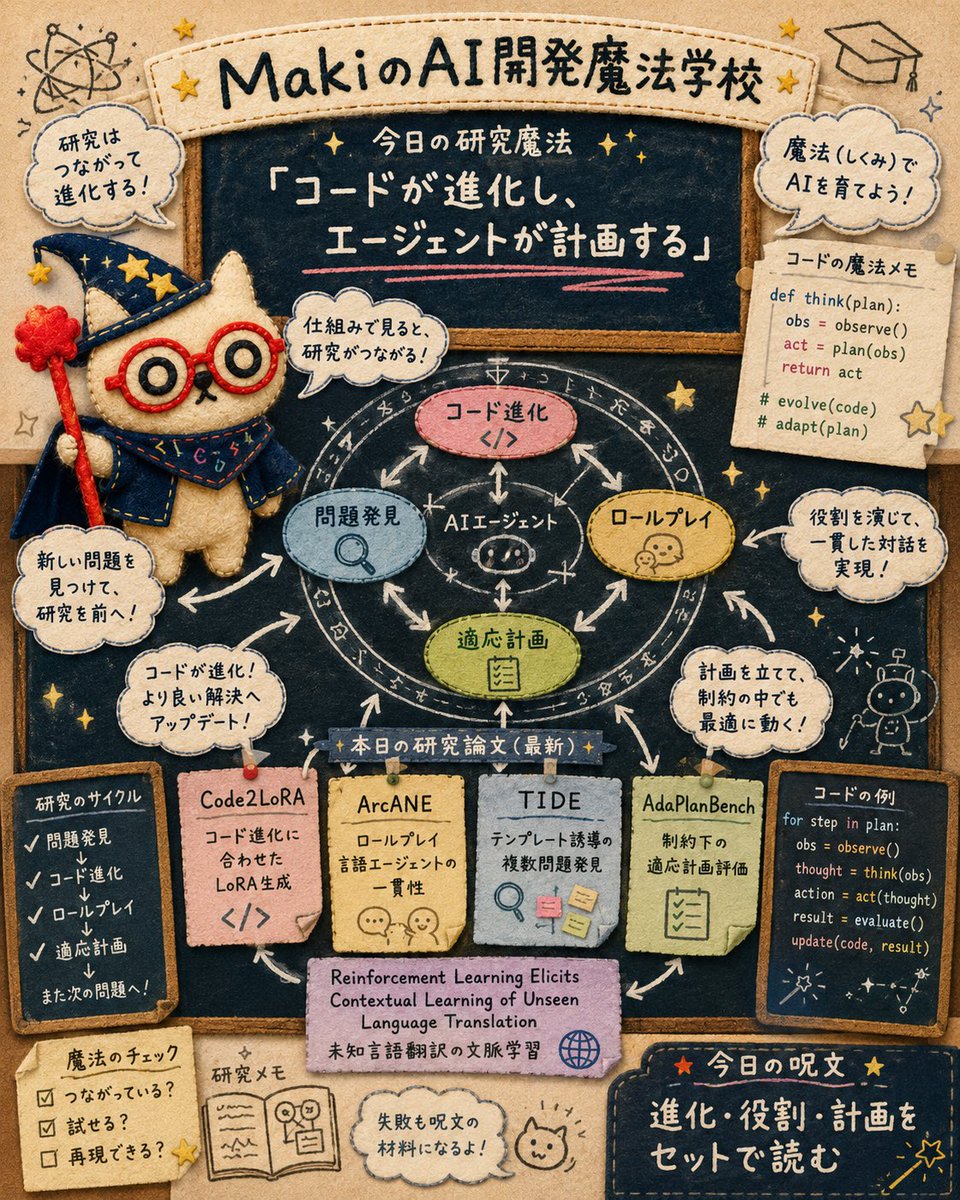


![LINE Sticker Generation Prompt — 参照画像[画像1]
プロンプト
[画像1]をベースにして、
手書き風のLINEスタンプを9個まとめて生成してください。
統一感のある9個セットとして仕上げてください。
✅条件
・特徴は必ず保持
・参考テイストの線の太さ・色味・雰囲気を反映
・背景は完](https://pbs.twimg.com/media/G7ThfdxaQAARkop.jpg)