
Cinematic Football Skill and Goal Animation Prompt
A detailed motion prompt for an AI video generator (Kling) describing a dramatic football sequence: a player dribbling past Cristiano Ronaldo with rapid footwork, culminating in a goal, cinematic camera shakes…
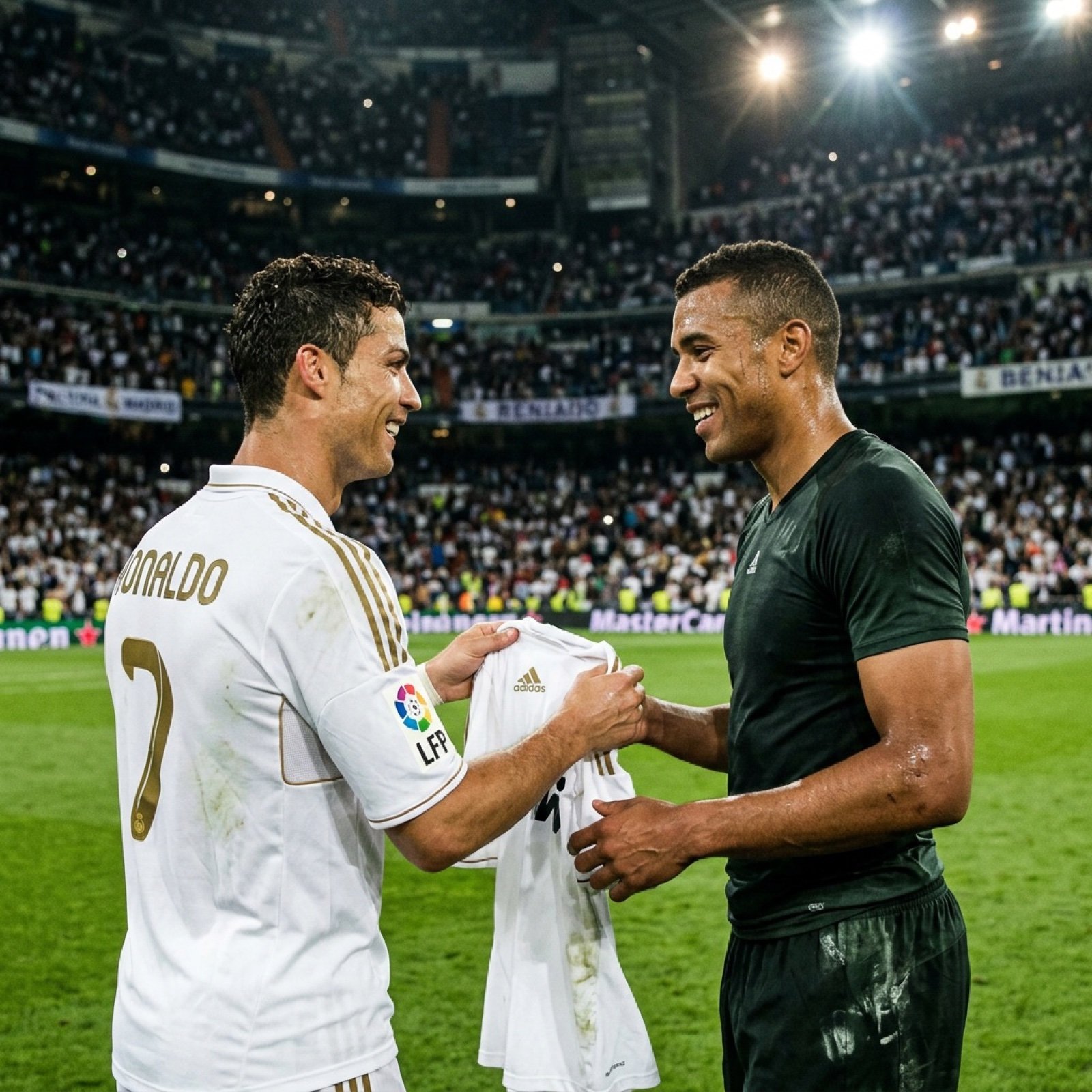
- Prompt included
- Model and format preset
- Free template
The prompt behind this image
Copy the exact prompt behind Cinematic Football Skill and Goal Animation Prompt, or open it in the studio and make it yours.
Motion prompt: The man begins dribbling the ball forward at speed. The camera switches to a slightly wider tracking shot, following his movement smoothly while introducing light horizontal camera shake from simulated shoulder-mounted broadcast footage. Cristiano Ronaldo closes in aggressively to defend. As Ronaldo steps forward, the man performs rapid footwork—quick step-overs, a sudden body feint, and a sharp lateral cut. At the exact moment he beats Ronaldo, the camera adds a short, intense impact shake to emphasize the skill move, followed by a fast push-in zoom. The crowd volume spikes. Motion blur subtly increases on the legs and ball while the upper body stays sharp. The camera briefly shifts to a low-angle tracking shot, enhancing speed and dominance. He accelerates toward the goal. As he strikes the ball, the camera performs a cinematic whip-pan, followed by a brief slow-motion beat at the moment of contact. A strong vertical camera shake occurs as the ball rockets into the net, simulating crowd eruption and stadium vibration. GOAL MOMENT (7s–8.5s): The net ripples dramatically. Stadium lights flare slightly. Fans jump and wave scarves. The camera transitions into a subtle celebratory shake, as if the operator is reacting emotionally. Ronaldo turns back, smiling with admiration and respect. END FRAME (8.5s–10s): Transition smoothly into the provided final image. Cristiano Ronaldo walks toward the man and hands him his Real Madrid jersey, clearly showing Ronaldo’s name and number 7 on the back. Both are smiling, breathing heavily, sharing a victorious moment. Camera stabilizes gradually, ending with a clean, steady cinematic frame under glowing stadium lights.
How to use Cinematic Football Skill and Goal Animation Prompt in 3 steps
- 1
Open
The prompt is already in the box next to the preview, with the template's model and format selected.
- 2…a portrait of your subject in softgolden-hour light, 85mm…
Personalize
Edit the subject and creative details for your destination.
- 3Generate
Generate
Press Generate — your image is created in PicX Studio, so you can compare it with the original and refine one variable at a time.
More like this
Templates with the same subject, style or setup. Open one to see its prompt.

Toon Cartoon Finale Fireworks
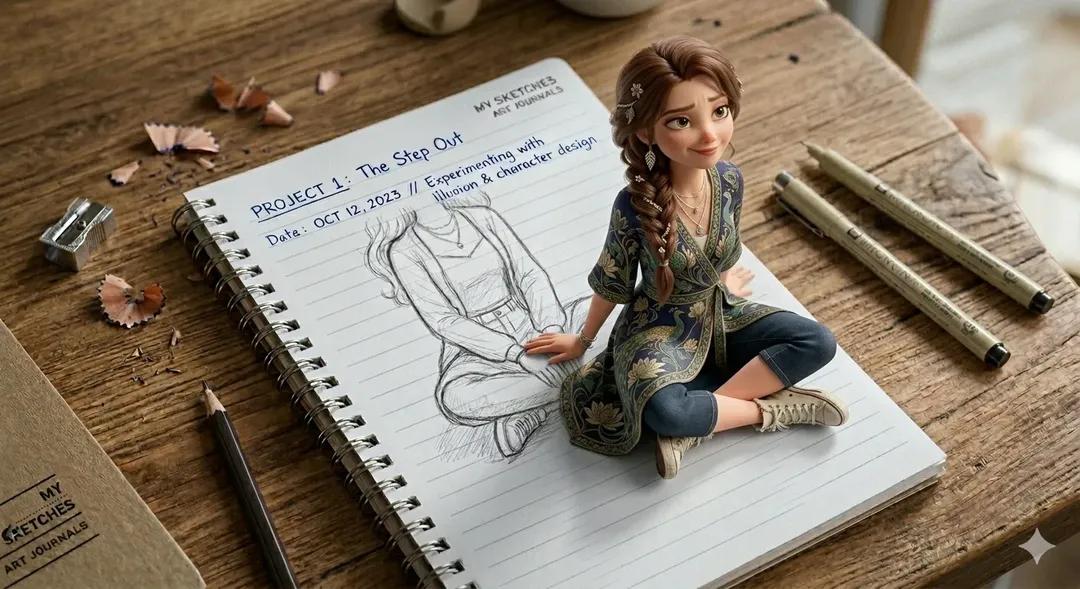
Toon Cartoon Garden Maze
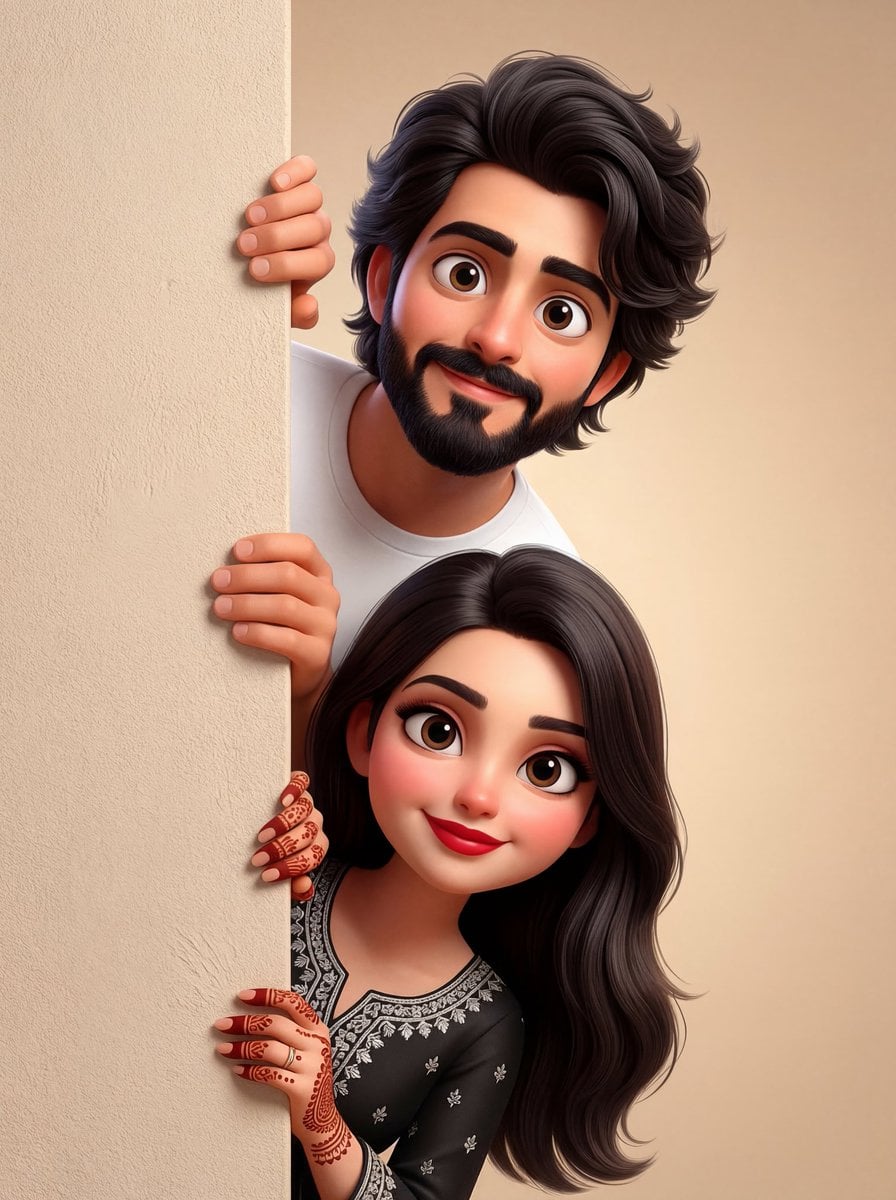
Toon Cartoon Rooftop Concert

Toon Cartoon Kitchen Chaos
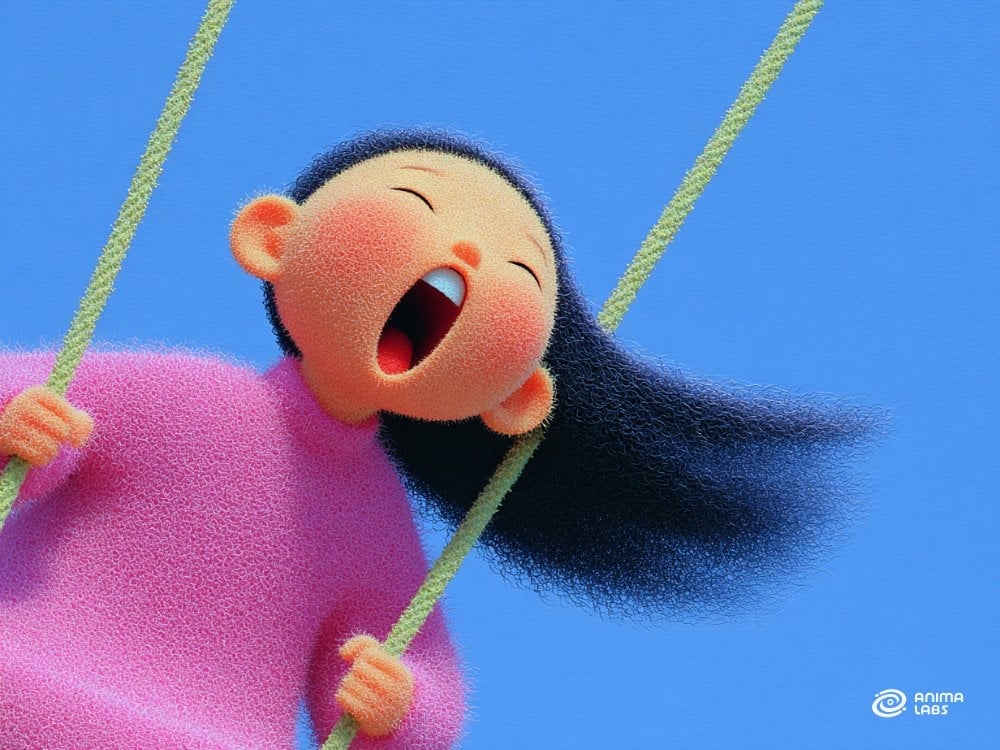
Toon Cartoon Carnival Ride

Toon Cartoon Rainy Bus Stop
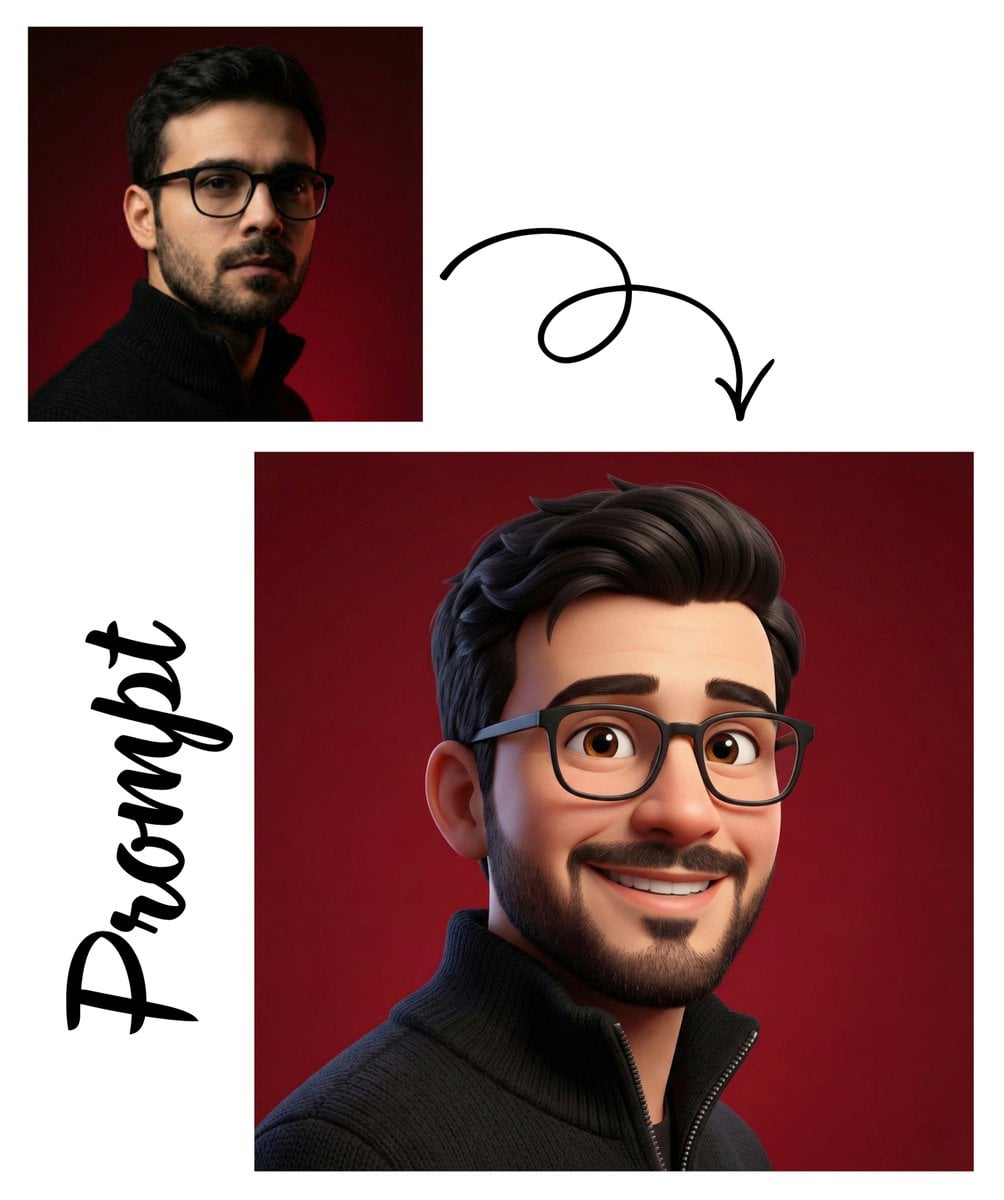
Toon Cartoon Space Dock
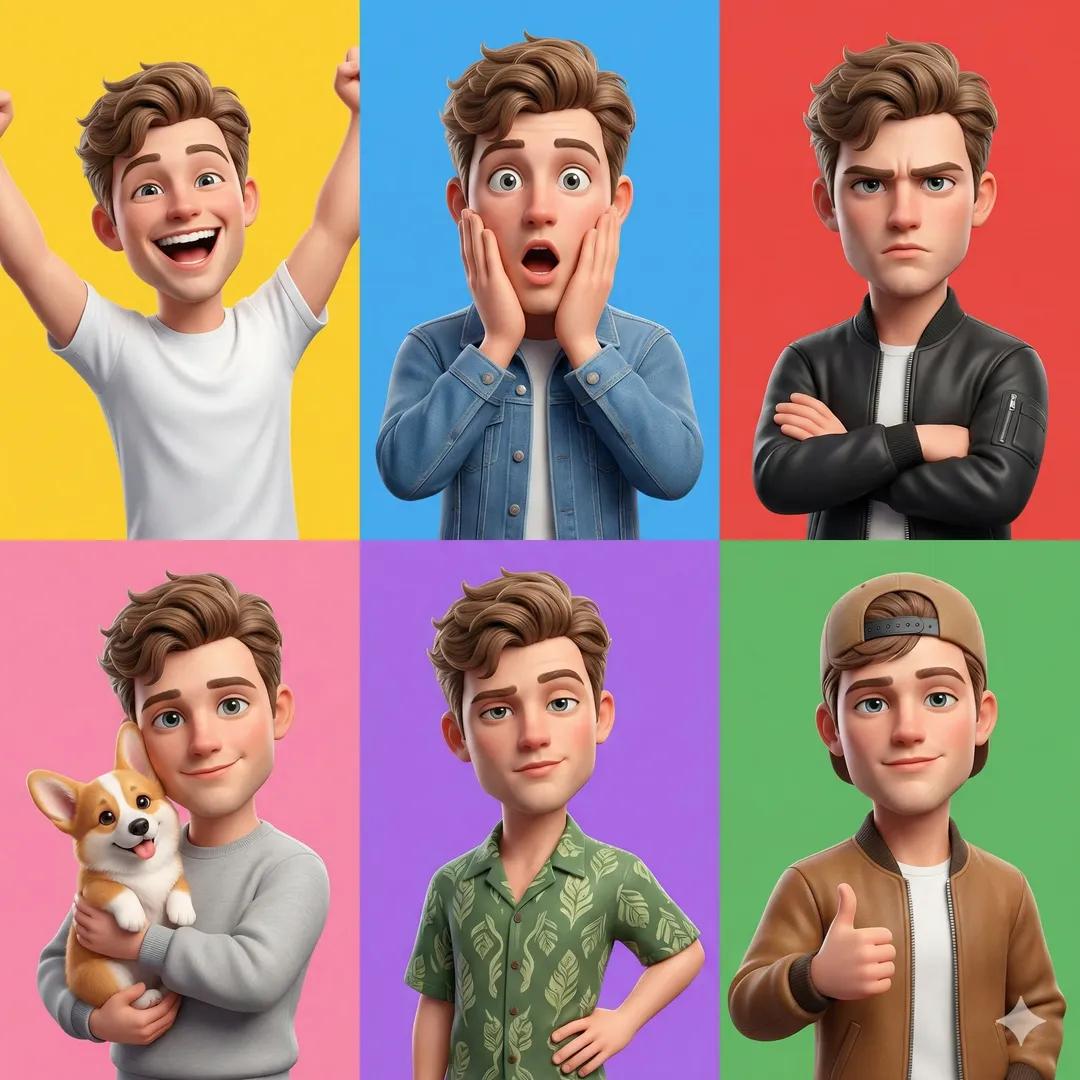
Toon Cartoon Cafe Morning
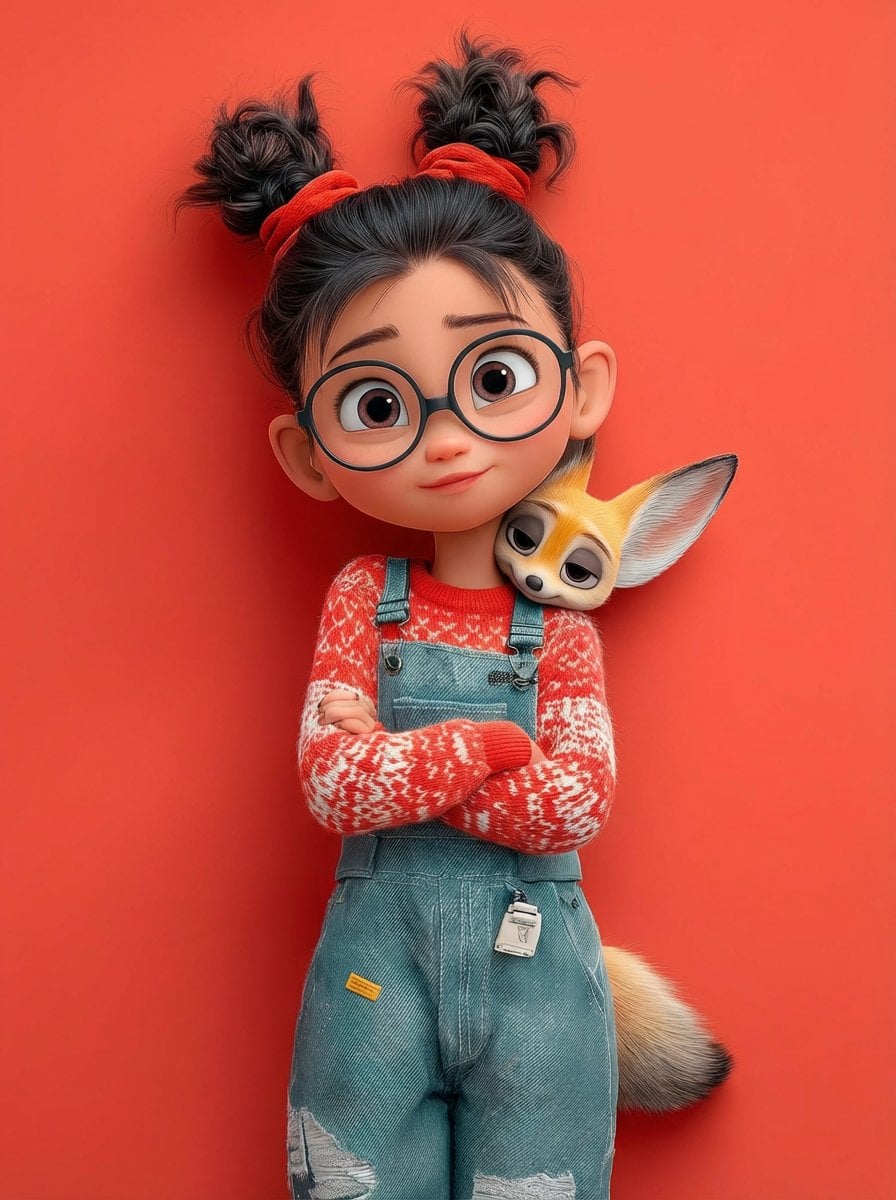
Toon Cartoon Street Festival
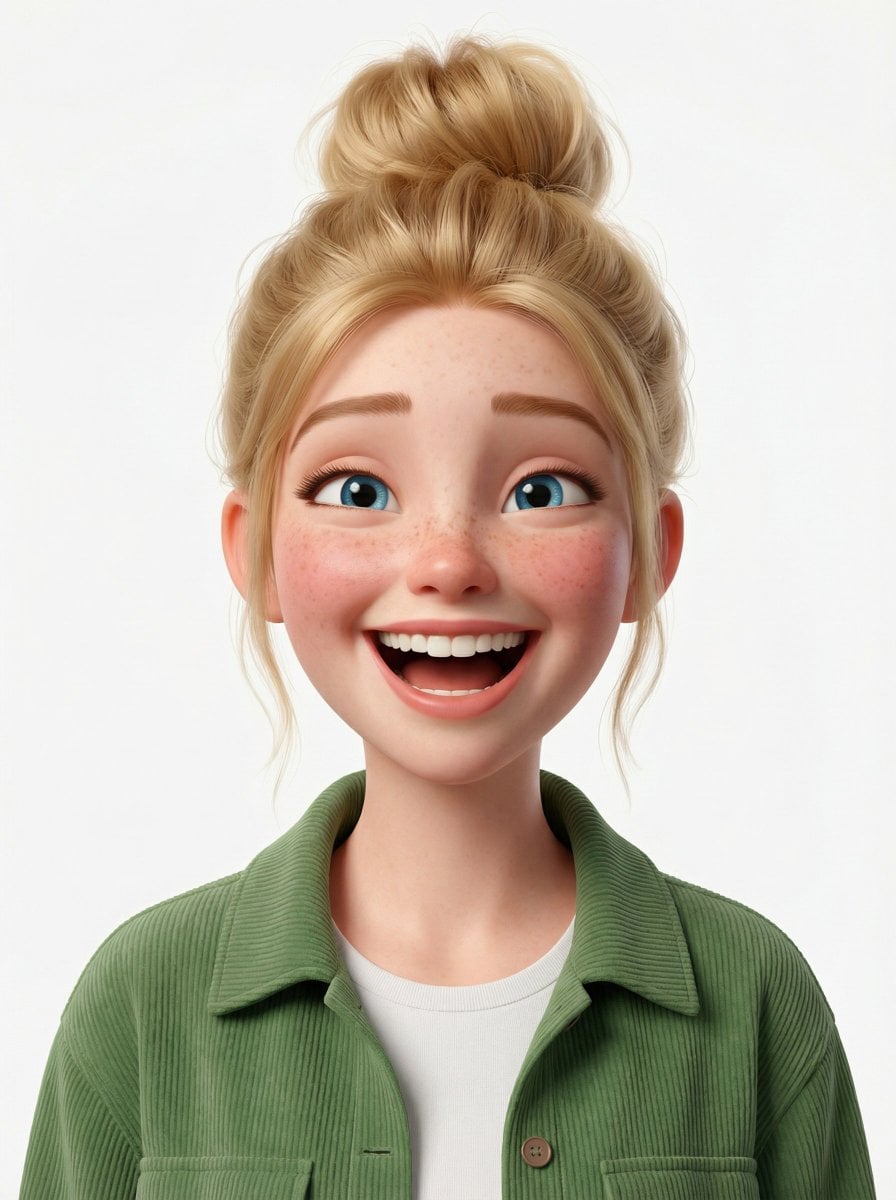
Toon Cartoon Ballroom Dance
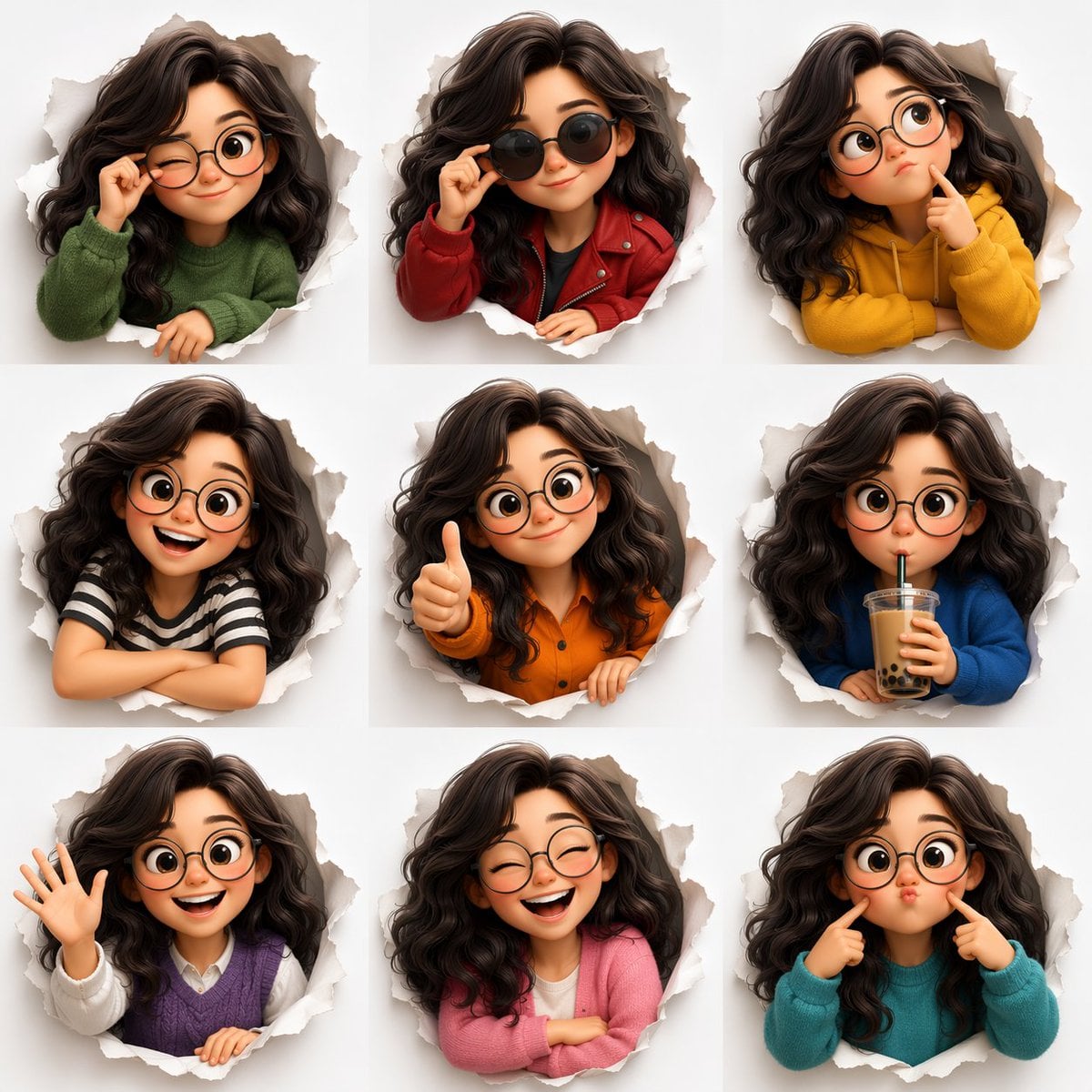
Toon Cartoon Robot Workshop

Toon Cartoon Winter Cabin
Make it yours
Cinematic Football Skill and Goal Animation Prompt works as-is. These are the safest ways to change it without losing the look.
Change one field
Copy a single group, rewrite it, and generate again so you can see what that field is doing.
Keep the frame, change the subject
Hold the composition and light of Cinematic Football Skill and Goal Animation Prompt, then swap wardrobe, props or the person for a new take.
| If the result… | Why | Fix |
|---|---|---|
| The result drifts from the preview | Too many fields changed at once. | Reuse Cinematic Football Skill and Goal Animation Prompt as-is first, then change one group — subject, light, or setting. |
| The model over-stylizes the scene | The prose prompt leaves finish and camera underspecified. | Add one camera or lighting sentence and stay on Nano Banana 2. |
More Nano Banana 2 templates
Other prompts made for Nano Banana 2.
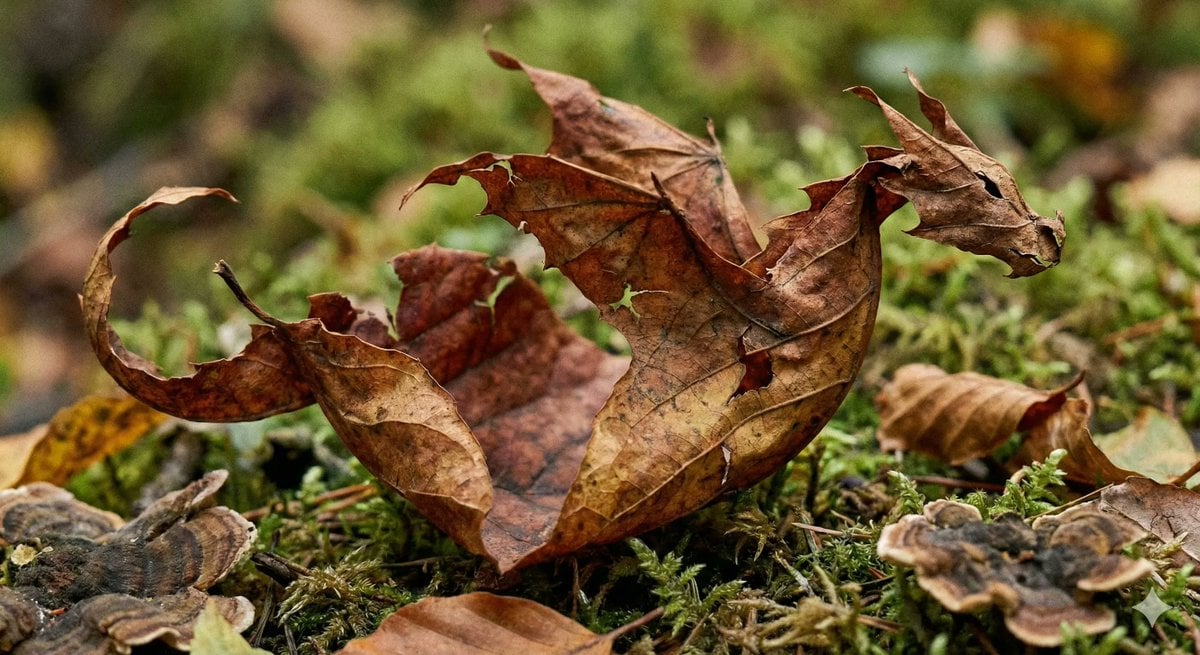
Photorealistic Leaf Shaped Like a Dragon
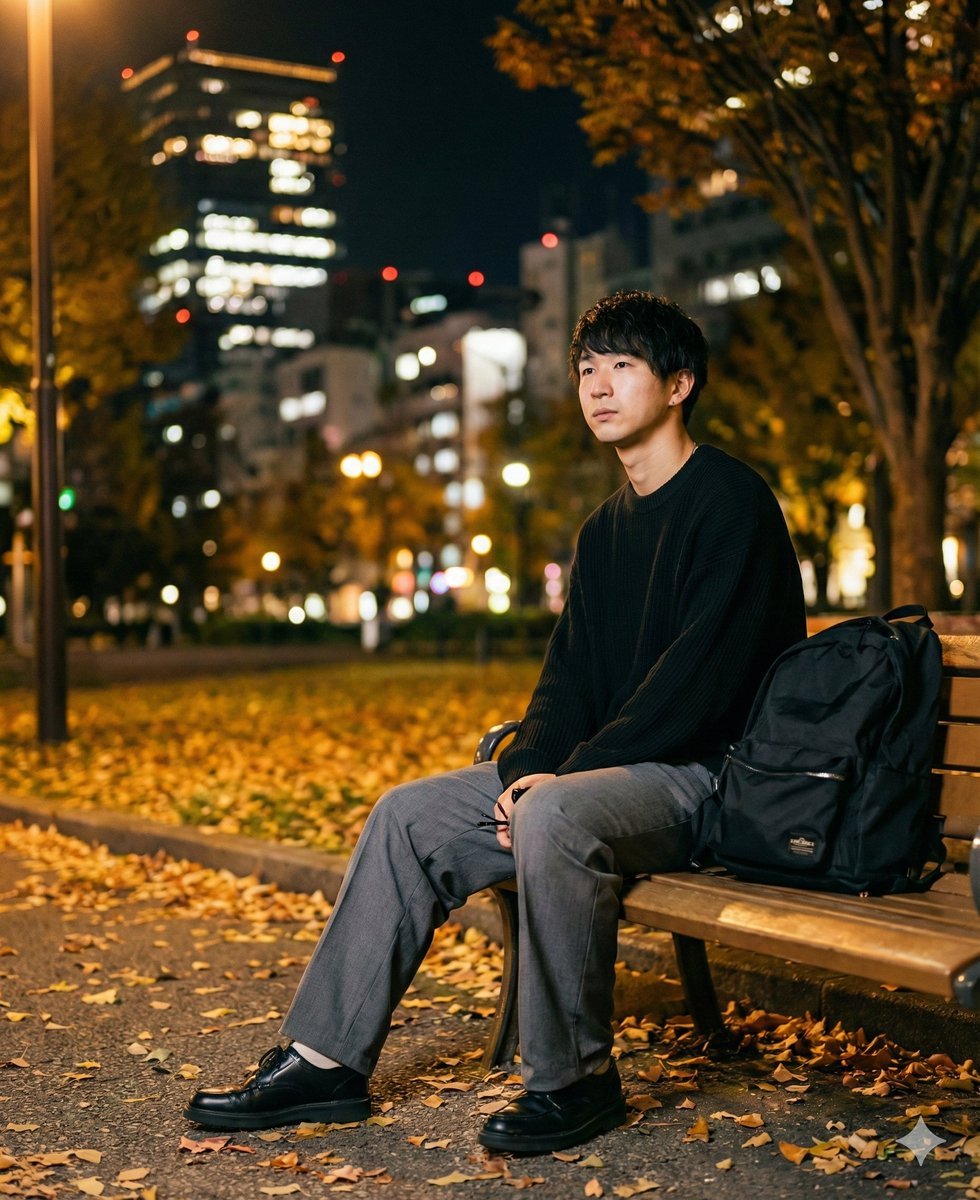
K-Pop Idol Portrait Grid for Rapid Selection
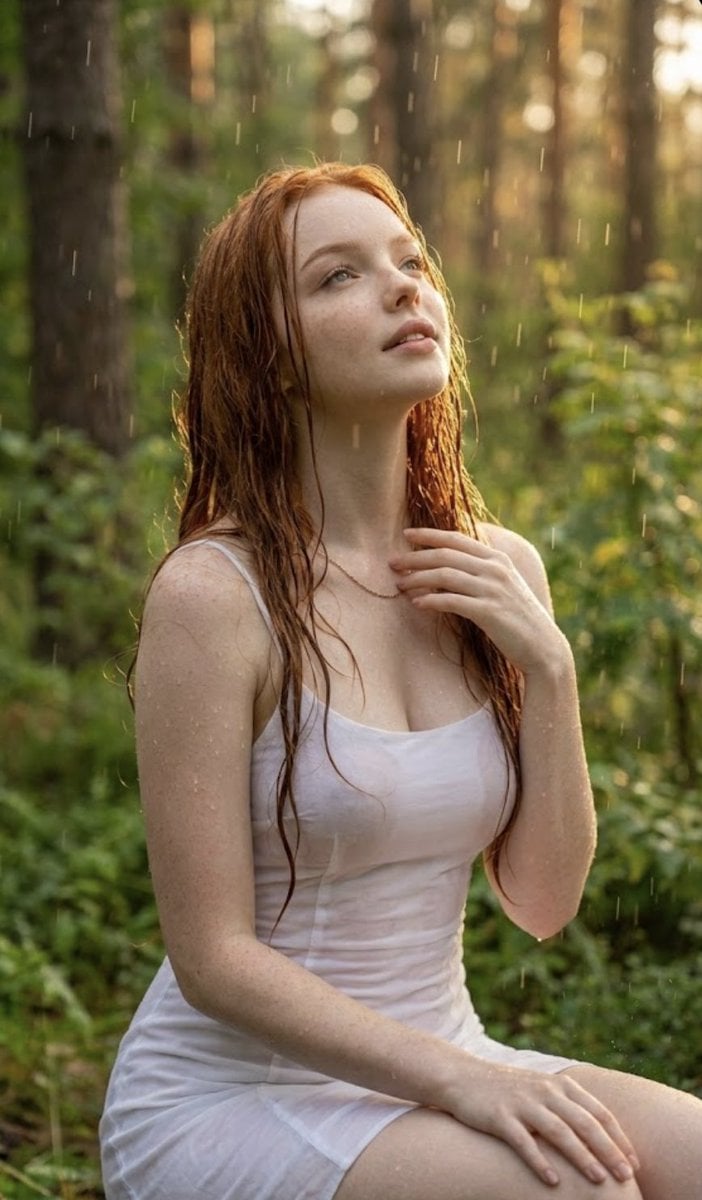
Poetic Rain Forest Portrait During Golden Hour
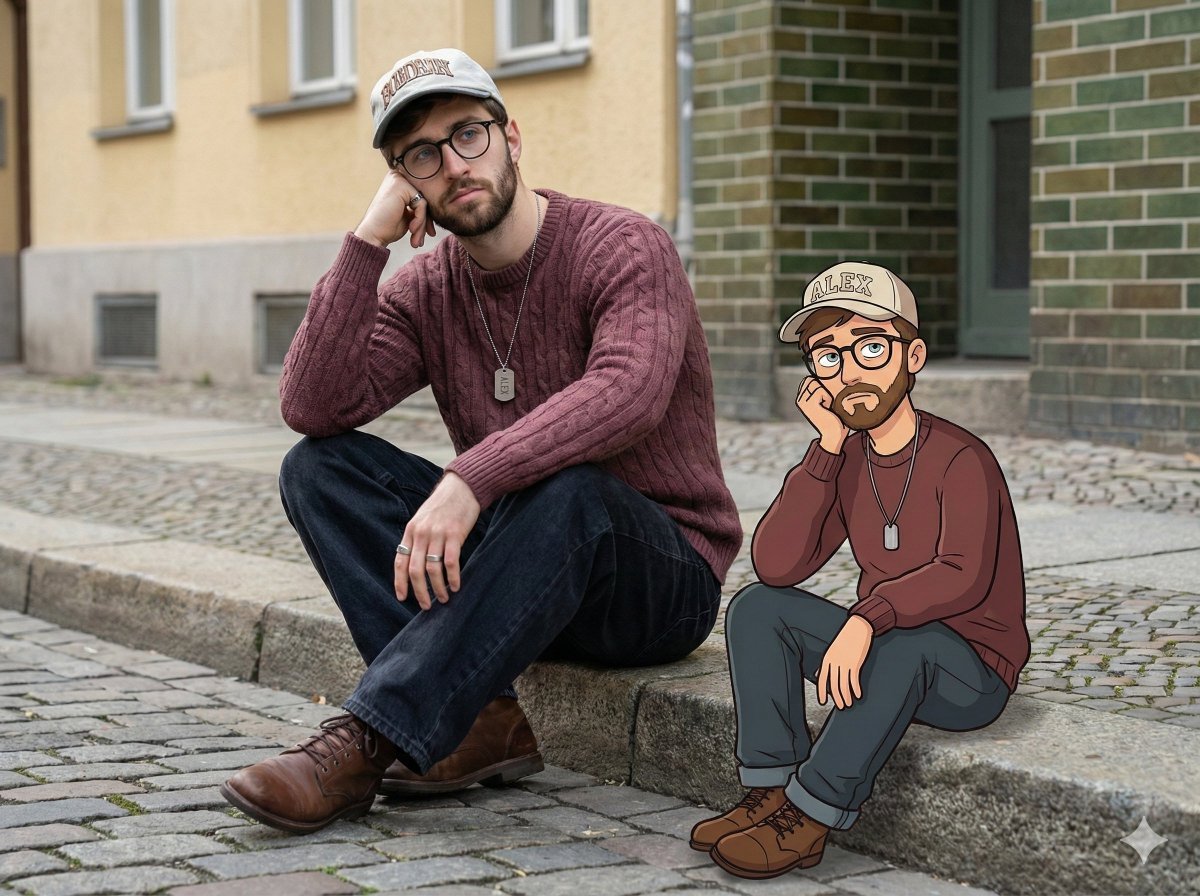
Urban Street Portrait with Cartoon Inner Self Duo
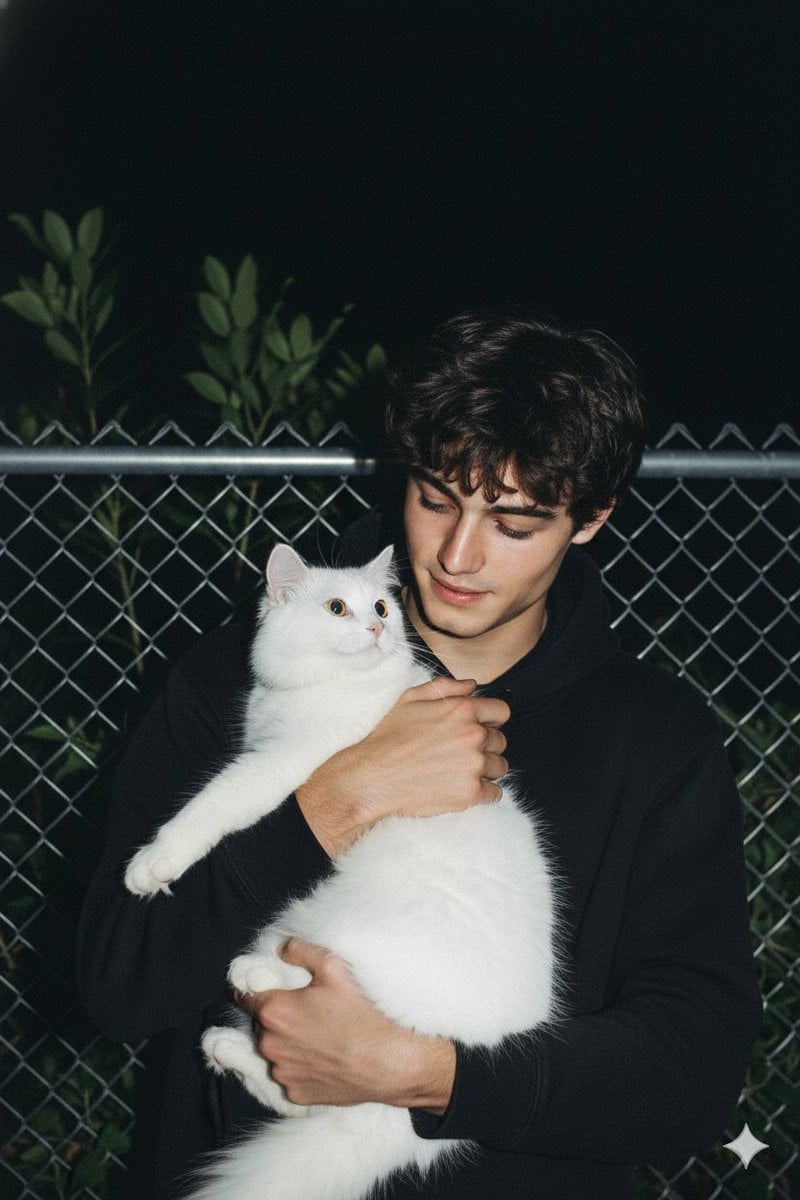
Candid Nighttime Photo with Cat Prompt
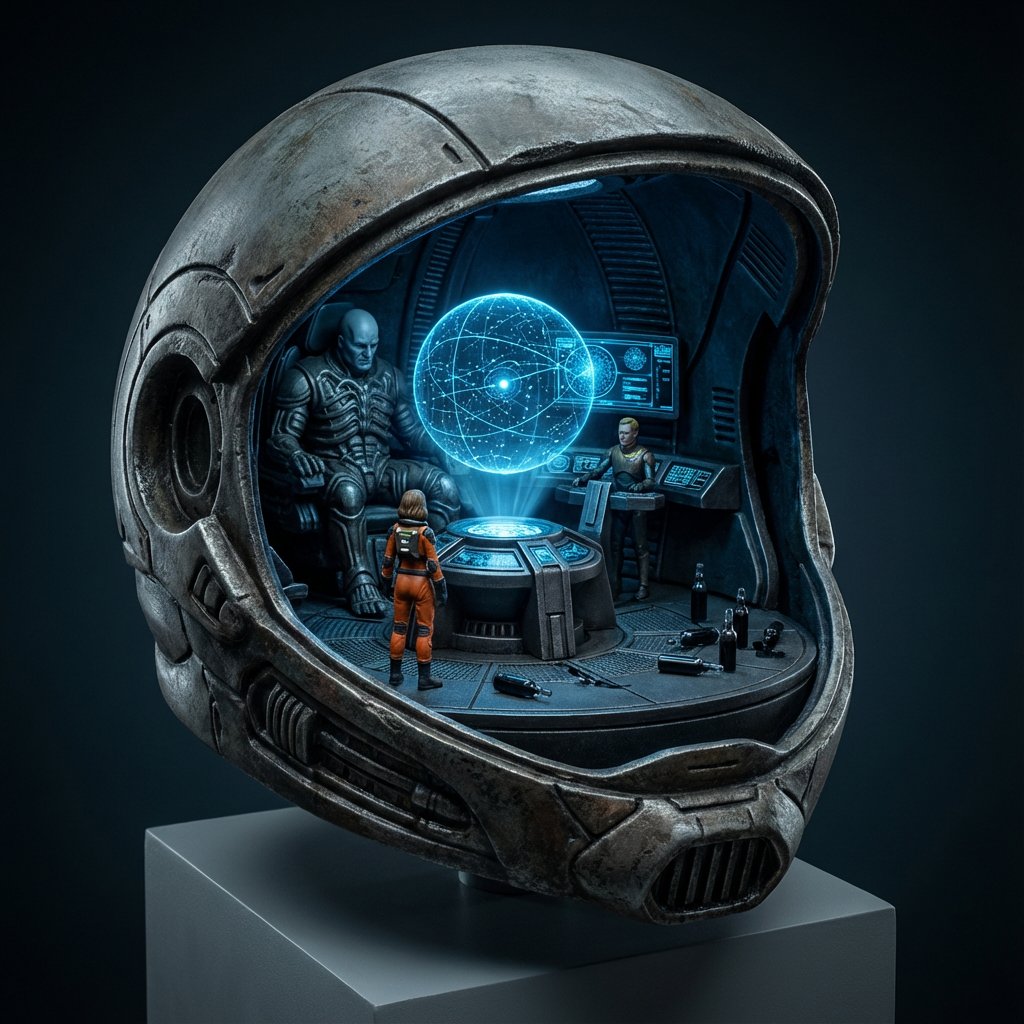
High-Concept 3D Diorama Generation Prompt

Cinematic Futuristic Studio Portrait Template
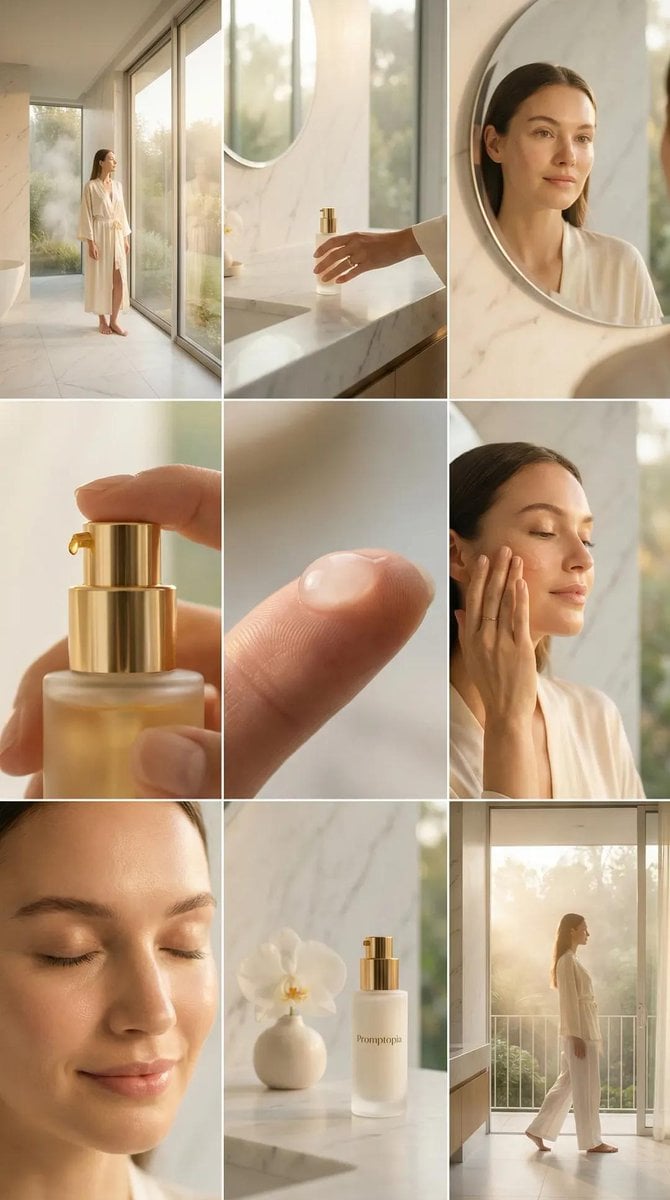
Skincare Editorial Photography Collage Prompt
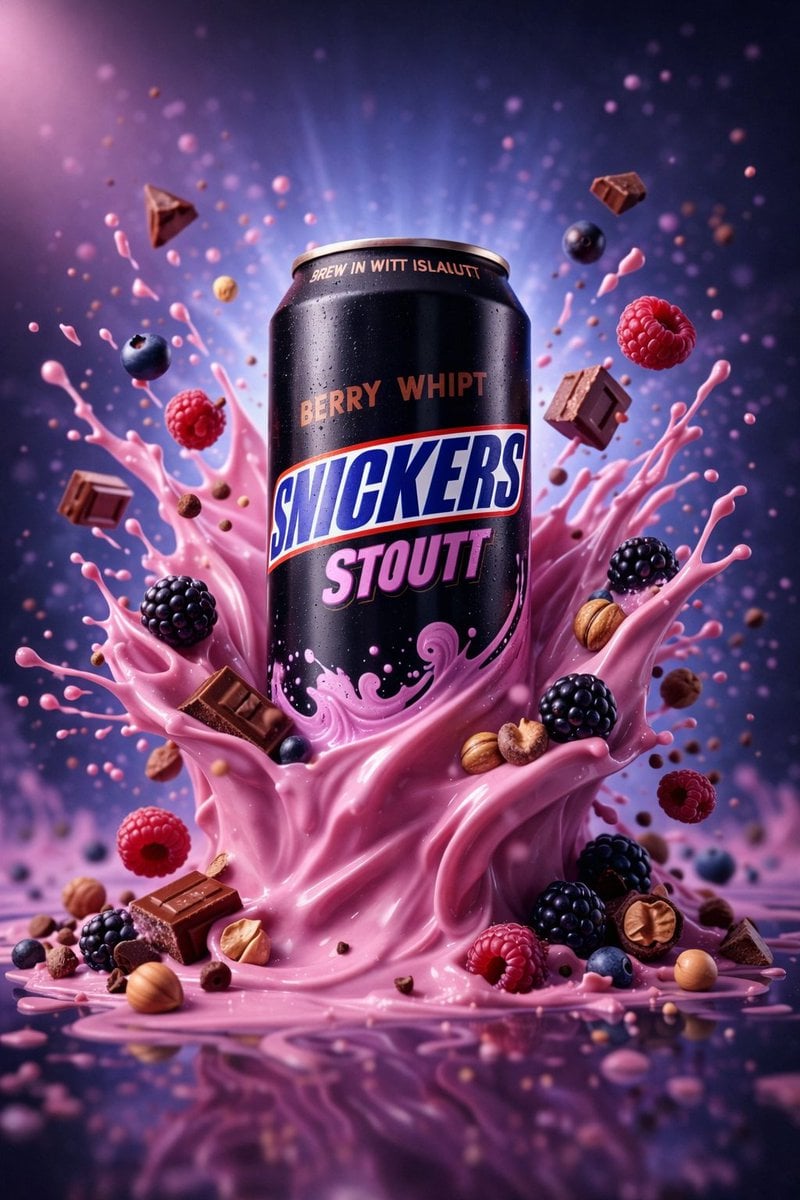
Hyper-Realistic Commercial Product Photography (Splash Effect)
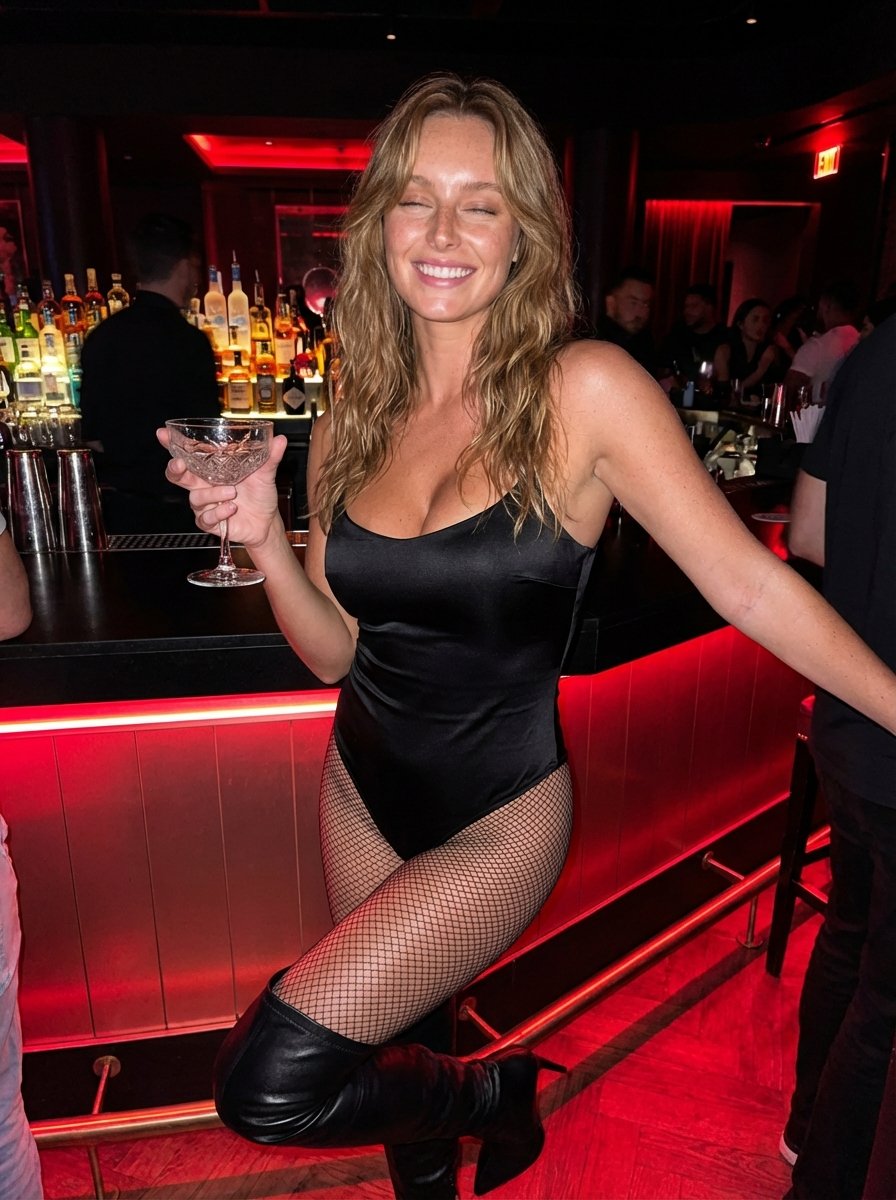
Hyper-Realistic Nightclub Portrait Prompt
More image prompts
Fresh picks from across the catalog.
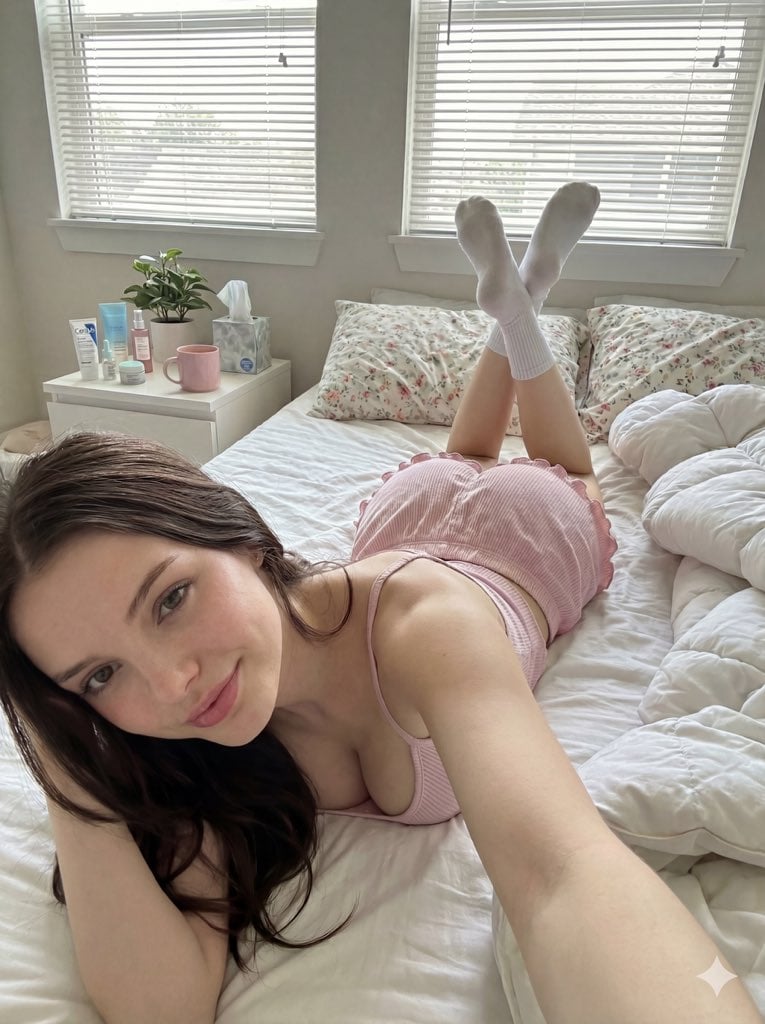
Cozy Bedroom Selfie Prompt (Lying Prone)
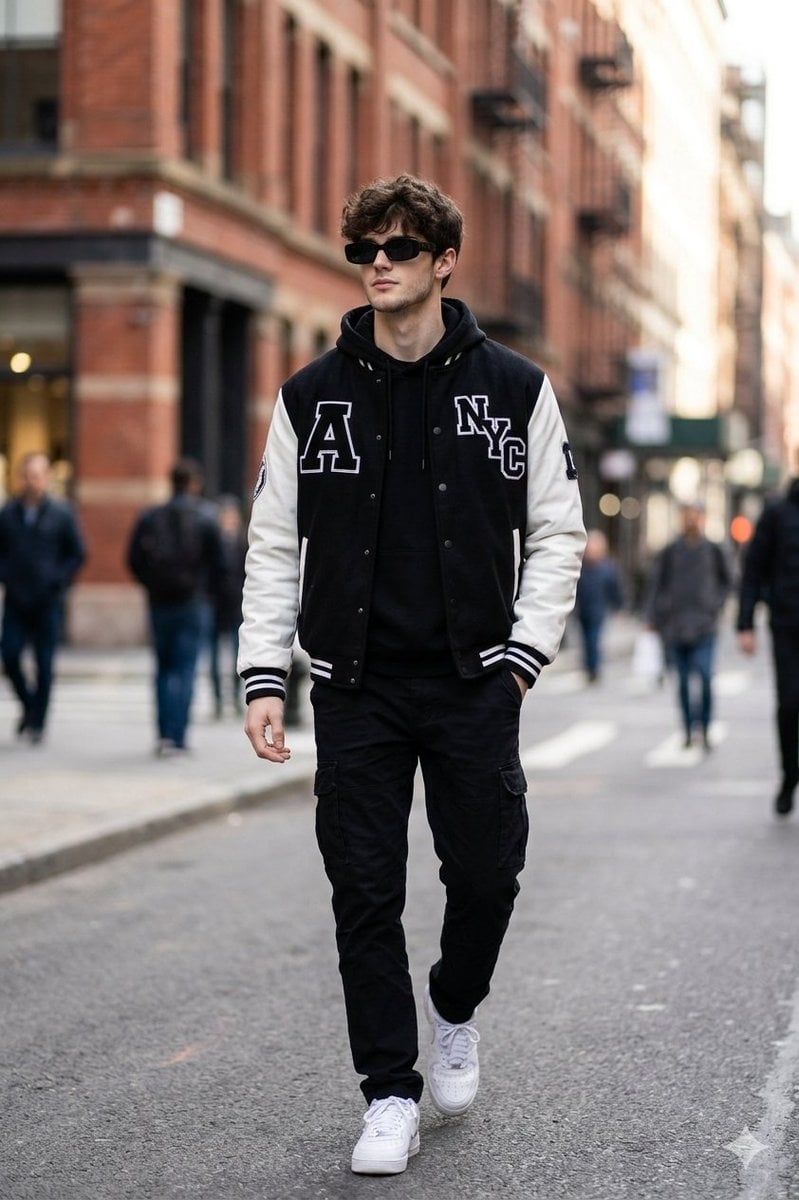
Cinematic Street Fashion Photo Prompt (Male)
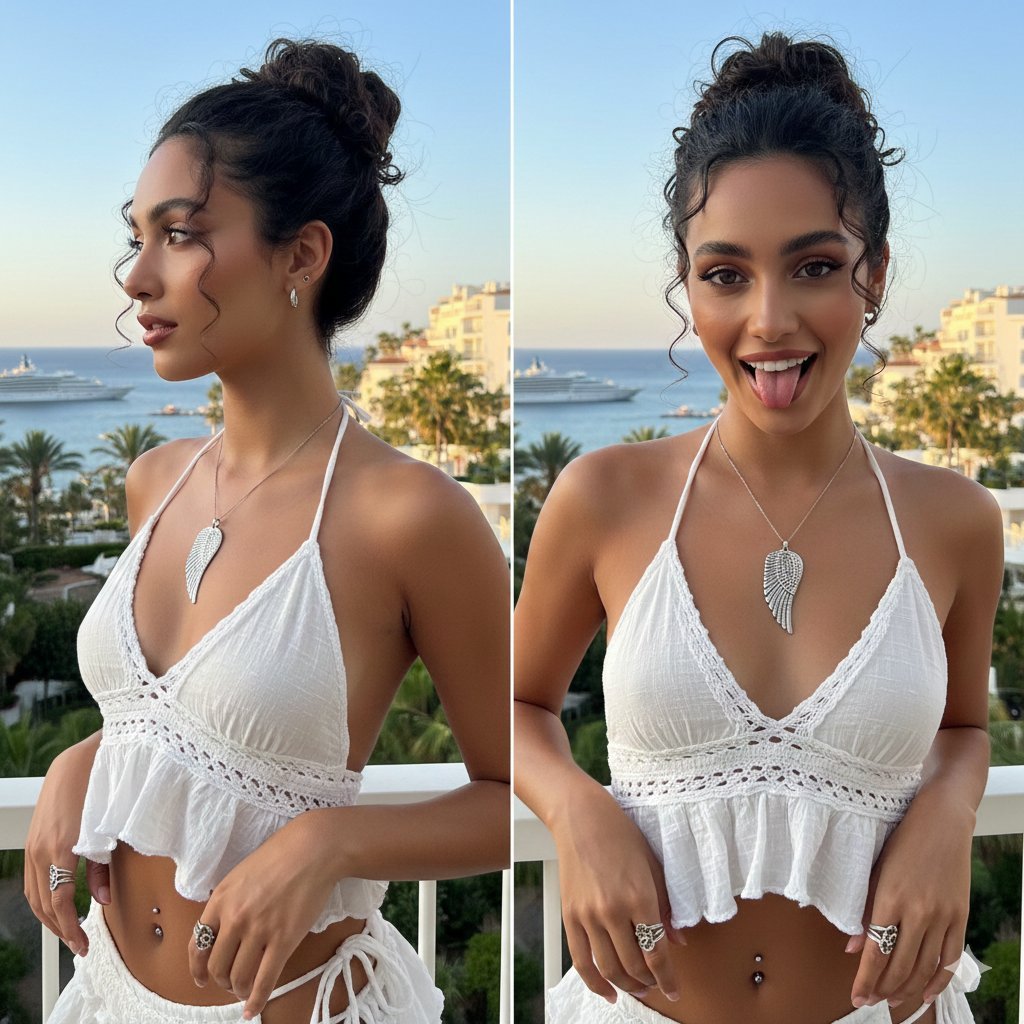
Coastal Chic Two-Panel Collage Portrait

Ultra Photoreal Candid Romantic Lift Scene
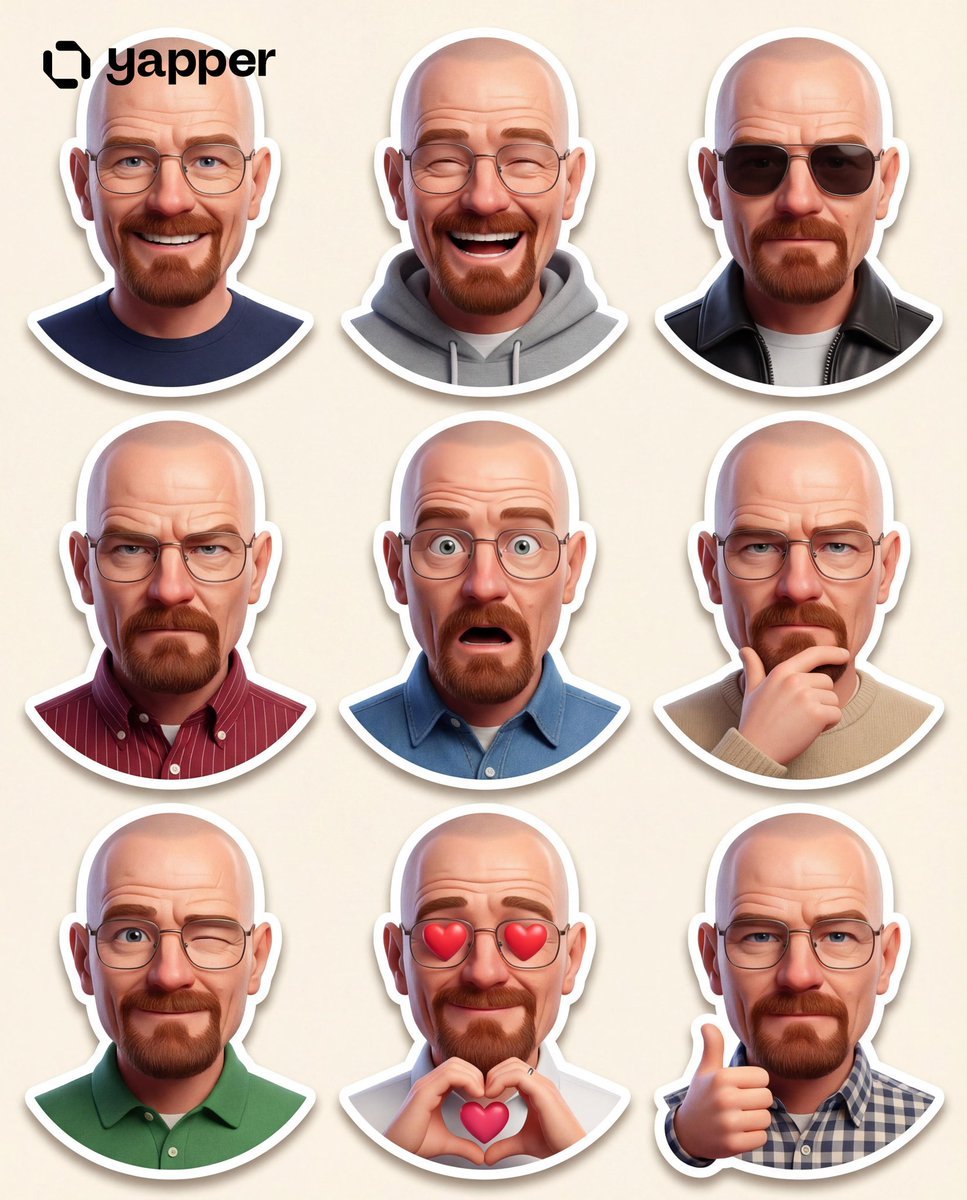
Pixar-Style 3D Character Sticker Set (9 Variations)
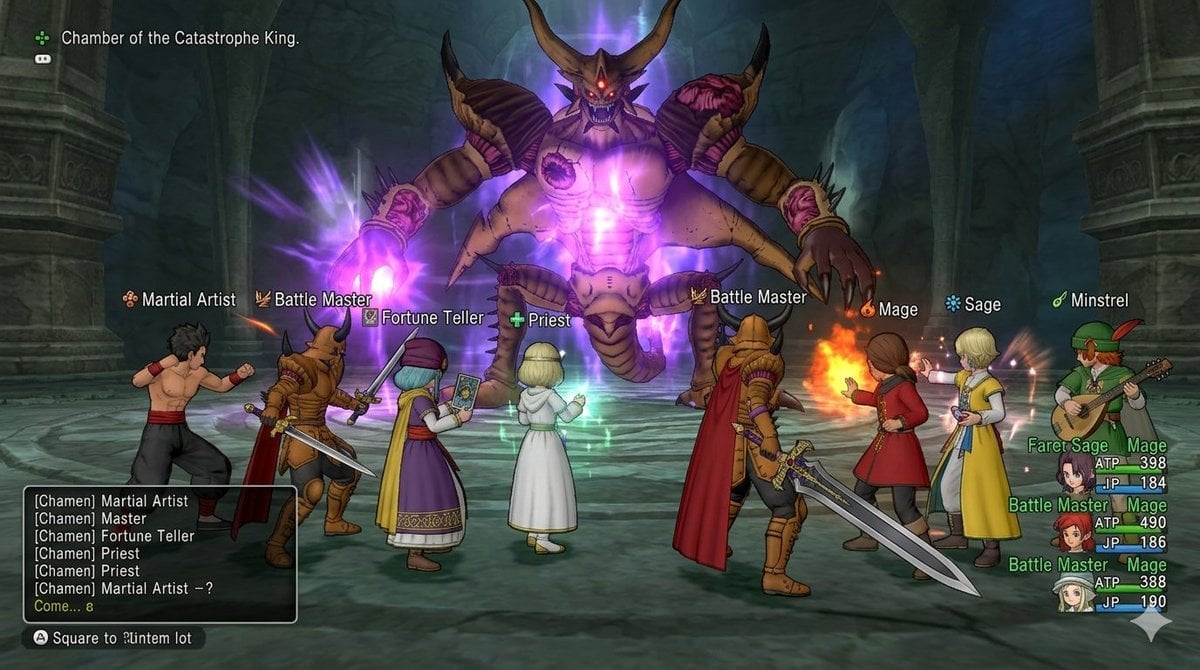
Image generation for Dragon Quest X: VS Calamity King
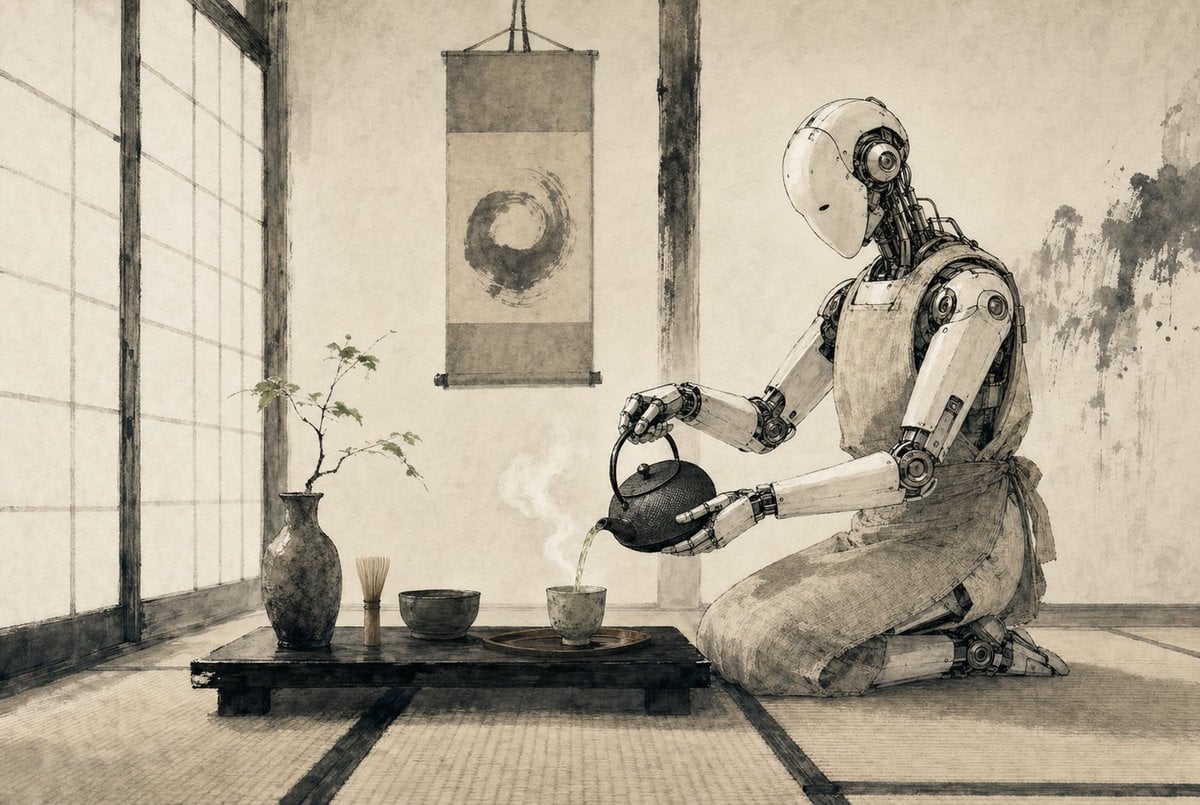
Zen Tea Ceremony Robot

Ultra-Photorealistic Parisian Cafe Lifestyle Photography

Chibi Santa Character Figure Generation Prompt
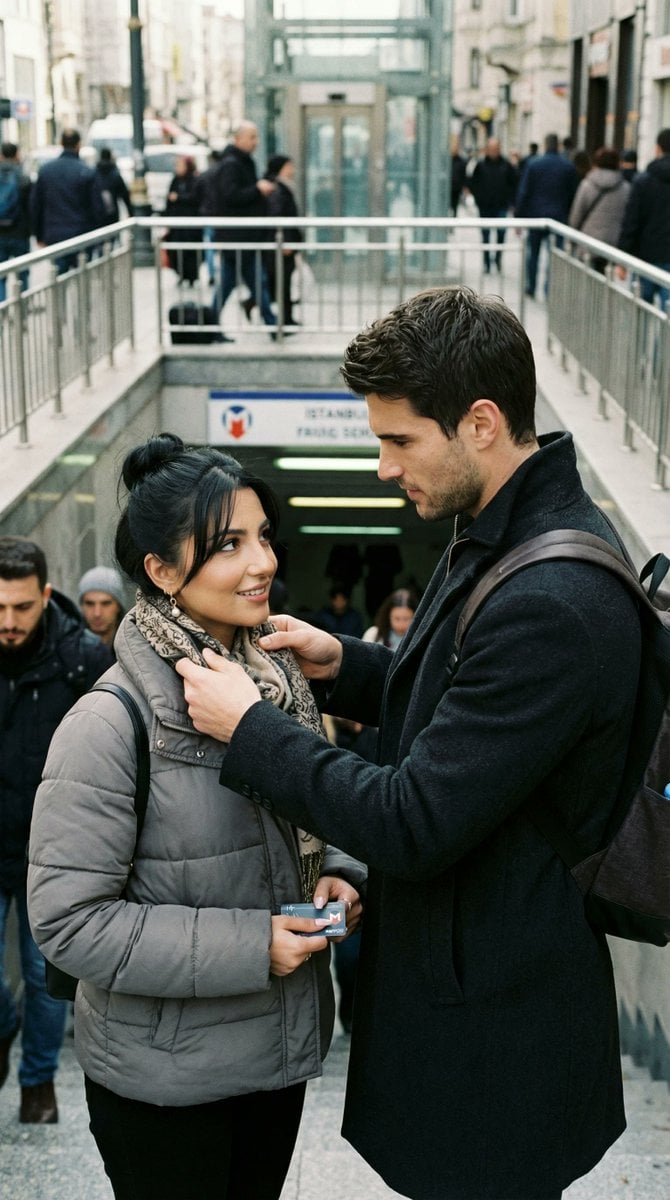
Candid Street Romance Prompt (Istanbul Metro)
Featured in prompt roundups
Hand-picked collections that include this template.
Browse template categories
Cinematic Football Skill and Goal Animation Prompt questions
How do I use the Cinematic Football Skill and Goal Animation Prompt template?
Add your photo if the template asks for one, edit the prompt if you like — the template's model and format are already selected — and press Generate. Your version opens in PicX Studio.
Can I customize the Cinematic Football Skill and Goal Animation Prompt template?
Yes. You can change the subject, setting, lighting, mood, format, and available model controls before creating your image.
Is the Cinematic Football Skill and Goal Animation Prompt template free?
Opening and editing this template is free. Generating uses credits, shown on the Generate button when you are signed in.
Which AI model should I use?
Start with Nano Banana 2, which is the model associated with this template. You can compare another compatible model for a different finish.
Looking for something else? Browse all templates.

Your photo, any look
Thousands of ready templates for every top image and video model, from one credit balance.