How do I use the Neon City Phone Booth Portrait template?
Choose the primary action to open PicX Studio with the available template settings. Review the model and format, personalize the creative direction, and generate when ready.
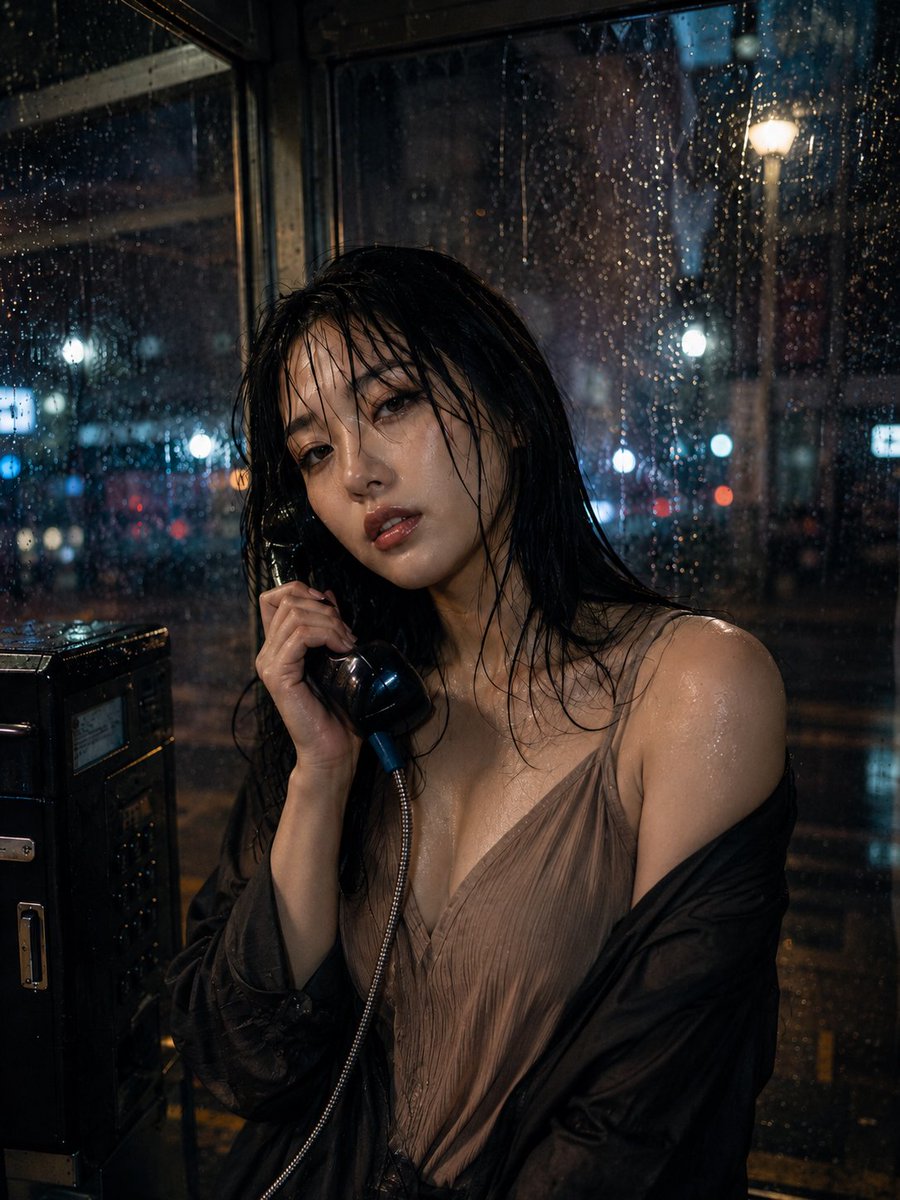
A detailed image generation prompt for a photorealistic portrait of a person inside a classic glass phone booth at night, set against a vibrant, neon-lit Japanese city background. Change the subject, setting, or lighting one variable at a time.

A person with dark, curly hair and sunglasses is seated inside a classic glass phone booth at night. They are wearing a light-colored collared shirt, a textured blazer, and dark pants, with one leg casually propped up. They are holding a bright green payphone receiver to their ear. The phone booth is illuminated from within, highlighting the details of the phone and the person. In the background, out of focus, are vibrant, neon-lit city buildings with Japanese characters, suggesting an urban night scene.
Choose the primary action to open PicX Studio with the available template settings. Review the model and format, personalize the creative direction, and generate when ready.
Yes. You can change the subject, setting, lighting, mood, format, and available model controls before creating your image.
This template is free to open and customize. Generation usage is shown in PicX Studio before you create.
Start with Nano Banana 2, which is the model associated with this template. You can compare another compatible model for a different finish.
© 2026 PicX Studio. All rights reserved.

Follow a topic to a crawlable collection of related PicX Studio templates.
43,474 public templates available. Verified via the PicX Studio public templates API; refreshed hourly.






![53-gemini-nano-banana-2-isometric-3d-city-d — A hyper-realistic, isometric 3D diorama of [CITY NAME] presented as a detached cubic slice of earth. The top surfa](/_next/image?url=https%3A%2F%2Fcdn.picxstudio.com%2Fuploads%2Fpost53_img0_b47da948-19de-4044-a4f6-5088b1e5de4d.jpg&w=828&q=100)




![Naive doodle-style subject illustration — A doodle-style {argument name="subject" default="[subject]"}, naive lines, humorous shape exaggeration](https://pbs.twimg.com/media/G6Wl2YxbsAARB2b.jpg)





















![Hero-style product advertising poster — تصميم إعلان إبداعي واقعي وسيريالي لمنتج {argument name="اسم_المنتج" default="[اسم المنتج]"} من فئة {argument name="نوع_ا](https://pbs.twimg.com/media/G6OHs8hWkAArpuk.jpg)