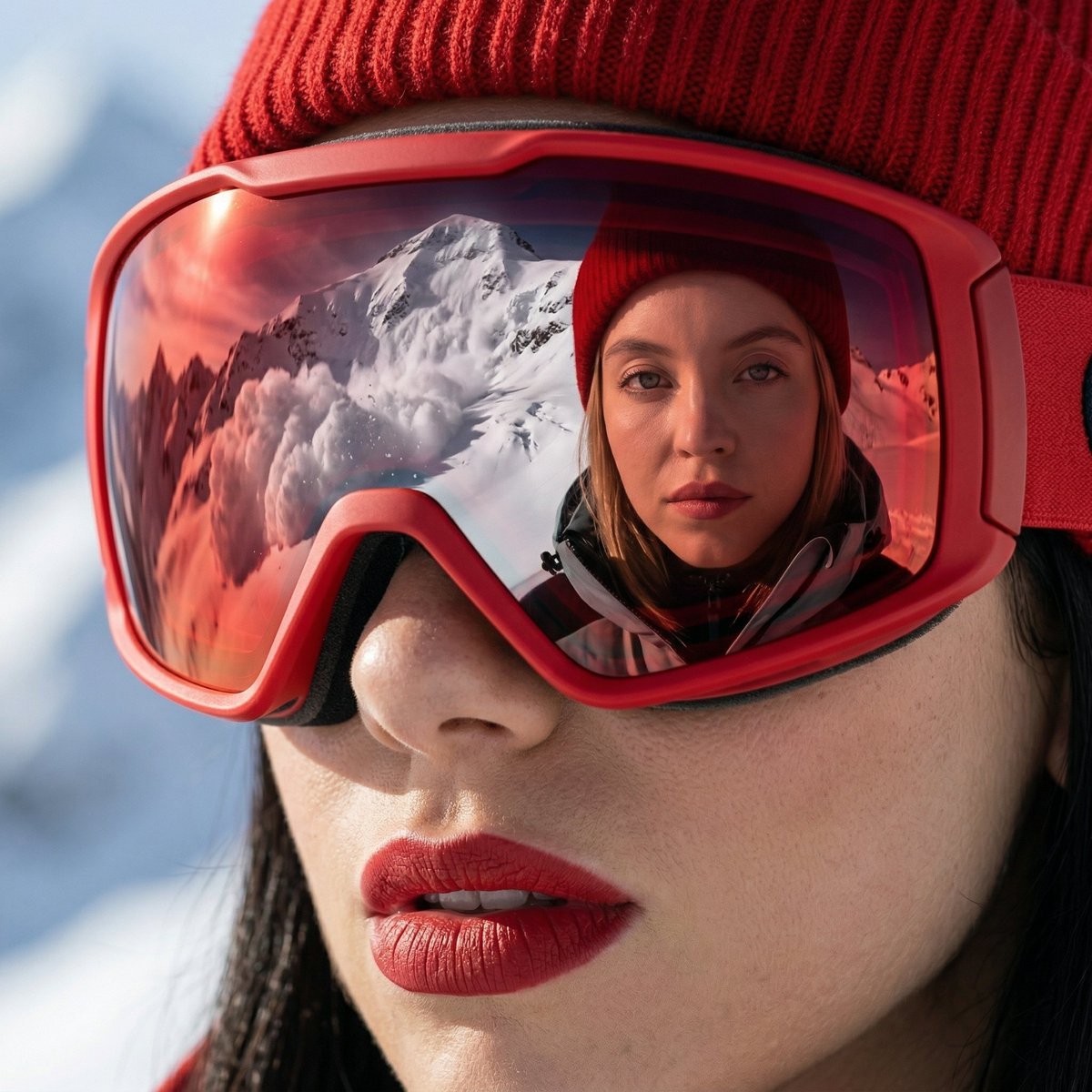
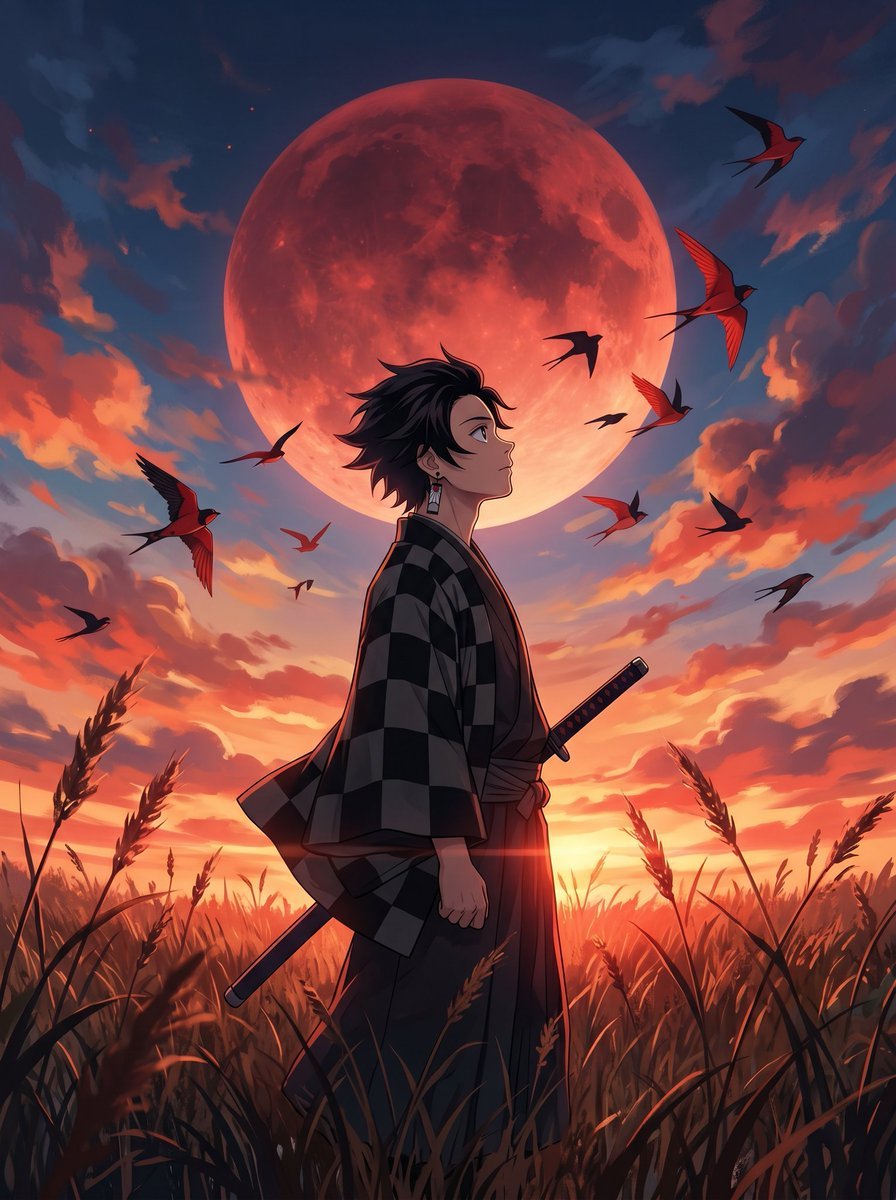
How do I use the Neon Blue Fashion Portrait template?
Edit the prompt in the box under the preview — the template's model and format are already selected — and press Generate. Your version appears right on this page.
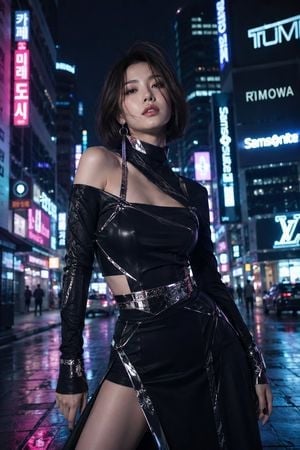
A wide cinematic editorial portrait prompt featuring a cropped East Asian model with neon magenta and cobalt-blue color-block lighting.

This template uses your photo — add one with the + button.
Create a cinematic ultra-vibrant editorial close-up portrait of a young East Asian woman with {argument name="hair color" default="short black hair"}, cropped dramatically so only the left half of her face, neck, shoulder, and upper torso appear along the far left side of a wide horizontal frame, leaving a large expanse of empty saturated cobalt-blue background on the right. She faces left in soft side profile with a calm, slightly distant expression, one half-closed eye visible, glossy pink lips slightly parted, and wind-swept wisps of hair crossing her cheek; her bob-length hair flares outward behind her head. She wears a sleeveless high-collar {argument name="outfit color" default="hot pink iridescent satin cheongsam-style top"} with subtle floral brocade texture and magenta highlights. Use intense color-block lighting: electric blue background and shadows, neon magenta/pink rim light on skin and clothing, slight cyan-red chromatic aberration around edges, glossy high-contrast fashion photography, shallow depth of field, soft motion blur in the hair, luminous skin, filmic grain, no text, no watermark. Aspect ratio 16:9.
Create a cinematic ultra-vibrant editorial close-up portrait of a young East Asian woman with {argument name="hair color" default="short black hair"}, cropped dramatically so only the left half of her face, neck, shoulder, and upper torso appear along the far left side of a wide horizontal frame, leaving a large expanse of empty saturated cobalt-blue background on the right. She faces left in soft side profile with a calm, slightly distant expression, one half-closed eye visible, glossy pink lips slightly parted, and wind-swept wisps of hair crossing her cheek; her bob-length hair flares outward behind her head. She wears a sleeveless high-collar {argument name="outfit color" default="hot pink iridescent satin cheongsam-style top"} with subtle floral brocade texture and magenta highlights. Use intense color-block lighting: electric blue background and shadows, neon magenta/pink rim light on skin and clothing, slight cyan-red chromatic aberration around edges, glossy high-contrast fashion photography, shallow depth of field, soft motion blur in the hair, luminous skin, filmic grain, no text, no watermark. Aspect ratio 16:9.
Edit the prompt in the box under the preview — the template's model and format are already selected — and press Generate. Your version appears right on this page.
Yes. You can change the subject, setting, lighting, mood, format, and available model controls before creating your image.
Opening and editing this template is free. Generating uses credits, shown on the Generate button when you are signed in.
Start with GPT Image 2, which is the model associated with this template. You can compare another compatible model for a different finish.
Follow a topic to a crawlable collection of related PicX Studio templates.