How do I use the Photorealistic Sadie Sink Red Carpet Look Prompt template?
Choose the primary action to open PicX Studio with the available template settings. Review the model and format, personalize the creative direction, and generate when ready.
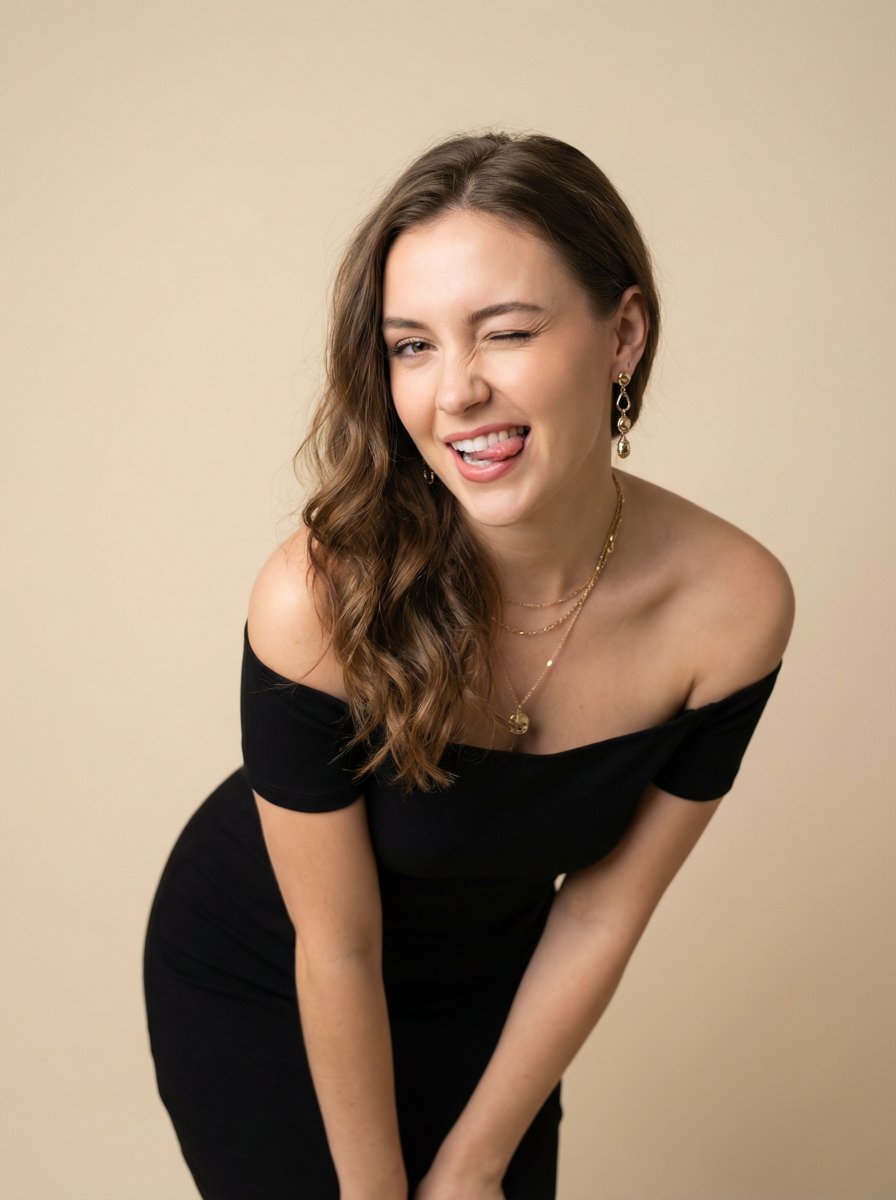
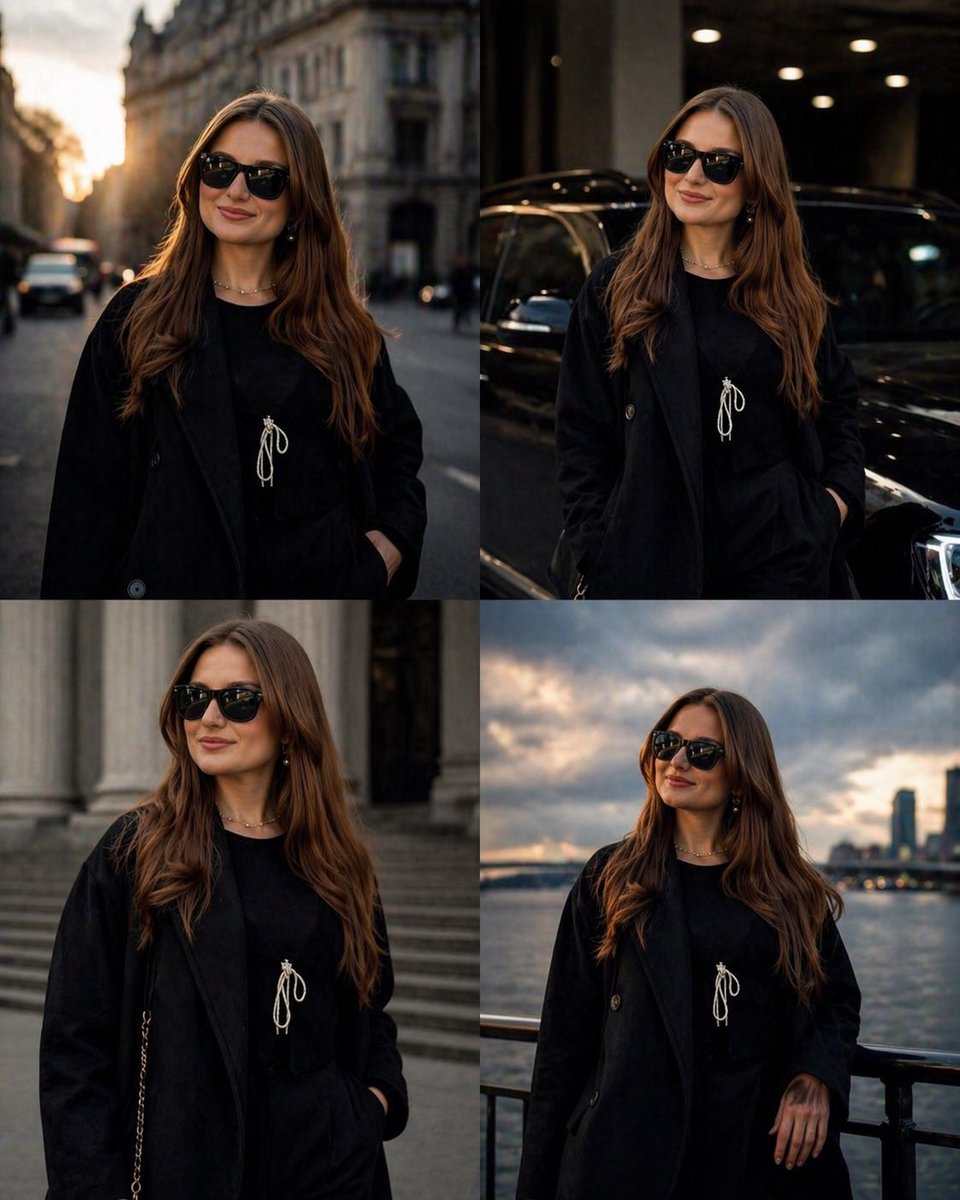
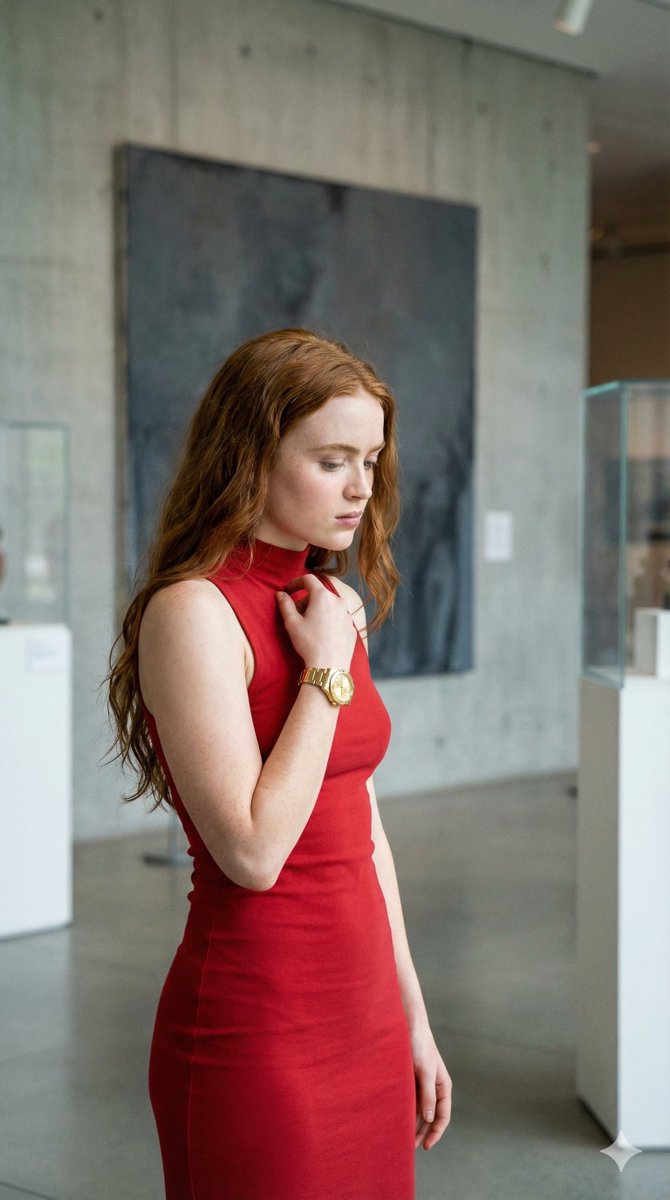
A detailed JSON prompt for generating a photorealistic image resembling Sadie Sink at a red carpet event, focusing on her vibrant ginger hair, specific outfit (tube top, low-rise jeans, studded belt), and professional flash photography lighting with heavy bokeh. Change the subject, setting, or lighting one variable at a time.

{ "image_prompt": { "subject_details": { "demographics": "Young woman, pale complexion, celebrity resemblance ({argument name="celebrity name" default="Sadie Sink"})", "hair": { "color": "Vibrant ginger red", "style": "Long, loose waves, center part", "accessories": "Two small pink 3D butterfly/floral hair clips positioned symmetrically at the temples" }, "face": { "eyes": "Blue, looking slightly to the viewer's right", "expression": "Soft, playful smile with lips closed", "skin": "Smooth texture, rosy cheeks" } }, "outfit_and_accessories": { "clothing": { "top": "Black strapless tube top (crop top), tight fit", "bottom": "Blue denim jeans, low-rise cut", "belt": "Black leather belt with double rows of silver metal studs/grommets" }, "jewelry": { "neck": "Thin silver diamond tennis choker", "body_piercing": "Silver belly button ring featuring a purple floral gemstone" } }, "pose_and_composition": { "posture": "Leaning slightly forward, left shoulder elevated towards the ear, torso angled slightly", "framing": "Medium shot, captured from the waist up", "angle": "Eye-level, slightly off-center" }, "environment_and_background": { "setting": "Red carpet premiere or public event", "flooring": "Bright pink carpet", "background_elements": [ "Blurred paparazzi photographers holding cameras", "Event posters and banners on walls", "Crowd member in a white tank top and denim skirt (out of focus)" ] }, "technical_specs": { "quality": "4k, 8k, Ultra HD, Photorealistic", "lighting": "Professional flash photography, high contrast, bright illumination on subject", "camera_style": "DSLR photography, 85mm portrait lens, f/2.8 aperture, sharp focus on subject with heavy bokeh (blurred background)", "texture": "High fidelity skin texture, detailed fabric weaves, realistic hair rendering", "aspect_ratio": "9:16" } } }
Choose the primary action to open PicX Studio with the available template settings. Review the model and format, personalize the creative direction, and generate when ready.
Yes. You can change the subject, setting, lighting, mood, format, and available model controls before creating your image.
This template is free to open and customize. Generation usage is shown in PicX Studio before you create.
Start with Nano Banana 2, which is the model associated with this template. You can compare another compatible model for a different finish.
Follow a topic to a crawlable collection of related PicX Studio templates.
43,474 public templates available. Verified via the PicX Studio public templates API; refreshed hourly.












![Naive doodle-style subject illustration — A doodle-style {argument name="subject" default="[subject]"}, naive lines, humorous shape exaggeration](https://pbs.twimg.com/media/G6Wl2YxbsAARB2b.jpg)