How do I use the iPhone-Realistic Photobooth Collage (2x2 Grid) template?
Choose the primary action to open PicX Studio with the available template settings. Review the model and format, personalize the creative direction, and generate when ready.
A highly specific prompt requiring the generation of a 2x2 seamless photobooth collage featuring two subjects (Sydney Sweeney and Ana de Armas references). Change the subject, setting, or lighting one variable at a time.

{ "task": "Create an iPhone-realistic photobooth collage (4 photos in a 2x2 grid)", "subjects": [ { "id": "Subject 1", "description": "EXACTLY from the Reference Image (same face, hairstyle, skin tone, body proportions, overall look).", "outfit": "EXACTLY the same as in the Reference Image. Do not change clothing, glasses, or accessories." }, { "id": "Subject 2", "description": "EXACTLY from the Reference Image (same face, hairstyle, skin tone, body proportions, overall look).", "outfit": "EXACTLY the same as in the Reference Image. Do not change clothing, glasses, or accessories." } ], "scene": { "location": "Inside a small BOX photo booth", "background": "Matte {argument name="background color" default="blue"} walls and blue floor, tight enclosed corner, clean minimal environment", "camera_look": "Ultra wide / slight fisheye lens look with subtle perspective distortion typical of photobox cameras. iPhone 17 Pro, photobooth wide-angle.", "lighting": "Bright neutral-white flash lighting, evenly illuminating faces, soft shadow falloff on blue walls, crisp detail, realistic skin texture. Direct neutral white flash (no yellow / no warm tone).", "aesthetic": "4K, amateur photobooth aesthetic, high contrast but still natural, no cinematic grading, no heavy beauty filter, no blur, no text, no watermark." }, "layout": { "type": "2x2 grid collage", "aspect_ratio": "9:16 (vertical collage)", "style": "Clean, with NO white borders, NO frame lines, NO gaps, and NO outlines between photos (seamless collage). Each frame fills its quadrant edge-to-edge." }, "frames": [ { "position": "top-left", "content": "Subject 1 leans diagonally toward the camera from the front-left, one arm stretched down, playful serious face; Subject 2 stands behind in the center, arms raised and flexing like “strongman”, smiling." }, { "position": "top-right", "content": "Subject 2 leans forward toward the camera, hands on knees, curious expression; Subject 1 enters from the right side very close to camera, tilting her head, one arm arched above her head like a half-heart pose, soft smile." }, { "position": "bottom-left", "content": "Piggyback pose — Subject 1 on Subject 2’s back, arms wrapped around shoulders; both laughing big, faces close to camera, dynamic motion vibe." }, { "position": "bottom-right", "content": "Subject 2 bends sideways/leans forward with a goofy face; Subject 1 stands behind making playful “claw/horns” hand gestures above Subject 2’s head, slightly pouting for fun." } ] }
Choose the primary action to open PicX Studio with the available template settings. Review the model and format, personalize the creative direction, and generate when ready.
Yes. You can change the subject, setting, lighting, mood, format, and available model controls before creating your image.
This template is free to open and customize. Generation usage is shown in PicX Studio before you create.
Start with Nano Banana 2, which is the model associated with this template. You can compare another compatible model for a different finish.
Follow a topic to a crawlable collection of related PicX Studio templates.
43,474 public templates available. Verified via the PicX Studio public templates API; refreshed hourly.

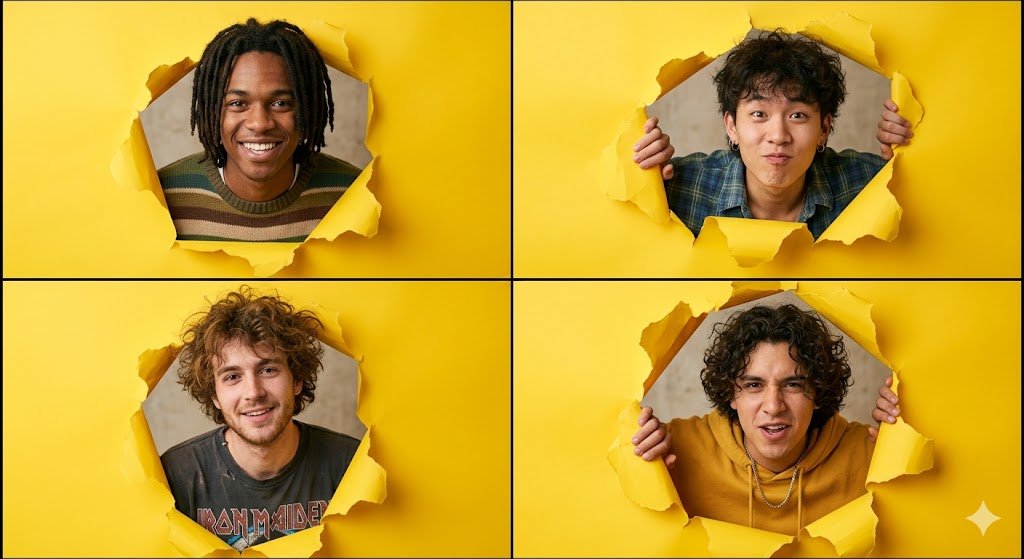


![Country Landmarks 2x2 Collectible Grid — <instructions> Role: You are a Lead 3D Artist at a premium collectible company Input Variable: [INSERT COUNTRY] Syst](/_next/image?url=https%3A%2F%2Fcdn.picxstudio.com%2Fuploads%2Fmeigen_2010411888434417944_1e02f0c8-5921-4445-9757-625e5c8a678b.jpg&w=828&q=100)







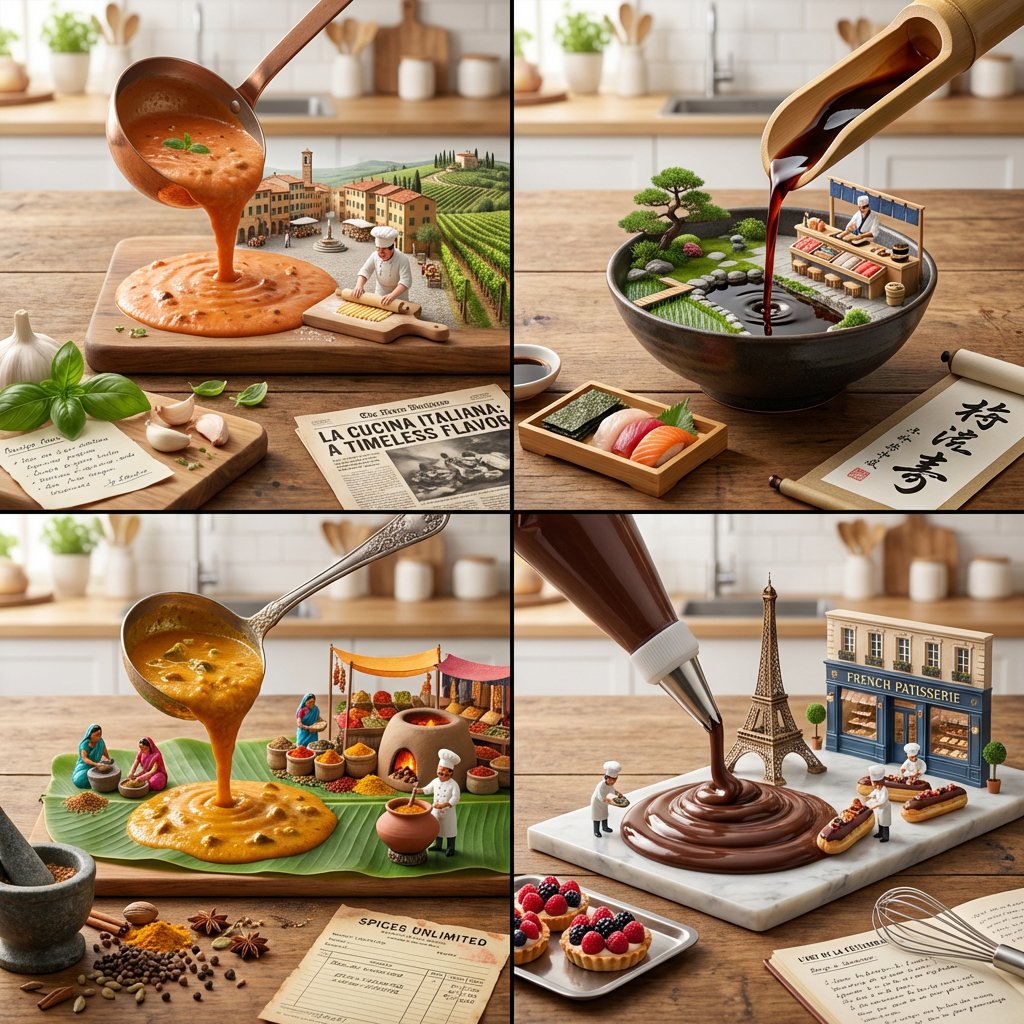
![16 9 horizontal bento-grid brand collage for in a polished contemporary — Create a 16:9 horizontal bento-grid brand collage for [BRAND NAME] in a polished conte](https://images.meigen.ai/tweets/2047423024068952489/0.jpg)


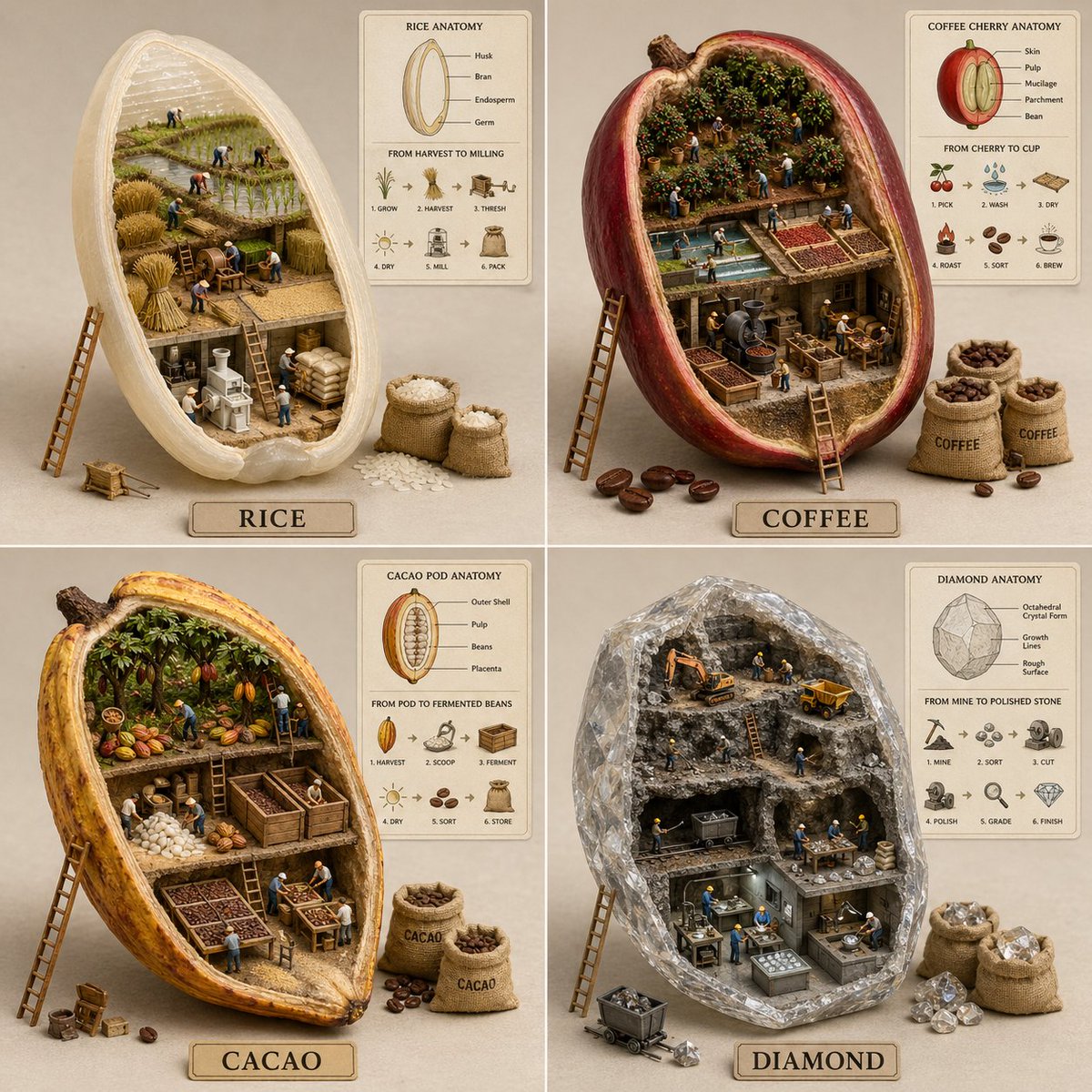
![16 9 horizontal bento-grid brand collage for in a polished contemporary — Create a 16:9 horizontal bento-grid brand collage for [BRAND NAME] in a polished conte](https://images.meigen.ai/tweets/2047420285817929961/0.jpg)

![Naive doodle-style subject illustration — A doodle-style {argument name="subject" default="[subject]"}, naive lines, humorous shape exaggeration](https://pbs.twimg.com/media/G6Wl2YxbsAARB2b.jpg)