
Character Consistency 9-Grid Collage
A structured prompt for creating a 3x3 collage of the same character in various poses and angles based on a reference image, maintaining visual consistency throughout.
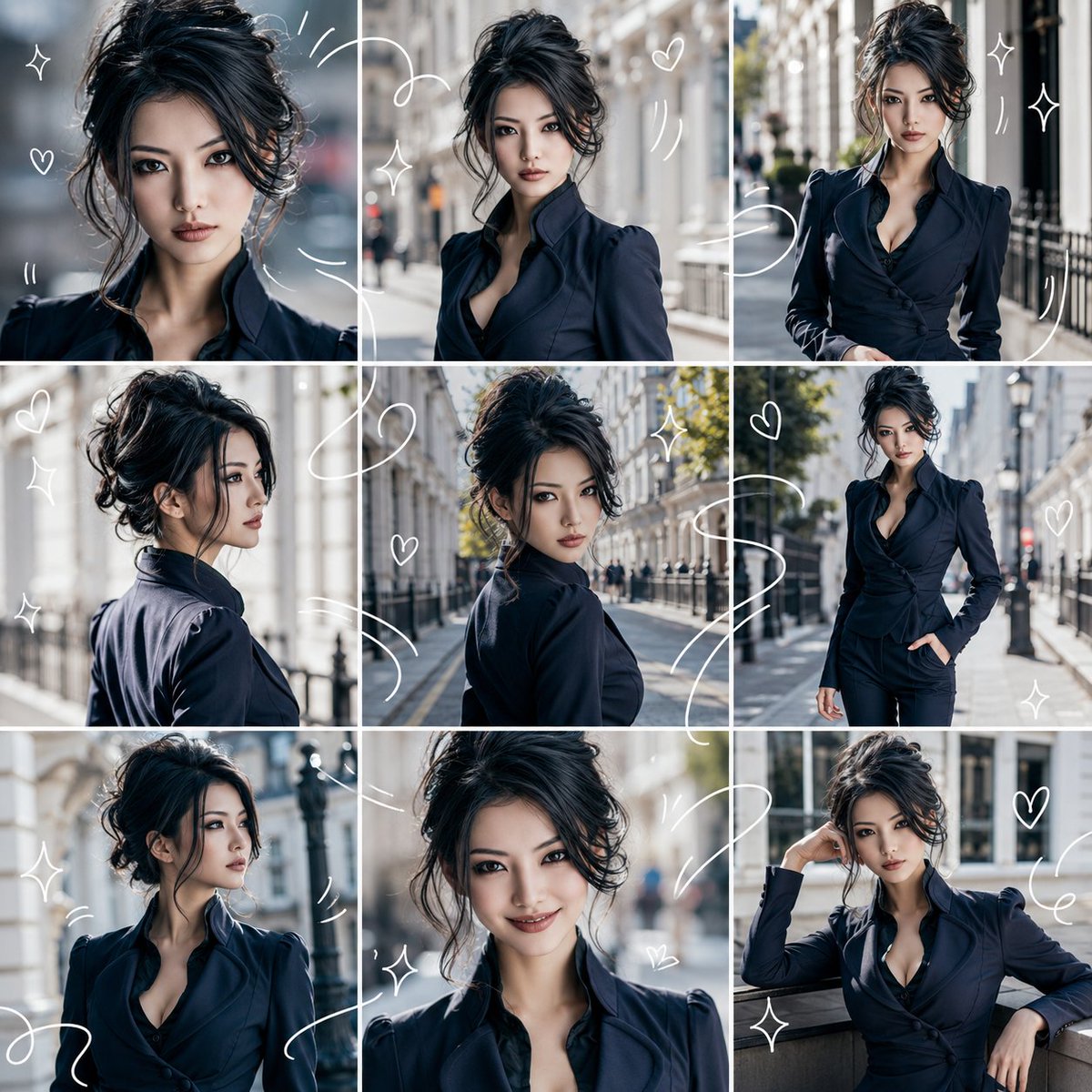
- Prompt included
- Model and format preset
- Premium template
The prompt behind this image
Copy the exact prompt behind Character Consistency 9-Grid Collage, or open it in the studio and make it yours.
添付した参照画像の人物/キャラクターを主役にしてください。参照画像が実写・イラストのどちらであっても、指定した「{argument name="出力スタイル" default="実写写真風"}」に合わせて自然に変換してください。参照画像の顔立ち、髪型、髪色、目元、輪郭、年齢感、雰囲気、体型、衣装の主要な特徴を保ち、全コマで同じ人物/同じキャラクターに見えるようにしてください。出力は「{argument name="アスペクト比" default="1:1"}」の1枚画像にしてください。画面全体を均等な3列×3行に分け、必ず合計9コマのコラージュにしてください。フレーム数を増やしたり減らしたりせず、整理された見やすいレイアウトにしてください。各コマは、同じ人物/キャラクターの異なる瞬間を切り取ったようにしてください。アップ、バストアップ、少し引いた構図、横顔、振り向き、歩いている姿、目線を外した表情、自然な笑顔、リラックスしたポーズなど、角度・距離・表情・動きに変化をつけてください。背景は「{argument name="背景" default="明るい室内"}」をベースに、清潔感があり明るい雰囲気にしてください。全体の印象は「爽やか」で、軽やかで爽やかなビジュアルダイアリー風にしてください。全体に、細い白い手描き風のドローイングラインを重ねてください。白い線は9コマをまたいで流れるようにつながり、人物の周囲を囲んだり、動きを表現したりしてください。小さなハート、星形のきらめき、波線、モーションラインを入れてください。ただし、顔、目、表情を隠さないでください。避ける要素:文字、字幕、ロゴ、透かし、余分な人物、別人化、顔の崩れ、手足の破綻、背景のごちゃつき、過度に暗い影、顔を隠す落書き、9コマ以外のフレーム。
How to use Character Consistency 9-Grid Collage in 3 steps
- 1Upload ImagePNG, JPG or paste
Add your photo
Upload the photo the template builds on. The prompt, model and format are already set.
- 2…a portrait of your subject in softgolden-hour light, 85mm…
Personalize
Edit the subject and creative details for your destination.
- 3Generate
Generate
Press Generate — your image is created in PicX Studio, so you can compare it with the original and refine one variable at a time.
More like this
Templates with the same subject, style or setup. Open one to see its prompt.

Paris Travel Collage Grid - Face Reference
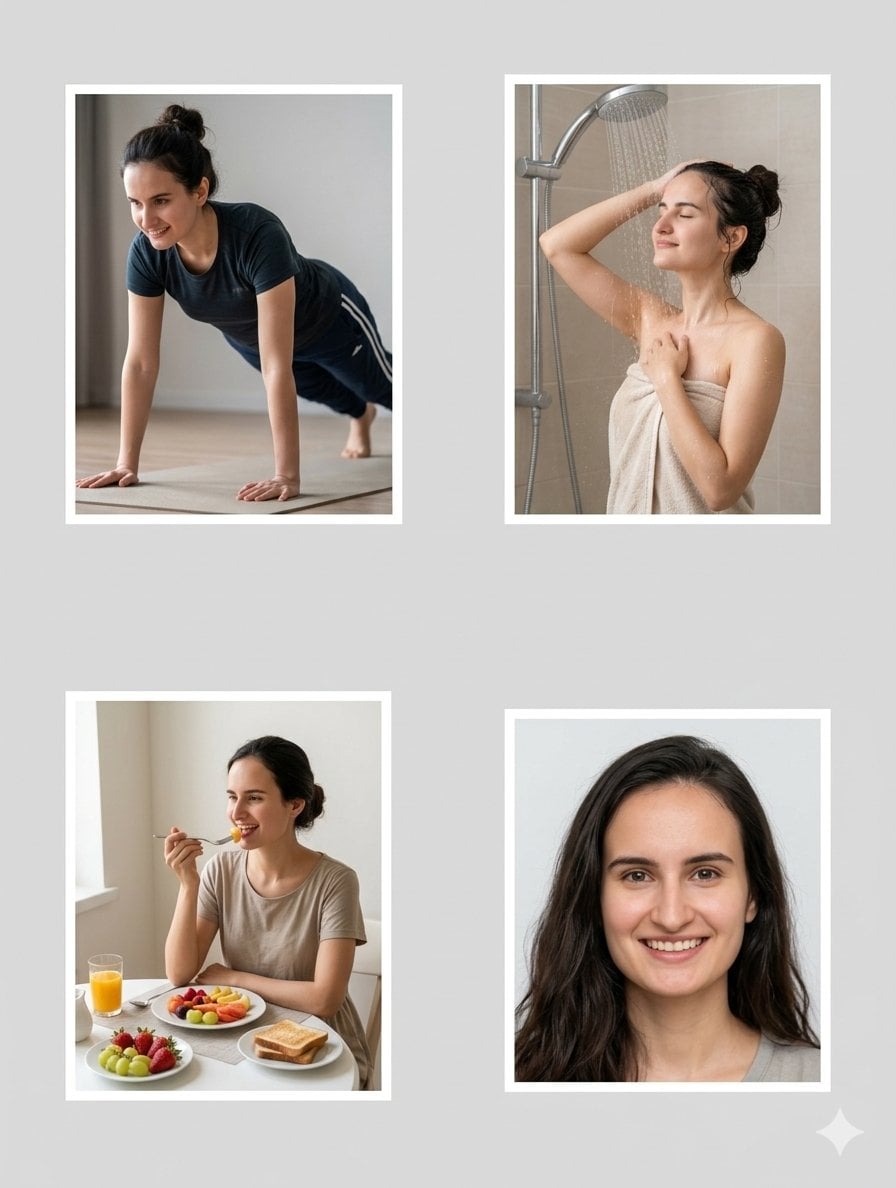
Character Consistency Profile Collage

Paper Cut Finale Fireworks

Paper Cut Garden Maze

Paper Cut Rooftop Concert

Paper Cut Bicycle Coast

Paper Cut Castle Gate

Paper Cut Kitchen Chaos

Paper Cut Carnival Ride

Paper Cut Rainy Bus Stop

Paper Cut Space Dock

Paper Cut Cafe Morning
Make it yours
Character Consistency 9-Grid Collage works as-is. These are the safest ways to change it without losing the look.
Change one field
Copy a single group, rewrite it, and generate again so you can see what that field is doing.
Keep the frame, change the subject
Hold the composition and light of Character Consistency 9-Grid Collage, then swap wardrobe, props or the person for a new take.
| If the result… | Why | Fix |
|---|---|---|
| The result drifts from the preview | Too many fields changed at once. | Reuse Character Consistency 9-Grid Collage as-is first, then change one group — subject, light, or setting. |
| The model over-stylizes the scene | The prose prompt leaves finish and camera underspecified. | Add one camera or lighting sentence and stay on GPT Image 2. |
More GPT Image 2 templates
Other prompts made for GPT Image 2.

Six VTuber Japanese Logo Sheet

Realistic Portrait of Woman and Deer

The Vista Modular Condo Poster

AI Model Routing Comparison Infographic

2.5D Anime Art Board

Isometric Productivity Desk Scene

New York Double Exposure Poster

Four-Panel AI Landscape Comparison

Japanese Tatami Lifestyle Magazine Cover

NESCAFÉ Coffee Map Poster
More image prompts
Fresh picks from across the catalog.
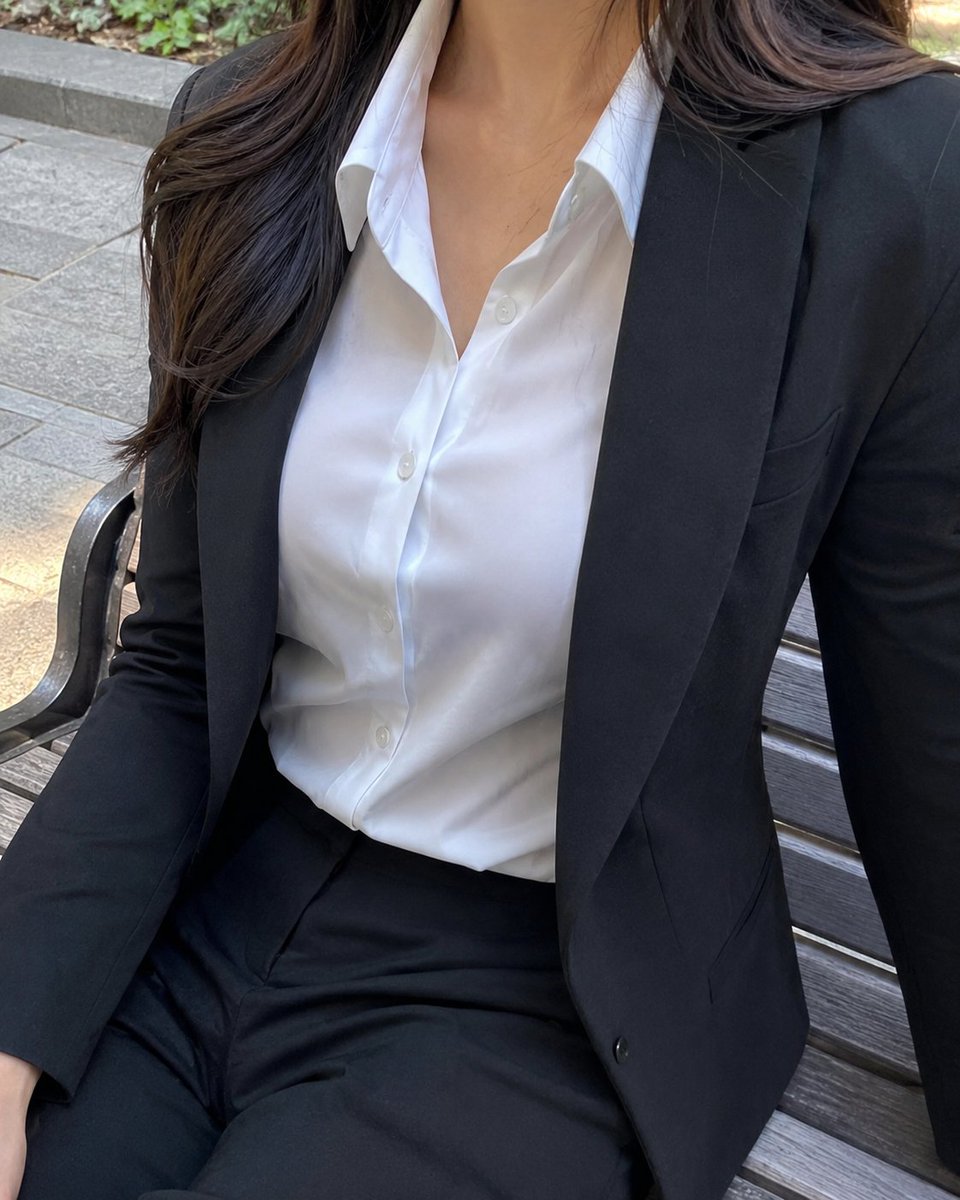
Cropped Business Suit Portrait

X Meng Dagg695 Gpt Image 2 on Socialsight
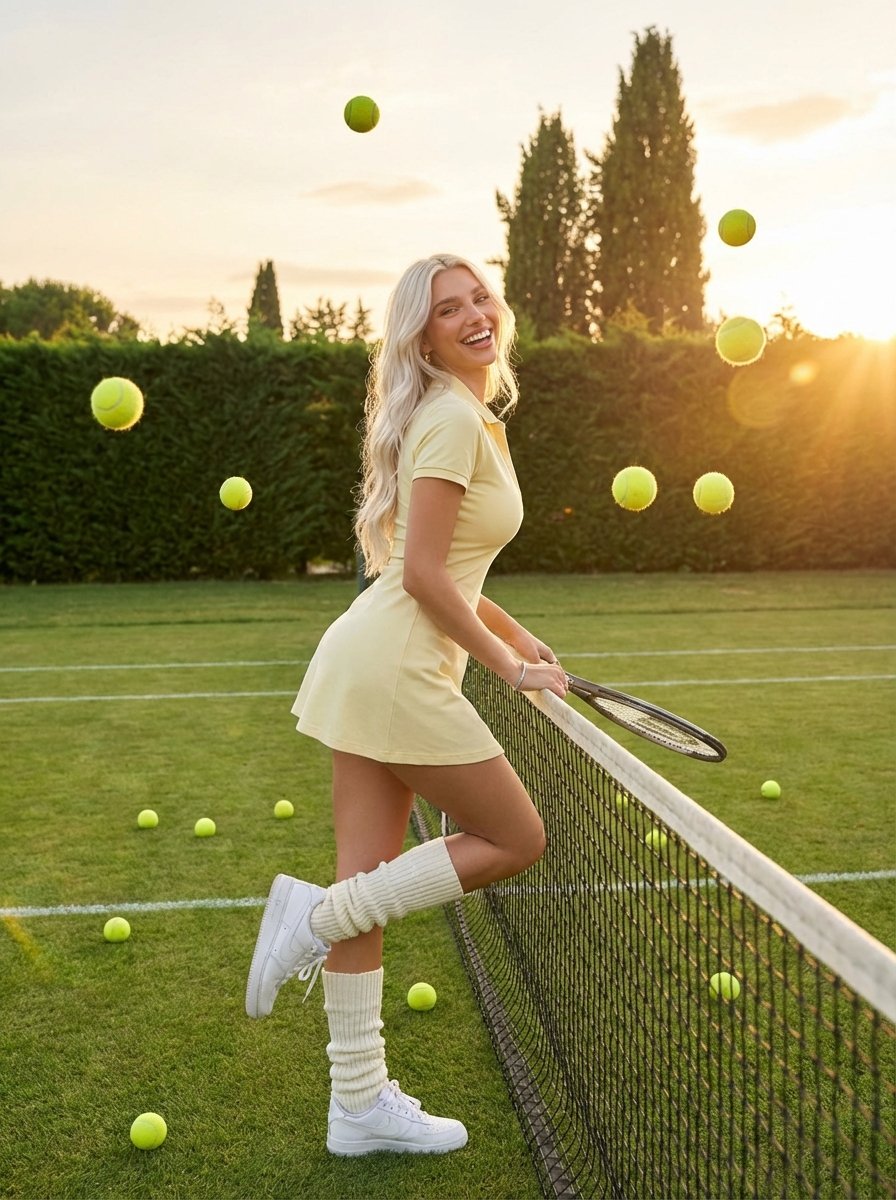
Golden Hour Tennis Lifestyle Photo
Photorealistic Leaf Shaped Like a Bird
Catgirl Hardbass Alley Dancers
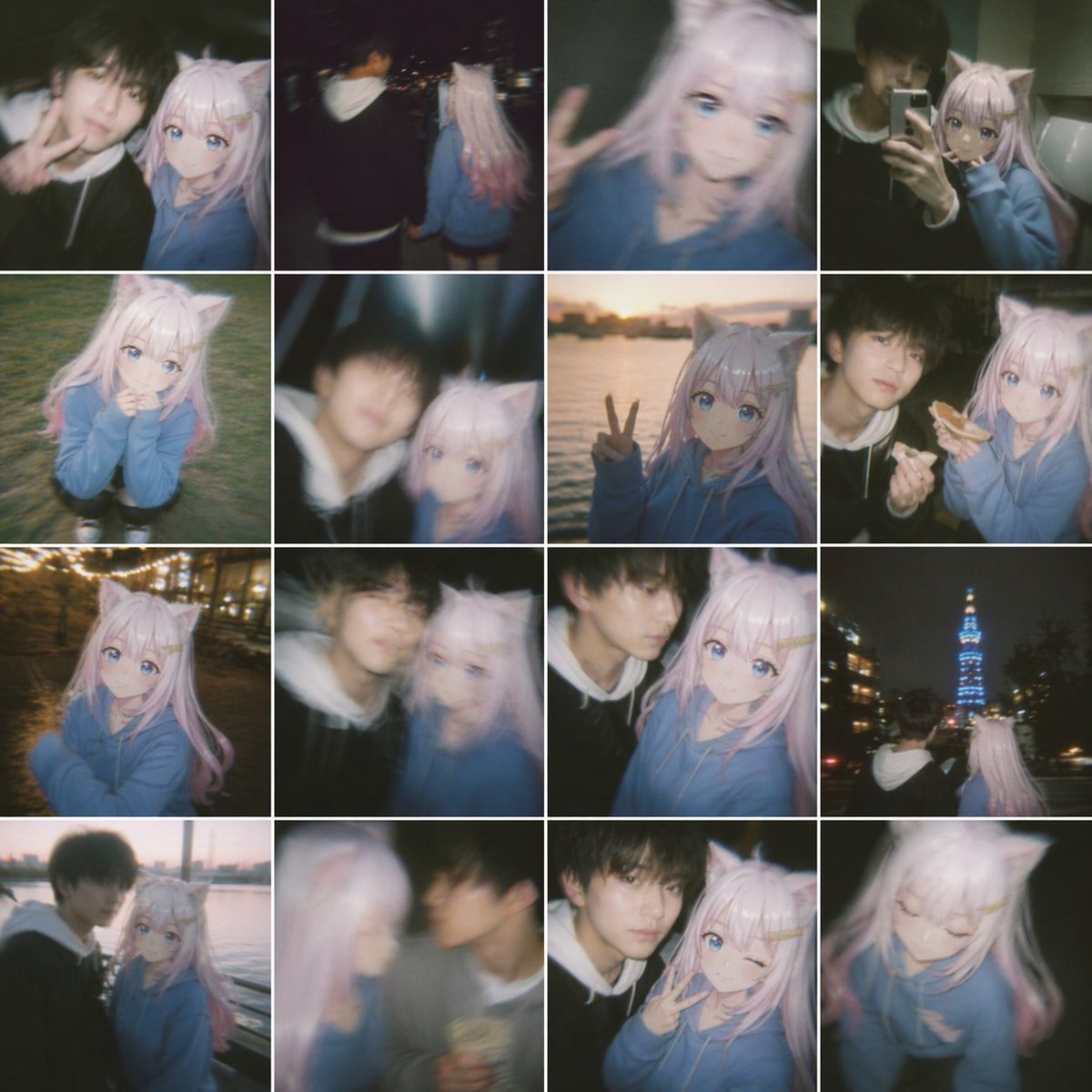
Nostalgic Shaky Film Couple Selfies
Luxury Jewelry Advertisement
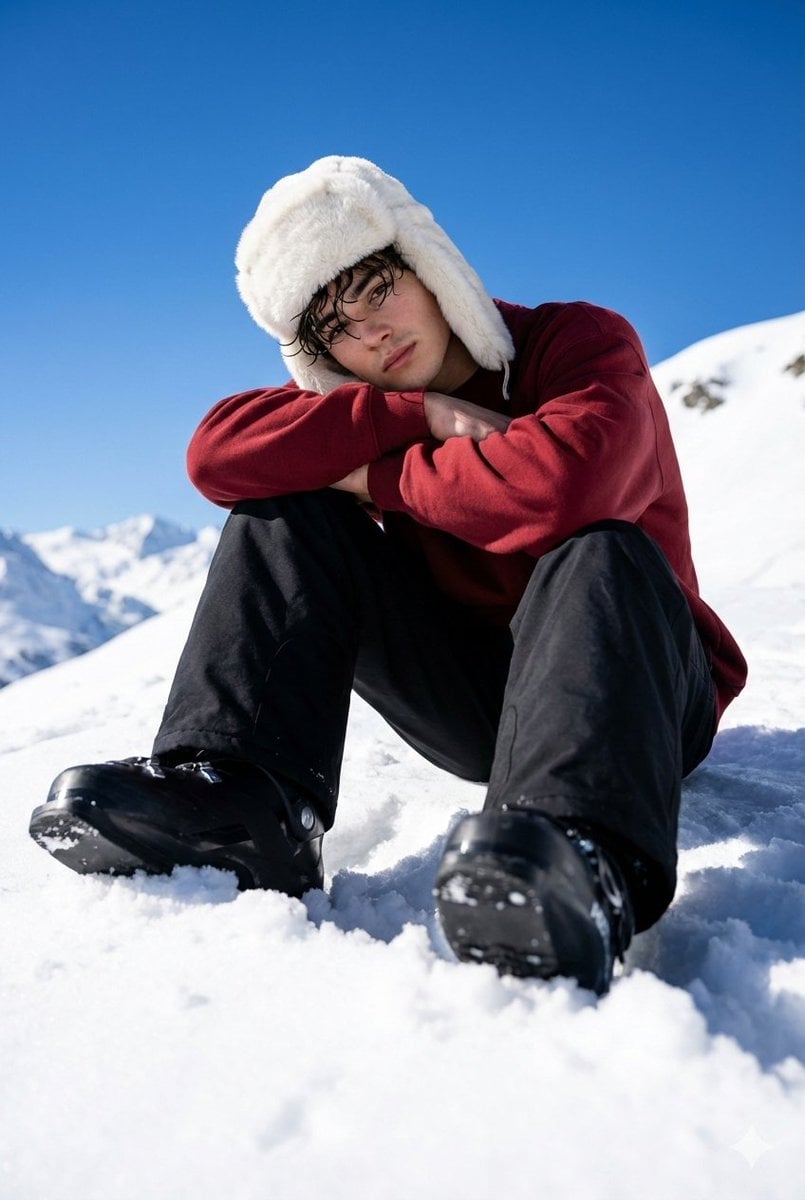
Alpine Snow Portrait with Trapper Hat
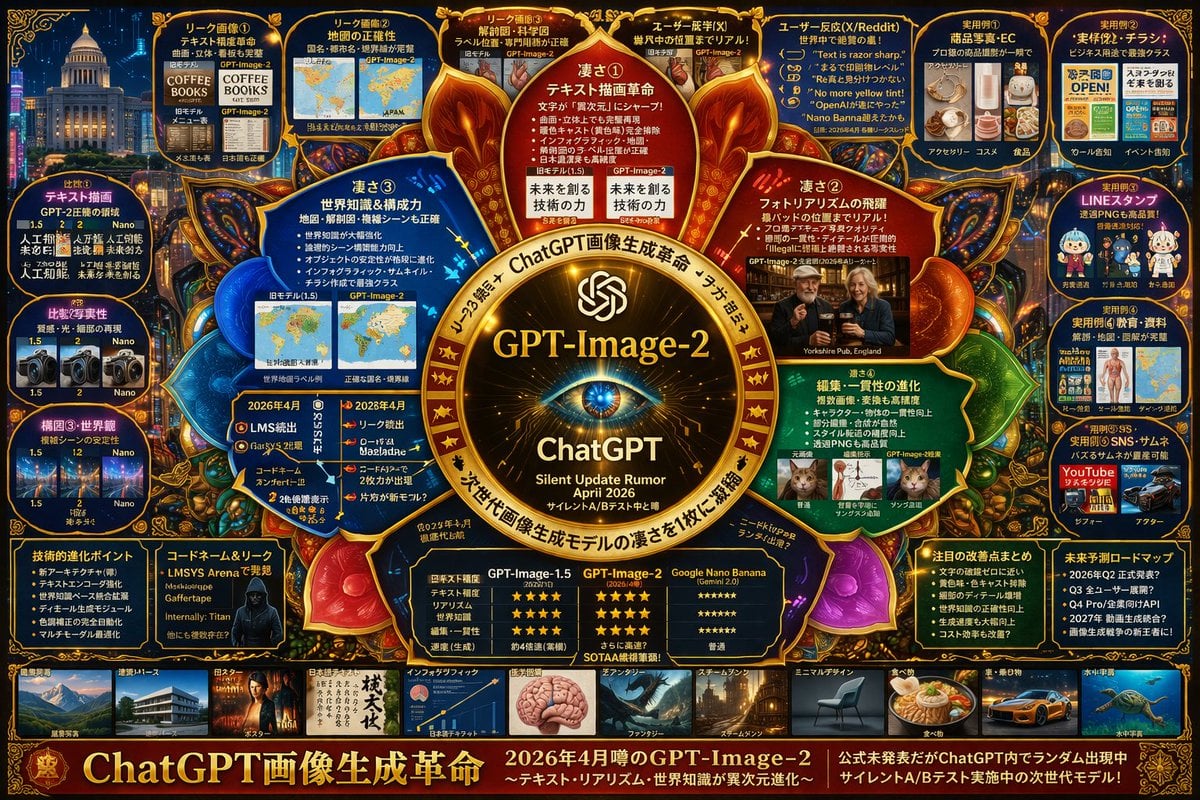
Complex Tech Speculation Infographic
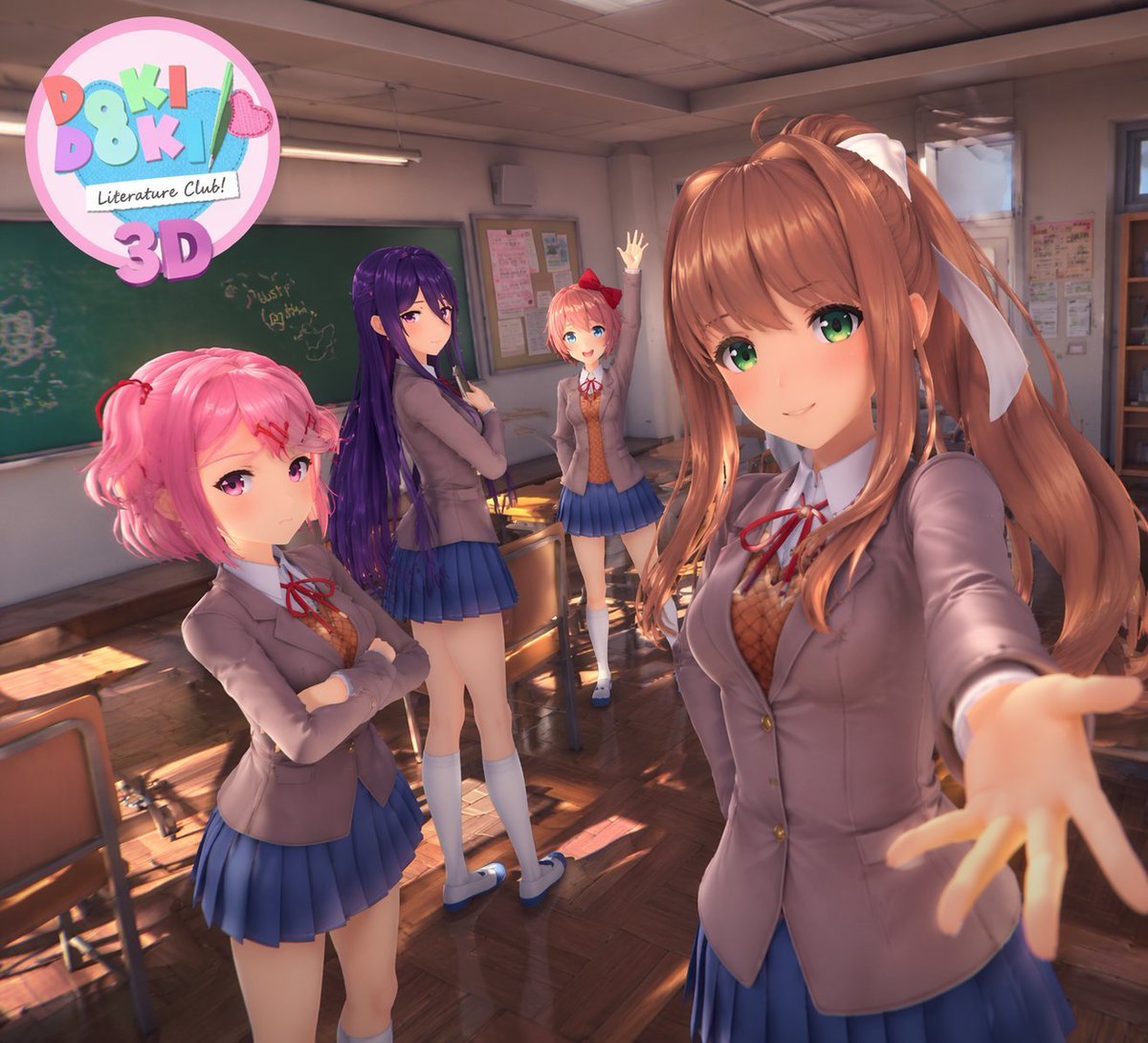
3D Anime Visual Novel Game Cover
Browse template categories
Character Consistency 9-Grid Collage questions
How do I use the Character Consistency 9-Grid Collage template?
Add your photo if the template asks for one, edit the prompt if you like — the template's model and format are already selected — and press Generate. Your version opens in PicX Studio.
Can I customize the Character Consistency 9-Grid Collage template?
Yes. You can change the subject, setting, lighting, mood, format, and available model controls before creating your image.
Is the Character Consistency 9-Grid Collage template free?
Opening and editing this template is free. Generating uses credits, shown on the Generate button when you are signed in.
Which AI model should I use?
Start with GPT Image 2, which is the model associated with this template. You can compare another compatible model for a different finish.
Looking for something else? Browse all templates.

Your photo, any look
Thousands of ready templates for every top image and video model, from one credit balance.