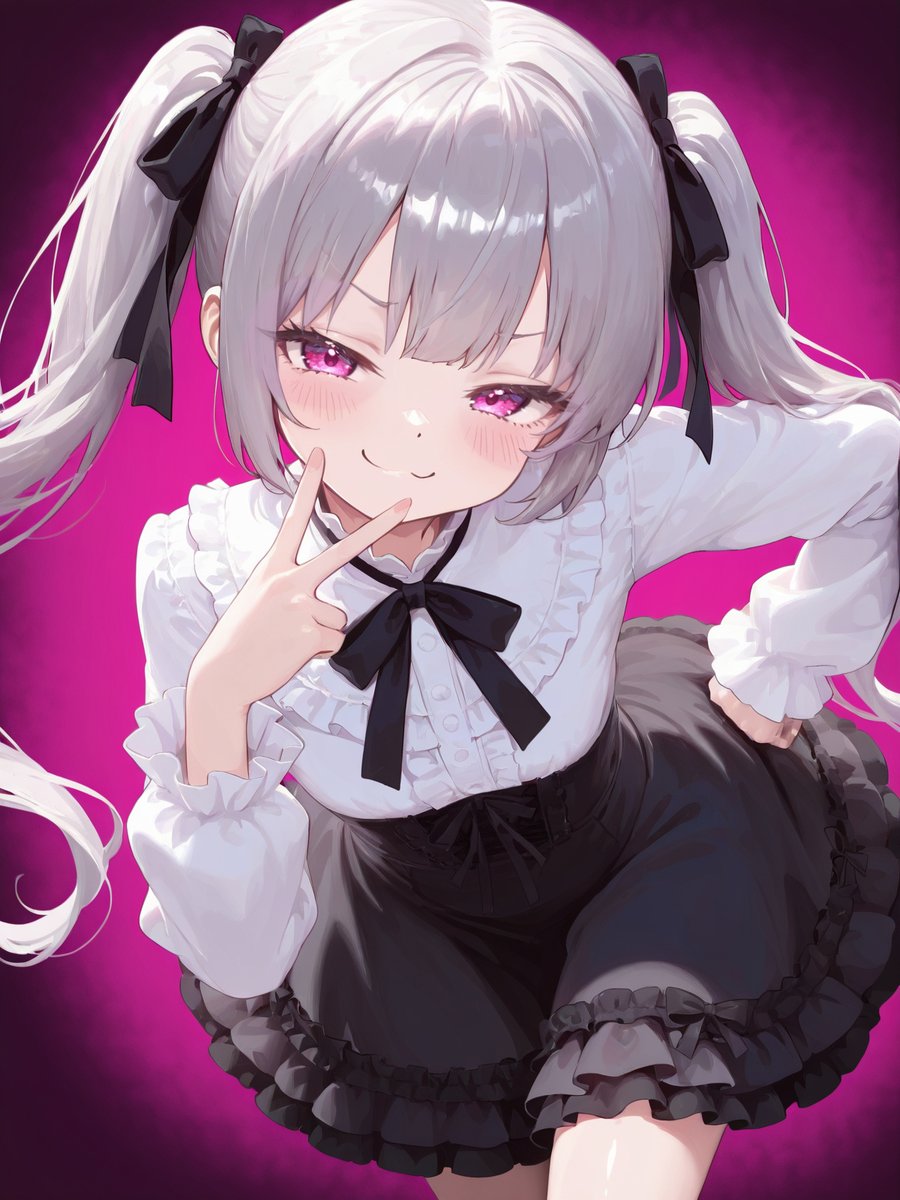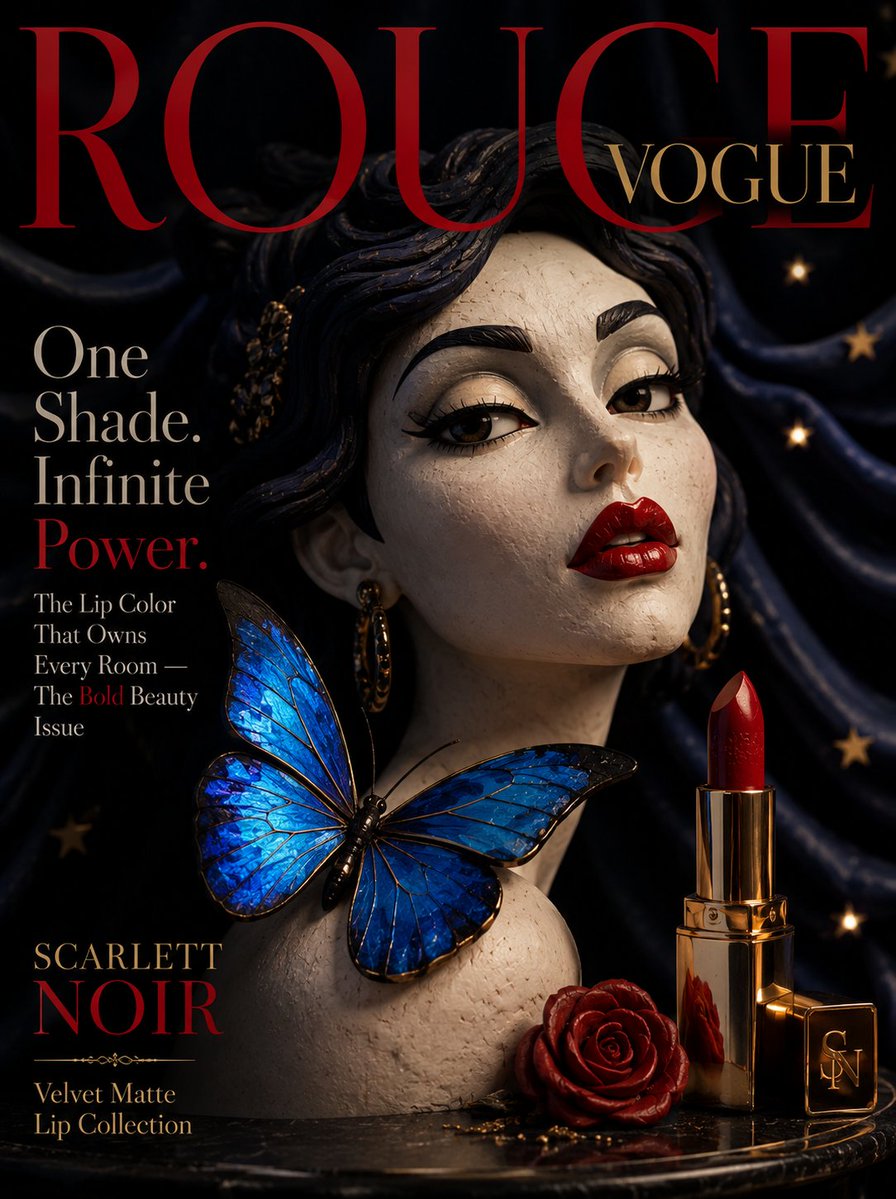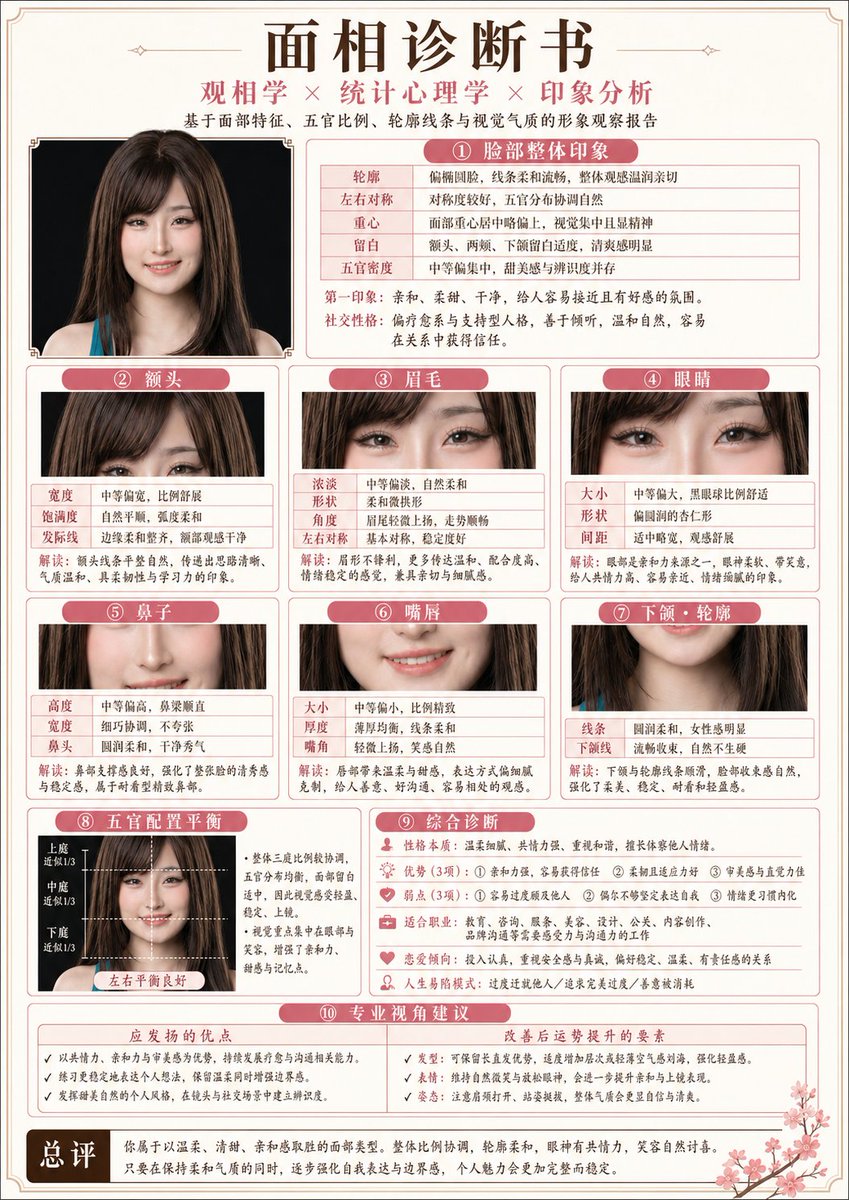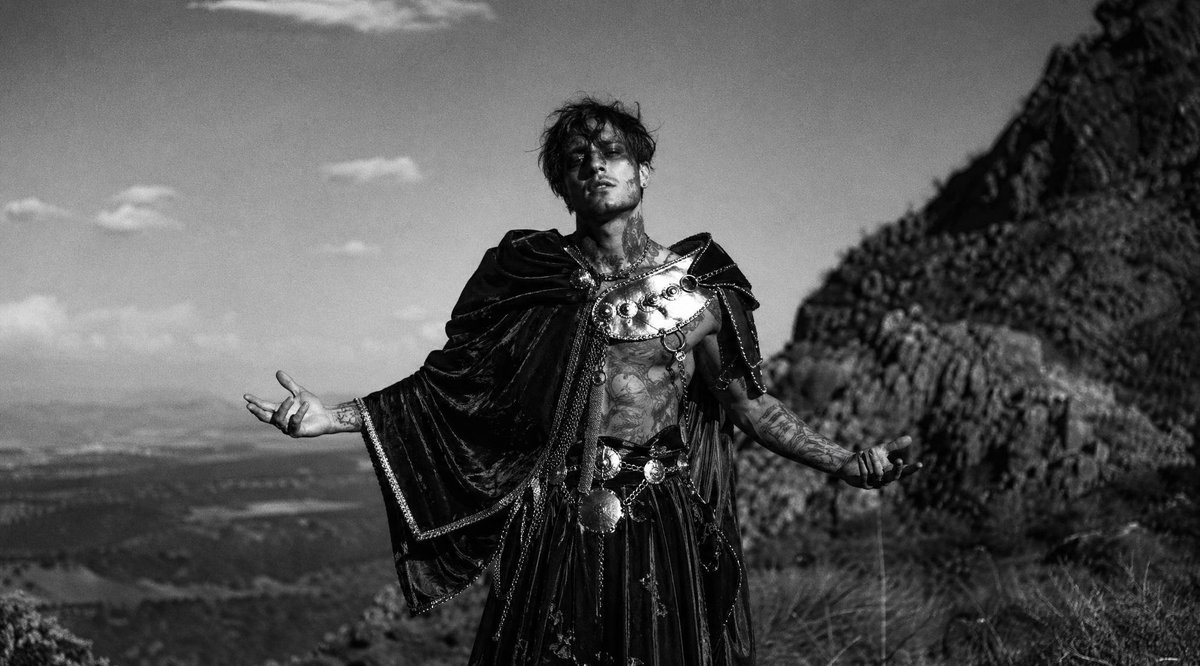
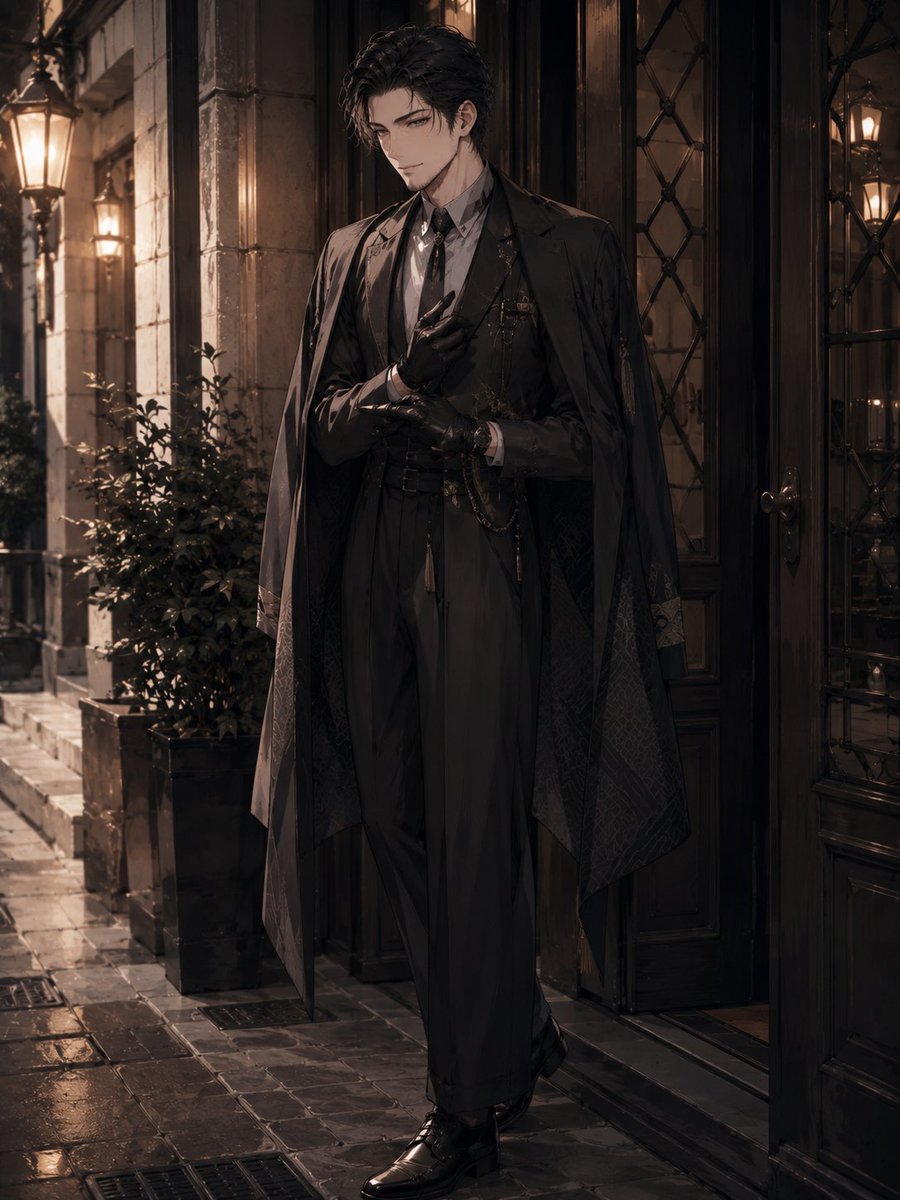
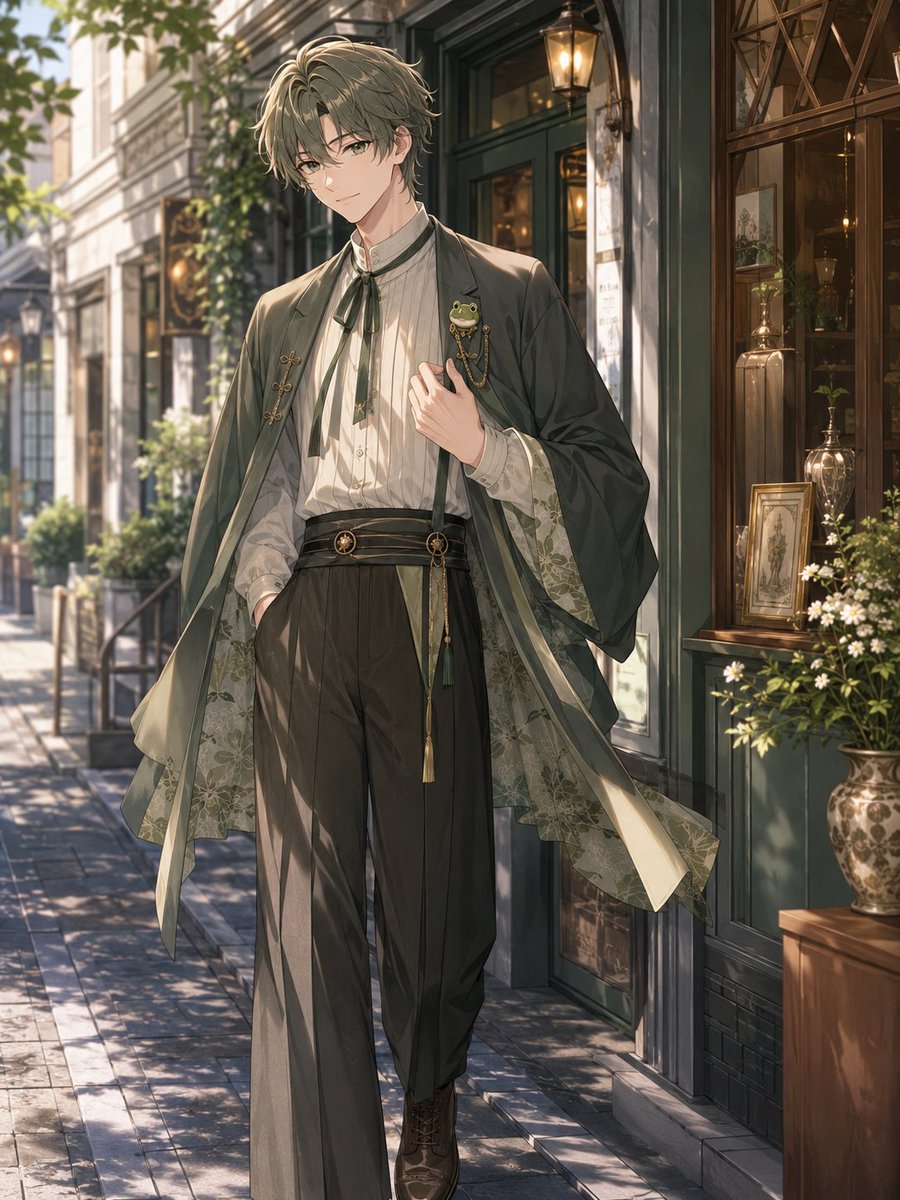
How do I use the Taisho Roman x Modern Fashion Fusion template?
Choose the primary action to open PicX Studio with the available template settings. Review the model and format, personalize the creative direction, and generate when ready.
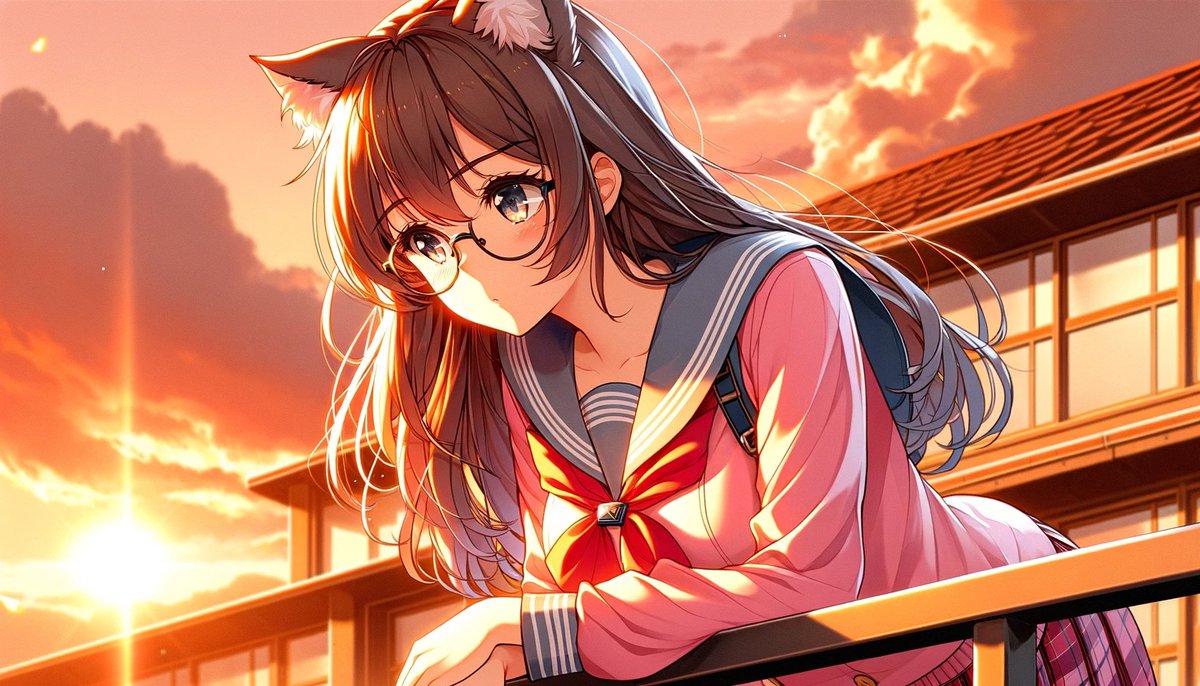
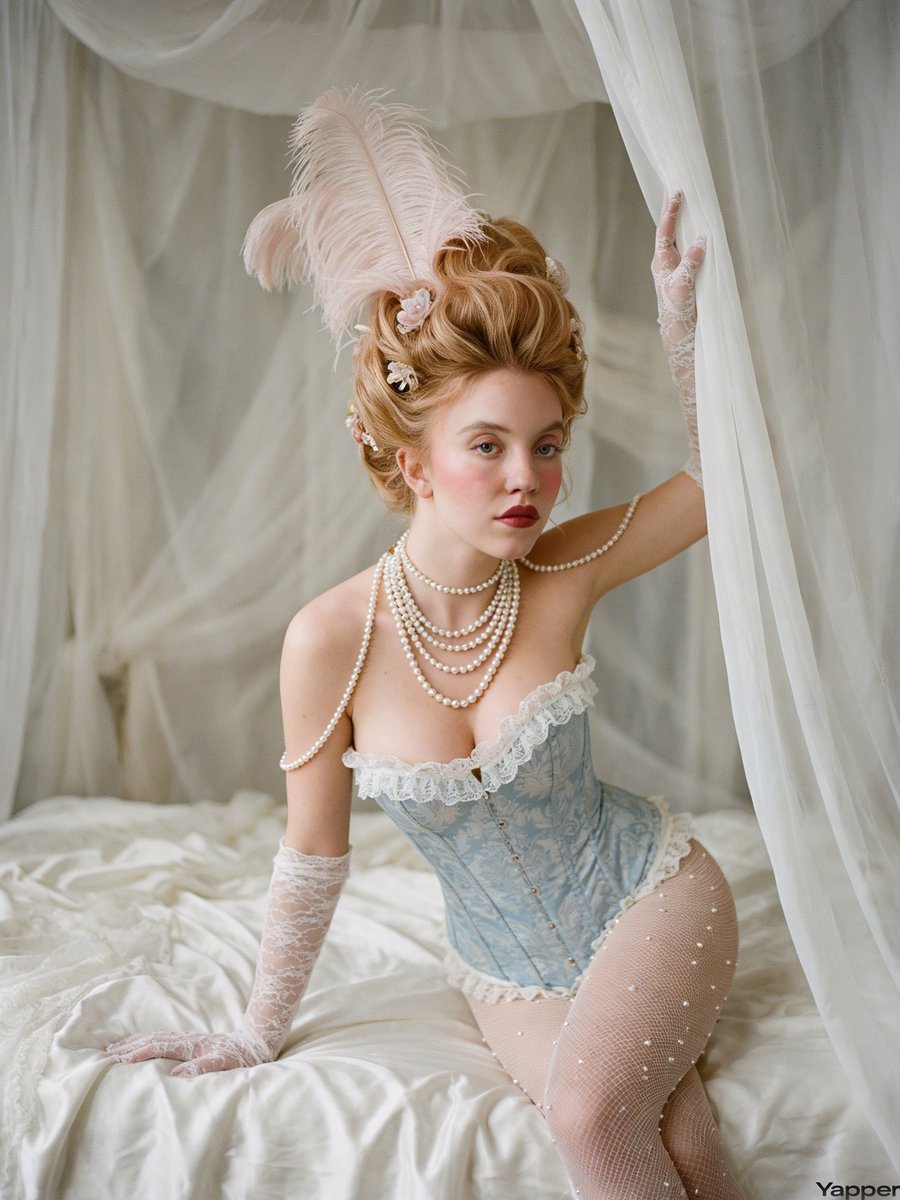
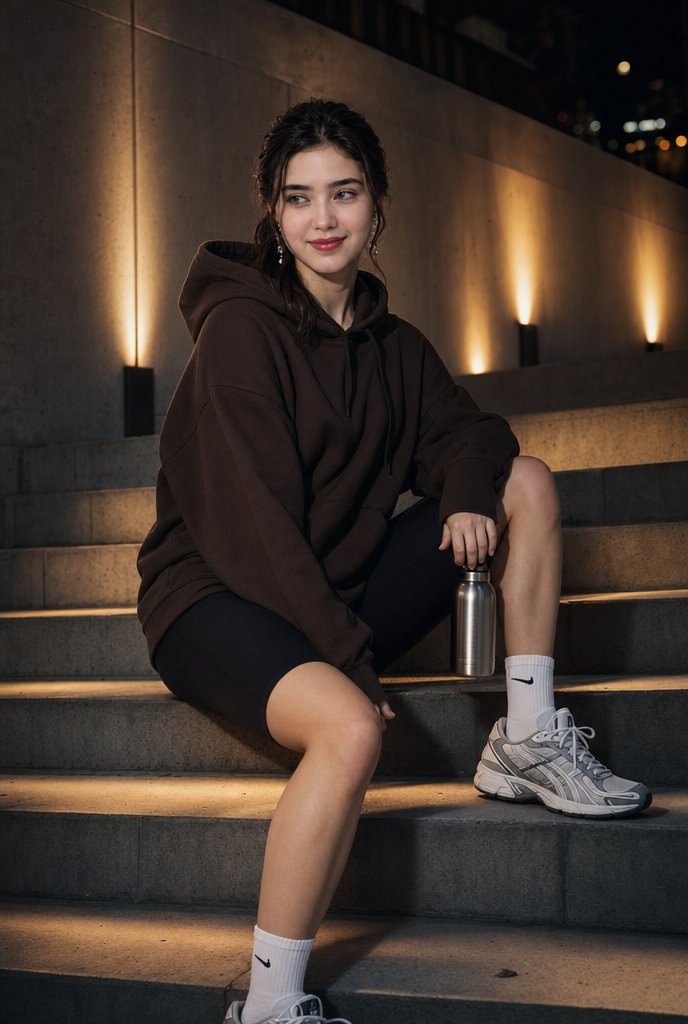
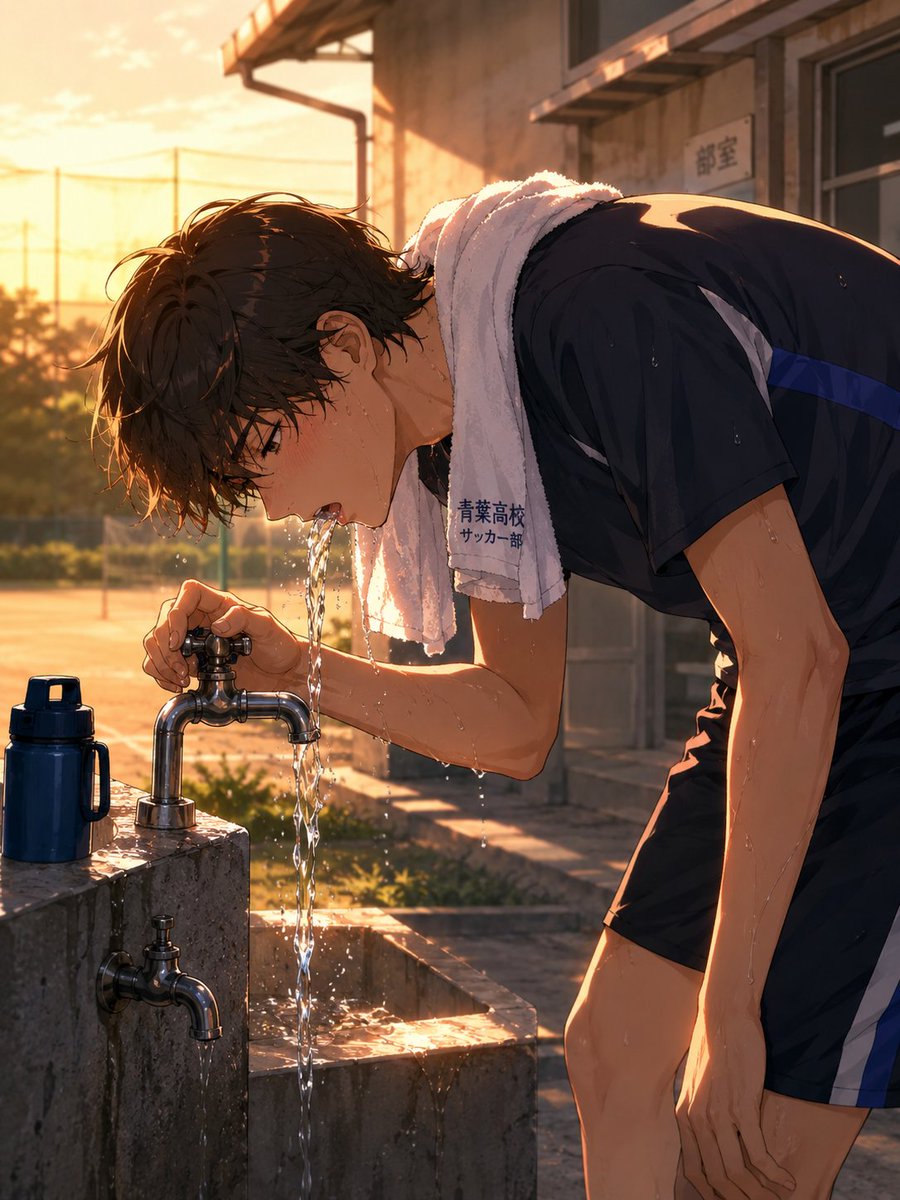
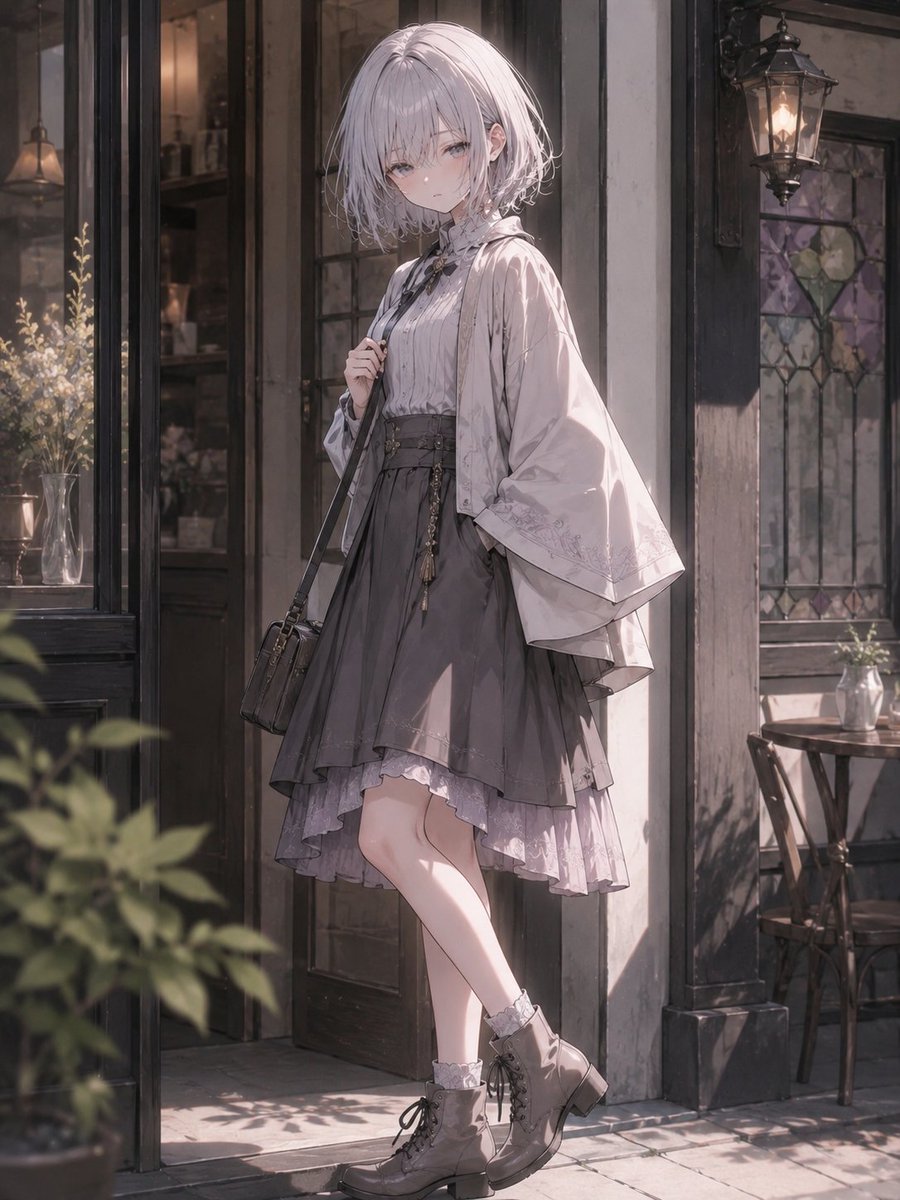
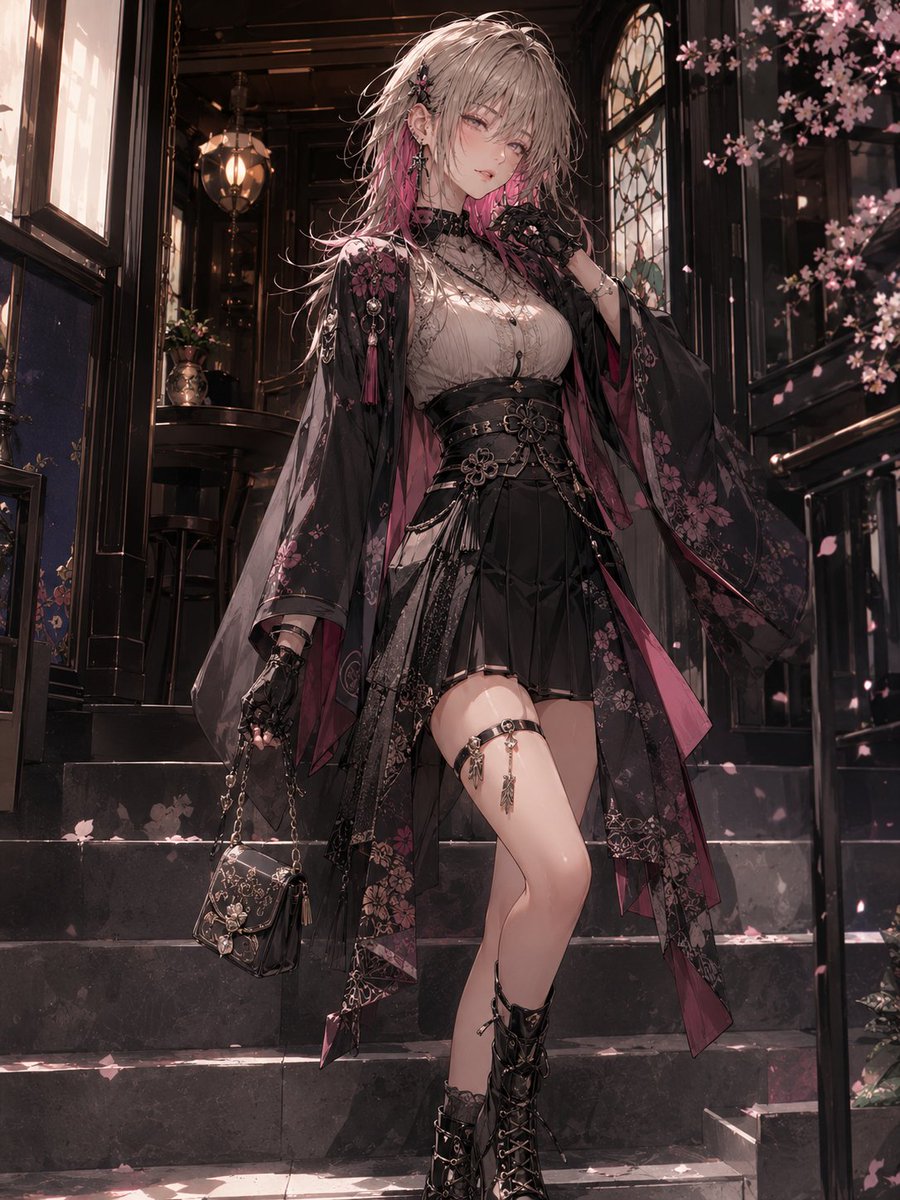
A detailed instruction set for creating character designs that blend 1920s Japanese Taisho-era aesthetics with contemporary modern fashion, focusing on maintaining character identity from reference images. (free to use) — Free AI image template on PicX Studio.
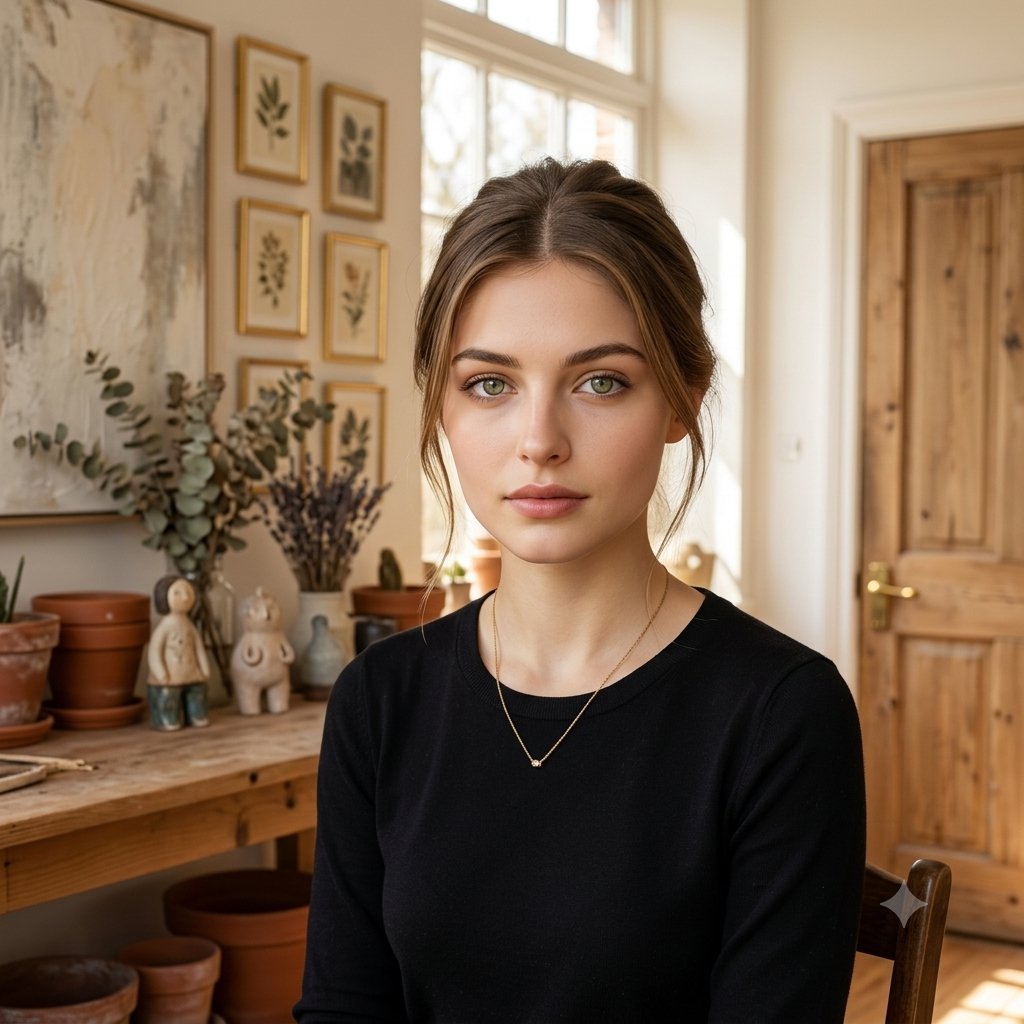
添付画像はidentity参照用です。参照画像の絵柄、塗り、線画、頭身、陰影、演出、元衣装、元ポーズ、体の向き、手の位置、脚の配置、視線方向、カメラアングル、構図には引っ張られすぎないでください。維持するのは、{argument name="キャラクター特性" default="顔立ち、髪型、髪色、瞳、年齢感、体型、雰囲気、性格の印象、モチーフ性、魅力、象徴的ディテール、種族性"}です。このキャラクターに最も似合う「大正ロマン × 現代ファッション」ミックス衣装を新規デザインしてください。重要なのは、大正ロマン風の服をそのまま着せることではなく、このキャラクターが現代に生きながら、大正ロマンの美意識や和洋折衷の空気感を自然に取り入れたらどんな装いになるか、という発想で再構成することです。元衣装は単純変換せず、色やモチーフのヒントのみ必要に応じて抽出してください。衣装全体の方向性は、{argument name="ミックスバランス" default="大正ロマン 50%:現代ファッション 50%"}くらいの中間バランスにしてください。現代服をベースにしつつも、大正ロマンらしい上品さ、レトロ感、和洋折衷感がしっかり伝わるようにしてください。ただし、歴史衣装の再現や和装コスプレにはせず、現代でも自然に着られる洗練された「大正モダン」なファッションとして成立させてください。衣装は、「大正ロマンらしい上品さ・レトロ感・和洋折衷感」と、「現代ファッションとしての洗練・抜け感・実用性・トレンド感」を両立してください。普通の現代服に和柄を少し足しただけにはせず、逆に袴や着物そのものの再現にも寄せすぎず、両方の要素が自然に混ざり合ったデザインにしてください。キャラクターの印象に合わせて、清楚、可憐、知的、退廃的、華やか、クール、活発、中性的、妖艶、儚さ、重厚感などを適切に選び、衣装構成、柄、配色、小物、素材感を最適化してください。使ってよい要素:羽織風アウター、着物袖風ディテール、和装コート風ディテール、袴風ボトム、プリーツスカート、ロングスカート、ワイドパンツ、ブラウス、シャツ、ワンピース、セットアップ、ジャケット、ショート丈トップス、立ち襟、フリル、リボンタイ、帯風ベルト、コルセット風ウエストマーク、和柄、花柄、幾何学柄、レース、編み上げブーツ、革靴、厚底、パンプス、帽子、眼鏡、手袋、がま口バッグ、ミニバッグ、ショルダーバッグ、傘、髪飾り、房飾り、アンティーク小物、現代的アクセサリー。衣装カテゴリは固定せず、キャラクターの性別印象、体格、年齢感、性格、役割、モチーフに合わせて自然に選んでください。現代的なシルエット、レイヤード、着やすさ、都会的な洗練を持たせつつ、大正ロマン由来のディテールや空気感が明確に感じられるようにしてください。コスプレ感は避け、自然で洗練された「大正ロマンテイストの現代服」として成立させてください。ポーズ、アングル、構図、表情は元画像と明確に違うものを新規に選んでください。元画像と同じ立ち方、同じ手の位置、同じ顔の向き、同じ重心、同じシルエットは禁止です。衣装が見やすく、キャラクターらしさが伝わる自然なポーズにしてください。背景もキャラクターに似合う空間を自然に選んでください。背景は、現代的な都市空間、室内、ショップ、カフェ、街角などをベースにしつつ、大正ロマン風の意匠やレトロな空気感を少し感じさせる程度にしてください。背景は主張しすぎず、キャラクターと衣装を引き立ててください。最終出力は、統一感のある1つの完成絵柄で再構成してください。{argument name="ビジュアルスタイル" default="高品質な商業アニメイラスト風、シャープな線、綺麗な肌、透明感のある目、整った髪、上品な布の質感、自然な光"}。文字なし、ロゴなし、ノイズなし。
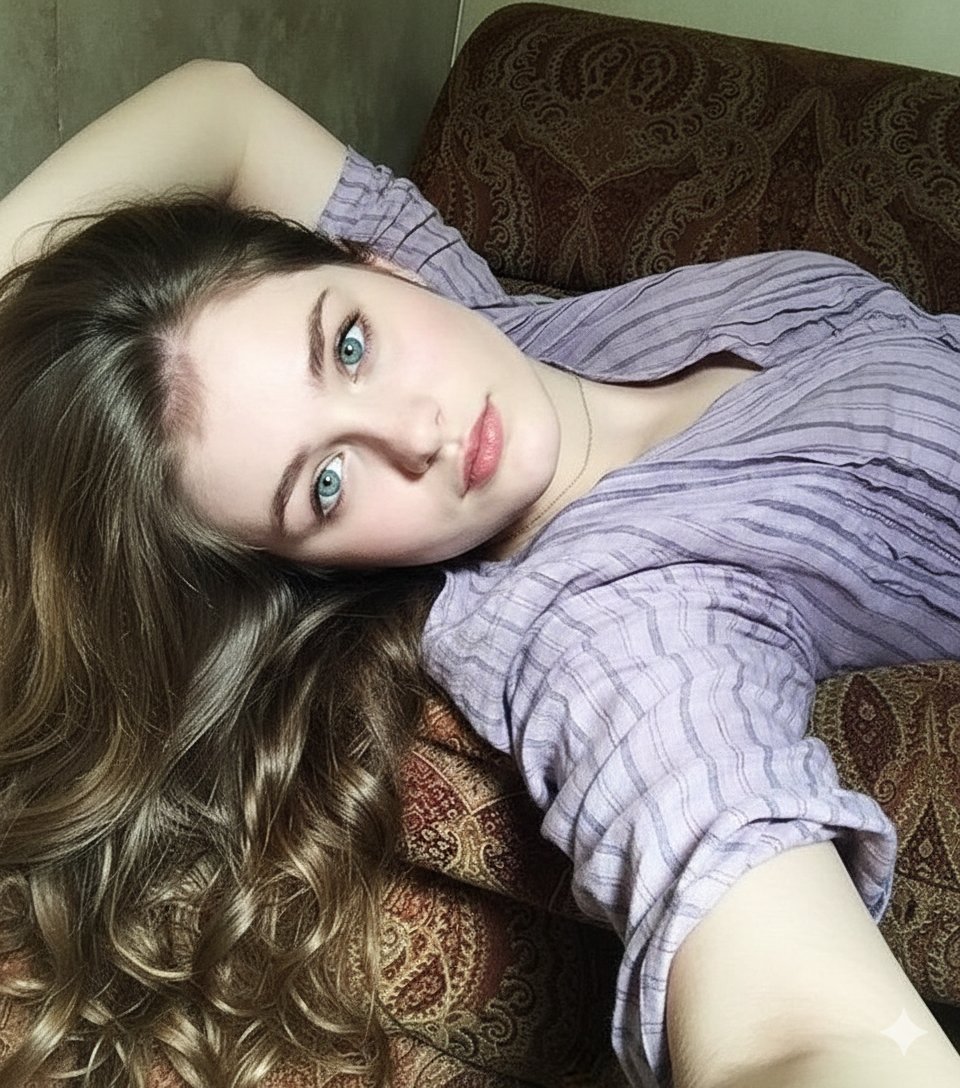
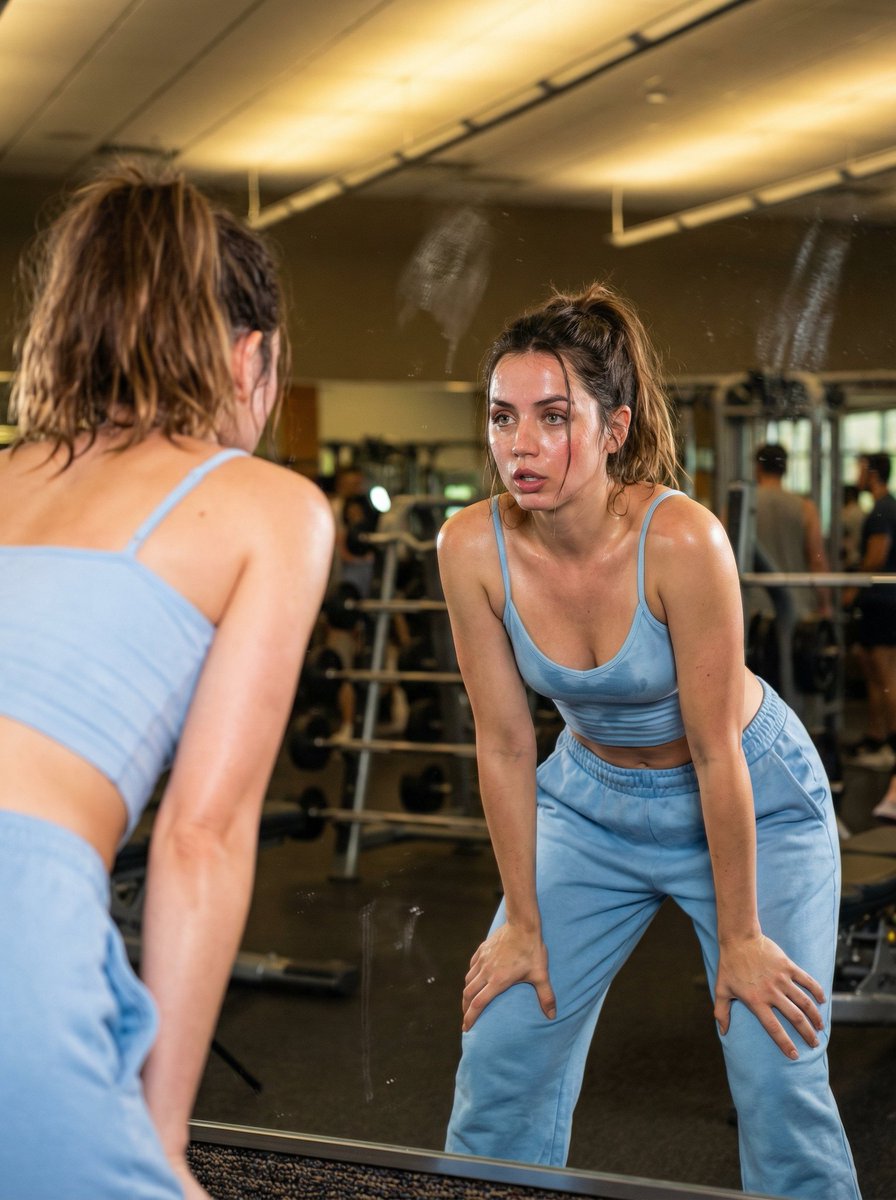
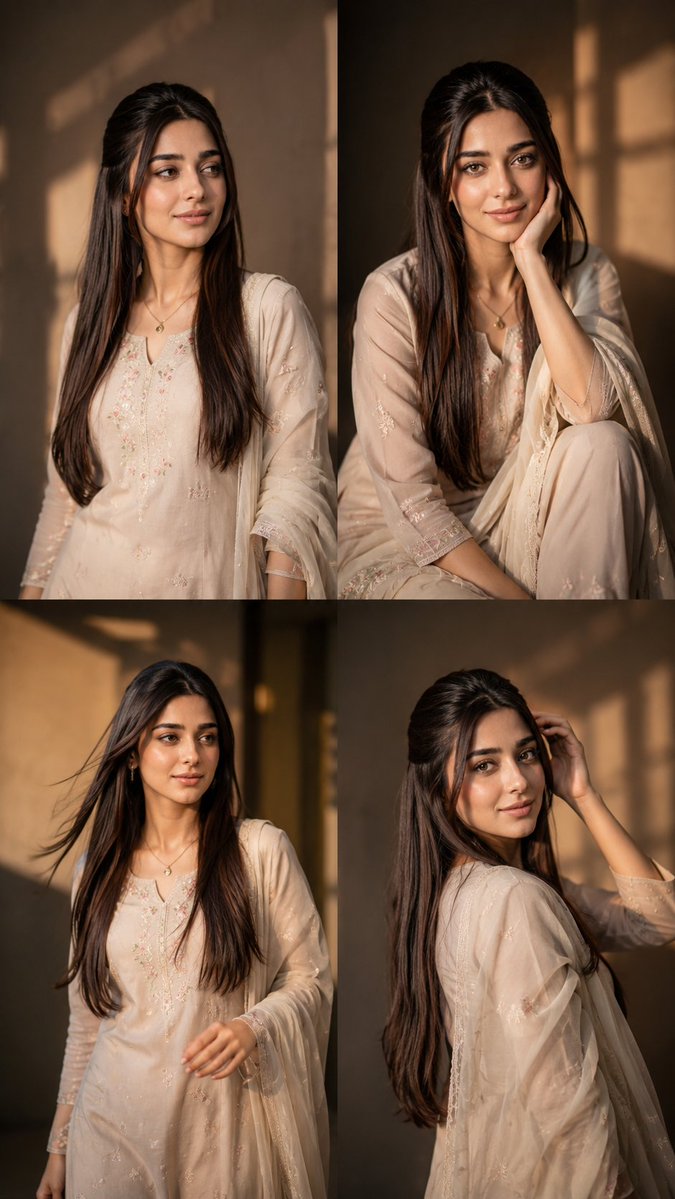
Use Taisho Roman x Modern Fashion Fusion to plan an AI image around gpt-image-2 generation, themes such as ja and gpt-image-2. Match the preview's composition first, then personalize the subject, setting, and mood for your own project.
Use the primary action to load the template settings in PicX Studio.
Adjust the subject and creative details for your destination.
Create the image, compare the result with the preview, and refine one variable at a time.
A continuous mix — similar concepts first, woven with same-model prompts and fresh picks from the catalog.
Choose the primary action to open PicX Studio with the available template settings. Review the model and format, personalize the creative direction, and generate when ready.
Yes. You can change the subject, setting, lighting, mood, format, and available model controls before creating your image.
This template is free to open and customize. Generation usage is shown in PicX Studio before you create.
Start with gpt-image-2, which is the model associated with this template. You can compare another compatible model for a different finish.
Follow a topic to a crawlable collection of related PicX Studio templates.
39,157 public templates available. Verified via the PicX Studio public templates API; refreshed hourly.
A continuous mix — similar concepts first, woven with same-model prompts and fresh picks from the catalog.