
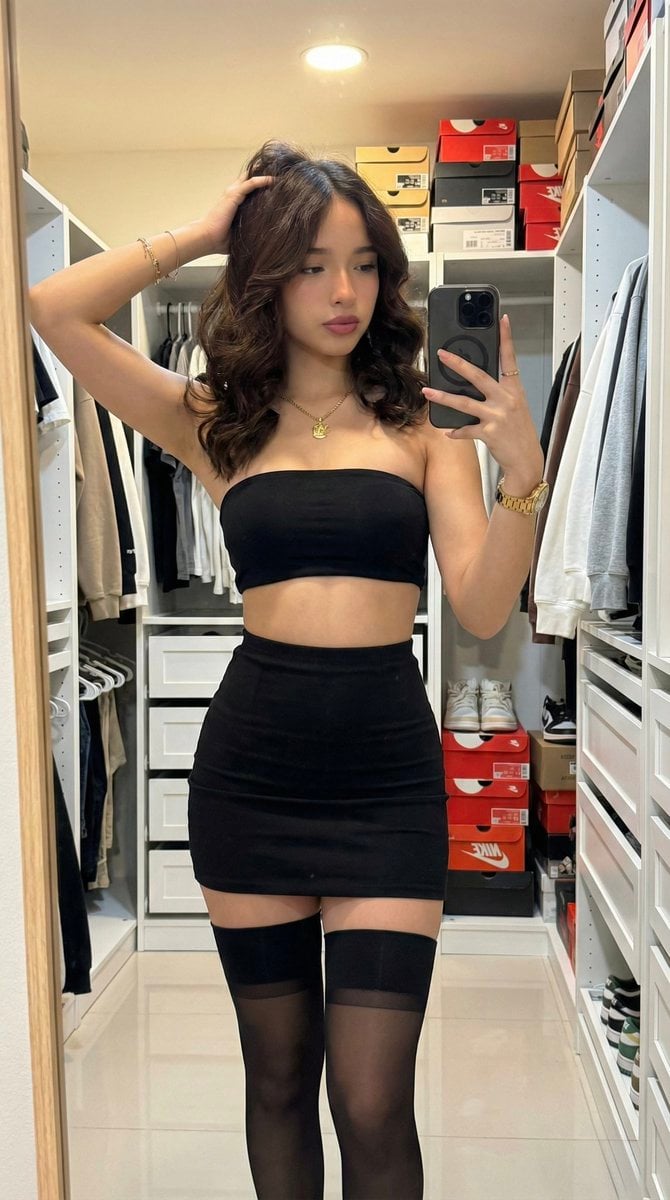
Raw High-Fidelity Mirror Selfie in Walk-in Closet
A highly technical prompt simulating a raw, high-fidelity mirror selfie taken with an iPhone 17 Pro, requiring sharp focus across the entire scene and emphasizing realistic textile physics on a minimalist matte black…
- Prompt included
- Model and format preset
- Free template
The prompt behind this image
Copy the exact prompt behind Raw High-Fidelity Mirror Selfie in Walk-in Closet, or open it in the studio and make it yours.
(9:16 Ratio). Raw high-fidelity photograph, iPhone 17 Pro simulation, zero artificial bokeh, sharp focus from foreground to background, fine digital grain. [Subject & Identity Locking] Identity: Absolute preservation of Image A's facial architecture: voluminous long chestnut brown curls with high-definition texture, deep-set almond eyes with defined dark lashes, and natural full-volume lips with a soft matte finish. Bio-Fidelity: Detailed skin physics including micro-pores, satin-finish hydration, and fine vellus hair visible along the jawline. Natural skin weight distribution and texture with zero AI-smoothing. Expression: Magnetic presence and confident self-assured posture; gaze directed at the smartphone reflection. [Outfit & Physicality] Technical Description: Minimalist matte black textile set. The upper garment is a strapless tube-style bandeau with high-compression physical tension lines. The lower garment is a matching high-waisted black micro-skirt with a subtle flare. Textile Geometry: Opaque black thigh-high hosiery featuring a distinct horizontal compression line at the mid-proximal limb. Surface Physics: The ensemble highlights an S-curve silhouette and gluteal proportions through material-to-skin surface compression. Clear anatomical bust volume and upper torso symmetry. Accessories: A high-end gold-toned watch with a metallic link strap on the right wrist, and delicate gold-toned 1mm bracelets on the left wrist. [Pose & Composition] Geometry: Vertical standing torsion. The right arm is flexed to hold the smartphone, while the left arm is raised above the head, hand interacting with the hair texture. Framing: Full-body mirror selfie, eye-level focus. The black frame of the mirror is visible on the left edge. [Environment & Lighting] Atmosphere: Domestic walk-in closet environment with warm 3500K interior lighting. Lighting: Direct overhead illumination creating soft highlights on the skin and defining the curl structure of the hair. Background Integrity: High-detail depiction of a white modular storage system. A clothing rack is visible in the mid-ground holding a variety of dark and grey hoodies. The floor area features stacked shoeboxes (including {argument name="shoe brand color" default="red"} branding) and various footwear. All background elements remain in sharp, high-fidelity focus.
How to use Raw High-Fidelity Mirror Selfie in Walk-in Closet in 3 steps
- 1
Open
The prompt is already in the box next to the preview, with the template's model and format selected.
- 2…a portrait of your subject in softgolden-hour light, 85mm…
Personalize
Edit the subject and creative details for your destination.
- 3Generate
Generate
Press Generate — your image is created in PicX Studio, so you can compare it with the original and refine one variable at a time.
More like this
Templates with the same subject, style or setup. Open one to see its prompt.

Rooftop Fisheye — Cat-Ear Balaclava at Golden Hour

Felt & Knit 3D Character — Photo-Exact Face, Pixar-Quality Plush Figurine

Eid al-Adha Cute Chaos — Fisheye Selfie with Farm Selfie, Mosque & Animals

Cat Photobomb Selfie — 0.5x Wide Angle Café Chaos

Gen Z Triple Selfie Collage — Y2K Flash Photography

Surreal Cat Astronaut — Humanoid Face Freefall
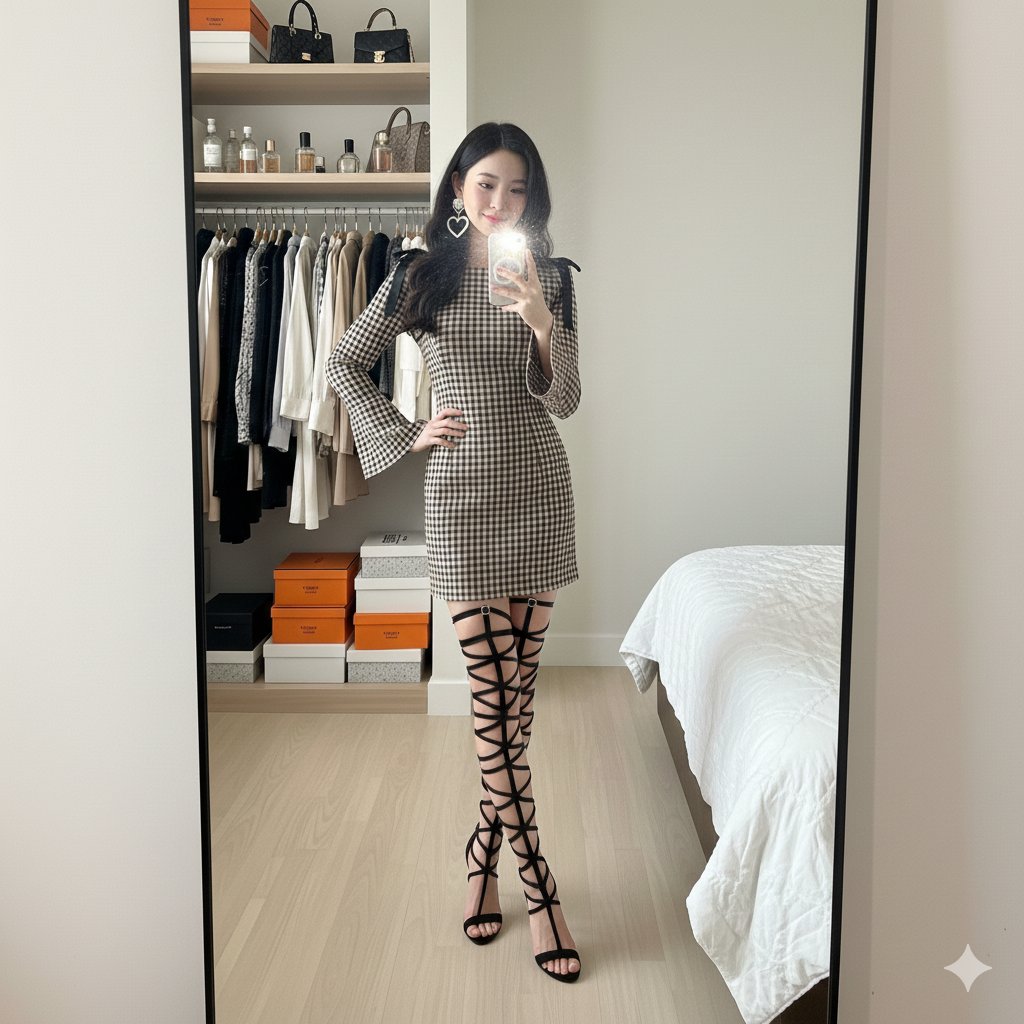
Mirror Selfie in Walk-In Closet Prompt

Realistic Raw Flash Mirror Selfie
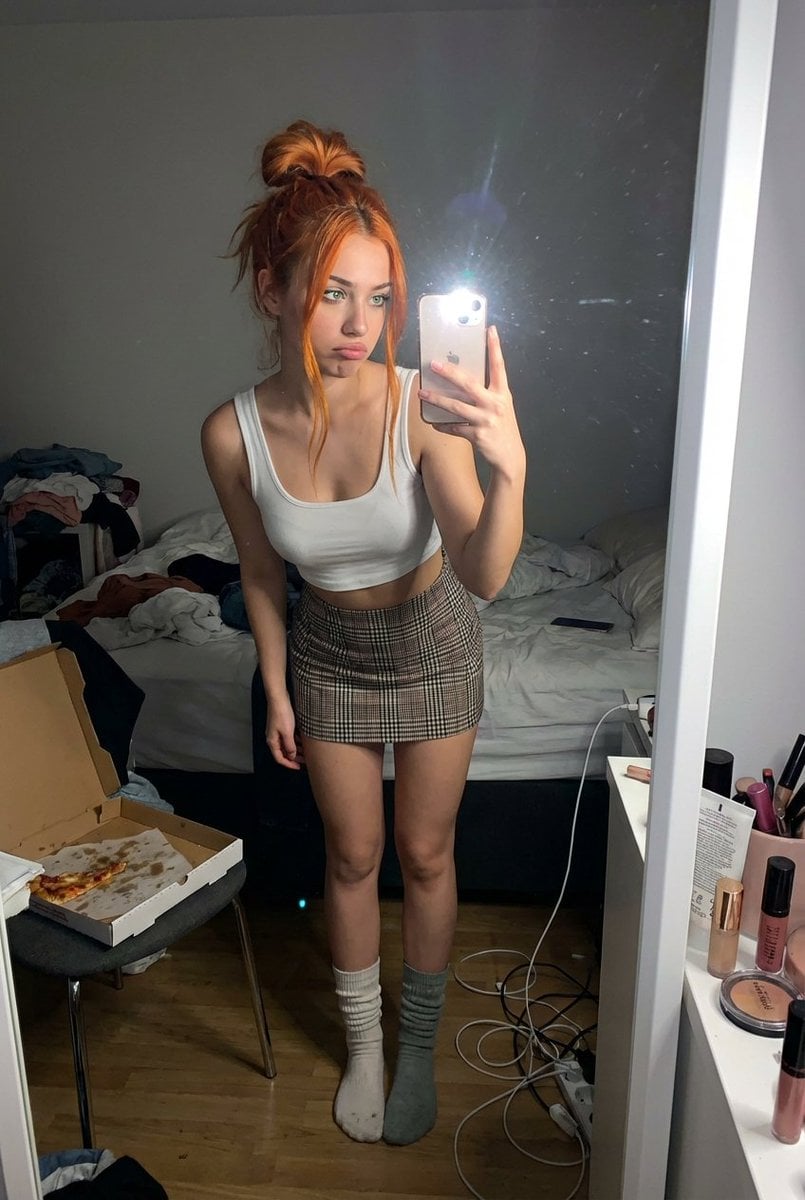
Structured Prompt for Messy Bedroom Mirror Selfie (Alev Character, Raw Flash)
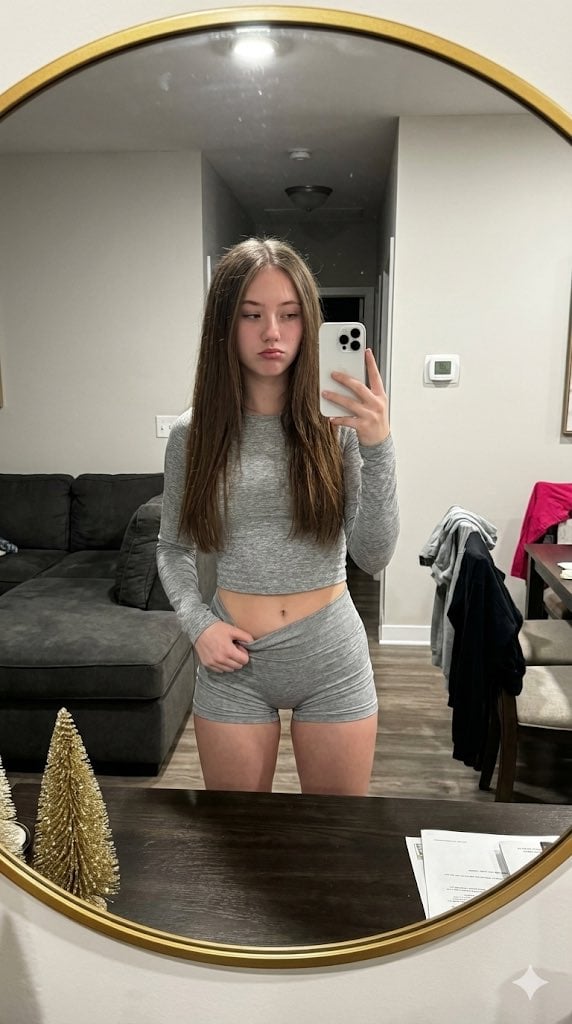
Raw High-Contrast Mirror Selfie JSON Prompt
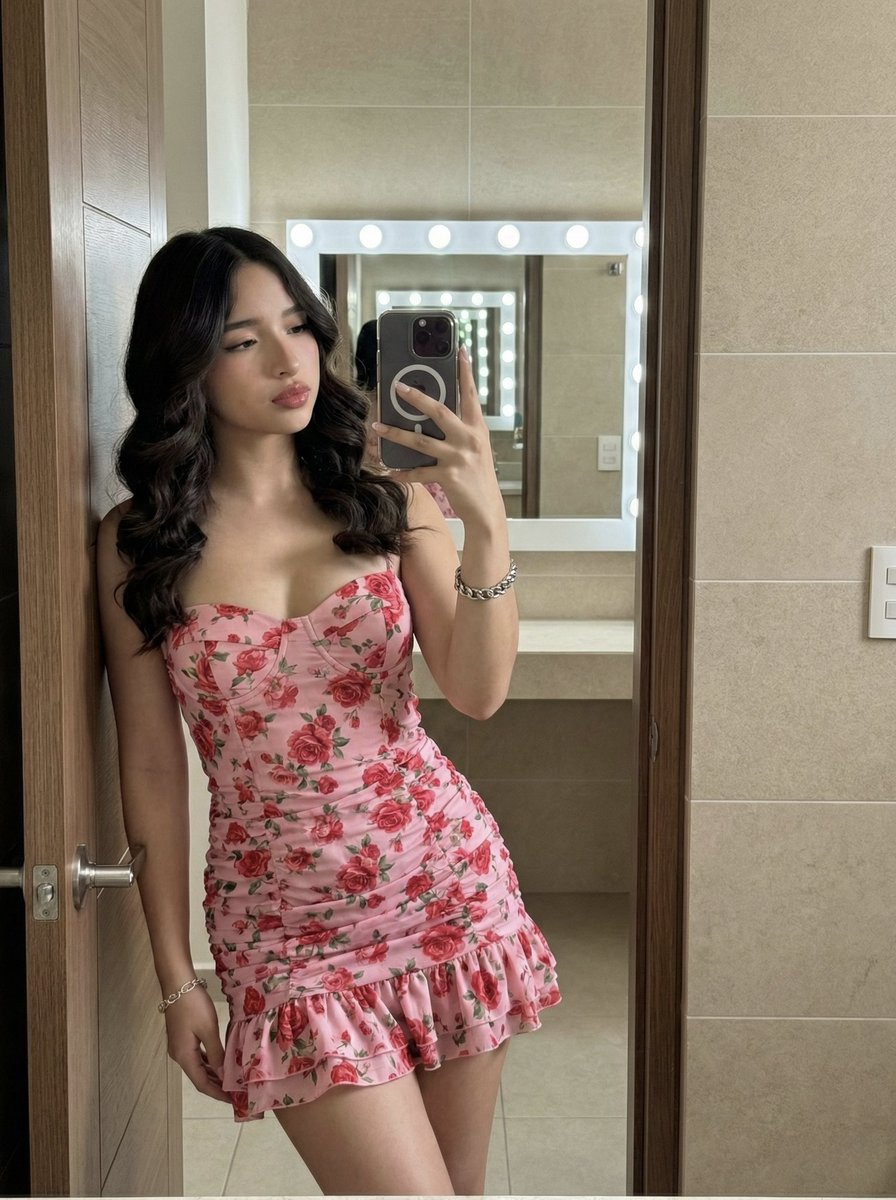
High-Fidelity Mirror Selfie Portrait with Identity Lock
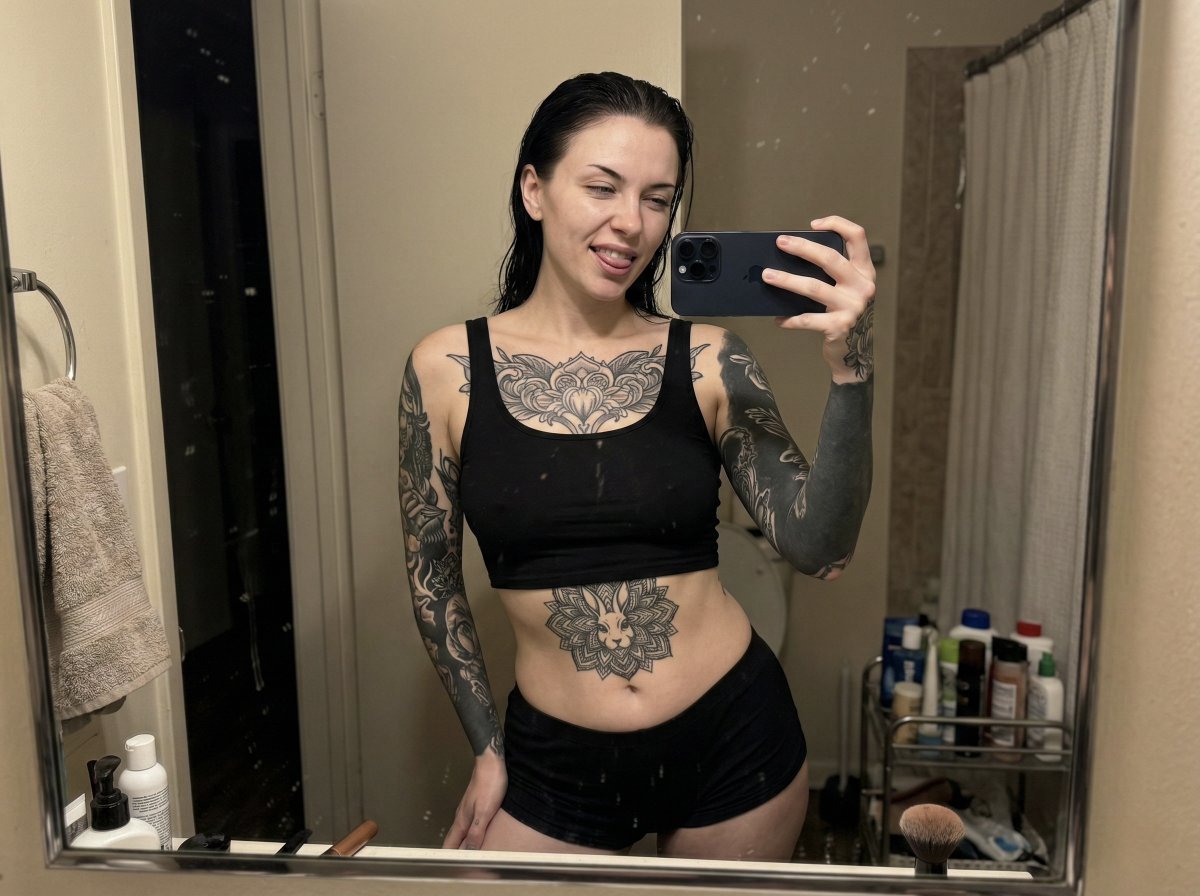
Raw iPhone Mirror Selfie Realism
Make it yours
Raw High-Fidelity Mirror Selfie in Walk-in Closet works as-is. These are the safest ways to change it without losing the look.
Change one field
Copy a single group, rewrite it, and generate again so you can see what that field is doing.
Keep the frame, change the subject
Hold the composition and light of Raw High-Fidelity Mirror Selfie in Walk-in Closet, then swap wardrobe, props or the person for a new take.
| If the result… | Why | Fix |
|---|---|---|
| The result drifts from the preview | Too many fields changed at once. | Reuse Raw High-Fidelity Mirror Selfie in Walk-in Closet as-is first, then change one group — subject, light, or setting. |
| The model over-stylizes the scene | The prose prompt leaves finish and camera underspecified. | Add one camera or lighting sentence and stay on Nano Banana 2. |
More Nano Banana 2 templates
Other prompts made for Nano Banana 2.

Photorealistic Leaf Shaped Like a Dragon

K-Pop Idol Portrait Grid for Rapid Selection

Poetic Rain Forest Portrait During Golden Hour

Urban Street Portrait with Cartoon Inner Self Duo

Candid Nighttime Photo with Cat Prompt

High-Concept 3D Diorama Generation Prompt

Cinematic Futuristic Studio Portrait Template

Skincare Editorial Photography Collage Prompt

Hyper-Realistic Commercial Product Photography (Splash Effect)

Hyper-Realistic Nightclub Portrait Prompt
More image prompts
Fresh picks from across the catalog.

Three-Panel Dreamy AI Posting Styles

Anime Schoolgirl Scarecrow in Rural Field
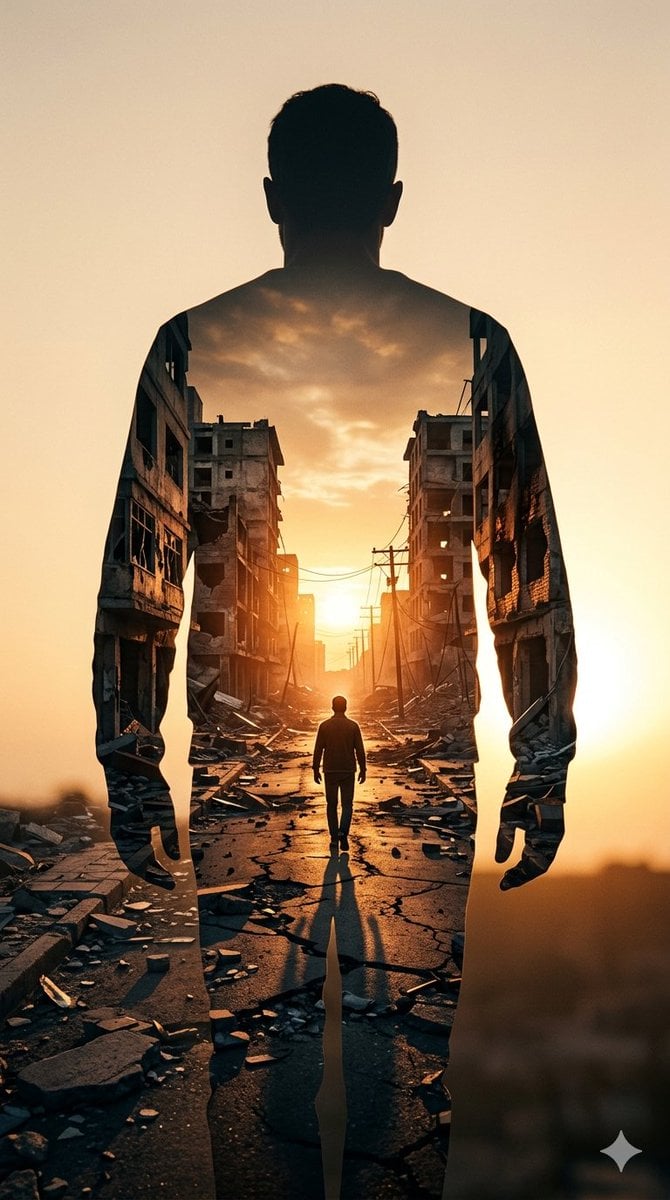
Double Exposure Somber City Silhouette

Ultra-Cinematic Splash Photography of Coffee and Chocolate
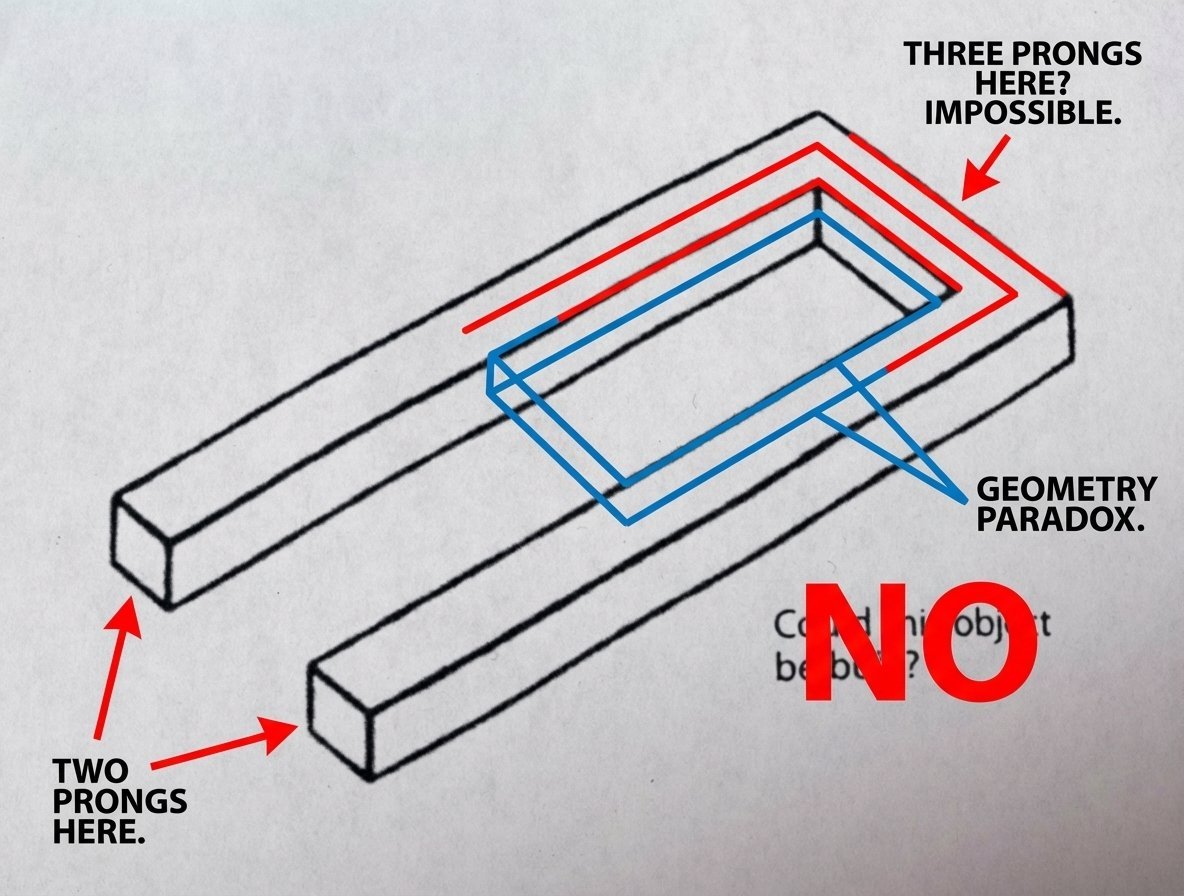
Conceptual Object Feasibility Image Prompt
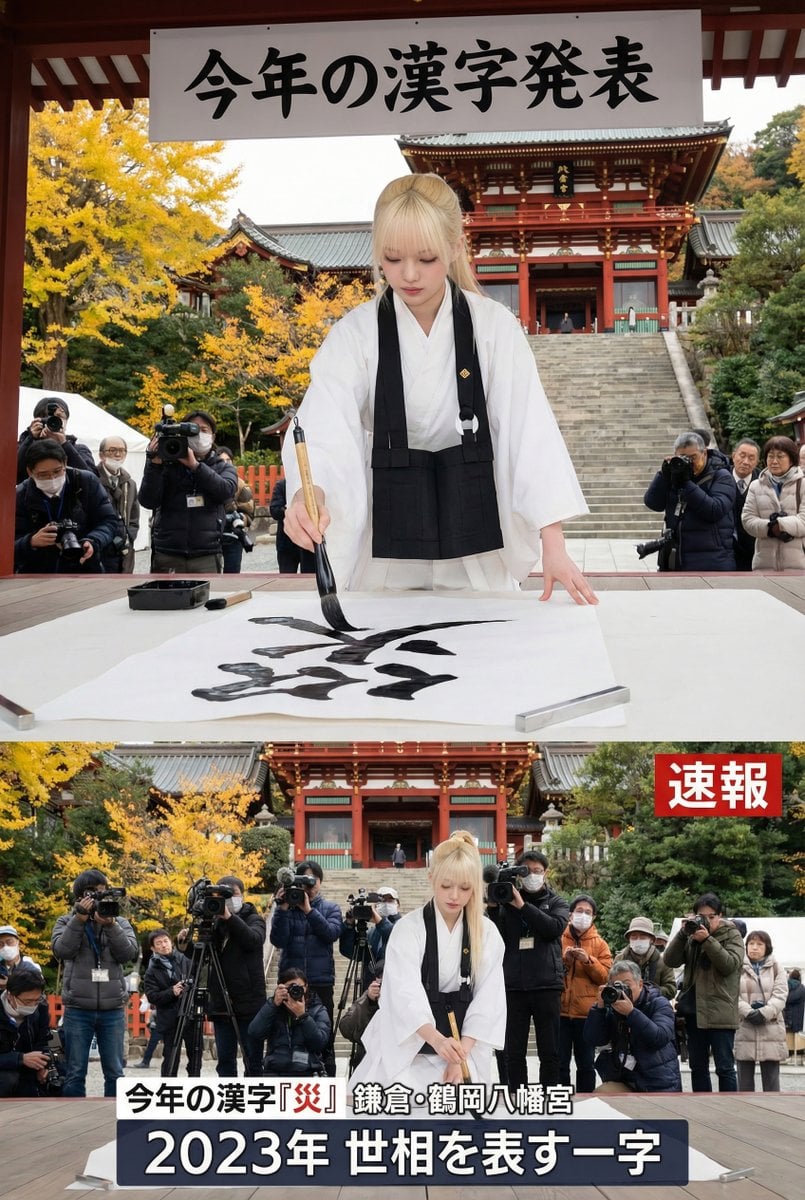
Kanji of the Year Announcement Image Prompt (Geospatial)
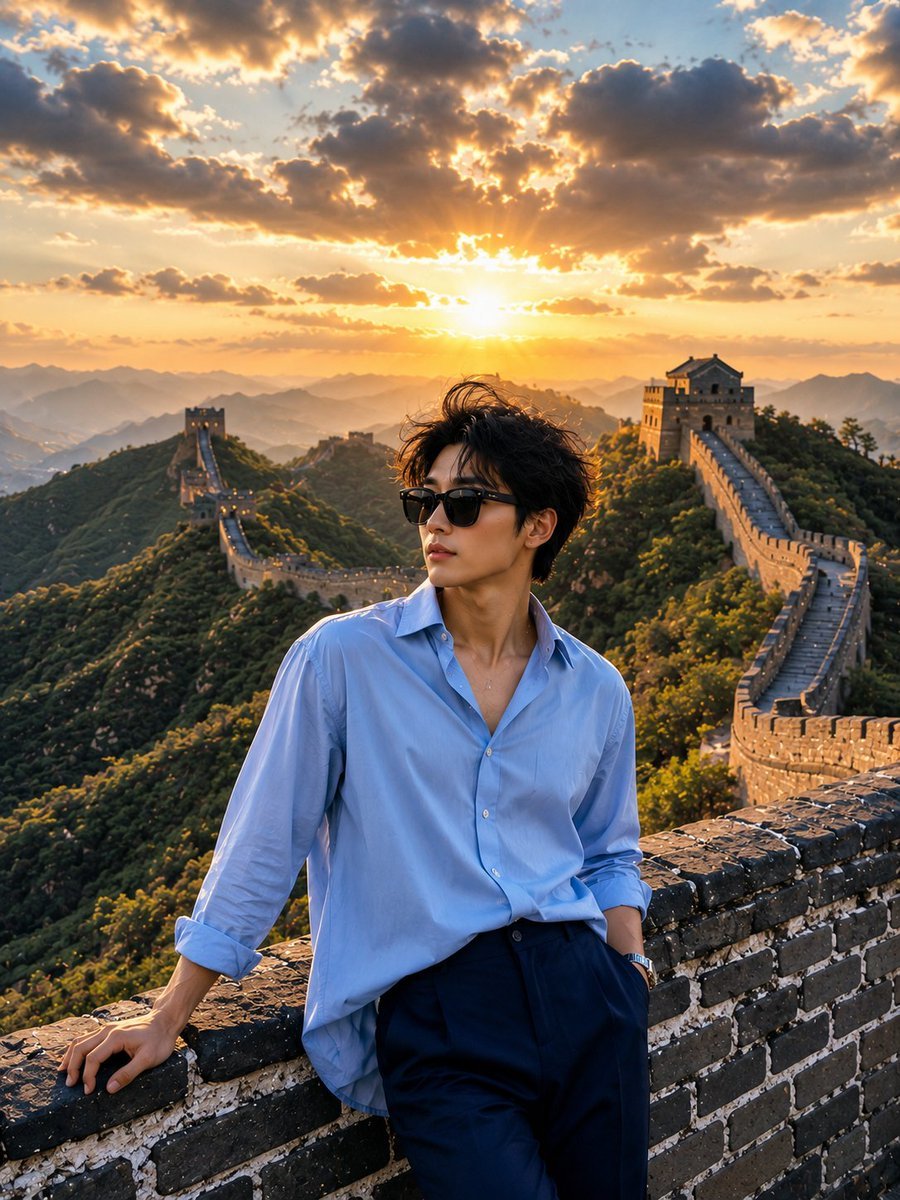
Great Wall Travel Photography
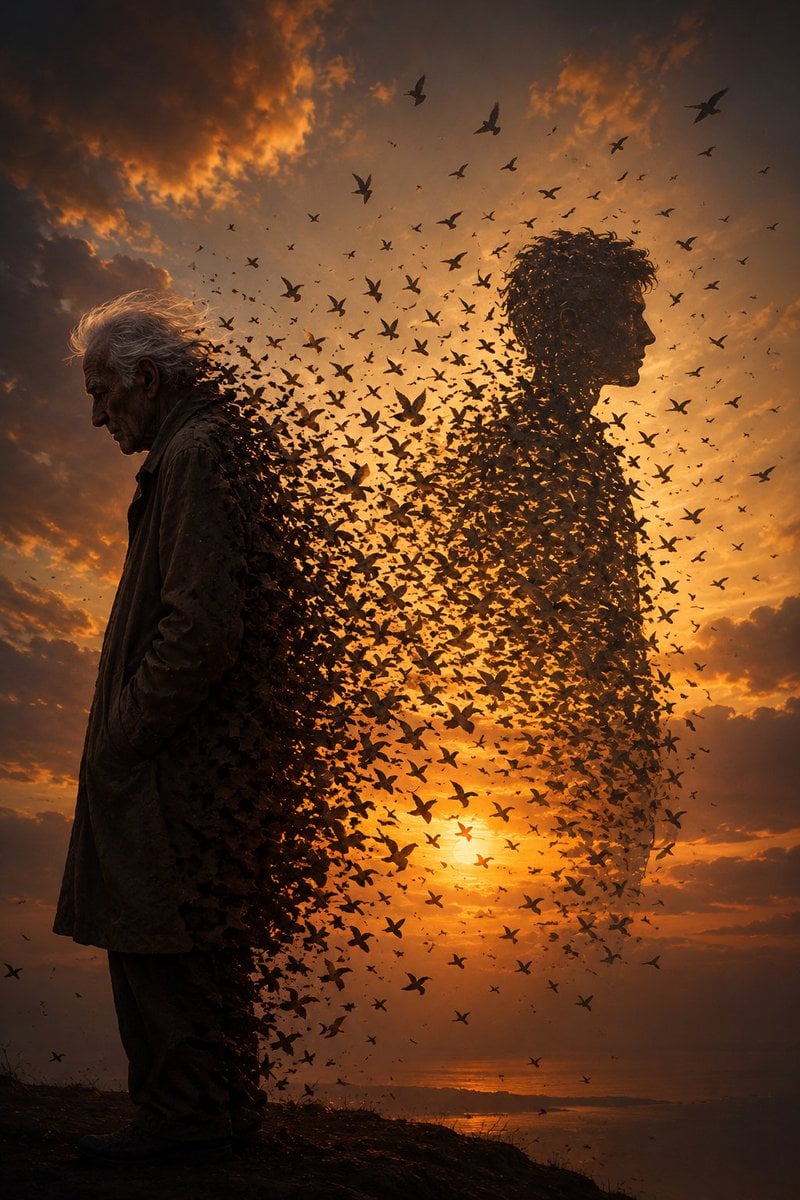
Elderly Man Dissolving Into Birds
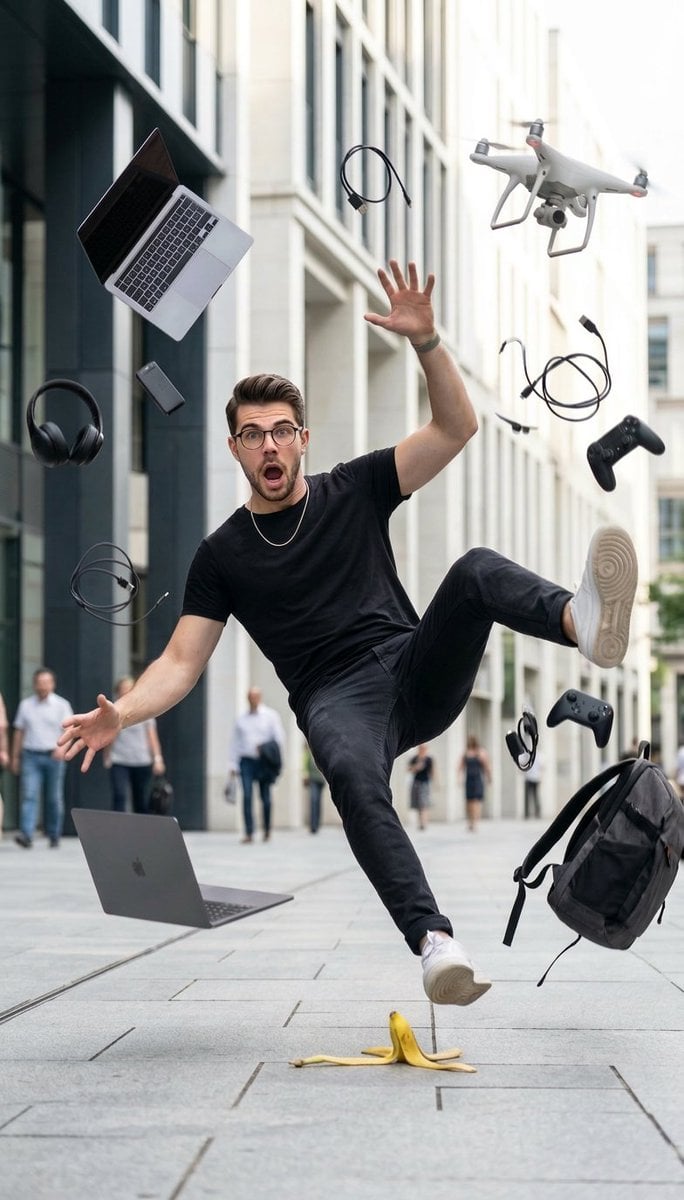
Cinematic Street Photography of Man Slipping on Banana Peel

Private Selection Anime Photobook Page
Browse template categories
Raw High-Fidelity Mirror Selfie in Walk-in Closet questions
How do I use the Raw High-Fidelity Mirror Selfie in Walk-in Closet template?
Add your photo if the template asks for one, edit the prompt if you like — the template's model and format are already selected — and press Generate. Your version opens in PicX Studio.
Can I customize the Raw High-Fidelity Mirror Selfie in Walk-in Closet template?
Yes. You can change the subject, setting, lighting, mood, format, and available model controls before creating your image.
Is the Raw High-Fidelity Mirror Selfie in Walk-in Closet template free?
Opening and editing this template is free. Generating uses credits, shown on the Generate button when you are signed in.
Which AI model should I use?
Start with Nano Banana 2, which is the model associated with this template. You can compare another compatible model for a different finish.
Looking for something else? Browse all templates.

Your photo, any look
Thousands of ready templates for every top image and video model, from one credit balance.