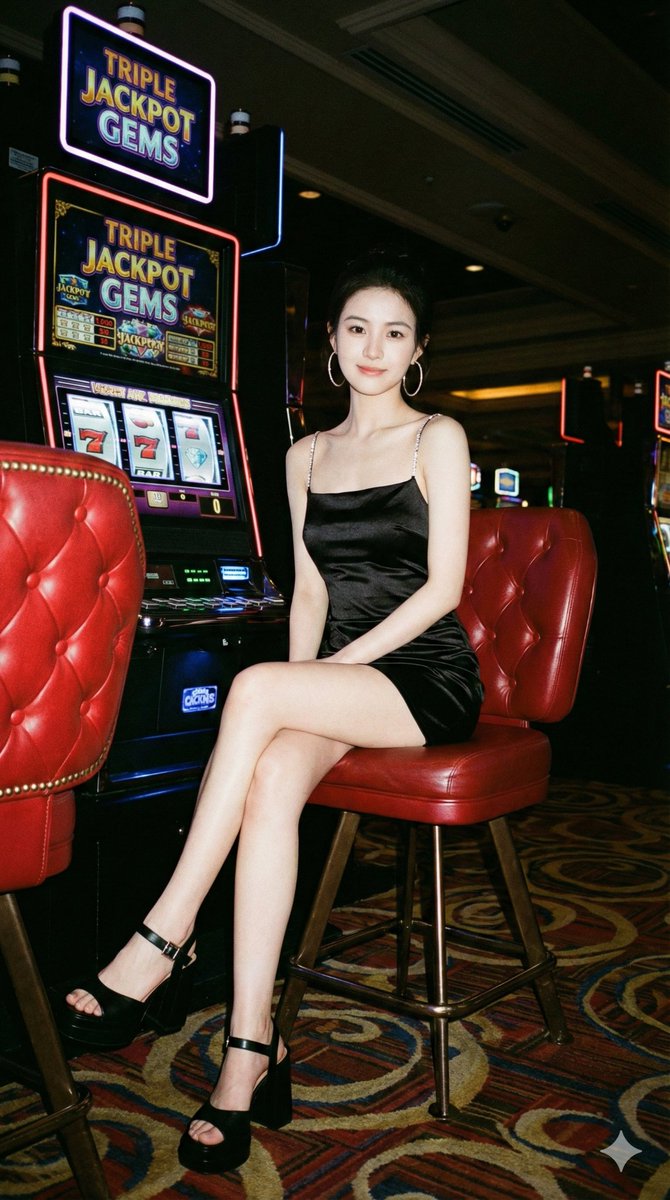
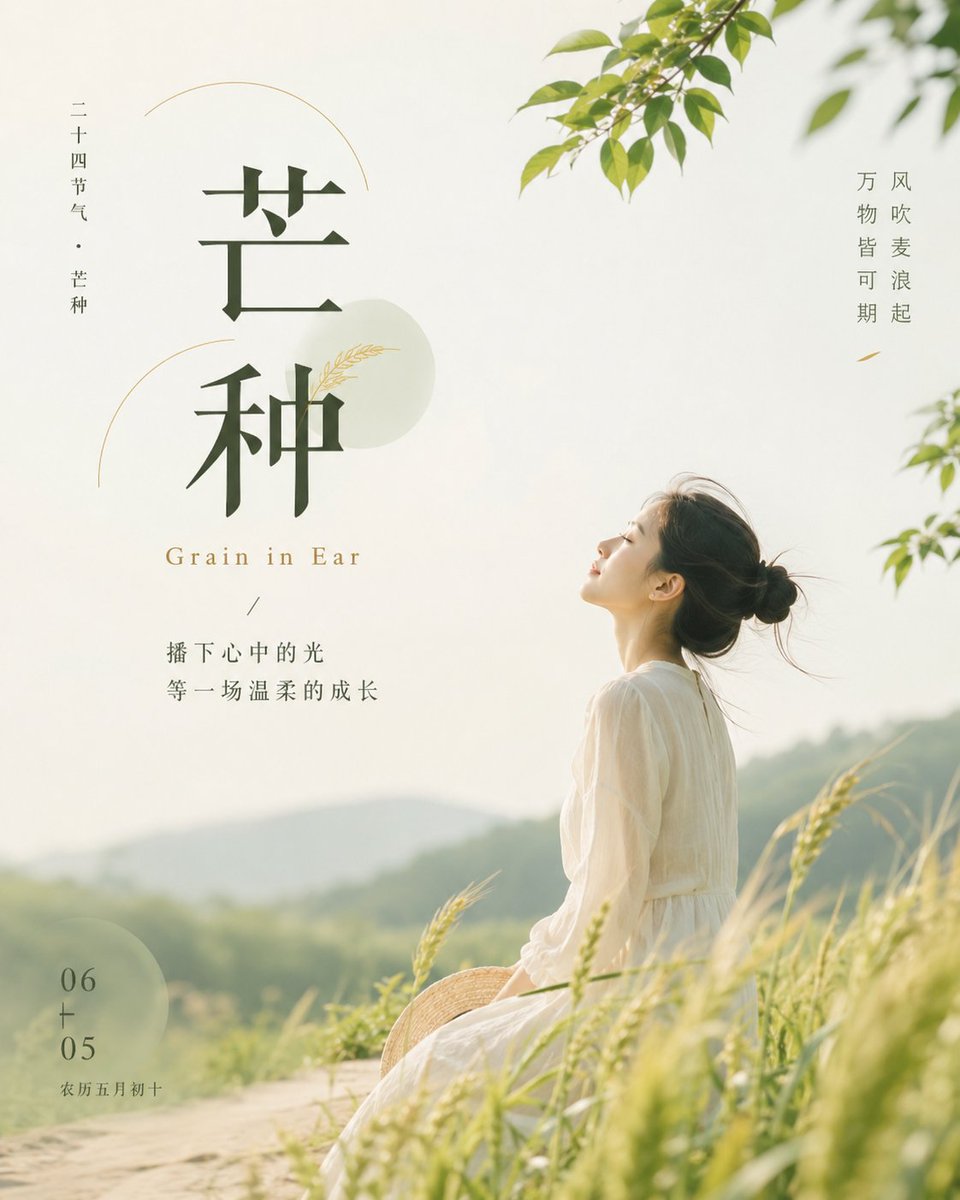
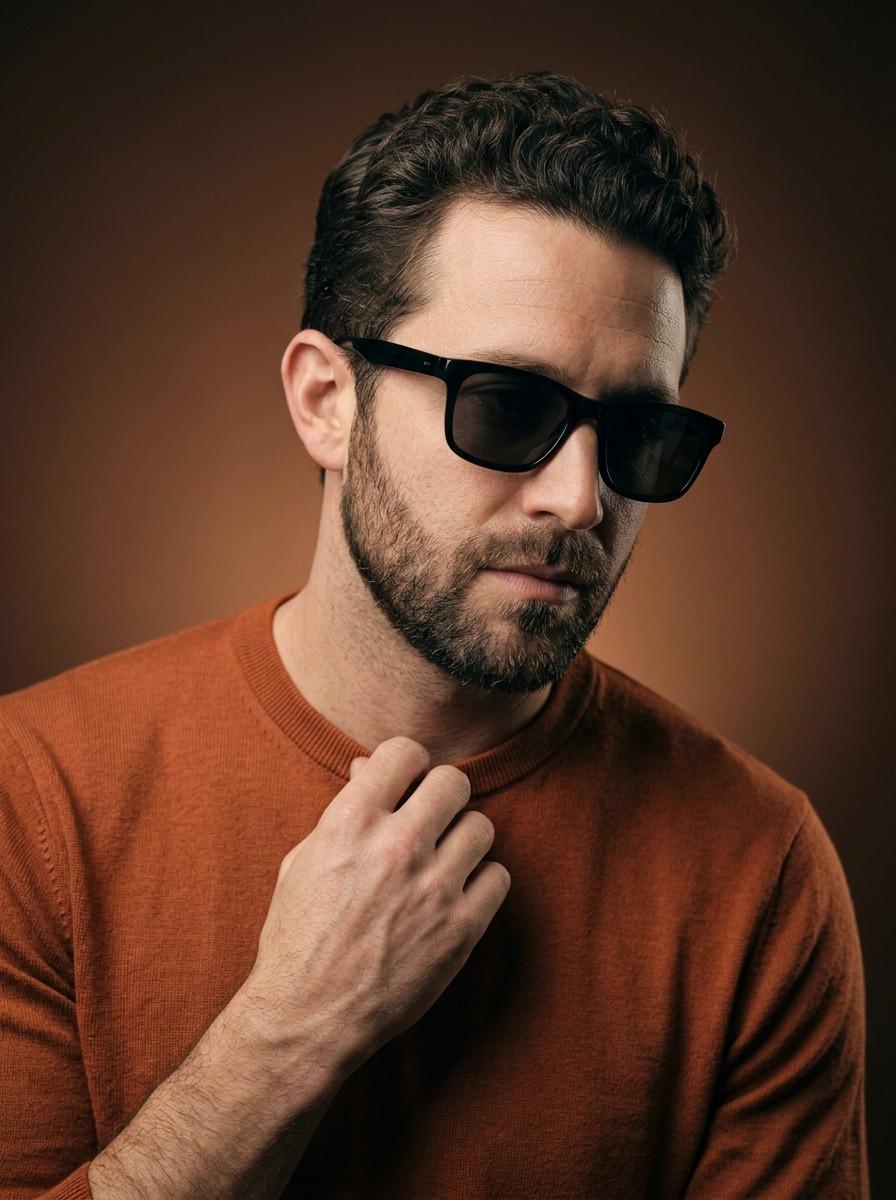
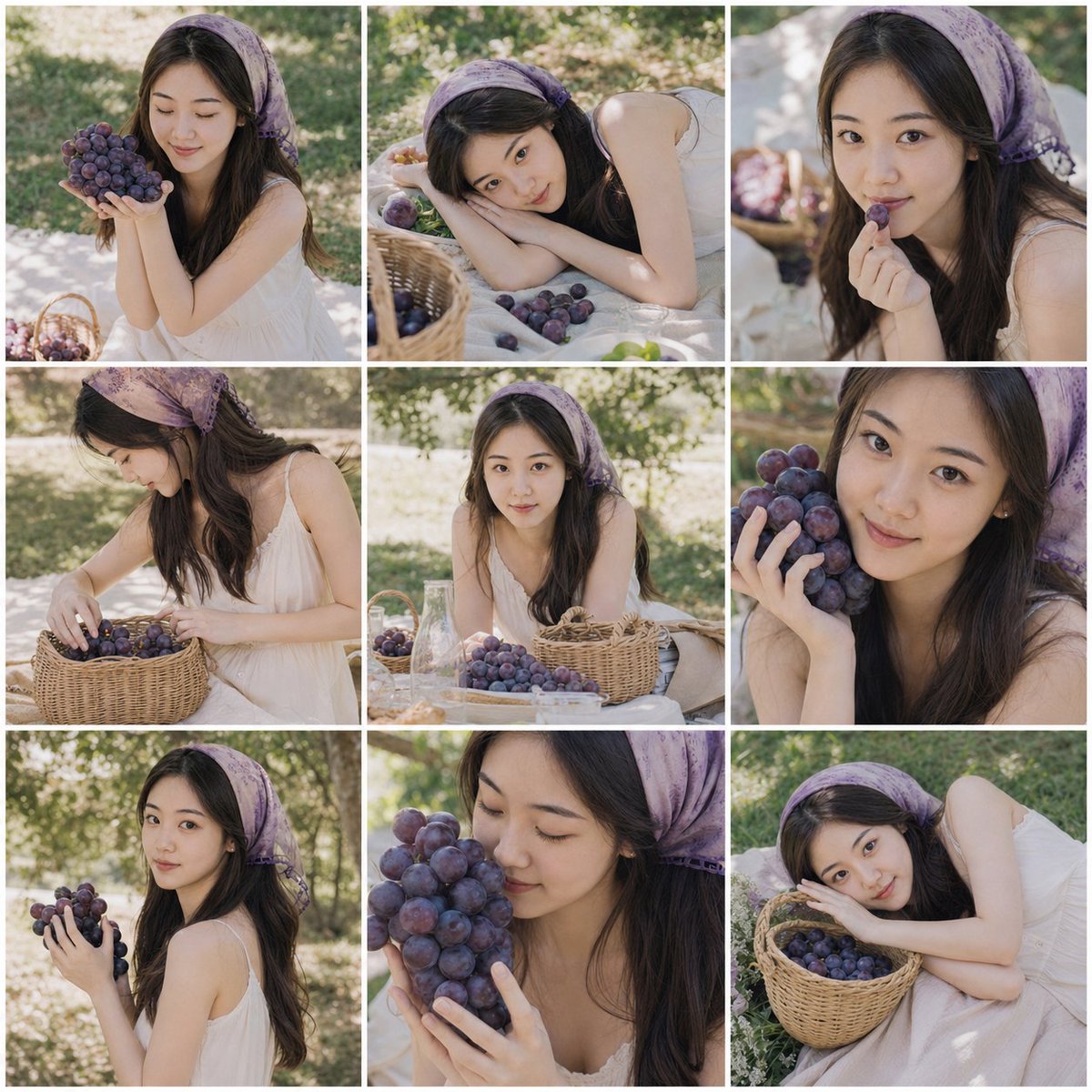
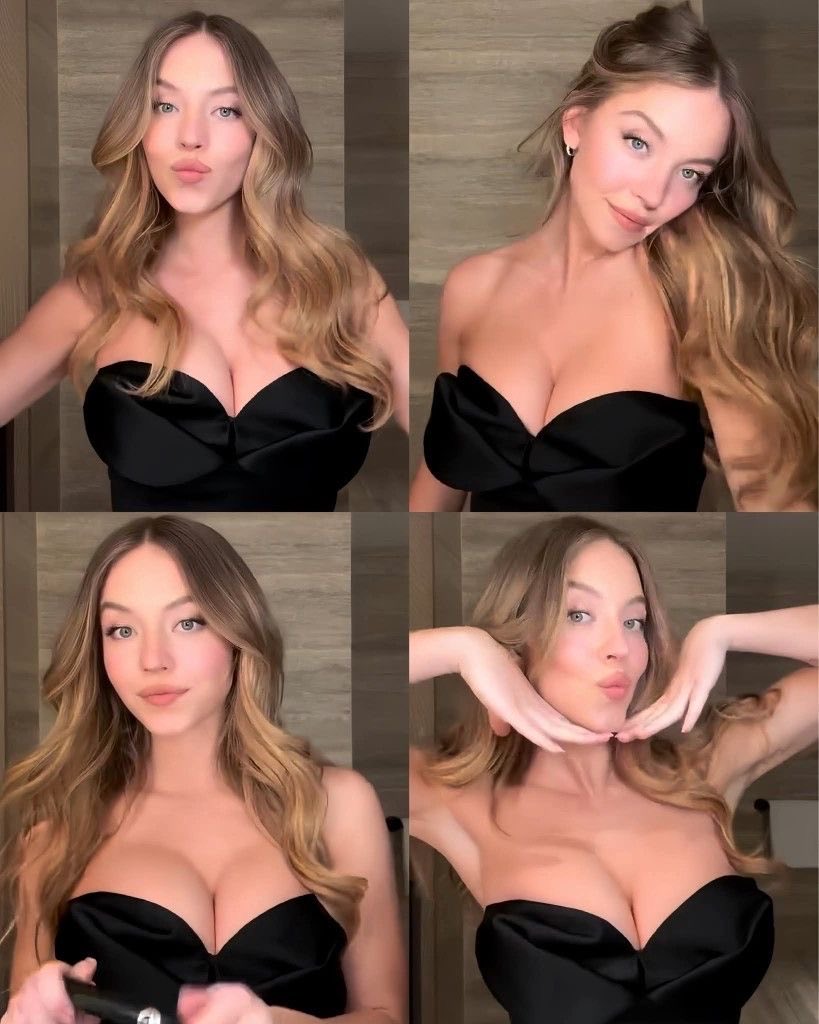
How do I use the Kat Dennings Candid Portrait Against Tree template?
Choose the primary action to open PicX Studio with the available template settings. Review the model and format, personalize the creative direction, and generate when ready.
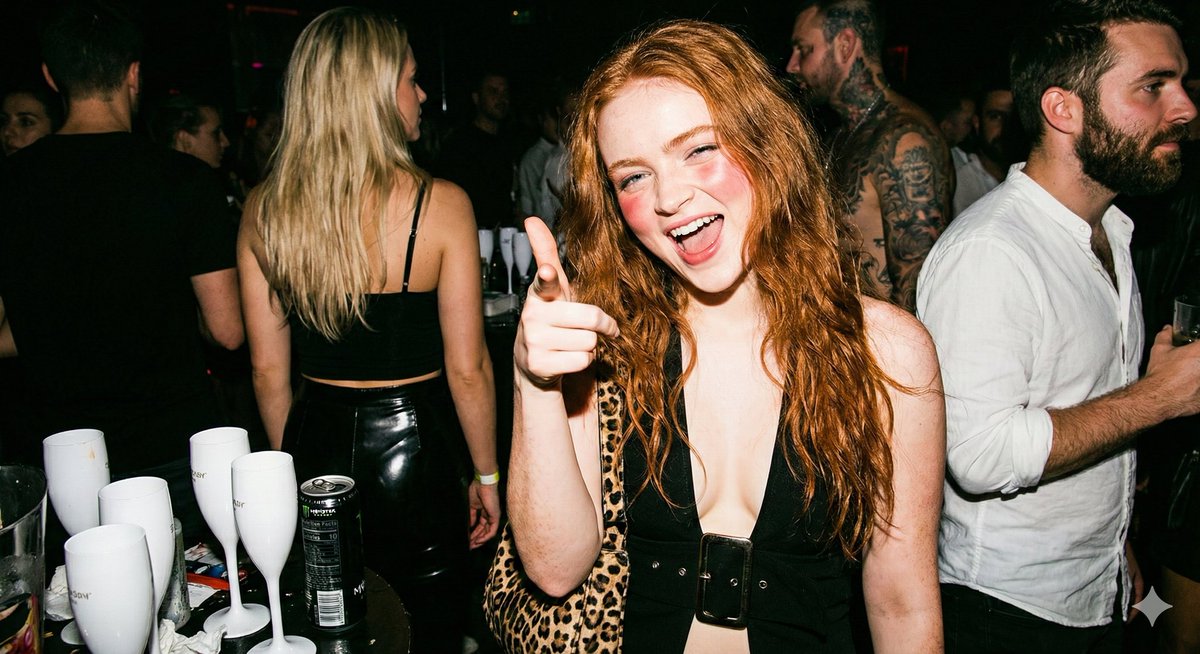
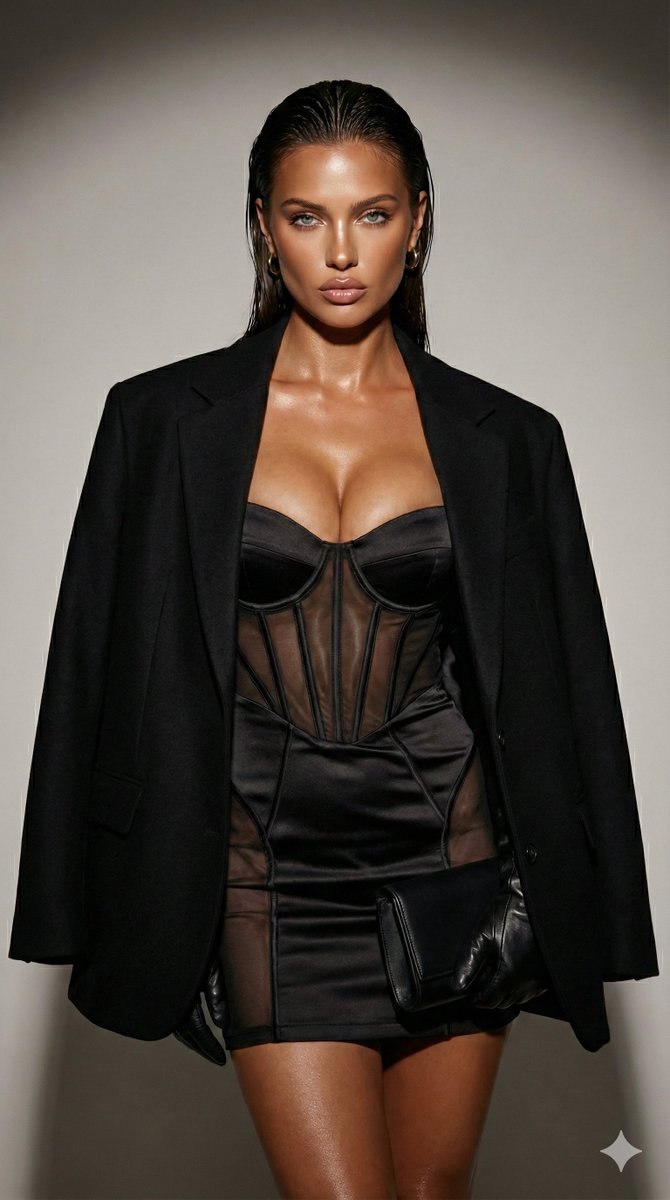
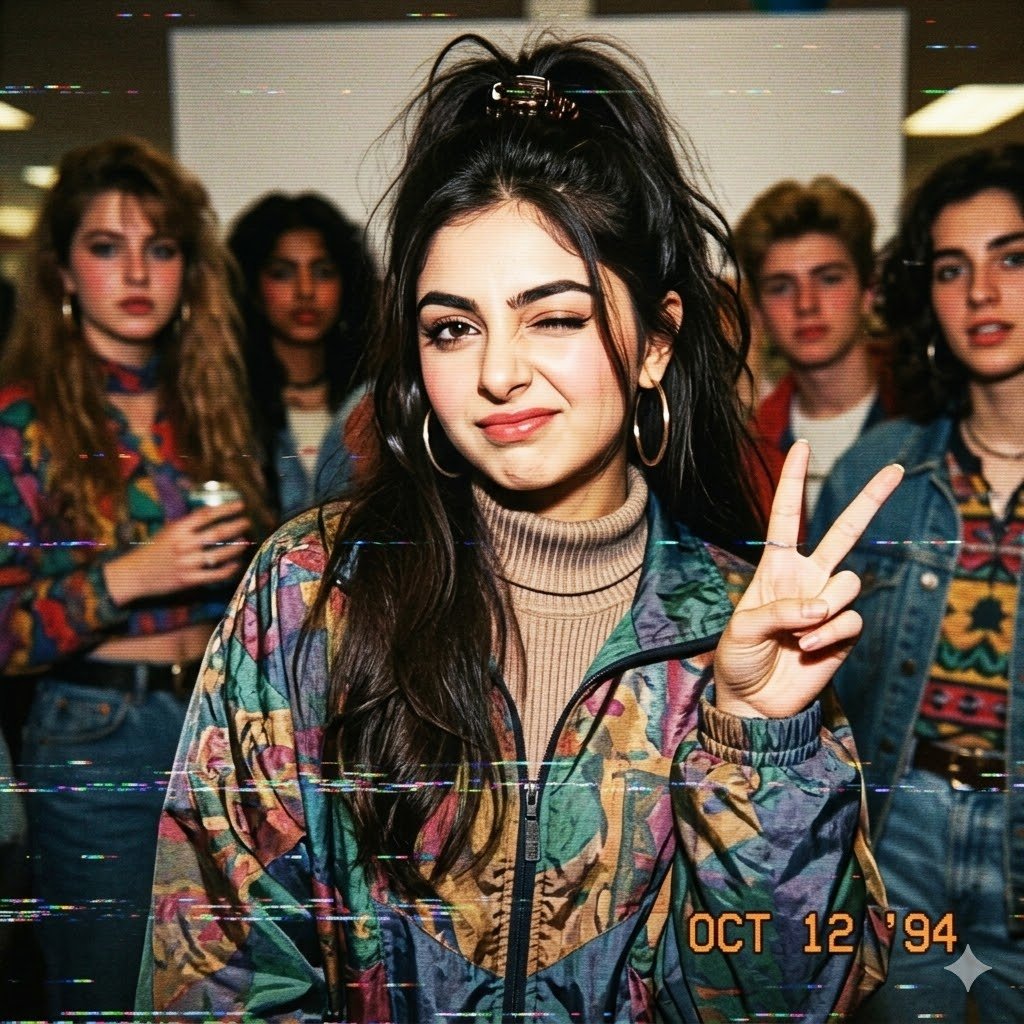
A highly detailed prompt for a hyper-realistic, high-angle candid portrait of Kat Dennings leaning against a large tree trunk in an outdoor park, emphasizing her specific body type, wet-look hair, and a vibrant outfit (lavender bralette, psychedelic mini skirt) under dappled sunlight. Change the subject, setting, or lighting one variable at a time.

{ "style": { "realism": "High-fidelity, hyper-realistic candid portraiture", "cinematic": true, "camera_angle": "High-angle view looking directly down at the subject", "aspect_ratio": "9:16", "depth_of_field": "Shallow depth of field with a soft focus background blurring the distant park foliage" }, "subject": { "gender": "female”,”Kat Dennings", "appearance": { "skin_tone": "Fair, smooth porcelain skin with natural skin texture and soft rosy undertones", "body_type": "Slender hourglass figure with dainty shoulders, a small waist, and a prominent pushed-up bust", "abdomen": "Toned, flat midriff visible between the crop top and the high-waisted skirt" }, "facial_features": { "expression": "Sultry, neutral gaze looking upward into the lens", "eyes": "Greenish-hazel eyes with a soft, captivating focus", "hair": "Dark brown, wavy, shoulder-length hair with a wet, textured look" }, "accessories": [ { "type": "Thin bands", "material": "Gold", "position": "Worn on multiple fingers" }, { "type": "Nail polish", "material": "Glossy enamel", "position": "Bright red manicured fingernails" } ] }, "apparel": { "top": "{argument name="top color" default="Lavender"} spaghetti-strap bralette with a low-cut neckline and ribbed fabric texture", "bottom": "Mini skirt featuring a vibrant pink and red psychedelic swirl pattern", "fit": "Form-fitting garments that accentuate the subject's curves" }, "pose": { "overall_posture": "Standing upright with the back against a large tree trunk", "left_arm": { "position": "Crossed over the midsection", "interaction": "Tucked tightly under the bust to provide support and lift" }, "right_hand": { "position": "Resting on the opposite bicep", "interaction": "Showing off red nail polish and gold rings" }, "legs": { "position": "Positioned close together, partially visible at the bottom of the frame" } }, "framing": { "composition": "Centered vertical composition emphasizing the verticality of the tree and the subject's posture", "camera_position": "Elevated, looking down from a high perspective to create a sense of vulnerability and intimacy", "focus_progression": [ "Sharp focus on the face and eyes", "Gradual fall-off from the subject to the gnarled tree roots", "Heavy bokeh on the background green grass" ] }, "environment": { "location": "Lush outdoor park during the daytime", "objects": [ "Large, textured tree trunk with grey bark", "Gnarled, thick tree roots emerging from the earth", "Bright green grass with scattered leaves", "Natural dappled sunlight filtering through canopy" ], "lighting": "Natural daylight with soft, dappled shadows cast across the subject's skin and " }
Choose the primary action to open PicX Studio with the available template settings. Review the model and format, personalize the creative direction, and generate when ready.
Yes. You can change the subject, setting, lighting, mood, format, and available model controls before creating your image.
This template is free to open and customize. Generation usage is shown in PicX Studio before you create.
Start with Nano Banana 2, which is the model associated with this template. You can compare another compatible model for a different finish.
Follow a topic to a crawlable collection of related PicX Studio templates.
43,474 public templates available. Verified via the PicX Studio public templates API; refreshed hourly.
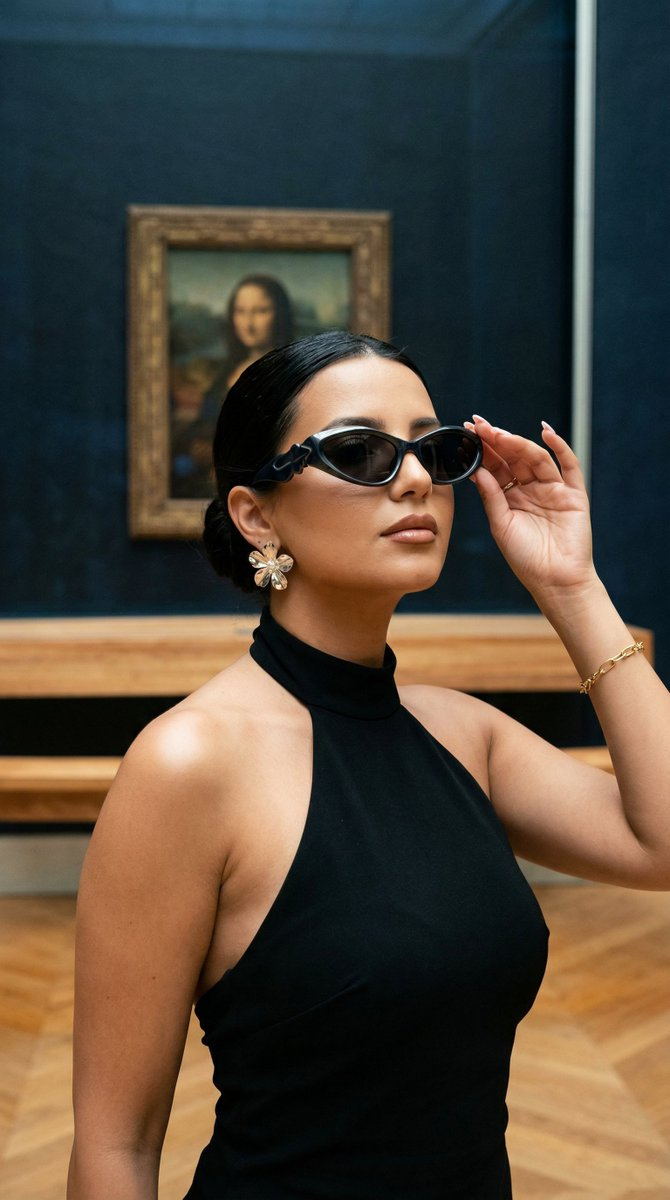




![118-google-nano-banana-pro-skincare-product- — A professional skincare shot of a [product container] with [cap/lid], labeled [brand, product, descriptor, volume](/_next/image?url=https%3A%2F%2Fcdn.picxstudio.com%2Fuploads%2Fpost118_img0_332898b8-29ea-42a9-87ab-9ed746a3f944.jpg&w=828&q=100)

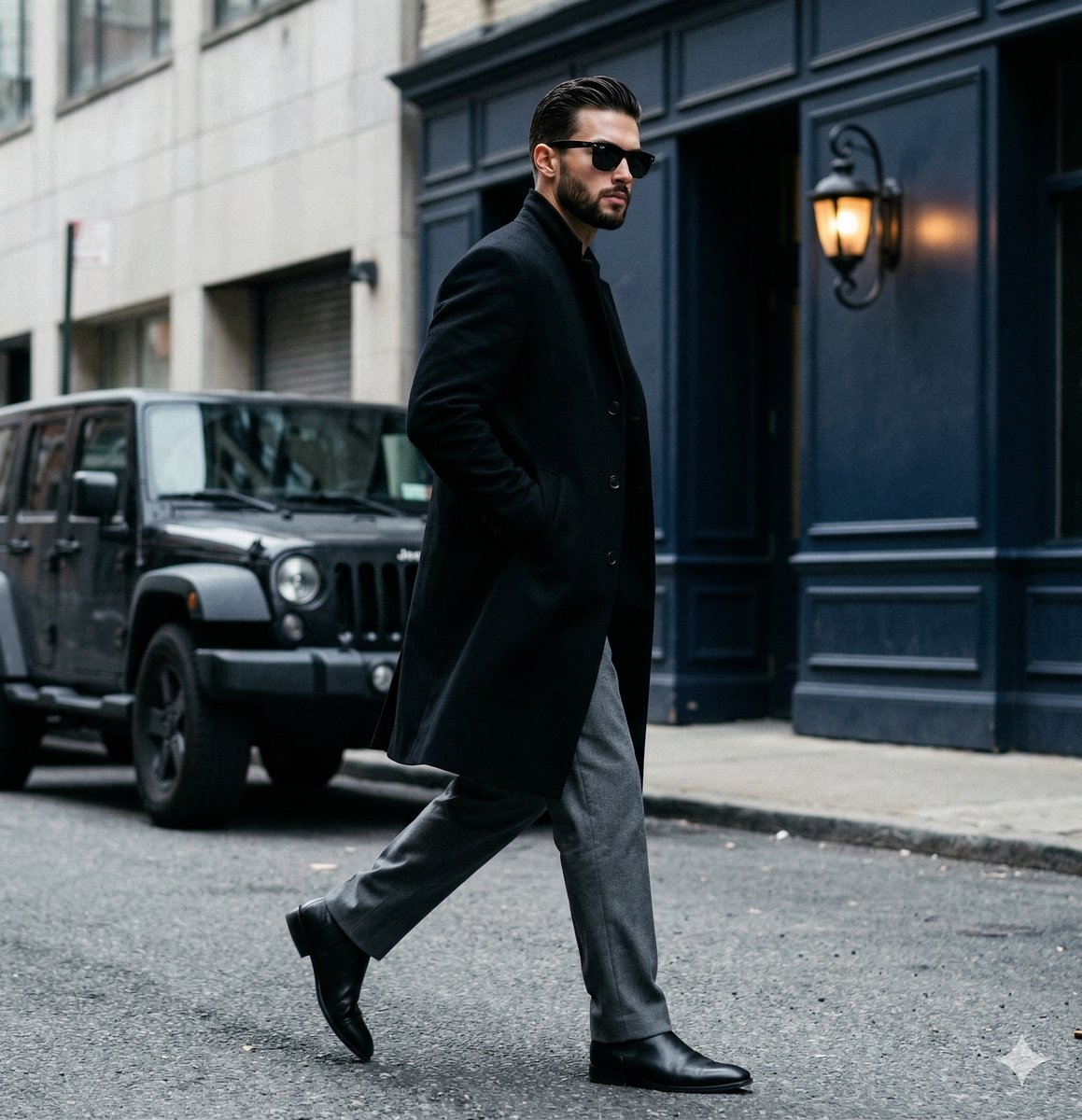







![69-untitled — FORMAT: 15s / 145 BPM / 14 SHOTS
SUBJECT: @[image1]
WARDROBE: Clean modern outfit
ENVIRONMENT: Street / indoor transitions
MOOD: Discovery → contr](/_next/image?url=https%3A%2F%2Fcdn.picxstudio.com%2Fuploads%2Fpost69_img0_d45faecf-38c3-4bcb-81a4-f6eb1cf42bb2.jpg&w=828&q=100)




![Naive doodle-style subject illustration — A doodle-style {argument name="subject" default="[subject]"}, naive lines, humorous shape exaggeration](https://pbs.twimg.com/media/G6Wl2YxbsAARB2b.jpg)












![nano-banana-seedance-cinematic-walk — Nano Banana Pro + Seedance 2.0 on Higgsfield
Prompt:
FORMAT: 15s / 135 BPM / 13 SHOTS
SUBJECT: @[image1]
WARDROBE: Stree](/_next/image?url=https%3A%2F%2Fcdn.picxstudio.com%2Fuploads%2Ftweet_img_new_6_079ba0a3-dc9a-4cf6-b5a9-1acee40e0b6b.jpg&w=828&q=100)