
Candid Parking Lot Street Fashion
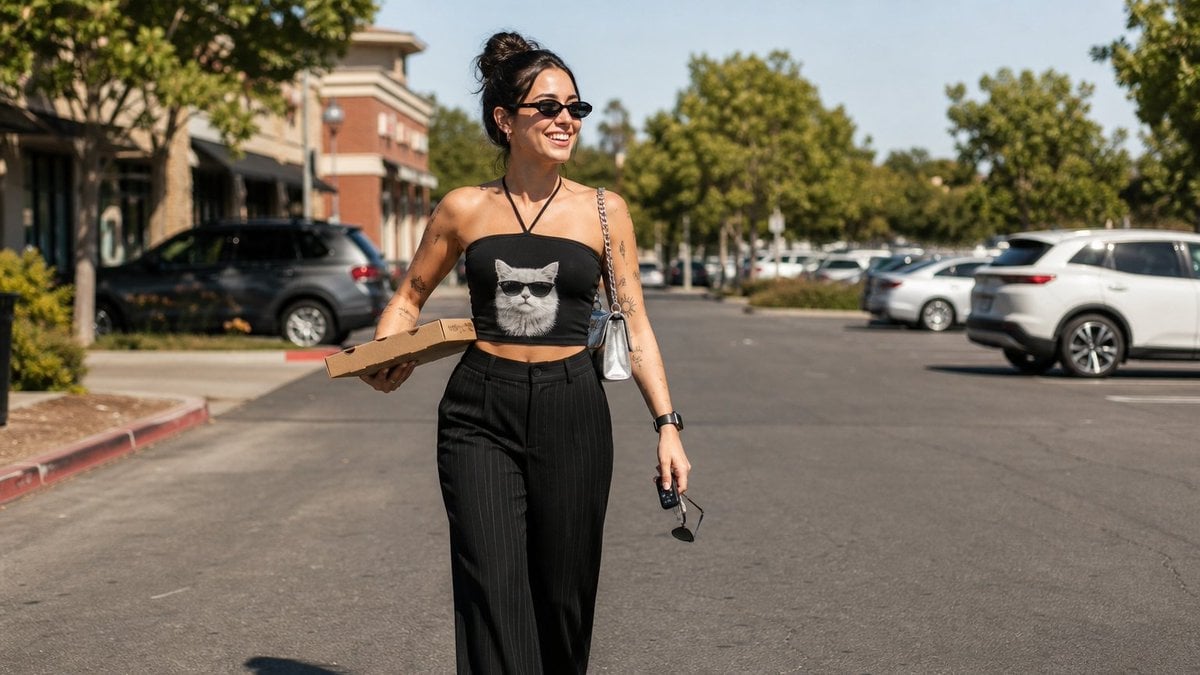
A realistic lifestyle fashion photo prompt for generating a stylish woman walking through a sunny shopping-center parking lot.
- Prompt included
- Model and format preset
- Free template
The prompt behind this image
Copy the exact prompt behind Candid Parking Lot Street Fashion, or open it in the studio and make it yours.
Create a realistic candid street-fashion photograph of {argument name="subject" default="a smiling young woman with dark hair in a messy bun"} walking through a sunny suburban shopping-center parking lot at midday. She is centered slightly left in a wide horizontal frame, laughing and looking off to her left, wearing small black oval sunglasses, a black halter-style tube crop top with a large grayscale cat face wearing sunglasses printed on the front, and high-waisted loose black pinstripe trousers. She has visible arm tattoos, a black smartwatch, a small shiny silver shoulder bag on a chain strap, and she carries two discrete handheld items: 1) a flat brown cardboard takeout box in her left hand, and 2) car keys plus black sunglasses dangling from her right hand. The environment includes rows of parked cars on both sides, leafy green trees, a brick-and-stucco retail building with shaded storefronts on the left, bright blue sky, strong natural sunlight, crisp shadows, and shallow depth of field with the background softly blurred. Use a natural documentary look, 35mm lens perspective, realistic skin texture, authentic motion, warm summer color grading, no text, no watermark, no posed studio lighting.
How to use Candid Parking Lot Street Fashion in 3 steps
- 1Upload ImagePNG, JPG or paste
Add your photo
Upload the photo the template builds on. The prompt, model and format are already set.
- 2…a portrait of your subject in softgolden-hour light, 85mm…
Personalize
Edit the subject and creative details for your destination.
- 3Generate
Generate
Press Generate — your image is created in PicX Studio, so you can compare it with the original and refine one variable at a time.
More like this
Templates with the same subject, style or setup. Open one to see its prompt.

Nano Banana - Street Paris T-Shirt

80s College Gate

Neon Night Crosswalk Candid Portrait
Neon Night Crosswalk Candid Portrait

Face-Locked Cream Half-Zip Street Walk

Blue Hour Editorial Fashion Portrait
Double Exposure City Street Portrait
Urban Fashion Editorial in Parking Lot Prompt

Sunday Afternoon, 1988

Two Tickets, One Night

Our Song was on a Cassette

Meet Me When It Rains
Make it yours
Candid Parking Lot Street Fashion works as-is. These are the safest ways to change it without losing the look.
Change one field
Copy a single group, rewrite it, and generate again so you can see what that field is doing.
Keep the frame, change the subject
Hold the composition and light of Candid Parking Lot Street Fashion, then swap wardrobe, props or the person for a new take.
| If the result… | Why | Fix |
|---|---|---|
| The result drifts from the preview | Too many fields changed at once. | Reuse Candid Parking Lot Street Fashion as-is first, then change one group — subject, light, or setting. |
| The model over-stylizes the scene | The prose prompt leaves finish and camera underspecified. | Add one camera or lighting sentence and stay on GPT Image 2. |
More GPT Image 2 templates
Other prompts made for GPT Image 2.

Six VTuber Japanese Logo Sheet

Realistic Portrait of Woman and Deer

The Vista Modular Condo Poster

AI Model Routing Comparison Infographic

2.5D Anime Art Board

Isometric Productivity Desk Scene

New York Double Exposure Poster

Four-Panel AI Landscape Comparison

Japanese Tatami Lifestyle Magazine Cover

NESCAFÉ Coffee Map Poster
More image prompts
Fresh picks from across the catalog.

Edible Cityscape Diorama (Double Inference)
Indie Mind City Isometric Tech District
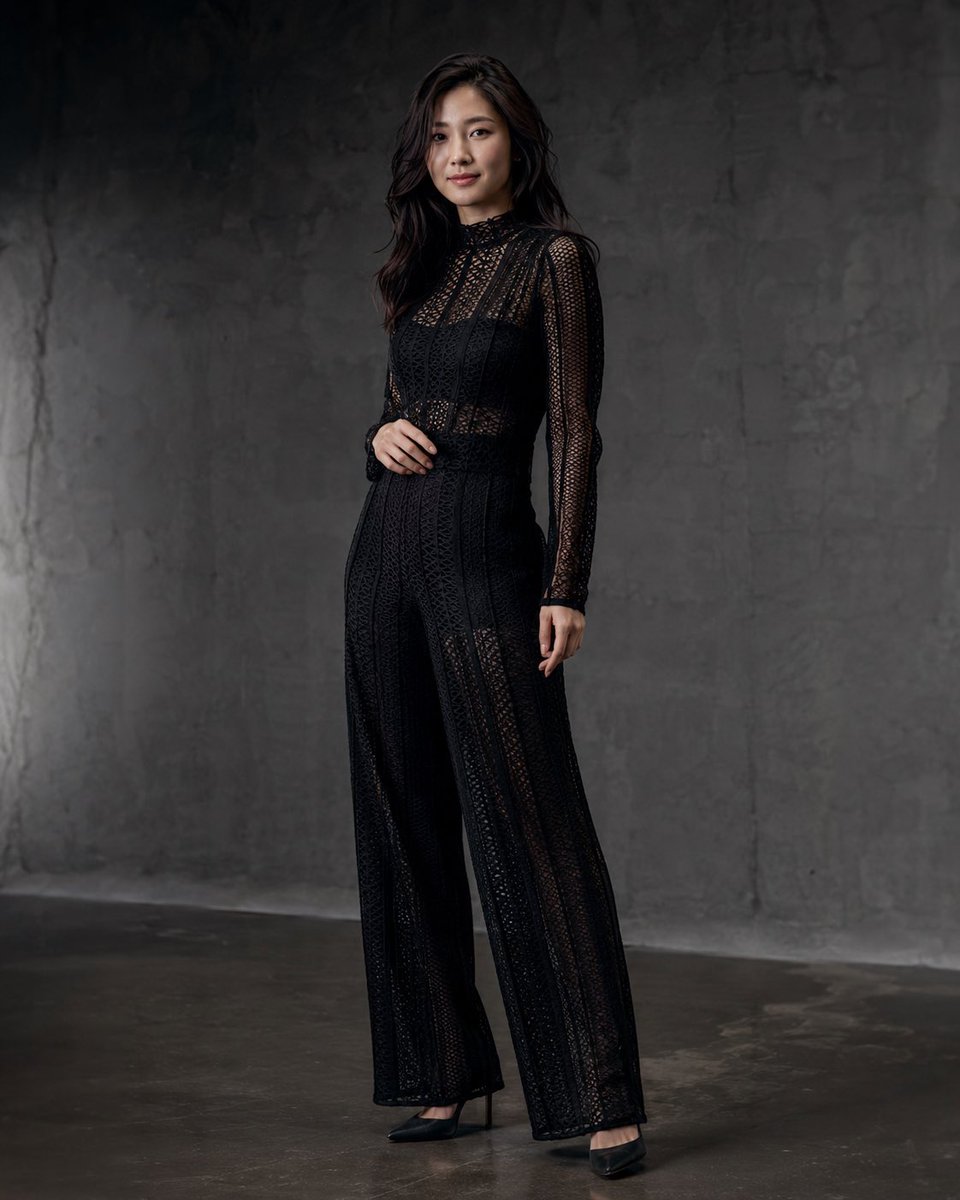
Anonymous Black Lace Fashion Portrait
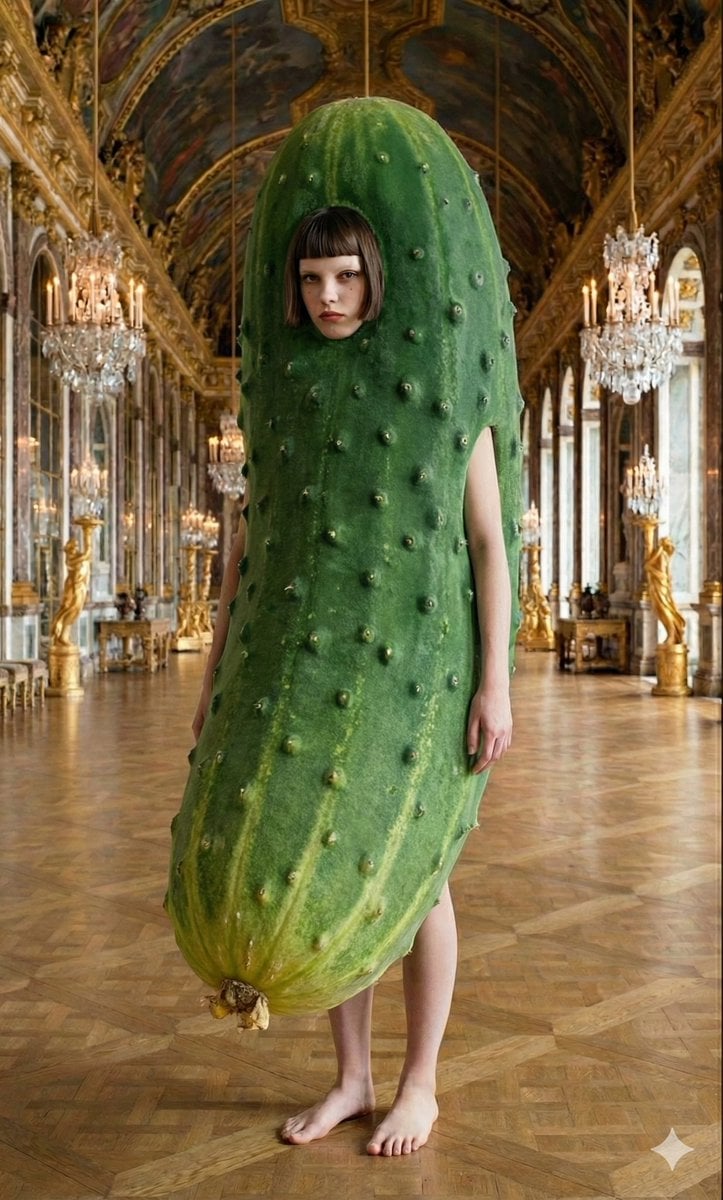
Corporate Elite Self-Reflection Portrait Prompt

Professional Business Portrait Generation Prompt
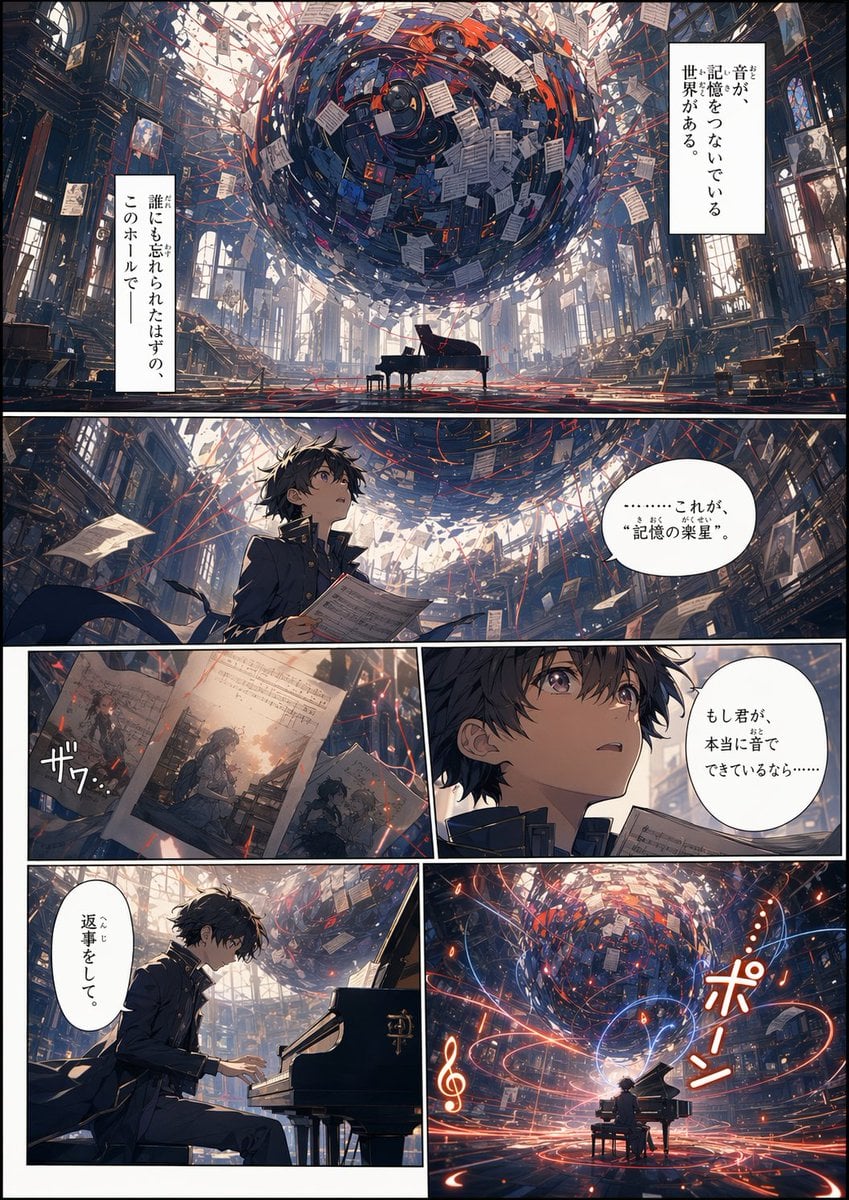
Background to Manga Layout Prompt

Lord Shiva Hand-Holding Cinematic Scene Prompt
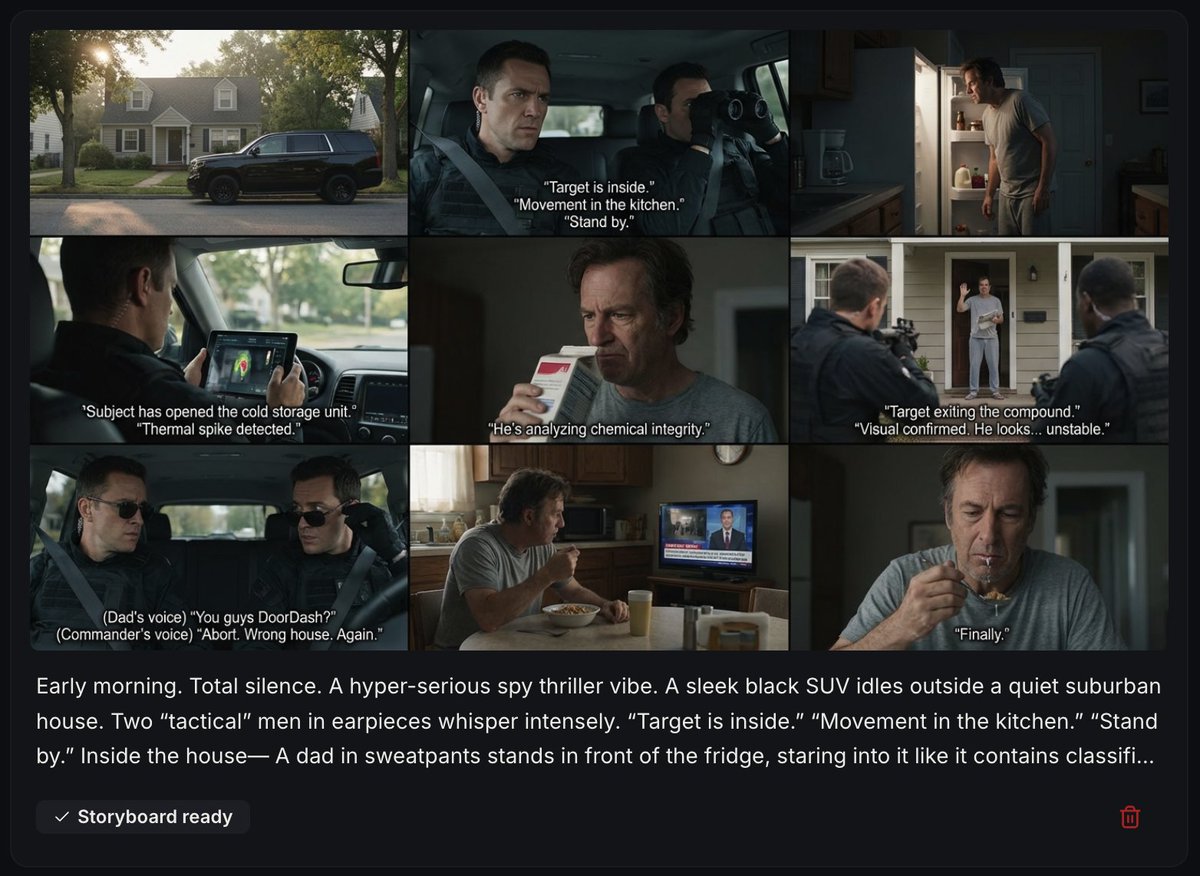
Spy Thriller Comedy Storyboard Prompt

Wukong Calligraphy Poster
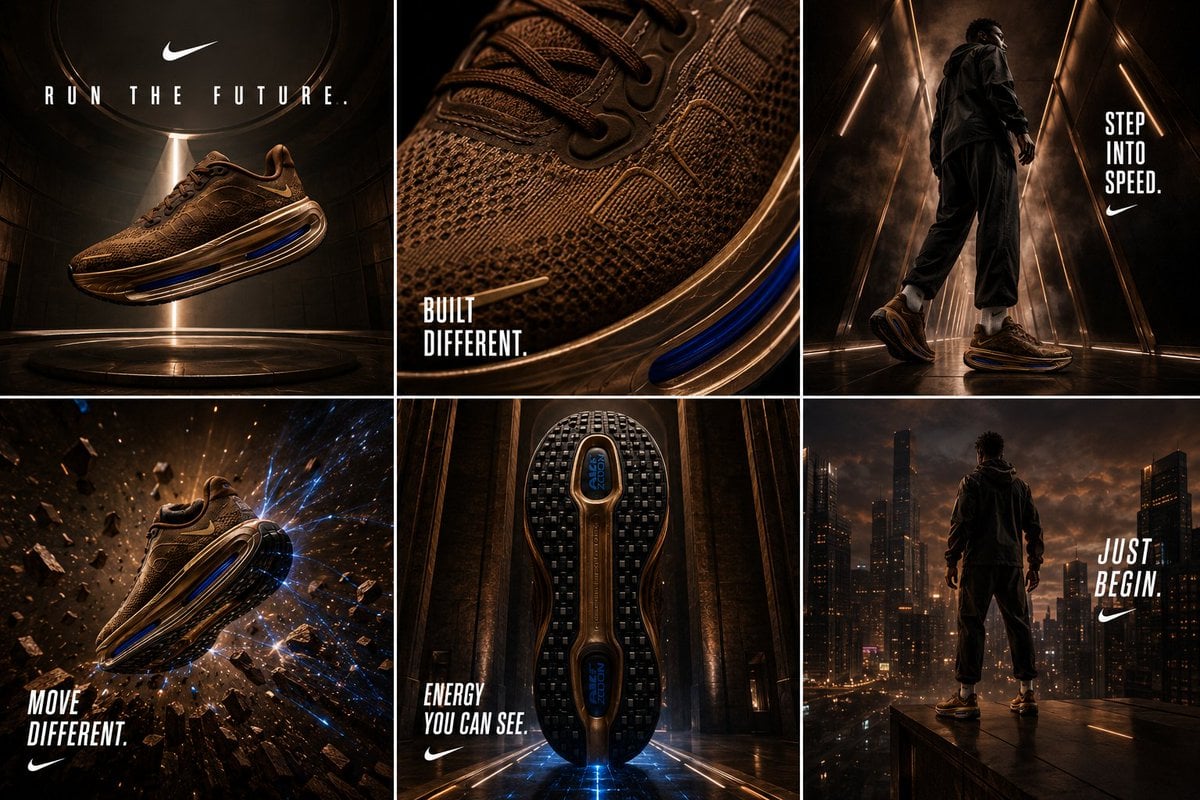
Nike Vomero Future Campaign Master Prompt
Browse template categories
Candid Parking Lot Street Fashion questions
How do I use the Candid Parking Lot Street Fashion template?
Add your photo if the template asks for one, edit the prompt if you like — the template's model and format are already selected — and press Generate. Your version opens in PicX Studio.
Can I customize the Candid Parking Lot Street Fashion template?
Yes. You can change the subject, setting, lighting, mood, format, and available model controls before creating your image.
Is the Candid Parking Lot Street Fashion template free?
Opening and editing this template is free. Generating uses credits, shown on the Generate button when you are signed in.
Which AI model should I use?
Start with GPT Image 2, which is the model associated with this template. You can compare another compatible model for a different finish.
Looking for something else? Browse all templates.

Your photo, any look
Thousands of ready templates for every top image and video model, from one credit balance.