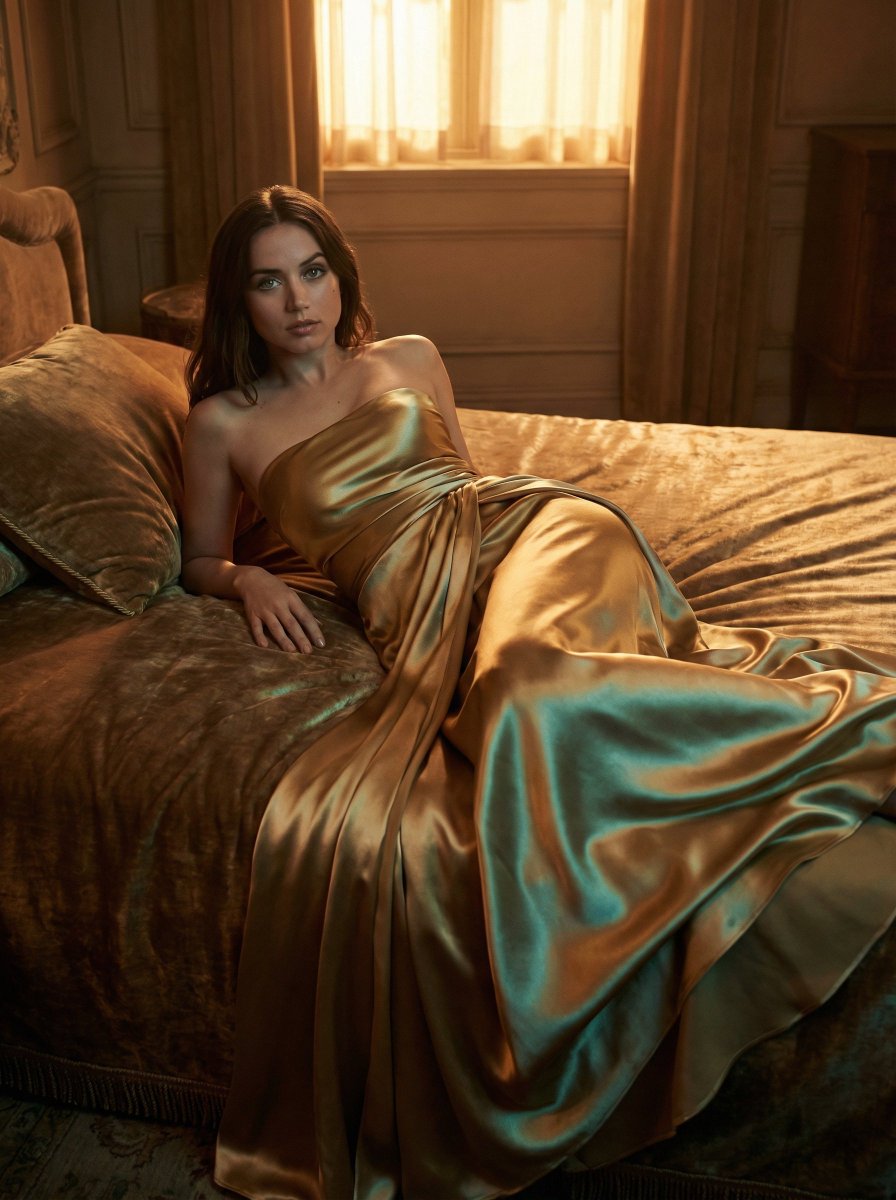
How do I use the Ana de Armas in Crimson Gown Editorial Prompt template?
Choose the primary action to open PicX Studio with the available template settings. Review the model and format, personalize the creative direction, and generate when ready.
A highly detailed, JSON-formatted prompt for generating an ultra-HD 8K editorial image of Ana de Armas. Change the subject, setting, or lighting one variable at a time.

{ "project_configuration": { "version": "2.0", "output_quality": "Ultra-HD 8K", "aspect_ratio": "3:4", "render_engine_hints": [ "Path tracing", "Subsurface scattering", "Physically based rendering (PBR)" ] }, "subject_profile": { "model": "{argument name=\"model name\" default=\"Ana de Armas\"}", "physical_attributes": { "skin": { "texture": "Porcelain", "finish": "Luminous, smooth", "complexion": "Fair/Pale" }, "anatomy": { "eyes": "Closed", "head_angle": "Tilted slightly backward", "expression": "Serene, ethereal, sophisticated" }, "hair": { "color": "Raven black", "texture": "Straight, voluminous, flowing", "length": "Extra-long, cascading down back", "styling": "Elegant, side-parted with floral tuck" } }, "pose_and_gesture": { "overall_stance": "Elegant, statuesque", "hand_positioning": { "left_hand": "Raised near jawline, delicate finger placement", "right_hand": "Raised near temple, soft-touch gesture", "gesture_quality": "Fluid, graceful, high-fashion editorial" } } }, "styling_and_cosmetics": { "apparel": { "primary_garment": "Deep crimson red off-the-shoulder gown", "construction_details": { "sleeves": "Long, ruched fabric, fitted", "bodice": "Sophisticated tailoring", "skirt": "High-thigh side slit", "layering": "Matching red silk underskirt" }, "fabric_physics": { "materials": ["Silk", "Heavy crepe", "Satin"], "behavior": "Soft drapes, rich textural folds" } }, "makeup_artistry": { "palette": "Monochromatic red and soft rose", "lips": "Matte finish, bold crimson red, sharp definition", "eyes": "Subtle feline winged eyeliner, long lashes", "cheeks": "Soft rosy blush, high-placed highlight", "style": "Soft-glam, editorial" }, "accessories": { "ear_jewelry": { "type": "Pom-pom drop earrings", "color": "Vibrant red", "charms": "Tiny white bow detail", "aesthetic": "Elegant whimsicality" }, "hair_jewelry": { "item": "Oversized fabric rose", "color": "Fiery red", "placement": "Behind the left ear" } } }, "environment_and_scenery": { "background_type": "Dense floral installation", "floral_composition": { "species": "Bougainvillea", "primary_colors": ["Fiery red", "Bright orange"], "secondary_colors": ["Hints of pink", "Emerald green leaves"], "density": "Immersive wall, zero negative space, tightly packed" }, "spatial_depth": "Shallow, textured backdrop" }, "cinematography_and_optics": { "camera_settings": { "lens": "35mm prime", "aperture": "f/1.8", "focus_mode": "Eye-level focus, soft fall-off" }, }
Choose the primary action to open PicX Studio with the available template settings. Review the model and format, personalize the creative direction, and generate when ready.
Yes. You can change the subject, setting, lighting, mood, format, and available model controls before creating your image.
This template is free to open and customize. Generation usage is shown in PicX Studio before you create.
Start with Nano Banana 2, which is the model associated with this template. You can compare another compatible model for a different finish.
© 2026 PicX Studio. All rights reserved.

Follow a topic to a crawlable collection of related PicX Studio templates.
43,474 public templates available. Verified via the PicX Studio public templates API; refreshed hourly.

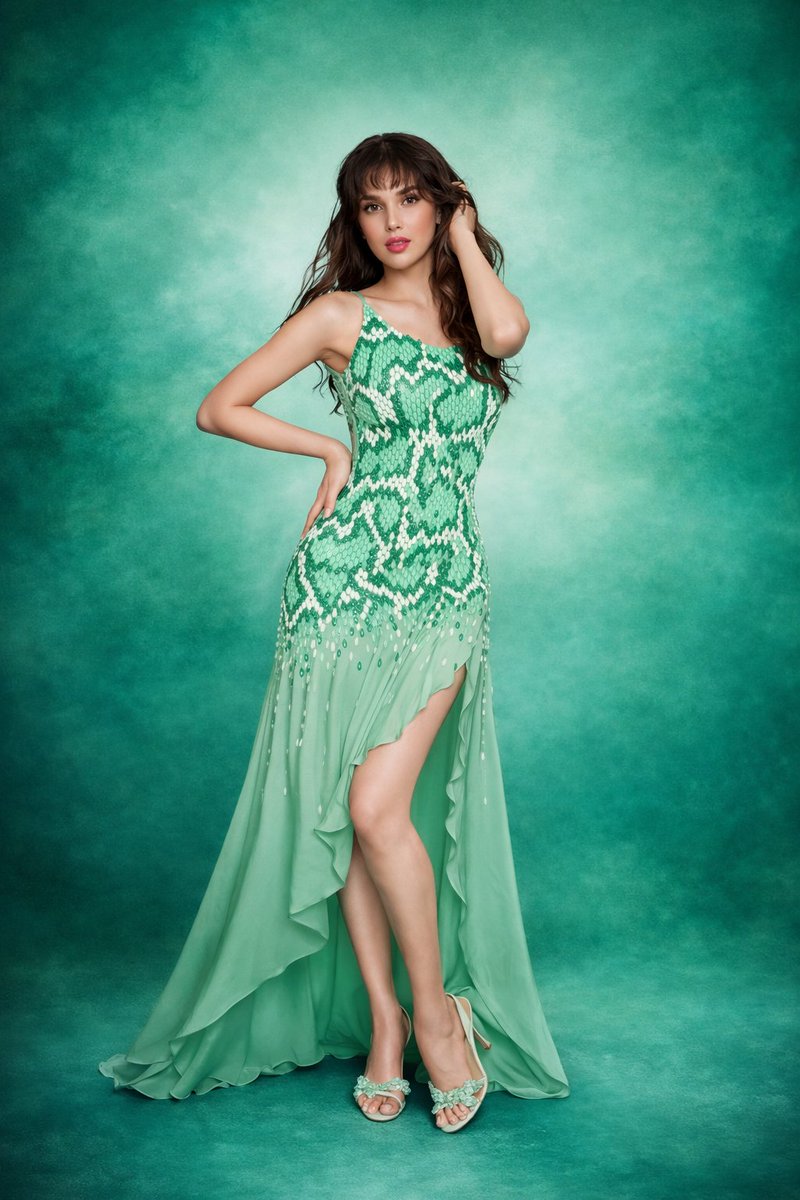


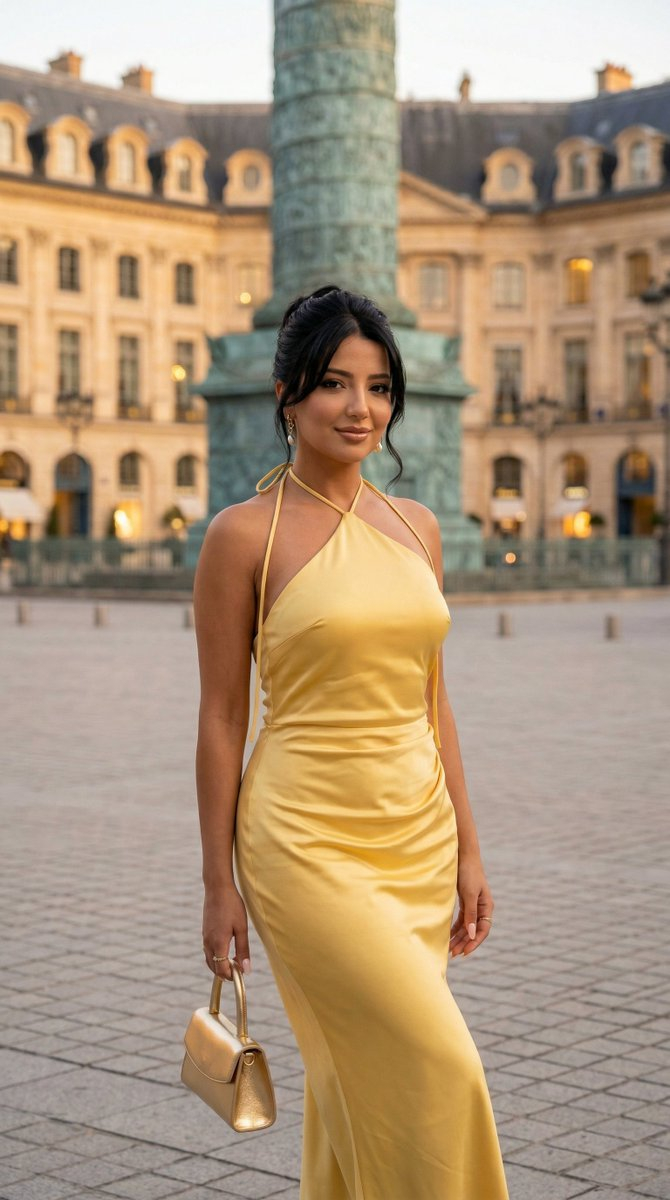
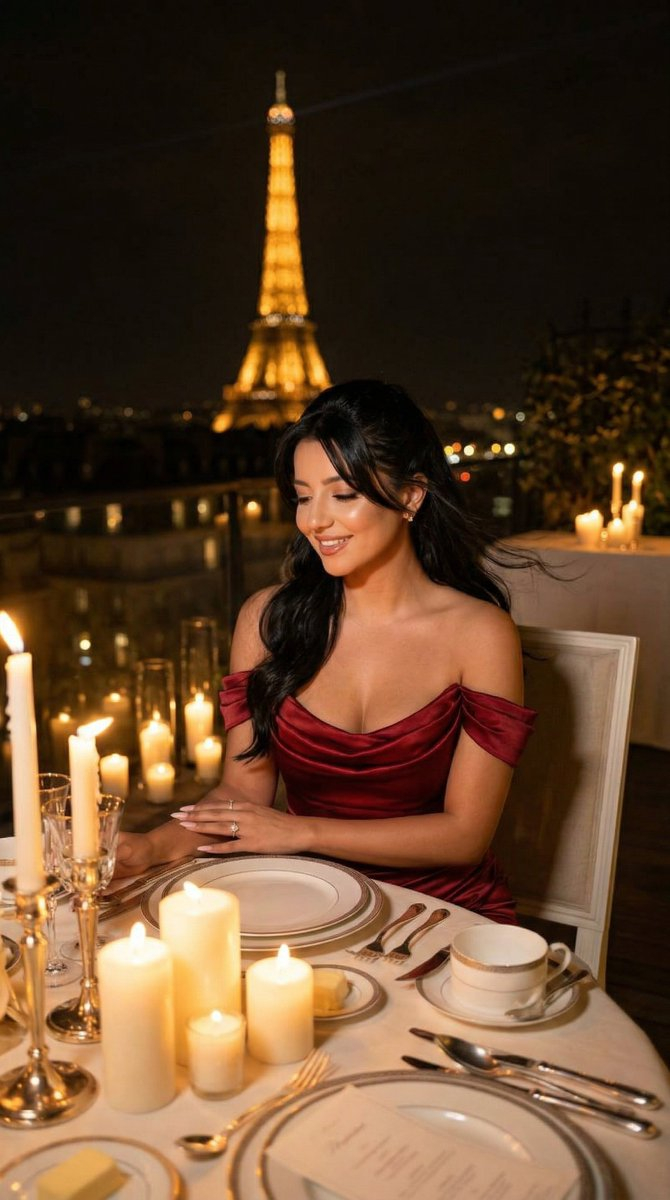






![Naive doodle-style subject illustration — A doodle-style {argument name="subject" default="[subject]"}, naive lines, humorous shape exaggeration](https://pbs.twimg.com/media/G6Wl2YxbsAARB2b.jpg)












![Vehicle-Inspired Fashion Design Infographic — 请以图中的这台{argument name="车型" default="[车型名称]"}作为服装设计的灵感来源,做一张服装设计的信息图,集合真人模特展示,服装细节,理念解释,灵感来源,材质选择,草图绘制等等,信息图的版面设计和效](https://cms-assets.youmind.com/media/1777797582227_c9aw73_HHShWV8bIAAIfcB.jpg)


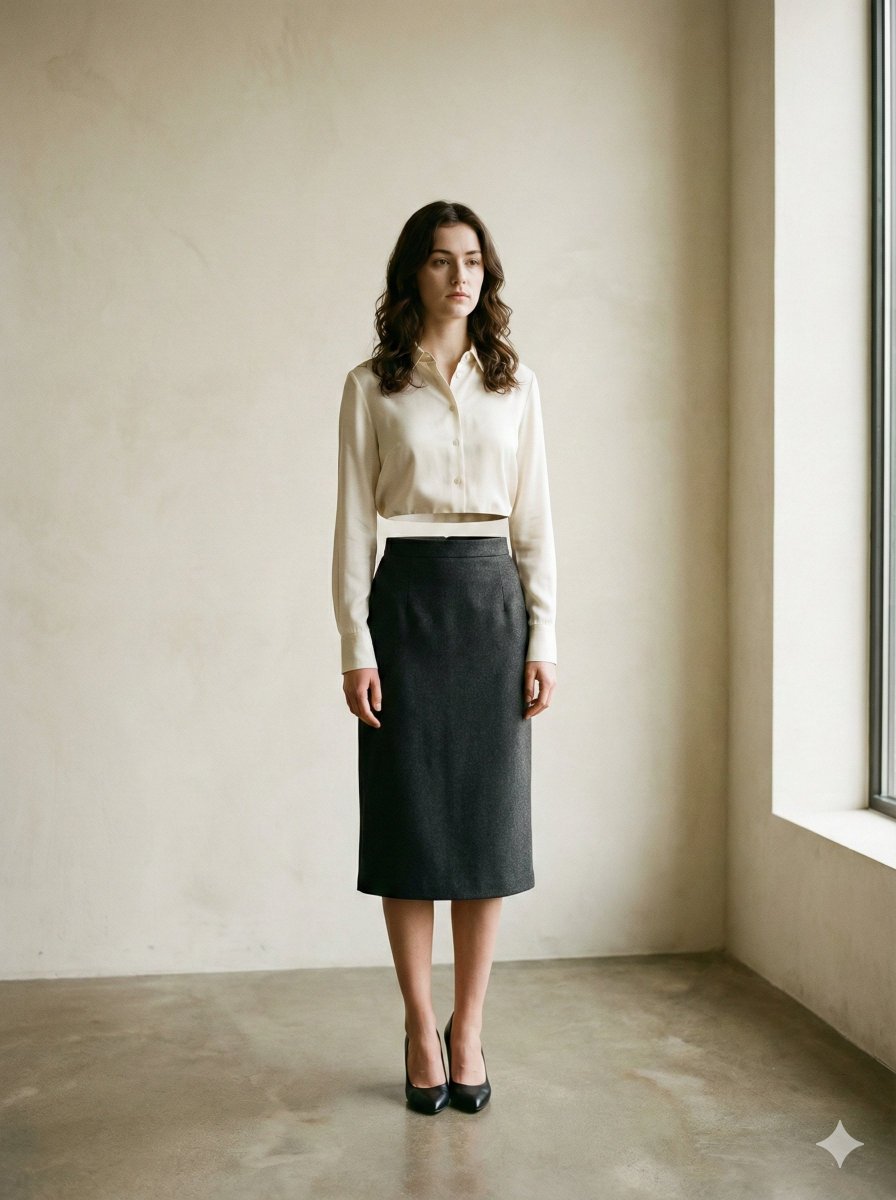
![High-End Skincare Product Macro Photography Ad — [{argument name="产品名称" default="产品"}],俯视平铺中心位置,周围环绕[{argument name="成分描述" default="成分"}],新鲜切片和整块,光泽湿润外观,水花冻结在产品](https://pbs.twimg.com/media/G_krEgZbcAADmJh.jpg)
![64K Cinematic Punk Portrait Image Transformation — Transform this image [Upload Your Image] into a 64K DSLR shot resolution of cinematic, ultra-detailed portrai](https://pbs.twimg.com/media/G9lB1AnWsAI8ET6.jpg)

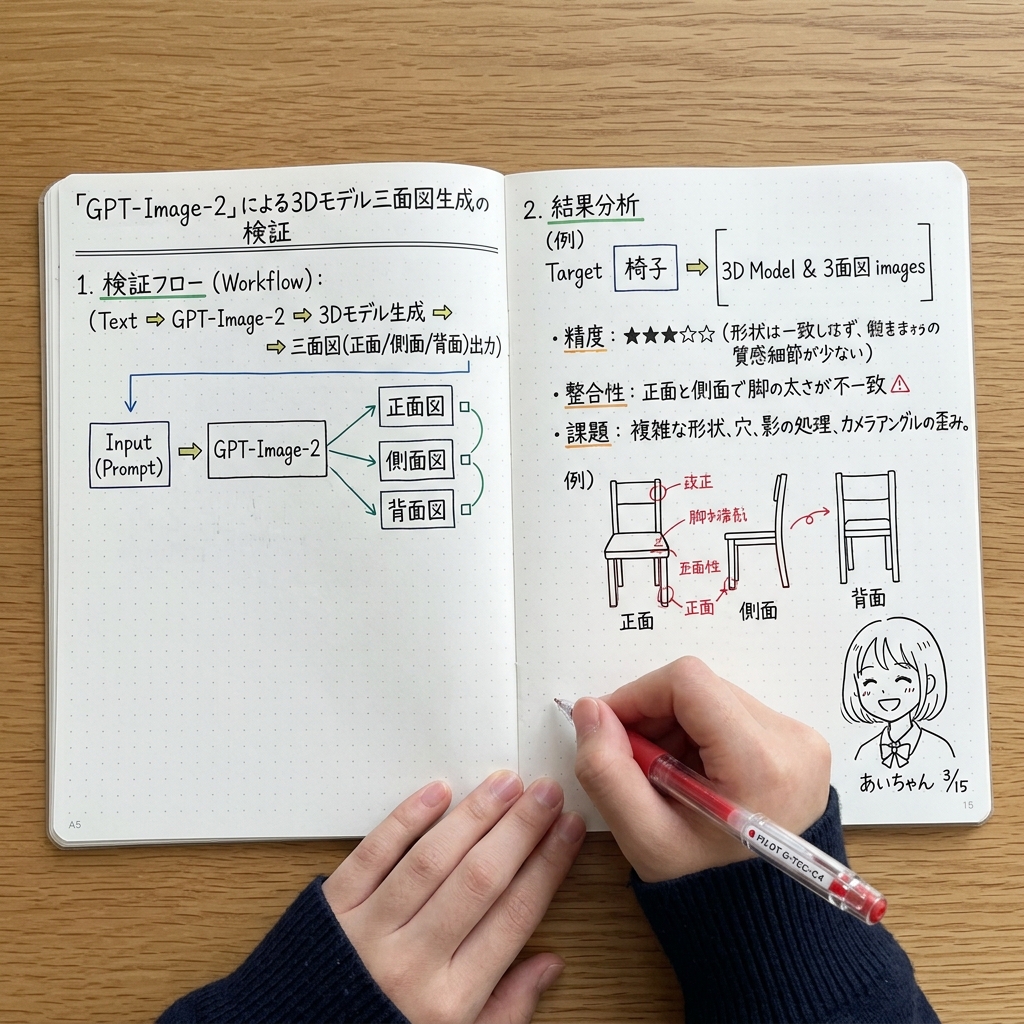


![Lego Set Design Prompt Template — Create a Lego set for [place, movie, image reference], [type of set, adventure, architecture] set, include box and instruction](https://pbs.twimg.com/media/HCabsmiXIAEklYr.jpg)


