How do I use the Kashmir Winter Travel Photography template?
Choose the primary action to open PicX Studio with the available template settings. Review the model and format, personalize the creative direction, and generate when ready.
A detailed prompt for generating an ultra-realistic, National Geographic-style travel photograph of a celebrity (Sydney Sweeney) enjoying a magical winter morning on Dal Lake, Kashmir, sitting in a snow-covered traditional shikara, emphasizing volumetric lighting and hyper-detailed textures. Change the subject, setting, or lighting one variable at a time.

Sydney Sweeney peacefully enjoying a magical winter morning on Dal Lake, Kashmir, sitting inside a beautifully carved traditional wooden shikara covered with a light layer of fresh snow. Gentle snowfall in the air, soft fog floating above the lake surface, mirror-like reflections in the water. She is wrapped in an elegant Kashmiri pashmina shawl, warm woolen outfit, holding a cup of steaming kahwa, smiling softly while looking at the snowy Himalayan mountains in the distance. The shikara is decorated with vibrant Kashmiri embroidery cushions, flowers slightly covered in snow, and a small lantern glowing warmly inside. Snowflakes resting on her hair and shawl. Surrounding lake filled with other blurred shikaras and tourists in the background, cinematic depth of field. Morning golden light breaking through clouds, volumetric lighting rays, ultra realistic water reflections, 8K hyper-detailed textures, National Geographic style photography, Sony A7R V, 85mm lens, f/1.8, HDR, natural skin tones, cozy winter aesthetic, peaceful luxury travel vibe, unreal cinematic atmosphere, soft color grading, masterpiece photography. trending travel photography, viral winter aesthetic, dream destination vibe, ultra photorealistic, award winning shot, Instagram editorial quality
Choose the primary action to open PicX Studio with the available template settings. Review the model and format, personalize the creative direction, and generate when ready.
Yes. You can change the subject, setting, lighting, mood, format, and available model controls before creating your image.
This template is free to open and customize. Generation usage is shown in PicX Studio before you create.
Start with Nano Banana 2, which is the model associated with this template. You can compare another compatible model for a different finish.
Follow a topic to a crawlable collection of related PicX Studio templates.
43,474 public templates available. Verified via the PicX Studio public templates API; refreshed hourly.




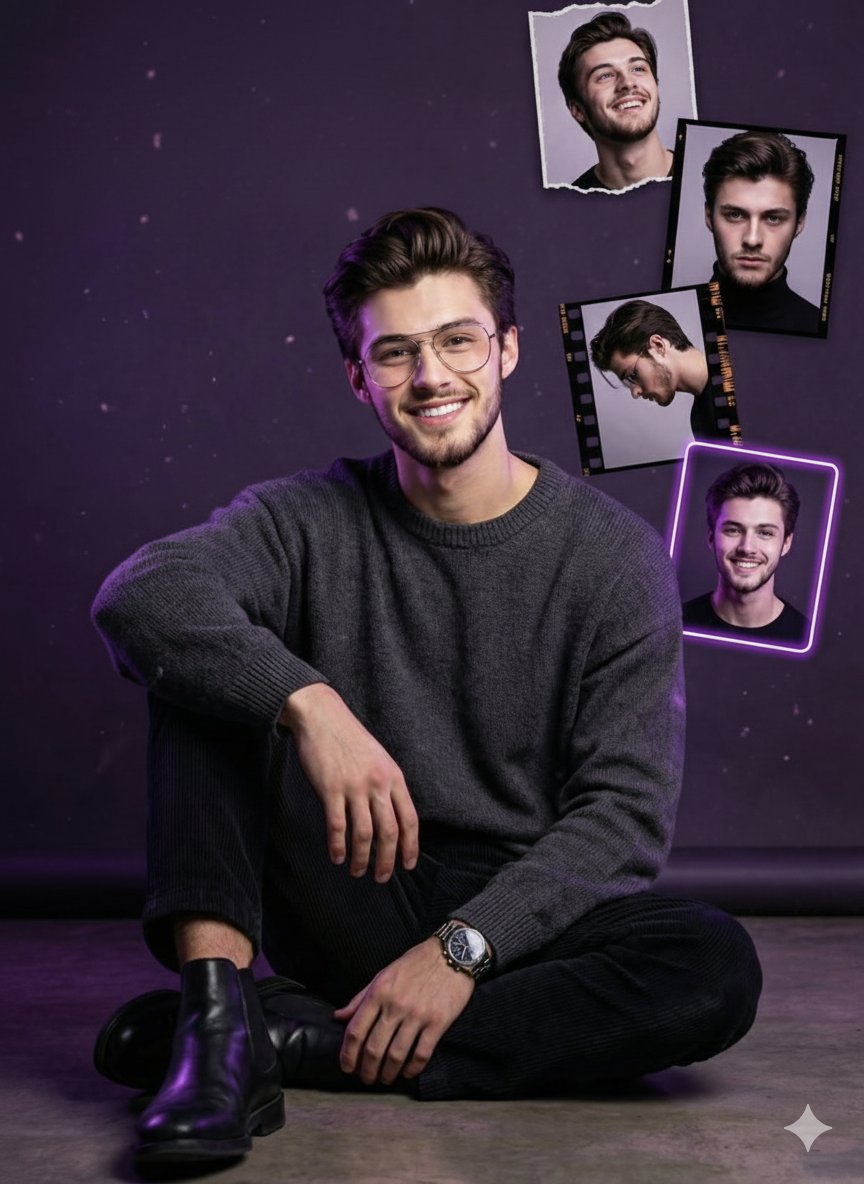
![This image into a 64K DSLR shot resolution of A stylish urban fashion — Transform this image [Upload Your Image] into a 64K DSLR shot resolution of A stylish ur](https://images.meigen.ai/tweets/2008470156146860416/0.jpg)









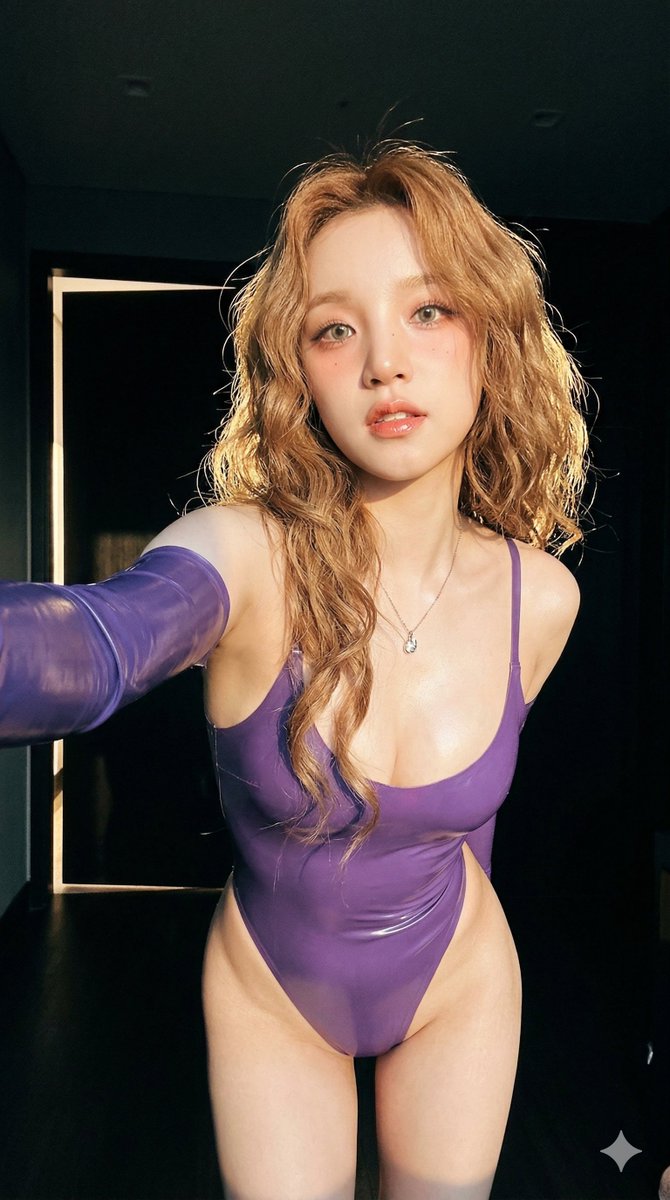
![Naive doodle-style subject illustration — A doodle-style {argument name="subject" default="[subject]"}, naive lines, humorous shape exaggeration](https://pbs.twimg.com/media/G6Wl2YxbsAARB2b.jpg)