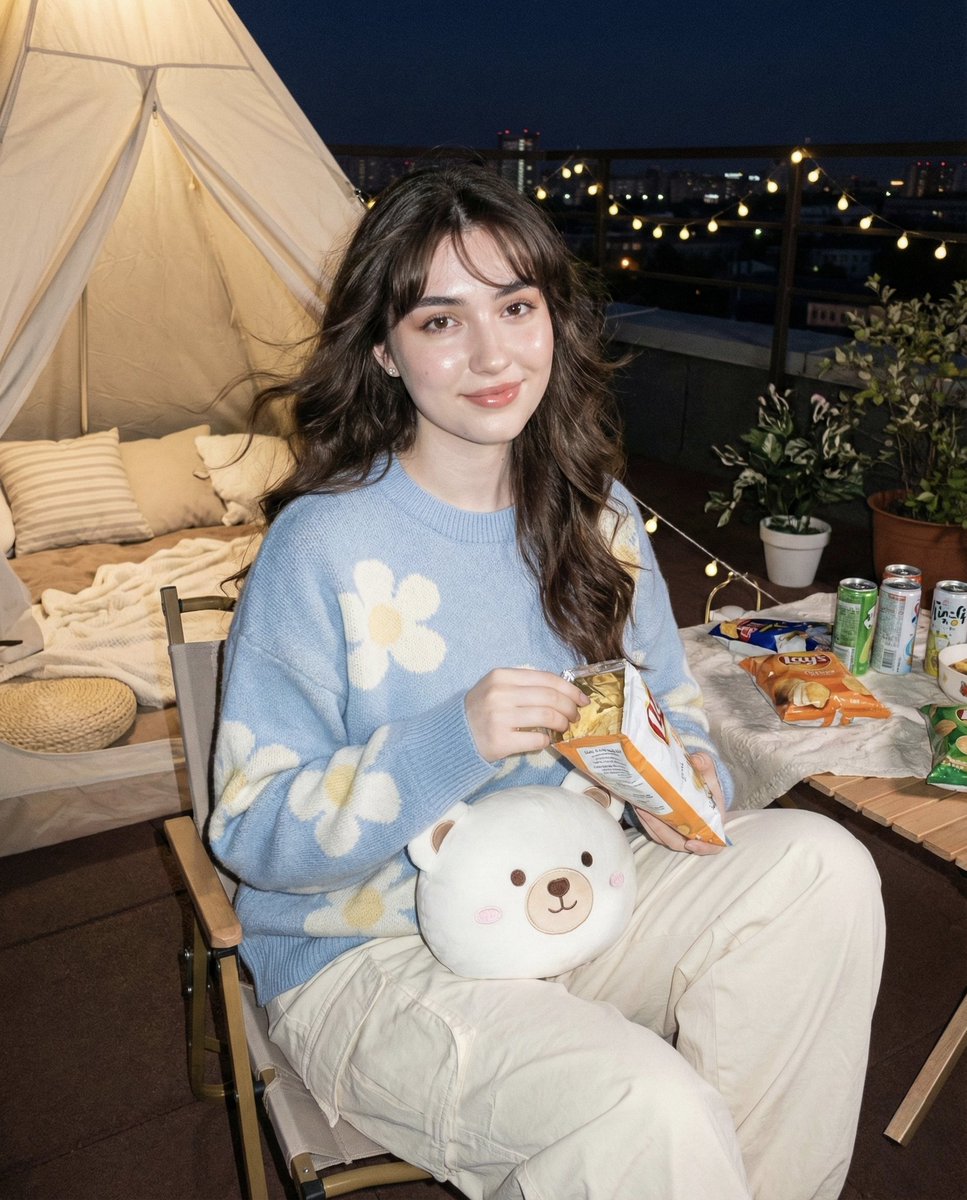
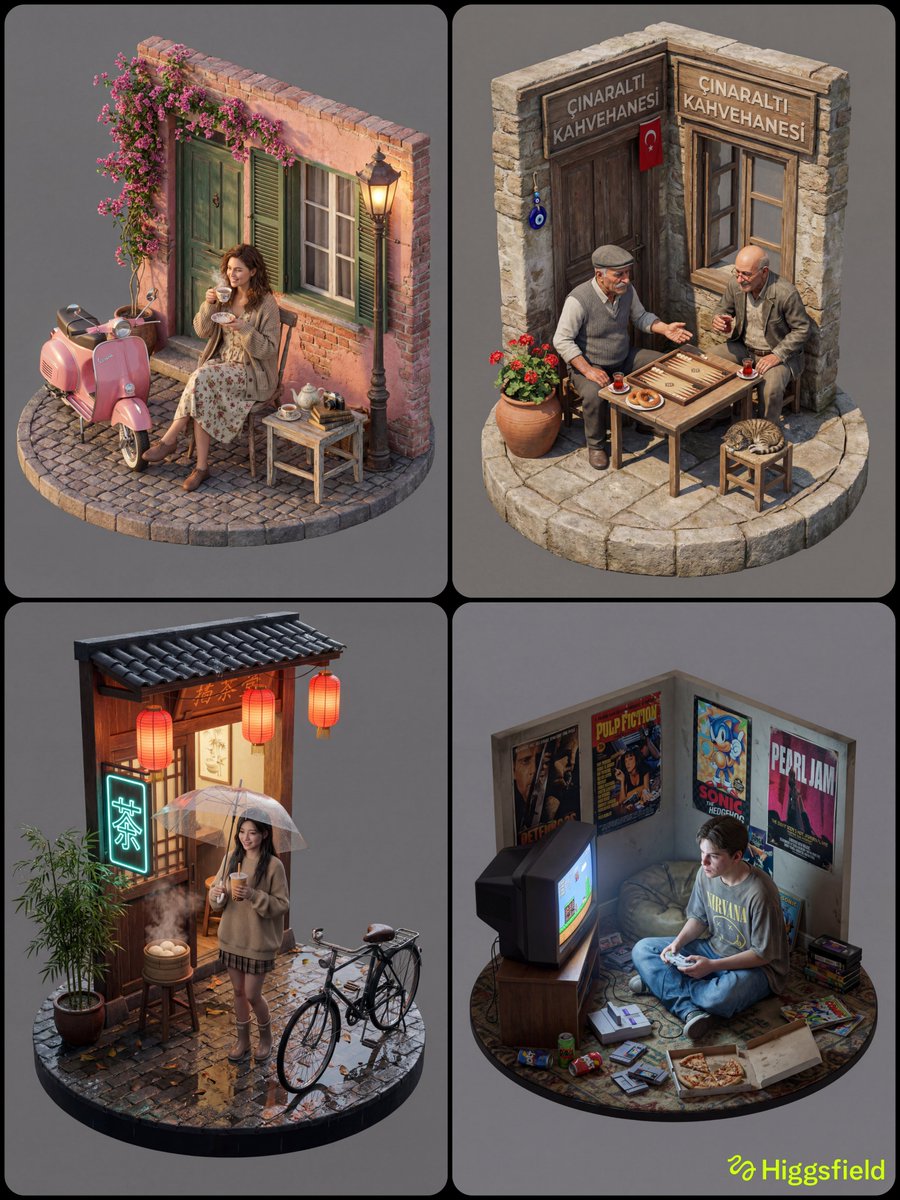
How do I use the Flight Attendant on Private Jet (Duplicate) template?
Choose the primary action to open PicX Studio with the available template settings. Review the model and format, personalize the creative direction, and generate when ready.
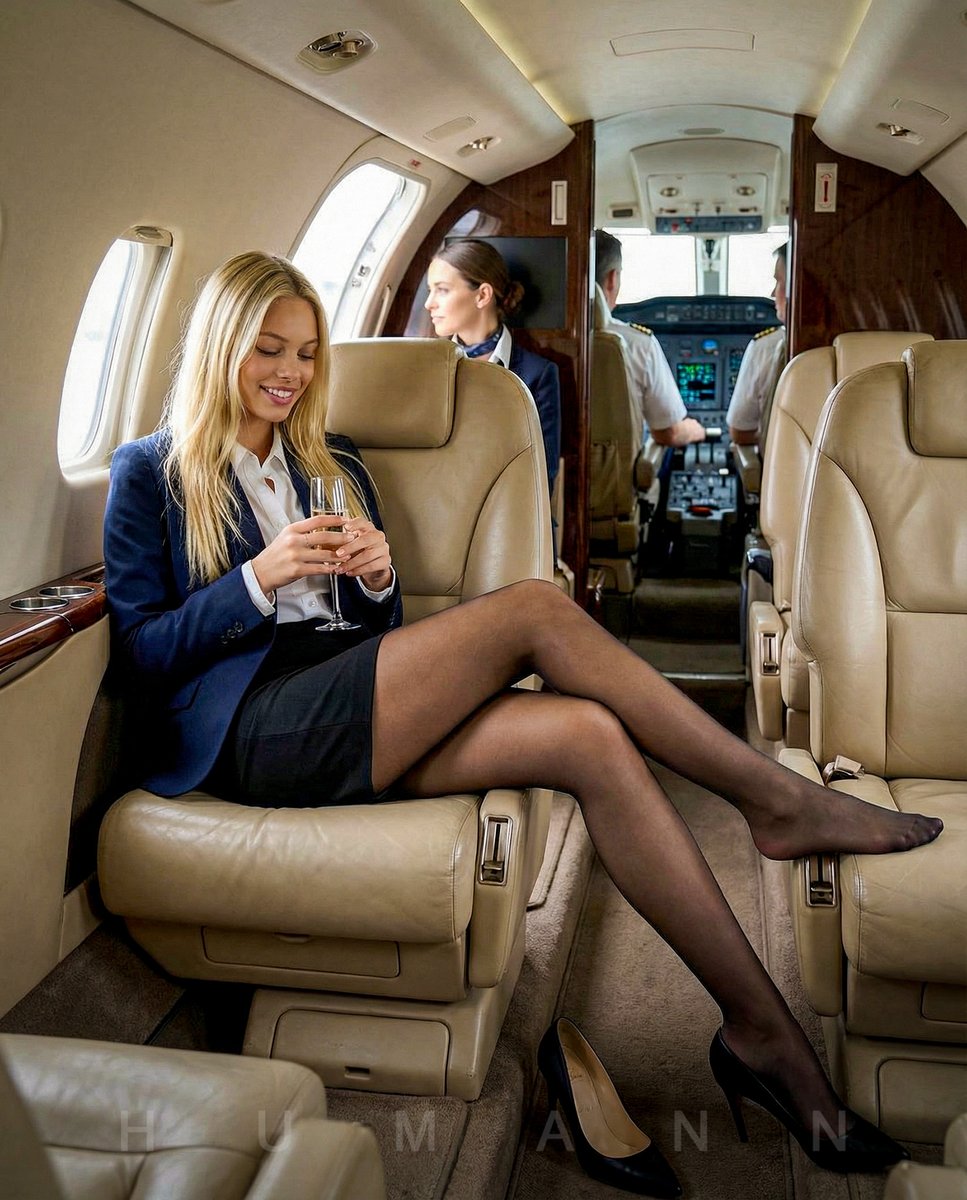
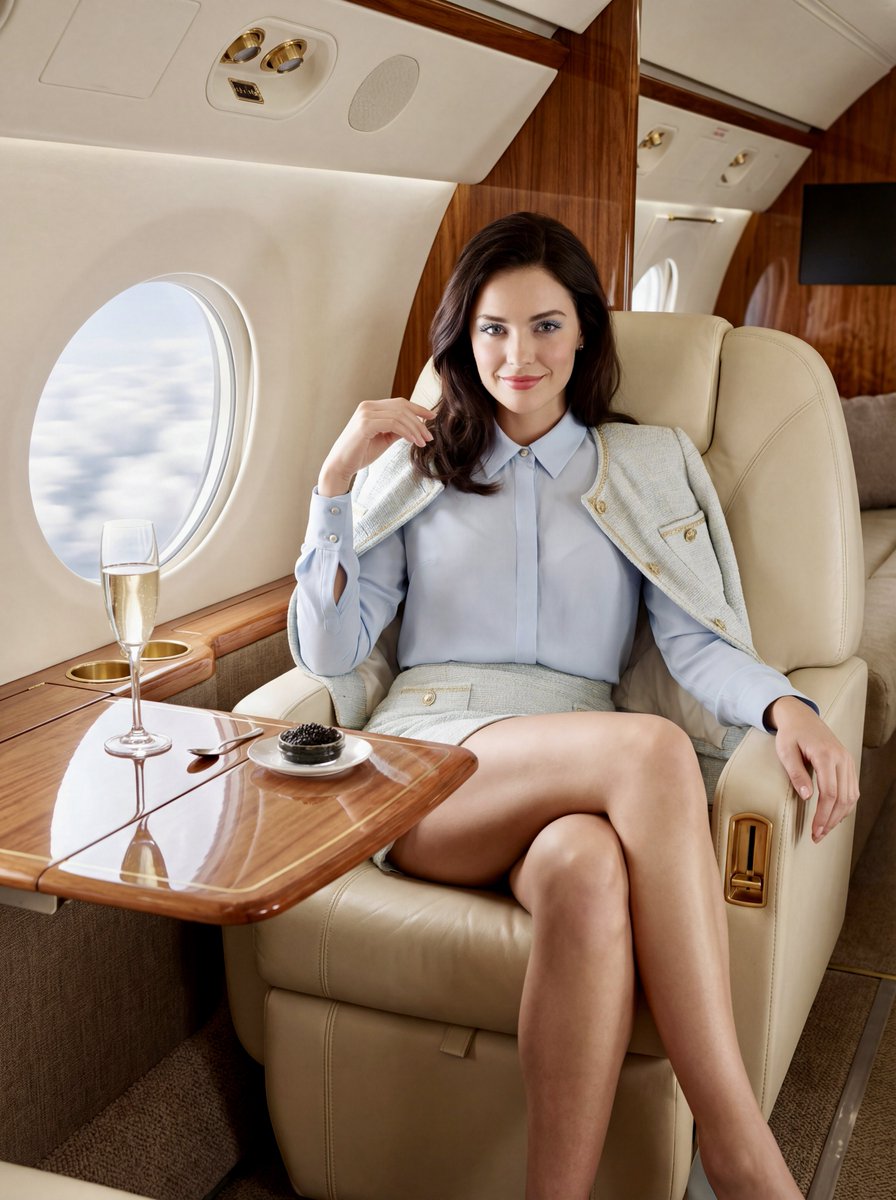
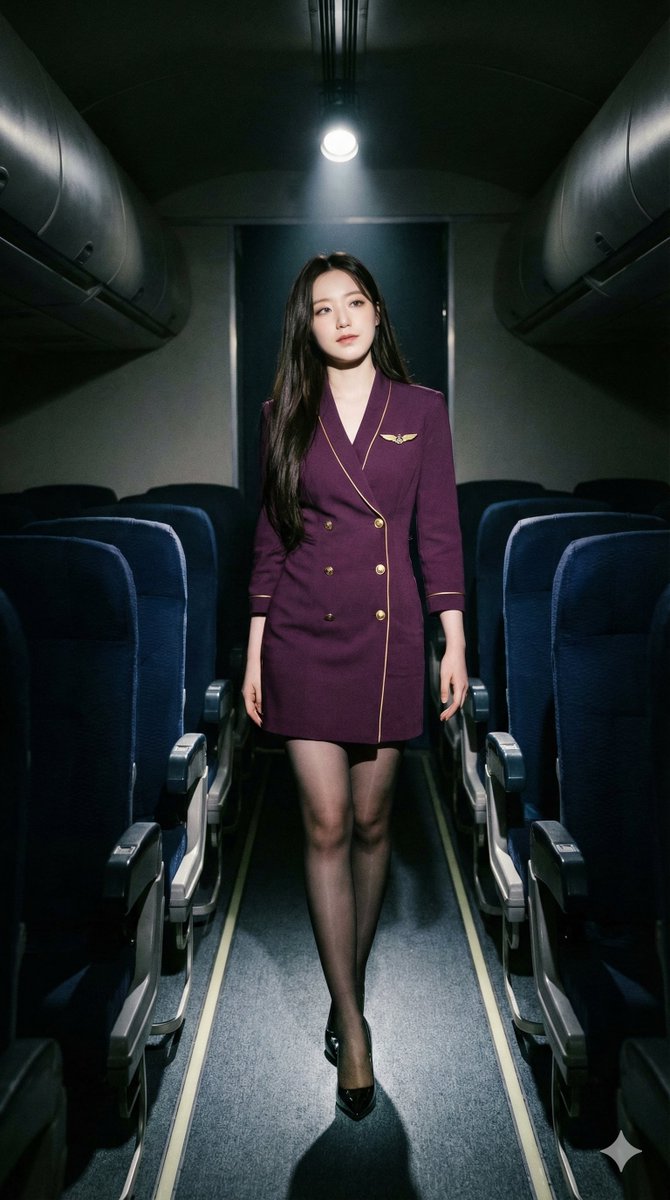
A detailed prompt using a mix of natural language and parenthetical weights to generate a raw, ultra-detailed photo of a young businesswoman (styled as a flight attendant) sitting relaxed on a private jet, holding a champagne glass, with her shoes off. Change the subject, setting, or lighting one variable at a time.

(masterpiece, best quality, ultra-detailed, 8k, raw photo:1.2), 1girl,adult, solo, young businesswoman, navy blue blazer, matching pencil mini skirt, white blouse, (black sheer pantyhose:1.1), sitting on beige leather luxury seat, inside private jet, (holding champagne glass:1.1), (legs crossed and extended:1.2), (barefoot:1.1), stockinged feet, relaxed pose, smiling at viewer, (shoes taken off on floor:1.2), black high heels next to feet, cockpit visible in background, pilot sitting in background, depth of field, soft cabin lighting, professional photography, 9:16 aspect ratio, mini skirt
Choose the primary action to open PicX Studio with the available template settings. Review the model and format, personalize the creative direction, and generate when ready.
Yes. You can change the subject, setting, lighting, mood, format, and available model controls before creating your image.
This template is free to open and customize. Generation usage is shown in PicX Studio before you create.
Start with Nano Banana 2, which is the model associated with this template. You can compare another compatible model for a different finish.
Follow a topic to a crawlable collection of related PicX Studio templates.
43,474 public templates available. Verified via the PicX Studio public templates API; refreshed hourly.

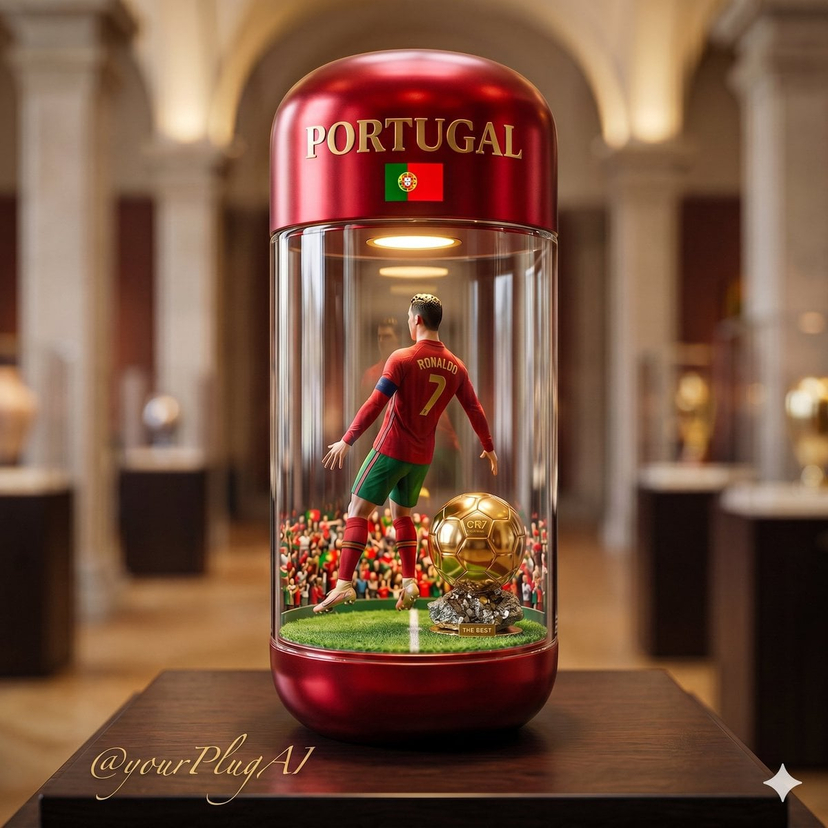








![Naive doodle-style subject illustration — A doodle-style {argument name="subject" default="[subject]"}, naive lines, humorous shape exaggeration](https://pbs.twimg.com/media/G6Wl2YxbsAARB2b.jpg)