How do I use the 3x3 Product Mockup Grid Generator template?
Choose the primary action to open PicX Studio with the available template settings. Review the model and format, personalize the creative direction, and generate when ready.
A highly complex, instructional prompt designed to generate a single 3x3 grid image for a branding portfolio. Change the subject, setting, or lighting one variable at a time.
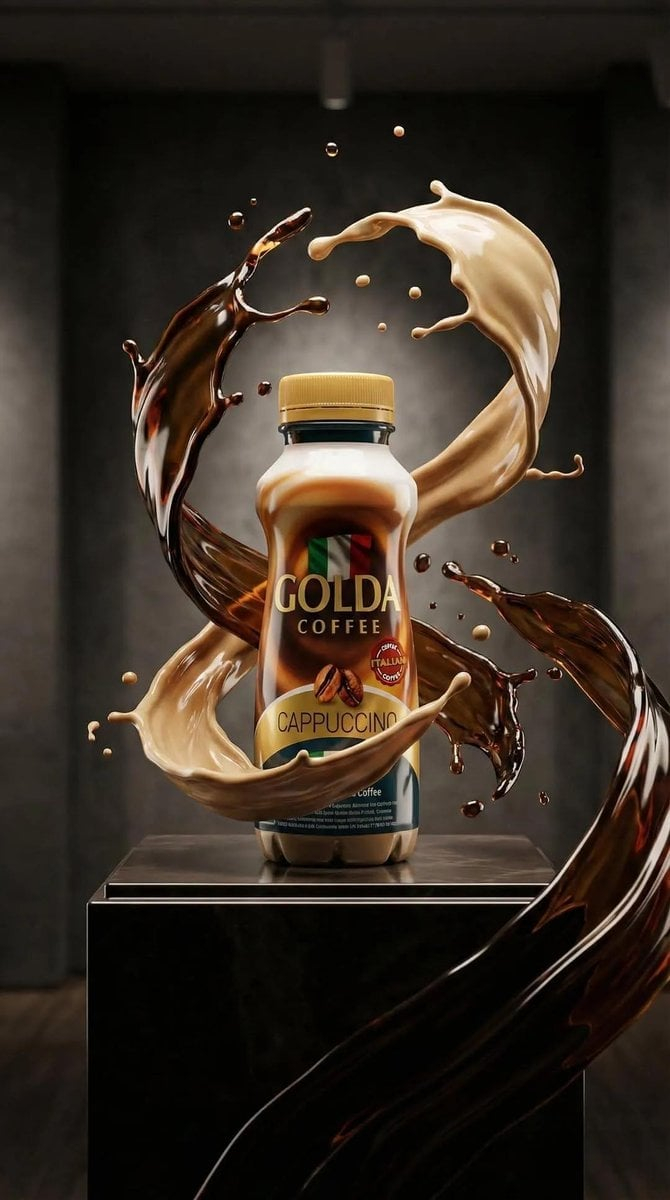
"Make a 3x3 uniform grid of vertical, unique images on this concept: Use the reference image {argument name="product reference" default="{product}"} as the base product. Keep the same product, packaging, branding, materials, colors, label, logo and proportions across all nine frames so the product is always clearly recognizable. Overall, this is a high-end designer mockup series for a branding portfolio: focus on form, composition, materiality and visual rhythm, with a curated, editorial, design-driven aesthetic. Keep ultra high-quality studio rendering with a real-camera look, controlled depth of field, precise lighting, accurate reflections and materials, consistent lighting logic, color palette, mood & visual language across all. Show a neutral front-facing hero shot; a centered close-up of the mid-section highlighting texture and print; a studio environment inspired by the product’s shapes and colors; a minimal “in-use” scene with restrained hand interaction on a neutral background; a top isometric view of multiple identical products arranged in a precise geometric grid; a slightly tilted, levitating product on a neutral palette-matched backdrop; an extreme macro on one label/edge/texture detail; a bold, unexpected yet studio-based editorial setting that elevates the brand; and finally a wide, refined designer setup with the product in use, clean props and tightly controlled styling. Output everything as a single clean 3×3 grid with no borders, text, captions or watermarks."
Choose the primary action to open PicX Studio with the available template settings. Review the model and format, personalize the creative direction, and generate when ready.
Yes. You can change the subject, setting, lighting, mood, format, and available model controls before creating your image.
This template is free to open and customize. Generation usage is shown in PicX Studio before you create.
Start with Nano Banana 2, which is the model associated with this template. You can compare another compatible model for a different finish.
Follow a topic to a crawlable collection of related PicX Studio templates.
43,474 public templates available. Verified via the PicX Studio public templates API; refreshed hourly.


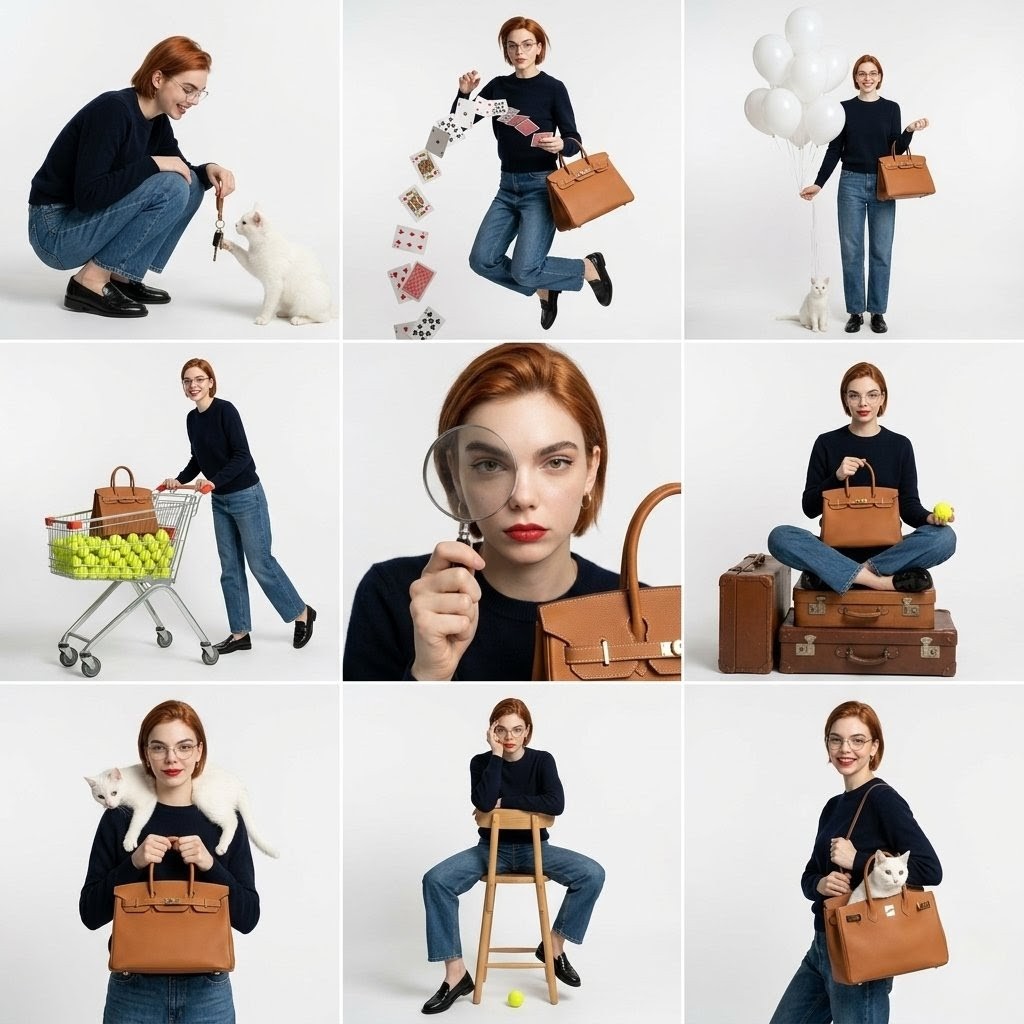


![Oversized Hero Product Fashion Editorial — [person], [pose], oversized product as main hero prop, playful fun energy, fashion editorial styling, clean minimal b](/_next/image?url=https%3A%2F%2Fcdn.picxstudio.com%2Fuploads%2Fmeigen_43b3d6f04208_a5c18968-9001-4977-a6d2-83d92ba0940f.jpg&w=828&q=100)
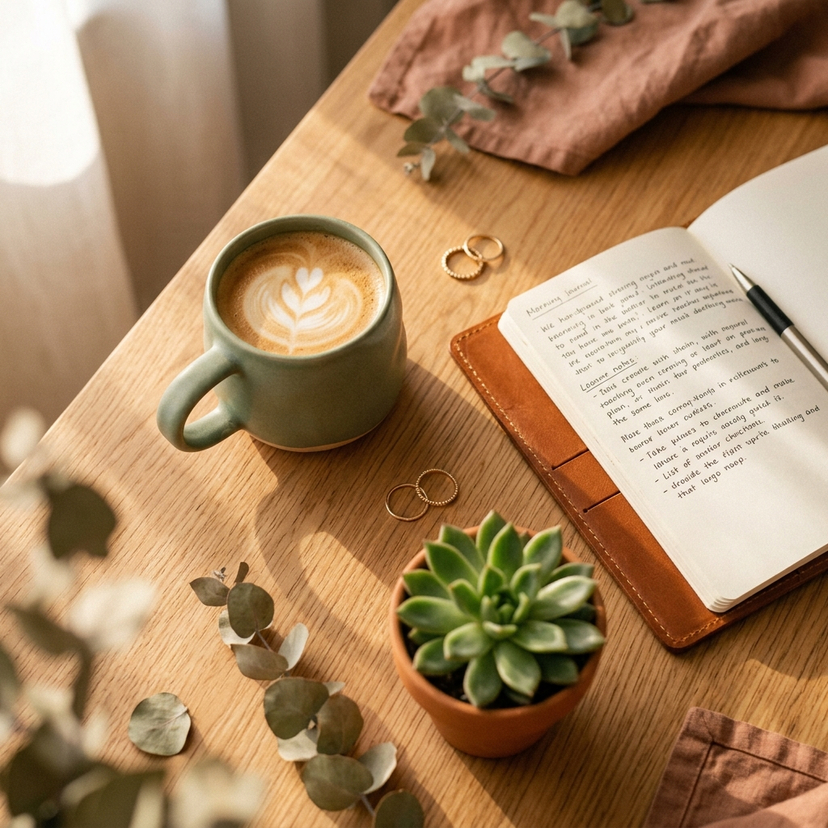

![Complete brand identity grid, 3x3 layout, nine tiles showing a full — [brand name], complete brand identity grid, 3x3 layout, nine tiles showing a full cohesive](https://images.meigen.ai/tweets/2016511852927438909/0.jpg)
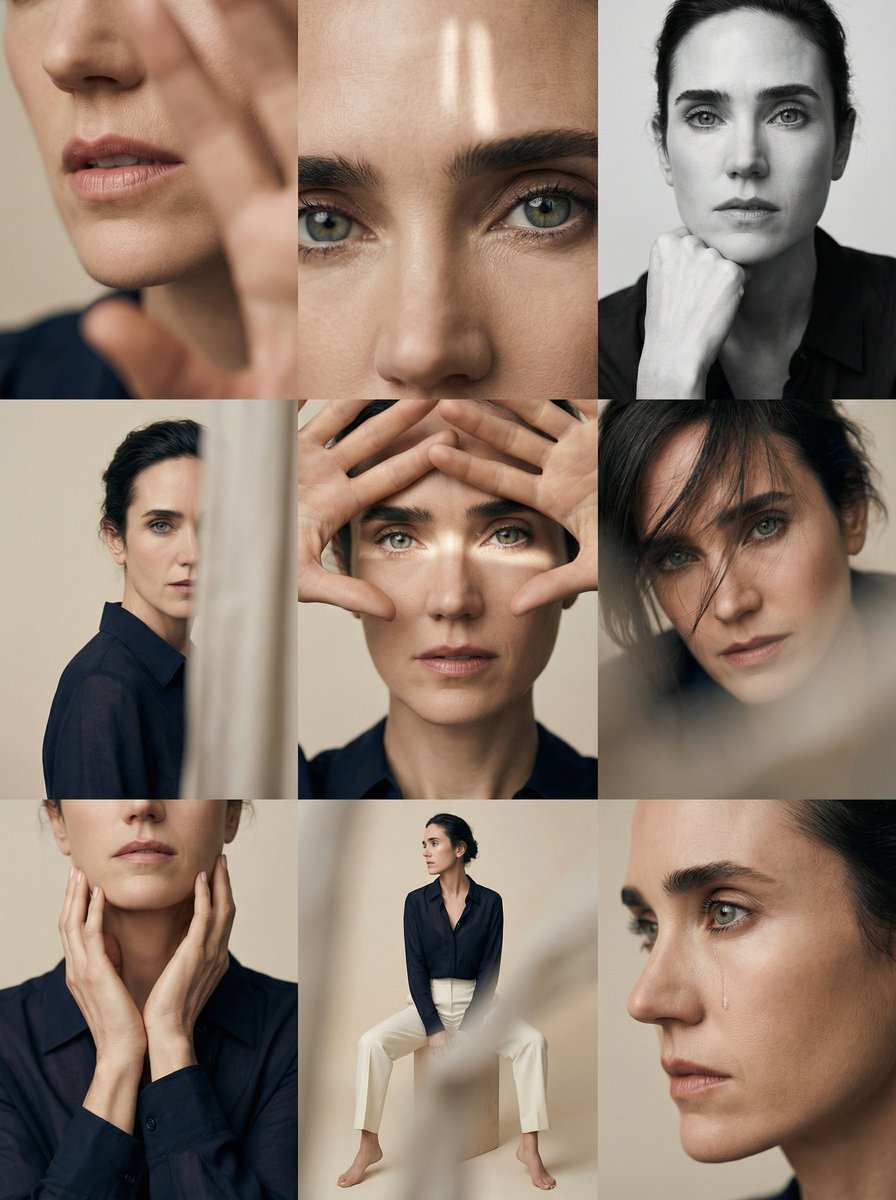
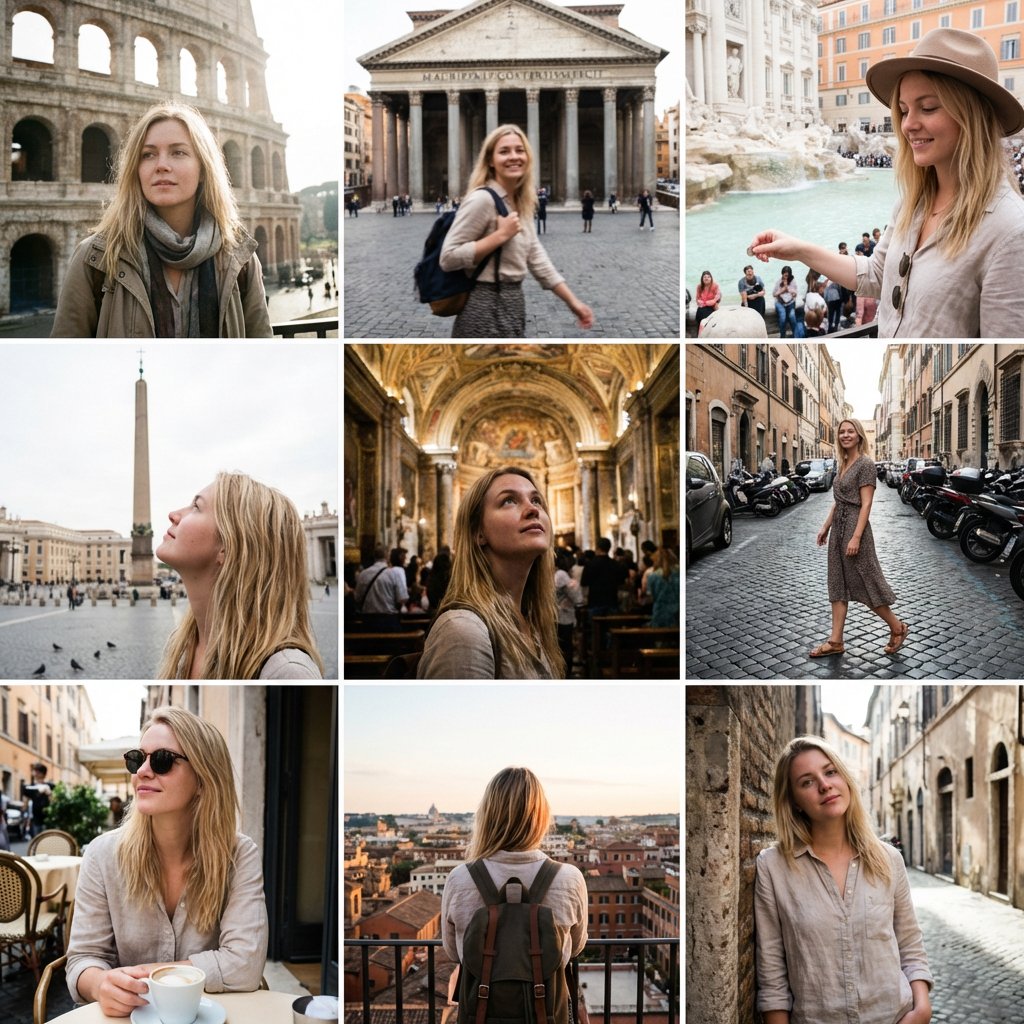
![Luxury Dessert Logo Product Photography — Minimalist luxury product photography of an edible sculpture inspired by the [brand name] logo. Logo transformed into](/_next/image?url=https%3A%2F%2Fcdn.picxstudio.com%2Fuploads%2Fmeigen_a9d271403edd_04fd5565-6f29-4349-9b66-e8e43523ac87.jpg&w=828&q=100)
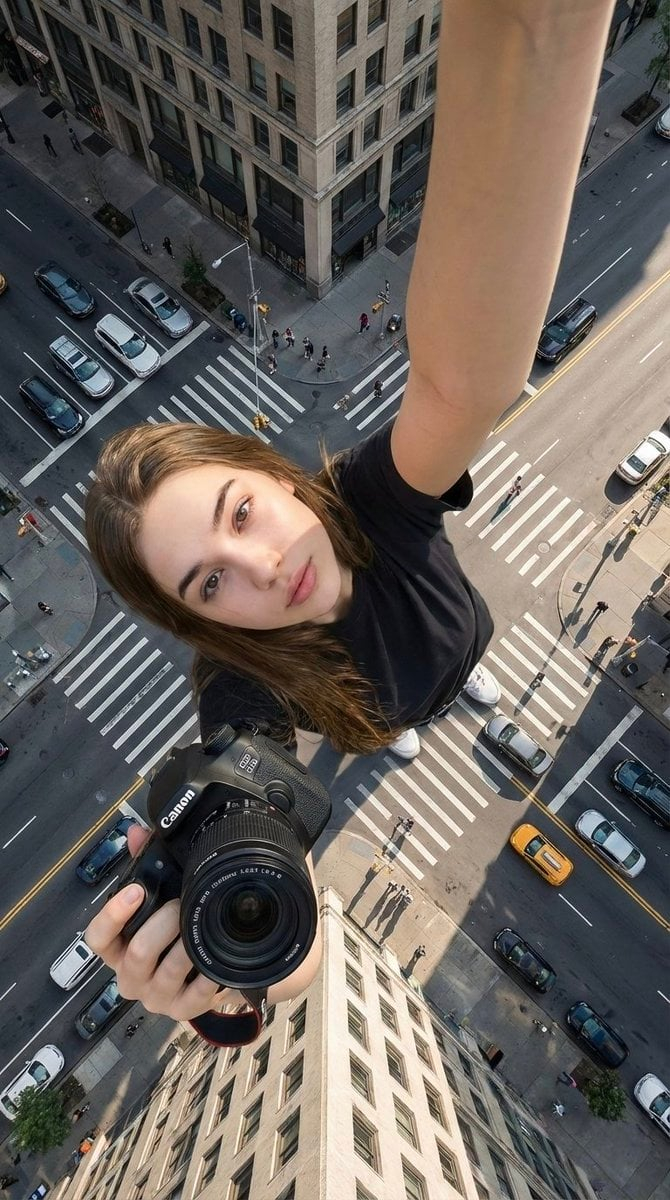
![Low Angle Product Fashion Campaign — Low-angle fashion campaign photograph of a confident model holding a large [product name] very close…](/_next/image?url=https%3A%2F%2Fcdn.picxstudio.com%2Fuploads%2Fmeigen_4c03edc4df35_6f63201c-902b-410c-8eaa-7760408114bb.jpg&w=828&q=100)


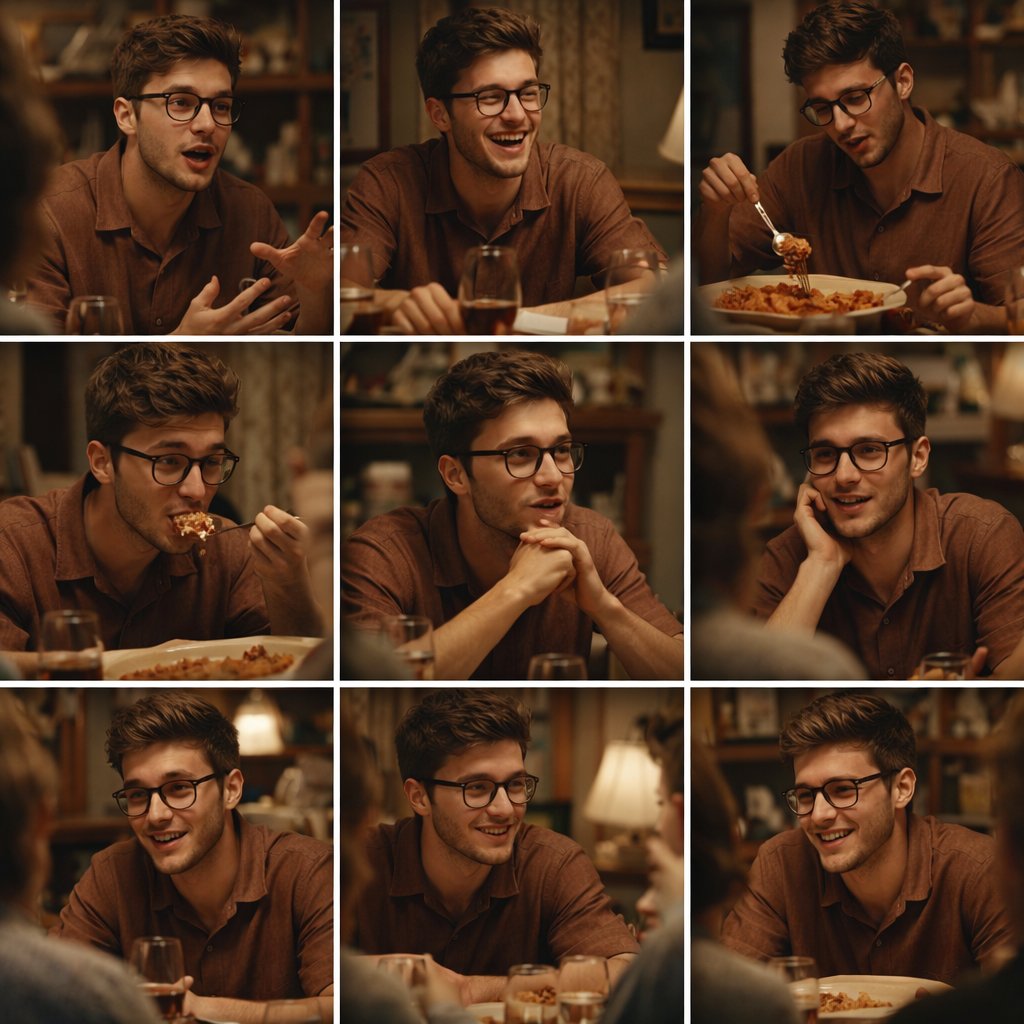
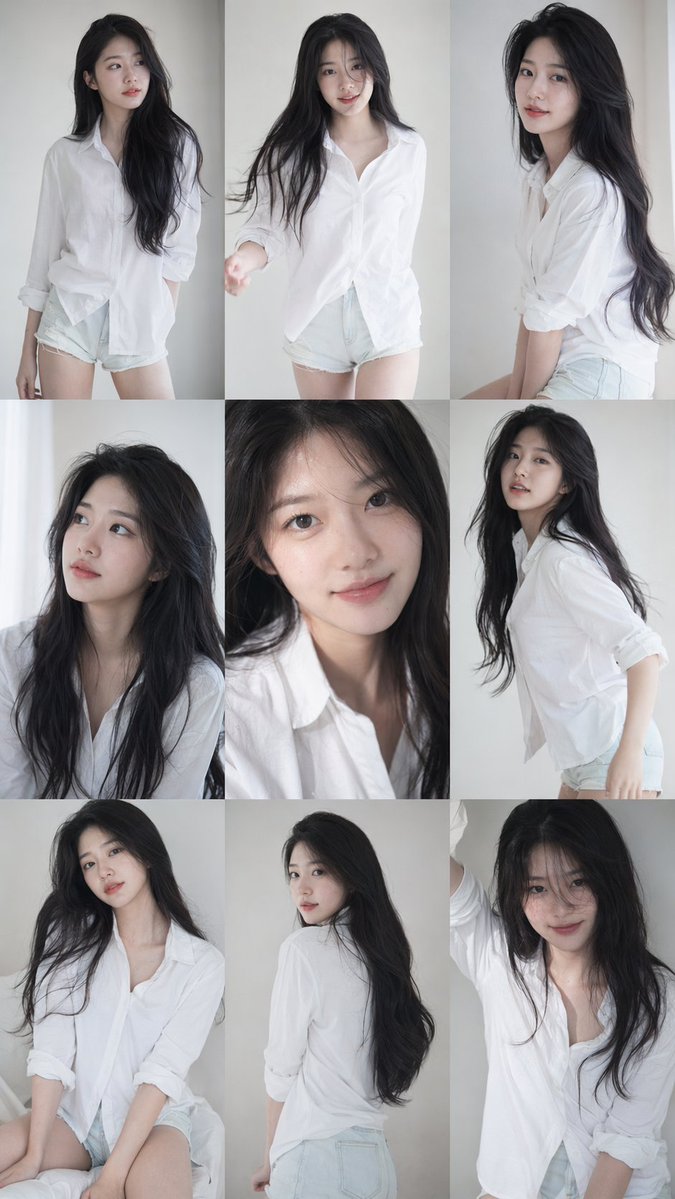


![Playful Futuristic Brand Kit Board — Create a polished multi-page (multiple images) brand kit for a company called [YOYOYO]. The brand sh…](/_next/image?url=https%3A%2F%2Fcdn.picxstudio.com%2Fuploads%2Fmeigen_35482e665691_a87e3ac0-b1e5-4a95-a750-7378b7788369.jpg&w=828&q=100)
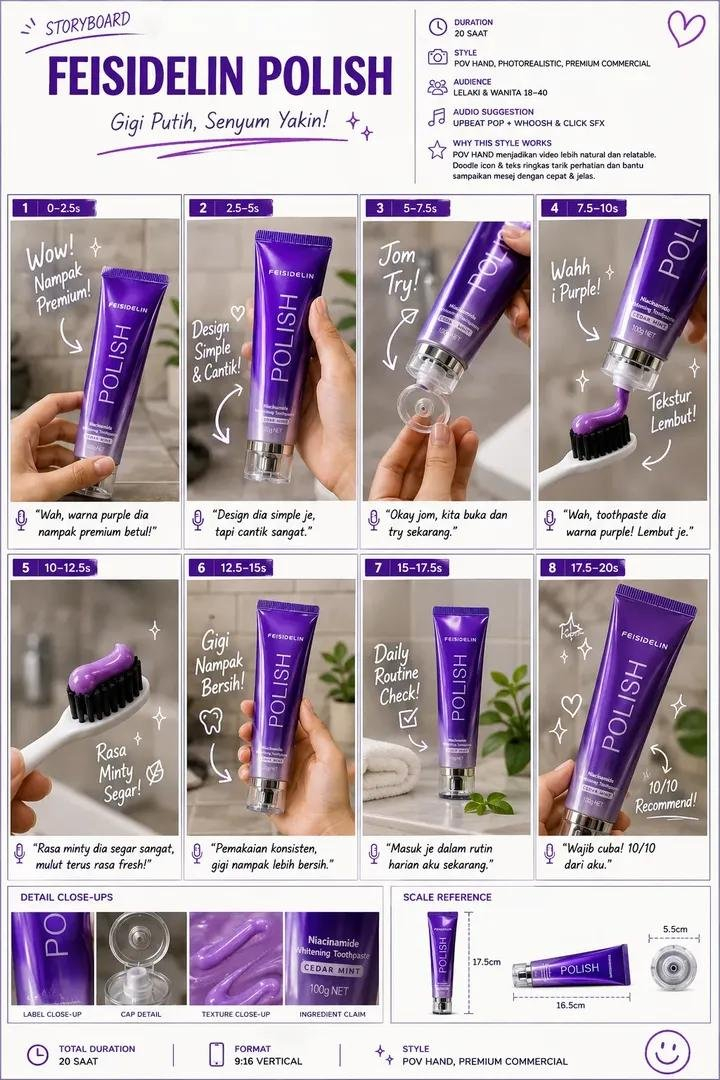
![Naive doodle-style subject illustration — A doodle-style {argument name="subject" default="[subject]"}, naive lines, humorous shape exaggeration](https://pbs.twimg.com/media/G6Wl2YxbsAARB2b.jpg)