How do I use the NFL Fan Girl Aesthetic in SoFi Stadium template?
Choose the primary action to open PicX Studio with the available template settings. Review the model and format, personalize the creative direction, and generate when ready.
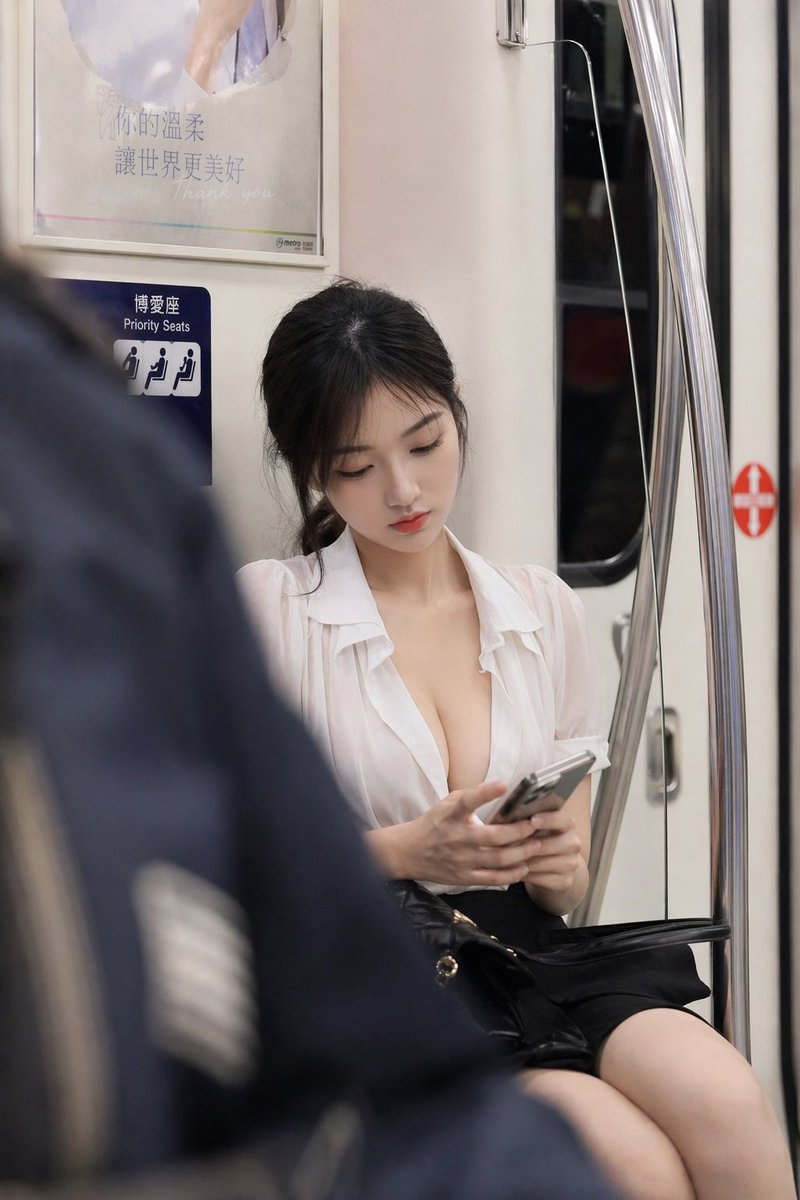
A highly detailed JSON prompt for generating a photorealistic image of a young woman with an 'influencer aesthetic' posing as an NFL fan girl on the SoFi Stadium field after a game. Change the subject, setting, or lighting one variable at a time.

{ "prompt_structure": { "subject_details": { "demographics": "Young Woman , light skin tone", "hair": "Long, straight, dark brown hair, center part, silky texture", "face": "Natural makeup, defined eyebrows, slight pout/duck face expression, looking off-camera to the left", "body": "Fit physique, exposed midriff" }, "apparel_and_styling": { "top": "White ribbed square-neck tank top, cropped fit, tight silhouette", "bottoms": "Low-rise blue denim jeans, vintage wash", "layering": "Visible white underwear waistband with black '{argument name="underwear logo" default="Miu Miu"}' logo peeking above jeans", "accessories": [ "Small black shoulder bag tucked under arm", "Gold chain necklace with small clover/flower pendant", "Gold link bracelet on left wrist", "Silver wristwatch on right wrist", "Silver belly button piercing", "Purple 'Postgame Field' credential badge hanging from waist" ] }, "pose_and_action": { "posture": "Standing upright, casual stance", "hands": "Hands partially obscured, likely thumbs hooked in pockets or resting at hips", "gaze": "Looking away from the camera, nonchalant attitude" }, "environment_and_background": { "location": "SoFi Stadium interior, NFL football field", "ground": "Artificial green turf with distinct white yard lines and hash marks", "background_elements": [ "Empty stadium seating (blue seats)", "Blurred LED ribbon boards and stadium signage", "Yellow goal post in distance", "Black crowd control stanchion with blue belt in foreground left" ], "context": "Post-game field access" }, "lighting_and_atmosphere": { "type": "Artificial stadium floodlights", "quality": "Bright, even, diffuse lighting, minimal harsh shadows", "tone": "Slightly cool, crisp coloring typical of sports arenas" }, "camera_and_technical": { "shot_type": "Medium shot (thigh-up framing)", "lens": "85mm portrait lens", "aperture": "f/2.8 for slight separation of subject from background (bokeh)", "resolution": "8K, Ultra High Definition", "style": "Raw photography, influencer aesthetic, candid snapshot" }, "quality_tags": [ "Ultra photorealistic", "Hyper-detailed", "Cinematic lighting", "Sharp focus on subject", "Realistic skin texture", "Fabric texture details" ] } }
Choose the primary action to open PicX Studio with the available template settings. Review the model and format, personalize the creative direction, and generate when ready.
Yes. You can change the subject, setting, lighting, mood, format, and available model controls before creating your image.
This template is free to open and customize. Generation usage is shown in PicX Studio before you create.
Start with Nano Banana 2, which is the model associated with this template. You can compare another compatible model for a different finish.
Follow a topic to a crawlable collection of related PicX Studio templates.
43,474 public templates available. Verified via the PicX Studio public templates API; refreshed hourly.
















![Naive doodle-style subject illustration — A doodle-style {argument name="subject" default="[subject]"}, naive lines, humorous shape exaggeration](https://pbs.twimg.com/media/G6Wl2YxbsAARB2b.jpg)