
Instagram Post in Street Food
Instagram Post in Street Food is a ready photo look.
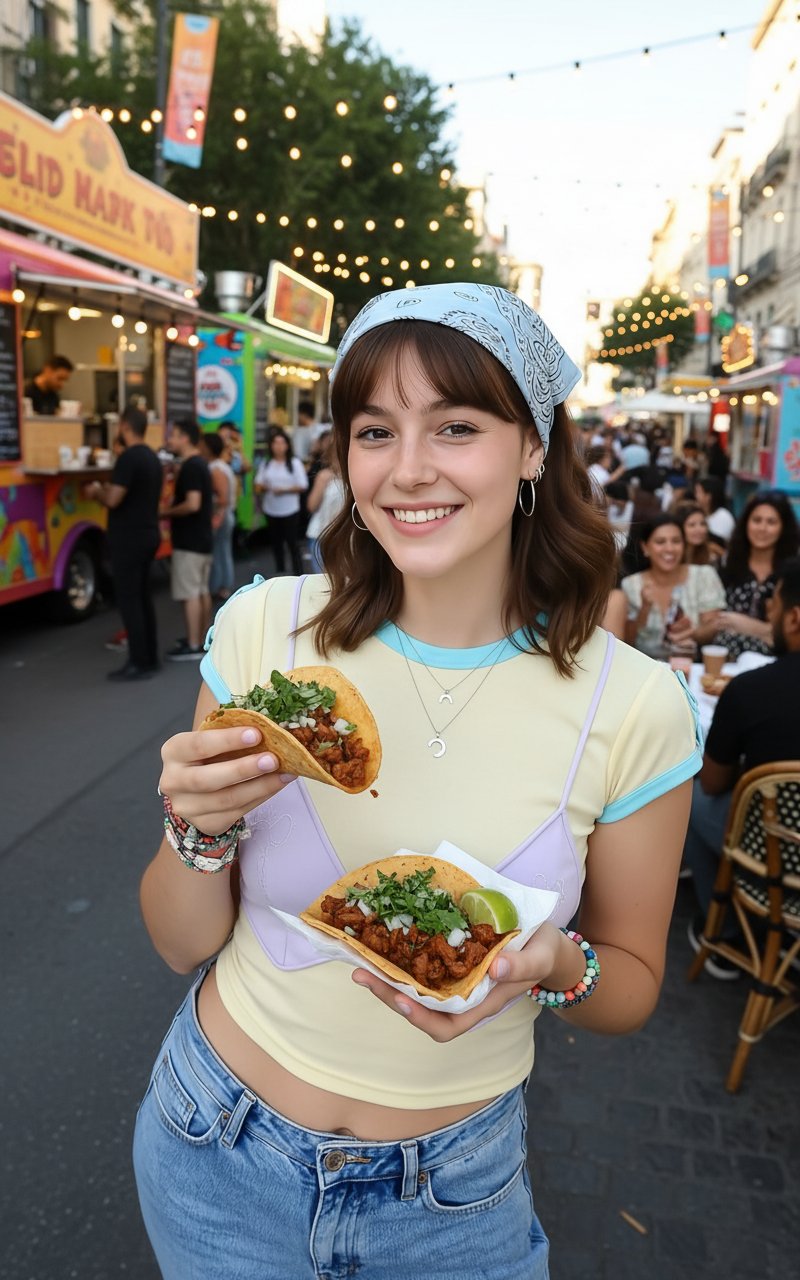
- Prompt included
- Model and format preset
- Premium template
The prompt behind this image
Copy the exact prompt behind Instagram Post in Street Food, or open it in the studio and make it yours.
outgoing uploaded image as savoring street food at a local food truck event keeping facial features, style and hairs same.
How to use Instagram Post in Street Food in 3 steps
- 1Upload ImagePNG, JPG or paste
Add your photo
Upload the photo the template builds on. The prompt, model and format are already set.
- 2…a portrait of your subject in softgolden-hour light, 85mm…
Personalize
Edit the subject and creative details for your destination.
- 3Generate
Generate
Press Generate — your image is created in PicX Studio, so you can compare it with the original and refine one variable at a time.
More like this
Templates with the same subject, style or setup. Open one to see its prompt.

Cozy Food Flat Lay Doodle Labels

Two Tickets, One Night

Meet Me When It Rains

Two Hearts. One Scooter.

1986 Street Couple

1985 Street Scene

Mirror Selfie Chibi Characters Pixar Style
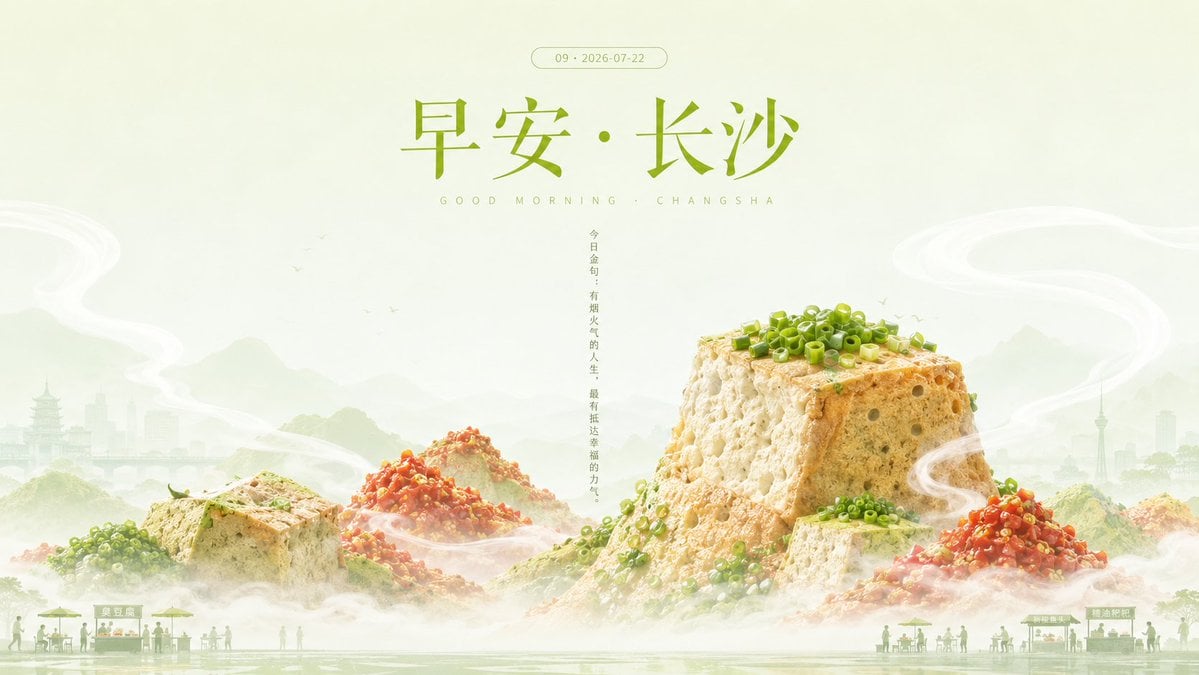
Good Morning Changsha Food Poster

Eid al-Adha Cute Chaos — Fisheye Selfie with Farm Selfie, Mosque & Animals

Gen Z Triple Selfie Collage — Y2K Flash Photography

Cinematic Street Fashion Portrait Motion Blur Crowd

Blue Hour Editorial Fashion Portrait
Make it yours
Instagram Post in Street Food works as-is. These are the safest ways to change it without losing the look.
Change one field
Copy a single group, rewrite it, and generate again so you can see what that field is doing.
Keep the frame, change the subject
Hold the composition and light of Instagram Post in Street Food, then swap wardrobe, props or the person for a new take.
| If the result… | Why | Fix |
|---|---|---|
| The result drifts from the preview | Too many fields changed at once. | Reuse Instagram Post in Street Food as-is first, then change one group — subject, light, or setting. |
| The model over-stylizes the scene | The prose prompt leaves finish and camera underspecified. | Add one camera or lighting sentence and stay on PicX Studio. |
More image prompts
Fresh picks from across the catalog.
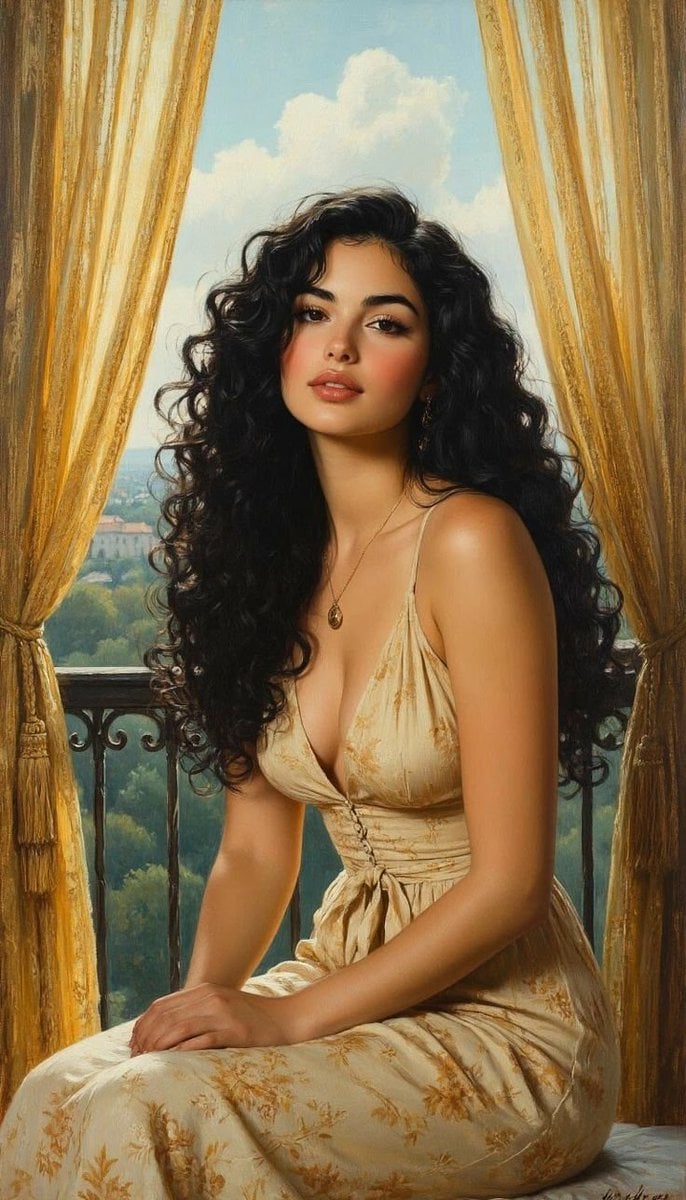
Romantic Painterly Portrait on European Balcony
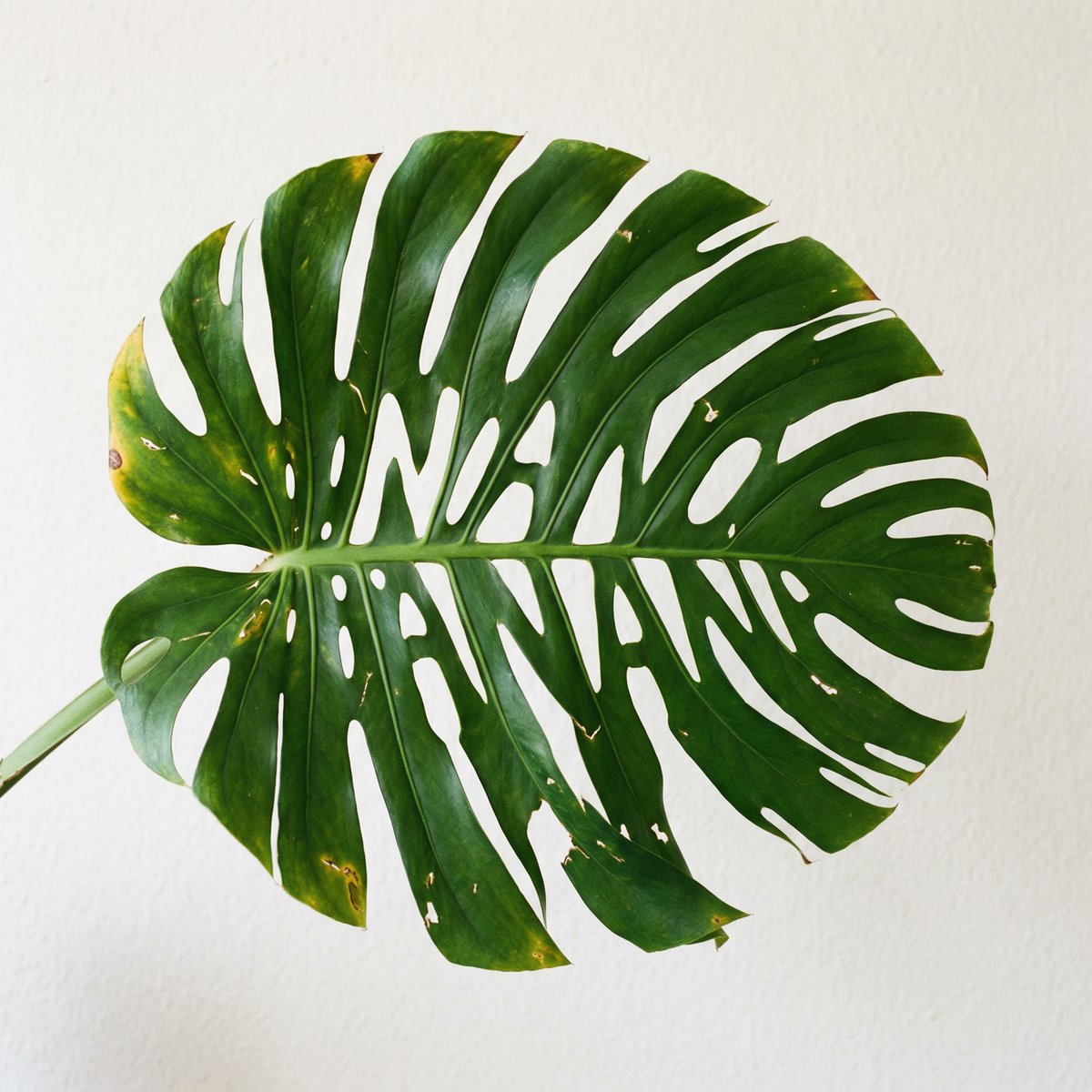
Monstera Leaf Logo Design
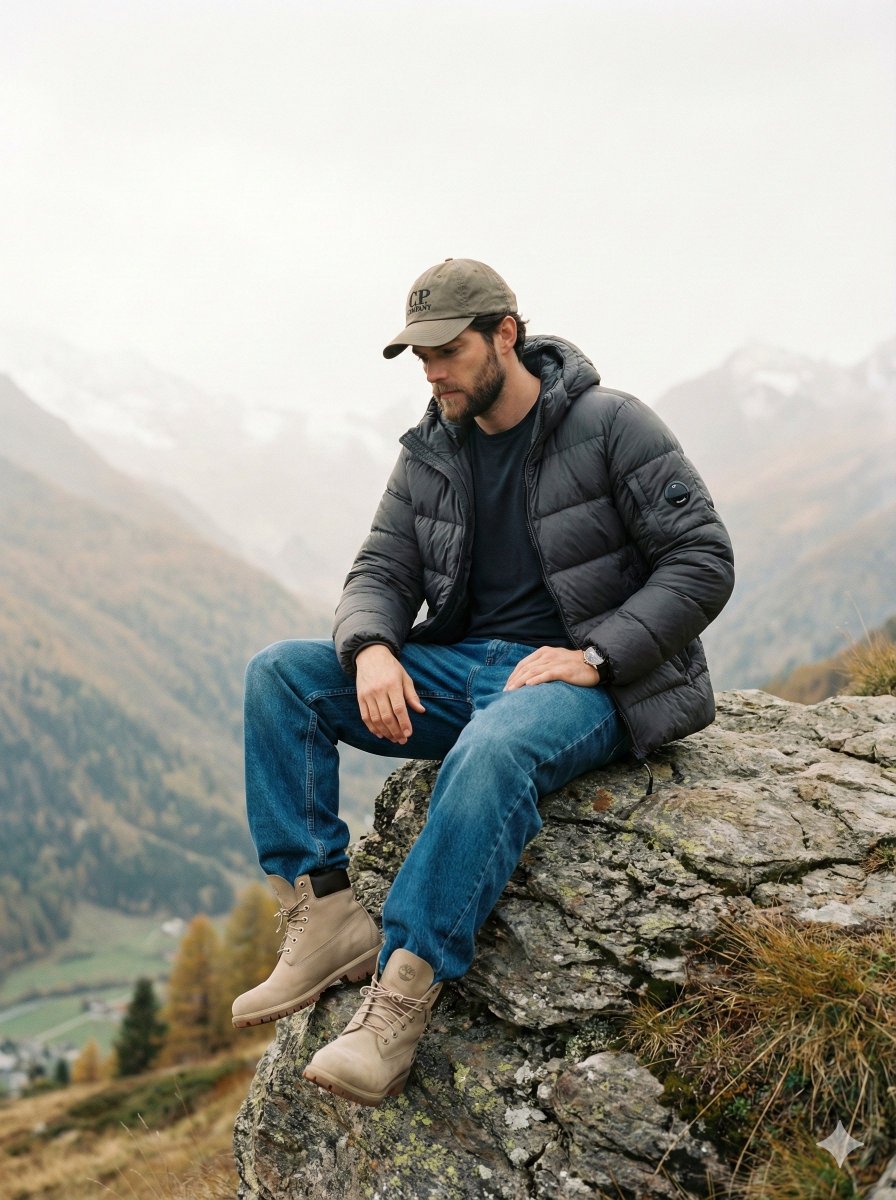
Cinematic Fashion Editorial Image Prompt for Male Subject in Swiss Alps
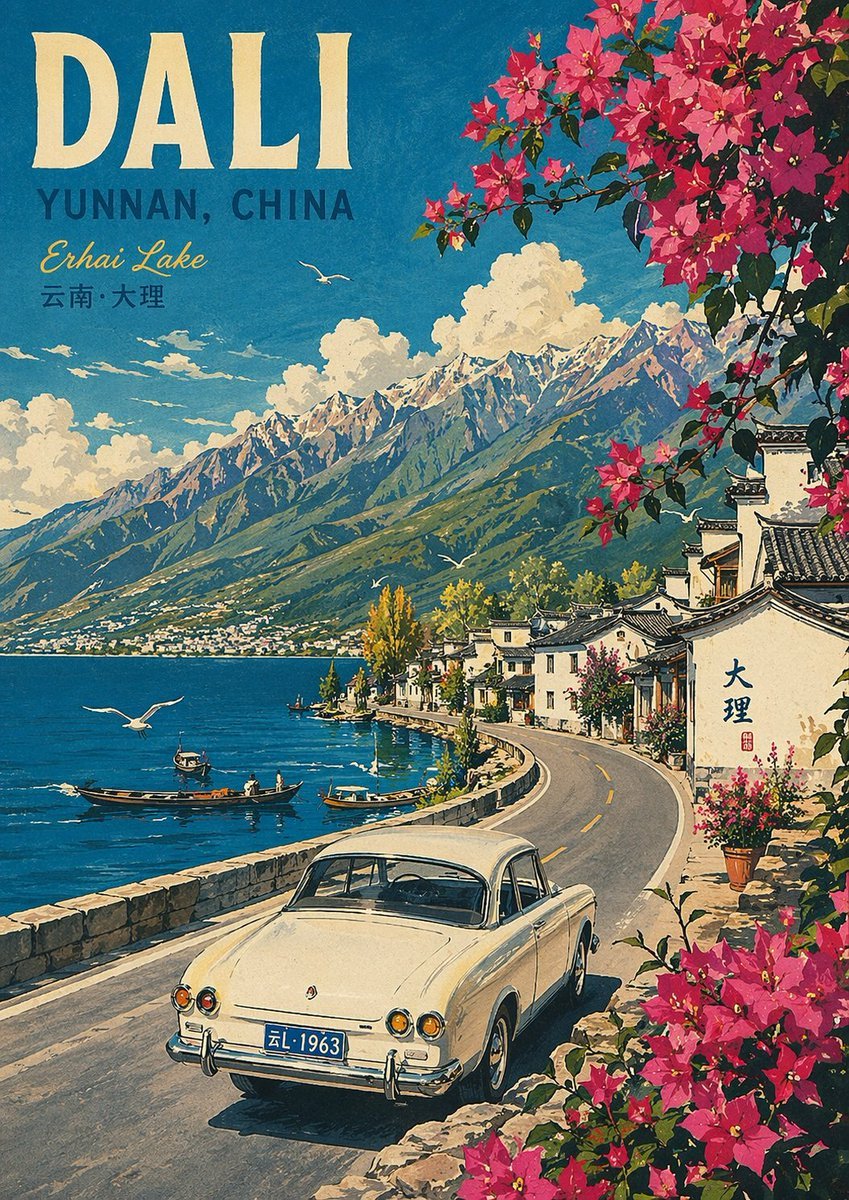
Vintage Travel Poster Illustration
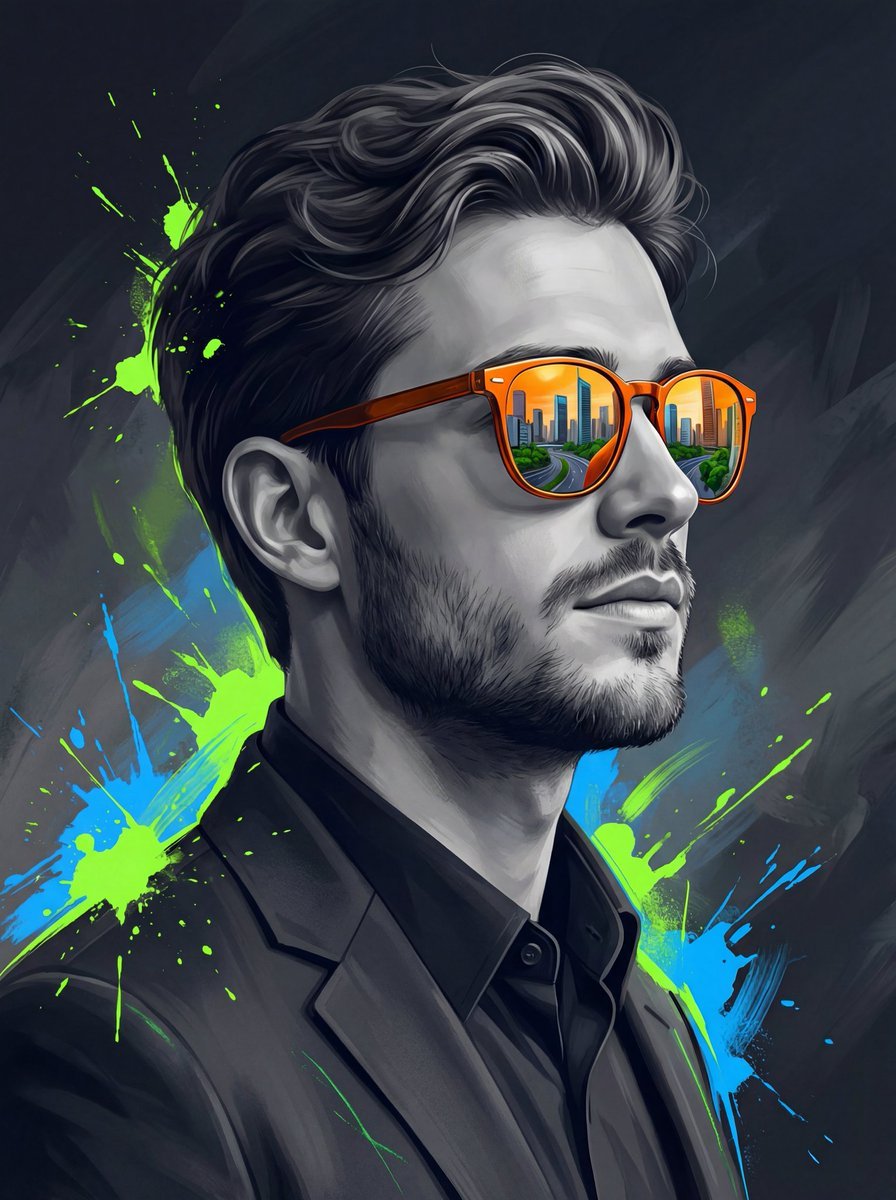
Surreal Cinematic Digital Illustration Prompt
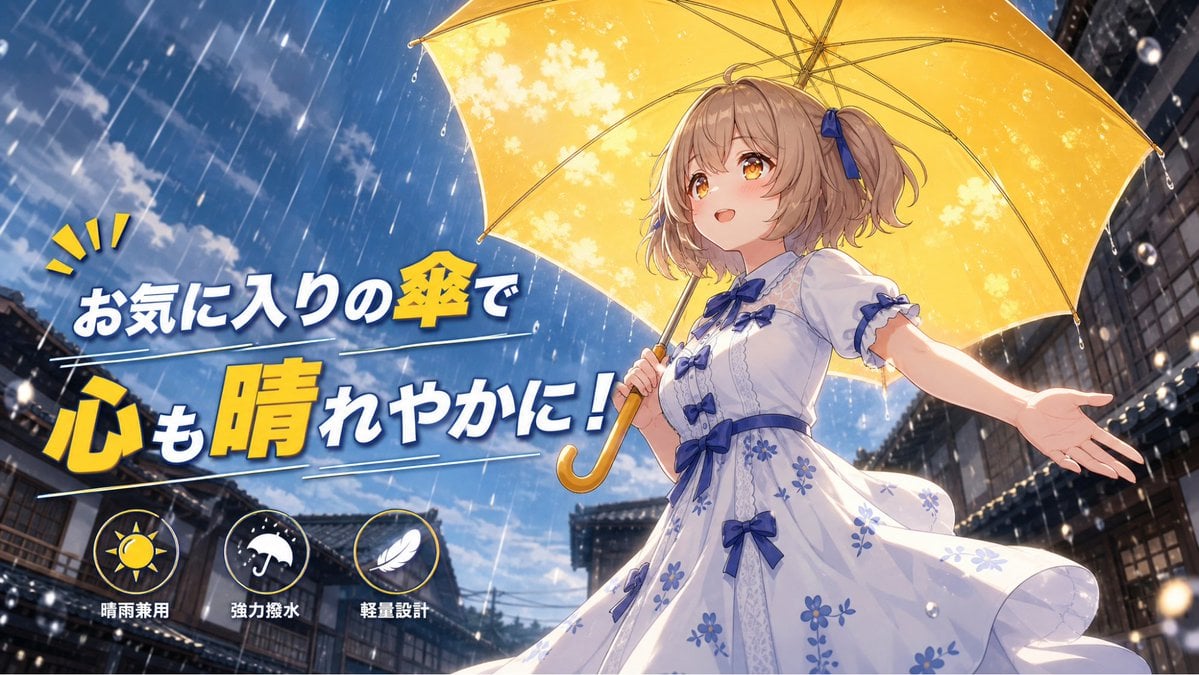
Anime Yellow Umbrella Ad Poster

AI Illustration of a Wizard Making Valentine's Day Chocolate
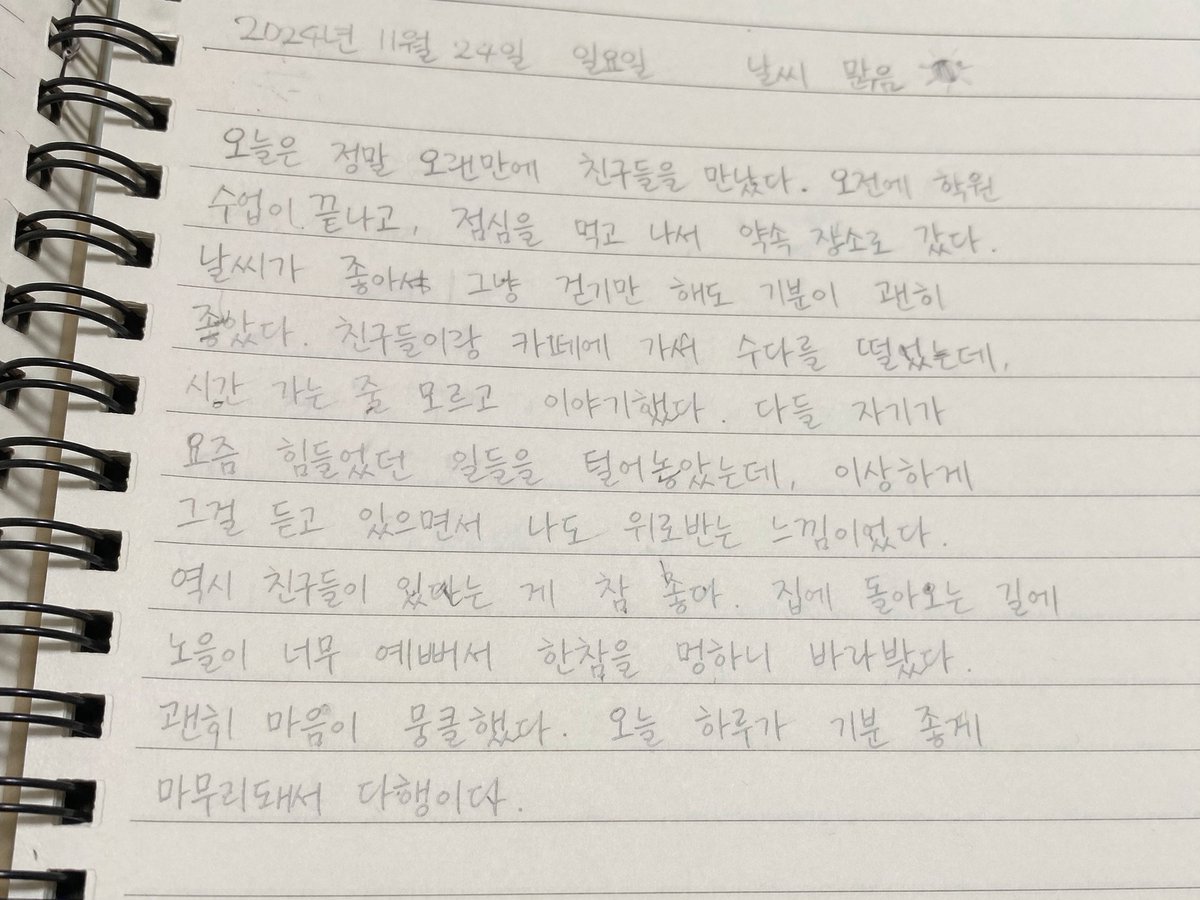
Handwritten Korean Journal Entry

2x2 Social Media School Banner Ad Grid

Cinematic Wasteland Survivor Portrait (Mad Max Style)
Browse template categories
Instagram Post in Street Food questions
How do I use the Instagram Post in Street Food template?
Add your photo if the template asks for one, edit the prompt if you like — the template's model and format are already selected — and press Generate. Your version opens in PicX Studio.
Can I customize the Instagram Post in Street Food template?
Yes. You can change the subject, setting, lighting, mood, format, and available model controls before creating your image.
Is the Instagram Post in Street Food template free?
Opening and editing this template is free. Generating uses credits, shown on the Generate button when you are signed in.
Which AI model should I use?
Choose a compatible model in PicX Studio based on the style, speed, and output controls your project needs.
Looking for something else? Browse all templates.

Your photo, any look
Thousands of ready templates for every top image and video model, from one credit balance.