How do I use the Photorealistic Influencer Bikini Pose template?
Choose the primary action to open PicX Studio with the available template settings. Review the model and format, personalize the creative direction, and generate when ready.
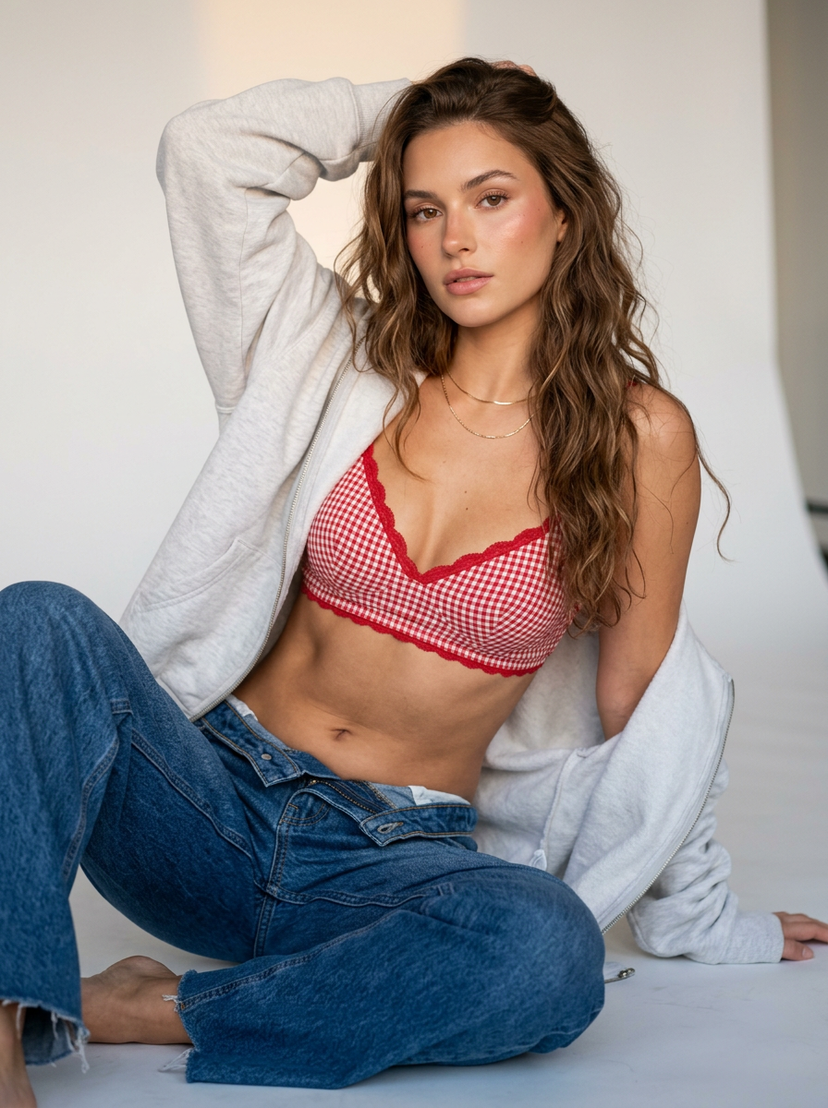
A detailed JSON prompt for generating a photorealistic image of a curvaceous woman in a white smocked crinkle bikini, seated on a white sofa in an upscale tropical resort villa. The prompt uses ControlNet parameters (dw_pose, zoe_depth) for precise pose and volumetric preservation, aiming for an influencer lifestyle aesthetic. (free to use) — Free AI image template on PicX Studio.
{ "subject": { "physique": "Fit curvaceous woman, tan skin, defined waist, soft texture, prominent bust volume", "face": "Oval shape, wavy dirty-blonde hair, neutral expression, direct gaze, minimal makeup", "apparel": "White smocked crinkle bikini, bandeau top, detached puff sleeves, side-tie bottom", "accessories": "Gold hoop earrings, delicate pendant necklace" }, "composition": { "pose": "Seated on white sofa, body angled right, legs bent diagonal, hands resting, head forward", "framing": "Medium shot, knees up, eye-level, centered, 50mm focal length, 3:4 vertical", "environment": "Upscale tropical resort villa, glass sliding doors, palm trees background, wood beam ceiling" }, "rendering": { "style": "Photorealistic influencer lifestyle, raw texture, 8k, natural high-key daylight", "tech_specs": { "res": "8k", "iso": "low", "light": "diffuse backlight, soft shadows" }, "control_net": { "dw_pose": { "weight": 1.0, "goal": "skeletal_lock" }, "zoe_depth": { "weight": 0.8, "goal": "volumetric_preservation" } } }, "negative_constraints": [ "anatomy normalization", "reduced chest volume", "flattened depth", "skin smoothing", "plastic texture", "aesthetic proportion correction", "mirror selfies", "wide-angle distortion" ] }
Use Photorealistic Influencer Bikini Pose to plan an AI image around nano-banana-2 generation. Match the preview's composition first, then personalize the subject, setting, and mood for your own project.
Use the primary action to load the template settings in PicX Studio.
Adjust the subject and creative details for your destination.
Create the image, compare the result with the preview, and refine one variable at a time.
A continuous mix — similar concepts first, woven with same-model prompts and fresh picks from the catalog.
Choose the primary action to open PicX Studio with the available template settings. Review the model and format, personalize the creative direction, and generate when ready.
Yes. You can change the subject, setting, lighting, mood, format, and available model controls before creating your image.
This template is free to open and customize. Generation usage is shown in PicX Studio before you create.
Start with nano-banana-2, which is the model associated with this template. You can compare another compatible model for a different finish.
Follow a topic to a crawlable collection of related PicX Studio templates.
39,155 public templates available. Verified via the PicX Studio public templates API; refreshed hourly.
A continuous mix — similar concepts first, woven with same-model prompts and fresh picks from the catalog.