
Mirror Selfie with Hyper-Pronounced Silhouette
A structured prompt for generating a realistic mirror selfie of a young woman in a minimalist apartment, focusing heavily on anatomical details like a hyper-pronounced hourglass silhouette, specific tattoos, and…
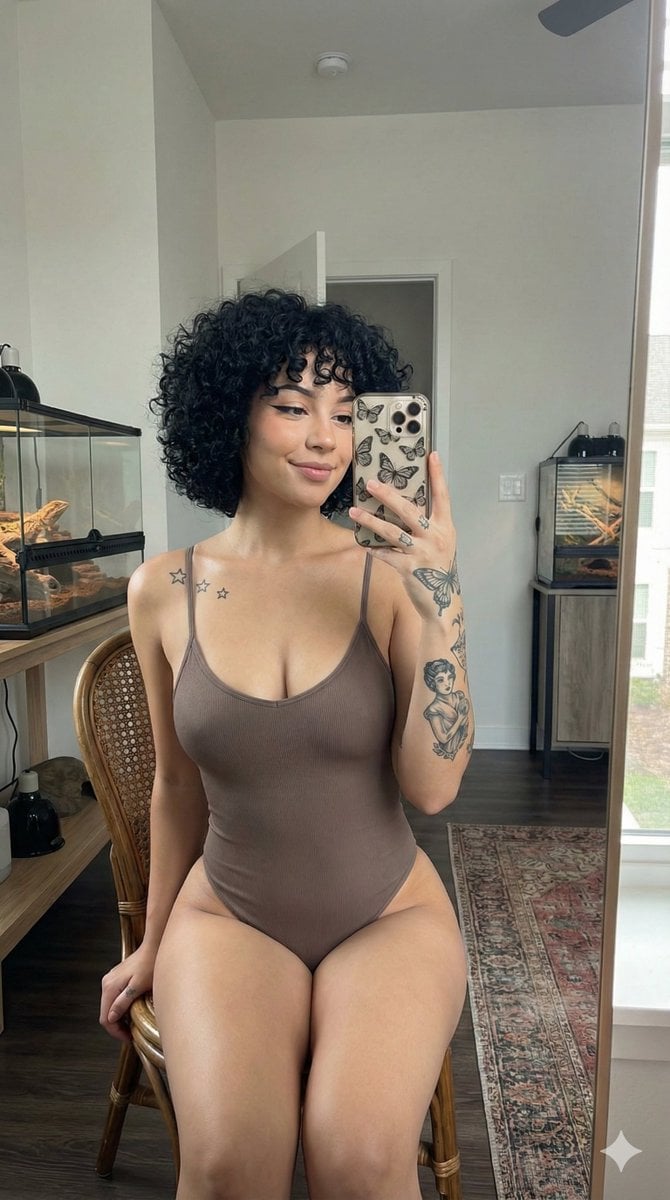
- Prompt included
- Model and format preset
- Premium template
The prompt behind this image
Copy the exact prompt behind Mirror Selfie with Hyper-Pronounced Silhouette, or open it in the studio and make it yours.
{ "subject": { "description": "Young woman with a light-tan complexion, featuring short, voluminous curly black hair styled in a messy bob with soft bangs. Her face has a subtle smile, defined winged eyeliner (cat-eye), and well-groomed eyebrows.", "body": { "physique": "Hyper-pronounced hourglass silhouette with a very high waist-to-hip ratio. The anatomy features a narrow, tapered waist transitioning into exceptionally wide, curvilinear hips and voluminous, thick thighs (thigh brow visible).", "proportions": "Broad, soft shoulders contrasting with a slim midsection; full, rounded bust; well-developed gluteal muscles and athletic leg density; realistic skin folds at the hip-waist junction.", "details": "Three small five-pointed stars tattooed on the left clavicle. Detailed grayscale ink including a large butterfly on the dorsal side of the right hand and a vintage-style female figure on the inner right forearm." } }, "wardrobe": { "apparel": "Single-piece, form-fitting spaghetti strap bodysuit in a solid {argument name="bodysuit color" default="taupe-brown"} shade. The fabric is a matte spandex-cotton blend with a subtle ribbed texture at the center of the chest and high-cut leg openings.", "branding_note": "The garment is entirely monochrome and plain; no logos, no text, no brand names visible." }, "pose_action": { "position": "Sitting on a vintage rattan-backed chair, performing a mirror selfie. She holds a smartphone with a decorative butterfly-patterned case in her right hand, positioned at eye level.", "expression": "Casual and confident, looking into the mirror's reflection with a soft, closed-mouth smile; head tilted slightly toward the shoulder." }, "scene": { "environment": "Modern, minimalist apartment interior. To the left, a wooden shelf holds a glass reptile terrarium with heat lamps. To the right, a mid-century modern wooden cabinet supports another glass tank.", "flooring": "Dark wood laminate floor partially covered by a traditional area rug with intricate Persian motifs in faded blue, terracotta, and cream tones.", "background": "Neutral light gray walls, a white rectangular ceiling air vent, and a silver pendant light fixture hanging from above." }, "lighting": { "type": "Soft, diffused natural indoor lighting combined with warm ambient overhead light. Subtle shadows define the abdominal curves and jawline.", "quality": "Realistic skin texture with natural subsurface scattering, visible pores, and soft highlights on the shoulders and collarbone." }, "camera": { "setup": "Mobile photography aesthetic, 9:16 vertical aspect ratio, shot through a clean mirror. Focal length equivalent to 24mm to capture the full torso and upper legs.", "technical": "Sharp focus on the subject, slight depth of field blurring the distant background, high dynamic range (HDR) to balance the bright walls and dark wood textures.", "con" }
How to use Mirror Selfie with Hyper-Pronounced Silhouette in 3 steps
- 1
Open
The prompt is already in the box next to the preview, with the template's model and format selected.
- 2…a portrait of your subject in softgolden-hour light, 85mm…
Personalize
Edit the subject and creative details for your destination.
- 3Generate
Generate
Press Generate — your image is created in PicX Studio, so you can compare it with the original and refine one variable at a time.
More like this
Templates with the same subject, style or setup. Open one to see its prompt.

Rooftop Fisheye — Cat-Ear Balaclava at Golden Hour

Felt & Knit 3D Character — Photo-Exact Face, Pixar-Quality Plush Figurine

Eid al-Adha Cute Chaos — Fisheye Selfie with Farm Selfie, Mosque & Animals

Cat Photobomb Selfie — 0.5x Wide Angle Café Chaos

Gen Z Triple Selfie Collage — Y2K Flash Photography

Surreal Cat Astronaut — Humanoid Face Freefall

Nano Banana Grwm Mirror Selfie Pink

Retro Mirror Luxury Fashion Campaign Poster

Photoreal Village Lanterns Minecraft Scene

Photoreal Snow Biome Name Tag UI

Photoreal Selfie Minecraft Block World

Photoreal Selfie Minecraft Village Ghast UI
Make it yours
Mirror Selfie with Hyper-Pronounced Silhouette works as-is. These are the safest ways to change it without losing the look.
Change one field
Copy a single group, rewrite it, and generate again so you can see what that field is doing.
Keep the frame, change the subject
Hold the composition and light of Mirror Selfie with Hyper-Pronounced Silhouette, then swap wardrobe, props or the person for a new take.
| If the result… | Why | Fix |
|---|---|---|
| The result drifts from the preview | Too many fields changed at once. | Reuse Mirror Selfie with Hyper-Pronounced Silhouette as-is first, then change one group — subject, light, or setting. |
| The model over-stylizes the scene | The prose prompt leaves finish and camera underspecified. | Add one camera or lighting sentence and stay on Nano Banana 2. |
More Nano Banana 2 templates
Other prompts made for Nano Banana 2.

Photorealistic Leaf Shaped Like a Dragon

K-Pop Idol Portrait Grid for Rapid Selection

Poetic Rain Forest Portrait During Golden Hour

Urban Street Portrait with Cartoon Inner Self Duo

Candid Nighttime Photo with Cat Prompt

High-Concept 3D Diorama Generation Prompt

Cinematic Futuristic Studio Portrait Template

Skincare Editorial Photography Collage Prompt

Hyper-Realistic Commercial Product Photography (Splash Effect)

Hyper-Realistic Nightclub Portrait Prompt
More image prompts
Fresh picks from across the catalog.
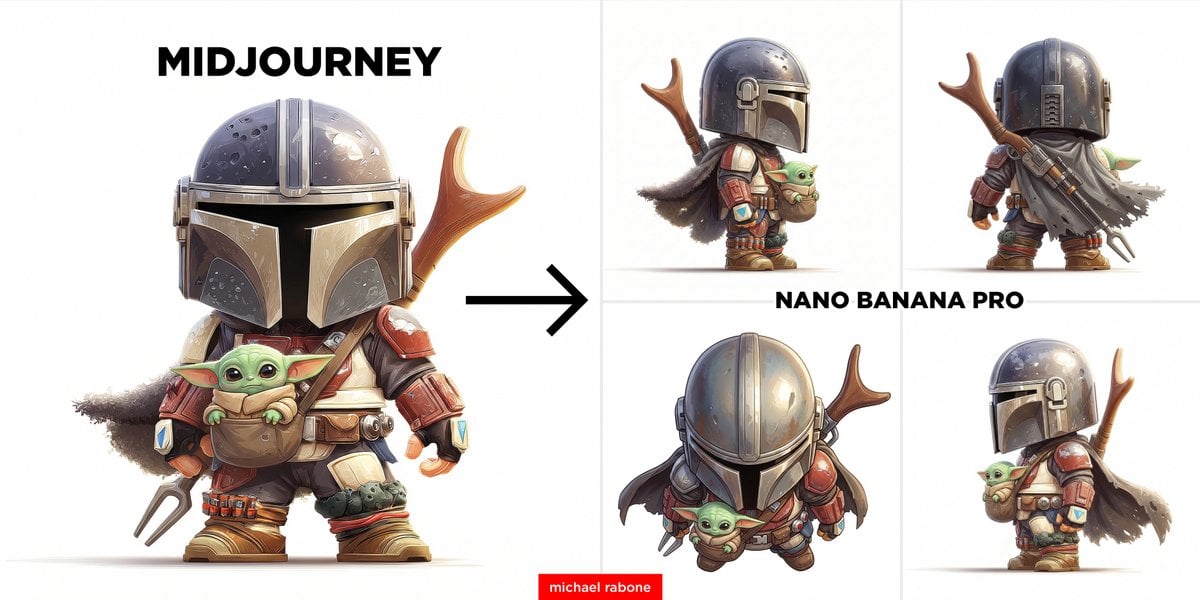
Generate Side View from Reference Image
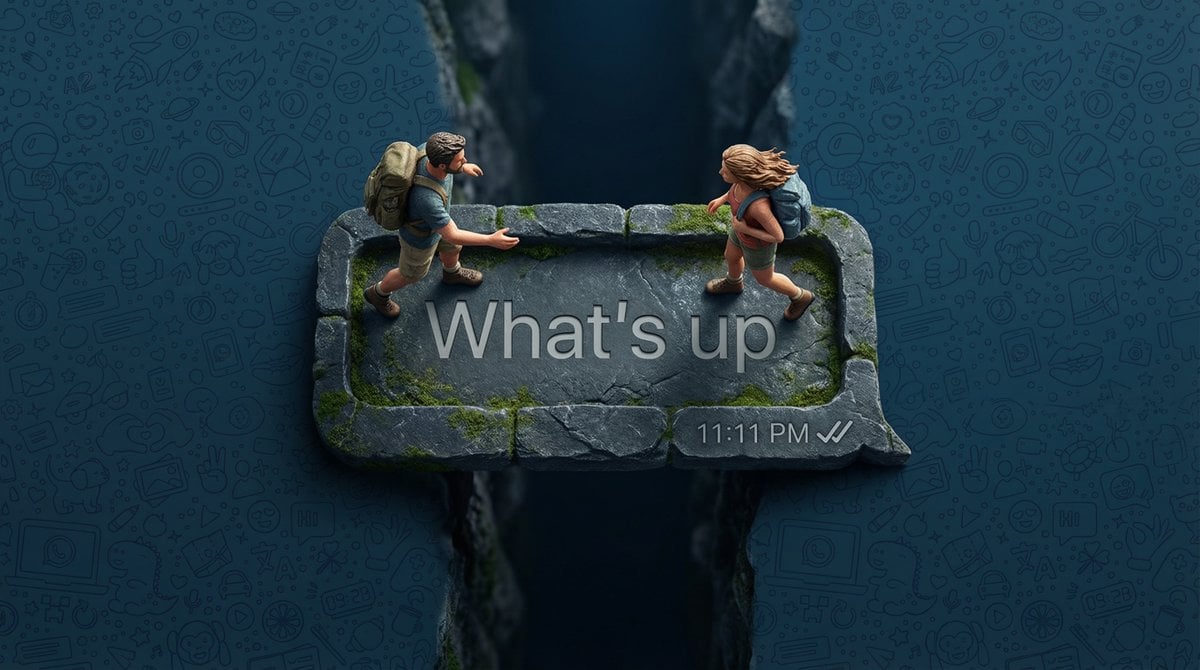
WhatsApp Speech Bubble Bridge Macro Photography
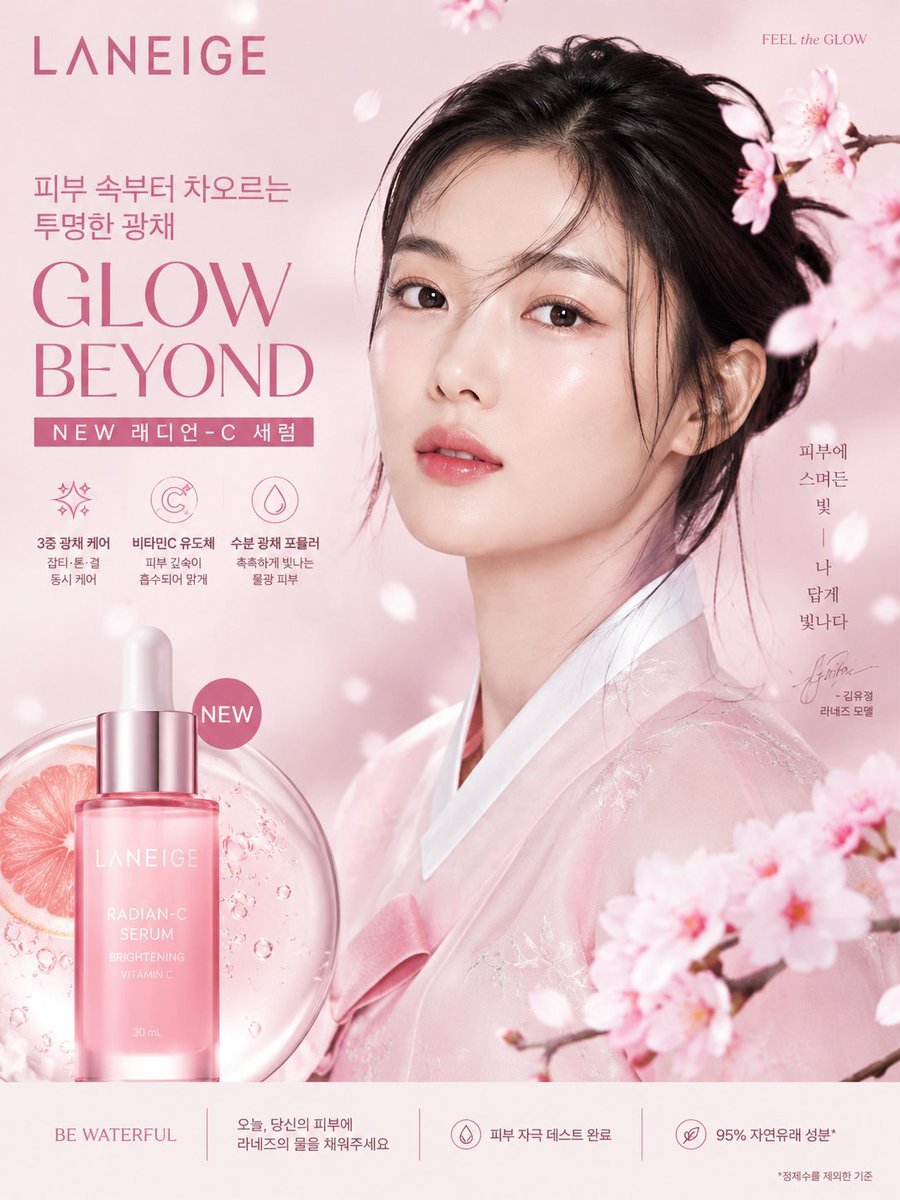
Korean Luxury Beauty Brand Poster
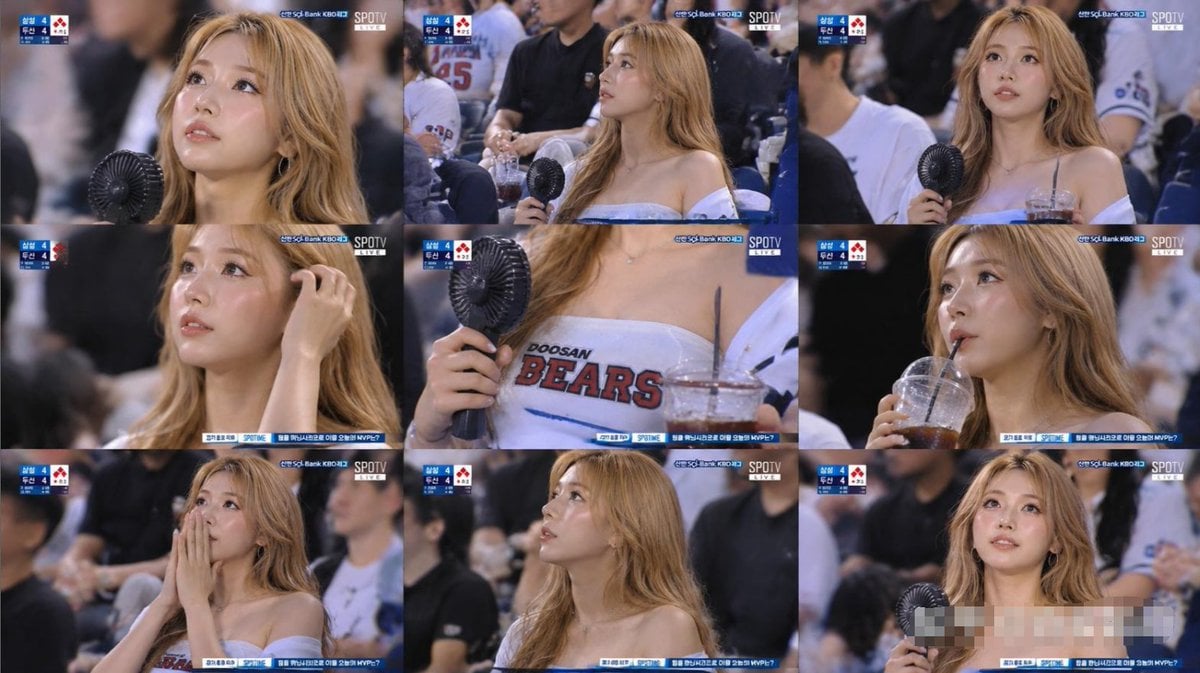
KBO Baseball Fan Television Broadcast Storyboard
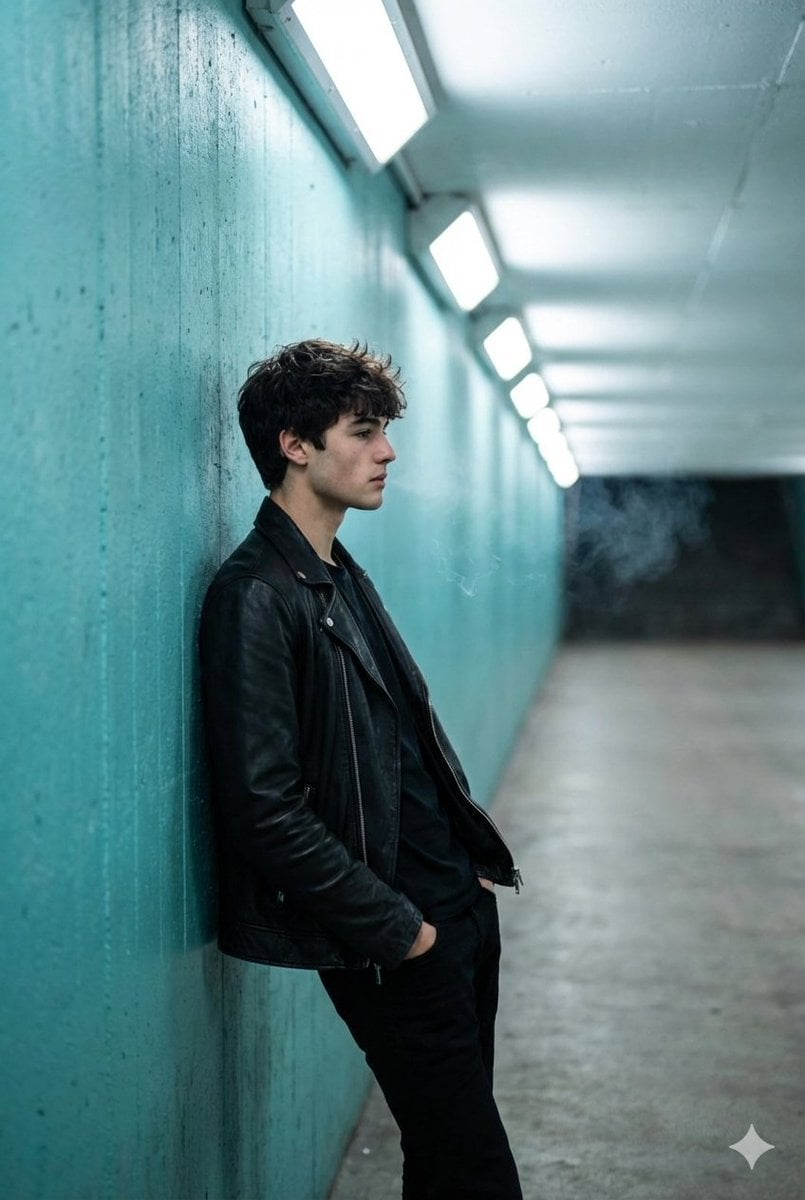
Cinematic Full Shot of a Man in a Turquoise Tunnel
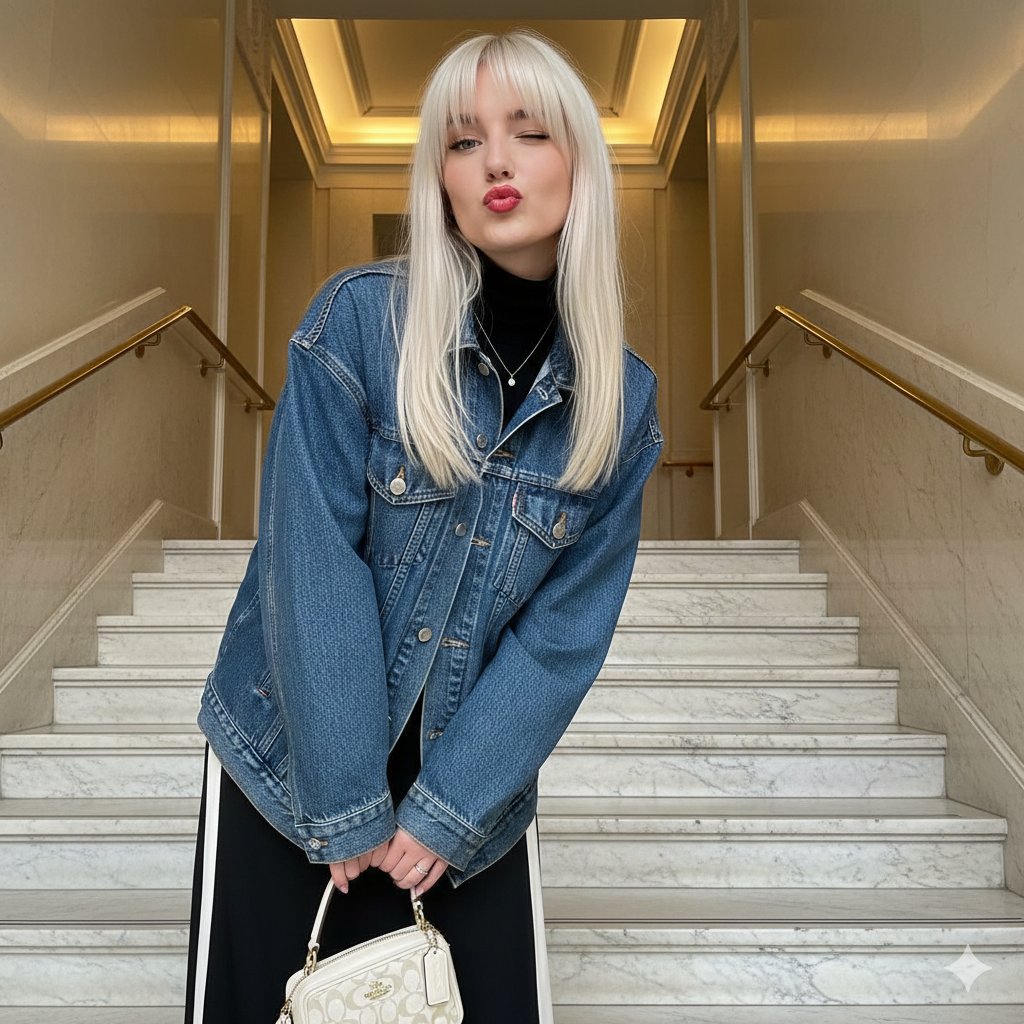
Playful Duck-Face Selfie on Marble Stairs

Geographically Accurate Precision Illustration of Interlaken, Switzerland
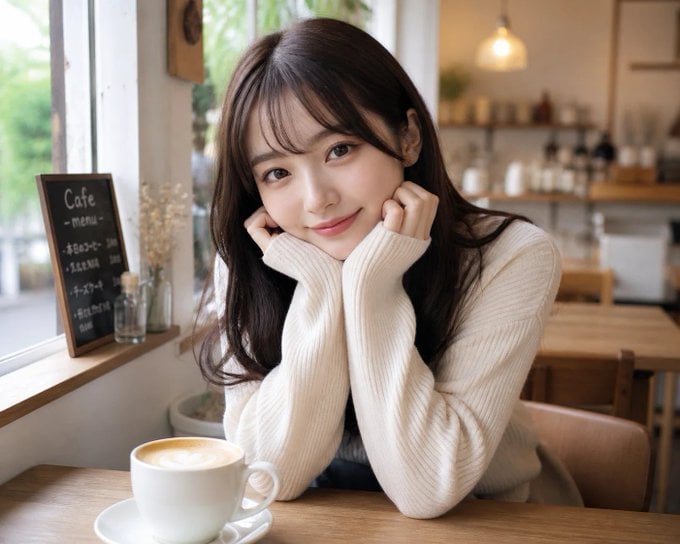
Japanese Woman in Cafe
Purposefully Bad MS Paint Redraw
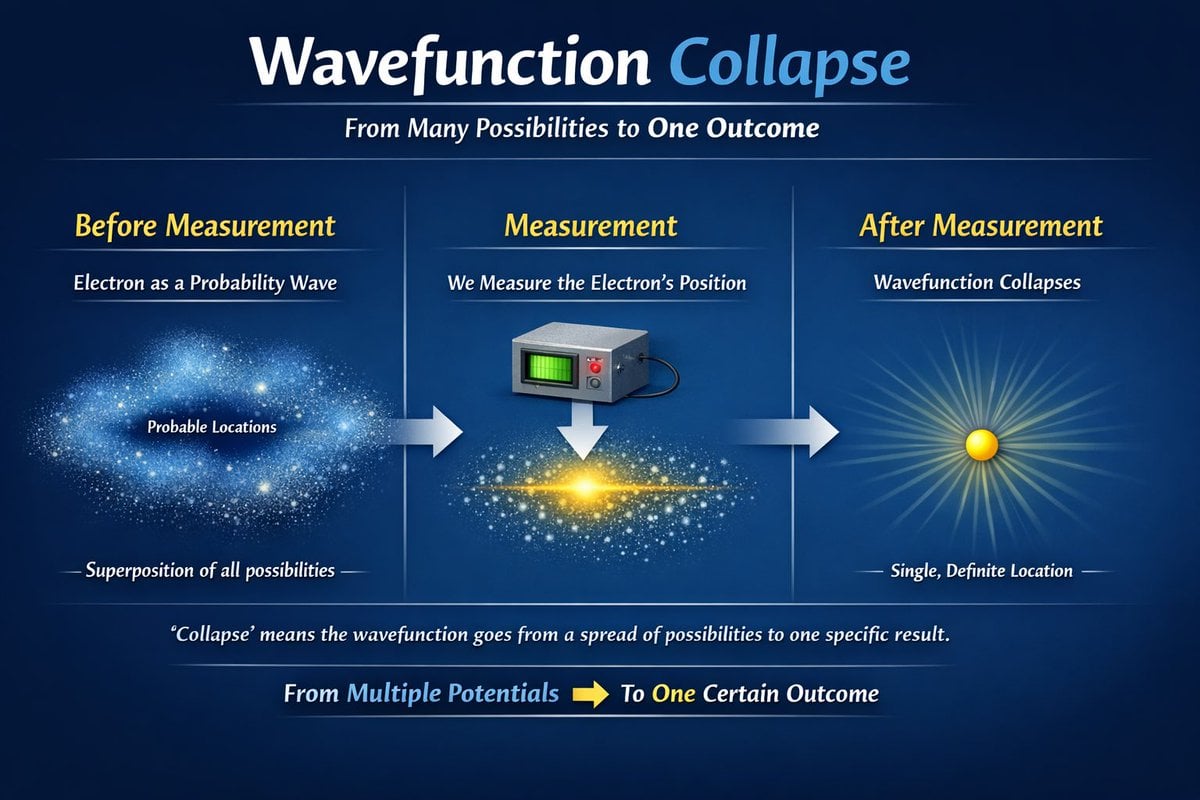
Scientific Process Infographic
Browse template categories
Mirror Selfie with Hyper-Pronounced Silhouette questions
How do I use the Mirror Selfie with Hyper-Pronounced Silhouette template?
Add your photo if the template asks for one, edit the prompt if you like — the template's model and format are already selected — and press Generate. Your version opens in PicX Studio.
Can I customize the Mirror Selfie with Hyper-Pronounced Silhouette template?
Yes. You can change the subject, setting, lighting, mood, format, and available model controls before creating your image.
Is the Mirror Selfie with Hyper-Pronounced Silhouette template free?
Opening and editing this template is free. Generating uses credits, shown on the Generate button when you are signed in.
Which AI model should I use?
Start with Nano Banana 2, which is the model associated with this template. You can compare another compatible model for a different finish.
Looking for something else? Browse all templates.

Your photo, any look
Thousands of ready templates for every top image and video model, from one credit balance.