How do I use the Tense Mirror Selfie Before a Rave Prompt template?
Choose the primary action to open PicX Studio with the available template settings. Review the model and format, personalize the creative direction, and generate when ready.
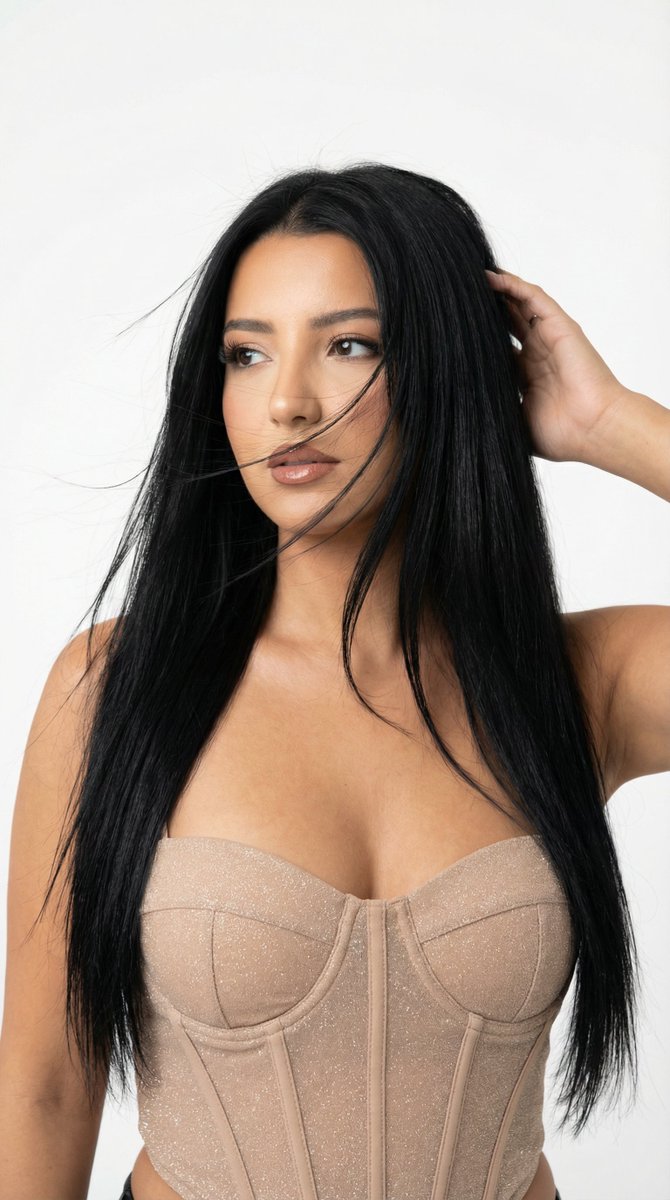
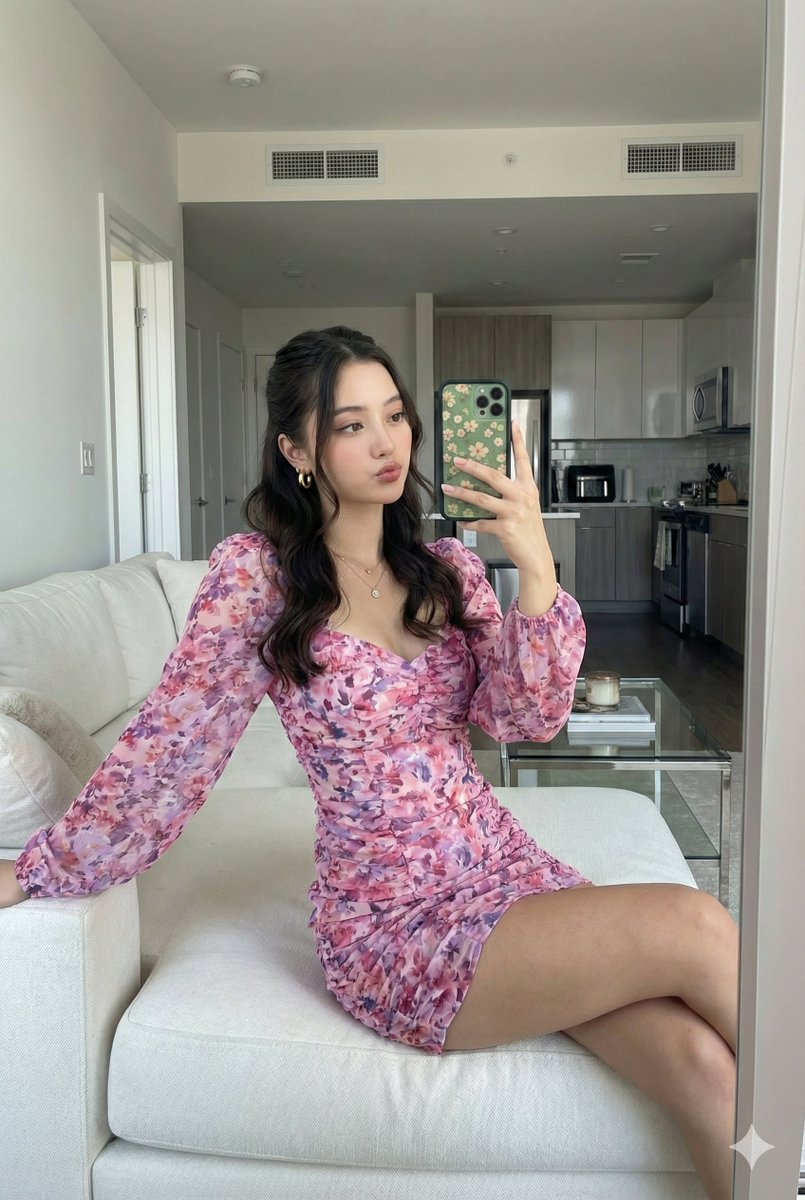
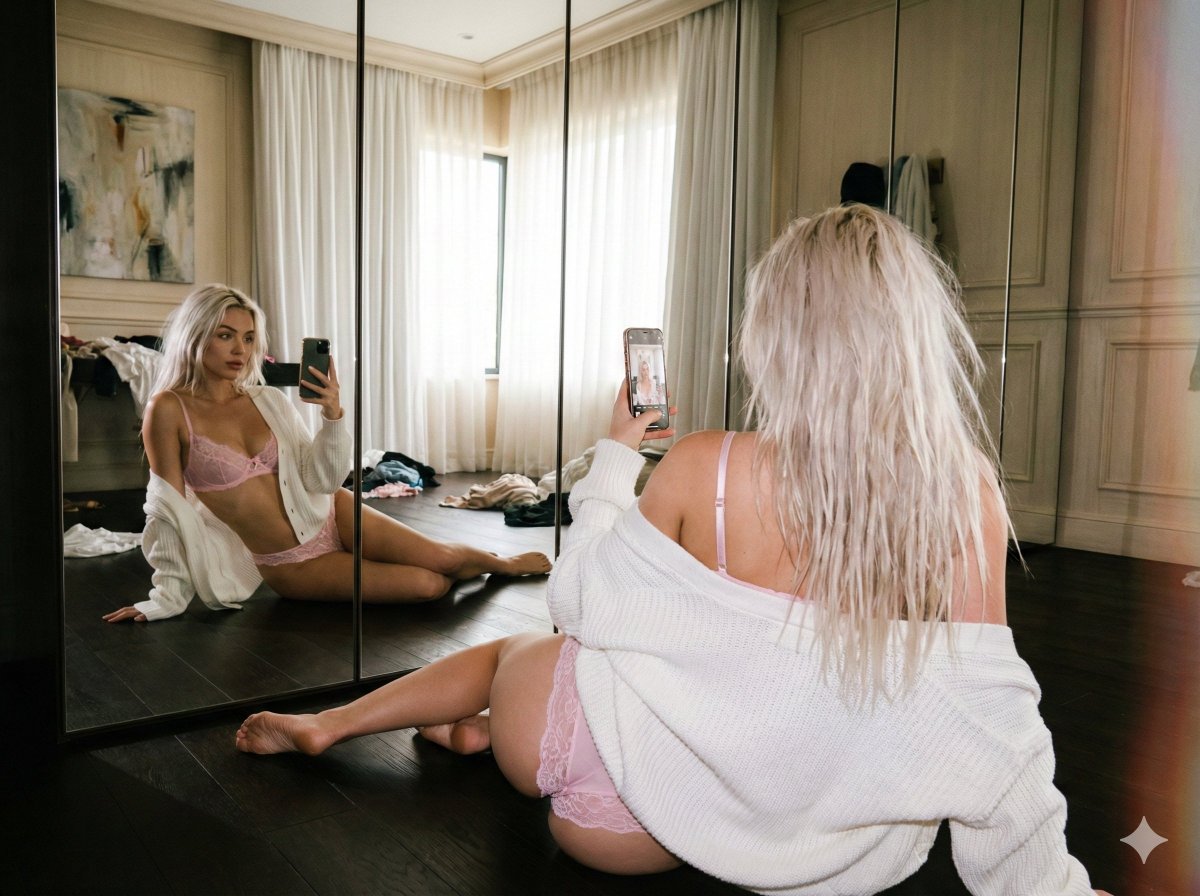
A narrative-driven prompt focusing on a moment of high-tension glamour: a woman named Tatum taking a frantic mirror selfie in a hallway while struggling to zip up a reflective vinyl corset before being late for an underground rave. Change the subject, setting, or lighting one variable at a time.

Tatum is frantically racing the clock—she's already {argument name="minutes late" default="30 minutes"} late for the underground warehouse rave downtown. Her friends are blowing up her phone, but she’s struggling with the final touch: a reflective, high-tension vinyl corset. She snatches a quick, tense mirror selfie in the hallway to check if the zipper is going to hold, capturing the rush, the sweaty skin from the stress, and the sheer chaos of trying to achieve peak glamour under pressure. She's not smiling; she's intensely focused on the phone screen's preview.
Choose the primary action to open PicX Studio with the available template settings. Review the model and format, personalize the creative direction, and generate when ready.
Yes. You can change the subject, setting, lighting, mood, format, and available model controls before creating your image.
This template is free to open and customize. Generation usage is shown in PicX Studio before you create.
Start with Nano Banana 2, which is the model associated with this template. You can compare another compatible model for a different finish.
Follow a topic to a crawlable collection of related PicX Studio templates.
43,474 public templates available. Verified via the PicX Studio public templates API; refreshed hourly.













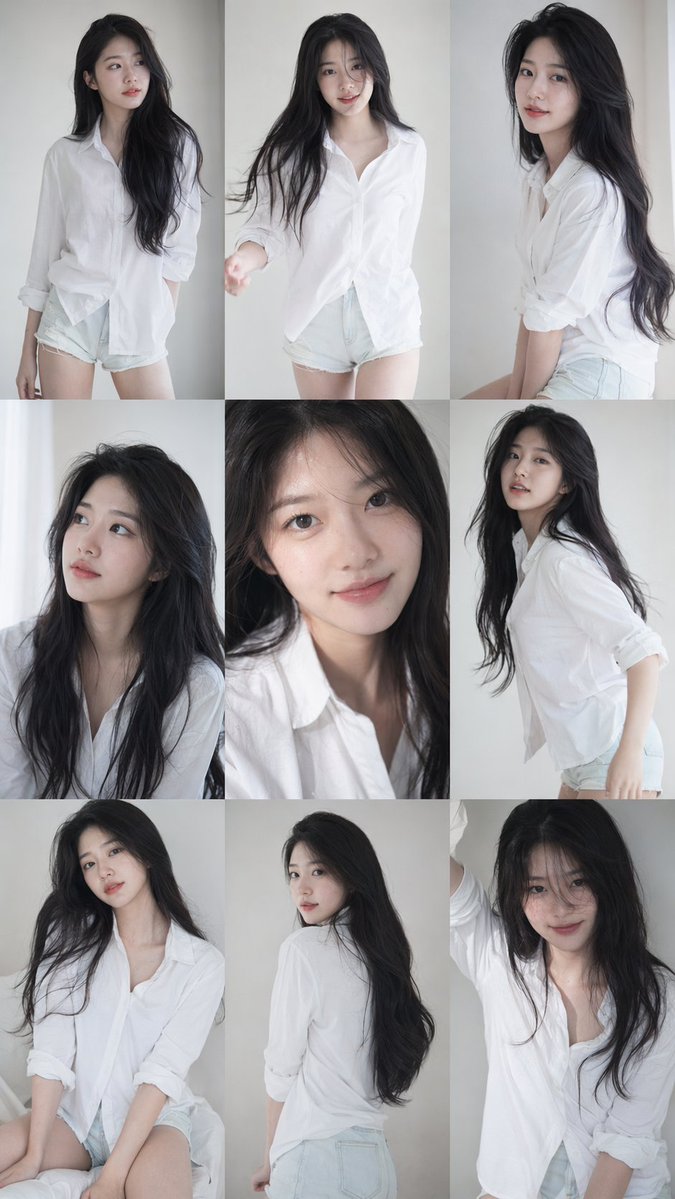
![nano-banana-grwm-mirror-selfie-pink — Nano Banana 2
Prompt (JSON):
{
"type": "image_prompt",
"description": {
"subject": {
"main": "[NAME] com o](/_next/image?url=https%3A%2F%2Fcdn.picxstudio.com%2Fuploads%2Ftweet_img_10a_612da6f9-cf6d-417e-bdd5-cc1300d1d830.jpg&w=828&q=100)



![Naive doodle-style subject illustration — A doodle-style {argument name="subject" default="[subject]"}, naive lines, humorous shape exaggeration](https://pbs.twimg.com/media/G6Wl2YxbsAARB2b.jpg)