How do I use the Sadie Sink Tennis Club Aesthetic Portrait Prompt template?
Choose the primary action to open PicX Studio with the available template settings. Review the model and format, personalize the creative direction, and generate when ready.
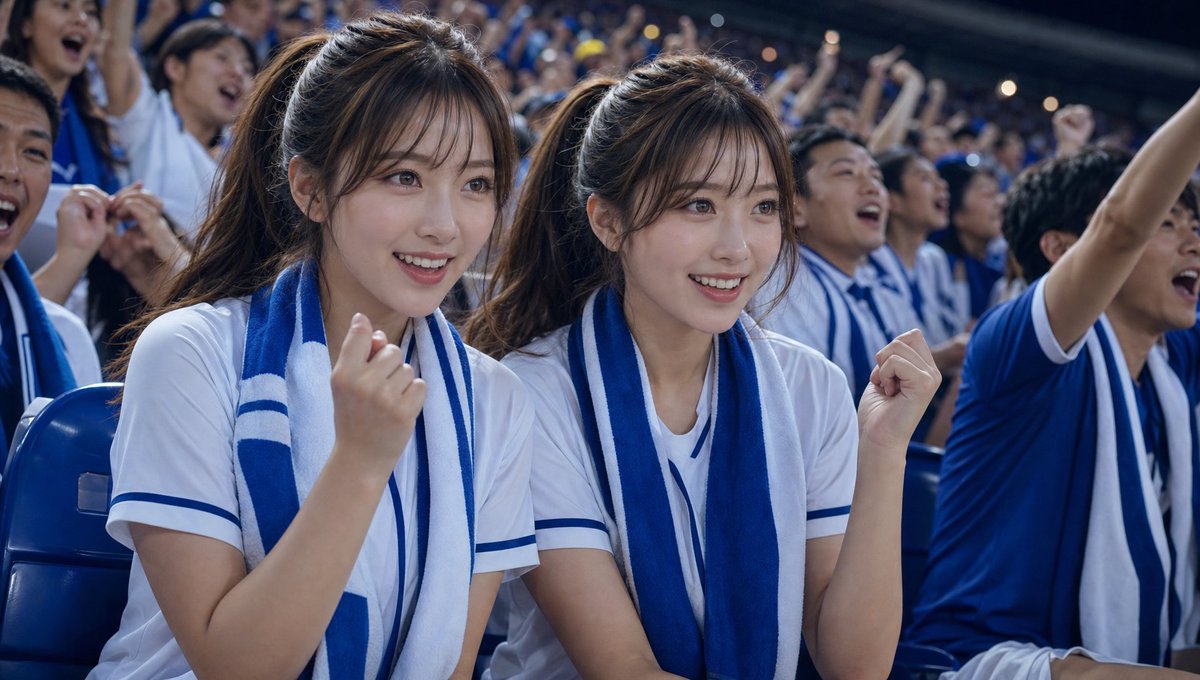
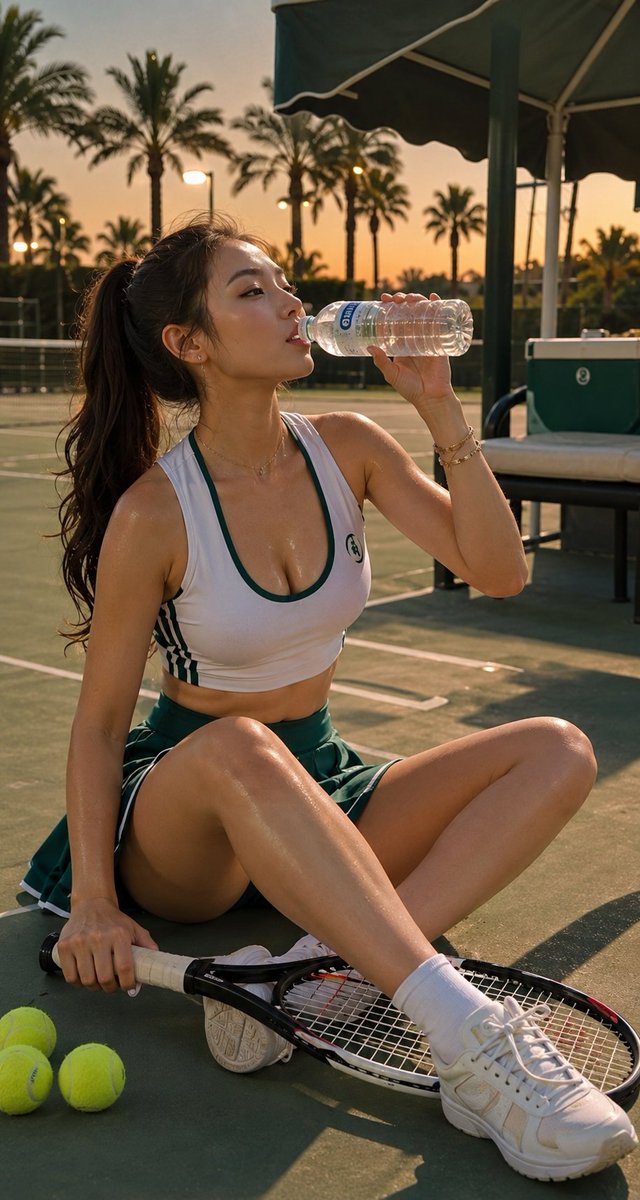
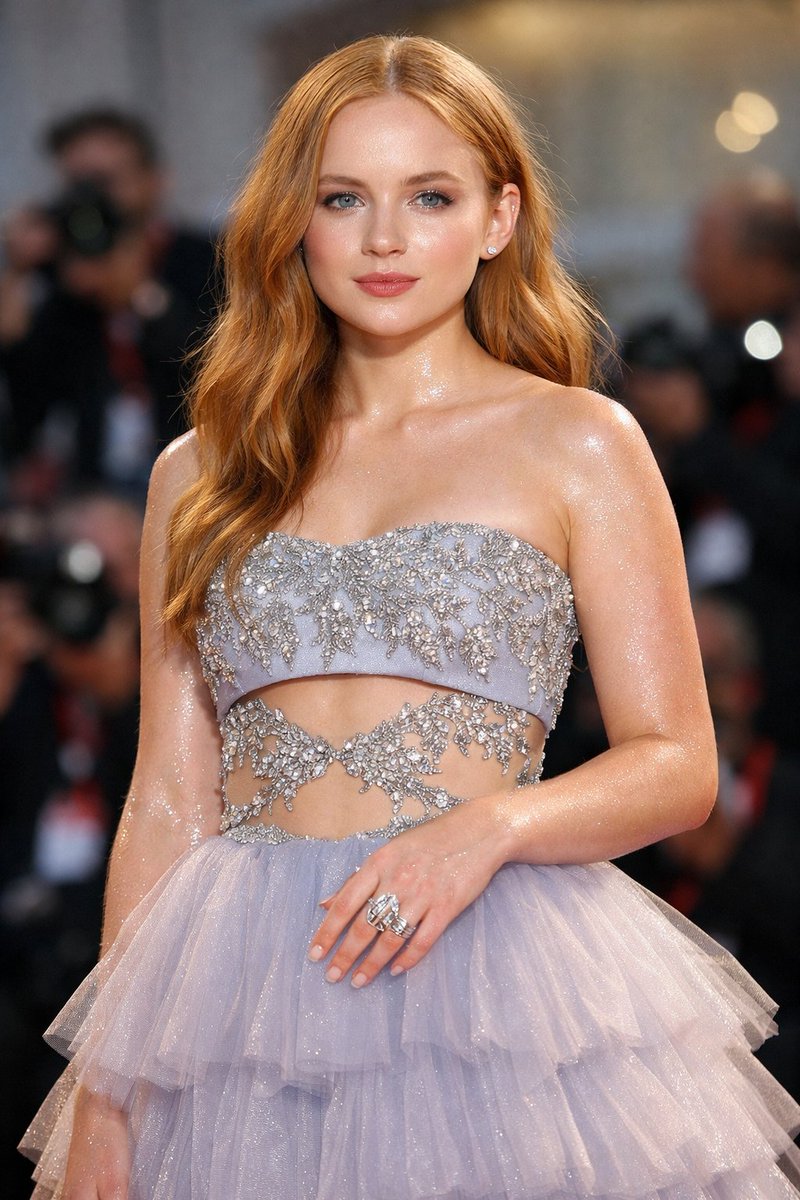
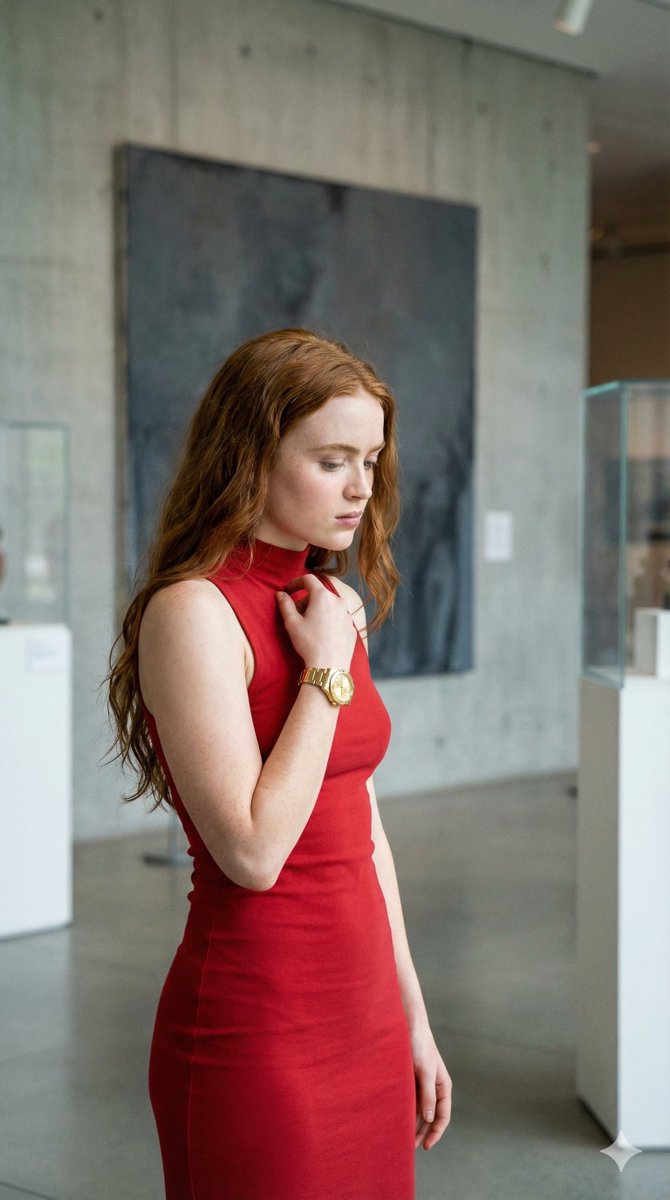
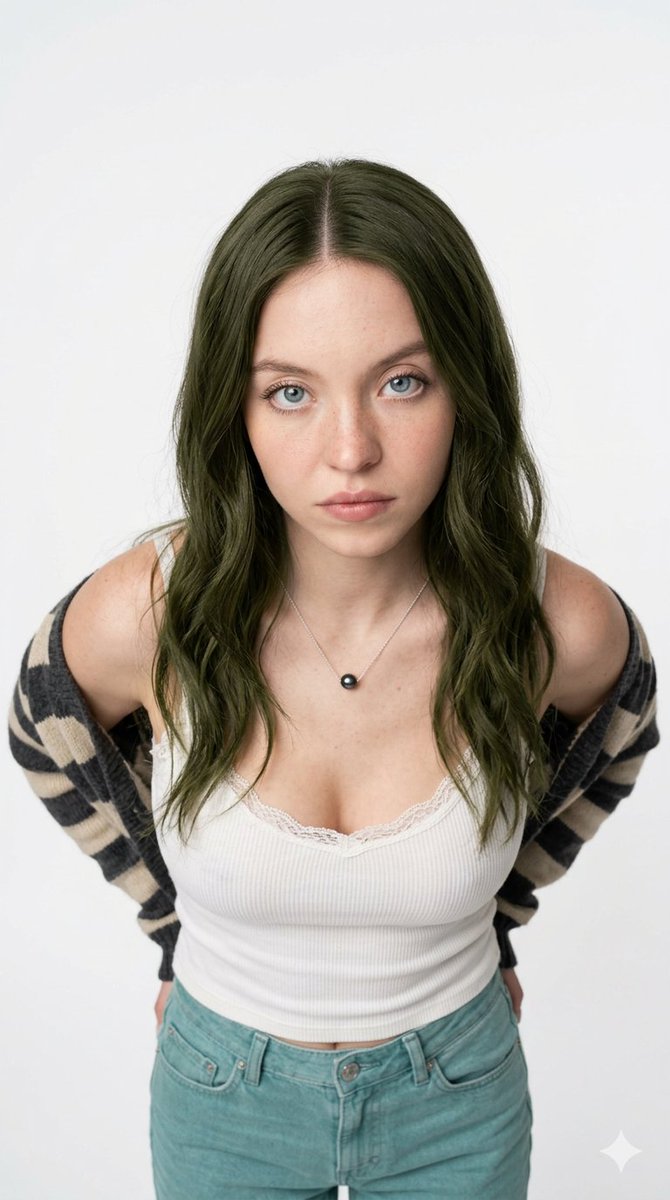
A photorealistic portrait prompt for generating an image of actress Sadie Sink with long hair, holding an ice cream cone, set in a playful, summery tennis-club aesthetic with specific details on clothing, lighting, and camera parameters. Change the subject, setting, or lighting one variable at a time.

Photorealistic portrait of {argument name="subject" default="Sadie Sink"} with long dark brown hair, standing confidently outdoors on a sunny day next to a vintage white and yellow striped ice cream/lemonade cart with a tennis theme, palm trees and green tennis court net in soft-focus background, she wears a trendy pastel mint green tennis outfit — lightweight sporty crop top with short sleeves, high-waisted loose athletic shorts, oversized open light green zip-up hoodie casually draped over shoulders, white oval retro sunglasses, minimal gold jewelry, holding a tall waffle cone with bright green lime sherbet ice cream scoops, playful summery tennis-club aesthetic, vibrant yet soft natural sunlight, fresh and cheerful mood, highly detailed skin texture, cinematic fashion photoshoot style, professional photography, sharp focus, 8k, ultra-realistic --ar 2:3 --stylize 250 --v 6
Choose the primary action to open PicX Studio with the available template settings. Review the model and format, personalize the creative direction, and generate when ready.
Yes. You can change the subject, setting, lighting, mood, format, and available model controls before creating your image.
This template is free to open and customize. Generation usage is shown in PicX Studio before you create.
Start with Nano Banana 2, which is the model associated with this template. You can compare another compatible model for a different finish.
© 2026 PicX Studio. All rights reserved.

Follow a topic to a crawlable collection of related PicX Studio templates.
43,474 public templates available. Verified via the PicX Studio public templates API; refreshed hourly.















![Naive doodle-style subject illustration — A doodle-style {argument name="subject" default="[subject]"}, naive lines, humorous shape exaggeration](https://pbs.twimg.com/media/G6Wl2YxbsAARB2b.jpg)