
Hairstyles
Hairstyles is a ready photo look.
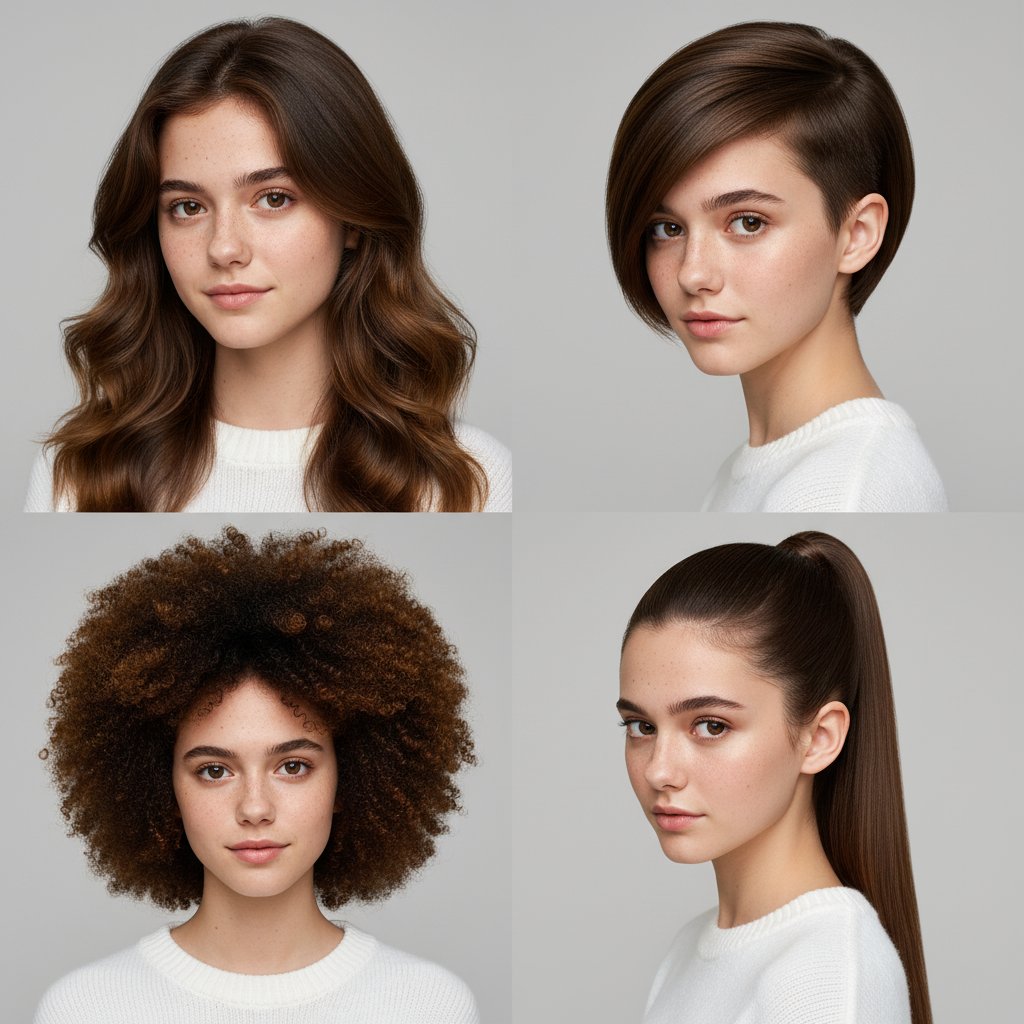
- Prompt included
- Model and format preset
- Free template
The prompt behind this image
Copy the exact prompt behind Hairstyles, or open it in the studio and make it yours.
Transform my attached selfie into a 2X2 grid of professional studio-quality portraits. Generate 4 distinct, realistic hairstyles for me—varying in length, style, and type. All hairstyles must be different and distinct from one another. Ensure each final image has the polished look of a high-end photoshoot: clean studio lighting, a neutral backdrop, sharp focus, and natural, retouched skin tones, making all 4 variations look authentic and professionally captured. Keeping facial features same of the uploaded image
How to use Hairstyles in 3 steps
- 1Upload ImagePNG, JPG or paste
Add your photo
Upload the photo the template builds on. The prompt, model and format are already set.
- 2…a portrait of your subject in softgolden-hour light, 85mm…
Personalize
Edit the subject and creative details for your destination.
- 3Generate
Generate
Press Generate — your image is created in PicX Studio, so you can compare it with the original and refine one variable at a time.
More like this
Templates with the same subject, style or setup. Open one to see its prompt.
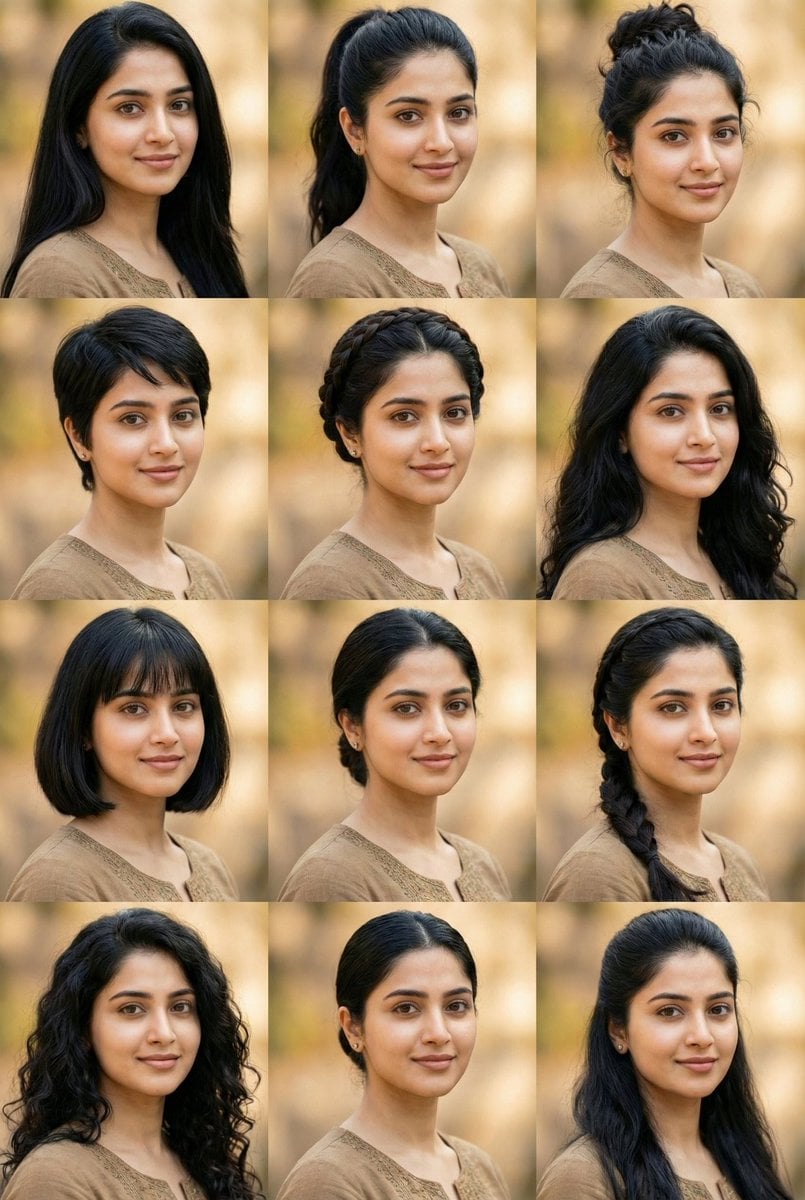
10 Hairstyles Photo Collage Prompt
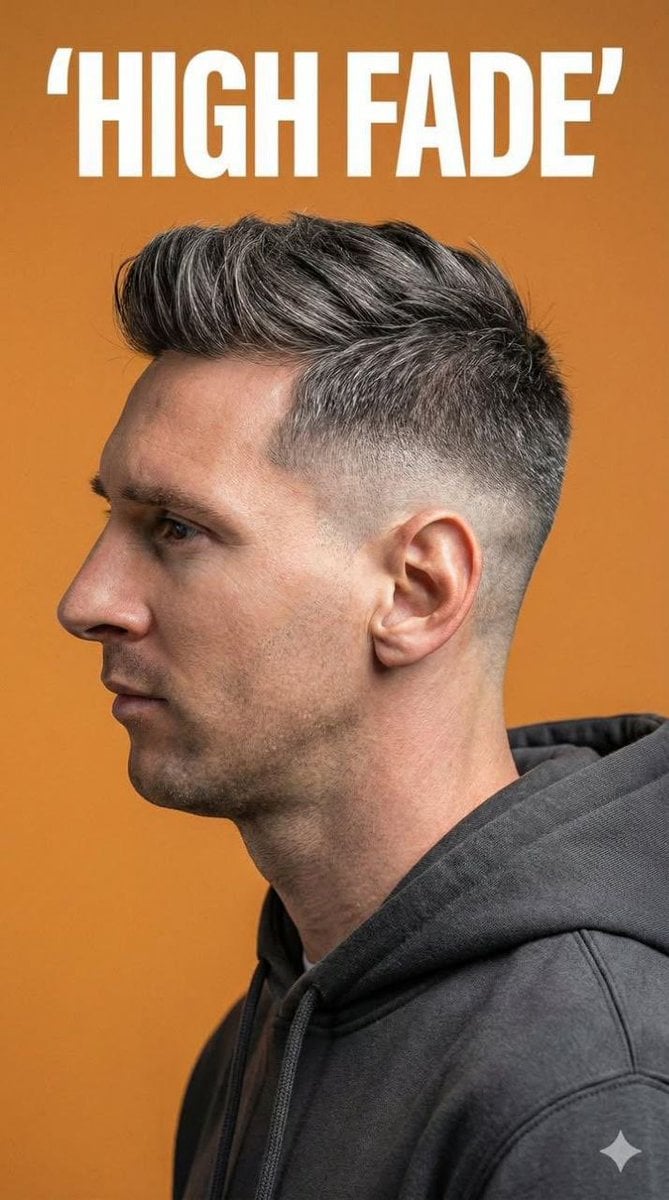
Ultra-Realistic Studio Portrait for Men's Hairstyles
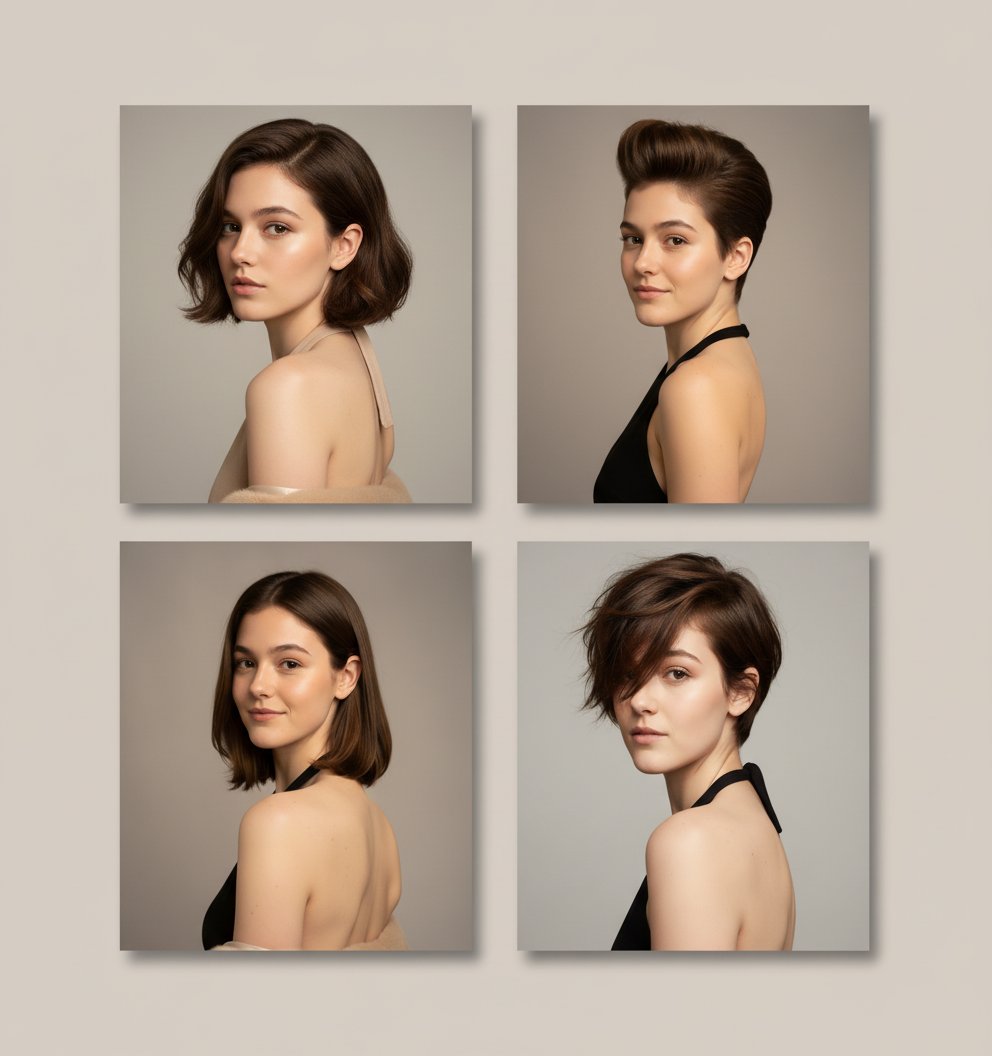
Hairstyles 2

Two Tickets, One Night

If We Met in 1985

Found Photograph: Us, 1970

Our Song was on a Cassette

The Date After College

80s Couple Studio Portrait
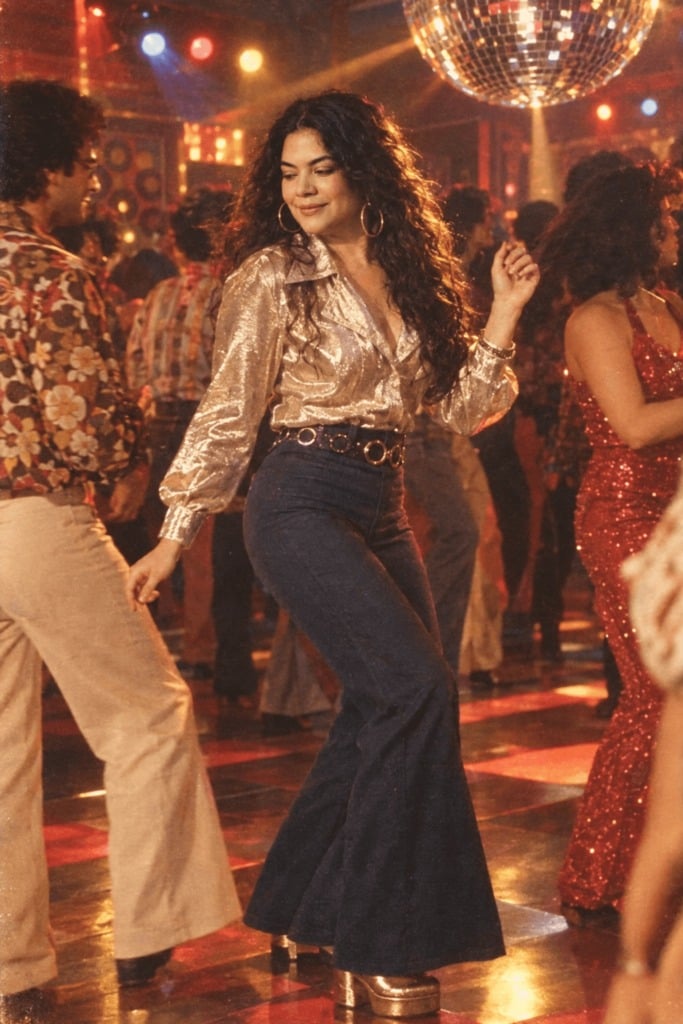
80s Disco Dancefloor

80s Rooftop Couple

Cyber Samurai Empress Portrait
Make it yours
Hairstyles works as-is. These are the safest ways to change it without losing the look.
Change one field
Copy a single group, rewrite it, and generate again so you can see what that field is doing.
Keep the frame, change the subject
Hold the composition and light of Hairstyles, then swap wardrobe, props or the person for a new take.
| If the result… | Why | Fix |
|---|---|---|
| The result drifts from the preview | Too many fields changed at once. | Reuse Hairstyles as-is first, then change one group — subject, light, or setting. |
| The model over-stylizes the scene | The prose prompt leaves finish and camera underspecified. | Add one camera or lighting sentence and stay on PicX Studio. |
More image prompts
Fresh picks from across the catalog.
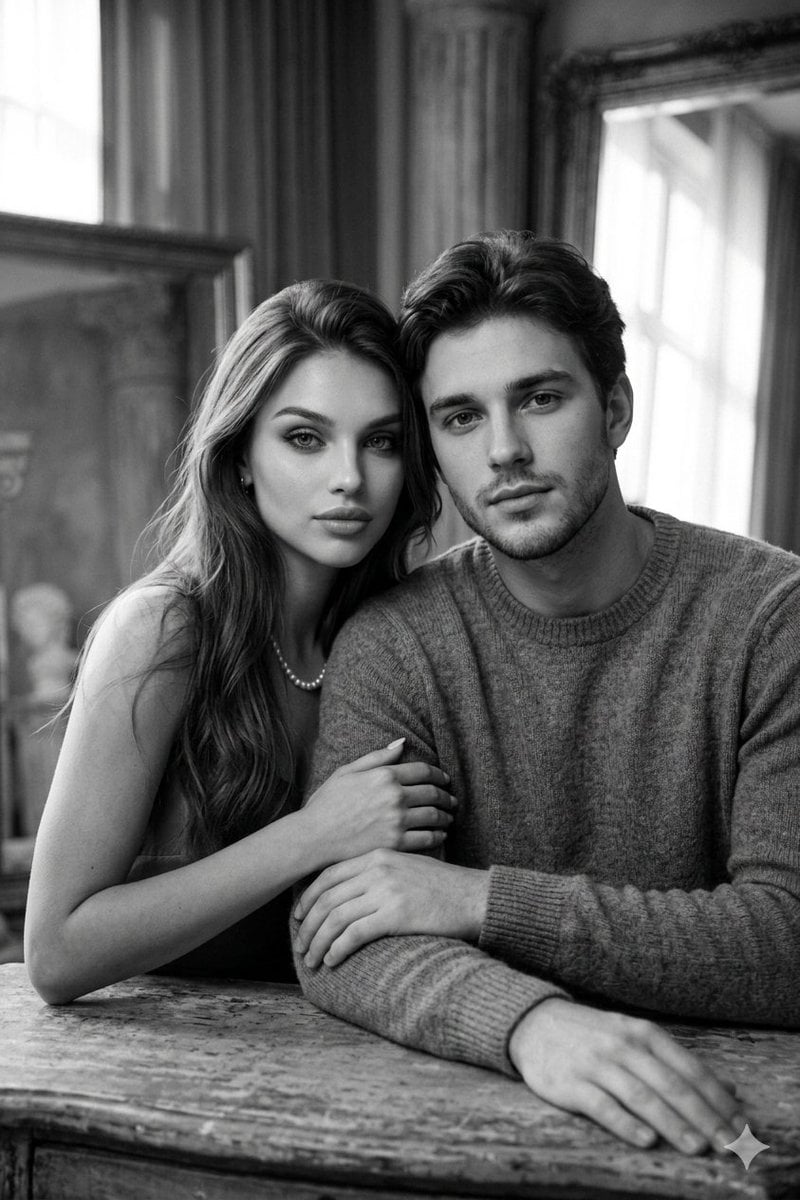
Cinematic Monochrome Couple Portrait
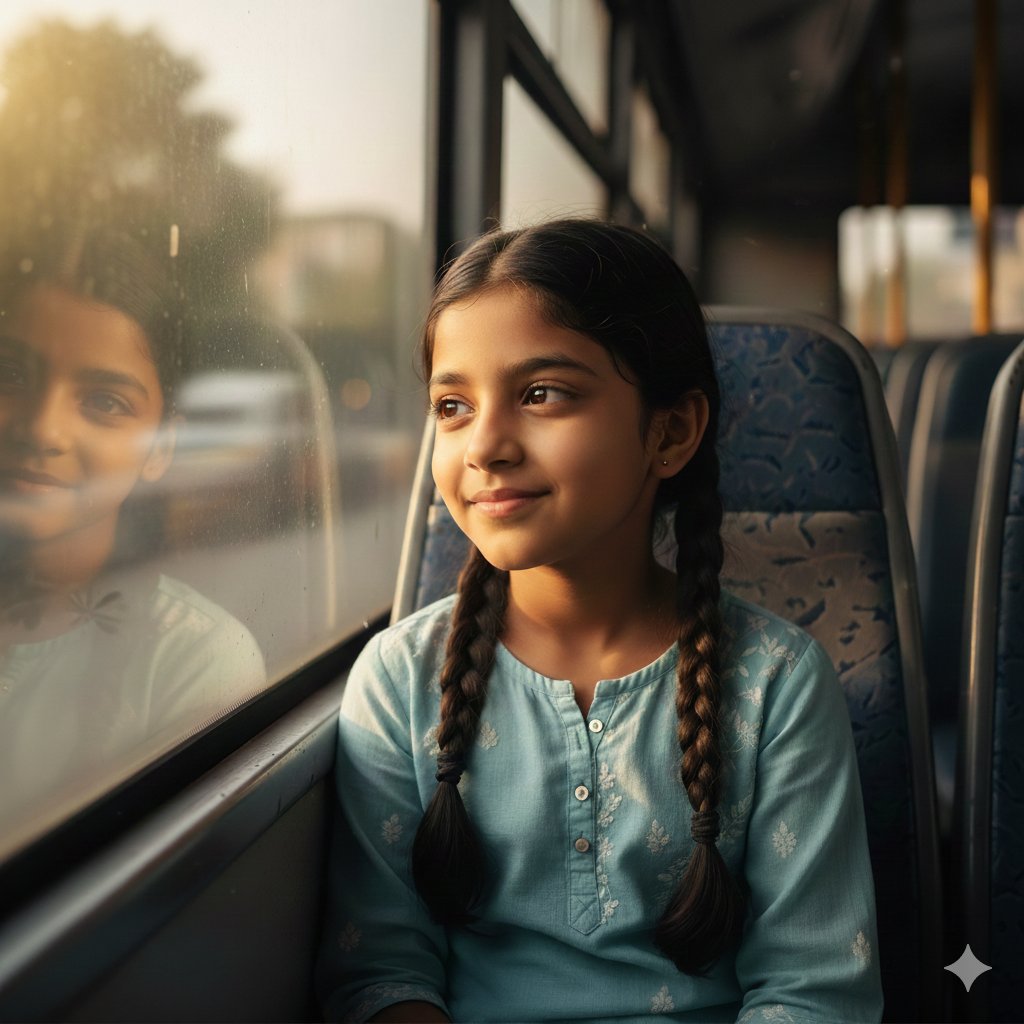
Hyper-Realistic Indian Girl on Bus Portrait Prompt
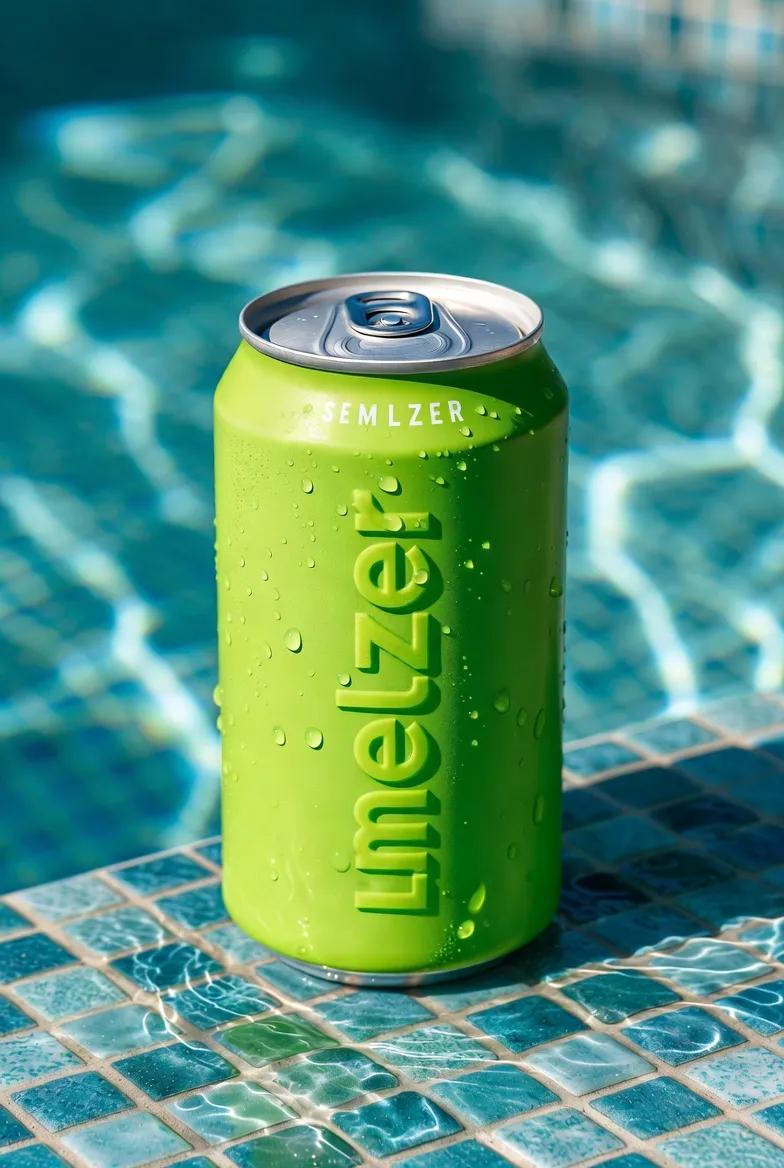
Macro Product Shot of Seltzer Can
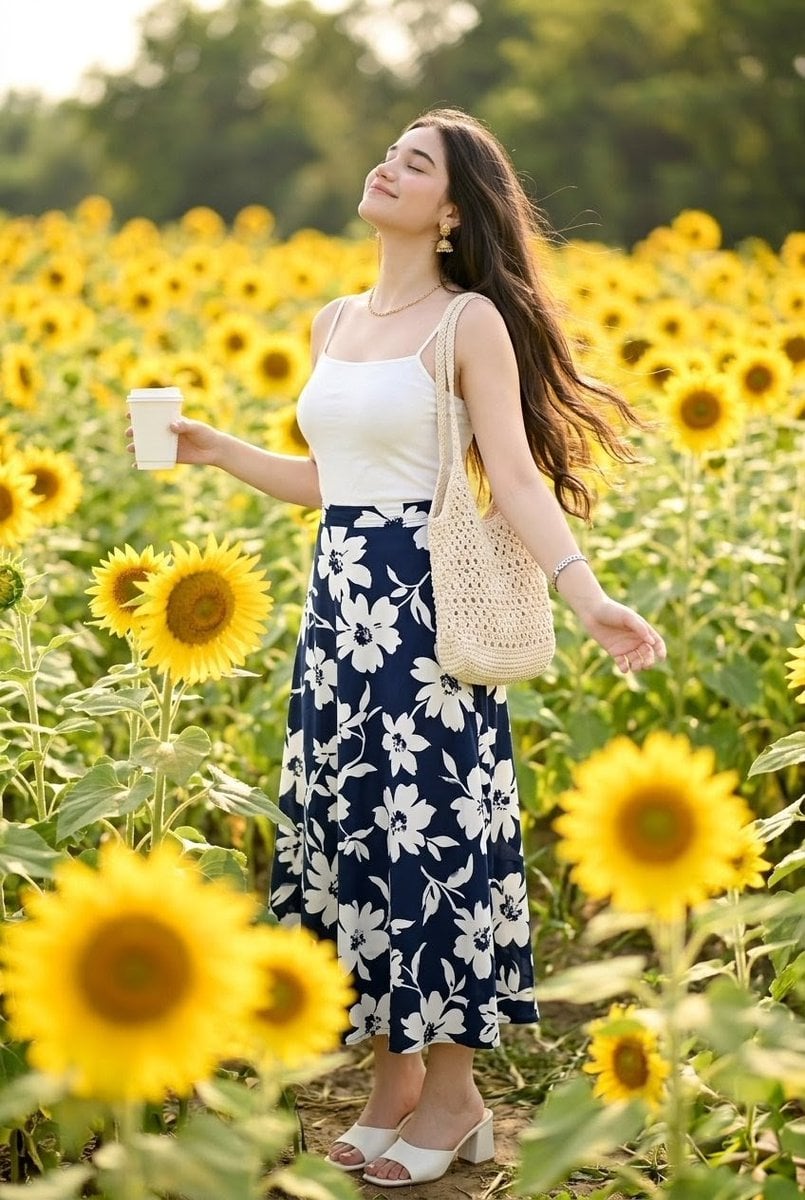
Woman in Sunflower Field Fashion Photo
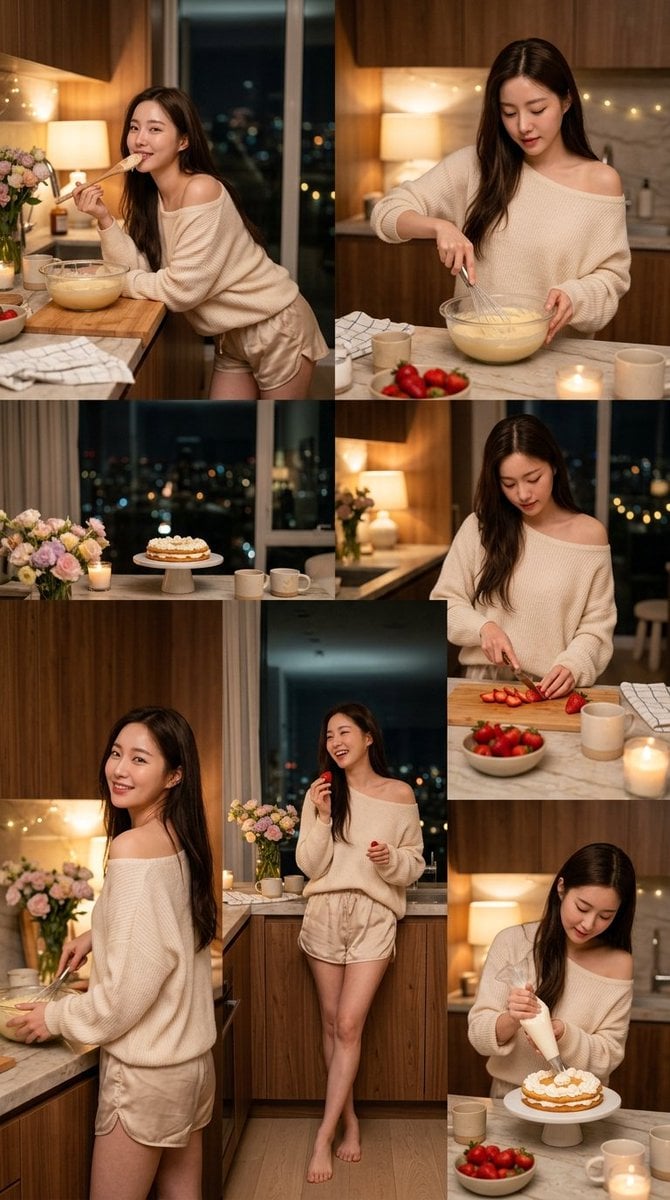
Korean Girl Kitchen Cooking Aesthetic
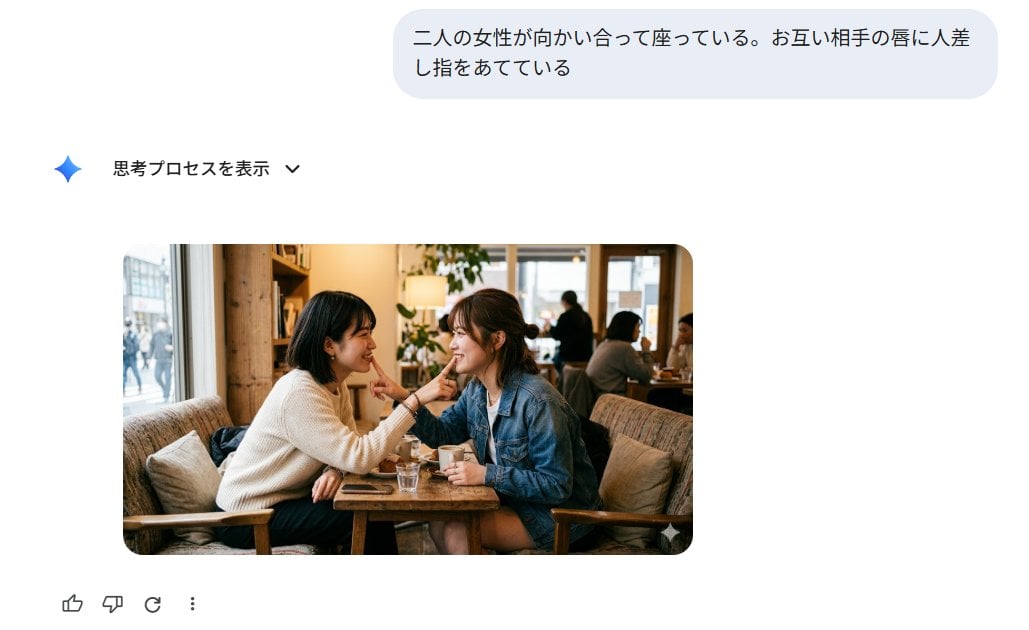
Japanese AI Image Result UI
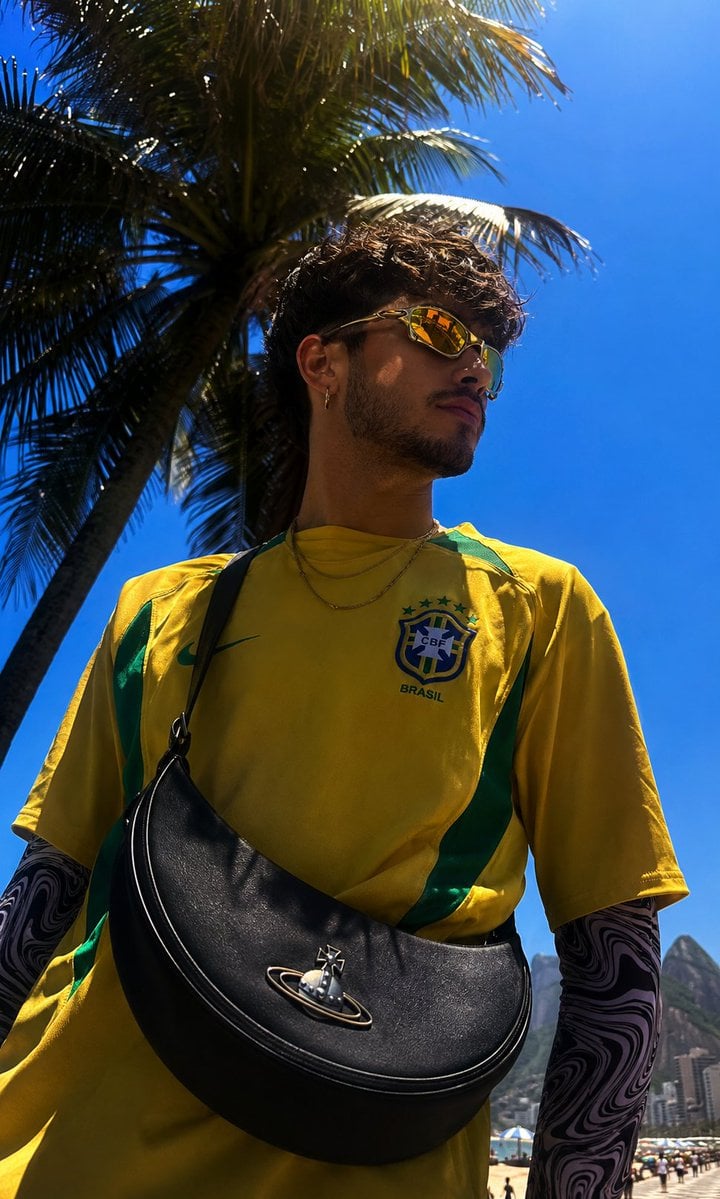
Copacabana Beach Fashion Photography
Realistic Hollywood Studio Set Behind-the-Scenes
Triptych Collage of Vintage American Cars
Anime Girl in Mirror Room
Browse template categories
Hairstyles questions
How do I use the Hairstyles template?
Add your photo if the template asks for one, edit the prompt if you like — the template's model and format are already selected — and press Generate. Your version opens in PicX Studio.
Can I customize the Hairstyles template?
Yes. You can change the subject, setting, lighting, mood, format, and available model controls before creating your image.
Is the Hairstyles template free?
Opening and editing this template is free. Generating uses credits, shown on the Generate button when you are signed in.
Which AI model should I use?
Choose a compatible model in PicX Studio based on the style, speed, and output controls your project needs.
Looking for something else? Browse all templates.

Your photo, any look
Thousands of ready templates for every top image and video model, from one credit balance.