
Anime Girl in Mirror Room
A vertical anime illustration prompt for a cute girl posing with heart hands inside a fully mirrored room with dynamic reflections.
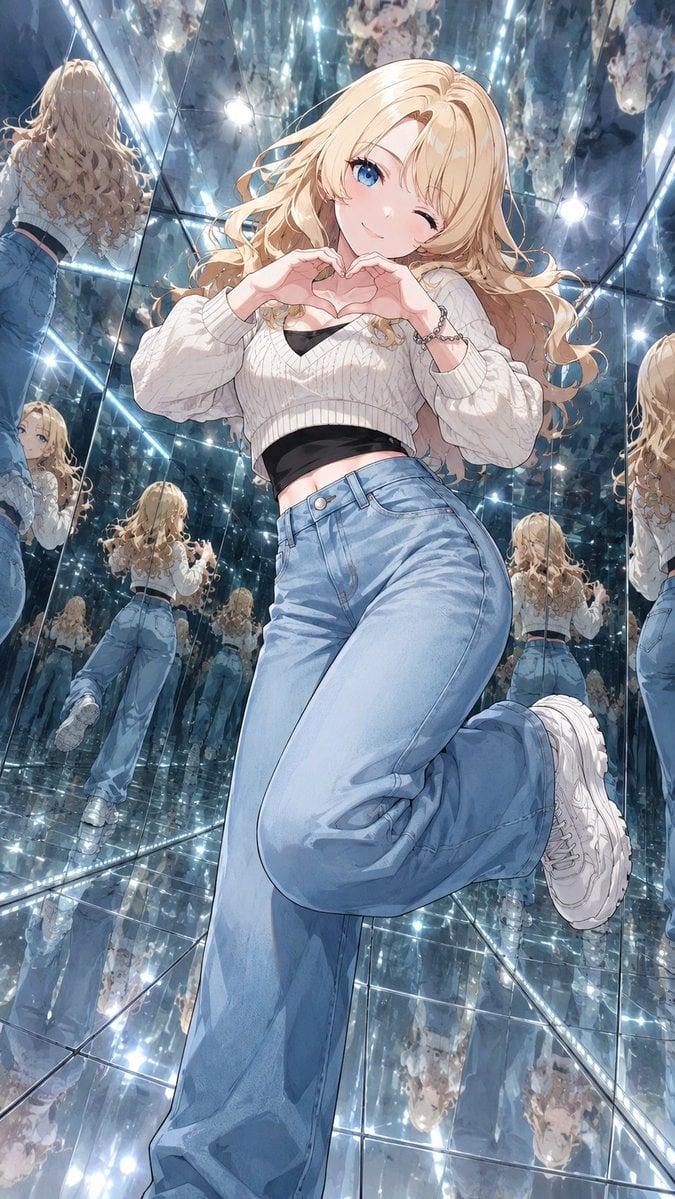
- Prompt included
- Model and format preset
- Free template
The prompt behind this image
Copy the exact prompt behind Anime Girl in Mirror Room, or open it in the studio and make it yours.
Create a vertical 9:16 anime illustration of {argument name="character name" default="a cute blonde anime girl"} posing in a room where every surface is mirror: mirrored floor, mirrored walls, and mirrored ceiling, producing many reflections of her from the back, sides, above, and below. Use a dramatic wide-angle low camera perspective close to the character, making her legs and pose feel dynamic and slightly exaggerated by perspective. The character has {argument name="hair color" default="long wavy blonde hair"}, bright blue eyes, a cheerful flirty expression, one eye winking, soft blush, and a small smile. She forms a heart shape with both hands in front of her chest while balancing in a cute pose with one leg bent backward and lifted. Outfit: cropped white cable-knit sweater with loose sleeves over a visible black inner top, high-waisted loose light blue jeans, chunky white sneakers, and a small bracelet. The mirror room is filled with glossy square mirror panels, seams, LED strip lights along edges, round bright bulbs, sparkling light flares, and countless repeated reflections receding into the distance; include approximately 10 visible reflected copies or partial reflections around the main figure, including full-body back reflections on the left and center, side fragments on the right, floor reflections beneath her, and ceiling reflections above. Style: polished modern Japanese anime key visual, highly detailed hair and clothing folds, luminous reflections, cool blue-silver lighting, crisp linework, glossy highlights, energetic idol-like cuteness, no text, no watermark.
How to use Anime Girl in Mirror Room in 3 steps
- 1Upload ImagePNG, JPG or paste
Add your photo
Upload the photo the template builds on. The prompt, model and format are already set.
- 2…a portrait of your subject in softgolden-hour light, 85mm…
Personalize
Edit the subject and creative details for your destination.
- 3Generate
Generate
Press Generate — your image is created in PicX Studio, so you can compare it with the original and refine one variable at a time.
More like this
Templates with the same subject, style or setup. Open one to see its prompt.
Anime Sewing Room Magic

Teen Girl Alpine Lake Mountain View

Framed Quilling Anime Girl

Anime Lantern Girl Character Sheet

Anime Girl Generation Grid

Chaotic Anime Schoolgirl Fan Collage

Rooftop Fisheye — Cat-Ear Balaclava at Golden Hour

Felt & Knit 3D Character — Photo-Exact Face, Pixar-Quality Plush Figurine

Surreal Cat Astronaut — Humanoid Face Freefall
Intimate Bedroom Mirror Selfie
Cosy Gamer Girl Room Aesthetic

Cel 2D Finale Fireworks
Make it yours
Anime Girl in Mirror Room works as-is. These are the safest ways to change it without losing the look.
Change one field
Copy a single group, rewrite it, and generate again so you can see what that field is doing.
Keep the frame, change the subject
Hold the composition and light of Anime Girl in Mirror Room, then swap wardrobe, props or the person for a new take.
| If the result… | Why | Fix |
|---|---|---|
| The result drifts from the preview | Too many fields changed at once. | Reuse Anime Girl in Mirror Room as-is first, then change one group — subject, light, or setting. |
| The model over-stylizes the scene | The prose prompt leaves finish and camera underspecified. | Add one camera or lighting sentence and stay on GPT Image 2. |
More GPT Image 2 templates
Other prompts made for GPT Image 2.

Six VTuber Japanese Logo Sheet

Realistic Portrait of Woman and Deer

The Vista Modular Condo Poster

AI Model Routing Comparison Infographic

2.5D Anime Art Board

Isometric Productivity Desk Scene

New York Double Exposure Poster

Four-Panel AI Landscape Comparison

Japanese Tatami Lifestyle Magazine Cover

NESCAFÉ Coffee Map Poster
More image prompts
Fresh picks from across the catalog.
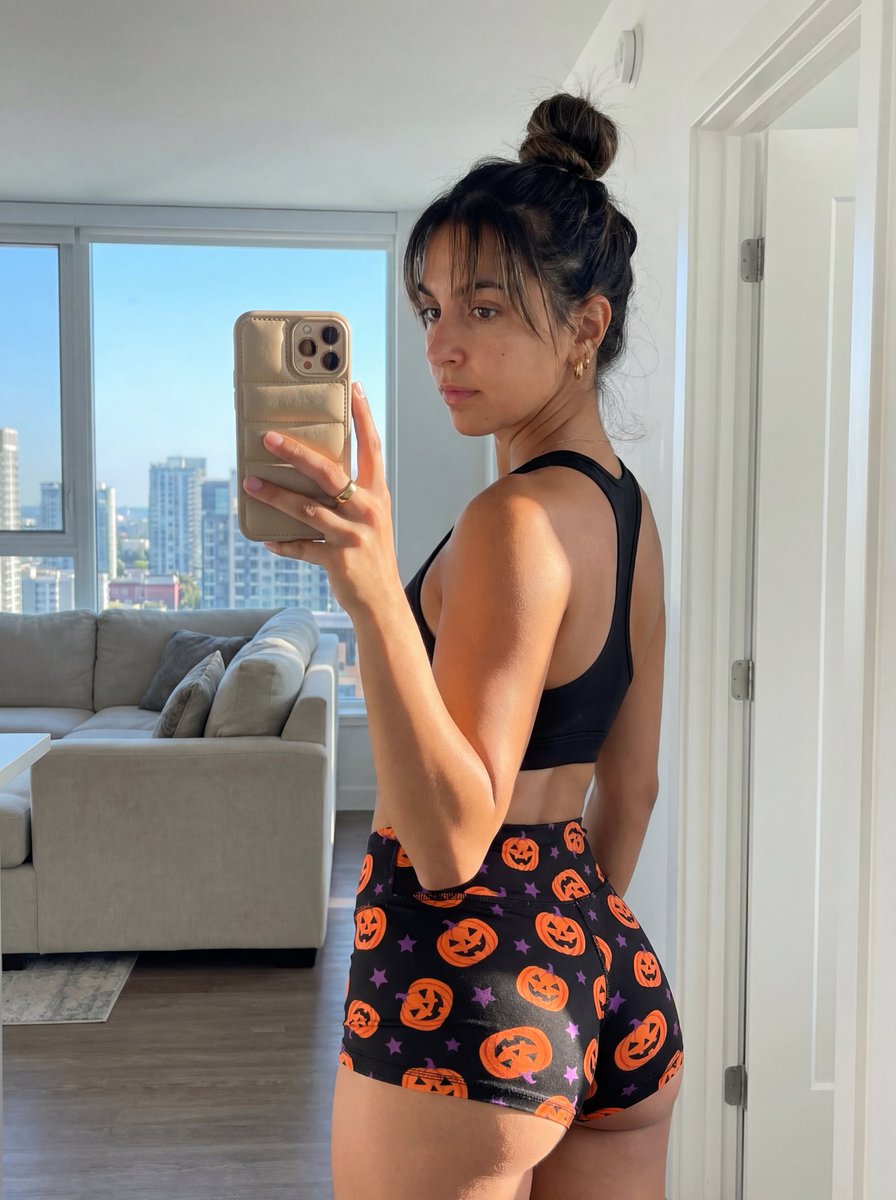
Halloween Gym Mirror Selfie Prompt
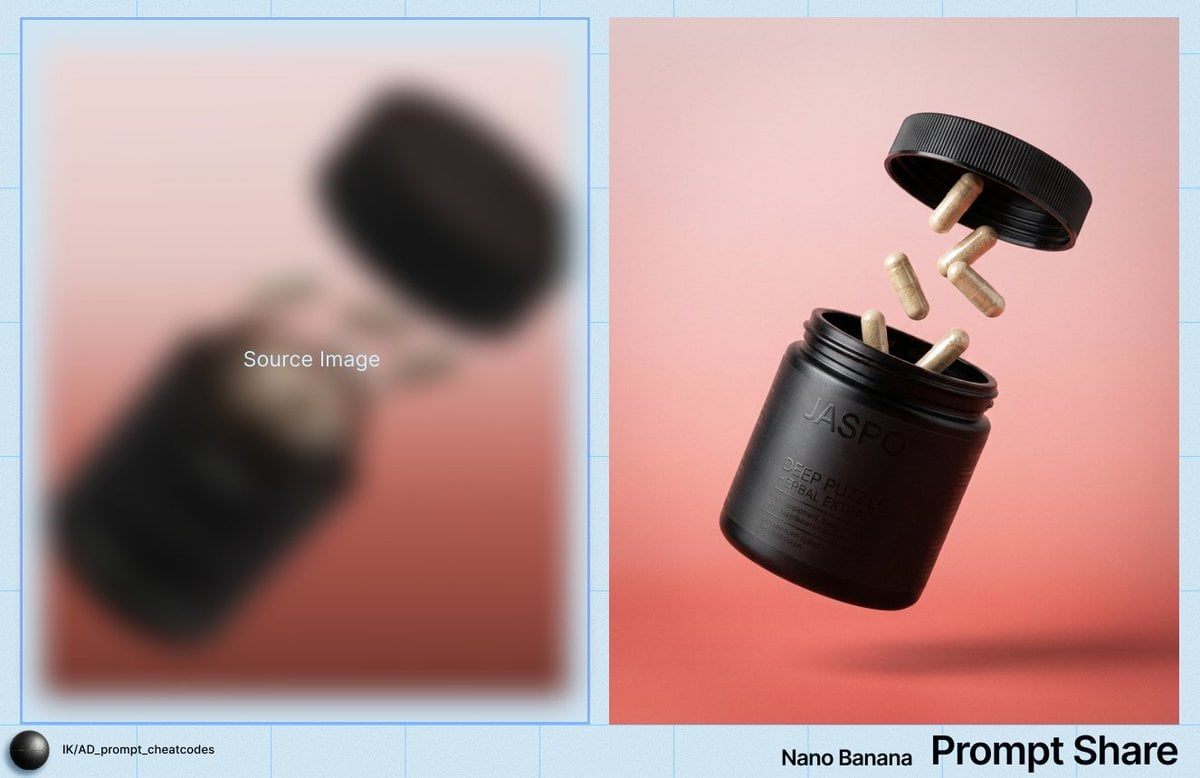
Commercial Product Shot of Levitating Supplement Jar and Capsules
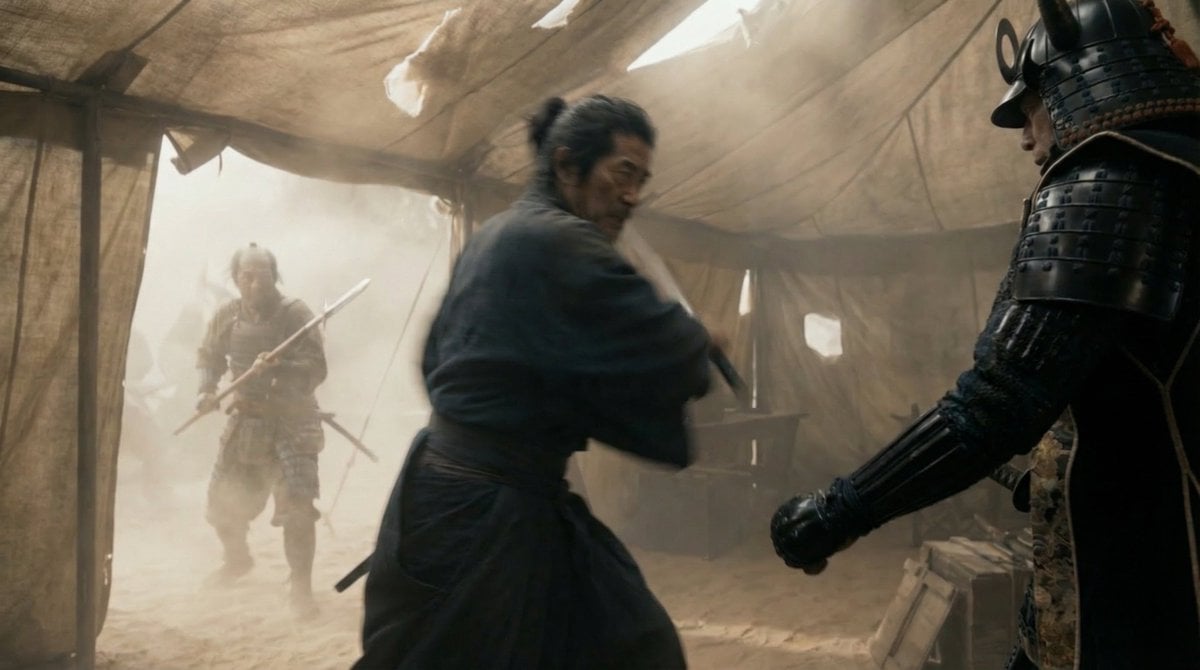
Samurai War Tent Cinematic Shot
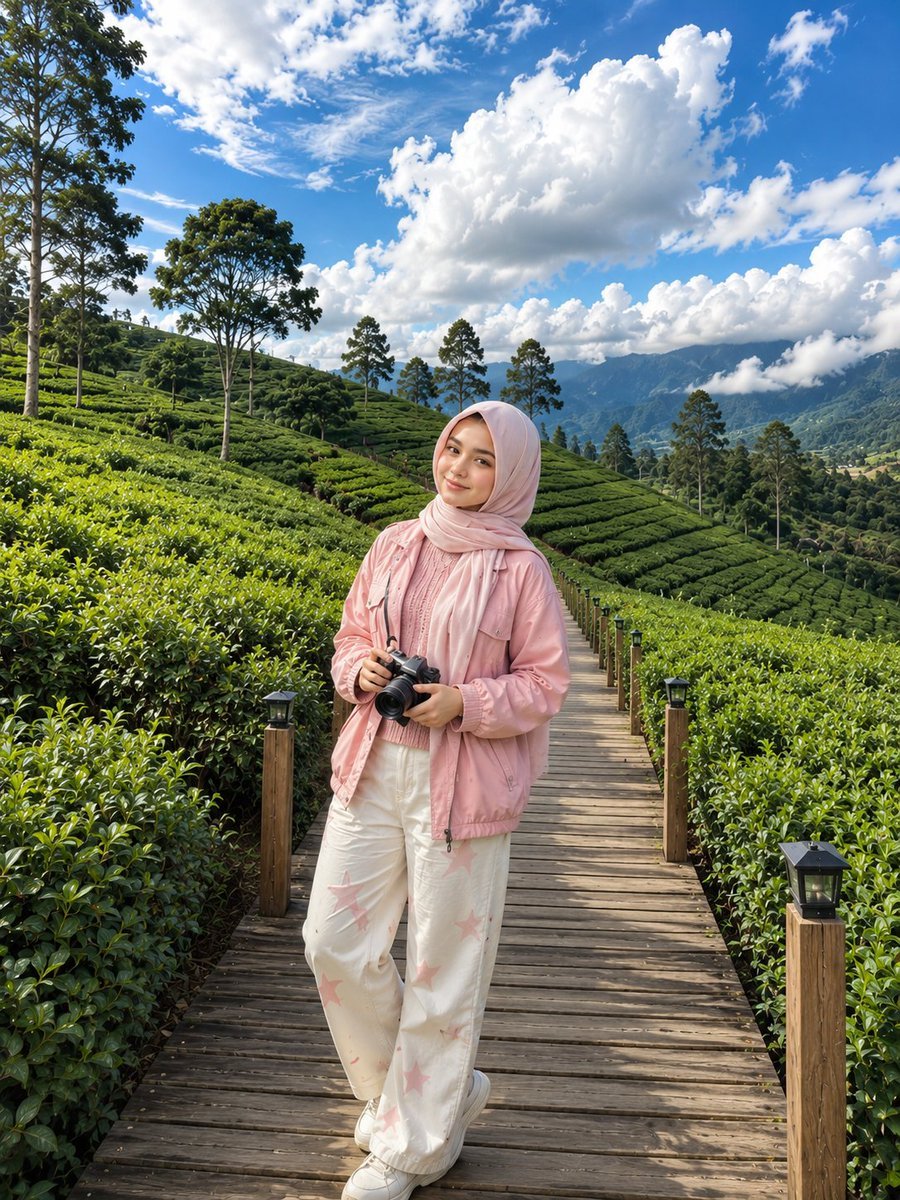
Korean Tea Plantation Portrait
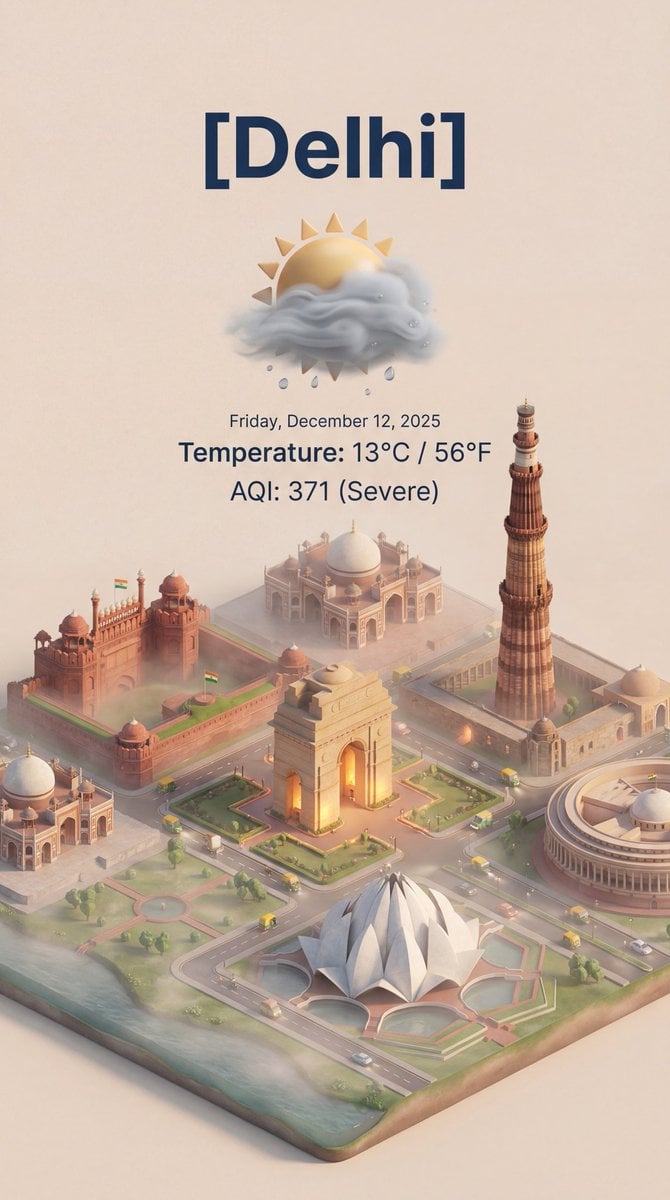
Isometric 3D Cartoon Scene of a City

Gemini Nano Banana Pro Vintage Carpet Ca
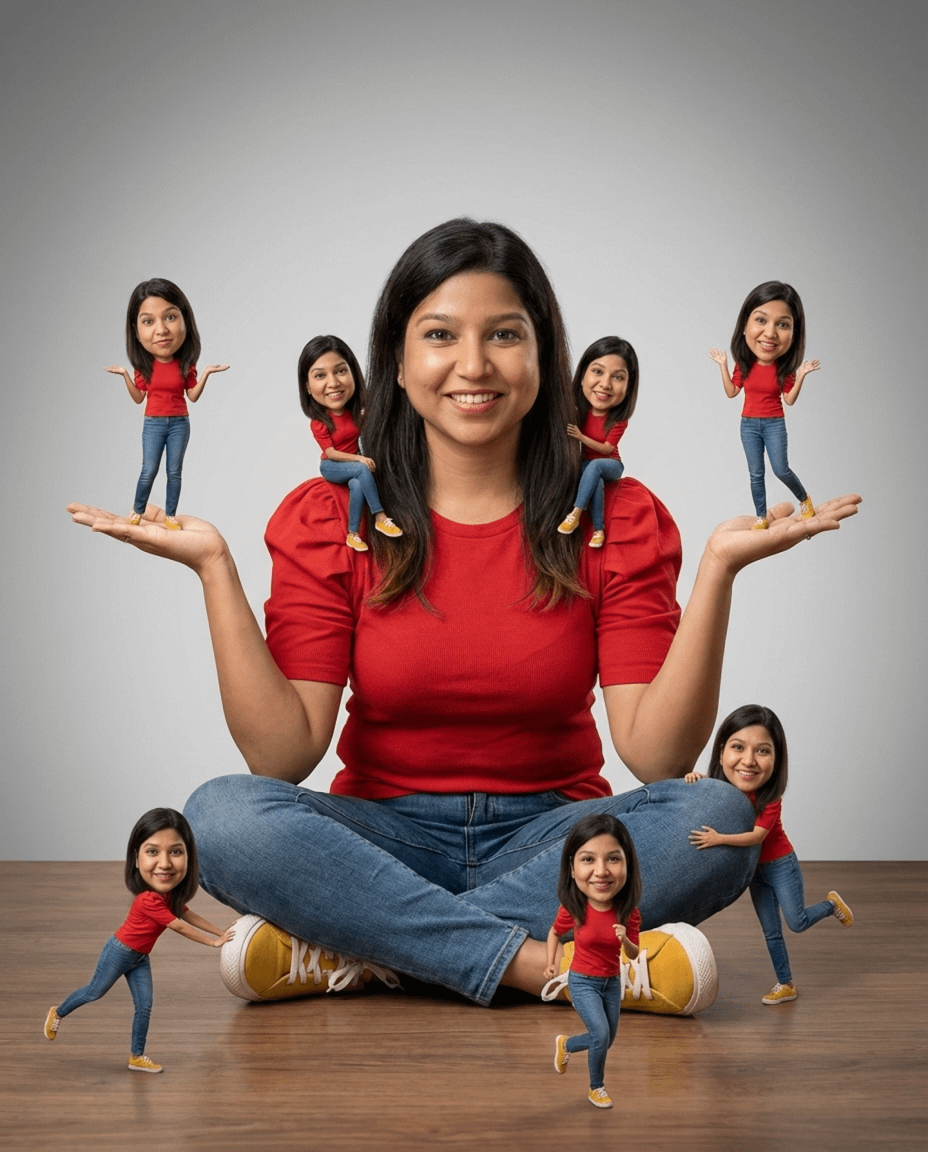
Photorealistic Cinematic Portrait with Miniature Clones
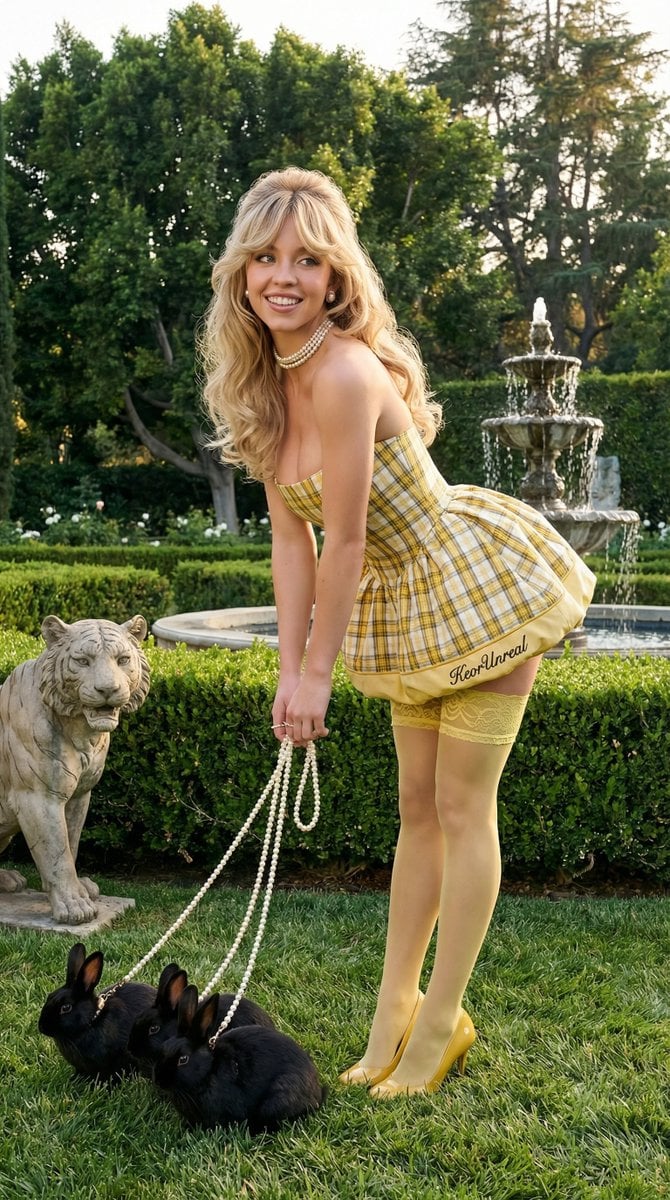
Avant-Garde Coquette Bunny Editorial
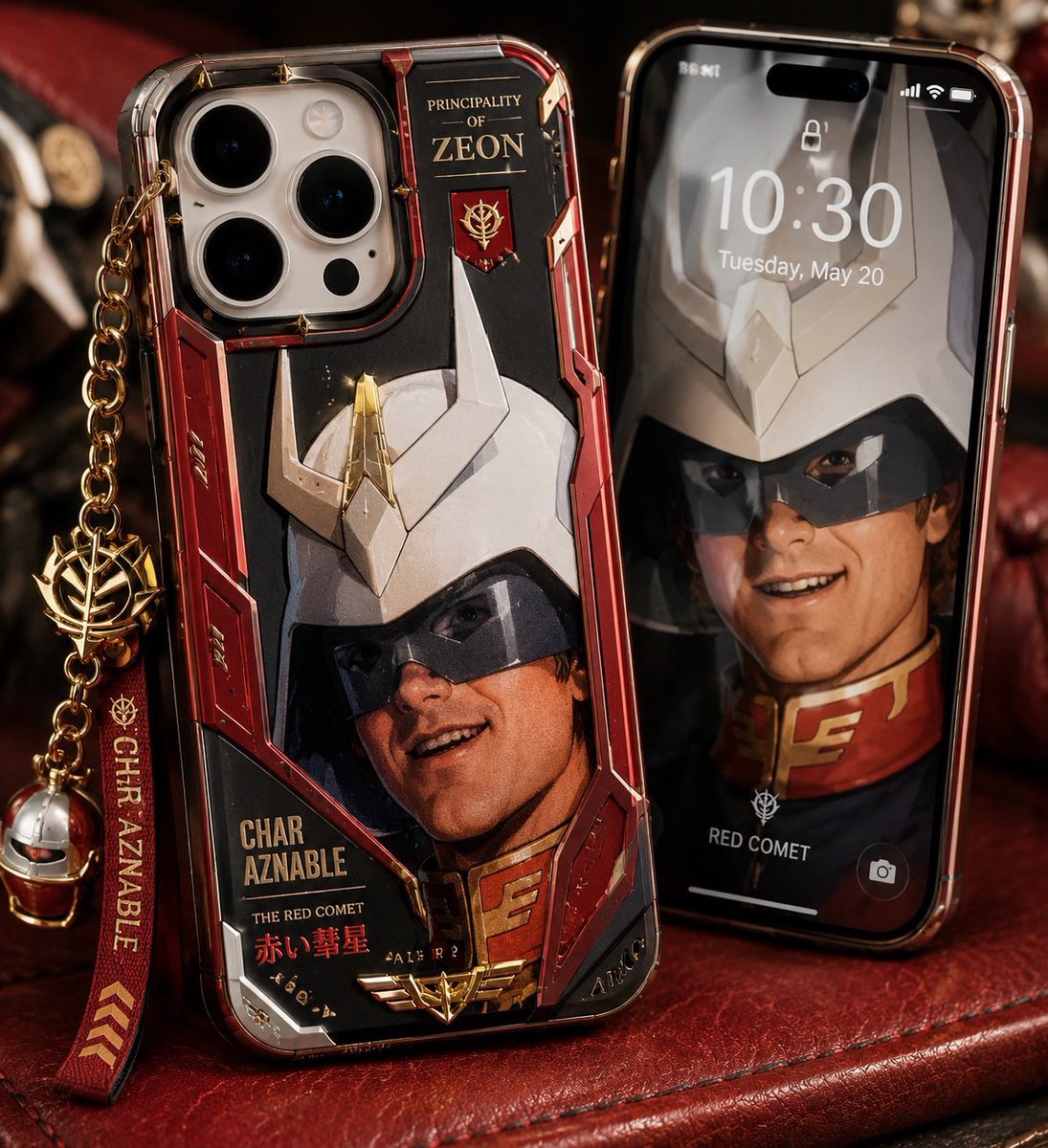
Luxury Mecha Smartphone Case Mockup
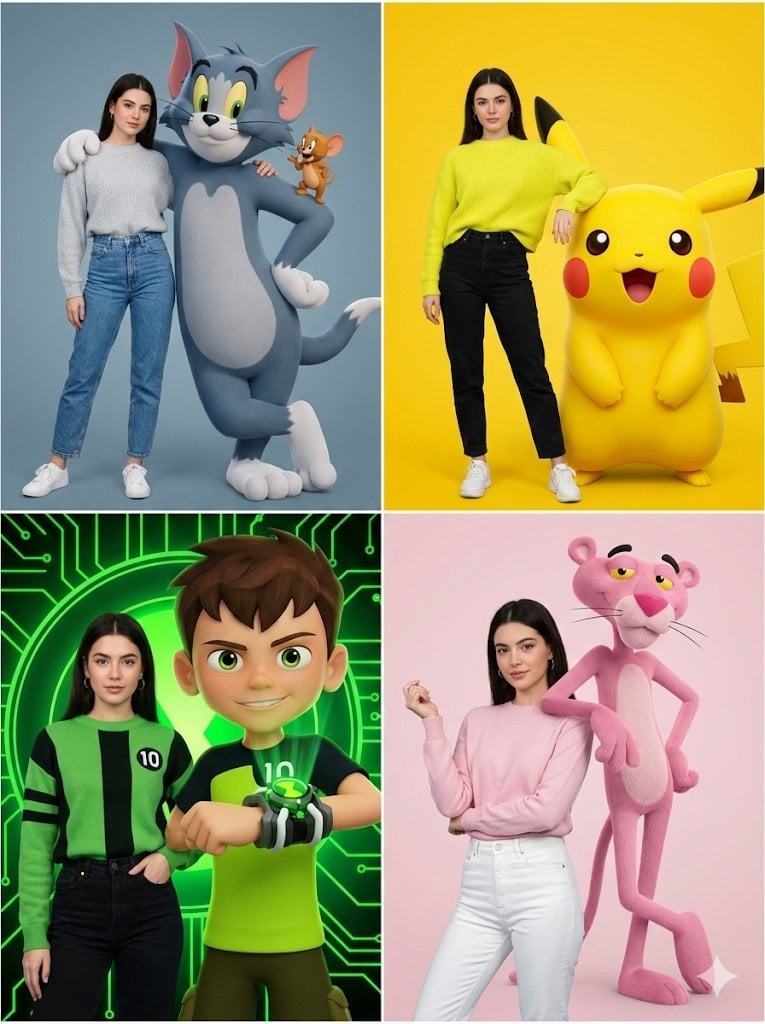
Hyper-realistic Childhood Cartoon Fashion Shoot
Browse template categories
Anime Girl in Mirror Room questions
How do I use the Anime Girl in Mirror Room template?
Add your photo if the template asks for one, edit the prompt if you like — the template's model and format are already selected — and press Generate. Your version opens in PicX Studio.
Can I customize the Anime Girl in Mirror Room template?
Yes. You can change the subject, setting, lighting, mood, format, and available model controls before creating your image.
Is the Anime Girl in Mirror Room template free?
Opening and editing this template is free. Generating uses credits, shown on the Generate button when you are signed in.
Which AI model should I use?
Start with GPT Image 2, which is the model associated with this template. You can compare another compatible model for a different finish.
Looking for something else? Browse all templates.

Your photo, any look
Thousands of ready templates for every top image and video model, from one credit balance.