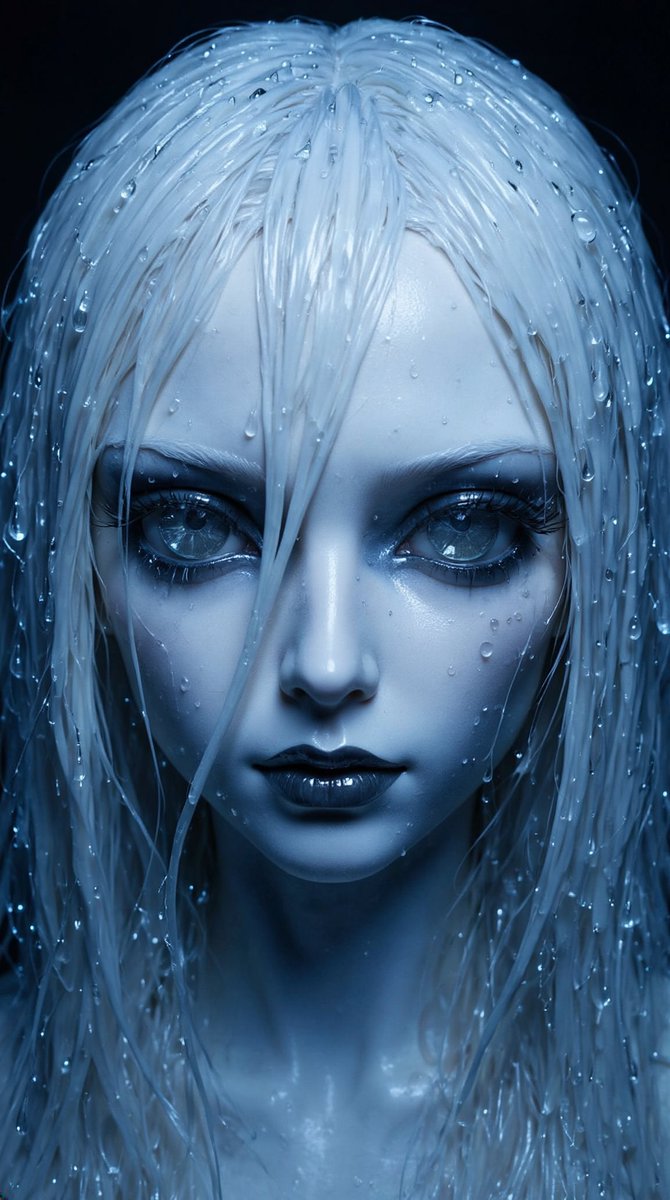
How do I use the Hyper-Realistic Steam Figure of a Person template?
Choose the primary action to open PicX Studio with the available template settings. Review the model and format, personalize the creative direction, and generate when ready.
A detailed template prompt for creating a hyper-realistic, cinematic image where the steam from a boiling kettle forms a full-body figure of a specific person (based on a reference image), complete with detailed clothing and accessories defined by varying steam density. Change the subject, setting, or lighting one variable at a time.

Ultra-realistic cinematic photograph of a {argument name="kettle type" default="kettle_type"} kettle placed on a {argument name="bench style" default="bench_style"} bench inside a {argument name="environment type" default="environment_type"}. Lighting is {lighting_style}, highlighting fine metal textures, reflections, and condensation droplets. The kettle is boiling intensely, releasing thick steam from the spout. The steam forms a full-body figure of {PERSON_NAME}, based on the uploaded reference image. The figure is immediately recognisable, with accurate facial structure, body proportions, and posture. The full body is visible from head to toe. The steam figure is wearing a {shirt_colour} oversized shirt, {pants_type}, {shoe_type}, and a {accessory_type}. Clothing folds, seams, and silhouettes are clearly defined using varying steam density. Jewellery and accessories catch light with brighter highlights inside the steam. The steam body stands in a {pose}, with a {facial_expression} expression. Steam density increases around the face, hands, clothing edges, and accessories to ensure instant recognition. The figure dominates the frame while remaining fully made of realistic volumetric steam. Photorealistic steam physics, cinematic depth of field, high-impact realism. Surreal concept grounded in physical believability. No text, no logos, no illustration style, no cartoon look. Aspect ratio: {aspect_ratio} Style: hyper-realistic, cinematic, premium aesthetic.
Choose the primary action to open PicX Studio with the available template settings. Review the model and format, personalize the creative direction, and generate when ready.
Yes. You can change the subject, setting, lighting, mood, format, and available model controls before creating your image.
This template is free to open and customize. Generation usage is shown in PicX Studio before you create.
Start with Nano Banana 2, which is the model associated with this template. You can compare another compatible model for a different finish.
© 2026 PicX Studio. All rights reserved.

Follow a topic to a crawlable collection of related PicX Studio templates.
43,474 public templates available. Verified via the PicX Studio public templates API; refreshed hourly.





![A hand-carved wooden miniature figure shaped with visible knife marks — A hand-carved wooden miniature figure of [NAME], shaped with visible knife marks, natura](https://images.meigen.ai/tweets/2017886103781490917/0.jpg)
![A hyperrealistic editorial photo of a figure wearing a unique helmet — [BRAND]. A hyperrealistic editorial photo of a figure wearing a unique helmet or mask tha](https://images.meigen.ai/tweets/2041238850962382939/0.jpg)
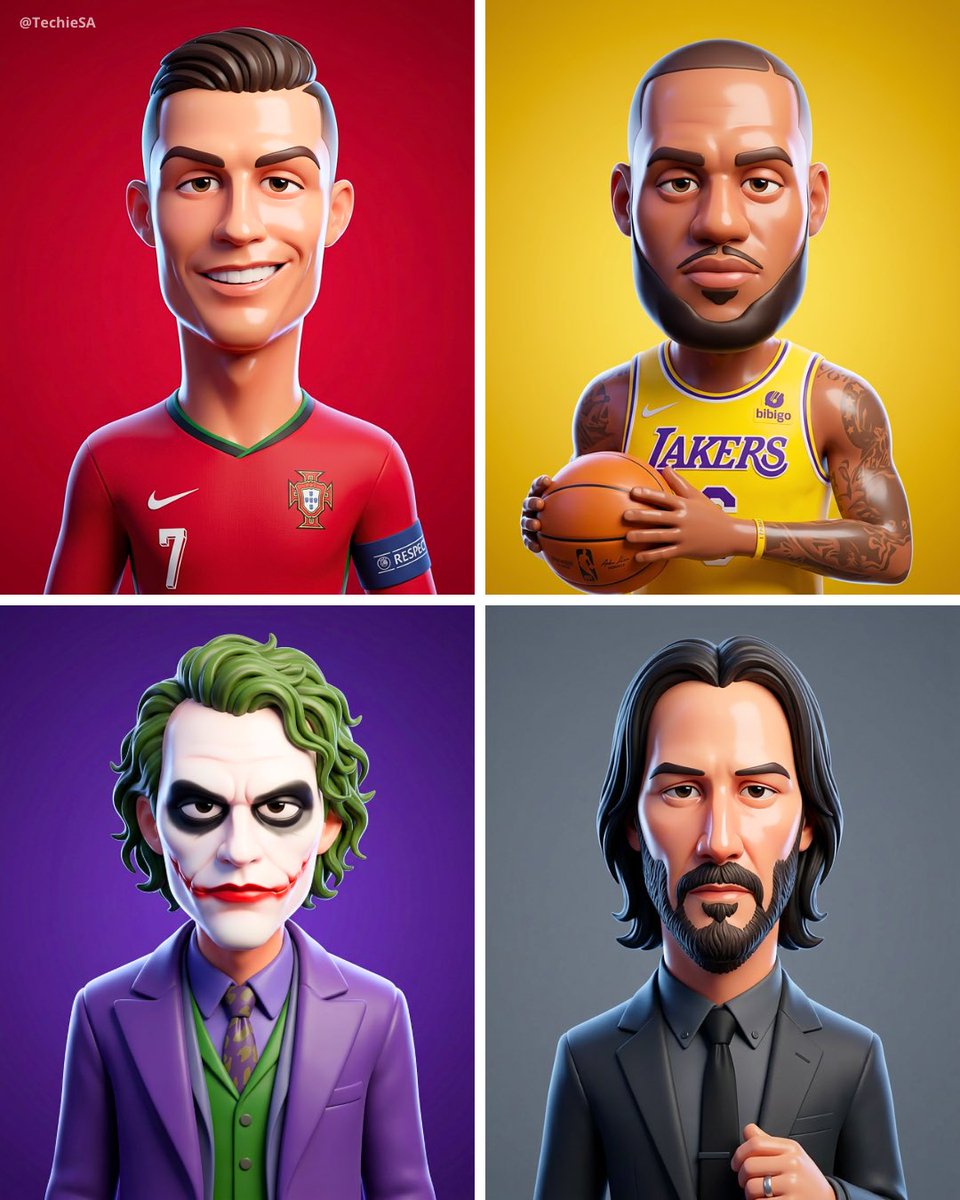

![Premium 3D rendered collectible vinyl figure in a modern designer toy — Create a premium 3D rendered [FIGURE NAME] collectible vinyl figure in a modern designer](https://images.meigen.ai/tweets/2009229875794858182/0.jpg)
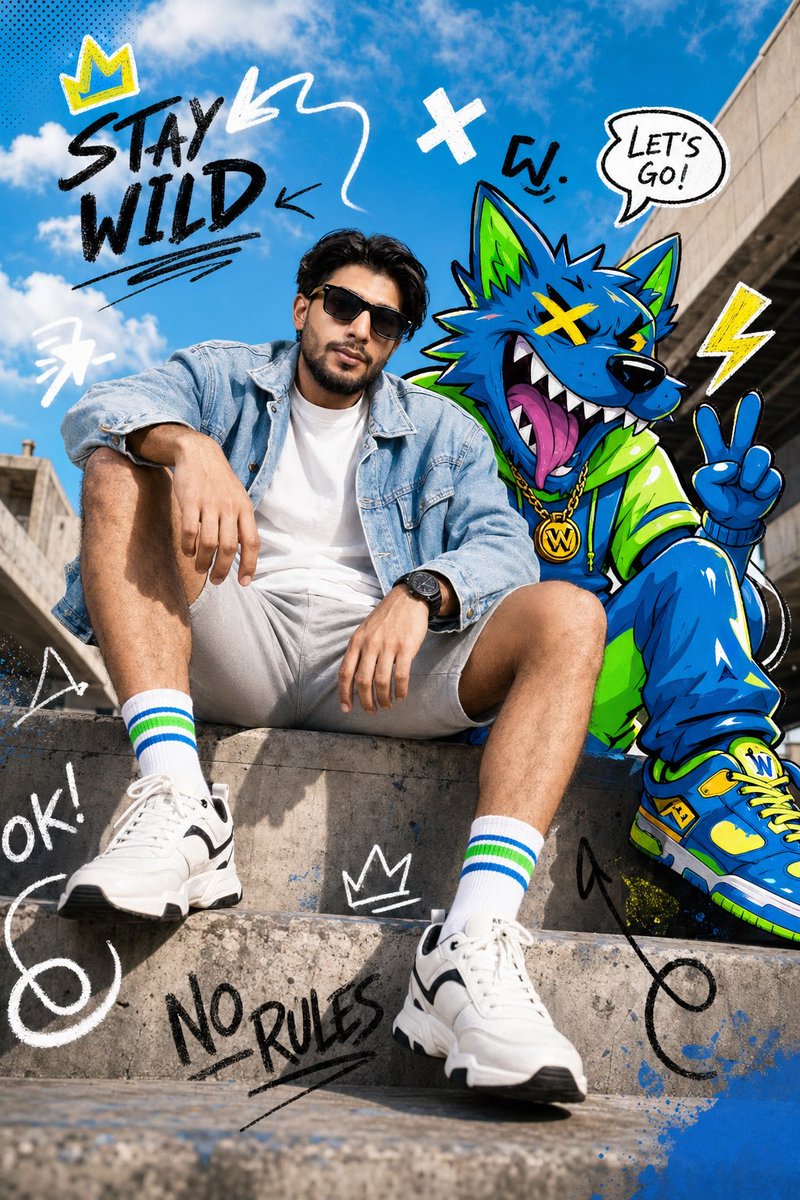
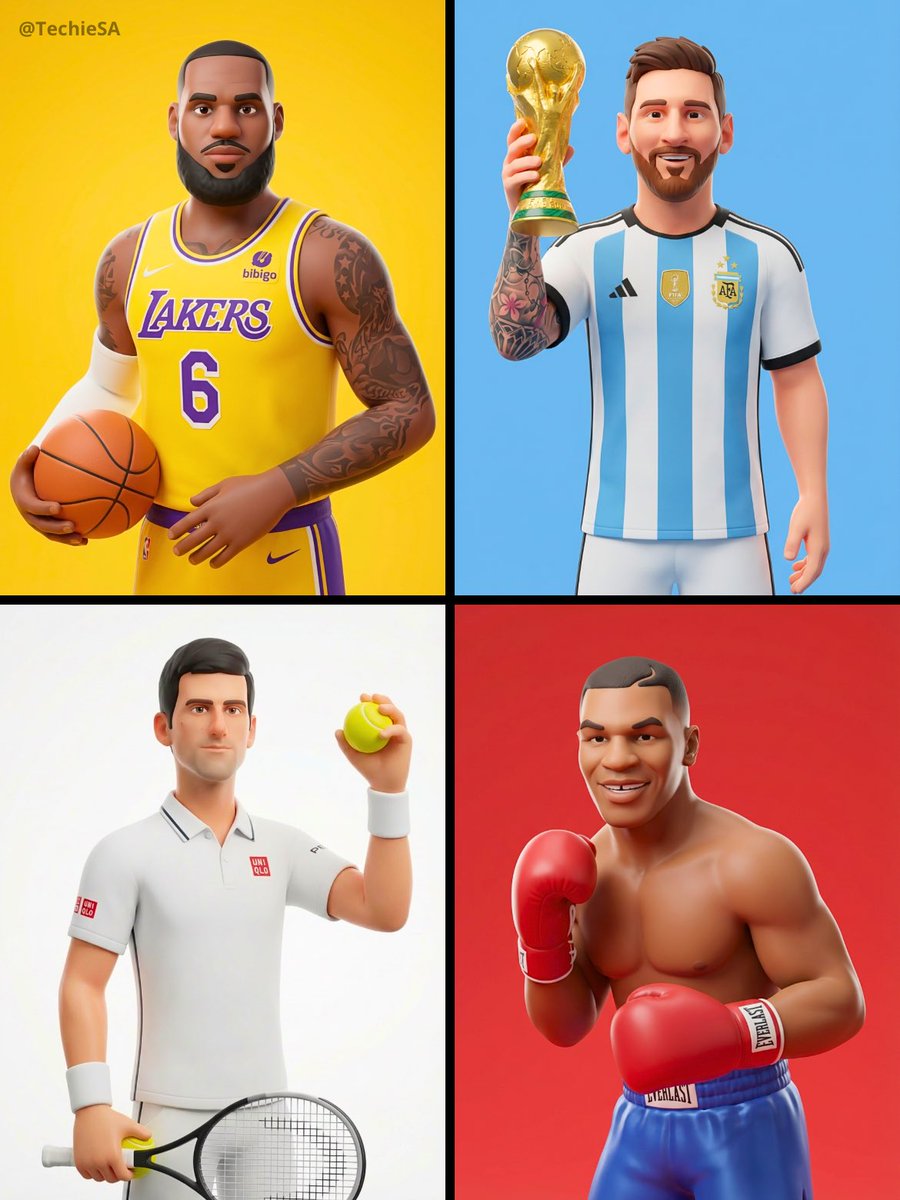

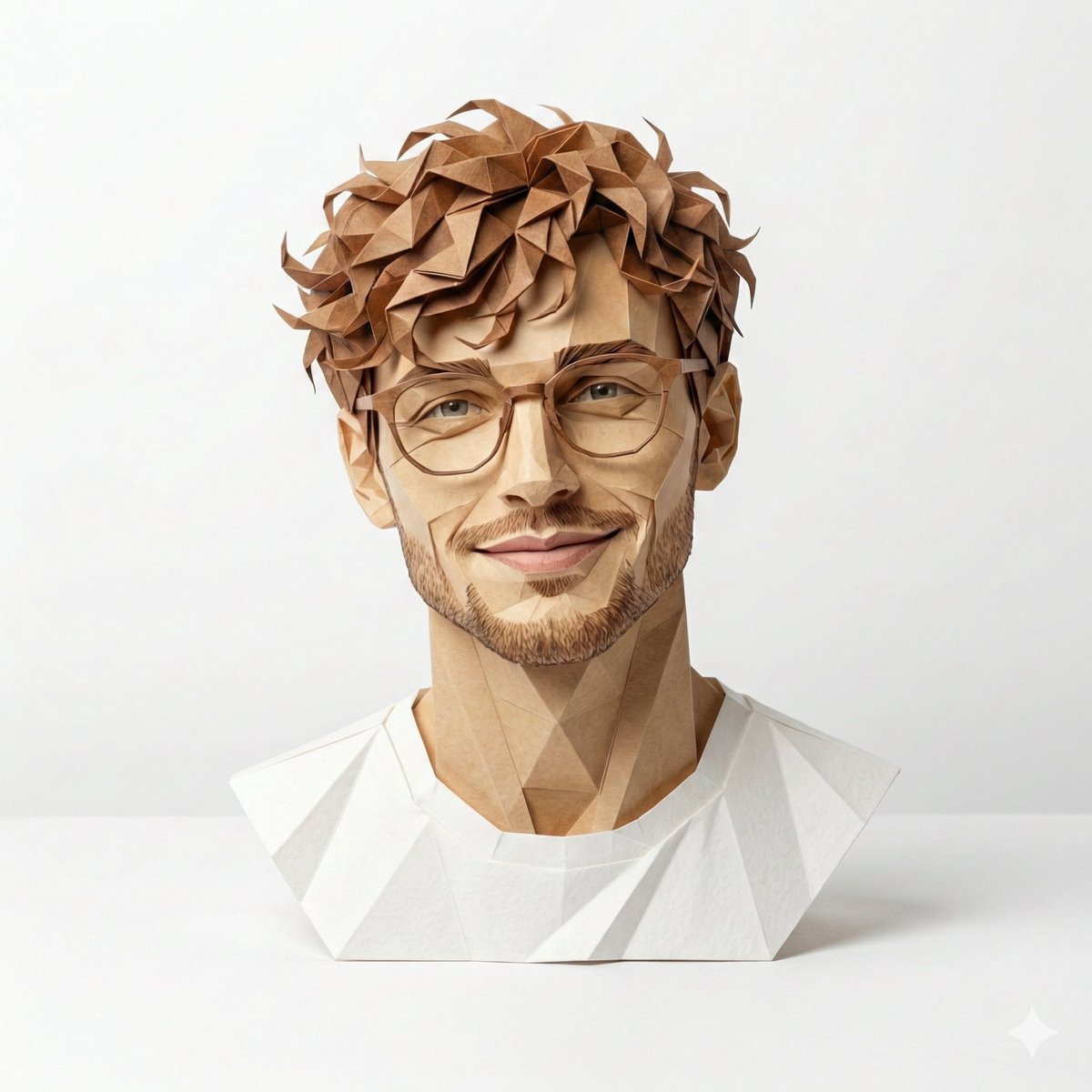

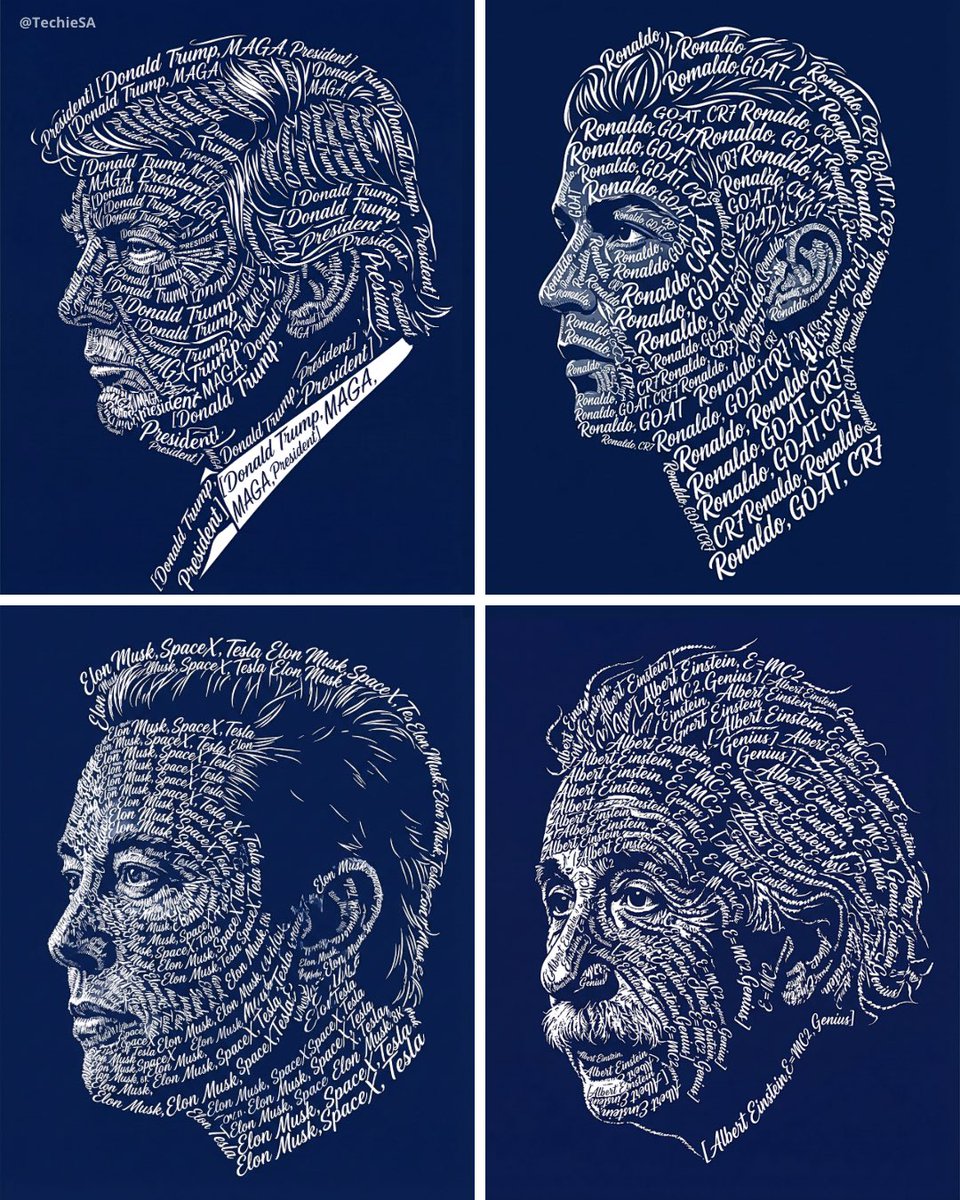
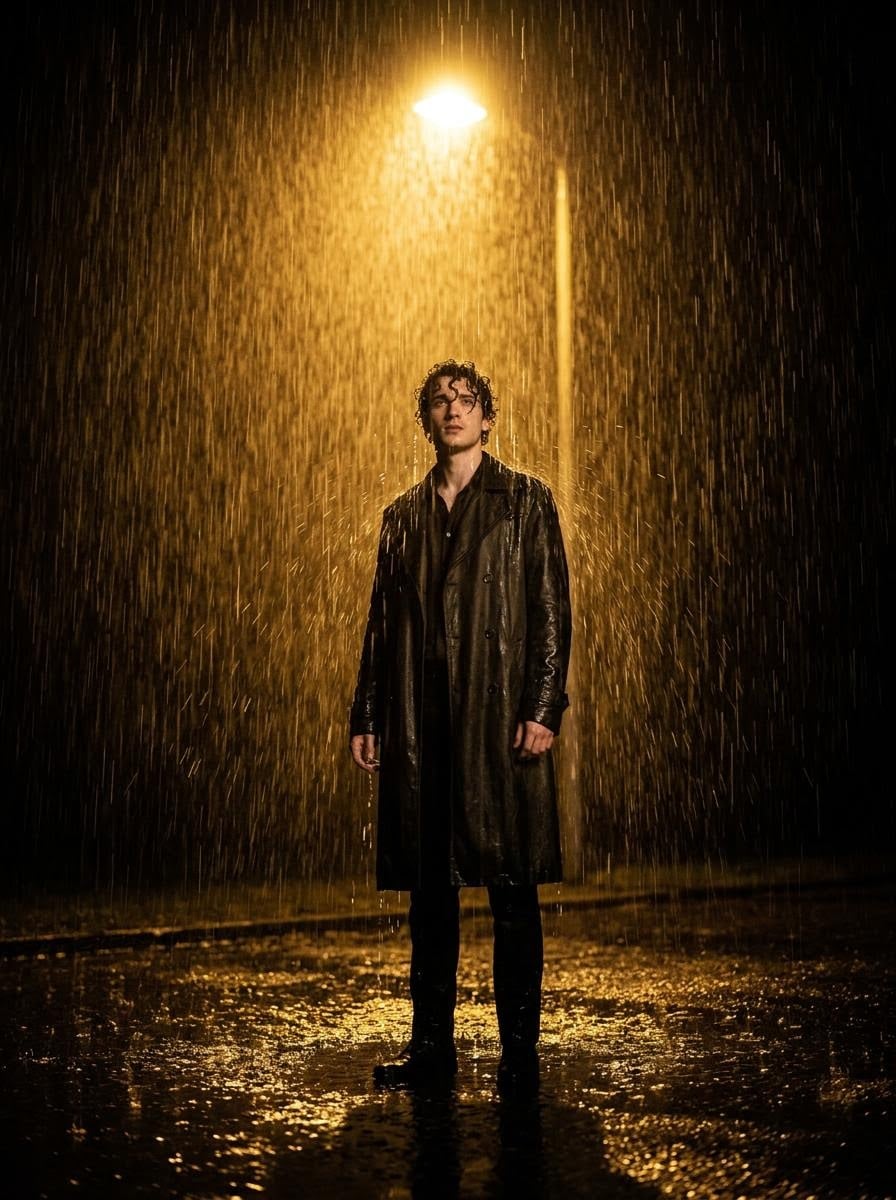
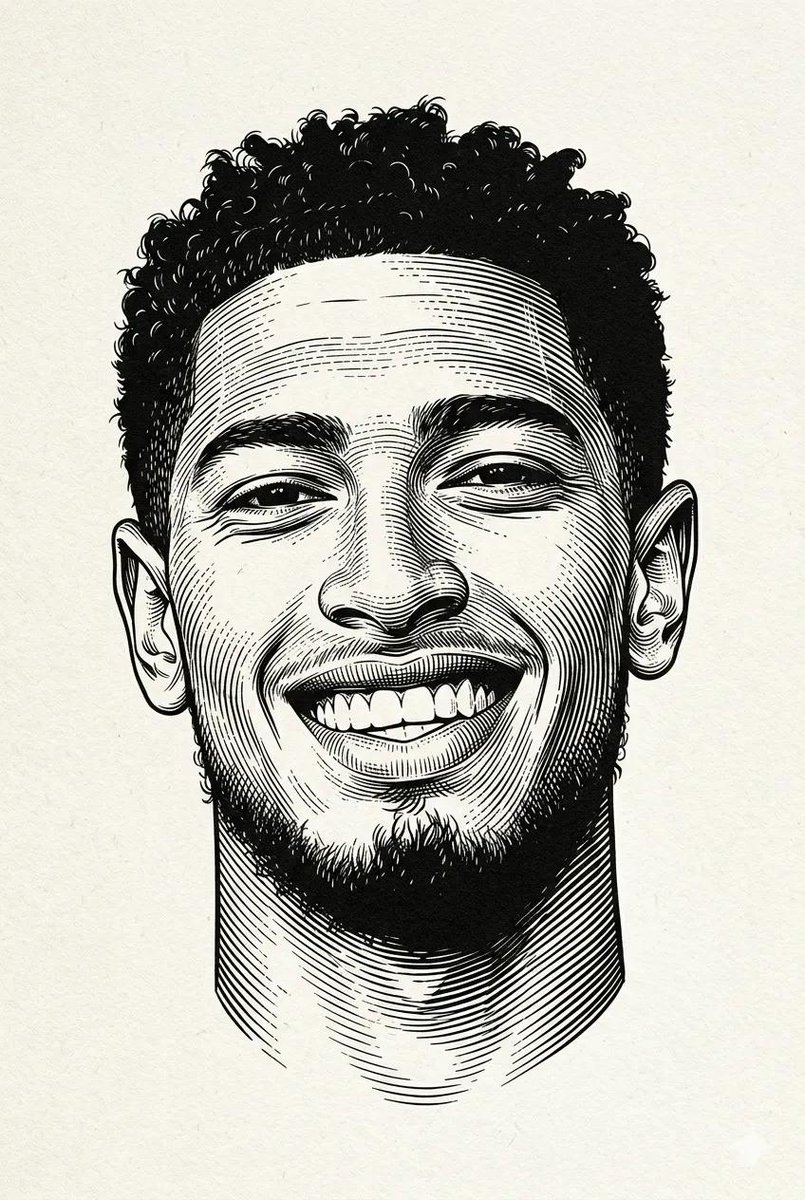
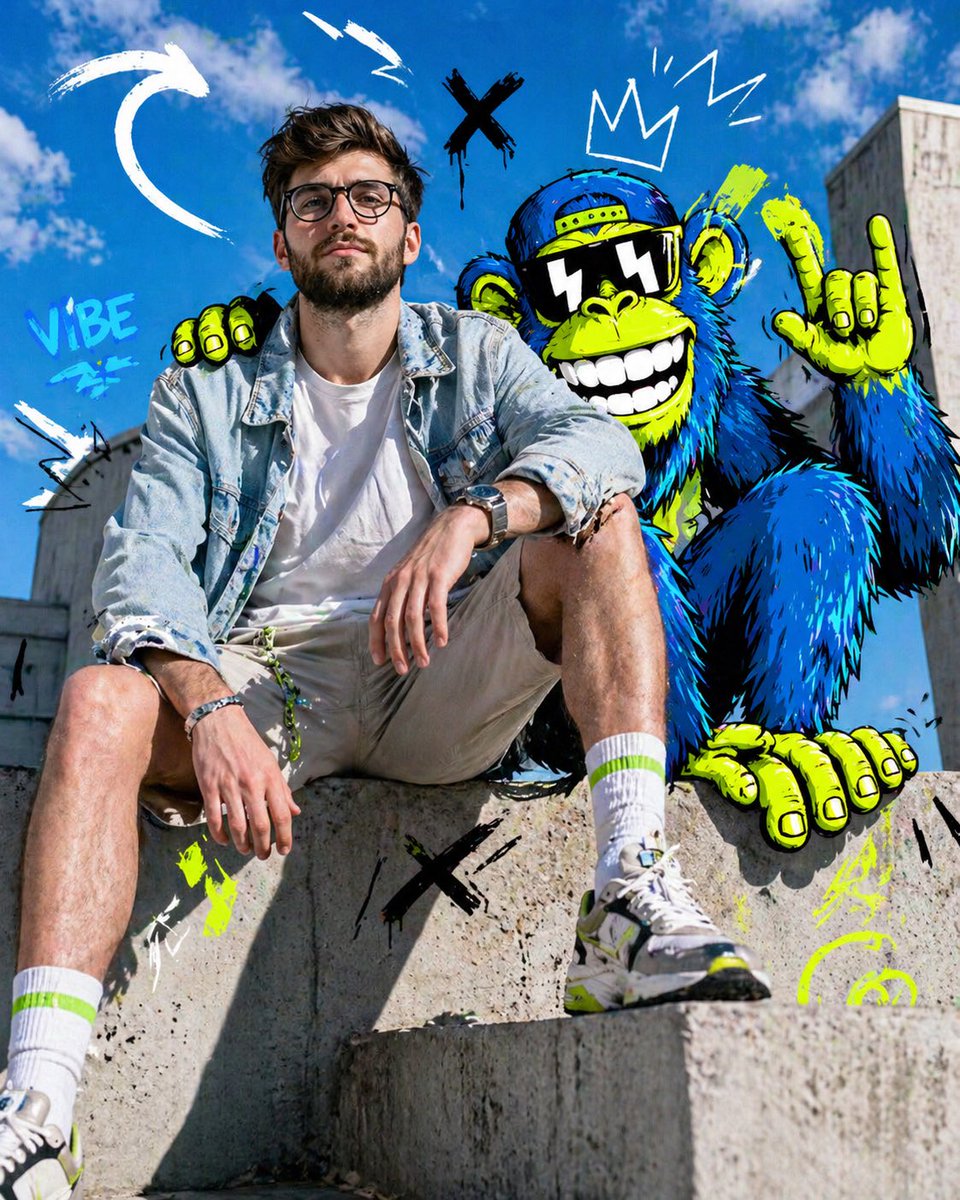

![Naive doodle-style subject illustration — A doodle-style {argument name="subject" default="[subject]"}, naive lines, humorous shape exaggeration](https://pbs.twimg.com/media/G6Wl2YxbsAARB2b.jpg)











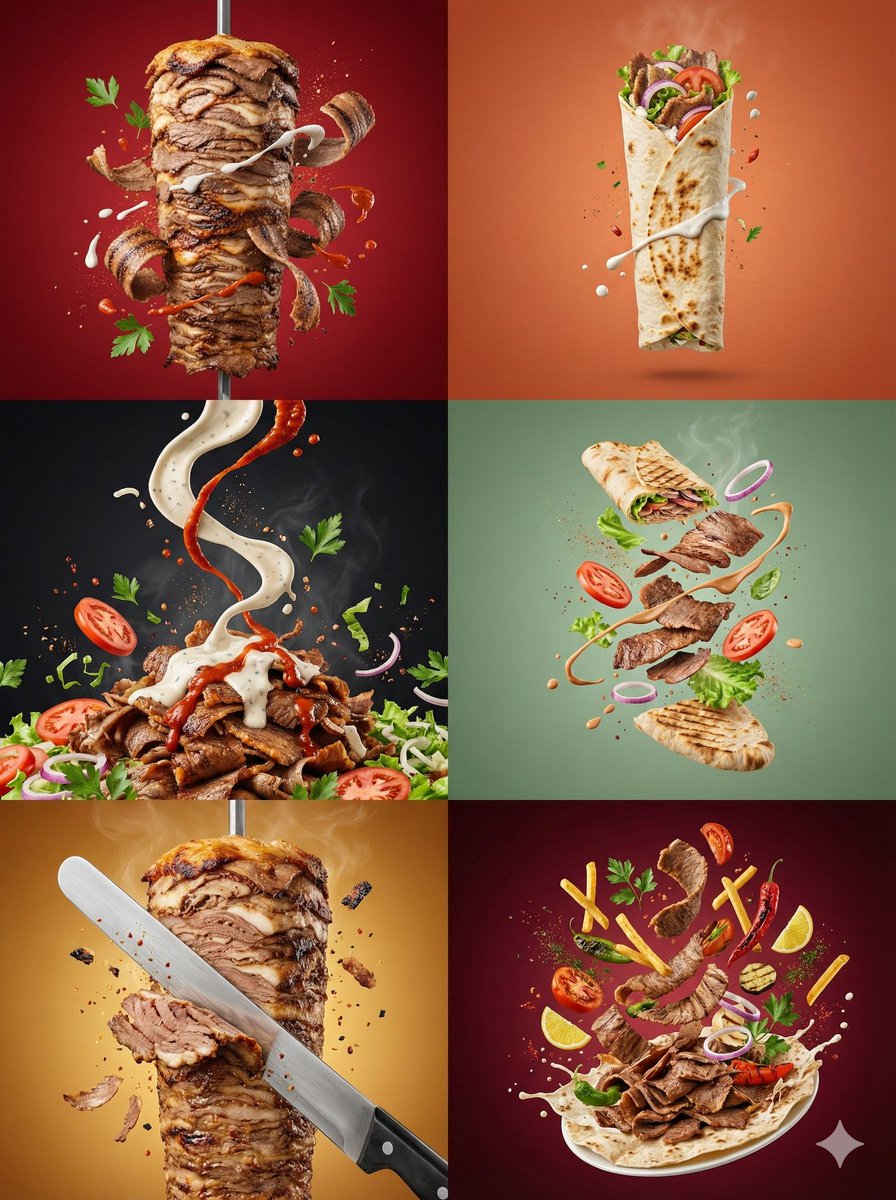
![Avant-Garde Mixed Media Risograph Collage — {argument name="subject" default="[PERSON / BRAND]"} as the centerpiece of a surreal avant-garde mixed media collage](https://cms-assets.youmind.com/media/1780307031275_tpiebx_HJnqM3faUAAJCpj.jpg)


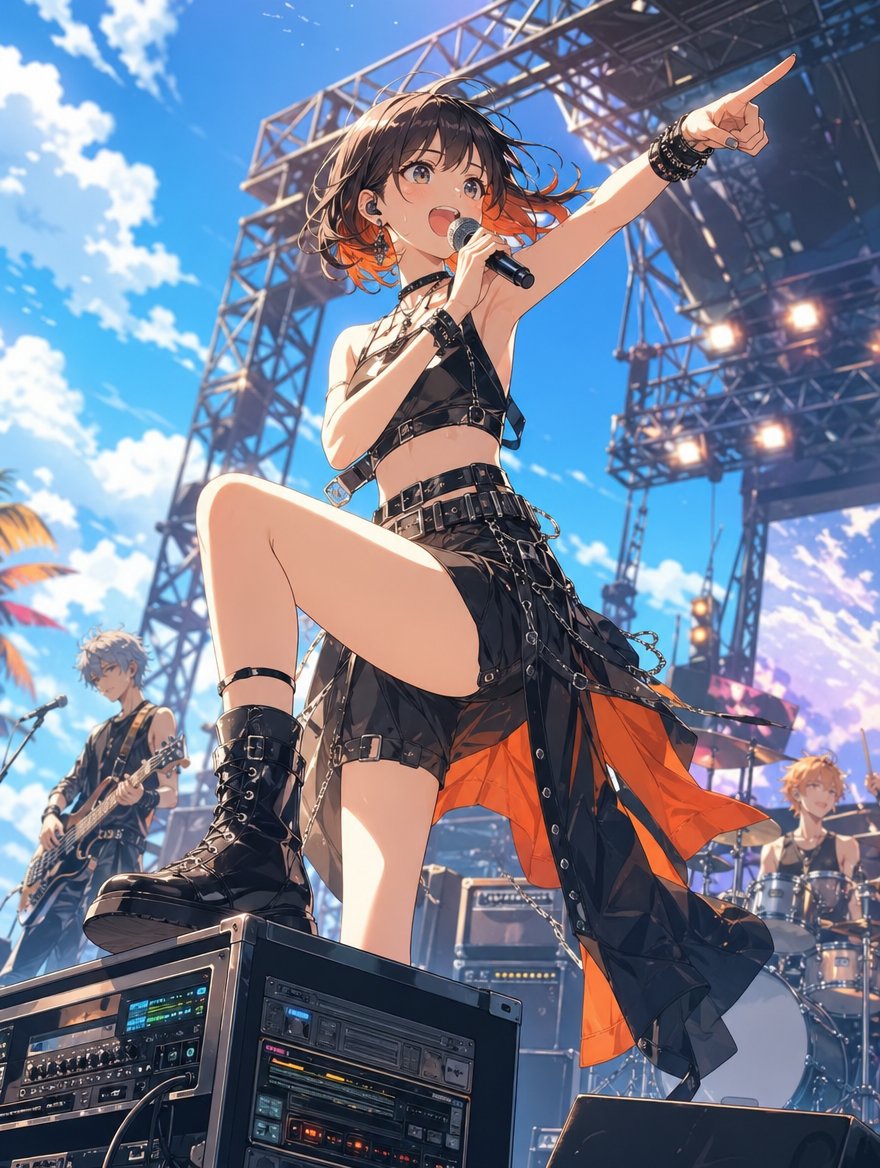
![Decorative Cinematic Title Font Generation — Based on the word “{argument name="word" default="[WORD]"},” design an original decorative cinematic title font tha](https://pbs.twimg.com/media/HDg46Ggb0AAA08C.jpg)










![Children's Book Illustration Style Prompt for Character Drawing — DRAWING a drawing of {argument name="角色" default="[Character]"}, crayon on white paper, in the](https://pbs.twimg.com/media/G7UDR6vbYAALCVo.jpg)