How do I use the Y2K Supermarket POV Action Shot Prompt template?
Choose the primary action to open PicX Studio with the available template settings. Review the model and format, personalize the creative direction, and generate when ready.
A detailed JSON prompt for generating a POV action shot using a fisheye lens, featuring a young woman with Y2K aesthetics sitting inside a metal shopping cart in a neon-lit supermarket aisle, winking and blowing a bubblegum bubble, emphasizing specific props and clothing (rainbow tube top, denim overalls). Change the subject, setting, or lighting one variable at a time.

{ "image_generation_prompt": { "scene": { "type": "POV Action Shot (Fisheye)", "setting": "Neon-lit Supermarket Aisle", "background": { "furniture": "Metal shopping cart (trolley)", "decor": "Blurry shelves filled with colorful cereal boxes and Sarıyer Kola bottles and cans — jet black cola liquid clearly visible through packaging, bold red packaging and labels, glossy red accents, no other cola brands present", "atmosphere": "Late night mischief, fluorescent buzz, chaotic fun" }, "props": "Holding a giant bag of spicy chips, blue raspberry slushie drink" }, "subject": { "gender": "Female", "age": "20 years old", "body_type": "Fit and curvy, soft skin texture", "skin_tone": "Light tan with warm undertone", "vibe": "Rebellious, cheeky, brat aesthetic, energetic" }, "face": { "structure": "Cute heart-shaped face", "skin": "Dewy finish, playful expression", "eyes": { "shape": "Almond shaped", "color": "Bright blue", "expression": "Winking playfully at the camera" }, "lips": { "shape": "Pouty", "color": "Glossy cherry red", "expression": "Blowing a pink bubblegum bubble" }, "makeup": { "style": "Y2K aesthetics", "details": "Glitter on eyelids, sharp eyeliner, glossy lips" } }, "hair": { "color": "{argument name="hair color" default="Golden Blonde"}", "tone": "Warm honey highlights", "length": "Long", "style": "High twin pigtails with colorful scrunchies", "texture": "Slightly messy waves" }, "pose": { "type": "Cramped / Sitting inside object", "stance": "Sitting scrunched up inside the metal shopping cart", "posture": "Leaning forward towards the lens", "legs": "One leg hanging out of the cart, the other bent inside", "arms": { "right": "Clutching the bag of chips to her chest", "left": "Holding the slushie cup close to the camera lens (forced perspective)" }, "head": { "angle": "Tilted slightly, chin down", "focus": "Looking up through lashes at the camera" } }, "outfit": { "top": { "type": "Striped Tube Top", "fit": "Tight", "detail": "{argument name="top pattern" default="Rainbow horizontal stripes"}", "style": "Retro 2000s" }, "bottom": { "type": "Denim Overalls (Dungarees)", "style": "Streetwear", "fit": "Loose fit, one strap unbuckled hanging down", "length": "Long pants rolled up" }, "footwear": { "type": "High-top canvas sneakers", "detail": "Classic black and white", "style": "Worn-in look" }, "accessories": { "items": "Chunky silver chain necklace, colorful plastic rings" } }, "lighting": { "type": "Direct Flash Photography", "source": "On-camera flash", "quality": "Hard shadows, over
Choose the primary action to open PicX Studio with the available template settings. Review the model and format, personalize the creative direction, and generate when ready.
Yes. You can change the subject, setting, lighting, mood, format, and available model controls before creating your image.
This template is free to open and customize. Generation usage is shown in PicX Studio before you create.
Start with Nano Banana 2, which is the model associated with this template. You can compare another compatible model for a different finish.
Follow a topic to a crawlable collection of related PicX Studio templates.
43,474 public templates available. Verified via the PicX Studio public templates API; refreshed hourly.





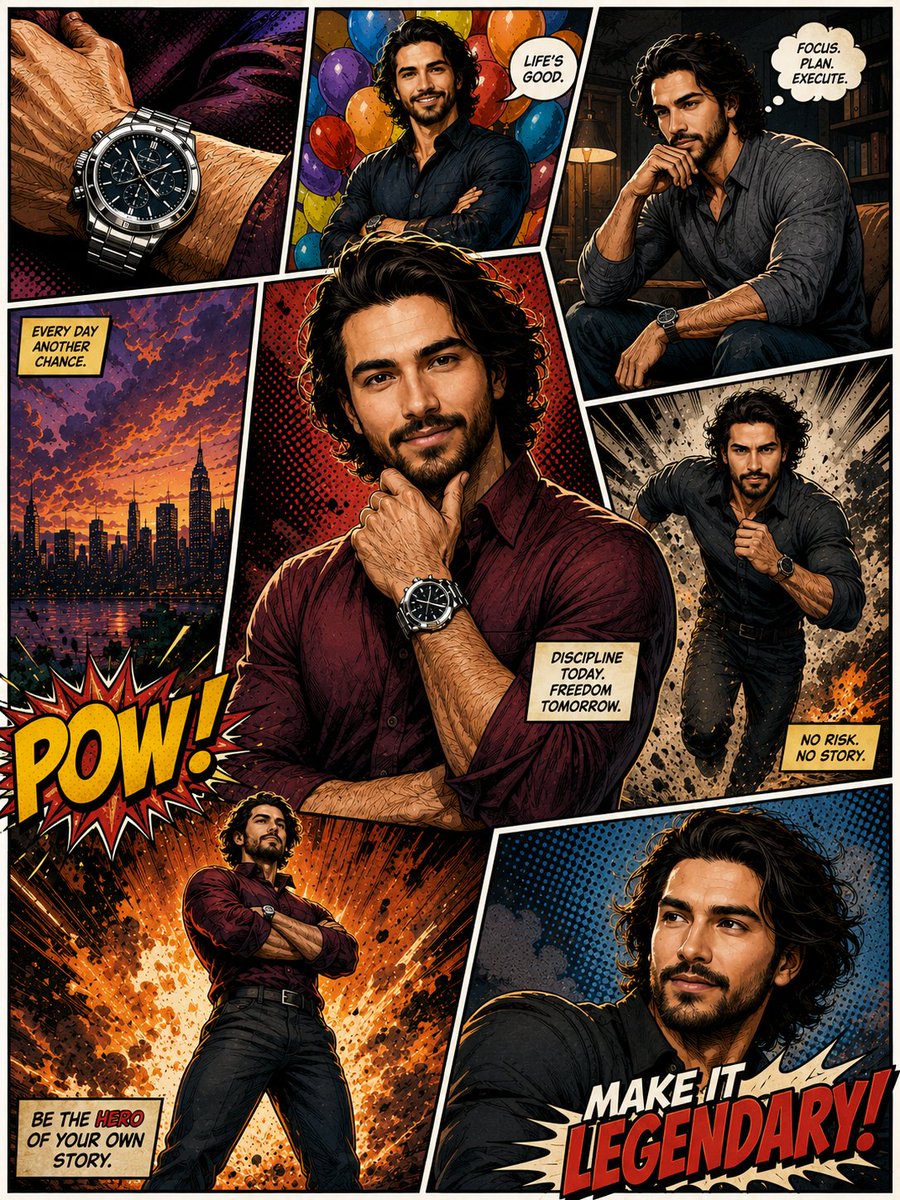


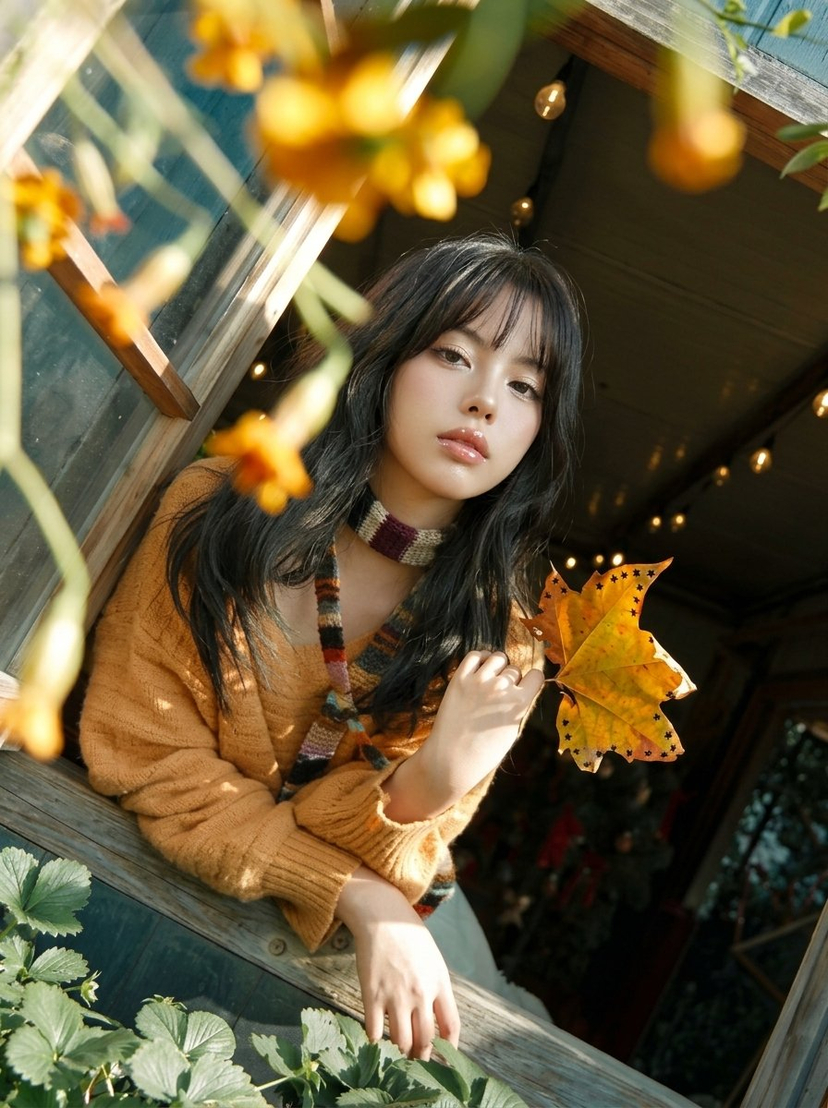
![Naive doodle-style subject illustration — A doodle-style {argument name="subject" default="[subject]"}, naive lines, humorous shape exaggeration](https://pbs.twimg.com/media/G6Wl2YxbsAARB2b.jpg)











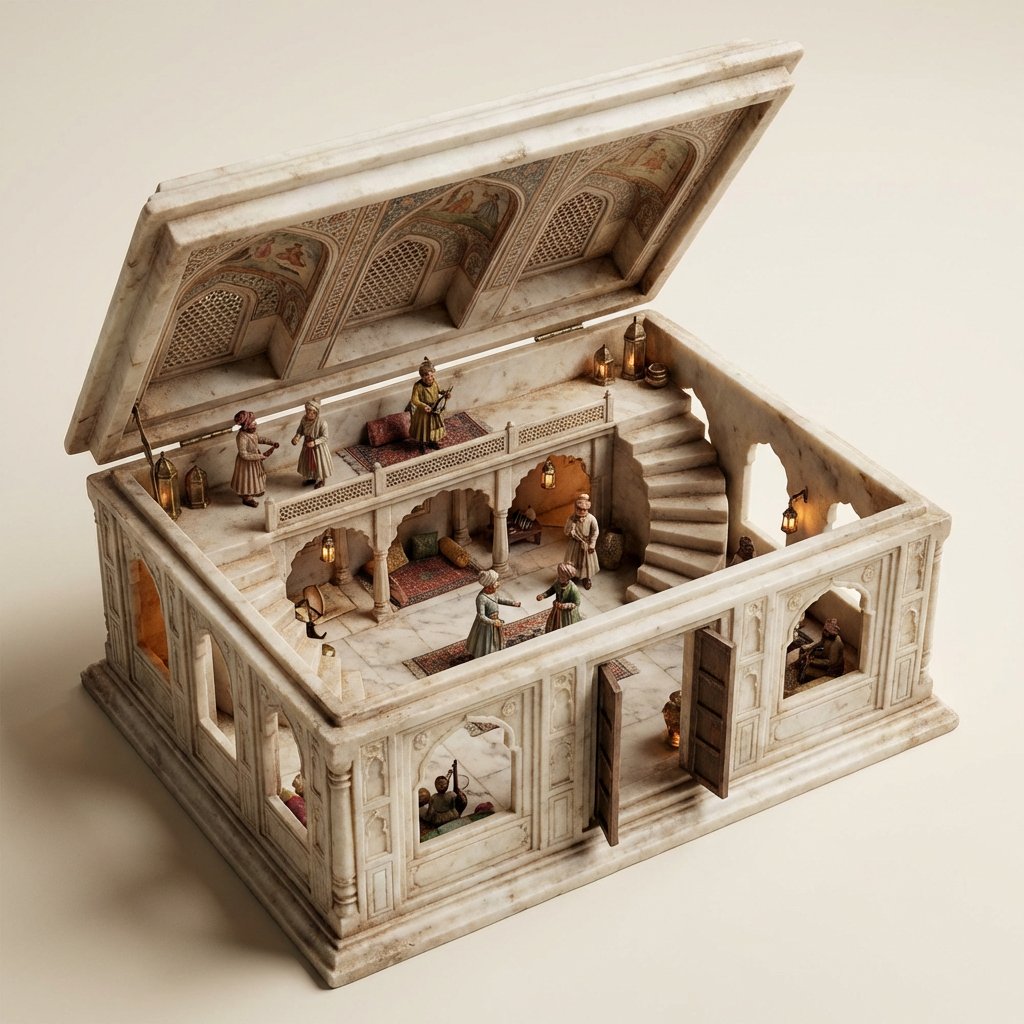



![Hyper-realistic 8K Beach Selfie Prompt — "Hyper-realistic 8K photorealistic image of an attractive woman using face and hair from [uploaded image]. She is sunba](https://pbs.twimg.com/media/G8HWvY2XMAs9tpX.jpg)