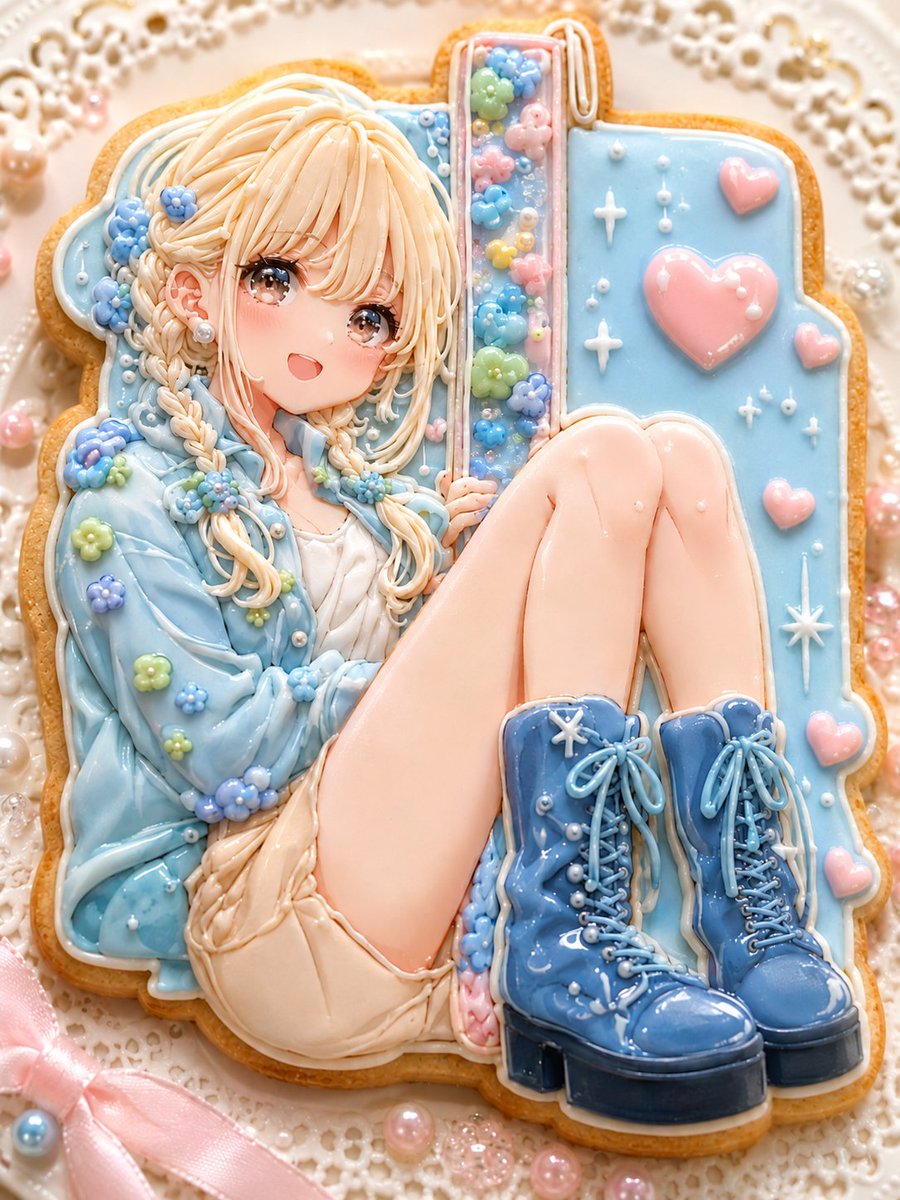
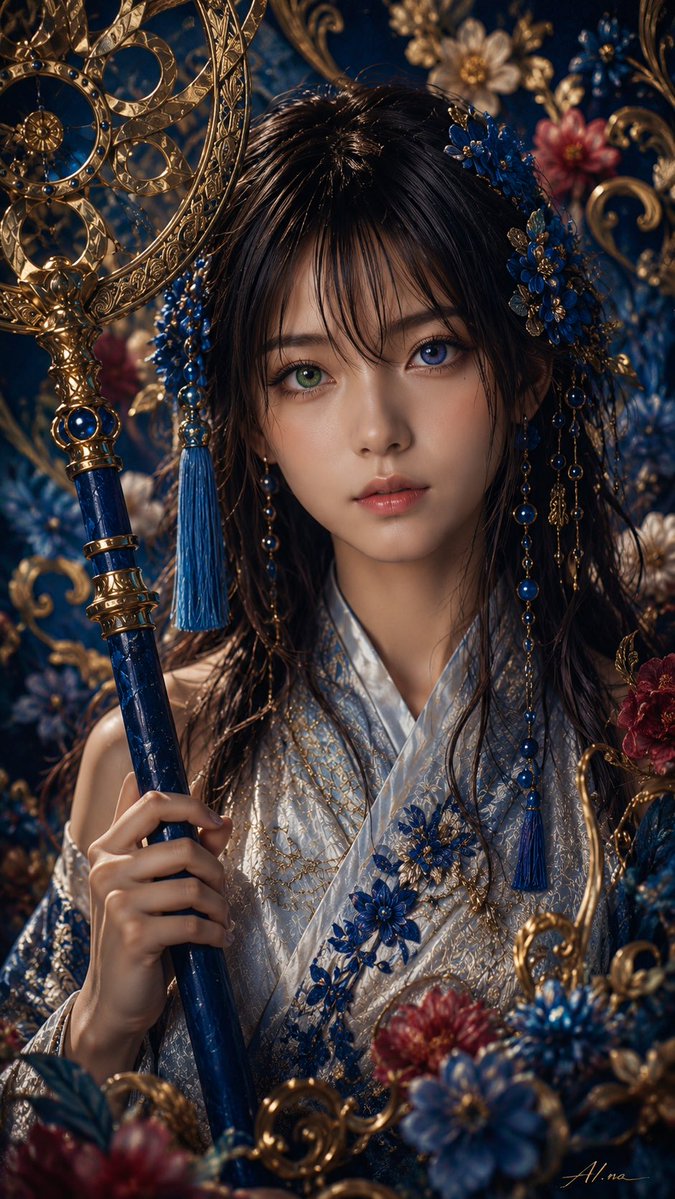
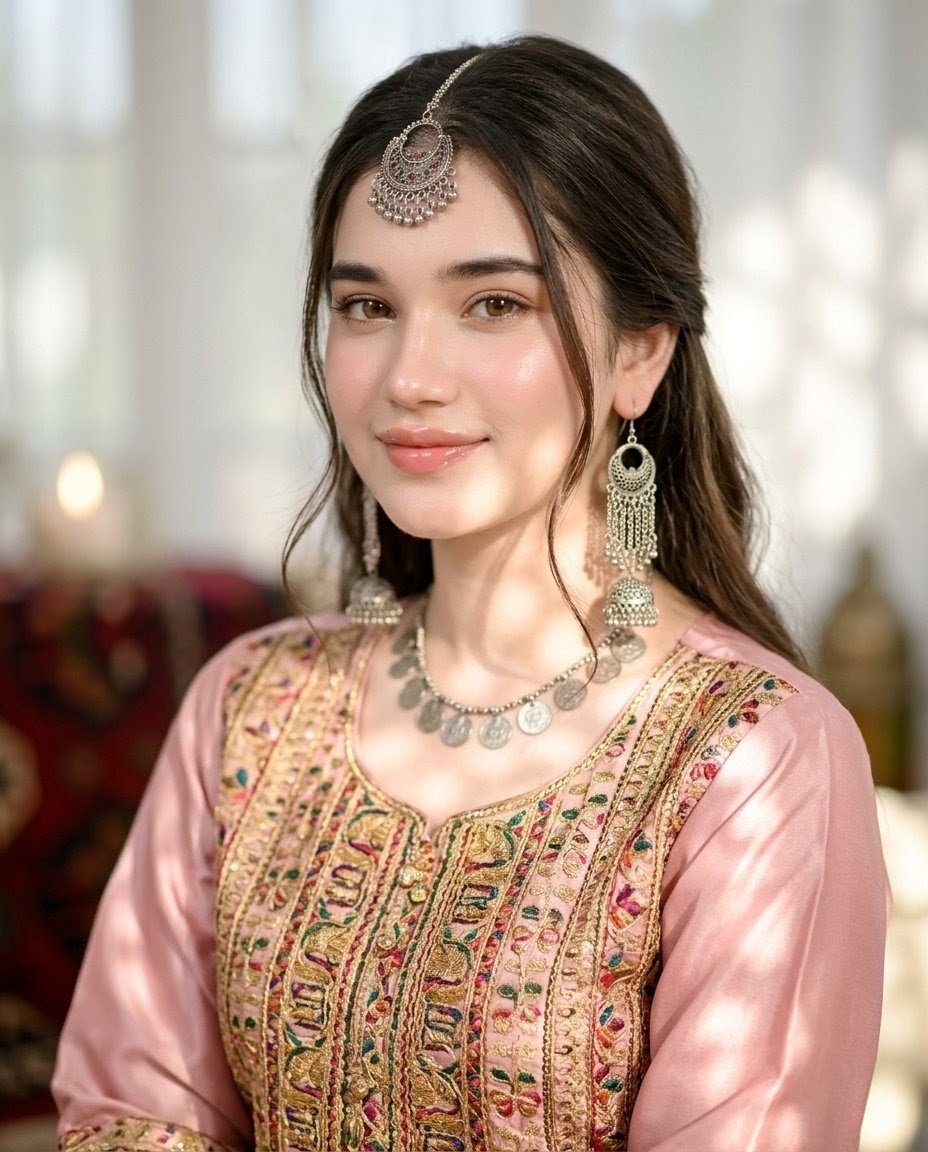
How do I use the Hyper-realistic 8K Beach Selfie Prompt template?
Choose the primary action to open PicX Studio with the available template settings. Review the model and format, personalize the creative direction, and generate when ready.
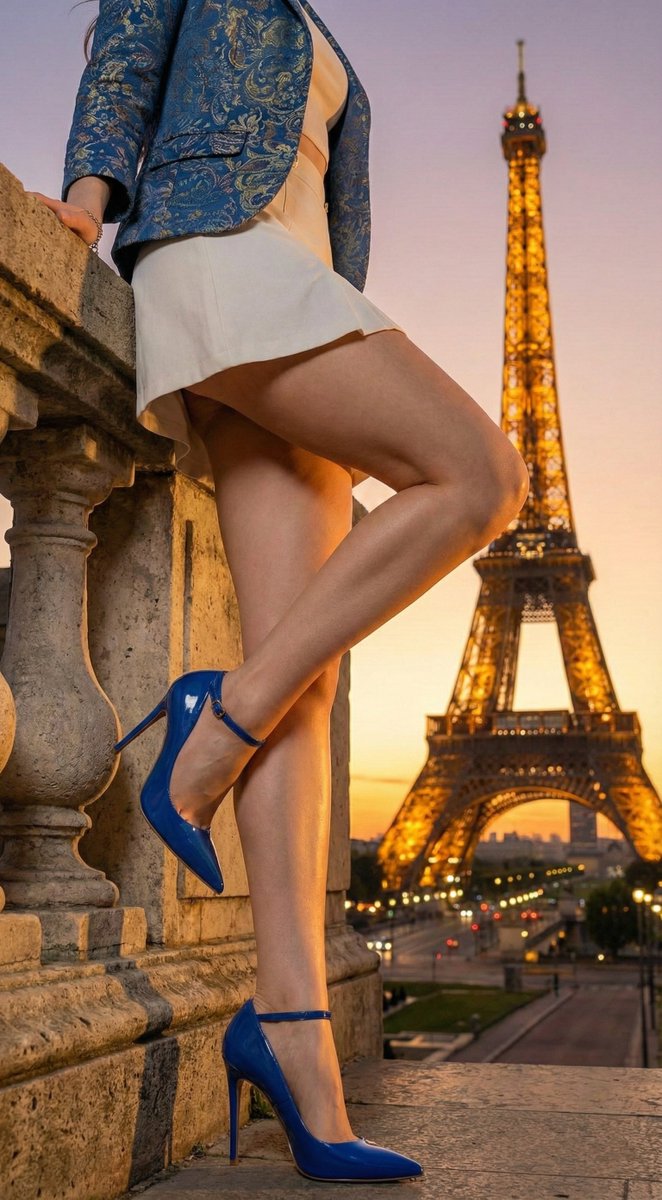
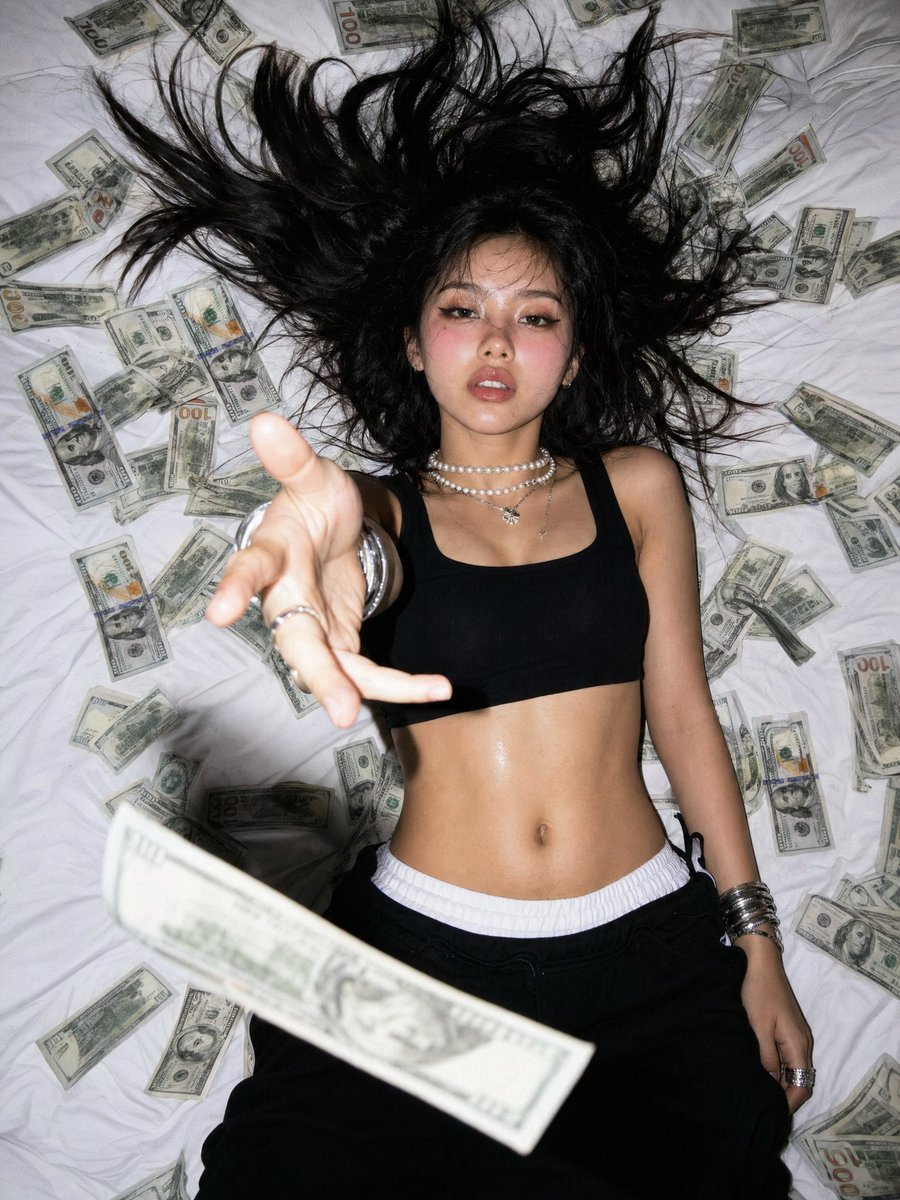
A detailed, hyper-realistic 8K photorealistic prompt for a beach selfie, specifically designed for the Nano Banana model. It focuses on capturing an attractive woman sunbathing, emphasizing oiled, glistening skin, specific swimwear details (string bikini or mesh sarong), tropical colors, and harsh sunlight for a high-clarity, vertical composition. (free to use) — Free AI image template on PicX Studio.
"Hyper-realistic 8K photorealistic image of an attractive woman using face and hair from [uploaded image]. She is sunbathing on a colorful beach towel, posing with knees on a beach towel, hands pulling towel edges, slight body arch, eyes closed in blissful ecstasy, oiled shiny skin glistening under direct sunlight, string bikini with untied sides or mesh sarong over high-cut monokini for maximal skin exposure without nudity, seductive tight fit in tropical {argument name="swimwear color" default="turquoise yellow coral or white"} colors, wet clingy fabric with sand details, beach glam makeup with bronzed glow waterproof liner glossy lips, loose beach wavy hair, sunny tropical beach setting with ocean waves palm trees sand shells, bright saturated colors harsh sun lighting highlighting oiled skin, sharp Olympus-like clarity 50mm lens feel, f/1.6, vertical composition filling frame with lounging pose."
Use Hyper-realistic 8K Beach Selfie Prompt to plan an AI image around nano-banana-2 generation. Match the preview's composition first, then personalize the subject, setting, and mood for your own project.
Use the primary action to load the template settings in PicX Studio.
Adjust the subject and creative details for your destination.
Create the image, compare the result with the preview, and refine one variable at a time.
A continuous mix — similar concepts first, woven with same-model prompts and fresh picks from the catalog.
Choose the primary action to open PicX Studio with the available template settings. Review the model and format, personalize the creative direction, and generate when ready.
Yes. You can change the subject, setting, lighting, mood, format, and available model controls before creating your image.
This template is free to open and customize. Generation usage is shown in PicX Studio before you create.
Start with nano-banana-2, which is the model associated with this template. You can compare another compatible model for a different finish.
Follow a topic to a crawlable collection of related PicX Studio templates.
39,155 public templates available. Verified via the PicX Studio public templates API; refreshed hourly.
A continuous mix — similar concepts first, woven with same-model prompts and fresh picks from the catalog.