How do I use the Seedance 2: Werewolf Rampage template?
Choose the primary action to open PicX Studio with the available template settings. Review the model and format, personalize the creative direction, and generate when ready.
Use the Seedance 2: Werewolf Rampage AI image template on PicX Studio. Free template, no signup required.
Ultra-cinematic 15-second multi-angle action sequence in a dark city street at night, wet asphalt reflecting streetlights, a massive werewolf rampaging through civilians. 0–2s: Wide establishing shot, empty street with a few pedestrians, distant fog and flickering streetlights, subtle tension. 2–3.5s: Close-up on the werewolf emerging from shadows, glowing eyes, low growl, slight camera push-in. 3.5–5s: Hard cut to handheld medium shot as the creature charges forward, heavy footsteps splashing water, people reacting and turning to run. 5–6.5s: Side tracking shot, the werewolf swings its arm in a wide arc, making powerful kinetic contact — a person is launched into the air across frame. 6.5–8s: Slow-motion shot, body spinning mid-air above wet pavement, reflections stretching, debris and droplets suspended in air. 8–10s: Low angle shot, the creature advancing aggressively, another impact sends multiple people sliding and lifting off the ground from force. 10–11.5s: Overhead drone-style shot, crowd scattering in all directions across the street, cars stopped, doors open, chaos spreading. 11.5–13s: Fast whip pan to close-up impact, strong contact motion, particles, water spray, and debris bursting outward. 13–15s: Dynamic tracking backward shot, the werewolf continues advancing toward camera, breathing heavy, final aggressive step as people flee in the background. Environment: wet reflective asphalt, streetlights casting long reflections, light fog, scattered trash and objects reacting to motion. Style: ultra-cinematic realism, high-impact action editing, dramatic cuts, slow-motion accents, heavy motion blur, volumetric atmosphere, no text, no overlays, stable proportions.
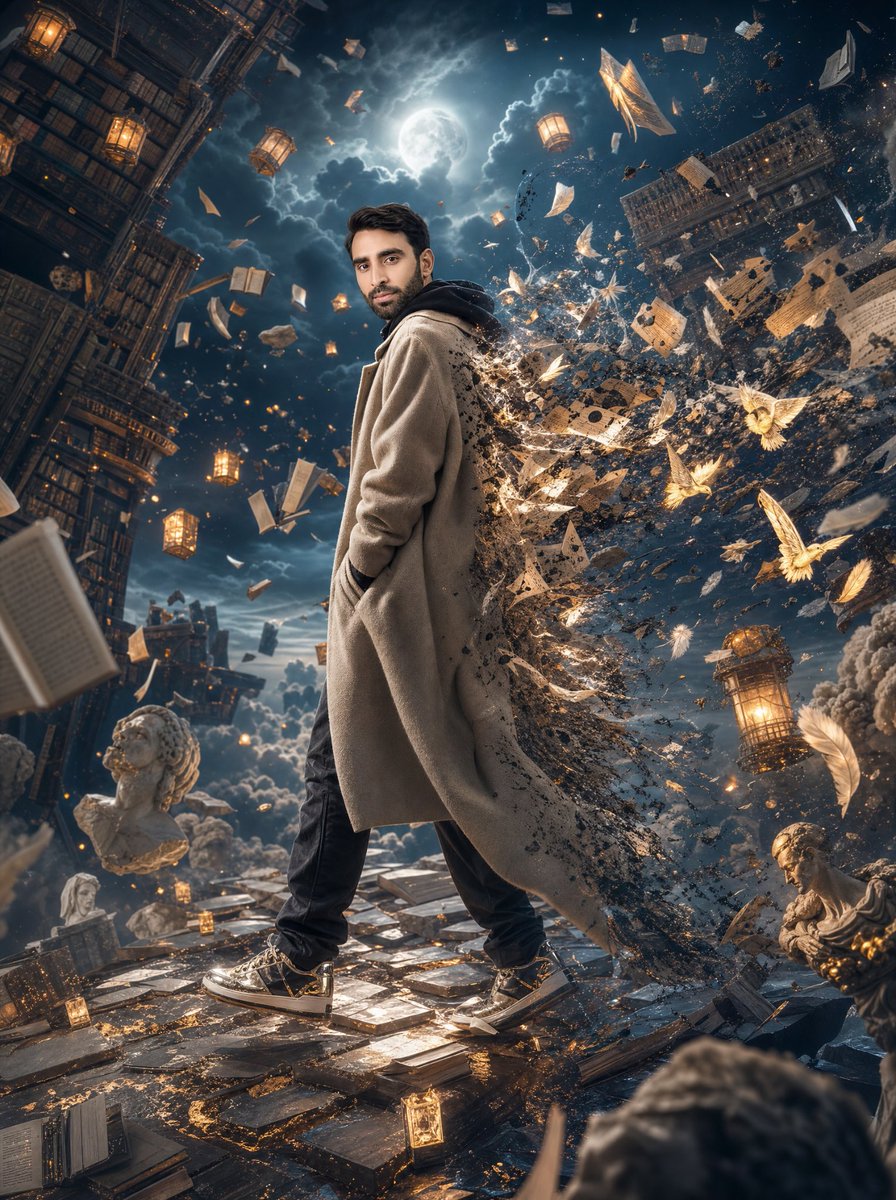
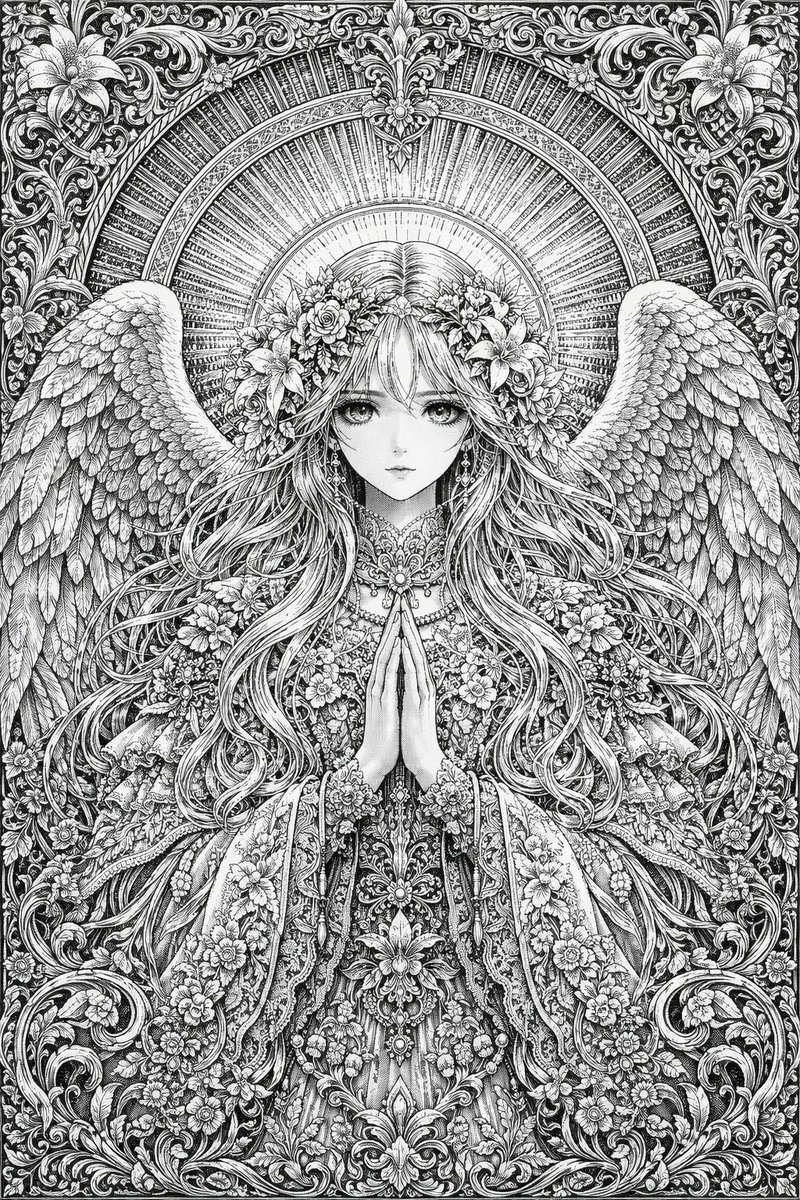
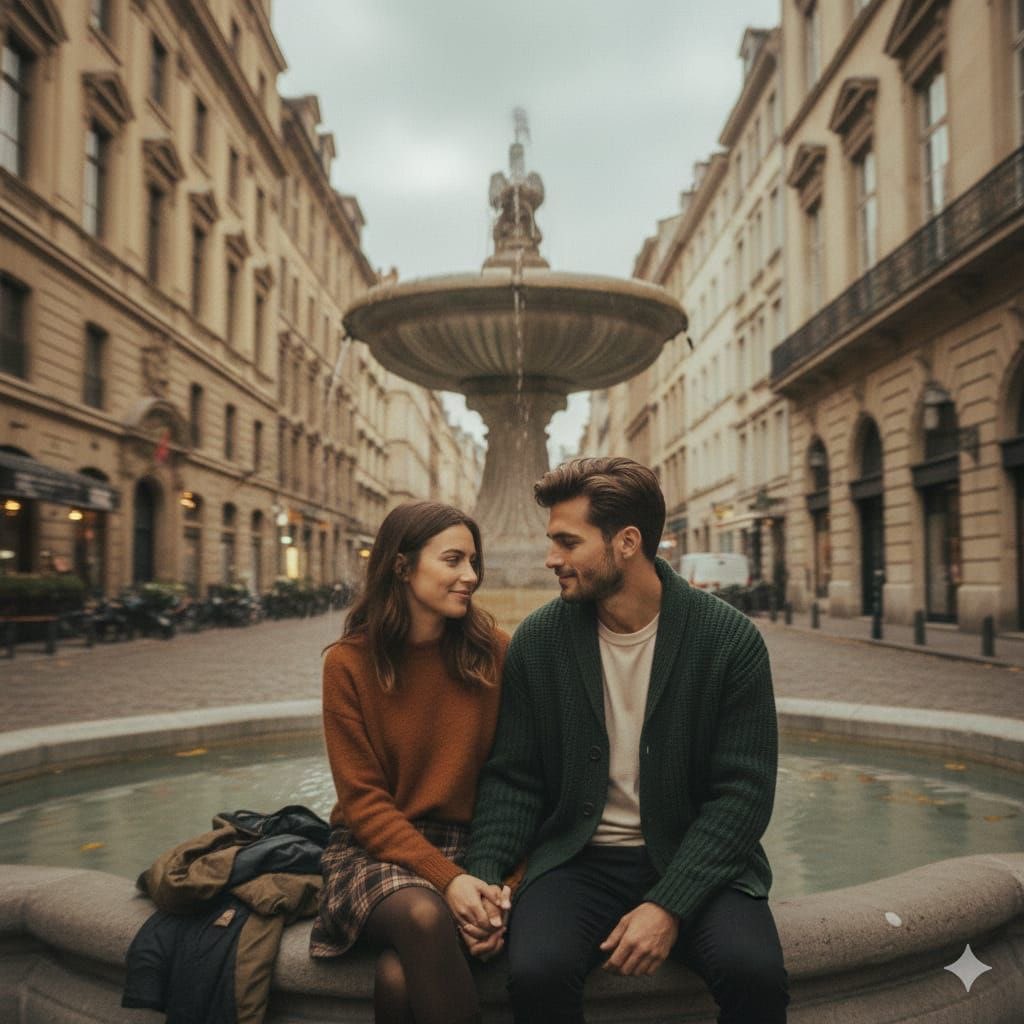
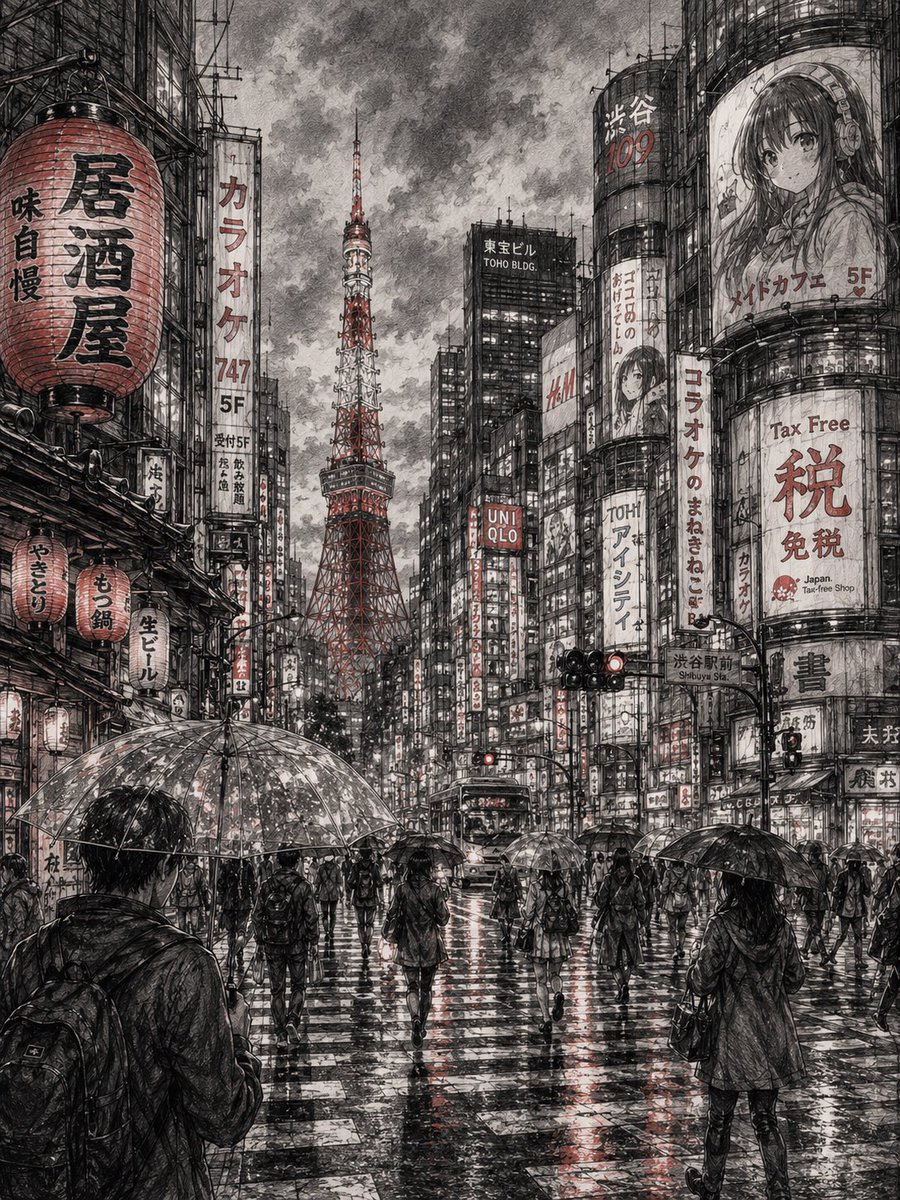
Use Seedance 2: Werewolf Rampage to plan an AI image around themes such as seedance and werewolf. Match the preview's composition first, then personalize the subject, setting, and mood for your own project.
Use the primary action to load the template settings in PicX Studio.
Adjust the subject and creative details for your destination.
Create the image, compare the result with the preview, and refine one variable at a time.
A continuous mix — similar concepts first, woven with same-model prompts and fresh picks from the catalog.
Choose the primary action to open PicX Studio with the available template settings. Review the model and format, personalize the creative direction, and generate when ready.
Yes. You can change the subject, setting, lighting, mood, format, and available model controls before creating your image.
This template is free to open and customize. Generation usage is shown in PicX Studio before you create.
Choose a compatible model in PicX Studio based on the style, speed, and output controls your project needs.
Follow a topic to a crawlable collection of related PicX Studio templates.
39,157 public templates available. Verified via the PicX Studio public templates API; refreshed hourly.
A continuous mix — similar concepts first, woven with same-model prompts and fresh picks from the catalog.