
IMAGEMiniMax · from 20 credits / image
MiniMax's open image model, in your browser
MiniMax H3 Image Generator and Editor
Text to image and edits. 10 references. 1K, 2K or 4K.
MiniMax H3 Image is the image model of the MiniMax H3 family: one checkpoint that both creates images from a prompt and edits them from reference photos, up to about 16 megapixels at 4K. Run it on PicX Studio with nothing to download.
- 1K–4K
Big images, straight from the model
About 16 megapixels at 4K
MiniMax says H3 Image generates its largest size directly, without a separate upscaling pass. Pick 4K for posters and print, or 1K and 2K for drafts and social posts.
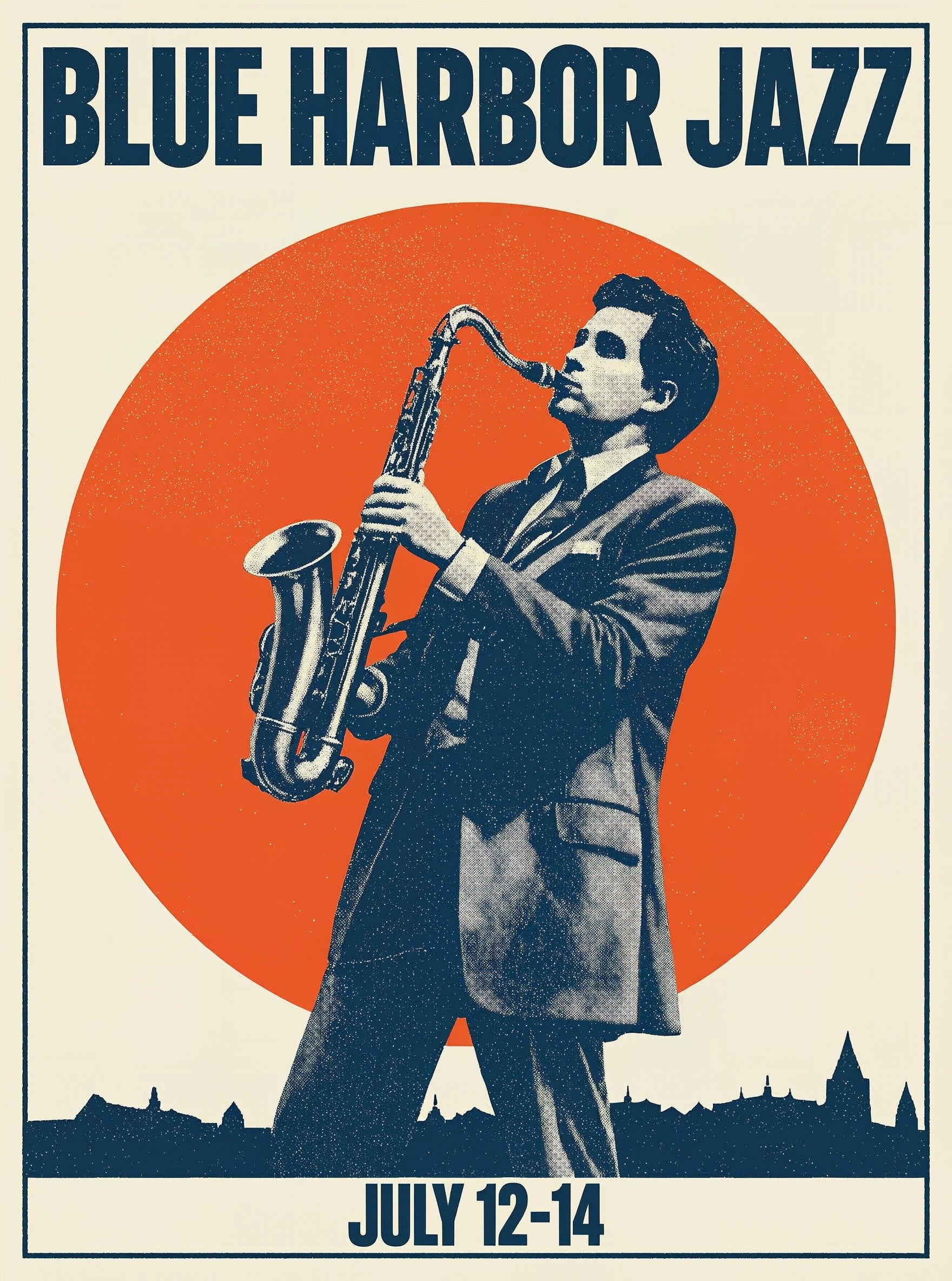
Text you can read
H3 Image renders lettering inside the picture, so headlines, labels and poster titles come out as words. Put the exact text in quotes in your prompt.
Edits from your own photos
Upload up to ten images and refer to them in order as <Picture 1>, <Picture 2> and so on: keep a product, move it to a new scene, or blend a subject with a style frame.
MiniMax H3 Image
Text to image and edits. 10 references. 1K, 2K or 4K.
What to make with H3 Image
Posters and packaging Large-format visuals with readable titles, rendered at 4K.
Product scenes Place a product photo on a new set while its shape and colour stay the same.
Wide and tall banners 21:9 hero banners and 9:16 vertical ads at the same size tier as a square.

Illustration and portraits Painterly scenes and photoreal people from one model.
Why pick MiniMax H3 Image
- 4KTop sizeAbout 16 MP, made directly.
- 10Reference imagesNumbered in the prompt.
- 10Aspect ratiosFrom 21:9 to 9:16.
- 33BParametersSingle-stream diffusion transformer.
- OpenWeightsMiniMax community licence.
- LowCost per imageSee the pricing table.
What MiniMax H3 Image costs
Billed per image, at the resolution you pick. The same prices the generator shows before you run it.
- 1K–2K20credits / imageOn Starter≈ 150 images / mo
- 4K30credits / imageOn Starter≈ 100 images / mo
Every model on every planCredits never expireSee plans
Pay for MiniMax H3 Image with crypto
Buy credits with Bitcoin, USDT, USDC, ETH, Solana and more — no card, nothing auto-renews, packs from $5, and 5% extra credits on crypto payments.
MiniMax H3 Image vs MiniMax H3 video
Same family, two products. H3 Image makes and edits still images; MiniMax H3 makes video clips with sound.
Made a still you want to animate? Open it in MiniMax H3 as a start image. Live credit prices are in each page's pricing table.
How to use MiniMax H3 Image in 3 steps
- 1
Add references to edit (optional)
Upload up to ten images. In the prompt, call the first one <Picture 1>, the second <Picture 2>, and so on, in upload order.
- 2
Describe the whole image
PicX sends your prompt exactly as written, so describe subject, setting, light, style and any text in quotes. For edits, say what to keep and what to change.
- 3
Pick a size and generate
Choose an aspect ratio and 1K, 2K or 4K. Draft at 1K, then rerun the one you like at 4K.
MiniMax H3 Image prompts to copy
Real prompts and what they made. Copy one, or open it in the generator with the model already picked.
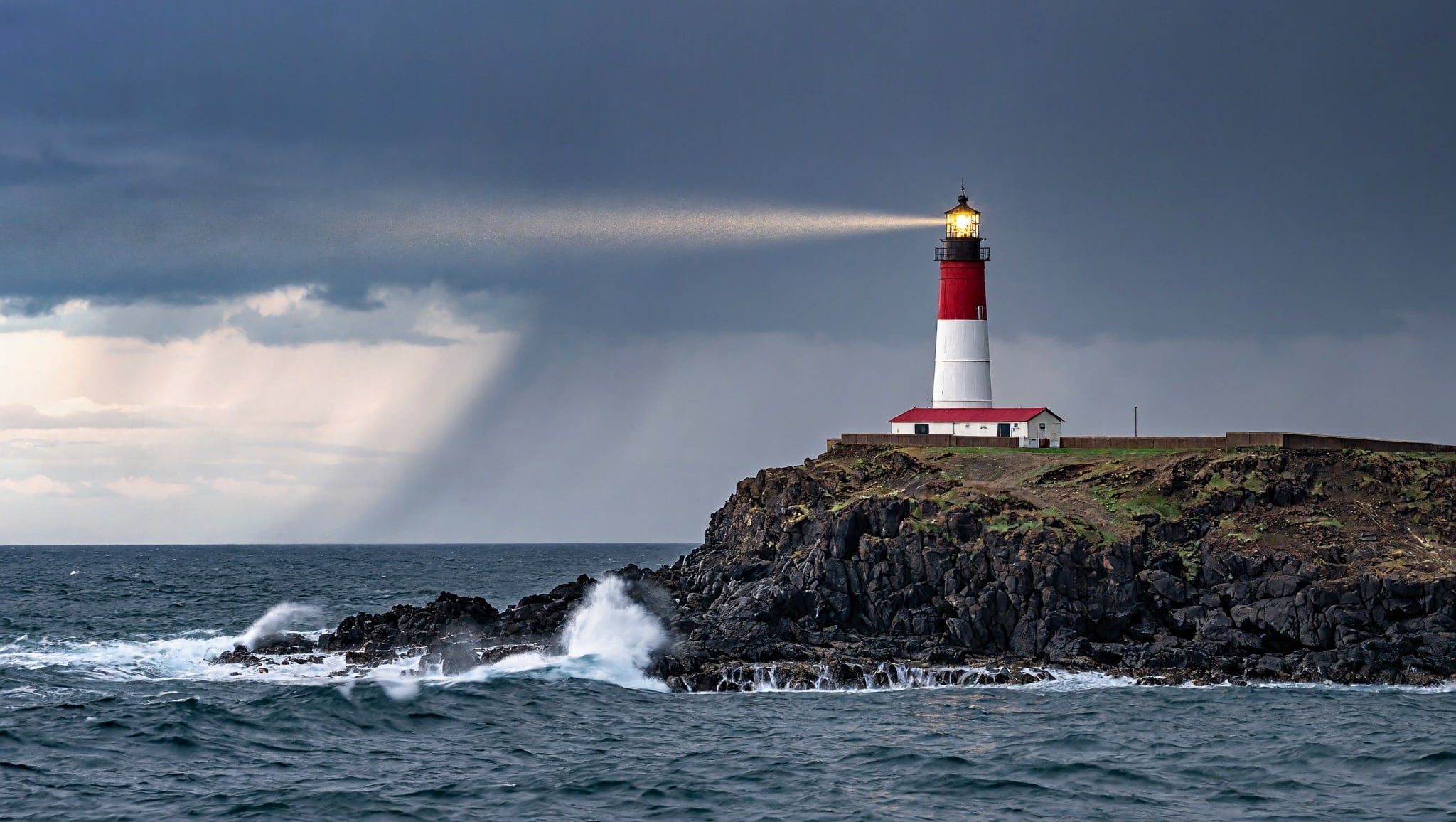
Lighthouse at dusk
A red-and-white lighthouse on a basalt headland at dusk, storm clouds breaking over the sea, a single beam sweeping through light rain, waves exploding on the rocks below, long-exposure seascape photo
Jazz festival poster
A vintage screen-printed poster for a jazz festival: a saxophone player silhouetted against a huge orange sun, bold headline text reading "BLUE HARBOR JAZZ" across the top and "JULY 12-14" at the bottom, limited palette of navy, orange and cream, halftone texture
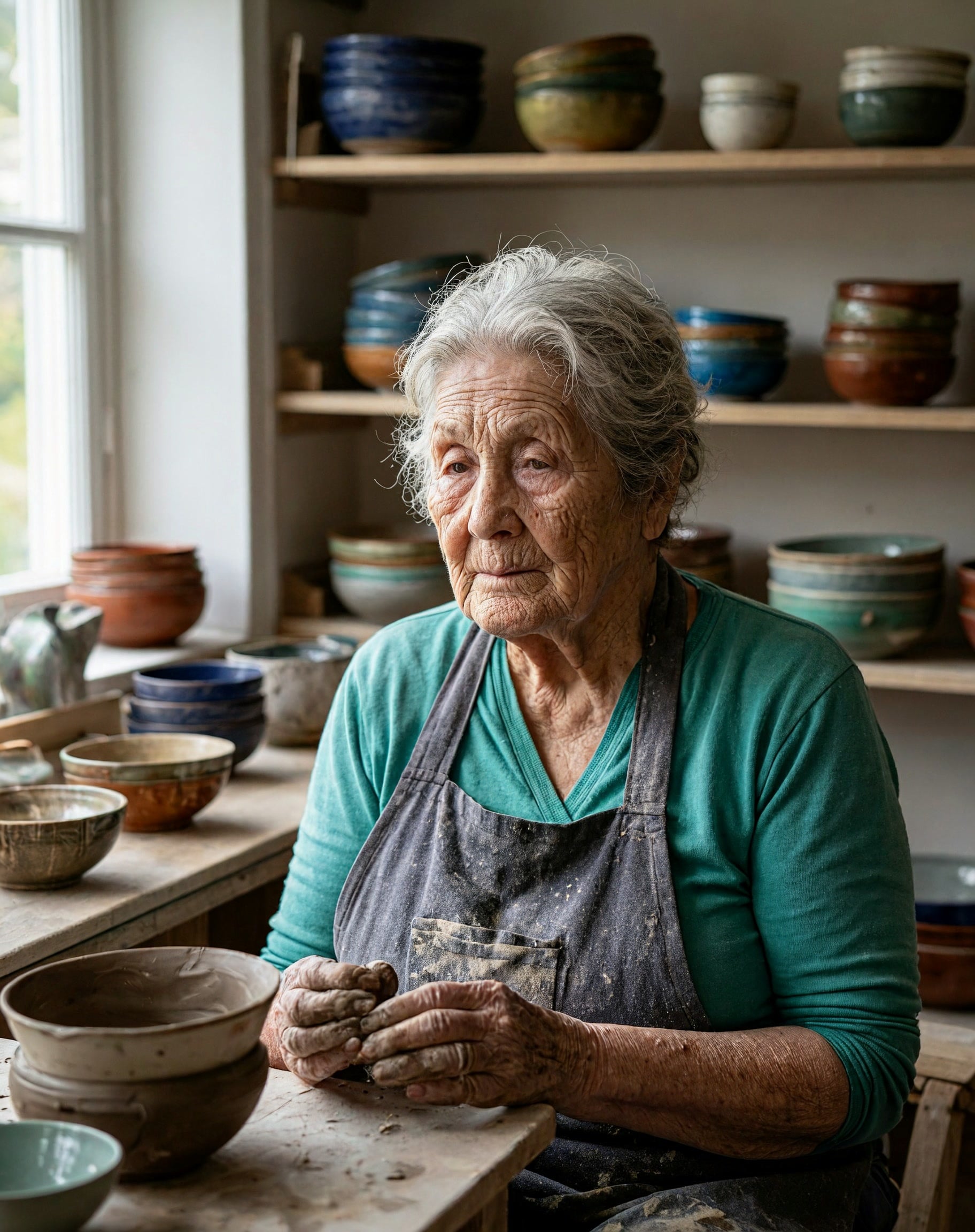
Potter in her studio
Portrait of an elderly potter in her sunlit studio, clay on her hands, shelves of glazed bowls behind her, soft window light from the left, shallow depth of field, 85mm photo
Rainy bookstore cafe
A cozy bookstore cafe on a rainy evening, warm lights glowing through the fogged window, a ginger cat asleep on a stack of books beside a cup of tea, illustrated in a gentle gouache style
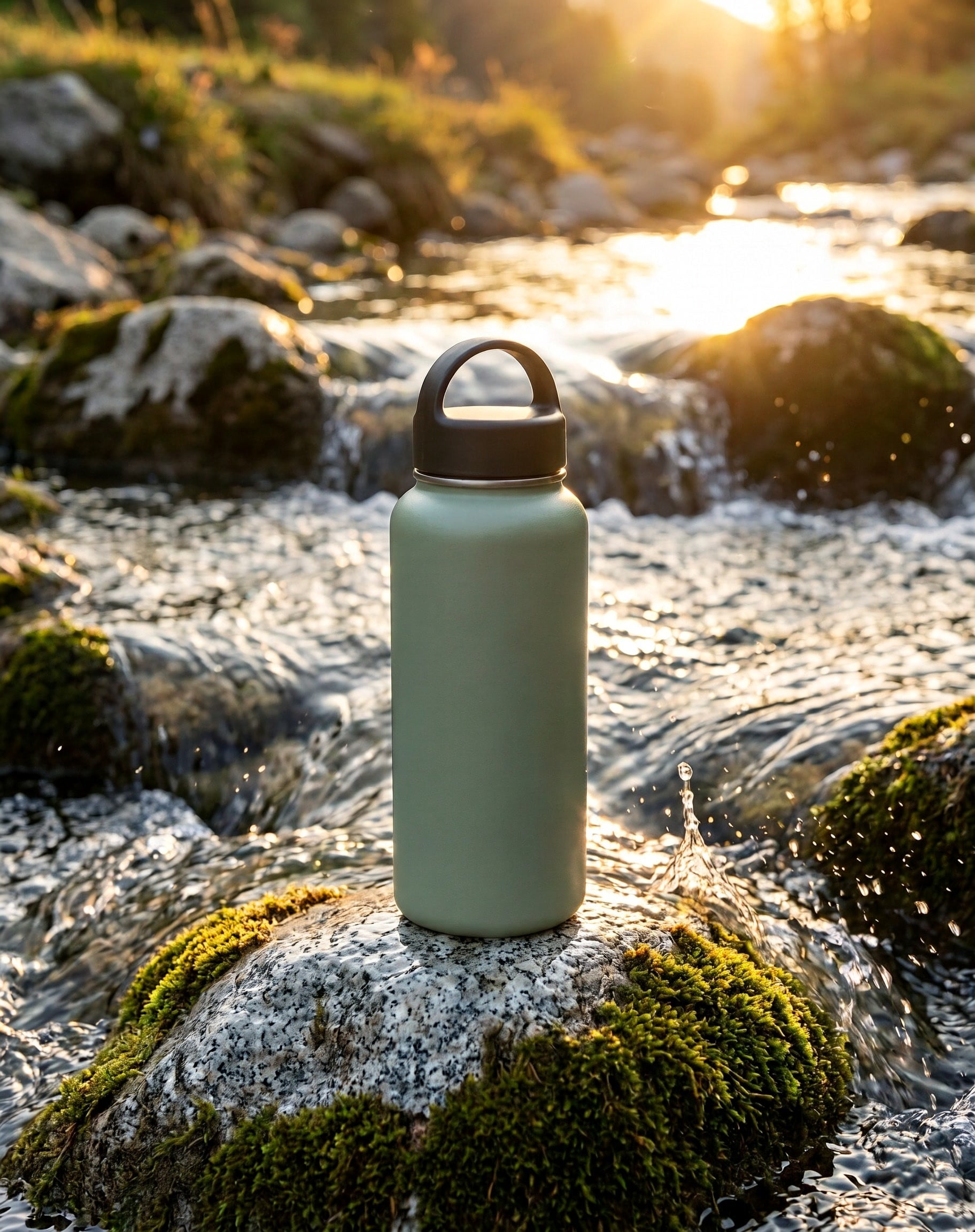
Product edit: bottle by a stream
Place the water bottle from <Picture 1> on a mossy granite rock beside a clear mountain stream at golden hour, splashes of water catching the light, keep the bottle's shape, colour and finish unchanged, outdoor product photo
Templates to start from
Browse all templates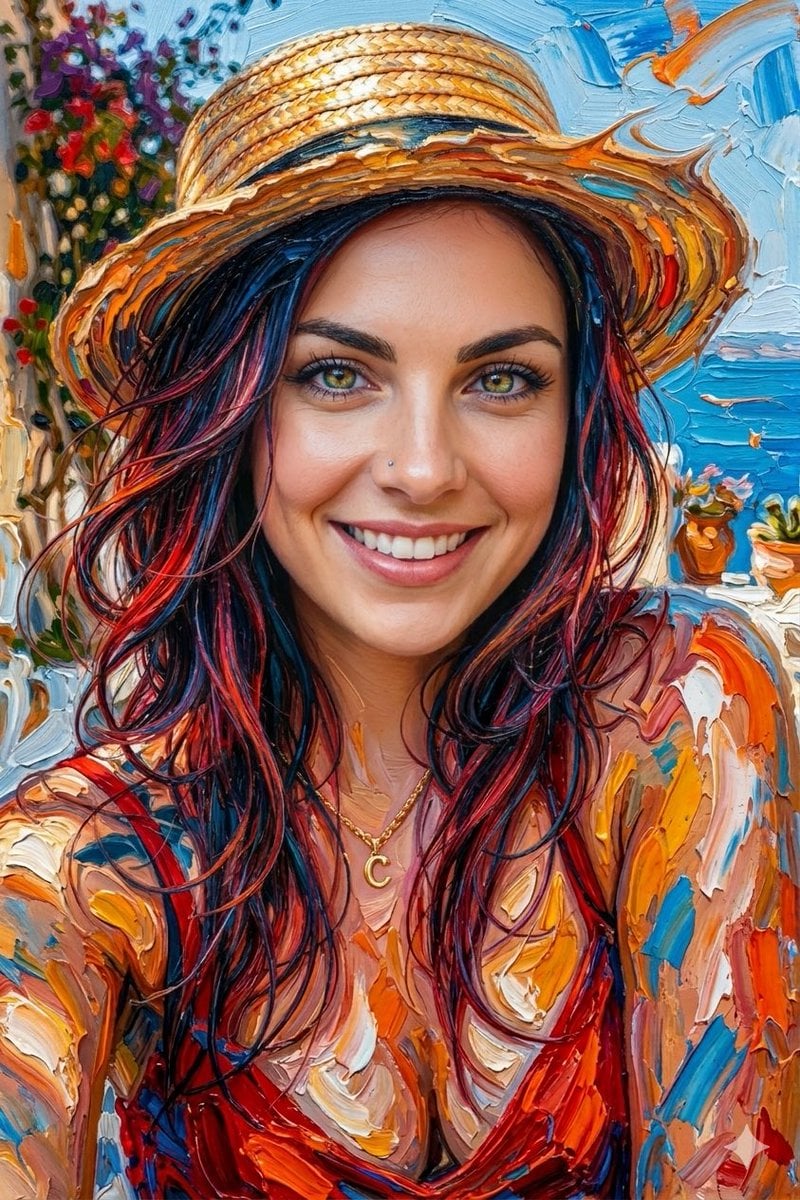
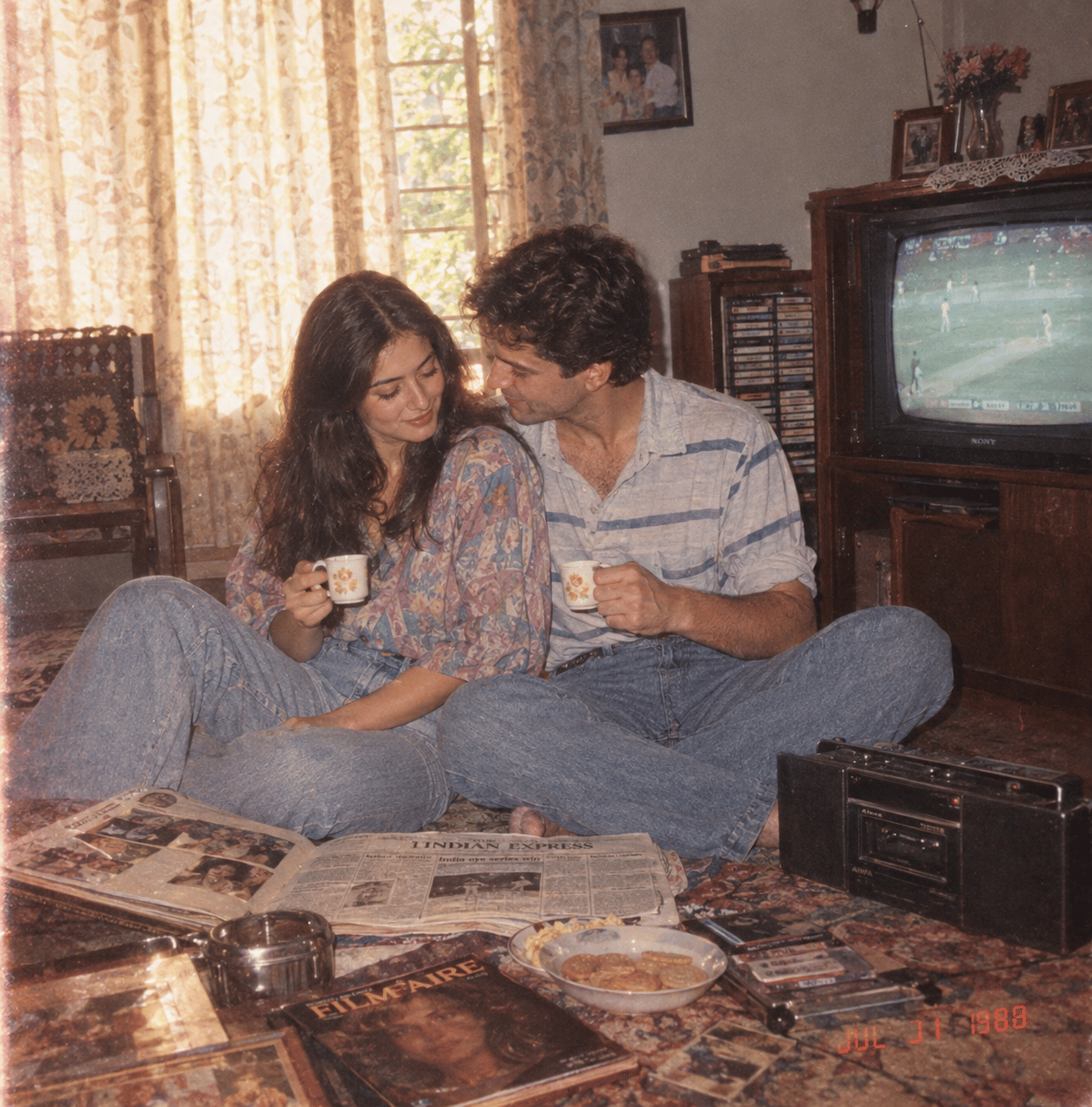
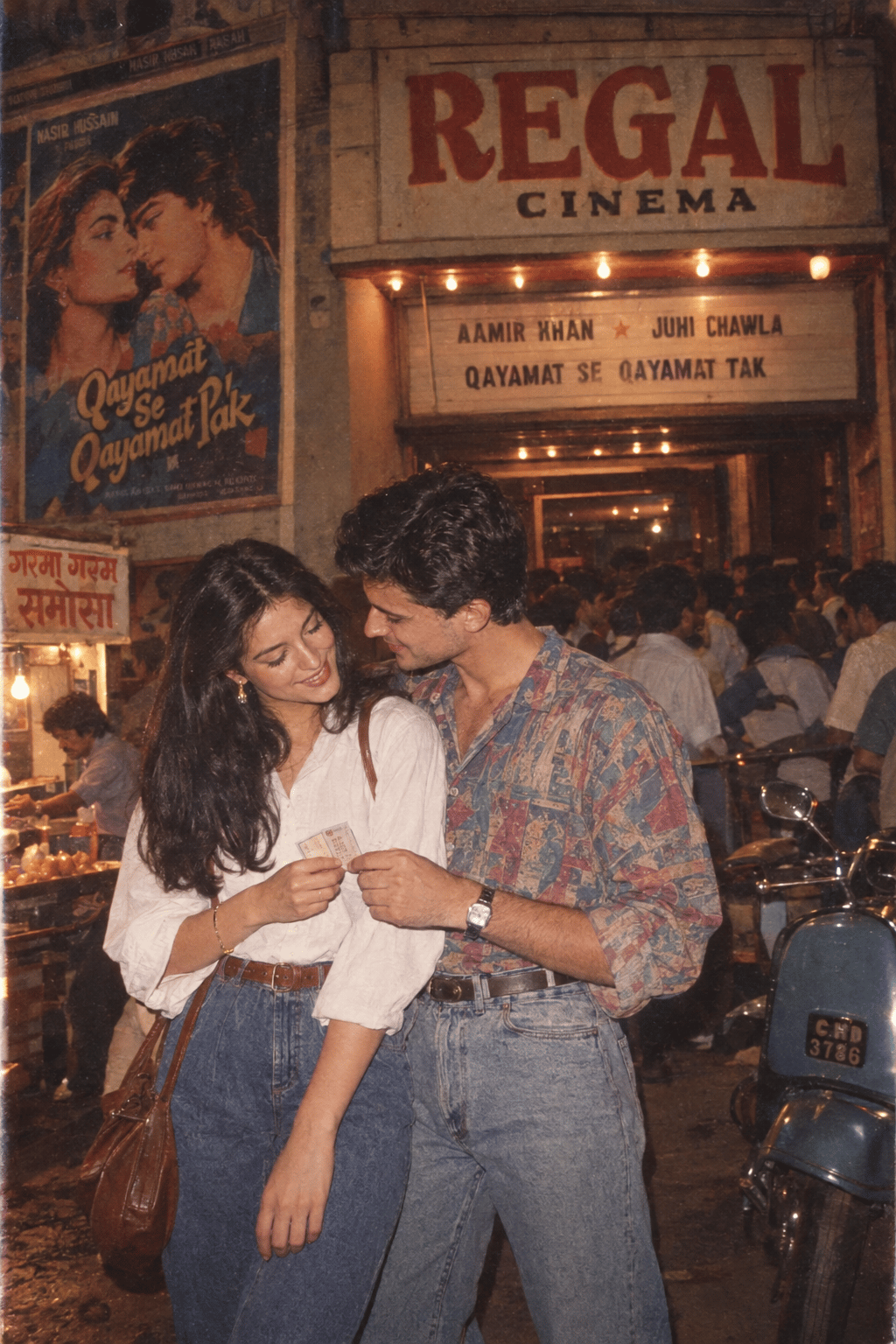
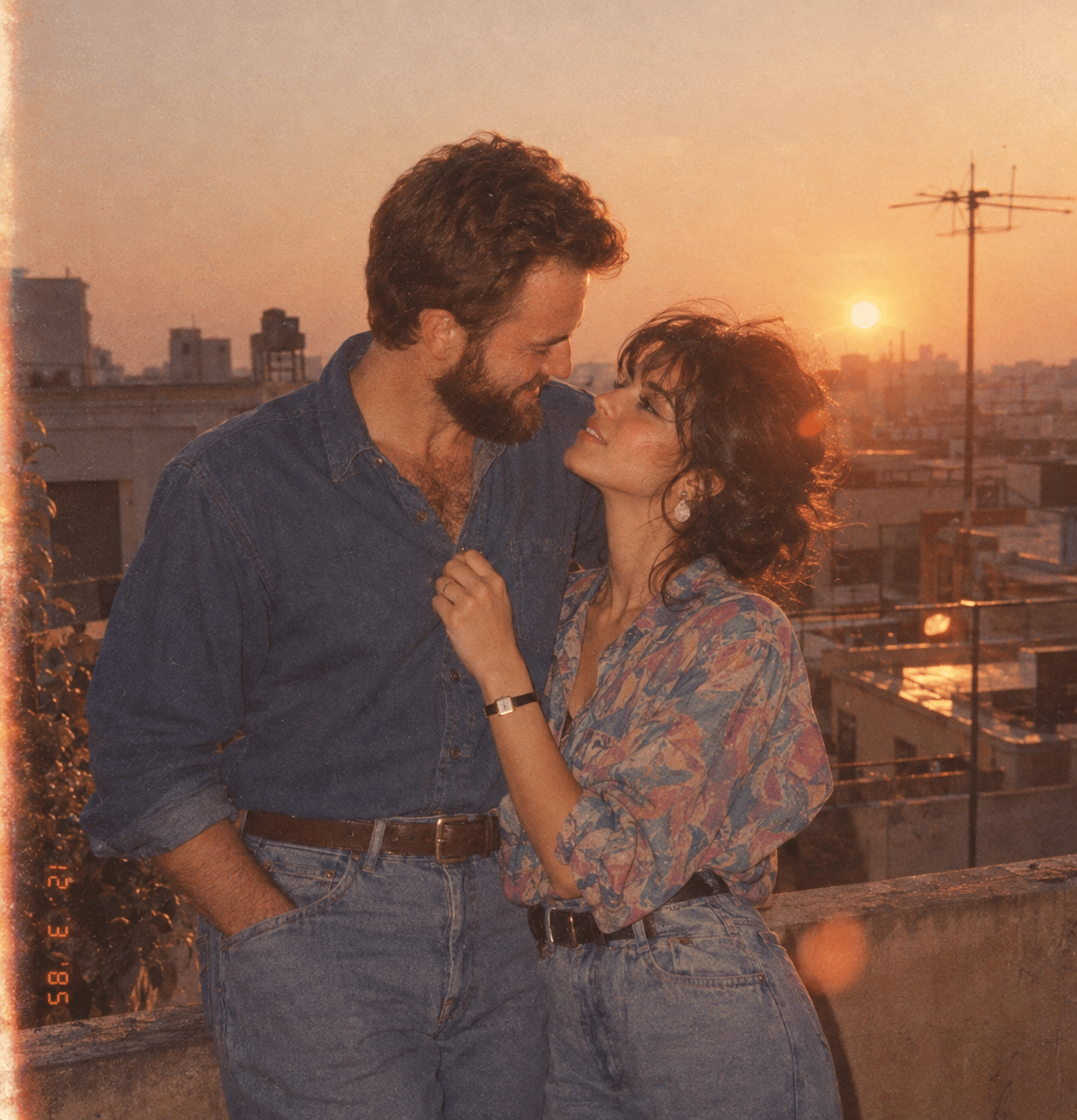

MiniMax H3 Image questions
What is MiniMax H3 Image?
MiniMax H3 Image is MiniMax's open image model from the H3 family. One checkpoint does both text to image and image editing with reference photos. It is a single-stream diffusion transformer with 33.1 billion parameters that samples in six fixed steps.
Is MiniMax H3 Image the same as MiniMax H3?
No. MiniMax H3 is the video model (Hailuo 3), which turns prompts and images into clips with sound. MiniMax H3 Image makes still images. Both are on PicX: use H3 Image for the picture and MiniMax H3 to animate it.
Can MiniMax H3 Image edit images?
Yes. Upload one to ten reference images and describe the change. Refer to them in upload order as <Picture 1>, <Picture 2> and so on, for example "put the bag from <Picture 1> on the model in <Picture 2>". With the aspect ratio on auto, the result follows the shape of the first image.
What resolution does MiniMax H3 Image support?
Three size tiers: 1K (about 1 megapixel), 2K (about 4) and 4K (about 16), in 1:1, 5:4, 4:5, 4:3, 3:4, 3:2, 2:3, 16:9, 9:16 or 21:9. At 4K a square image is 4096 x 4096 and a 16:9 one is 5472 x 3072.
How do I prompt MiniMax H3 Image?
Describe the whole frame in full sentences: subject, setting, lighting, style and any text, written in quotes. PicX sends your prompt as written, with no automatic rewrite, and the model has no negative prompt, so say what you want rather than what to avoid. Prompts can be in English or Chinese.
Can MiniMax H3 Image put text in images?
Yes. It renders lettering such as poster titles, labels and signs inside the image. Short, quoted text in the prompt gives the most reliable result.
Is MiniMax H3 Image free?
The weights are released under the MiniMax-H3-Image Community License for people who run the model on their own hardware. On PicX it is hosted and uses credits per image, with nothing to install. The live price is in the pricing table on this page, and credits never expire.

Try MiniMax H3 Image
Images and multi-reference edits up to 4K, in your browser.