How do I use the Ethereal C-Drama Aesthetic Portrait template?
Choose the primary action to open PicX Studio with the available template settings. Review the model and format, personalize the creative direction, and generate when ready.
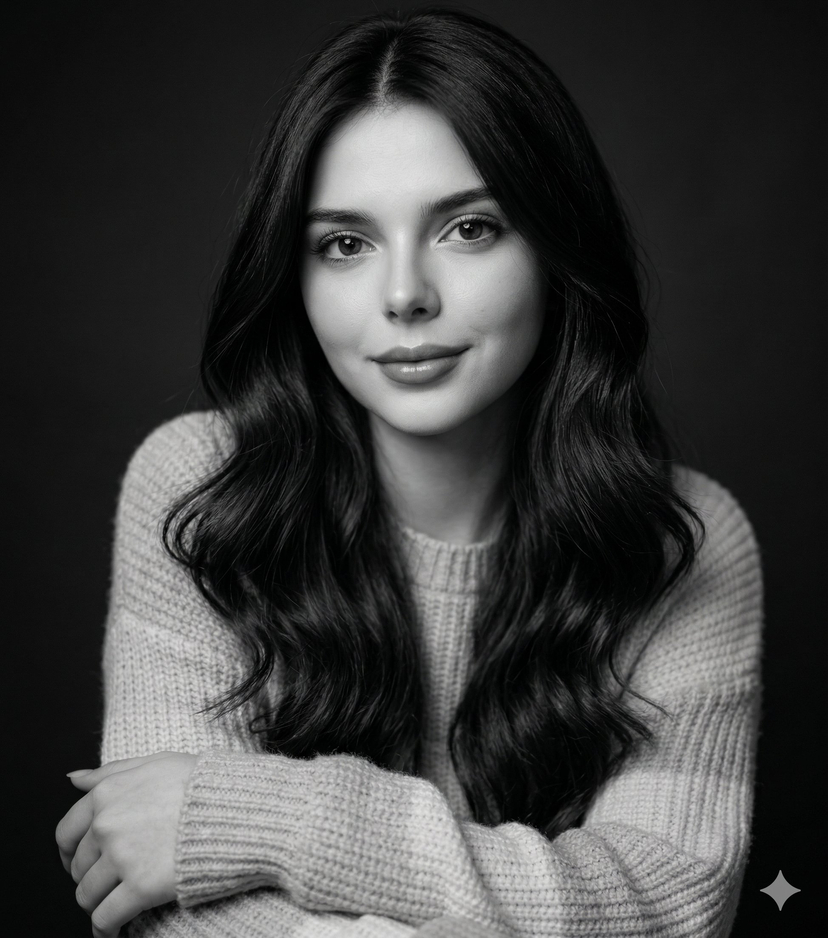
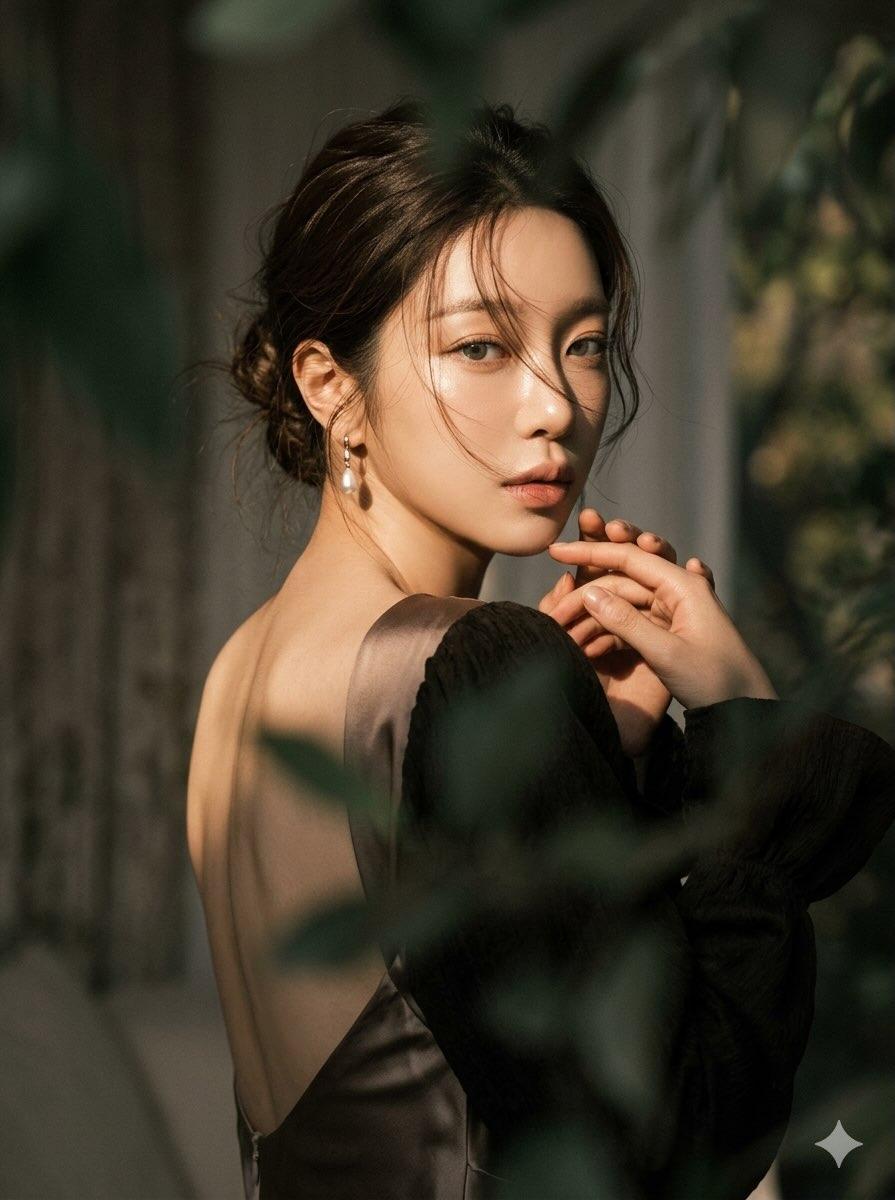
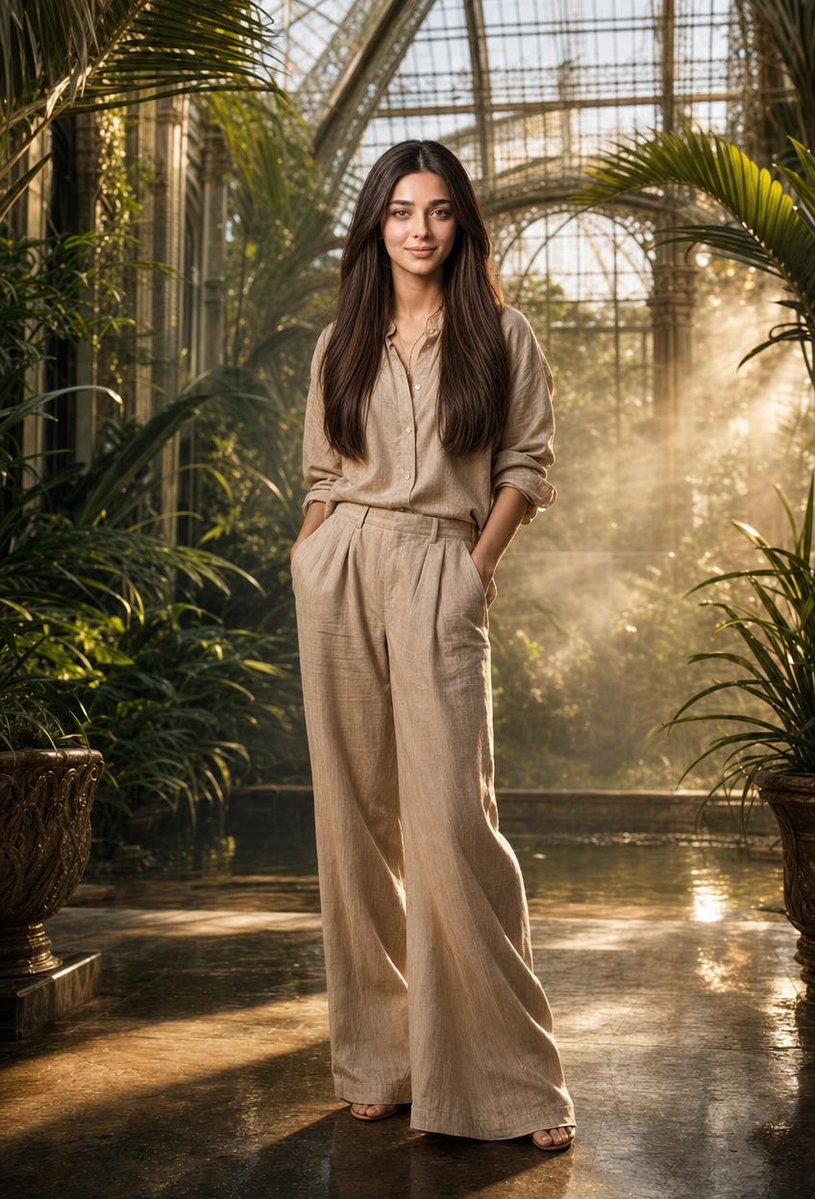
A prompt for creating an ethereal, melancholic portrait of a young Asian woman in a C-drama/Douyin aesthetic. Change the subject, setting, or lighting one variable at a time.

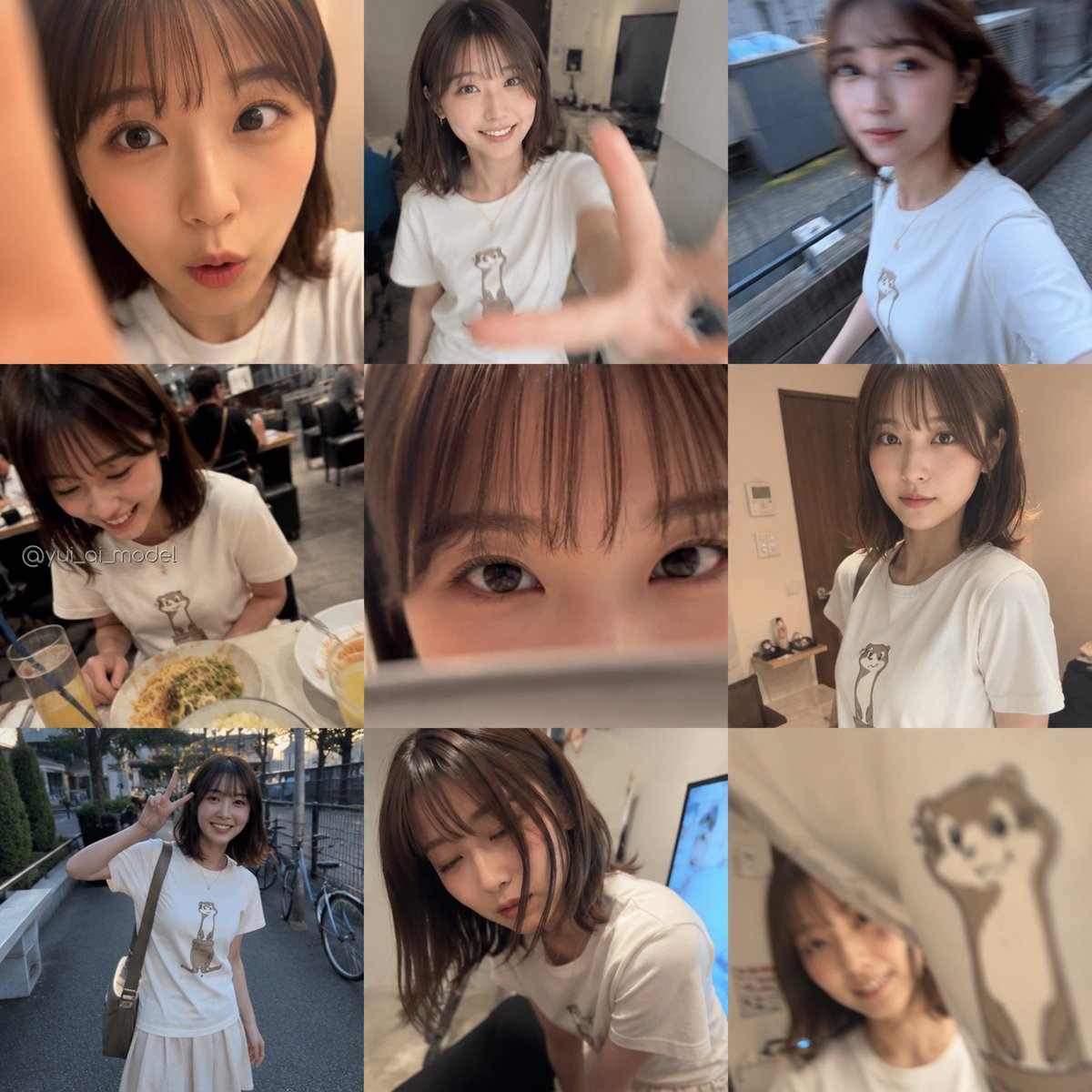
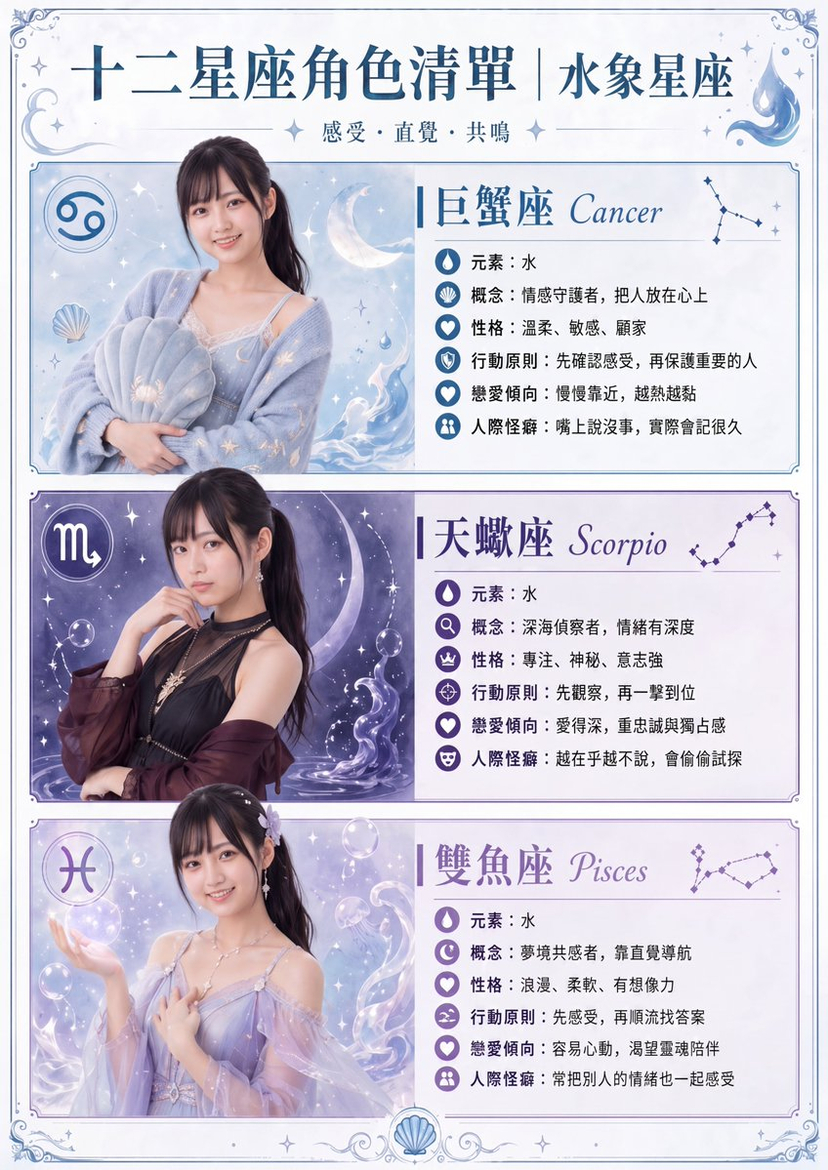
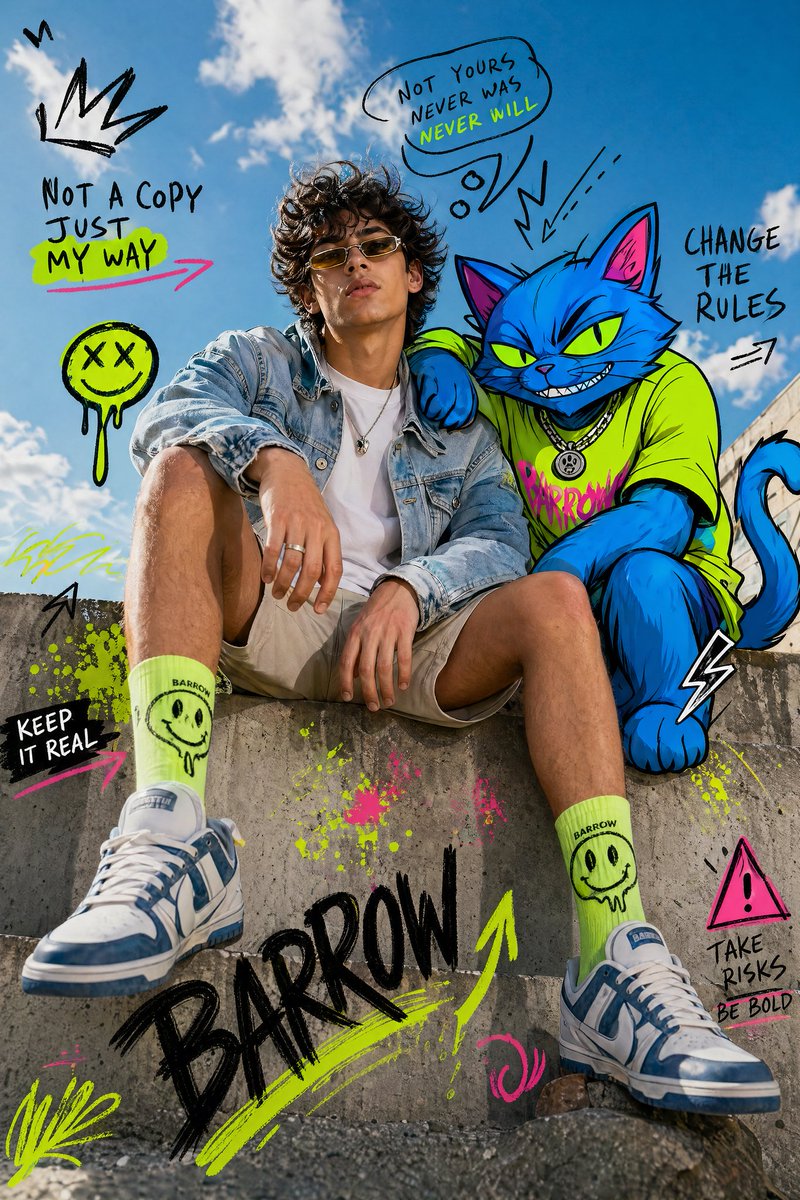
Create an ethereal, atmospheric portrait of a young Asian woman (age 20-25) in a dreamlike, melancholic, C-drama/Douyin aesthetic. She has porcelain-smooth skin, soft focus, and a romanticized, otherworldly presence, styled in a {argument name="clothing item" default="black corset top"}. The lighting is dramatic yet soft, with a strong cool-white light hitting her from the front and side, creating high contrast against a pure deep black background. Add a faint glow around her hair and shoulders for an angelic halo effect, softened with a misty, hazy highlight. Her makeup is soft-glam minimalist. Pose 1: head tilted upward and slightly to the side, one hand resting gently on her collarbone or neck, fingers relaxed, eyes looking away, wind-swept hair partially covering her face, lips slightly parted, conveying introspection and vulnerability. Pose 2: back-to-camera turn, looking over her shoulder, head slightly tilted down, eyes large and expressive, emphasizing jawline and shoulder curve, maintaining the wind-swept hair effect. The overall composition is intimate, cinematic, and moody, capturing delicate vulnerability, soft tactile elegance, and a frozen moment of reflective thought.
Choose the primary action to open PicX Studio with the available template settings. Review the model and format, personalize the creative direction, and generate when ready.
Yes. You can change the subject, setting, lighting, mood, format, and available model controls before creating your image.
This template is free to open and customize. Generation usage is shown in PicX Studio before you create.
Start with Nano Banana 2, which is the model associated with this template. You can compare another compatible model for a different finish.
Follow a topic to a crawlable collection of related PicX Studio templates.
43,474 public templates available. Verified via the PicX Studio public templates API; refreshed hourly.







![Ethereal Dream Editorial Through Fabric Portrait — A soft-focus dream photograph of a [subject] in a [setting], seen through translucent fabric and [atmospheric](/_next/image?url=https%3A%2F%2Fcdn.picxstudio.com%2Fuploads%2Fmeigen_b345369a2388_2215f51a-3769-4a47-bb9e-22de4573dbf4.jpg&w=828&q=100)



![118-google-nano-banana-pro-skincare-product- — A professional skincare shot of a [product container] with [cap/lid], labeled [brand, product, descriptor, volume](/_next/image?url=https%3A%2F%2Fcdn.picxstudio.com%2Fuploads%2Fpost118_img0_332898b8-29ea-42a9-87ab-9ed746a3f944.jpg&w=828&q=100)




![69-untitled — FORMAT: 15s / 145 BPM / 14 SHOTS
SUBJECT: @[image1]
WARDROBE: Clean modern outfit
ENVIRONMENT: Street / indoor transitions
MOOD: Discovery → contr](/_next/image?url=https%3A%2F%2Fcdn.picxstudio.com%2Fuploads%2Fpost69_img0_d45faecf-38c3-4bcb-81a4-f6eb1cf42bb2.jpg&w=828&q=100)





![Naive doodle-style subject illustration — A doodle-style {argument name="subject" default="[subject]"}, naive lines, humorous shape exaggeration](https://pbs.twimg.com/media/G6Wl2YxbsAARB2b.jpg)

















![Intricate Paper Folding Morphological Transformation Prompt — Anchor: [Uploaded Image]::3
Morphology: Intricate paper folding, sharp creases, layered topographi](https://pbs.twimg.com/media/G977iLTWQAIDmaS.jpg)



![Cozy Knit Industrial Design Prompt — An {argument name="object" default="[OBJECT]"} rendered as if entirely hand-knitted from chunky wool…](https://pbs.twimg.com/media/G-7ORciXsAAtAR7.jpg)