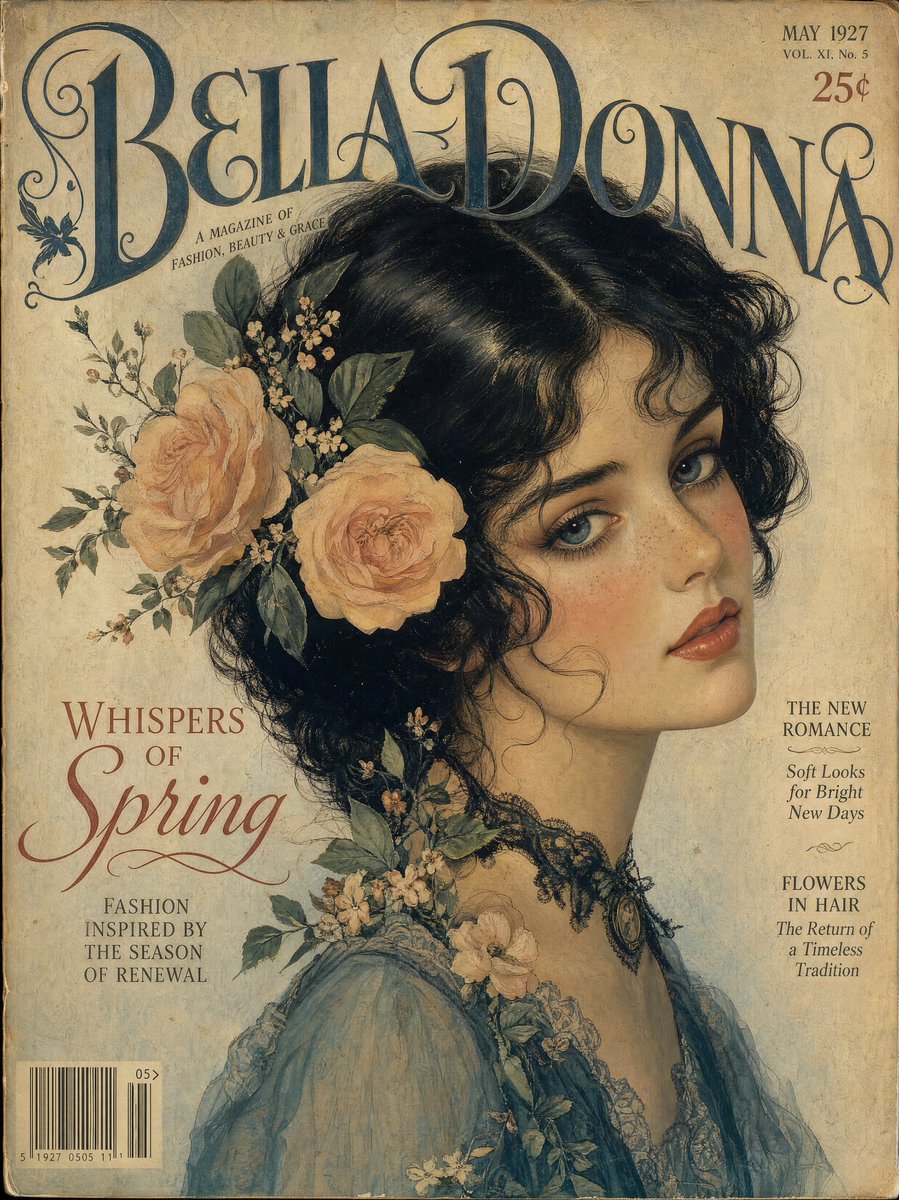
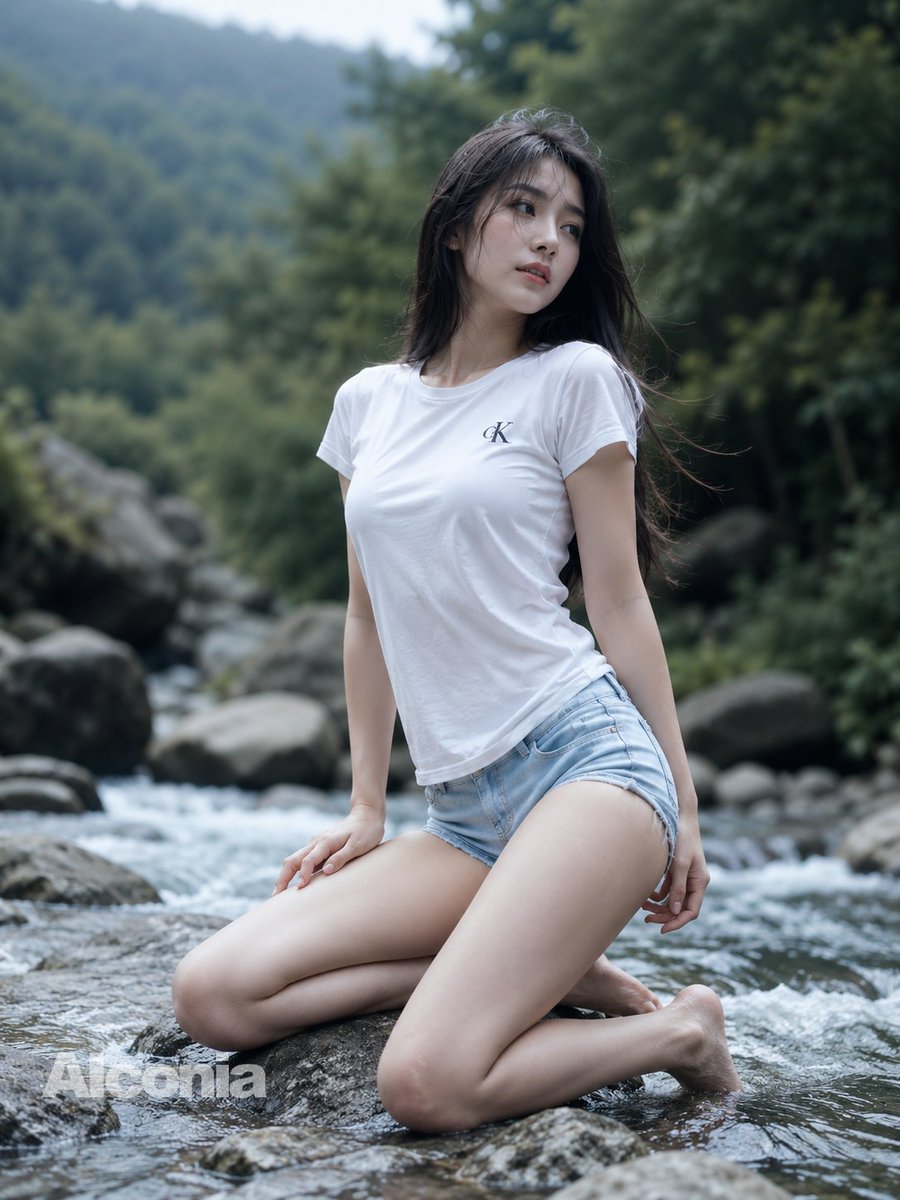
How do I use the Editorial Fashion Portrait in Indoor Garden template?
Choose the primary action to open PicX Studio with the available template settings. Review the model and format, personalize the creative direction, and generate when ready.
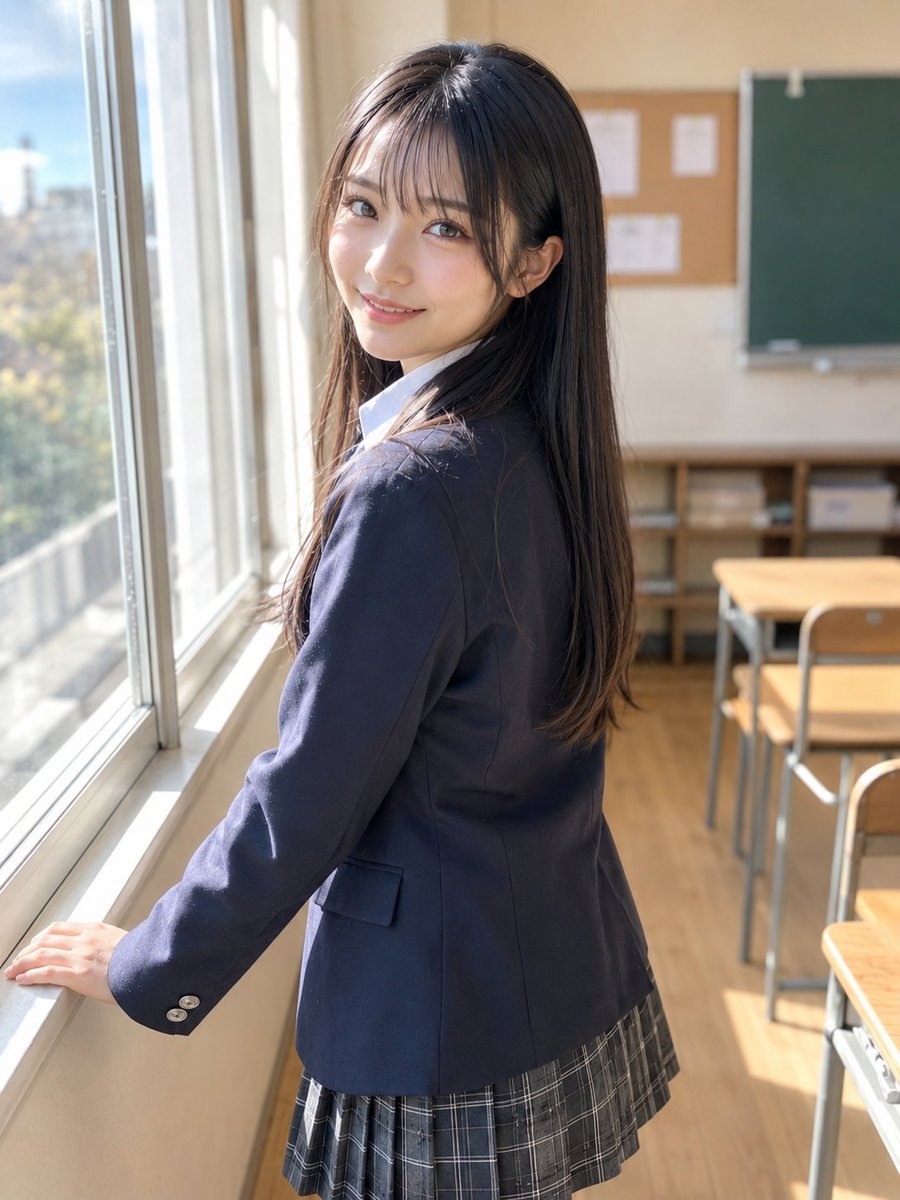
A concise prompt structure for generating an editorial fashion portrait of a confident woman in an indoor garden setting, featuring a tailored outfit integrated with natural, leaf-inspired elements and soft natural lighting. Change the subject, setting, or lighting one variable at a time.

{ "render_goal": "Editorial fashion portrait", "subject": { "pose": "female standing confidently", "expression": "gentle confident smile" }, "wardrobe": "{argument name="wardrobe style" default="tailored outfit integrated with leaf or branch-inspired elements"}", "environment": { "location": "indoor garden", "props": "natural light, soft greenery shadows" } }
Choose the primary action to open PicX Studio with the available template settings. Review the model and format, personalize the creative direction, and generate when ready.
Yes. You can change the subject, setting, lighting, mood, format, and available model controls before creating your image.
This template is free to open and customize. Generation usage is shown in PicX Studio before you create.
Start with Nano Banana 2, which is the model associated with this template. You can compare another compatible model for a different finish.
© 2026 PicX Studio. All rights reserved.

Follow a topic to a crawlable collection of related PicX Studio templates.
43,474 public templates available. Verified via the PicX Studio public templates API; refreshed hourly.
















![Naive doodle-style subject illustration — A doodle-style {argument name="subject" default="[subject]"}, naive lines, humorous shape exaggeration](https://pbs.twimg.com/media/G6Wl2YxbsAARB2b.jpg)












![Image-to-SD Papercraft Conversion Prompt — [AI指示: 画像→SDペーパークラフト変換]
[入力画像] を分析する。
抽出: [入力画像]から人物/キャラクターの顔の特徴、髪型、髪色、服装、アクセサリー、ポーズを読み取る。
SD化: 2〜3頭身のSDキャラクター(スーパー](https://pbs.twimg.com/media/G_qGcxOa0AANRly.jpg)


![Cinematic Fantasy Country Atlas — An ultra-premium cinematic fantasy atlas visualization of {argument name="country" default="[COUNTRY]"}, transformed into a br](https://cms-assets.youmind.com/media/1779786533268_9afi5m_HJAvGJKaYAAtsip.jpg)

![Matrix Digital Void Product Shot — A {argument name="product" default="[PRODUCT]"} floating in a digital void, surrounded by cascading emerald green binary code](https://pbs.twimg.com/media/G-Nn-RNWIAASetJ.jpg)
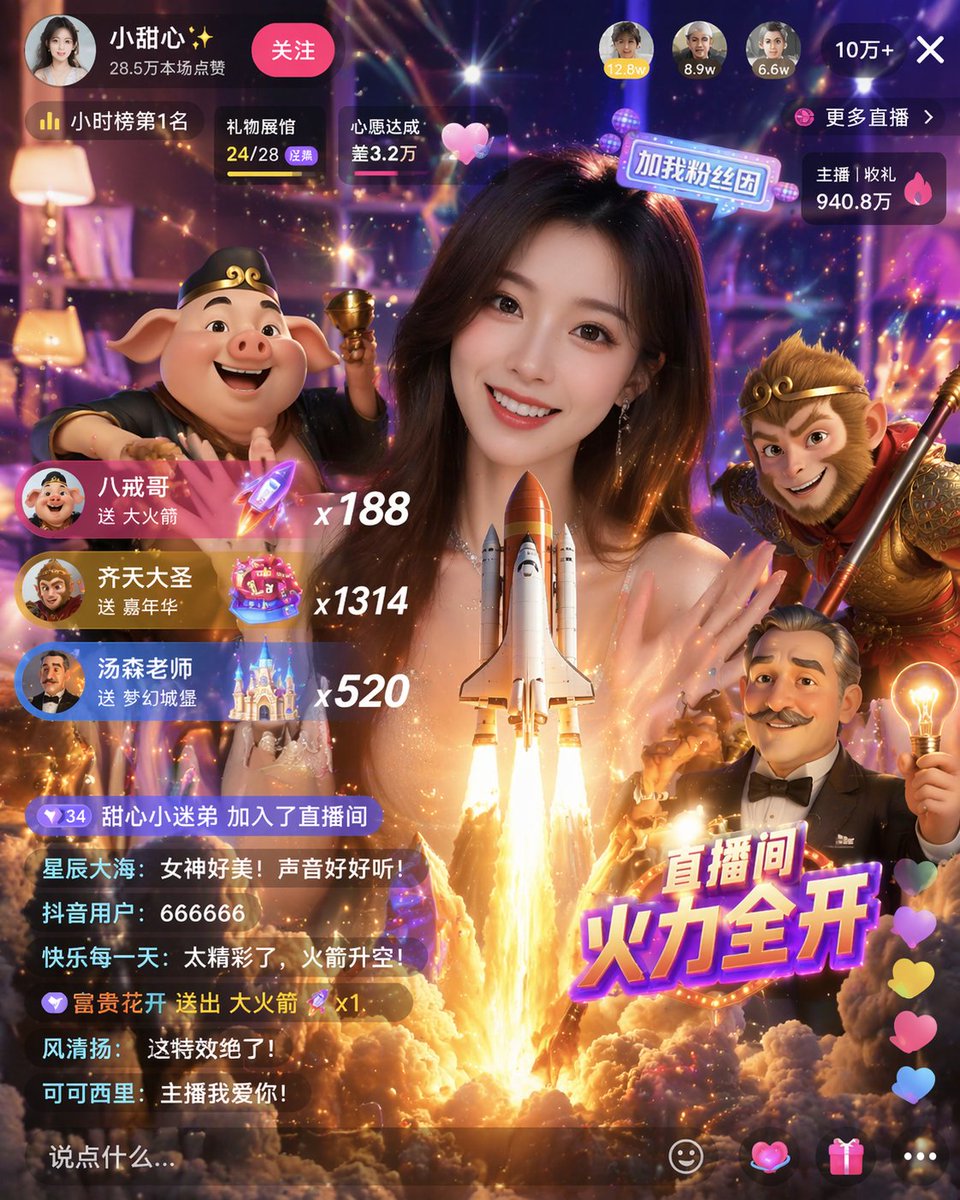


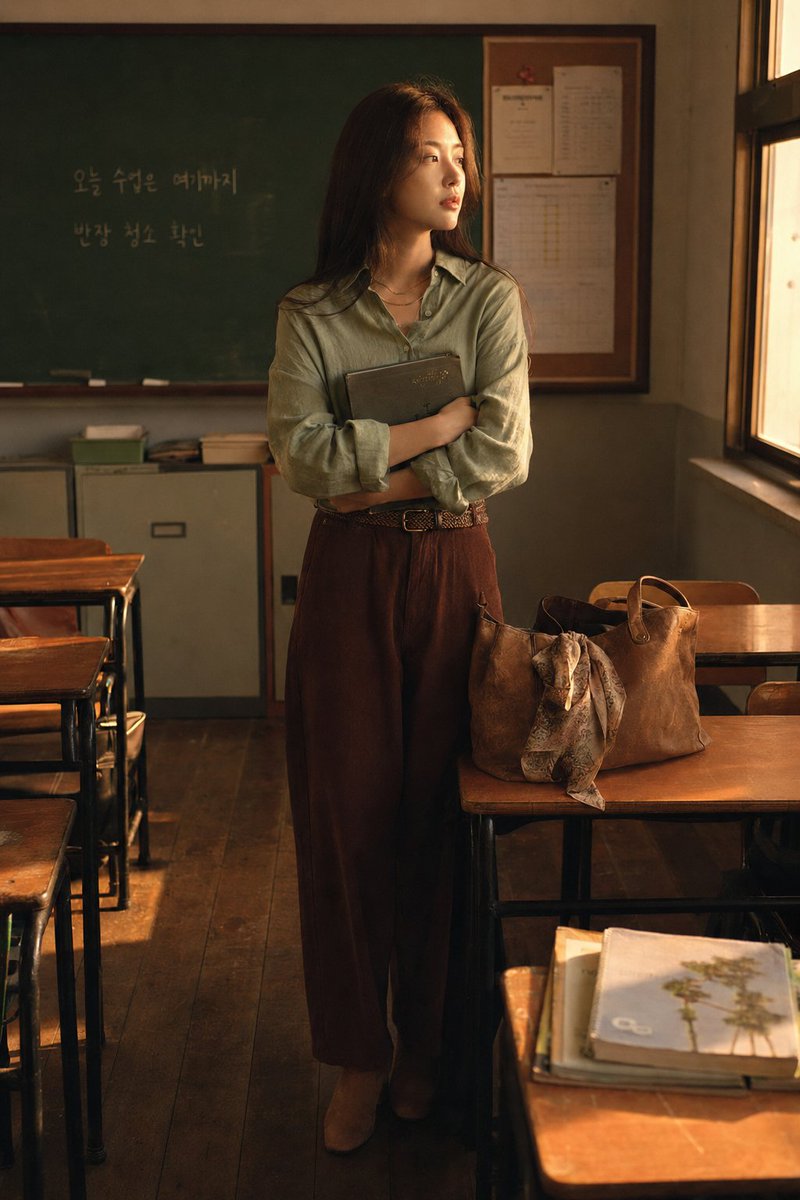






![2x2 Grid Product Invention Visualization (Patent/Marketing) — Input Variable: {argument name="input objects" default="[INSERT 1 or 2 OBJECTS]"}
Instruction:
Ac](https://pbs.twimg.com/media/G-rI4thagAAXCjf.jpg)