
Pixel Art Grid using Fruit Flat-Lay Photography Prompt
A highly constrained prompt for generating a professional overhead flat-lay photograph that mimics pixel art.
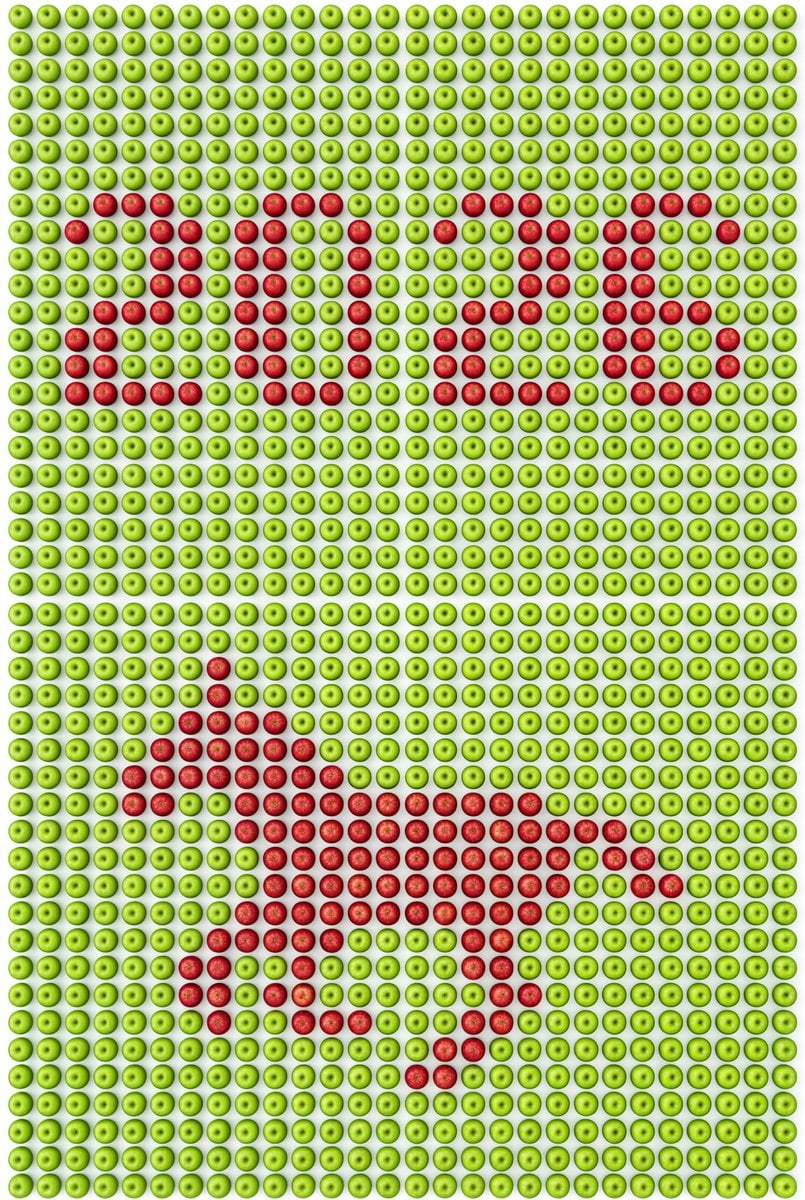
- Prompt included
- Model and format preset
- Free template
The prompt behind this image
Copy the exact prompt behind Pixel Art Grid using Fruit Flat-Lay Photography Prompt, or open it in the studio and make it yours.
# 场景与世界 专业级的顶视平铺摄影,严格90度垂直俯视上帝视角; 纯白色背景; 影棚柔光照明,光线均匀清晰,无阴影无暗角 # 焦点与秩序 绝对主体:由【主体物品-背景色】{argument name="背景物品" default="新鲜黄色柠檬"}新鲜整齐紧密排列成的网格矩阵,铺满整个画面; 网格规格:横向{argument name="网格列数" default="27"}列,纵向若干行,形成完整矩阵; 表现形式:使用【主体物品-对比色】{argument name="对比物品" default="青柠檬"}颜色对比鲜明嵌入,形成清晰的像素艺术图案; 视觉逻辑:画面上半部分是【主体物品-对比色】组成的"{argument name="文字内容" default="2026"}",画面下半部分是【主体物品-对比色】组成的{argument name="图形内容" default="奔跑的马"}的像素剪影; 排列约束:所有物体尺寸完全一致,朝向完全统一(果蒂方向一致),物体之间紧密无缝贴合,绝对不允许出现空白区域 # 形态与构造 构图上部:【主体物品-对比色】像素化"{文字内容}",采用等宽字体,每个字符占用相同列数; 构图下部:【主体物品-对比色】像素化【图形内容】剪影; 完美俯视90度平铺视角,相机镜头轴线与地面严格垂直; 每个物体都是完整的,画面边缘的物体不被裁切,呈现整齐的网格阵列; 像素艺术图案清晰可辨,边缘锐利; {网格列数}列×多行的密集网格布局,物体紧密填充,无任何空隙 # 材质与语言 主体材质:真实的【主体物品-背景色】(光滑表面,自然反光,细腻纹理,所有物体朝向一致); 对比材质:真实的【主体物品-对比色】(饱满色泽,细腻表面质感,真实细节,所有物体朝向一致); 背景:纯白色平面; 所有物体尺寸统一,形状一致,朝向一致,无大小差异,无变形 # 张力来源 自然物体转化为数字像素艺术; 传统静物摄影与现代像素图案的结合; 【主体物品-背景色】与【主体物品-对比色】的强烈色彩对比形成清晰的图案识别度; 8K画质,高分辨率,商业广告摄影风格; 物体排列绝对规整,像素图案高度可读 # 技术约束(确保稳定性) - 严格俯视90度角,无任何透视变形 - 画面边缘的物体必须完整,不能被裁切 - 每一个物体的直径必须完全相同,像是同一个模具制作出来的 - 所有物体朝向必须统一,果蒂或顶部方向保持一致 - 明确网格结构:横向{网格列数}列,纵向相应行数,形成严格的矩形网格 - 网格排列必须整齐,横竖对齐,每个格子大小相同 - 物体之间紧密无缝拼接,绝对不允许出现空白区域或间隙 - 像素图案的边缘必须清晰锐利 - 光线均匀,无局部过曝或欠曝 - 每个字符采用等宽像素字体,所有字符占用相同列数 - 每个物体作为一个像素单元,必须大小完全一致,朝向完全一致
How to use Pixel Art Grid using Fruit Flat-Lay Photography Prompt in 3 steps
- 1
Open
The prompt is already in the box next to the preview, with the template's model and format selected.
- 2…a portrait of your subject in softgolden-hour light, 85mm…
Personalize
Edit the subject and creative details for your destination.
- 3Generate
Generate
Press Generate — your image is created in PicX Studio, so you can compare it with the original and refine one variable at a time.
More like this
Templates with the same subject, style or setup. Open one to see its prompt.
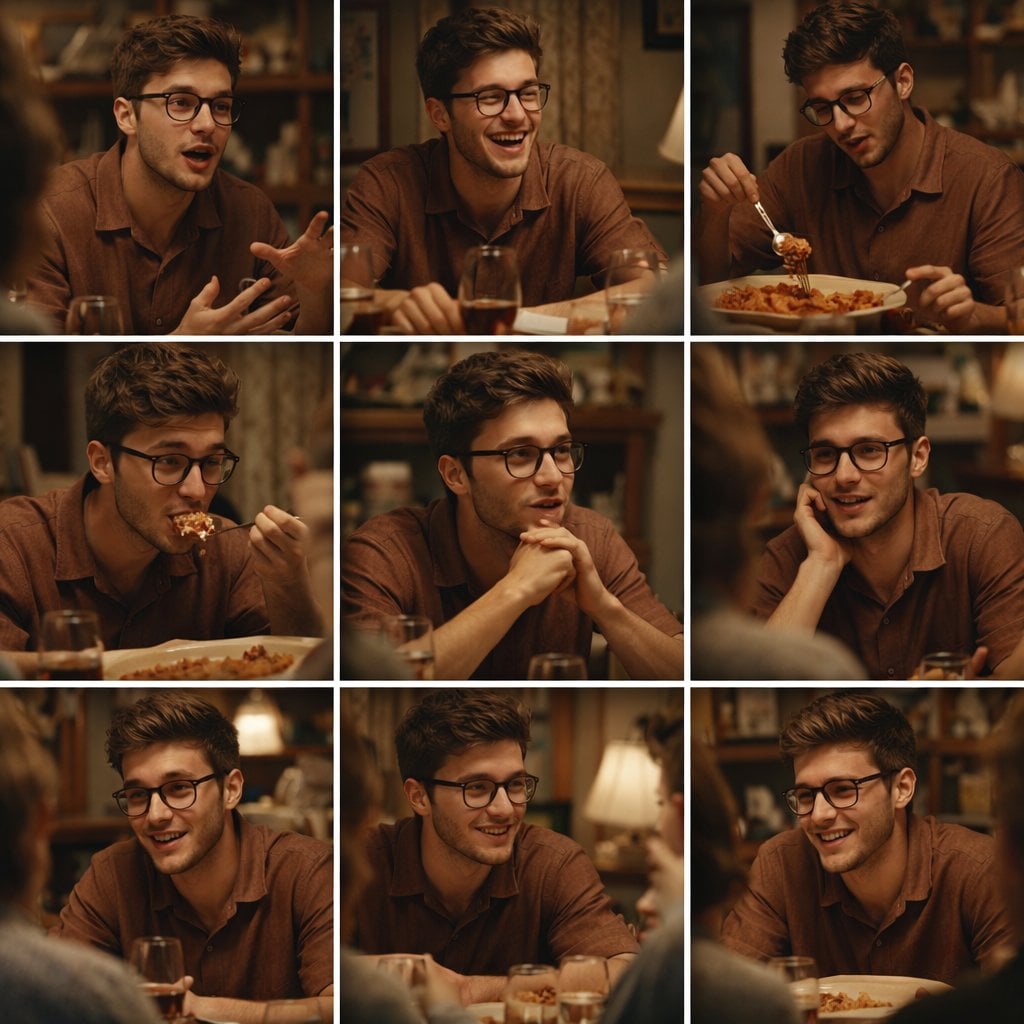
A 3x3 grid storyboard contact sheet comprised of nine candid, cinematic
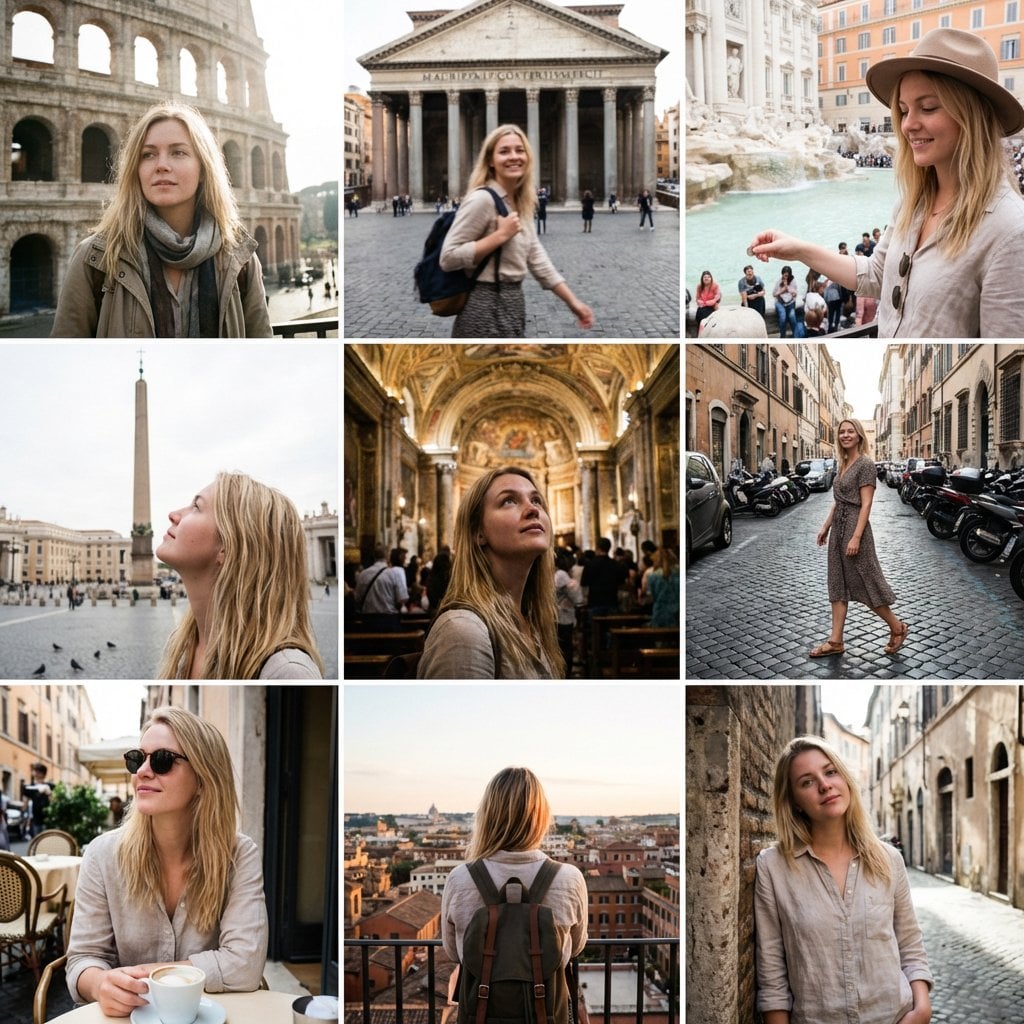
3x3 Instagram-style grid of low-quality smartphone photos featuring
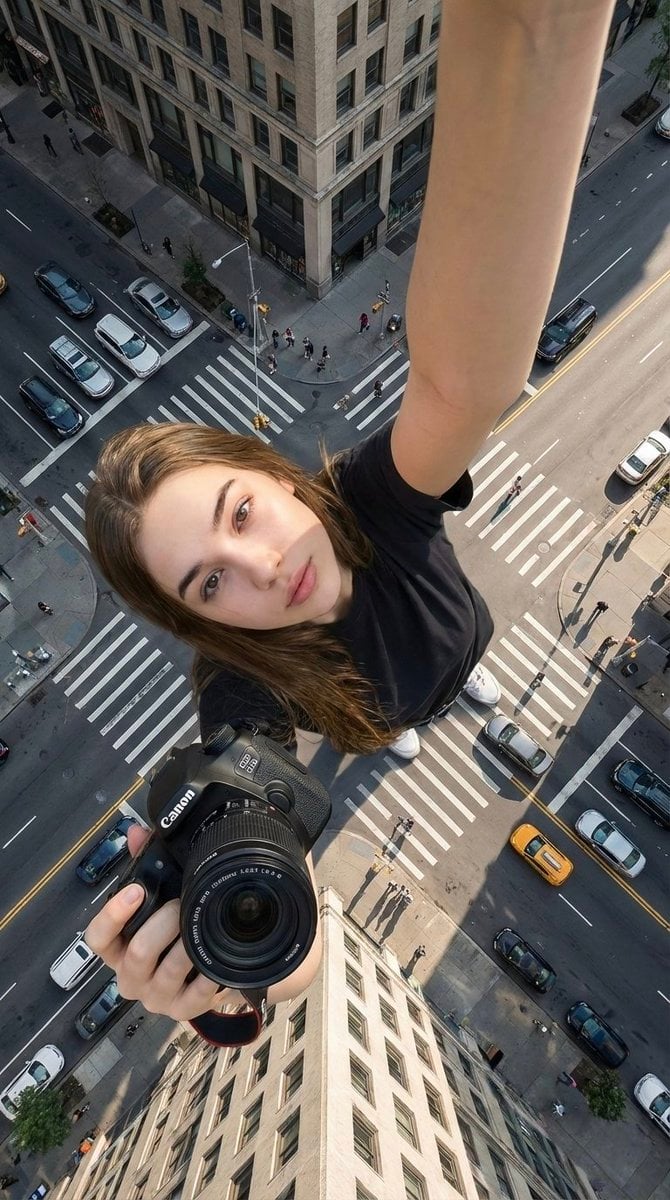
Hyper-realistic cinematic selfie image of a woman using her exact
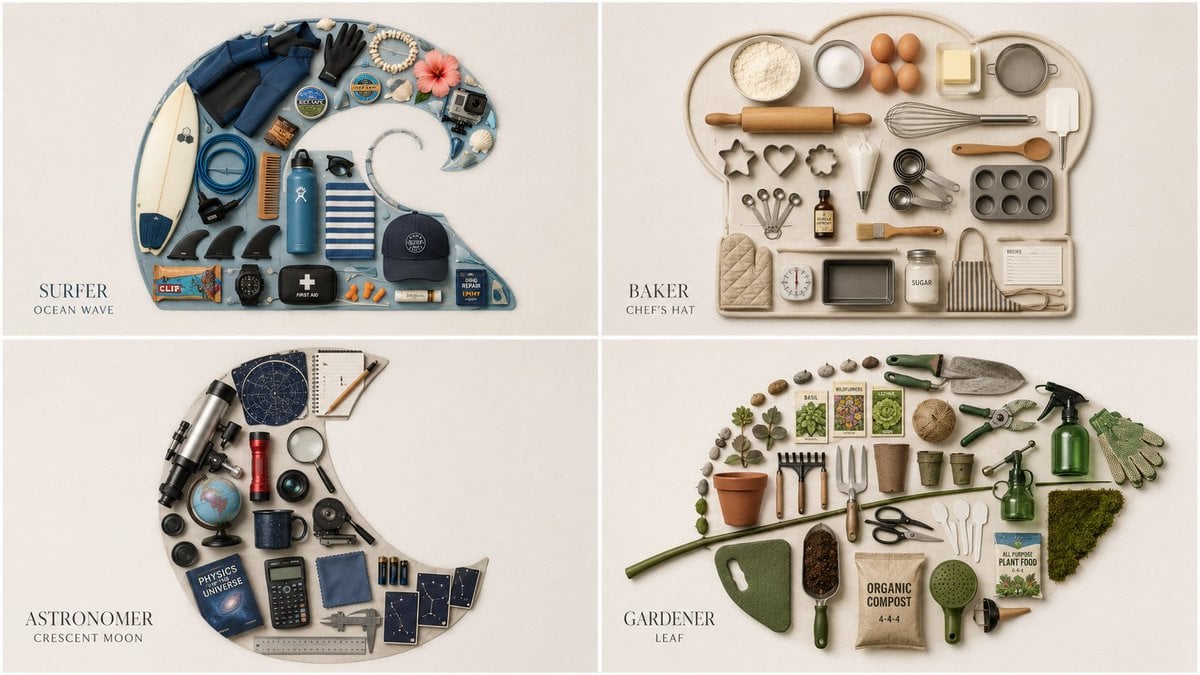
Themed Knolling Flat-Lay Grid
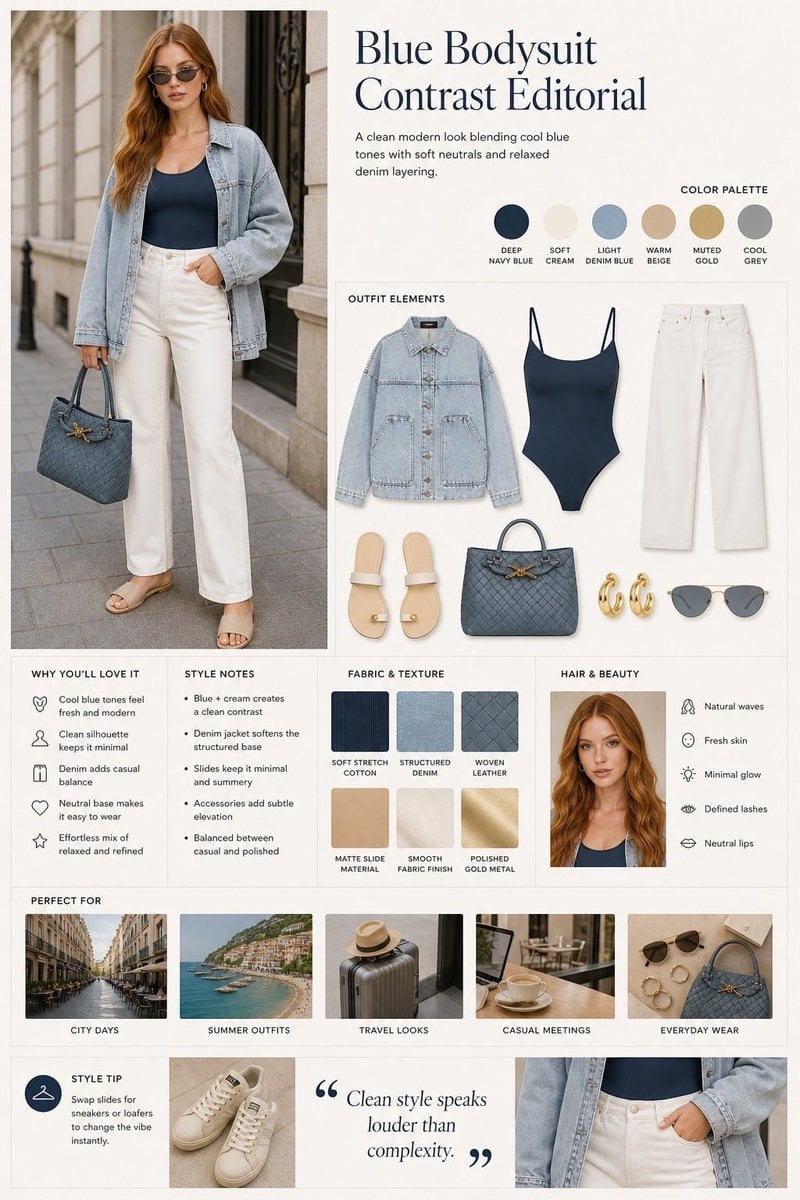
Minimalist Fashion Editorial Split Layout
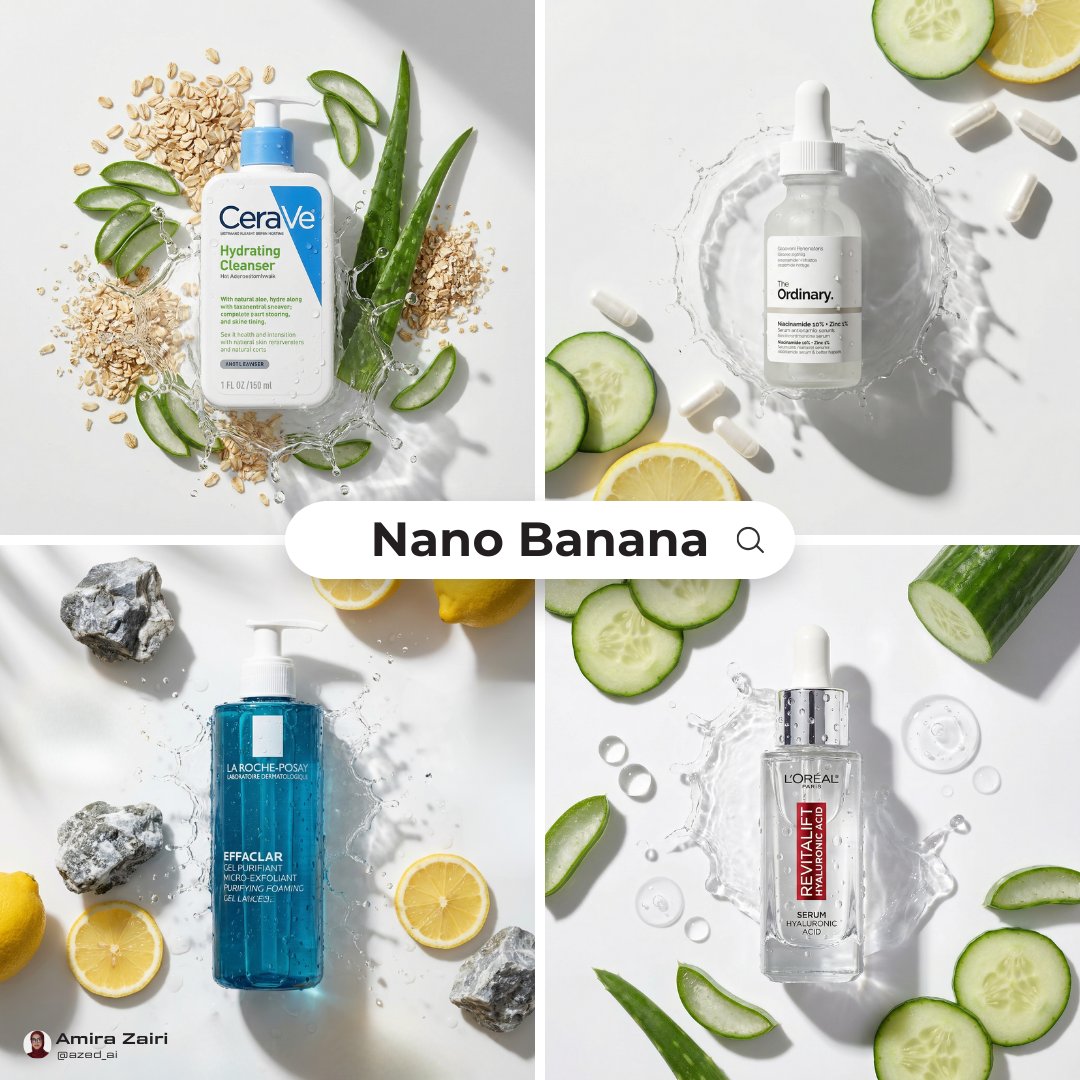
Skincare Product Flat Lay Photography
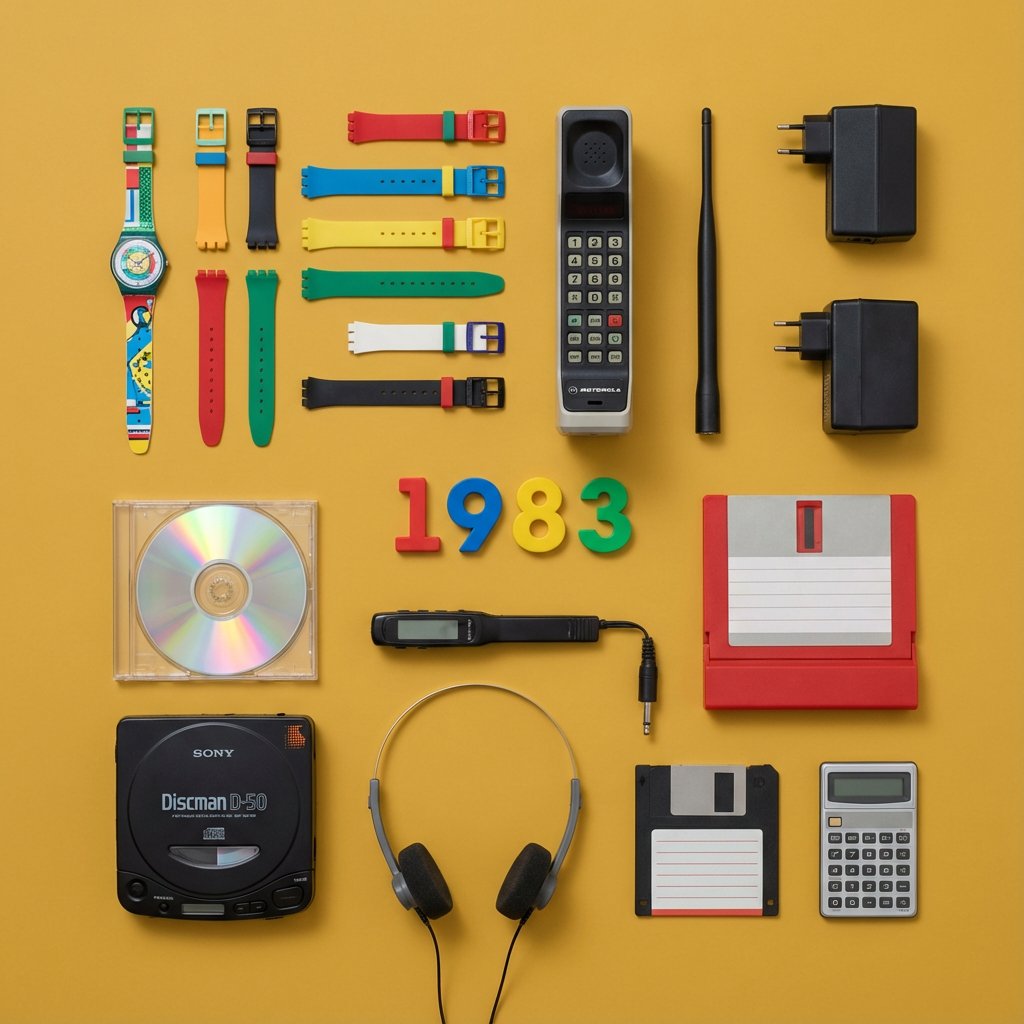
Knolling Flat Lay Product Photography Prompt (Inventions)
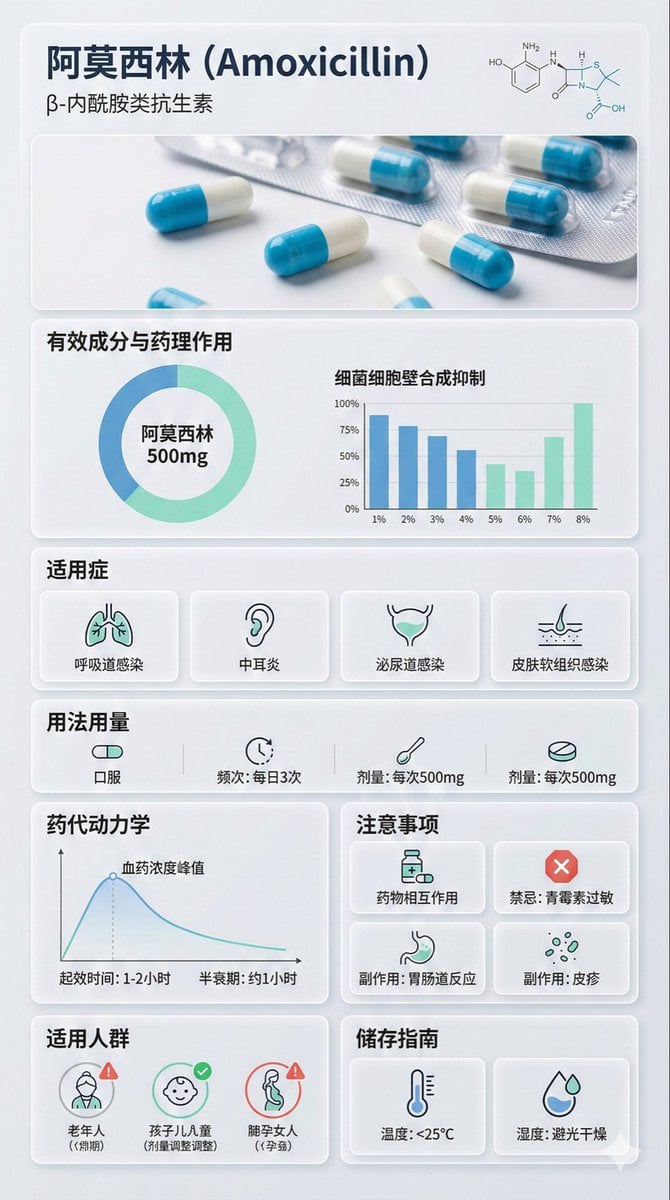
Medical Infographic Poster Prompt using Bento Grid Layout
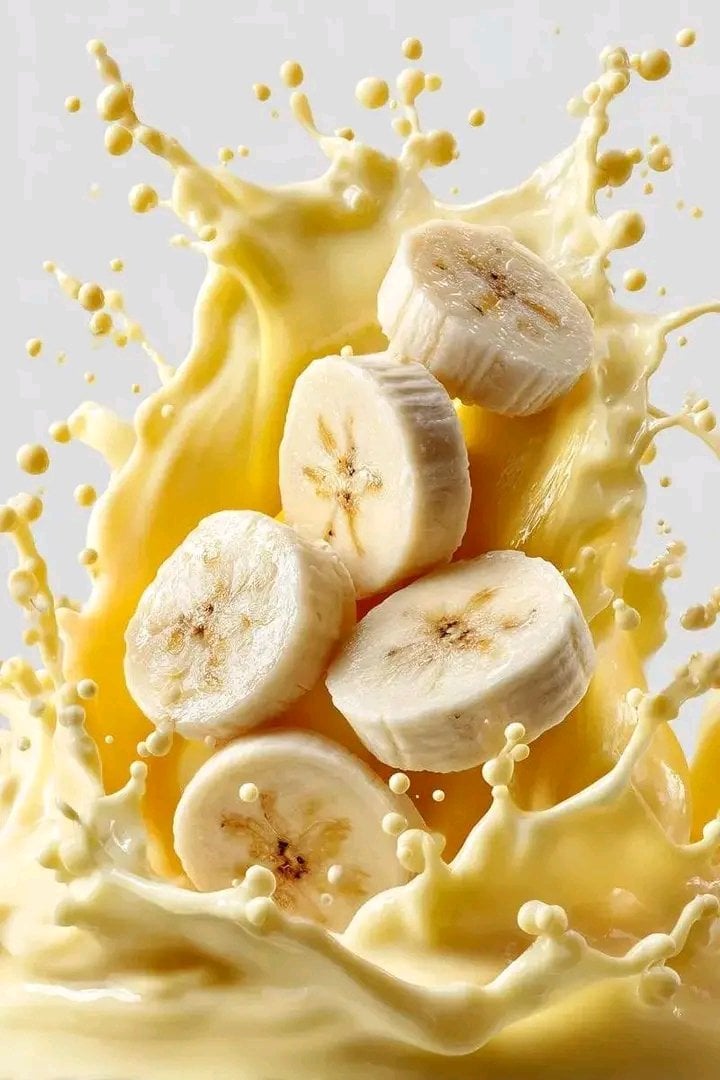
High-Speed Fruit Splash Photography
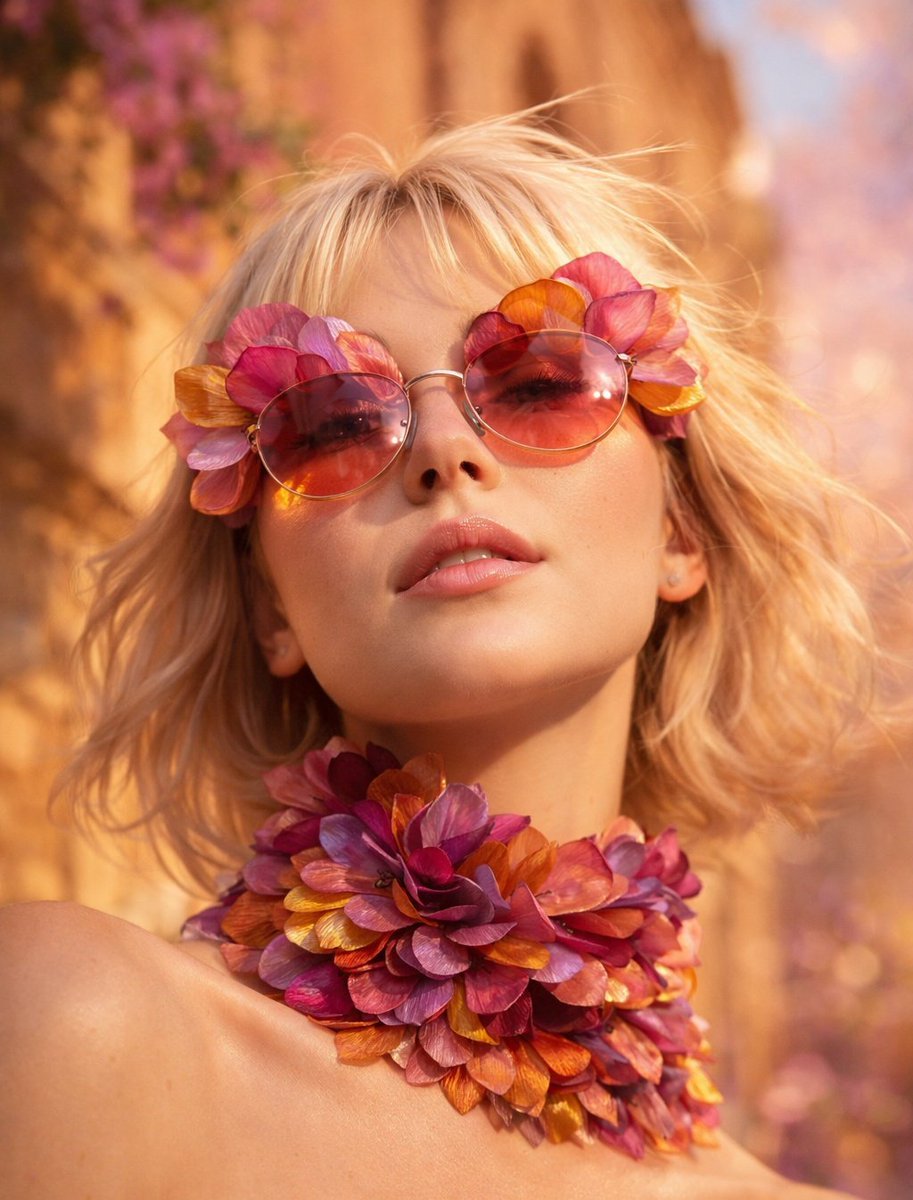
Flower Petal Sunglasses Couture Portrait
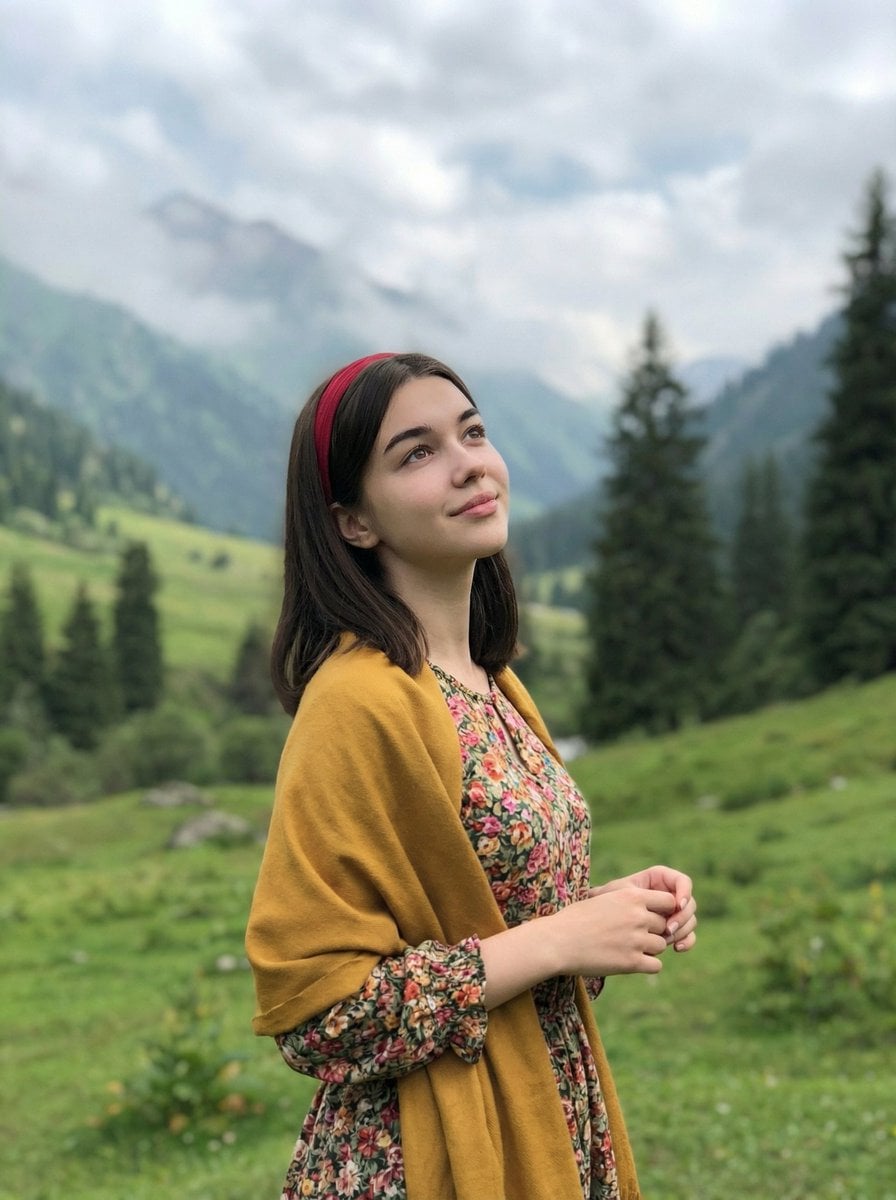
Mountain Valley Lifestyle Portrait
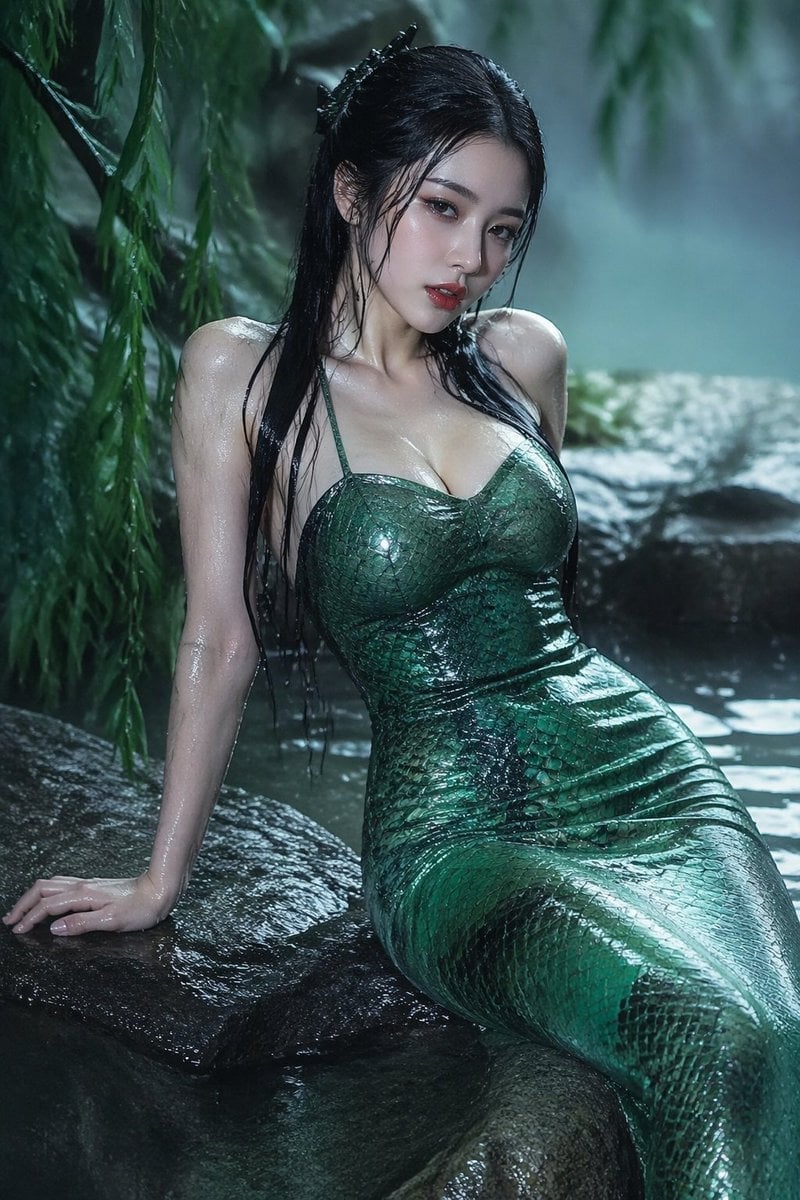
青蛇小青写真大片,绿色紧身蛇鳞裙,湿发红唇,妖娆妩媚
Make it yours
Pixel Art Grid using Fruit Flat-Lay Photography Prompt works as-is. These are the safest ways to change it without losing the look.
Change one field
Copy a single group, rewrite it, and generate again so you can see what that field is doing.
Keep the frame, change the subject
Hold the composition and light of Pixel Art Grid using Fruit Flat-Lay Photography Prompt, then swap wardrobe, props or the person for a new take.
| If the result… | Why | Fix |
|---|---|---|
| The result drifts from the preview | Too many fields changed at once. | Reuse Pixel Art Grid using Fruit Flat-Lay Photography Prompt as-is first, then change one group — subject, light, or setting. |
| The model over-stylizes the scene | The prose prompt leaves finish and camera underspecified. | Add one camera or lighting sentence and stay on Nano Banana 2. |
More Nano Banana 2 templates
Other prompts made for Nano Banana 2.

Photorealistic Leaf Shaped Like a Dragon

K-Pop Idol Portrait Grid for Rapid Selection

Poetic Rain Forest Portrait During Golden Hour

Urban Street Portrait with Cartoon Inner Self Duo

Candid Nighttime Photo with Cat Prompt

High-Concept 3D Diorama Generation Prompt

Cinematic Futuristic Studio Portrait Template

Skincare Editorial Photography Collage Prompt

Hyper-Realistic Commercial Product Photography (Splash Effect)

Hyper-Realistic Nightclub Portrait Prompt
More image prompts
Fresh picks from across the catalog.
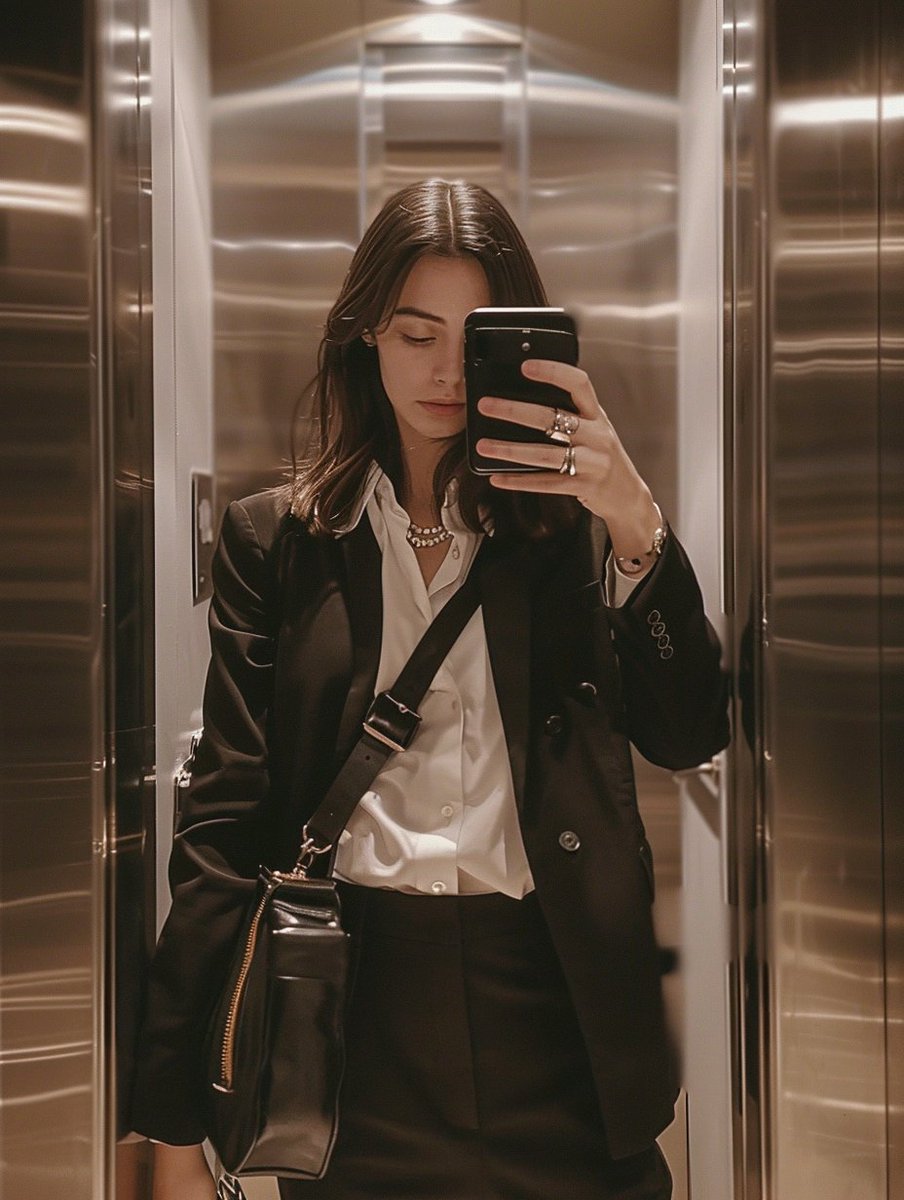
iPhone Mirror Selfie with Old Money Corporate Elegance Vibe
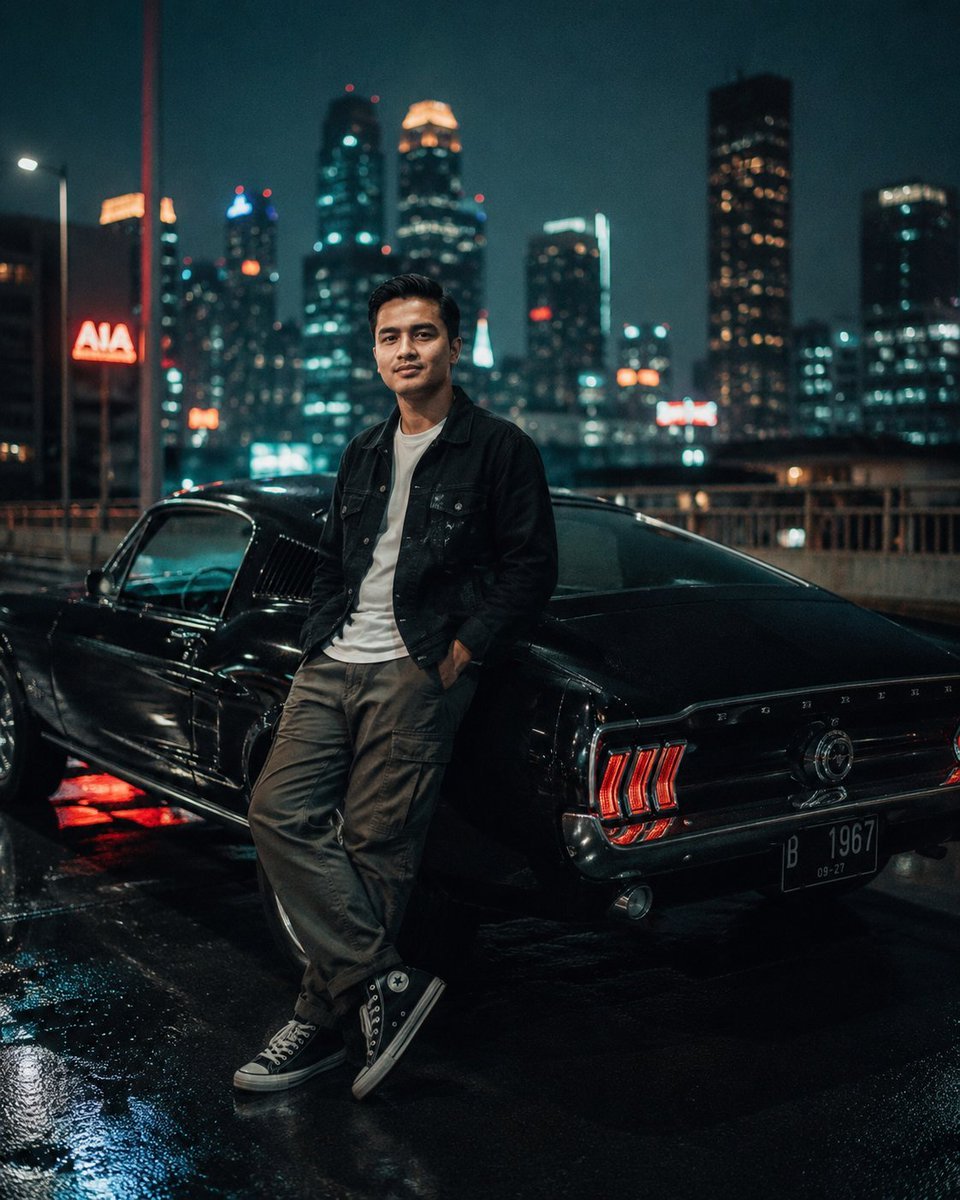
Cinematic Night City Mustang Portrait
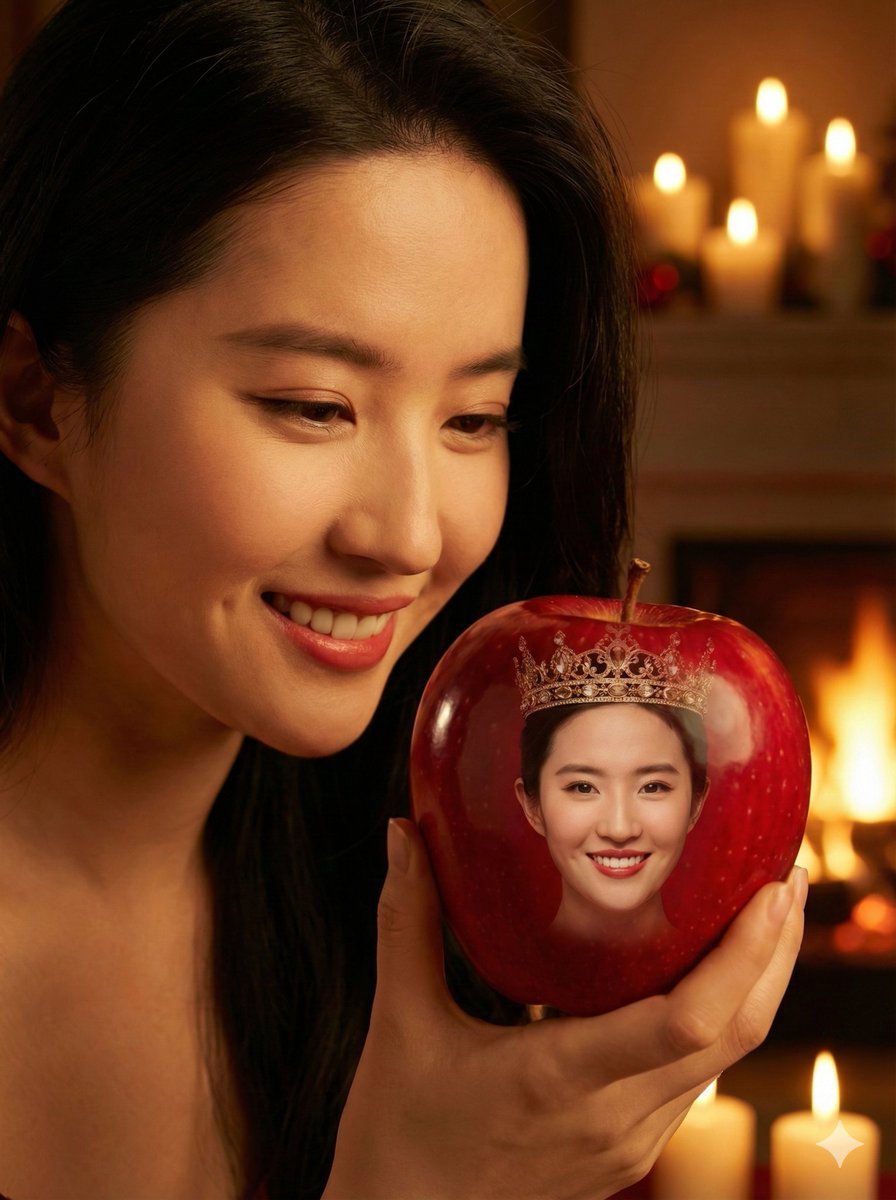
Cinematic Close-up of a Woman Holding a Magical Apple
Minimalist Scandinavian Illustration Prompt
Smartphone Selfie with Flowers

Michael Jordan Sports Graphic Wallpaper
AI Transformation to Dragonewt
2x2 Grid Cinematic Night Couple Portrait with Identity Lock

Vintage Rubber Hose Cartoon Transformation

Write Arabic text on a Nile river image
Browse template categories
Pixel Art Grid using Fruit Flat-Lay Photography Prompt questions
How do I use the Pixel Art Grid using Fruit Flat-Lay Photography Prompt template?
Add your photo if the template asks for one, edit the prompt if you like — the template's model and format are already selected — and press Generate. Your version opens in PicX Studio.
Can I customize the Pixel Art Grid using Fruit Flat-Lay Photography Prompt template?
Yes. You can change the subject, setting, lighting, mood, format, and available model controls before creating your image.
Is the Pixel Art Grid using Fruit Flat-Lay Photography Prompt template free?
Opening and editing this template is free. Generating uses credits, shown on the Generate button when you are signed in.
Which AI model should I use?
Start with Nano Banana 2, which is the model associated with this template. You can compare another compatible model for a different finish.
Looking for something else? Browse all templates.

Your photo, any look
Thousands of ready templates for every top image and video model, from one credit balance.