
Backstage Circus Glamour Portrait with Specific Pose
A highly detailed JSON prompt for generating an ultra-photorealistic portrait of a glamorous woman backstage at a circus.
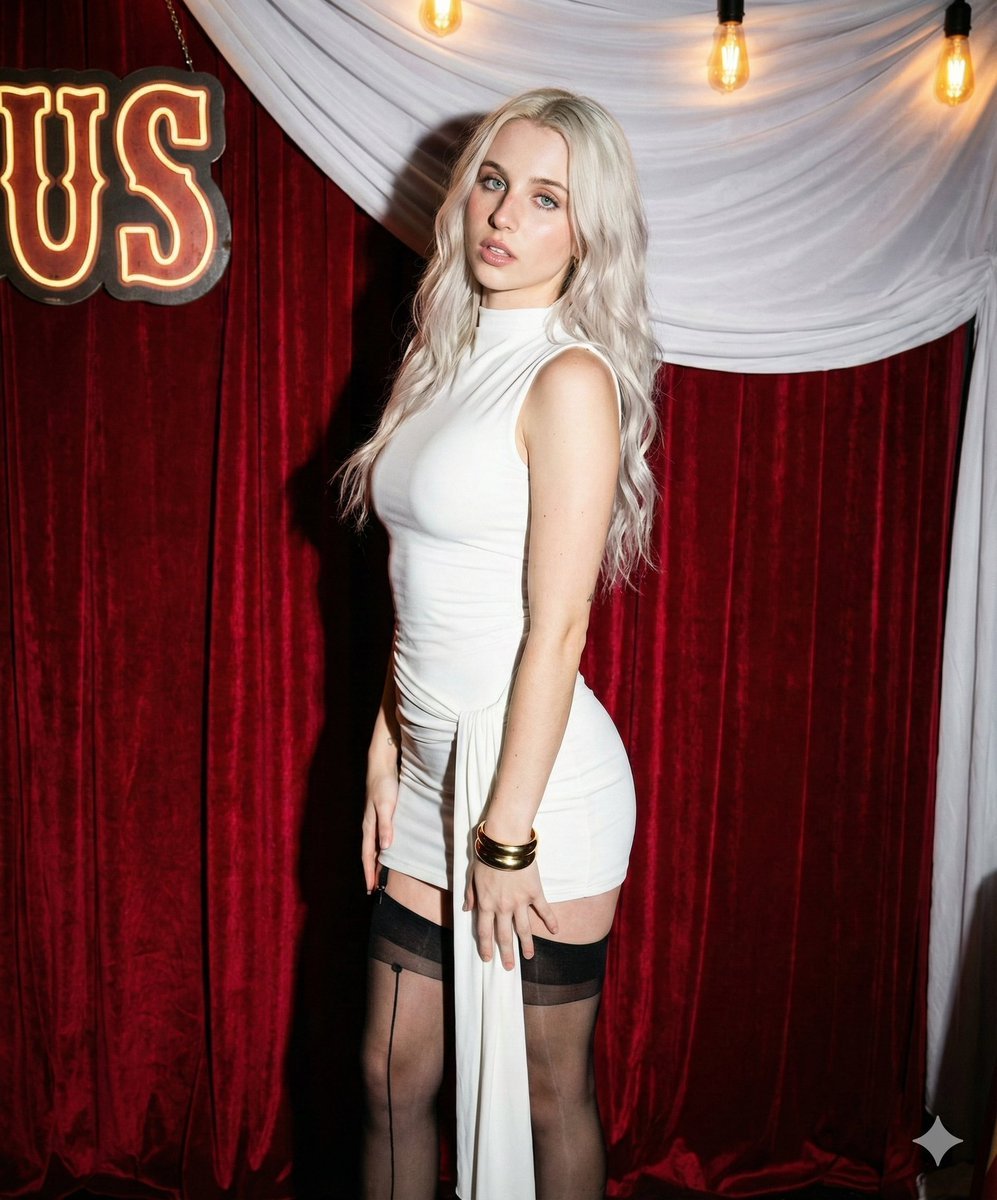
- Prompt included
- Model and format preset
- Free template
The prompt behind this image
Copy the exact prompt behind Backstage Circus Glamour Portrait with Specific Pose, or open it in the studio and make it yours.
{ "prompt_title": "Backstage Circus Glamour - Specific Pose", "subject": { "description": "Young woman with a glamorous, alluring appearance.", "hair": "Voluminous, long Platinum White hair styled in loose waves, side-swept with a deep side part over the left shoulder.", "face": "Oval face shape, fair skin tone with high-definition texture, striking light blue eyes looking directly at the camera, full lips with mauve-nude lipstick.", "body_type": "Slender but curvaceous fit figure." }, "fashion": { "garment": "Tight-fitting White mini dress with a high mock neck and long sleeves. Features a draped fabric sash detail on the left hip.", "accessories": "Thick gold cuff bracelet on the left wrist. Small silver hoop earrings.", "legwear": "Sheer black stockings with distinct garter-style strap detail on the upper thigh and a back seam.", "footwear": "Implied black heels." }, "pose_and_expression": { "pose": "Standing contrapposto pose, angled slightly to her right. Her head is tilted slightly to the right. Her right hand rests on her upper right thigh. Her left arm hangs straight down by her side. Her weight is primarily on her left leg, with her right leg positioned slightly forward and bent at the knee.", "expression": "Sultry, confident gaze directly at the lens. Mouth slightly parted." }, "environment": { "setting": "Backstage at a circus or cabaret.", "background_elements": [ "Heavy red velvet curtains with vertical folds.", "Draped white fabric sheeting.", "Vintage marquee light sign spelling 'CIRCUS' (partially visible as 'US').", "Strung warm-tone Edison bulbs." ] }, "lighting": { "style": "Direct on-camera flash.", "characteristics": "Hard, direct flash lighting on the subject creating a sharp shadow on the red curtain. Highlights on face and body. Warm ambient glow from background lights." }, "technical_details": { "aesthetic": "Ultra-photorealistic, flash photography, nightlife portrait, 8k resolution, raw capture.", "camera_simulation": { "camera": "DSLR camera", "lens": "35mm lens", "aperture": "f/5.6", "shutter_speed": "1/160s", "iso": "400", "flash": "On-camera flash fired" "ratio":"5:6" } }, "full_prompt_string": "A raw, ultra-photorealistic flash portrait of the woman from image_0.png backstage at a circus. She stands in the exact pose: angled slightly right, head tilted right, right hand on upper thigh, left arm straight down, weight on left leg, right leg forward. She wears the white mock-neck mini dress, garter stockings, and gold cuff. The background is heavy red velvet curtains, white fabric, and the glowing 'CIRCUS' sign with Edison bulbs. Hard flash lighting with distinct shadow." }
How to use Backstage Circus Glamour Portrait with Specific Pose in 3 steps
- 1
Open
The prompt is already in the box next to the preview, with the template's model and format selected.
- 2…a portrait of your subject in softgolden-hour light, 85mm…
Personalize
Edit the subject and creative details for your destination.
- 3Generate
Generate
Press Generate — your image is created in PicX Studio, so you can compare it with the original and refine one variable at a time.
More like this
Templates with the same subject, style or setup. Open one to see its prompt.
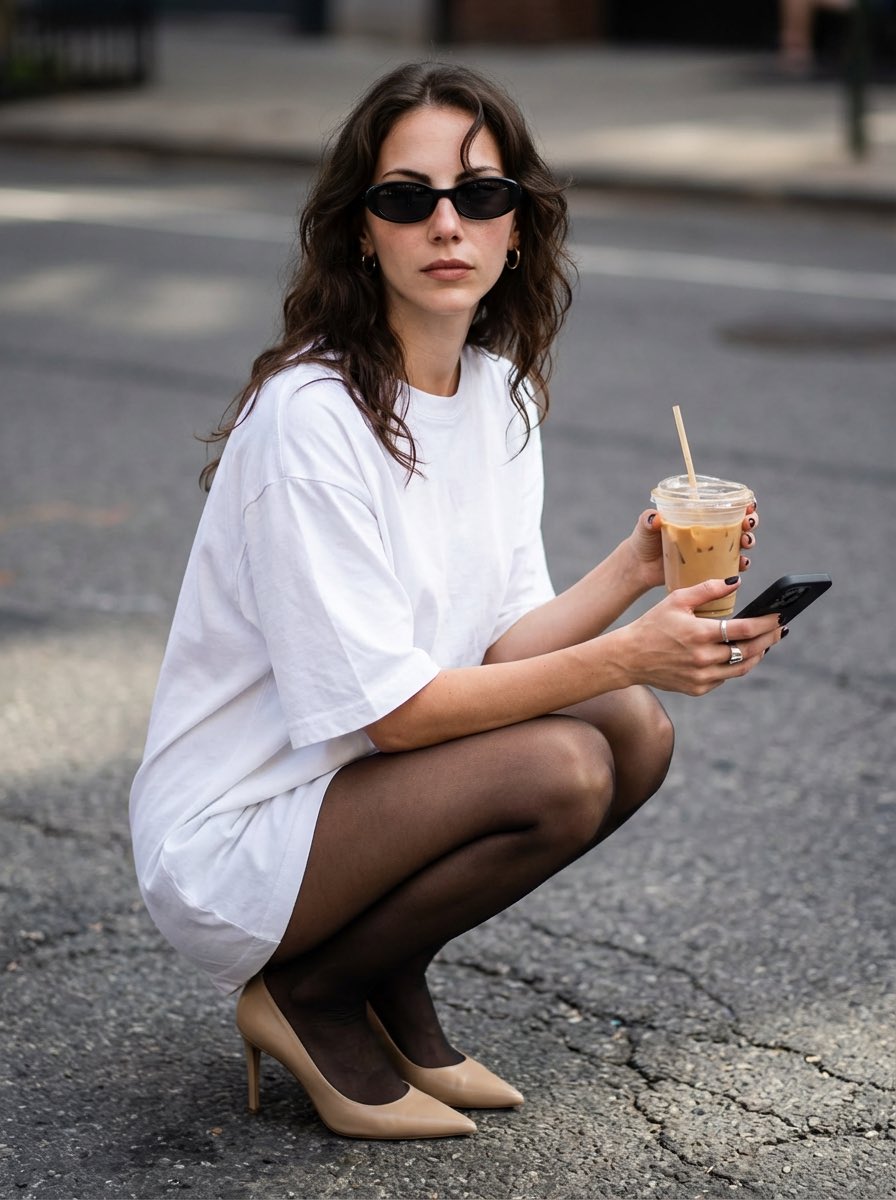
Street Style Portrait with Identity Lock and Specific Pose
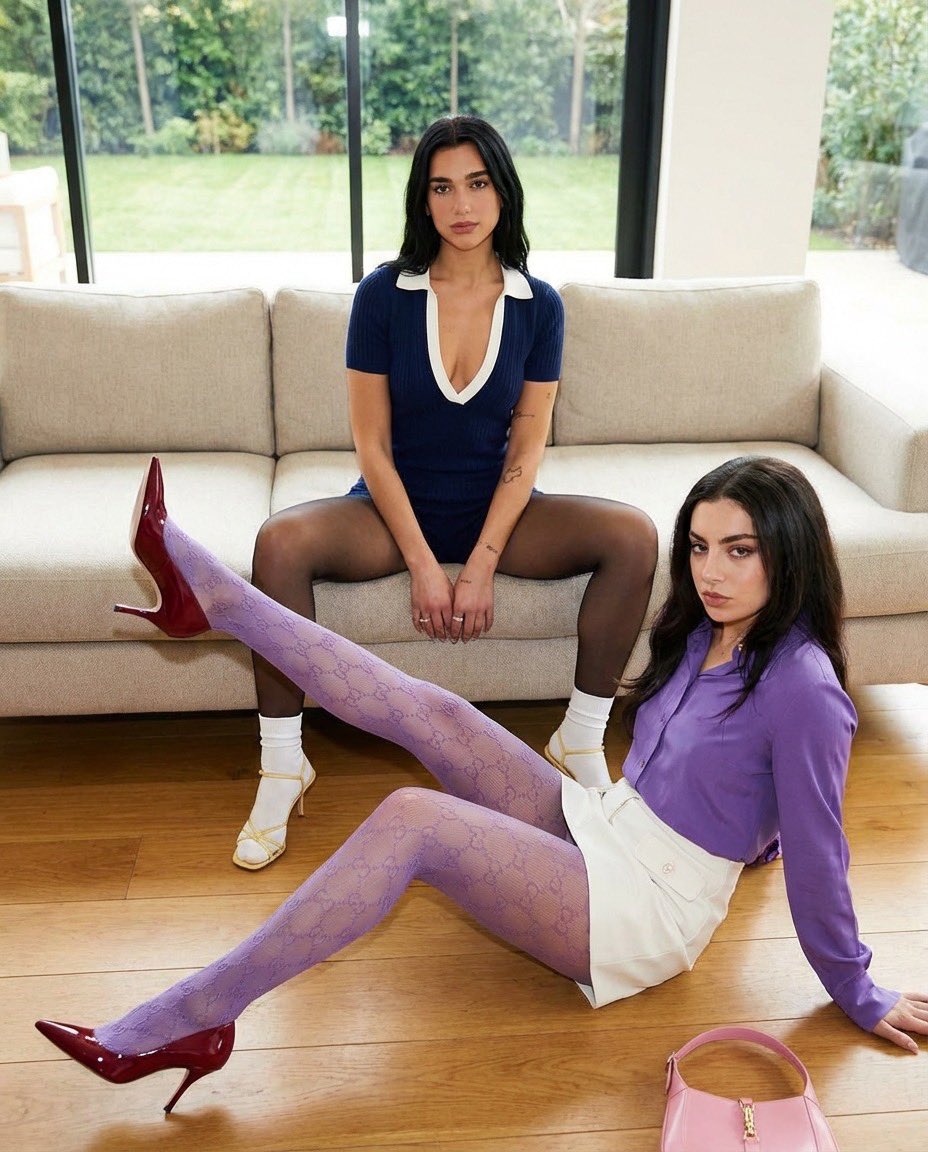
Duo Portrait with Detailed Pose and Outfit Specifications

Found Photograph: Us, 1970

80s Couple Studio Portrait

80s Bollywood Star

80s Golden Hour Cinema

Me in 1985

1985 Studio Portrait

Hyper-Realistic Minecraft POV Portrait

Rooftop Fisheye — Cat-Ear Balaclava at Golden Hour

Rainy Café Window Moody Portrait

untitled
Make it yours
Backstage Circus Glamour Portrait with Specific Pose works as-is. These are the safest ways to change it without losing the look.
Change one field
Copy a single group, rewrite it, and generate again so you can see what that field is doing.
Keep the frame, change the subject
Hold the composition and light of Backstage Circus Glamour Portrait with Specific Pose, then swap wardrobe, props or the person for a new take.
| If the result… | Why | Fix |
|---|---|---|
| The result drifts from the preview | Too many fields changed at once. | Reuse Backstage Circus Glamour Portrait with Specific Pose as-is first, then change one group — subject, light, or setting. |
| The model over-stylizes the scene | The prose prompt leaves finish and camera underspecified. | Add one camera or lighting sentence and stay on Nano Banana 2. |
More Nano Banana 2 templates
Other prompts made for Nano Banana 2.

Photorealistic Leaf Shaped Like a Dragon

K-Pop Idol Portrait Grid for Rapid Selection

Poetic Rain Forest Portrait During Golden Hour

Urban Street Portrait with Cartoon Inner Self Duo

Candid Nighttime Photo with Cat Prompt

High-Concept 3D Diorama Generation Prompt

Cinematic Futuristic Studio Portrait Template

Skincare Editorial Photography Collage Prompt

Hyper-Realistic Commercial Product Photography (Splash Effect)

Hyper-Realistic Nightclub Portrait Prompt
More image prompts
Fresh picks from across the catalog.

Nano Banana Pro Prompt for X Article Header Image Generation
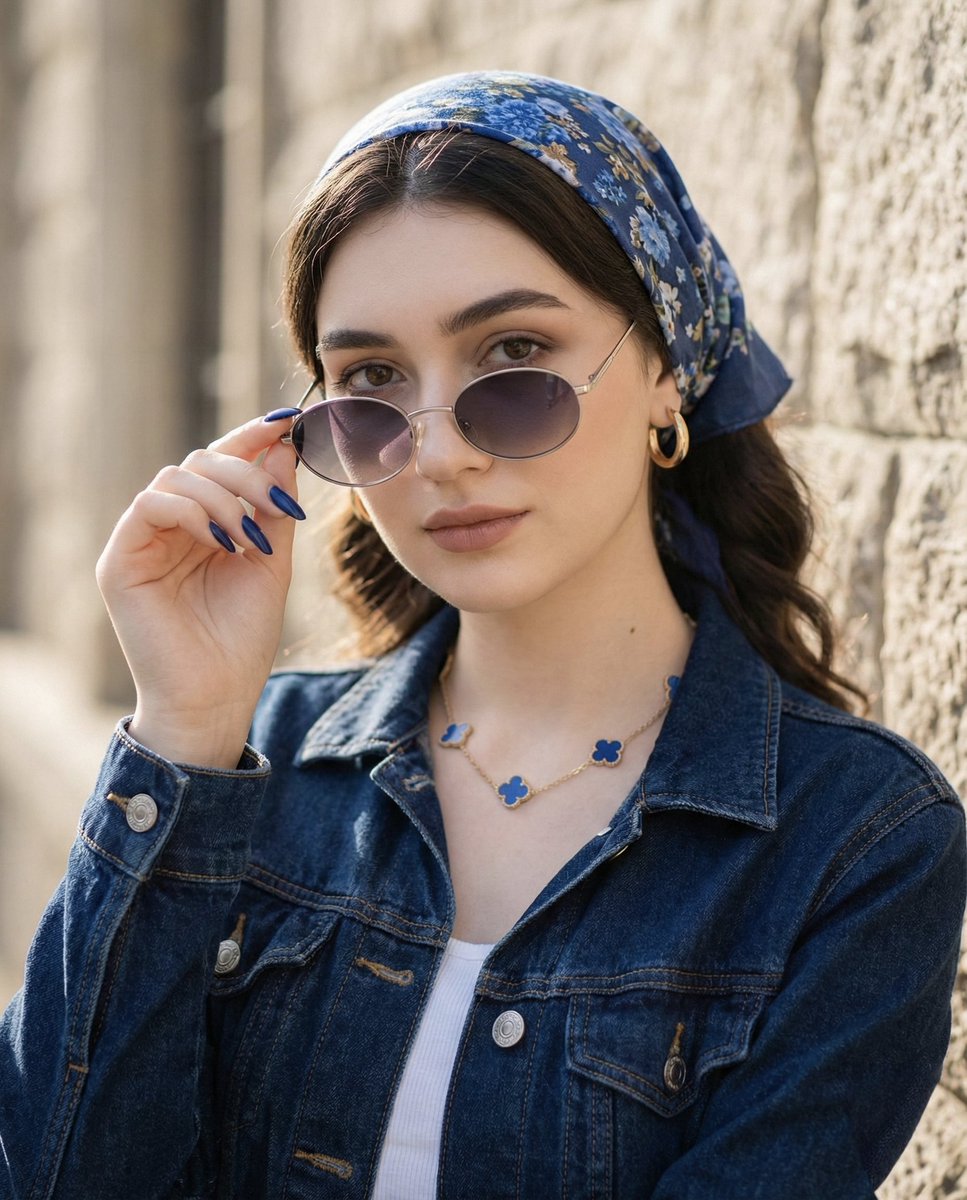
Tight Medium Close-up Portrait with Vintage Accessories
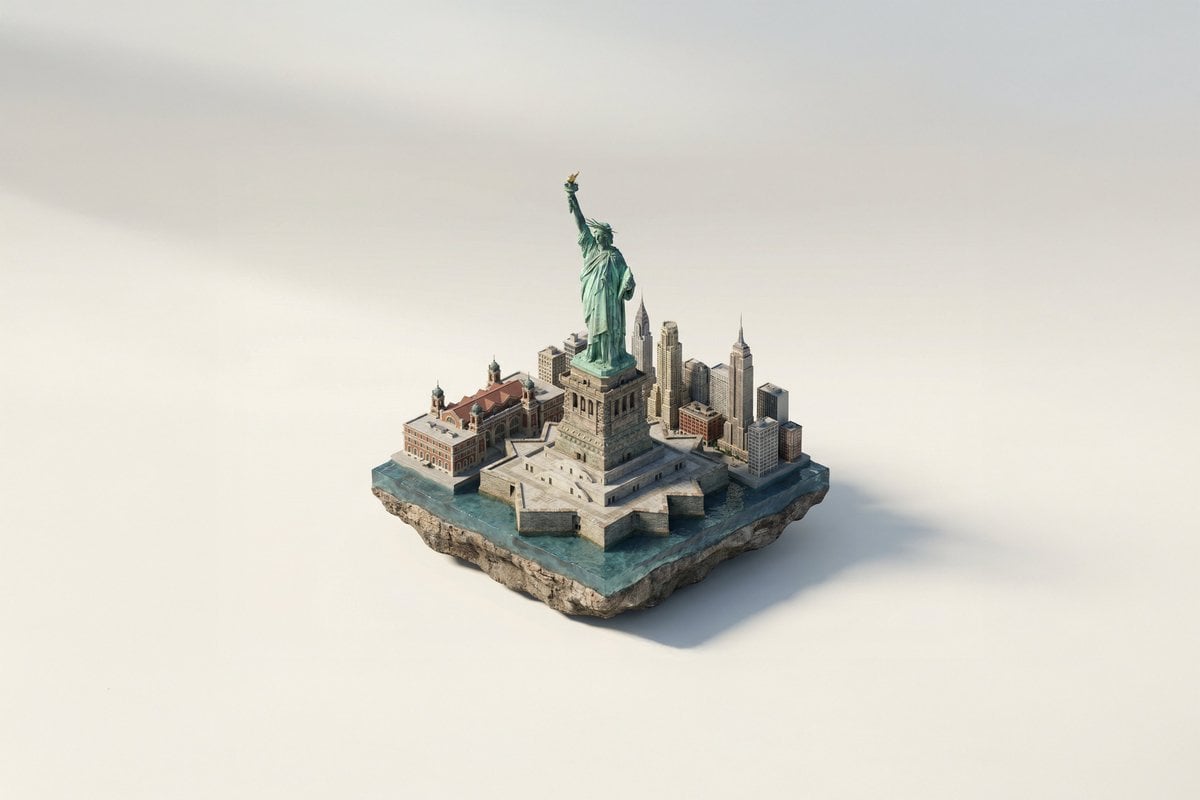
Famous Landmark 3D Miniature
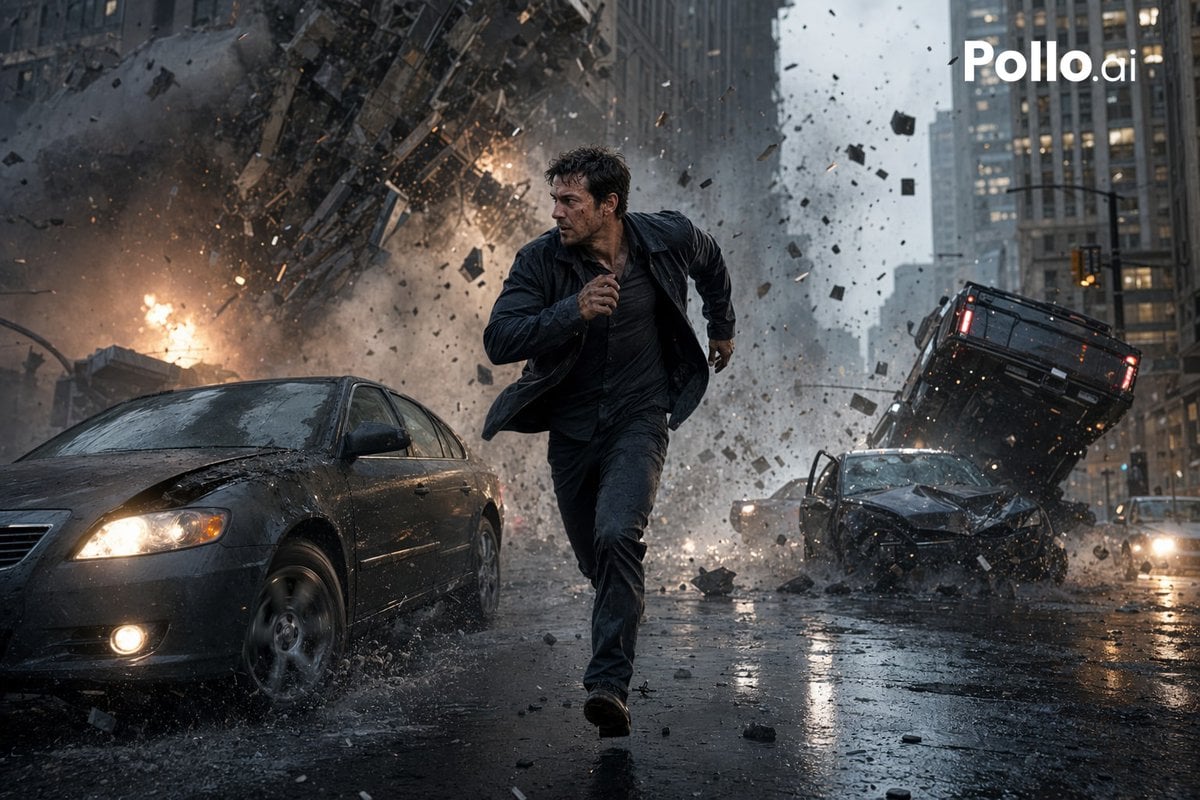
Gpt2 Youtube Thumbnail Cinematic City Explosion Chase
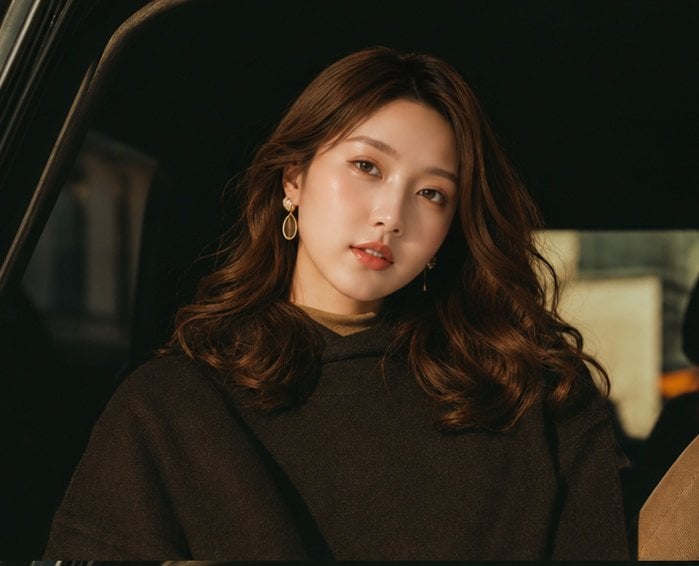
Cinematic Portrait Collage of an East Asian Woman
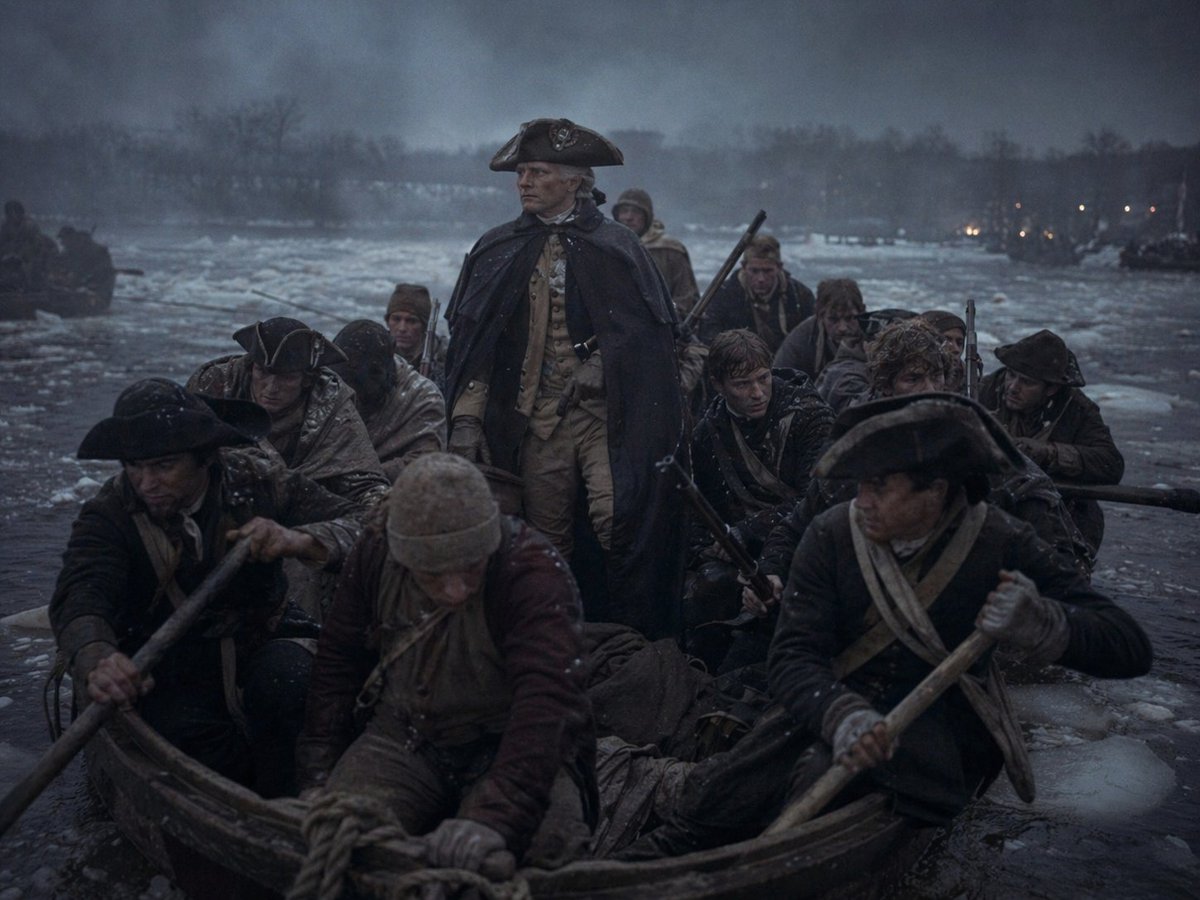
Washington Crossing Style Winter Boat Scene
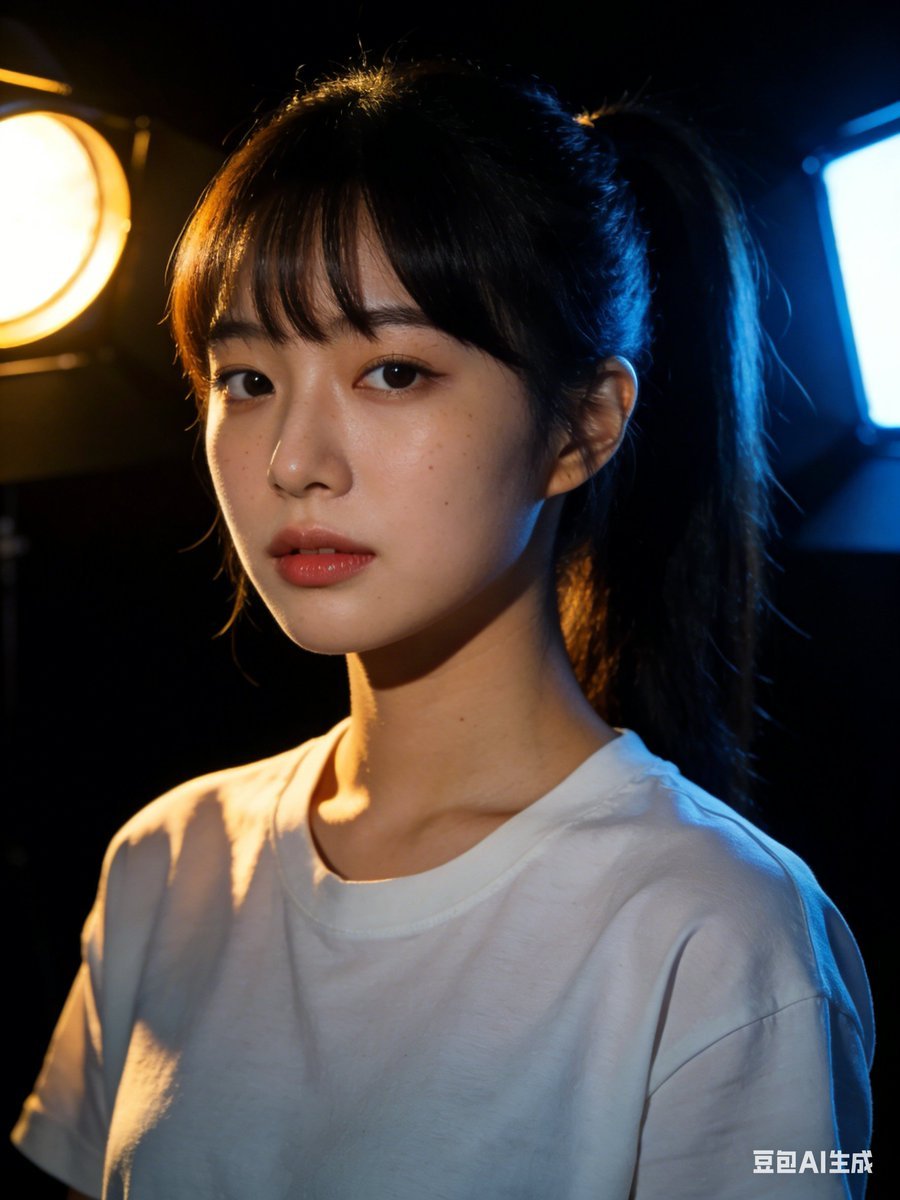
Nano Banana 2 Prompt Failure and Comparison
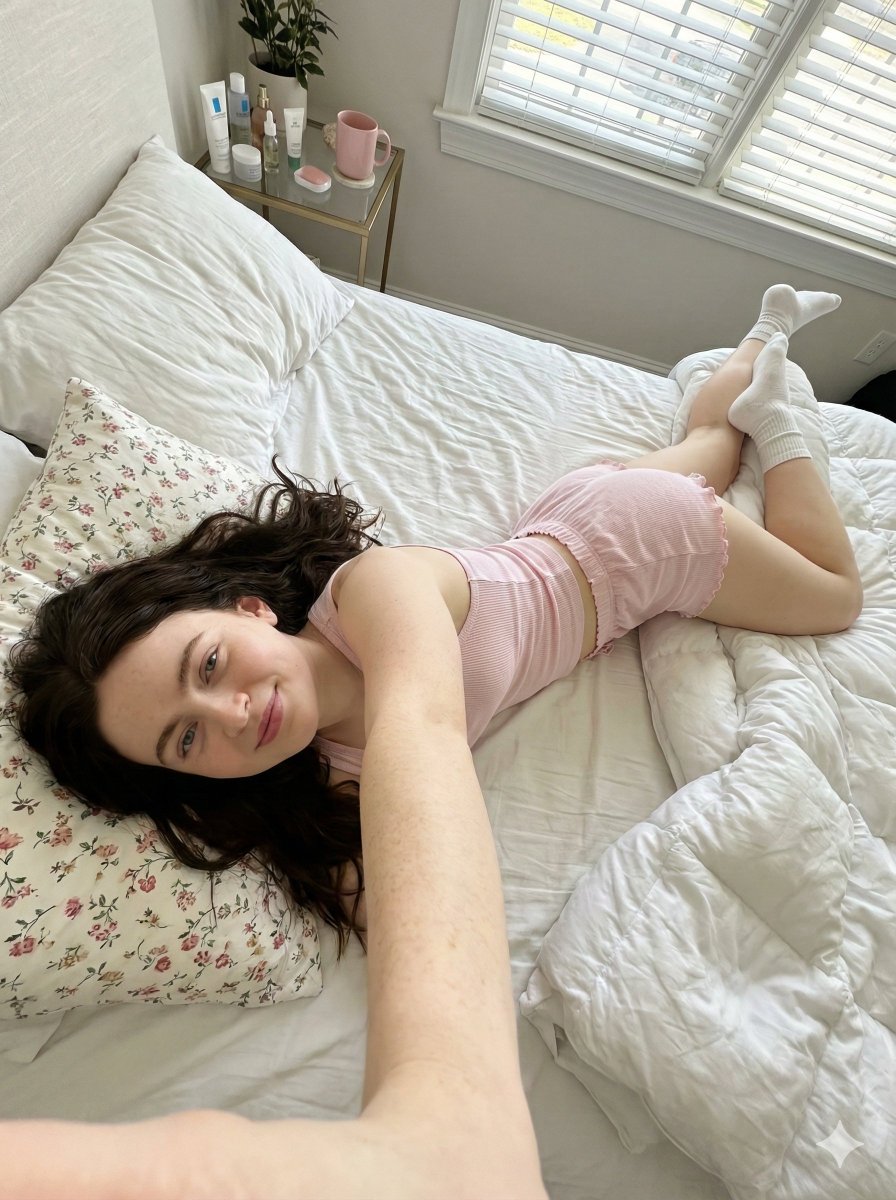
Prone Bed Selfie in Pink Lounge Wear (Duplicate)
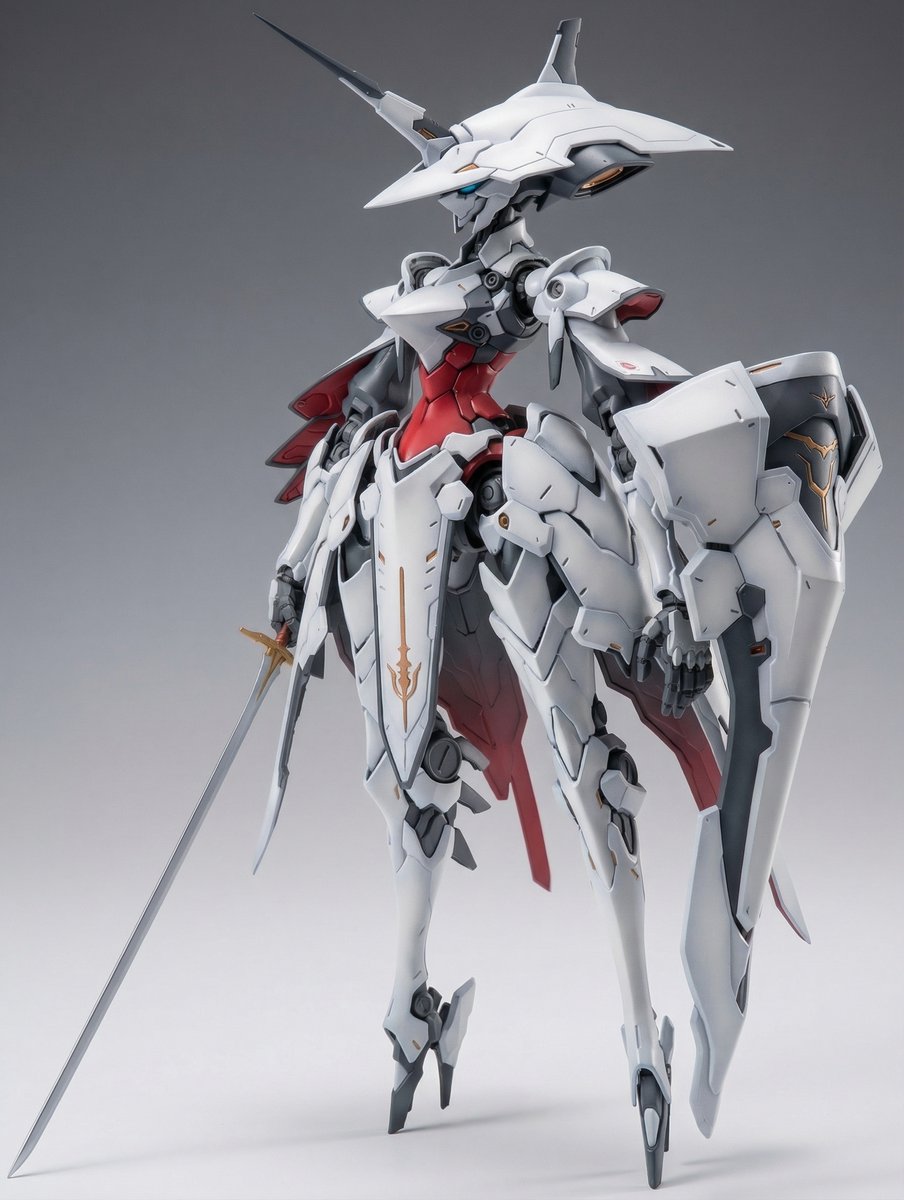
Full Armor Mecha Girl model kit concept prompt
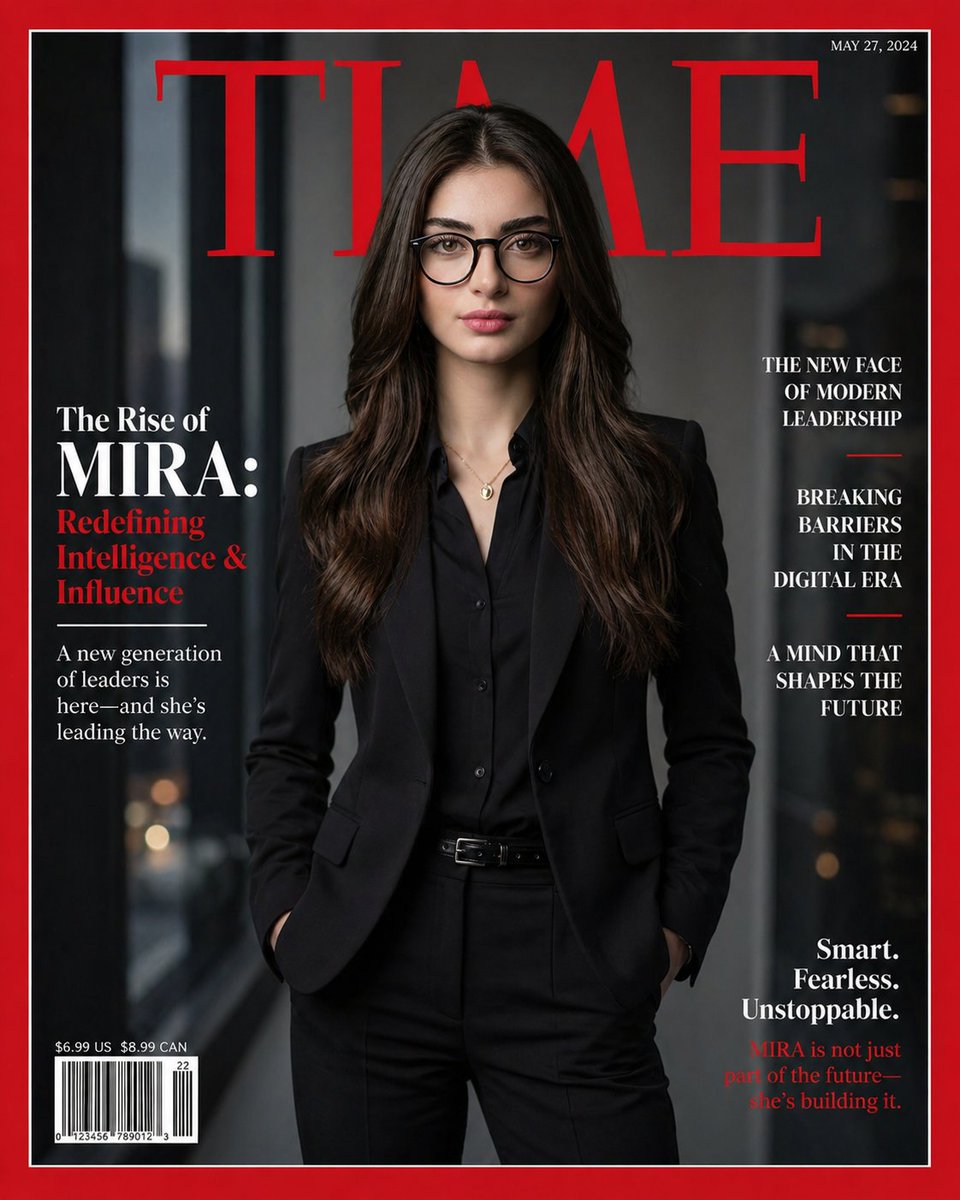
Personalized TIME magazine cover
Browse template categories
Backstage Circus Glamour Portrait with Specific Pose questions
How do I use the Backstage Circus Glamour Portrait with Specific Pose template?
Add your photo if the template asks for one, edit the prompt if you like — the template's model and format are already selected — and press Generate. Your version opens in PicX Studio.
Can I customize the Backstage Circus Glamour Portrait with Specific Pose template?
Yes. You can change the subject, setting, lighting, mood, format, and available model controls before creating your image.
Is the Backstage Circus Glamour Portrait with Specific Pose template free?
Opening and editing this template is free. Generating uses credits, shown on the Generate button when you are signed in.
Which AI model should I use?
Start with Nano Banana 2, which is the model associated with this template. You can compare another compatible model for a different finish.
Looking for something else? Browse all templates.

Your photo, any look
Thousands of ready templates for every top image and video model, from one credit balance.