
Photorealistic Gala Portrait in Royal Blue
A detailed image generation prompt for a high-end, photorealistic fashion portrait of a woman seated at a formal dining table in a luxurious ballroom.
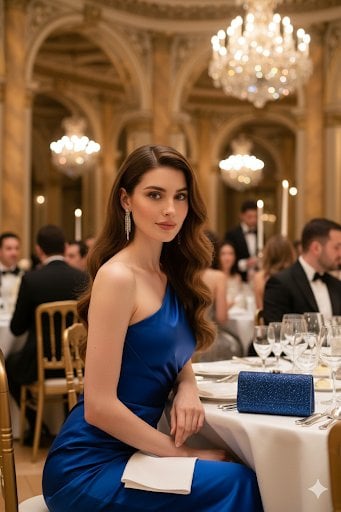
- Prompt included
- Model and format preset
- Premium template
The prompt behind this image
Copy the exact prompt behind Photorealistic Gala Portrait in Royal Blue, or open it in the studio and make it yours.
- Prompt › Subject › Type
- female adult
- Prompt › Subject › Pose
- seated at a formal dining table, upper body turned slightly toward the camera
- Prompt › Subject › Expression
- soft confident smile, relaxed and elegant
- Prompt › Subject › Gaze
- looking directly at the camera
- Prompt › Subject › Hair › Color
- warm chestnut brown
- Prompt › Subject › Hair › Style
- long, voluminous, loose waves
- Prompt › Subject › Hair › Part
- slightly off-center
- Prompt › Subject › Makeup › Style
- natural glam
- Prompt › Subject › Makeup › Details
- smooth complexion, subtle blush, defined brows, soft pink lips
- Prompt › Subject › Jewelry › Earrings
- long, dangling diamond-style earrings
- Prompt › Subject › Jewelry › Necklace
- none
- Prompt › Clothing › Dress › Color
- royal blue
- Prompt › Clothing › Dress › Material
- silk or satin
- Prompt › Clothing › Dress › Style
- one-shoulder evening gown
- Prompt › Clothing › Dress › Fit
- form-fitting, elegant drape
- Prompt › Clothing › Accessories › Clutch › Color
- deep blue
- Prompt › Clothing › Accessories › Clutch › Finish
- glittering, jeweled texture
- Prompt › Clothing › Accessories › Clutch › Placement
- on the table in the foreground
- Prompt › Environment › Setting
- luxurious ballroom or gala dining hall
- Prompt › Environment › Architecture
- ornate classical interior with arches and gold detailing
- Prompt › Environment › Lighting › Type
- warm ambient lighting
- Prompt › Environment › Lighting › Sources
- large crystal chandeliers
- Prompt › Environment › Lighting › Mood
- romantic, cinematic, upscale
- Prompt › Environment › Background › People
- formally dressed guests in suits and evening gowns
Raw JSON
{
  "prompt": {
    "subject": {
      "type": "female adult",
      "pose": "seated at a formal dining table, upper body turned slightly toward the camera",
      "expression": "soft confident smile, relaxed and elegant",
      "gaze": "looking directly at the camera",
      "hair": {
        "color": "warm chestnut brown",
        "style": "long, voluminous, loose waves",
        "part": "slightly off-center"
      },
      "makeup": {
        "style": "natural glam",
        "details": "smooth complexion, subtle blush, defined brows, soft pink lips"
      },
      "jewelry": {
        "earrings": "long, dangling diamond-style earrings",
        "necklace": "none"
      }
    },
    "clothing": {
      "dress": {
        "color": "royal blue",
        "material": "silk or satin",
        "style": "one-shoulder evening gown",
        "fit": "form-fitting, elegant drape"
      },
      "accessories": {
        "clutch": {
          "color": "deep blue",
          "finish": "glittering, jeweled texture",
          "placement": "on the table in the foreground"
        }
      }
    },
    "environment": {
      "setting": "luxurious ballroom or gala dining hall",
      "architecture": "ornate classical interior with arches and gold detailing",
      "lighting": {
        "type": "warm ambient lighting",
        "sources": "large crystal chandeliers",
        "mood": "romantic, cinematic, upscale"
      },
      "background": {
        "people": "formally dressed guests in suits and evening gowns",
        "blur": "soft background blur for depth of field"
      },
      "table": {
        "details": "white tablecloth, fine china, crystal glassware, silver cutlery"
      }
    },
    "composition": {
      "camera_angle": "eye-level",
      "framing": "medium close-up",
      "focus": "sharp focus on subject, shallow depth of field",
      "style": "high-end fashion photography"
    },
    "visual_style": {
      "realism": "photorealistic",
      "quality": "ultra-high resolution",
      "lighting_style": "soft cinematic highlights",
      "color_palette": "warm golds and deep blues",
      "aesthetic": "luxury, elegance, editorial"
    }
  },
  "negative_prompt": [
    "cartoon",
    "anime",
    "illustration",
    "low resolution",
    "overexposed",
    "harsh shadows",
    "distorted anatomy",
    "extra limbs",
    "blurry face",
    "cheap fabric",
    "casual clothing"
  ]
}How to use Photorealistic Gala Portrait in Royal Blue in 3 steps
- 1
Open
The prompt is already in the box next to the preview, with the template's model and format selected.
- 2…a portrait of your subject in softgolden-hour light, 85mm…
Personalize
Edit the subject and creative details for your destination.
- 3Generate
Generate
Press Generate — your image is created in PicX Studio, so you can compare it with the original and refine one variable at a time.
More like this
Templates with the same subject, style or setup. Open one to see its prompt.
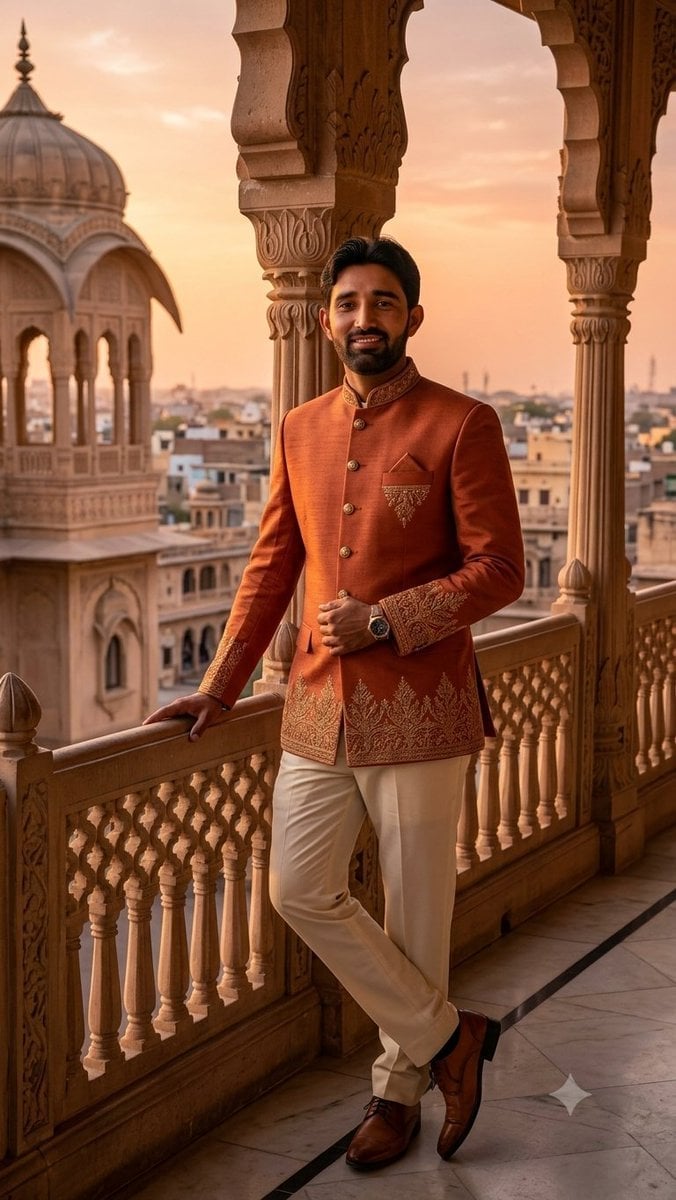
Indian Royal Bandhgala Portrait
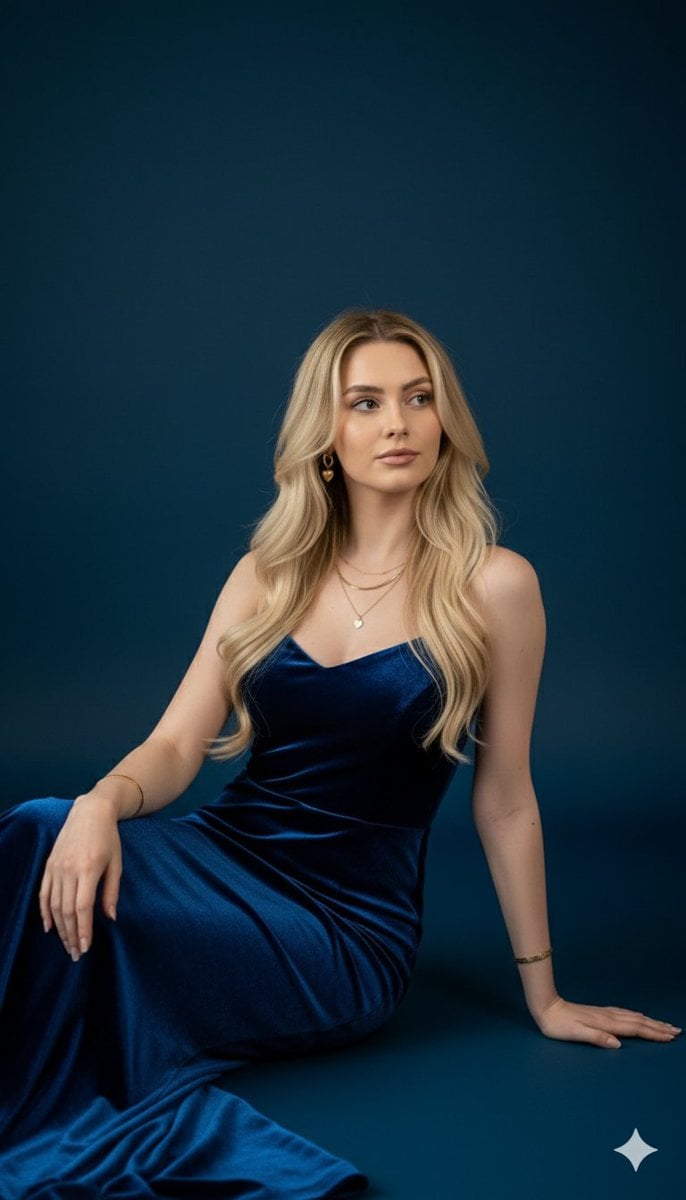
Royal Blue Velvet Evening Gown Portrait Prompt
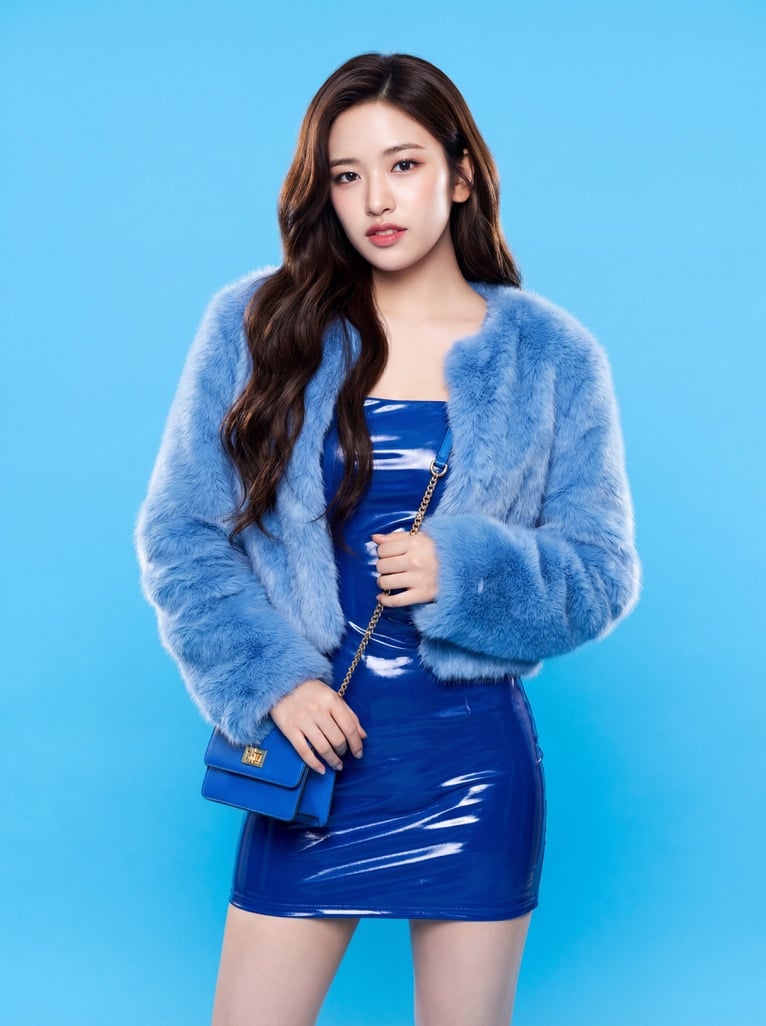
Ive Yujin Fashion Portrait in Blue

Found Photograph: Us, 1970

80s Couple Studio Portrait

80s Bollywood Star

80s Golden Hour Cinema

Me in 1985

1985 Studio Portrait
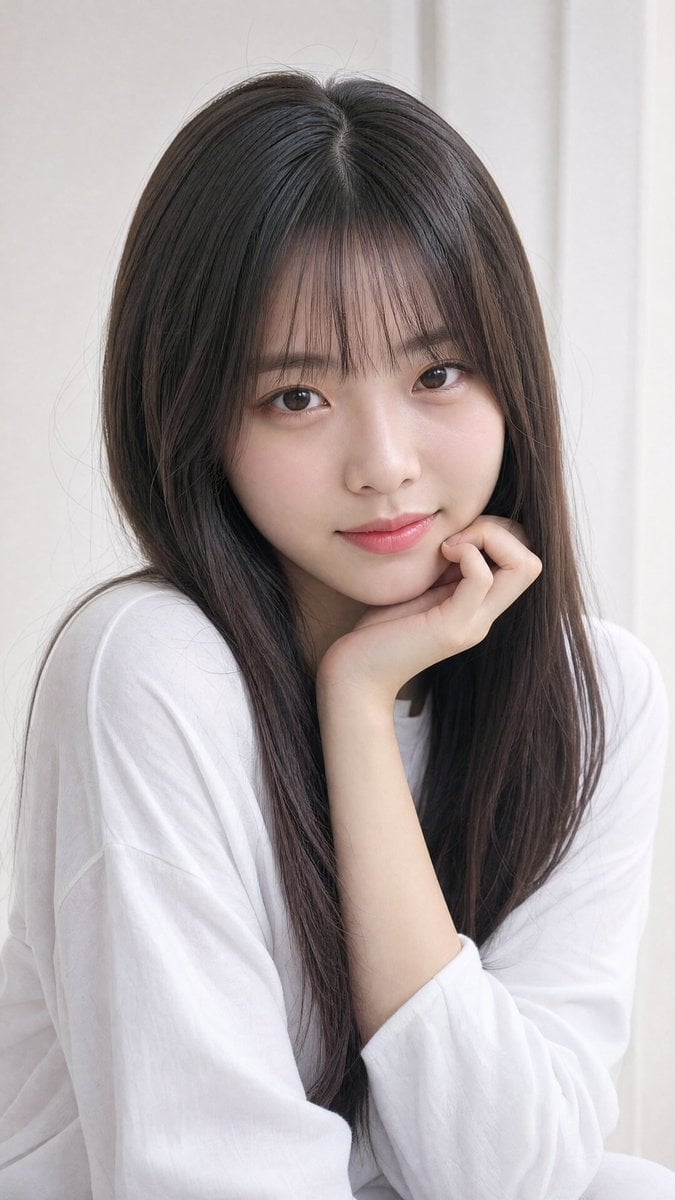
Photorealistic East Asian Portrait

Hyper-Realistic Minecraft POV Portrait
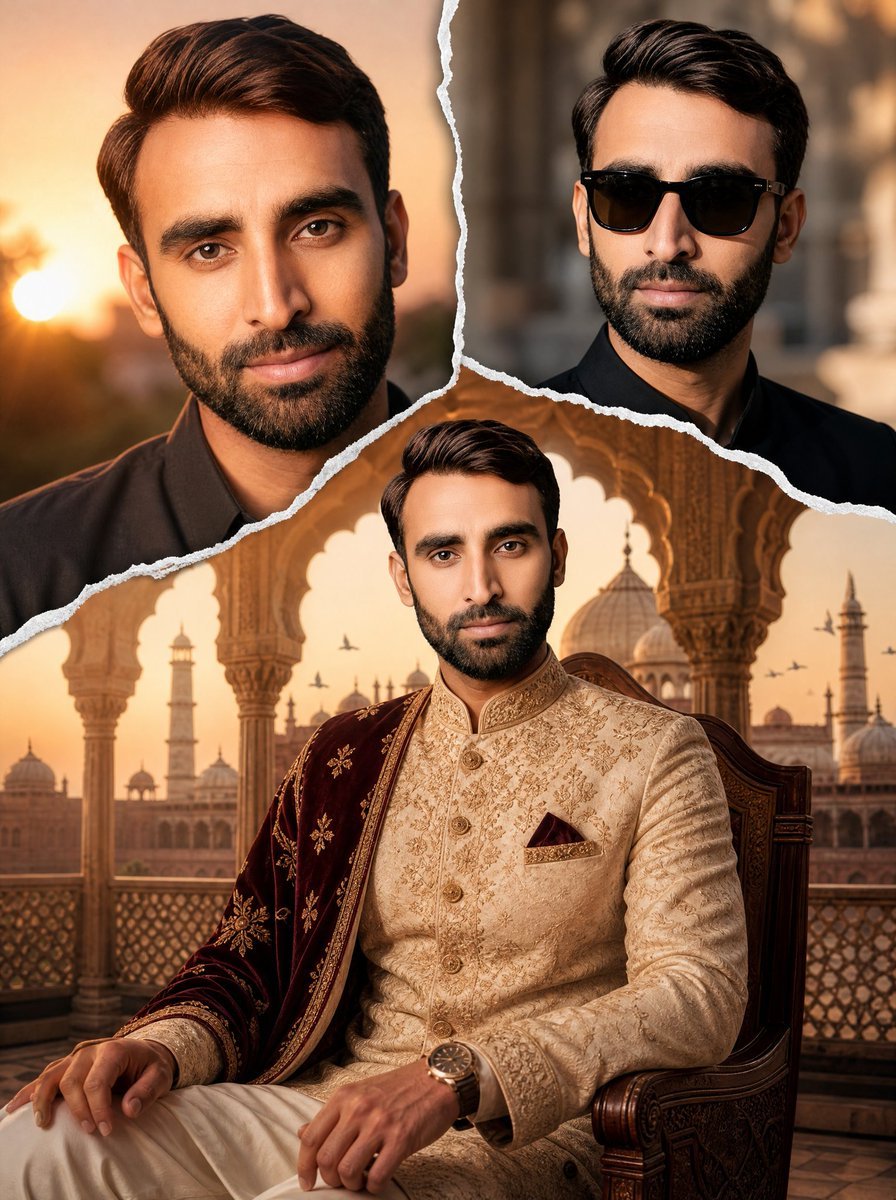
Royal Sherwani Portrait Collage Prompt
Make it yours
Photorealistic Gala Portrait in Royal Blue works as-is. These are the safest ways to change it without losing the look.
Swap the setting
Keep the rest of the prompt and replace the location block. The current setting is “luxurious ballroom or gala dining hall”.
Swap the light
One lighting change is enough to compare takes. Current light: “warm ambient lighting”.
Change one field
Copy a single group, rewrite it, and generate again so you can see what that field is doing.
| If the result… | Why | Fix |
|---|---|---|
| The result drifts from the preview | Too many fields changed at once. | Reuse Photorealistic Gala Portrait in Royal Blue as-is first, then change one group — subject, light, or setting. |
| Nano Banana 2 ignores part of the JSON | Some models flatten or skip nested keys. | Keep the same values and paste them as a short paragraph instead. |
More Nano Banana 2 templates
Other prompts made for Nano Banana 2.

Photorealistic Leaf Shaped Like a Dragon

K-Pop Idol Portrait Grid for Rapid Selection

Poetic Rain Forest Portrait During Golden Hour

Urban Street Portrait with Cartoon Inner Self Duo

Candid Nighttime Photo with Cat Prompt

High-Concept 3D Diorama Generation Prompt

Cinematic Futuristic Studio Portrait Template

Skincare Editorial Photography Collage Prompt

Hyper-Realistic Commercial Product Photography (Splash Effect)

Hyper-Realistic Nightclub Portrait Prompt
More image prompts
Fresh picks from across the catalog.

Neon AI Side Hustle YouTube Thumbnail
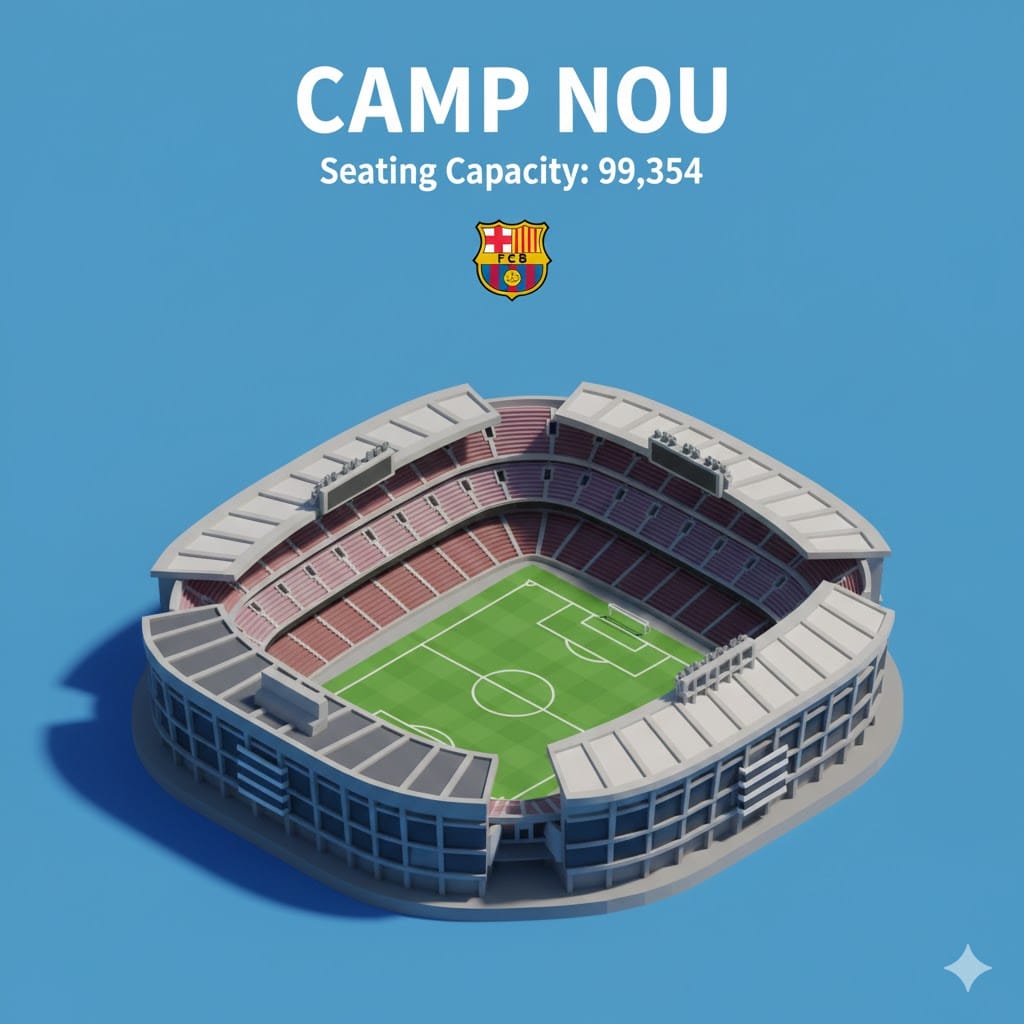
Isometric 3D Miniature Stadium Infographic
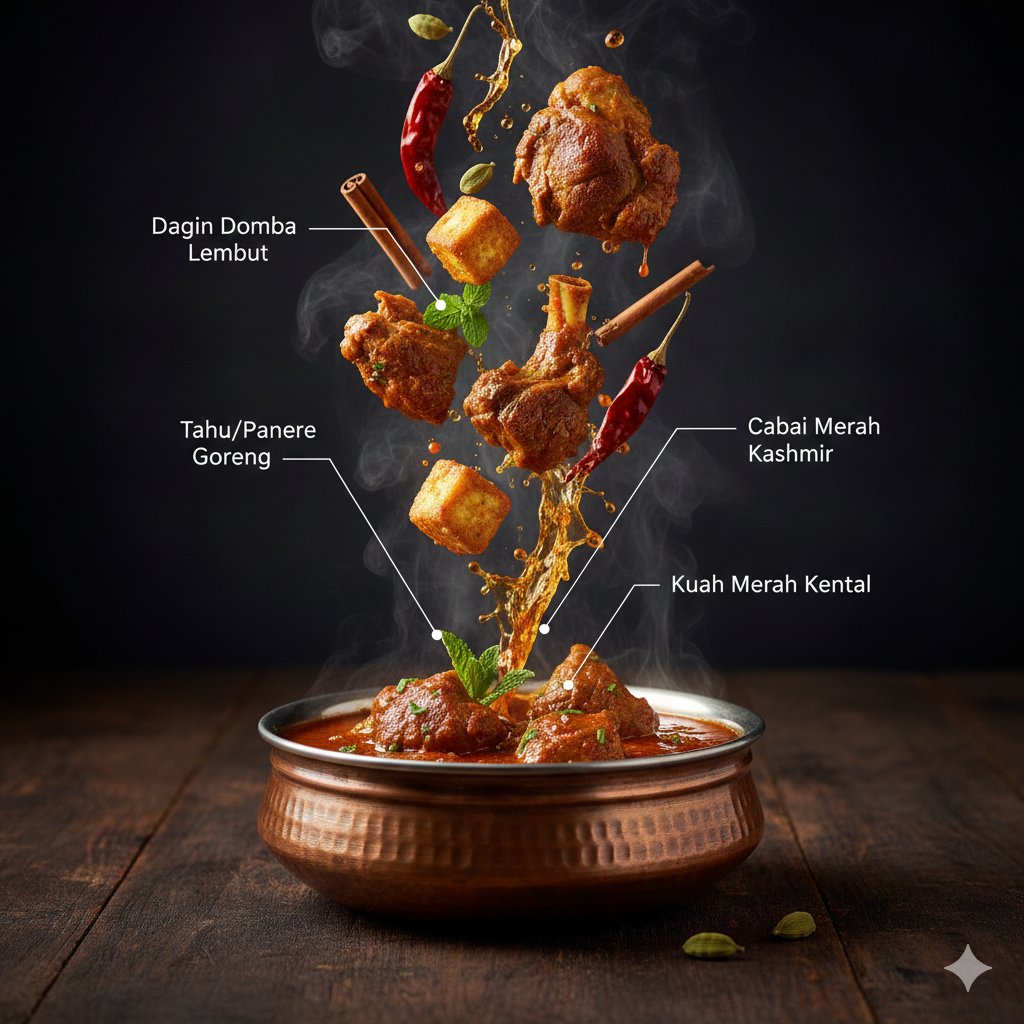
Hyper-Realistic Kashmiri Wazwan Infographic Prompt
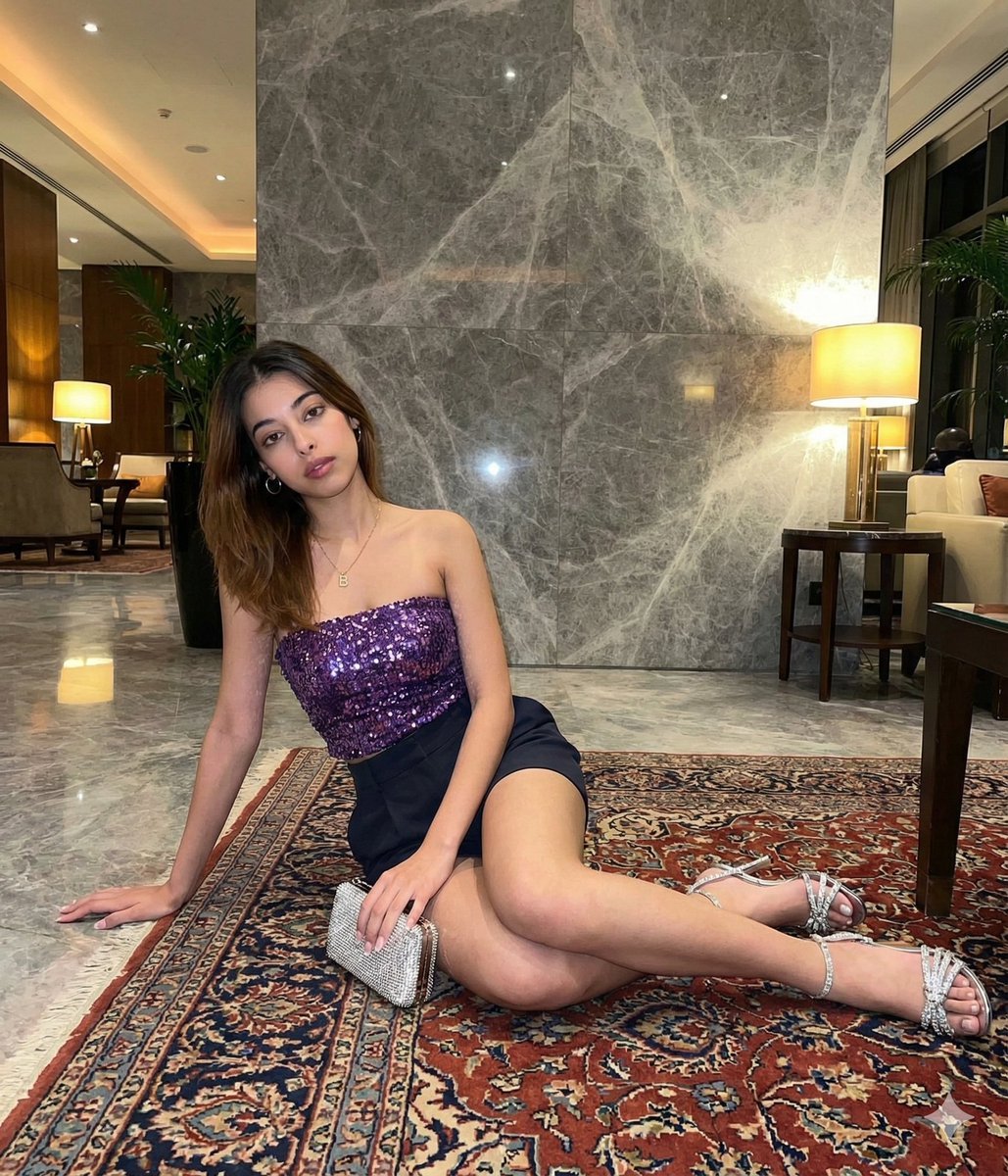
Luxury Hotel Lobby Portrait Prompt
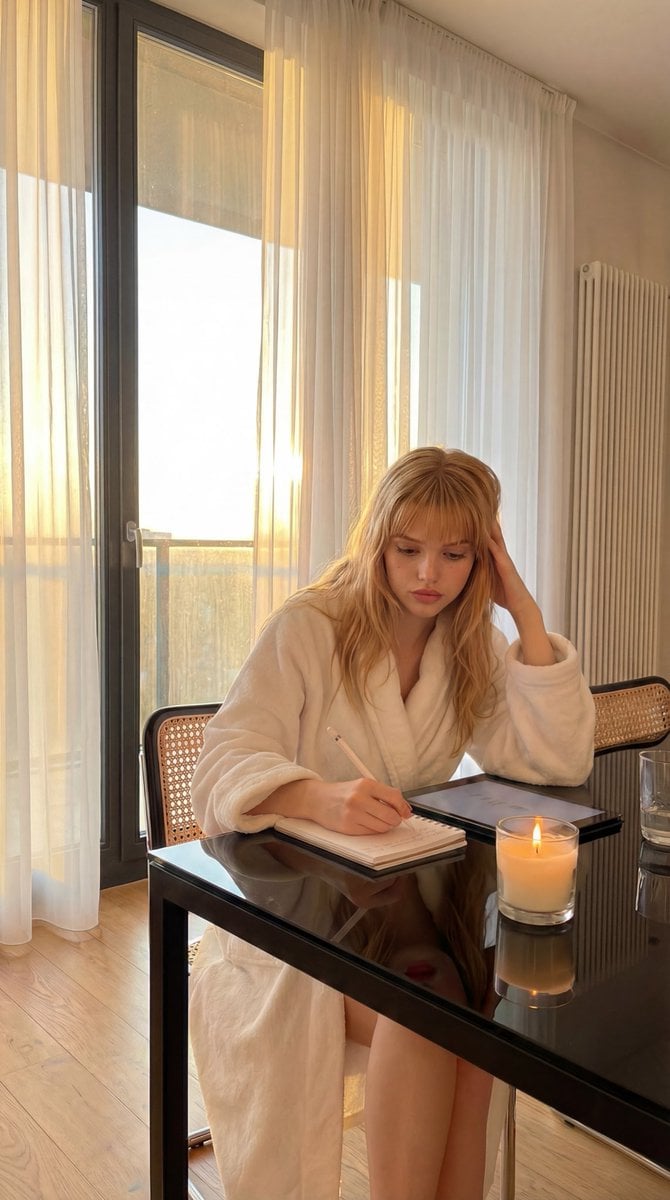
Cozy Golden Hour Writing Scene Prompt
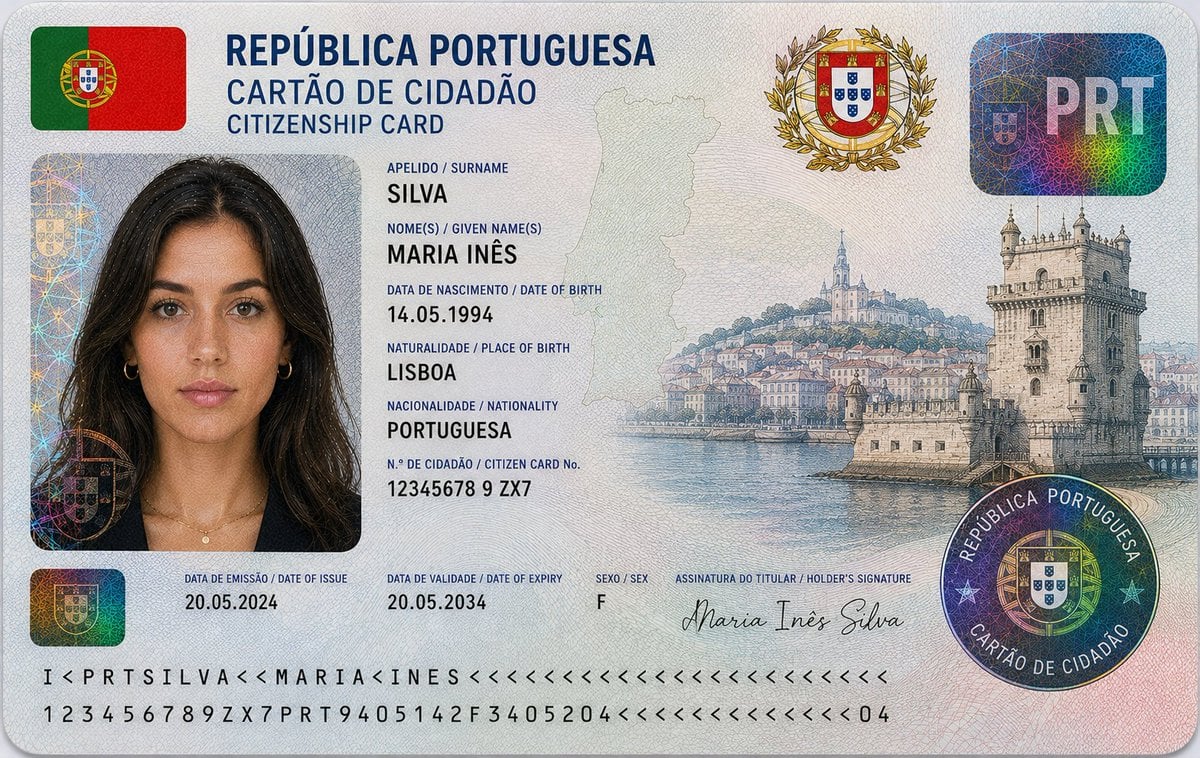
Nigerian Citizenship Identity Card Mockup
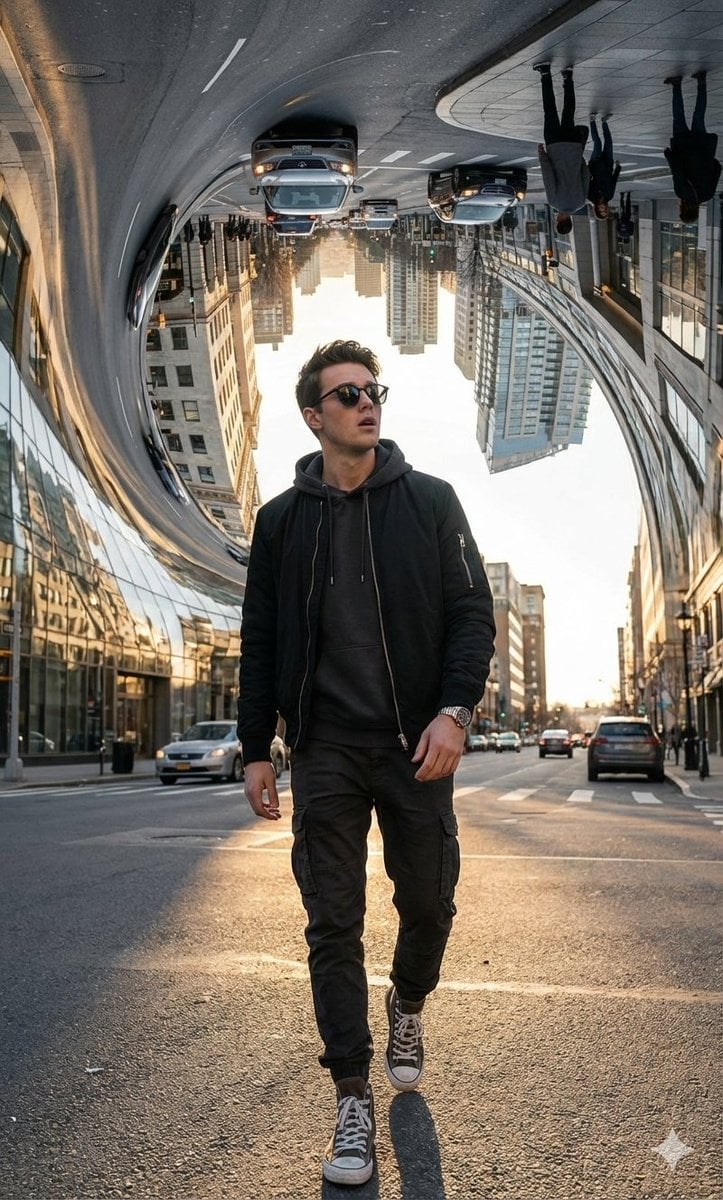
Surreal Bending City Streetwear Portrait
Indian Village Cattle Herding — Nano Banana
Hand-Torn Paper Collage Artwork
Old Photo Restoration Prompt (Gemini Nano Banana Pro)
Browse template categories
Photorealistic Gala Portrait in Royal Blue questions
How do I use the Photorealistic Gala Portrait in Royal Blue template?
Add your photo if the template asks for one, edit the prompt if you like — the template's model and format are already selected — and press Generate. Your version opens in PicX Studio.
Can I customize the Photorealistic Gala Portrait in Royal Blue template?
Yes. You can change the subject, setting, lighting, mood, format, and available model controls before creating your image.
Is the Photorealistic Gala Portrait in Royal Blue template free?
Opening and editing this template is free. Generating uses credits, shown on the Generate button when you are signed in.
Which AI model should I use?
Start with Nano Banana 2, which is the model associated with this template. You can compare another compatible model for a different finish.
Looking for something else? Browse all templates.

Your photo, any look
Thousands of ready templates for every top image and video model, from one credit balance.