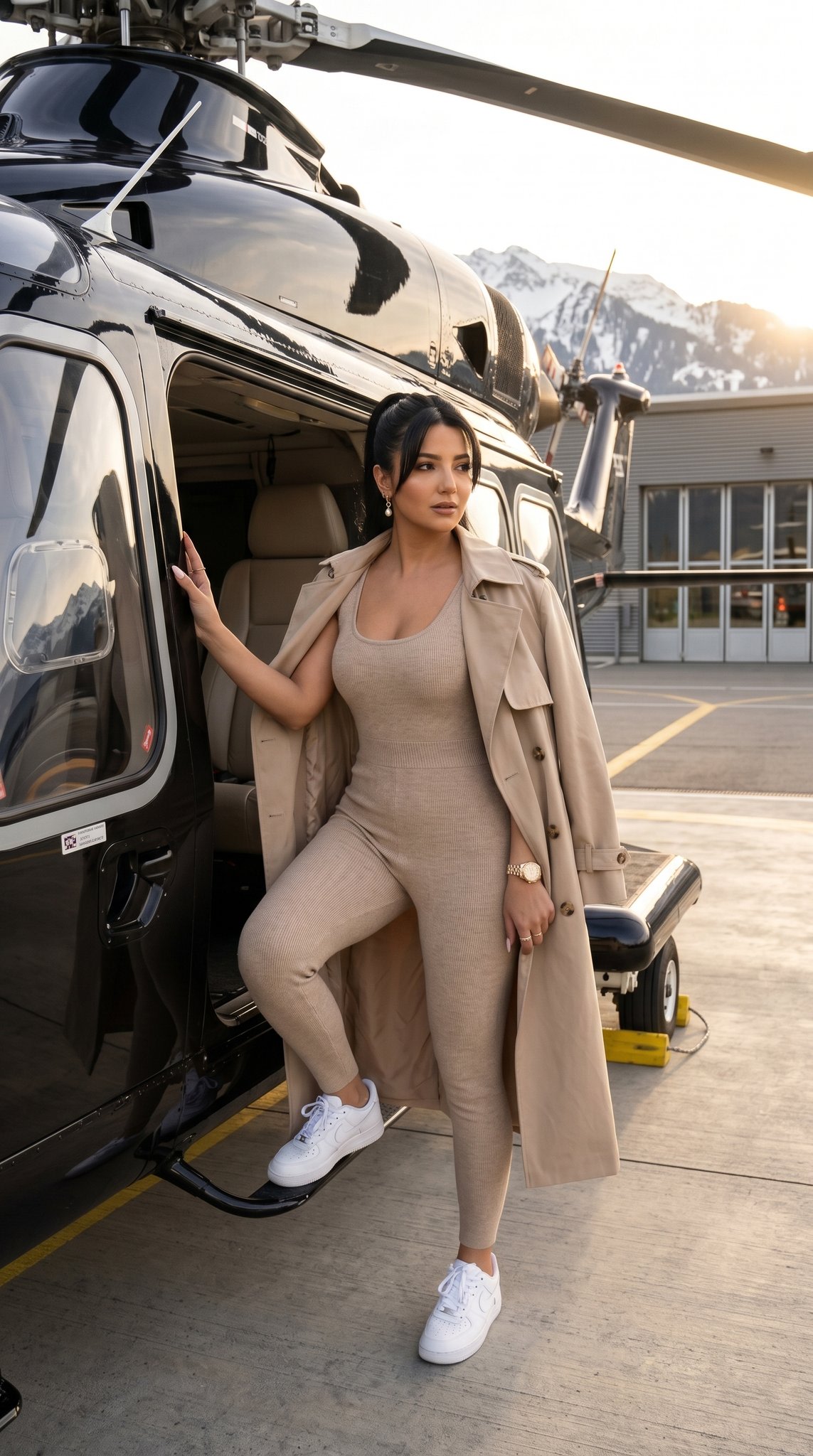
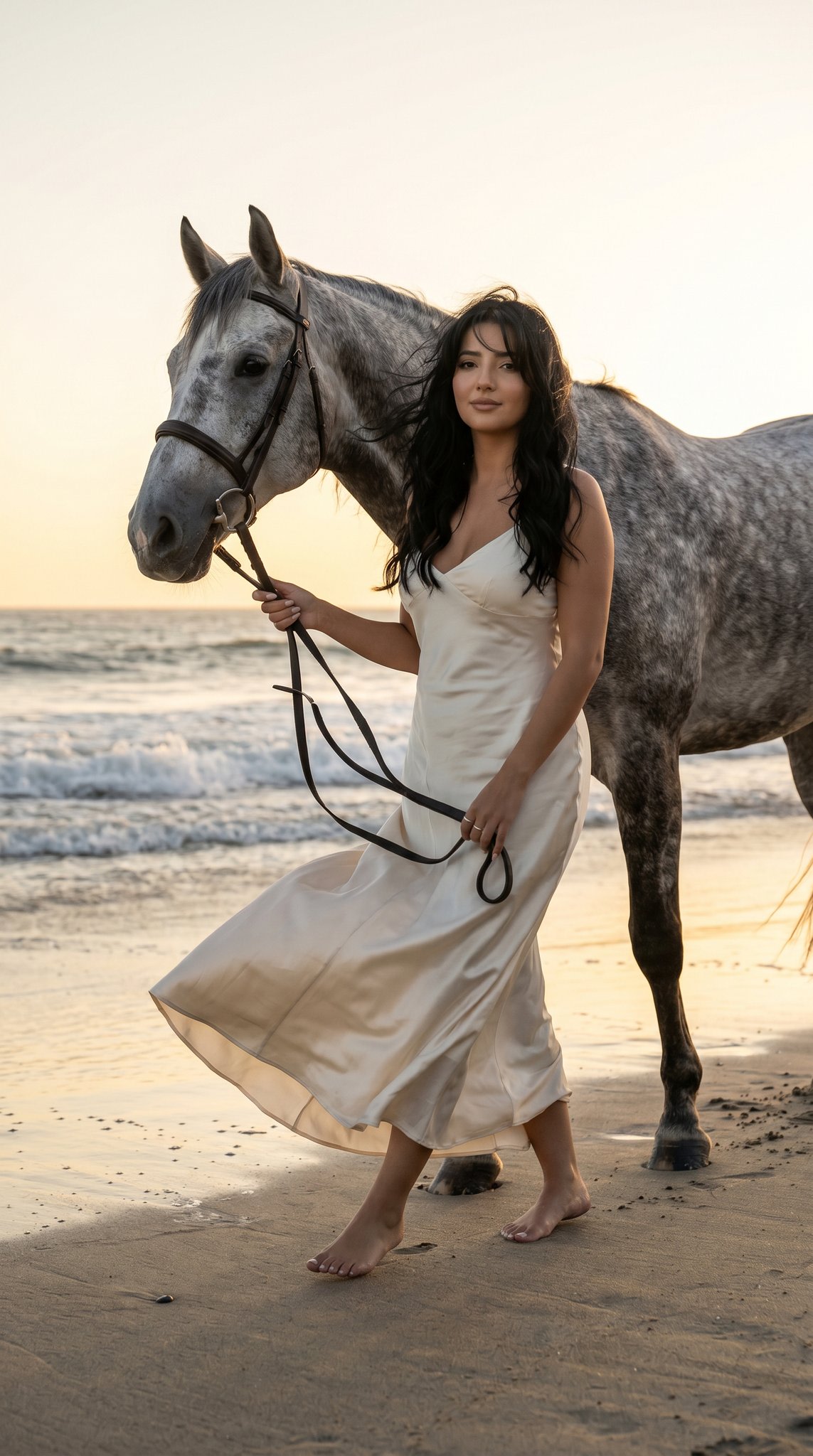
How do I use the Y2K Kawaii Fashion Editorial Prompt template?
Choose the primary action to open PicX Studio with the available template settings. Review the model and format, personalize the creative direction, and generate when ready.
A highly detailed, structured JSON prompt for generating a multi-panel, consistent Y2K Kawaii-fashion editorial image, focusing on extreme wide-angle perspective, hyper-feminine aesthetic, and specific wardrobe and biometrics for the model. (free to use) — Free AI image template on PicX Studio.
{ "meta_control": { "generation_mode": "multi_panel_consistent", "priority_stack": ["identity_lock", "perspective_physics", "material_fidelity", "environmental_coherence"], "quality_target": "editorial_print_ready" }, "intent": { "primary": "Y2K Kawaii-fashion editorial with extreme wide-angle perspective study", "secondary": "Technical demonstration of foreshortening in a hyper-feminine aesthetic", "publication_context": "Double-page spread, pop-culture magazine collage layout" }, "frame": { "aspect_ratio": "9:16", "layout": { "type": "2x2 grid collage", "gutter_width": "2px pink or seamless", "panel_uniformity": "identical dimensions per panel" } }, "subject": { "type": "Human female fashion model", "identity_lock": { "enforcement_level": "strict", "anchor_features": ["face_geometry", "skin_tone", "body_proportions", "hair_color"] }, "biometrics": { "age_presentation": "20-24", "height_cm": 170, "build": "Slender, petite model frame", "ethnicity_presentation": "Caucasian / Northern European features" }, "facial_signature": { "structure": "Soft oval face shape, full cheeks, rounded feminine jawline", "eyes": "Large, expressive, bright blue, defined lashes with rhinestone accents", "nose": "Small, delicate button nose, slightly upturned", "lips": "Very full, plush and pillowy, glossy bubblegum pink", "skin": "Porcelain fair, smooth texture, heavy blush on nose and cheeks, highlighter glow", "expression_default": "Playful cute, duck face, winking, blowing kiss" }, "hair": { "style": "Long golden blonde hair, half-up pigtails with fluffy scrunchies", "texture": "Silky, voluminous, crimped sections", "behavior": "Bouncing, dynamic movement" }, "wardrobe": { "jacket": { "item": "Cropped faux-fur jacket", "material": "High-pile mongolian fur", "color": "Pastel baby pink", "state": "Slouched off shoulders", "light_behavior": "Soft diffusion, halo effect on fur tips" }, "top": { "item": "Heart-shaped corset top", "material": "Satin with all-over rhinestone coverage", "color": "Hot pink", "fit": "Structured, push-up", "details": "Crystal straps, glitter trim" }, "pants": { "item": "Wide-leg parachute pants", "material": "Iridescent nylon fabric", "color": "Metallic rose gold", "details": "Drawstrings, butterfly patches, sequin pockets" }, "footwear": { "item": "Mega-platform boots", "color": "White patent leather with glitter soles", "condition": "Pristine, reflective", "details": "Furry leg warmers attached" } }, "accessories": { "neck": "Choker with large heart-shaped pendant" } }
Use Y2K Kawaii Fashion Editorial Prompt to plan an AI image around nano-banana-2 generation. Match the preview's composition first, then personalize the subject, setting, and mood for your own project.
Use the primary action to load the template settings in PicX Studio.
Adjust the subject and creative details for your destination.
Create the image, compare the result with the preview, and refine one variable at a time.
A continuous mix — similar concepts first, woven with same-model prompts and fresh picks from the catalog.
Choose the primary action to open PicX Studio with the available template settings. Review the model and format, personalize the creative direction, and generate when ready.
Yes. You can change the subject, setting, lighting, mood, format, and available model controls before creating your image.
This template is free to open and customize. Generation usage is shown in PicX Studio before you create.
Start with nano-banana-2, which is the model associated with this template. You can compare another compatible model for a different finish.
A continuous mix — similar concepts first, woven with same-model prompts and fresh picks from the catalog.
Follow a topic to a crawlable collection of related PicX Studio templates.
32,032 public templates available. Verified via the PicX Studio public templates API; refreshed hourly.