How do I use the 8K Product Photography of Lace Underwear template?
Choose the primary action to open PicX Studio with the available template settings. Review the model and format, personalize the creative direction, and generate when ready.
A detailed JSON prompt for generating ultra-detailed 8K product photography focusing on delicate lace underwear. Change the subject, setting, or lighting one variable at a time.

{ "prompt": { "scene": { "setting": "Indoor studio-style room with soft ambient lighting, purple and warm tones in the background. Modern sofa and minimal decor visible.", "mood": "Clean, aesthetic, professional product showcase atmosphere." }, "subject": { "type": "female hand model", "pose": "Holding a pair of lace underwear stretched gently between both hands.", "details": "Only the arms and hands are visible, positioned in the foreground." }, "product": { "type": "delicate lace underwear", "material": "Sheer floral lace with scalloped edges and soft {argument name="product color" default="white"} color.", "position": "Centered in the frame, held horizontally and fully visible.", "texture_details": "Fine lace patterns, transparency, embroidery and stitching clearly shown." }, "composition": { "camera_angle": "Straight-on medium close-up shot focusing on the product.", "lighting": "Soft diffused lighting creating gentle highlights on the lace texture.", "background": "Blurred warm-toned studio environment with purple light accent.", "ratio": "4:5 portrait format." }, "render_style": { "quality": "Ultra-detailed 8K product photography.", "tones": "Soft, clean, aesthetic, minimalistic.", "focus": "Sharp focus on lace underwear; background intentionally soft." } } }
Choose the primary action to open PicX Studio with the available template settings. Review the model and format, personalize the creative direction, and generate when ready.
Yes. You can change the subject, setting, lighting, mood, format, and available model controls before creating your image.
This template is free to open and customize. Generation usage is shown in PicX Studio before you create.
Start with Nano Banana 2, which is the model associated with this template. You can compare another compatible model for a different finish.
Follow a topic to a crawlable collection of related PicX Studio templates.
43,474 public templates available. Verified via the PicX Studio public templates API; refreshed hourly.








![This image into a 64K DSLR shot resolution of A stylish urban fashion — Transform this image [Upload Your Image] into a 64K DSLR shot resolution of A stylish ur](https://images.meigen.ai/tweets/2008470156146860416/0.jpg)




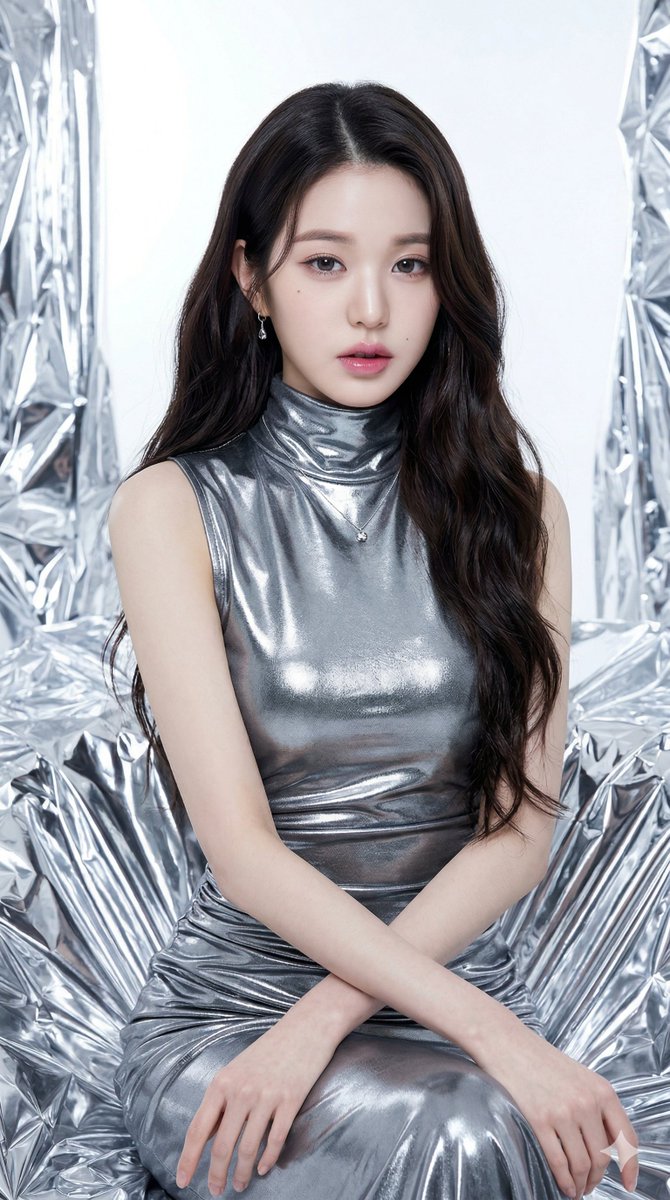
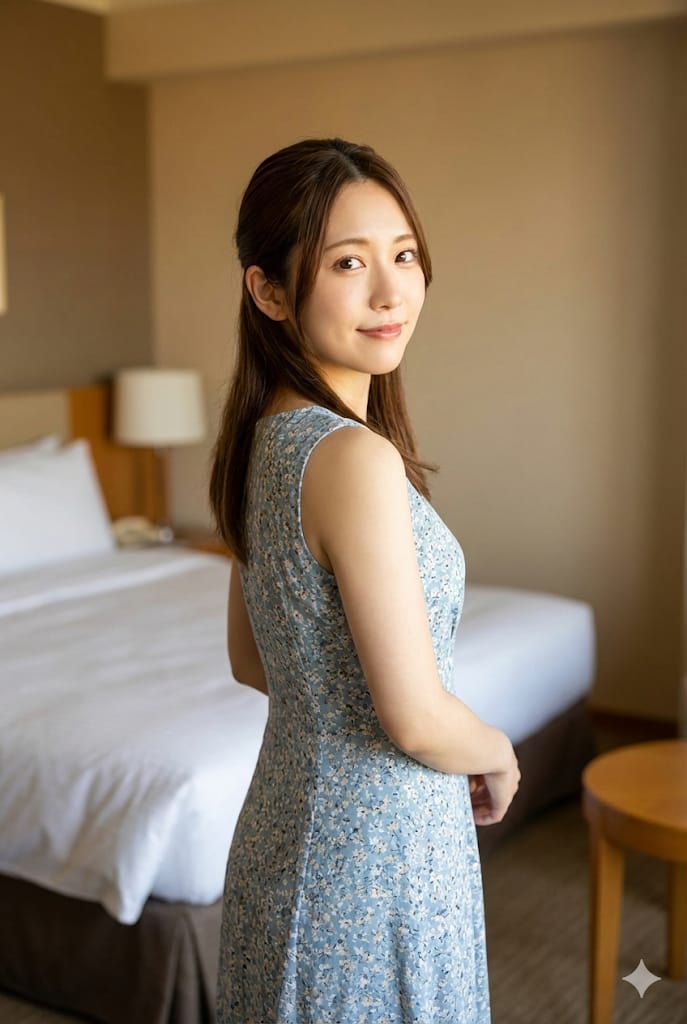
![Naive doodle-style subject illustration — A doodle-style {argument name="subject" default="[subject]"}, naive lines, humorous shape exaggeration](https://pbs.twimg.com/media/G6Wl2YxbsAARB2b.jpg)











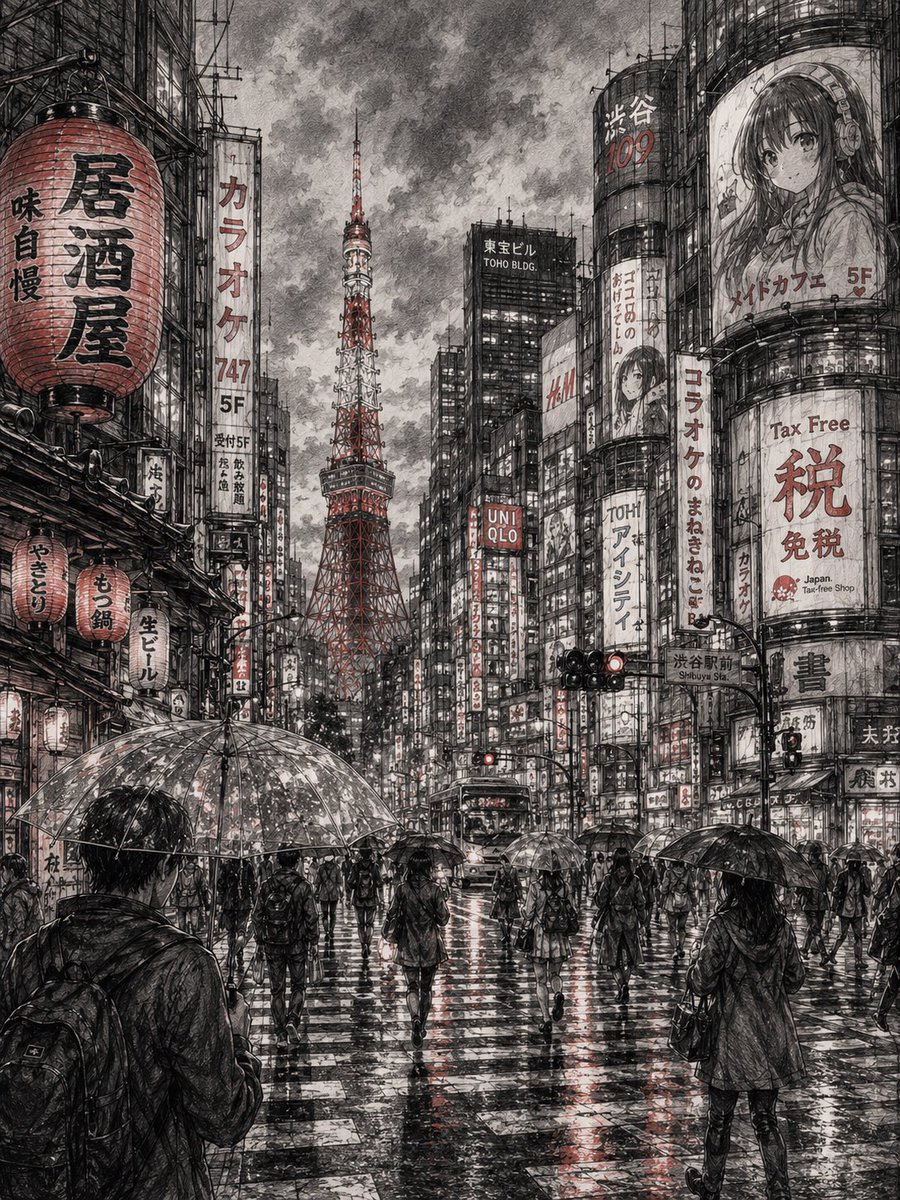




![Metallic Gold Foil Birthday Portrait — A photorealistic, highly detailed 4K studio portrait of a smiling young woman [Use the uploaded image as reference] holdi](https://pbs.twimg.com/media/HCREG1vXIAA4qqz.jpg)