How do I use the Sunlit Lifestyle Bedroom Portrait template?
Choose the primary action to open PicX Studio with the available template settings. Review the model and format, personalize the creative direction, and generate when ready.
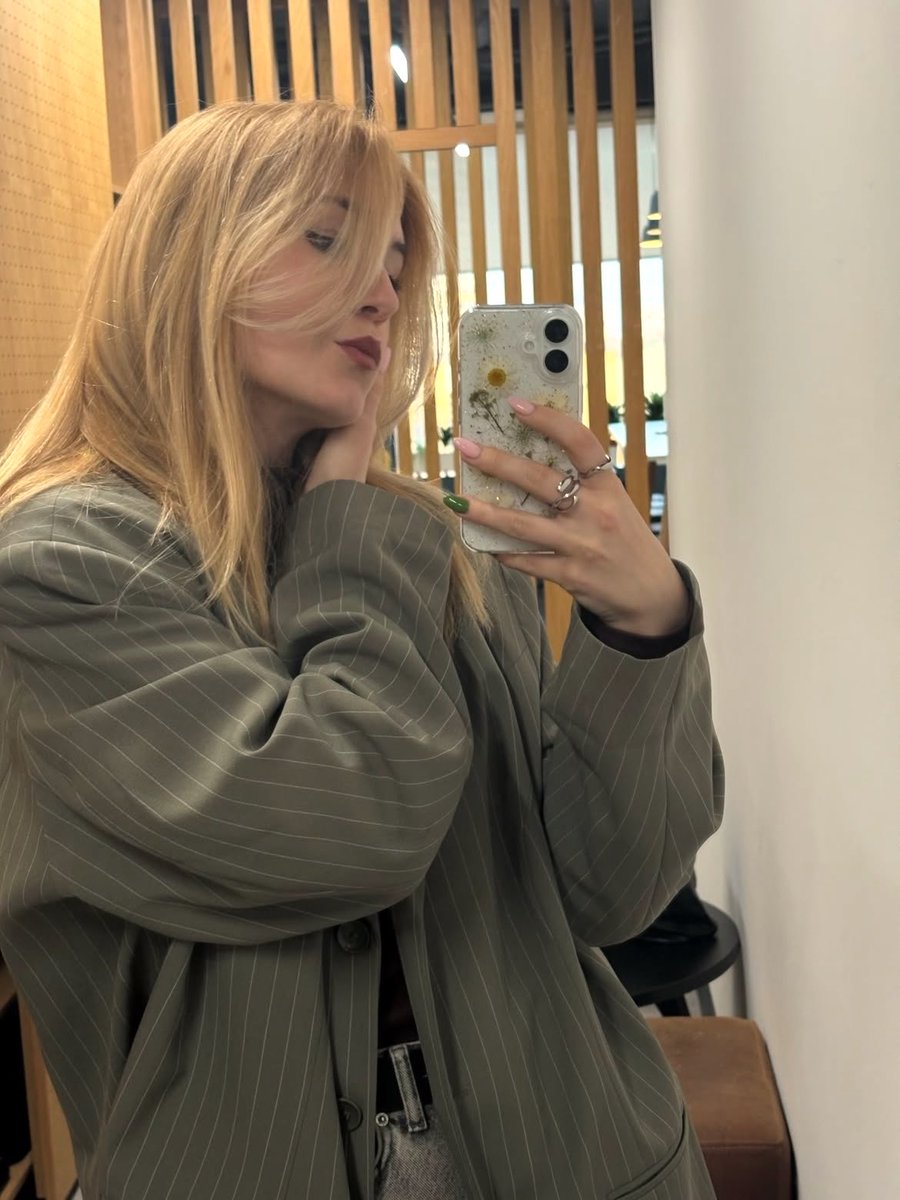
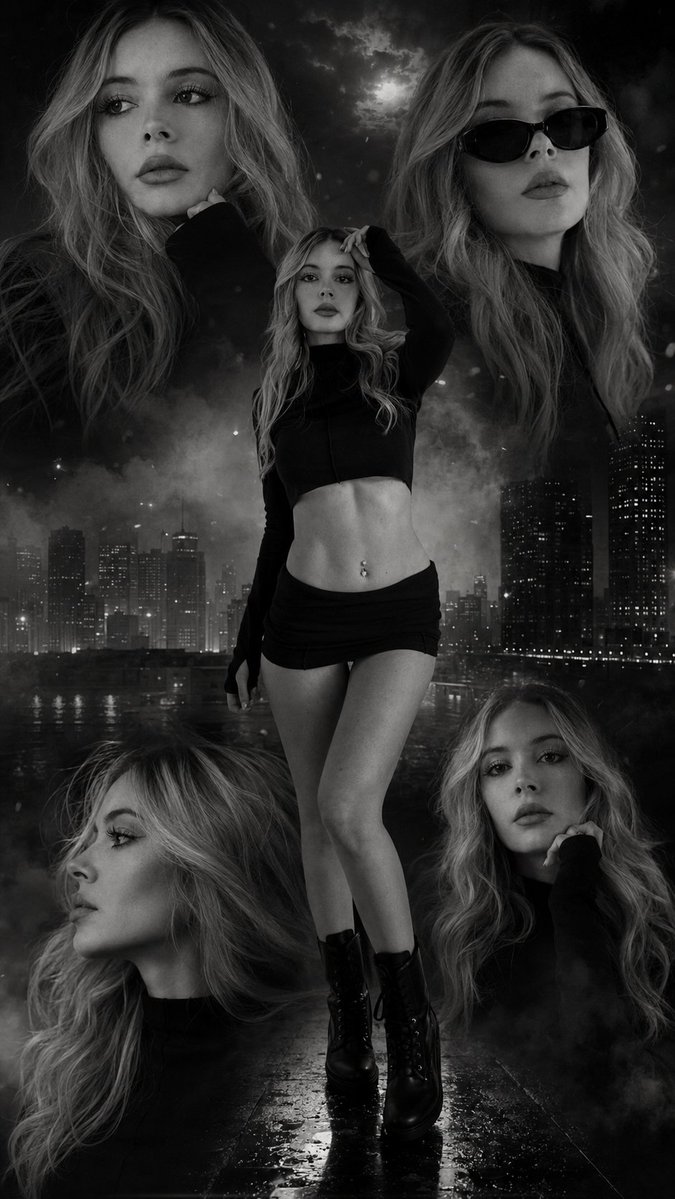
A highly detailed lifestyle prompt for a warm, sunlit indoor scene featuring a realistic portrait with specific environmental and lighting parameters. (free to use) — Free AI image template on PicX Studio.
{ "scene": { "setting": "{argument name="setting" default="cozy modern indoor bedroom/living space with strong daylight influence"}", "background": "soft neutral-toned room with white drawer cabinet, minimal decor, indoor plant, wooden floor, and bright window area suggesting sunny day outside", "lighting": "bright natural sunlight streaming through window, warm sun rays hitting subject and furniture, realistic highlights and soft directional shadows, balanced exposure with slight golden tone for sunny atmosphere" }, "subject": { "type": "female", "pose": "seated in a rounded cushioned chair, one leg crossed over the other, torso upright, one arm raised naturally near head as if adjusting hair, other hand resting on thigh", "expression": "{argument name="expression" default="playful kissy face expression with lips slightly puckered"}, relaxed eyes matching reference expression exactly", "face": "Use uploaded reference image, keep identity exact, ensure facial features align naturally with body proportions and lighting direction, realistic skin texture and sunlight highlights", "hair": "Use uploaded reference image, keep identity exact, long straight hair naturally falling with soft shine and slight light reflections", "eyes": "Use uploaded reference image, keep identity exact, relaxed gaze with natural reflections from sunlight", "skin": "natural smooth skin tone with realistic sunlight highlights, subtle imperfections, warm glow from sun exposure, soft shadow transitions", "body": "natural proportions maintained with realistic posture" }, "clothing": { "outfit": "{argument name="outfit" default="form-fitting lime green high-fashion swimsuit"} with smooth fabric, minimal seams, slightly reflective under sunlight with realistic stretch and folds", "footwear": "barefoot with relaxed natural feet positioning", "accessories": "subtle minimal jewelry, pink-toned nail polish" }, "environment_details": { "props": "rounded fabric chair, white drawer cabinet, decor items, indoor plant", "textures": "fabric chair texture, wood floor grain, skin highlights, realistic fabric stretch and light interaction" }, "camera": { "angle": "slightly low upward angle", "framing": "mid to full body framing with subject centered", "focus": "sharp focus on subject with slight natural background softness", "lens": "portrait lens with natural perspective and slight depth" }, "style": { "realism": "ultra realistic lifestyle photography", "color_tone": "bright warm tones with sunny day glow and pink emphasis", "effects": "natural lighting only, no heavy filters", "details": "high detail textures, realistic lighting consistency, seamless face-body integration, polished modern aesthetic" } }
Use Sunlit Lifestyle Bedroom Portrait to plan an AI image around nano-banana-2 generation. Match the preview's composition first, then personalize the subject, setting, and mood for your own project.
Use the primary action to load the template settings in PicX Studio.
Adjust the subject and creative details for your destination.
Create the image, compare the result with the preview, and refine one variable at a time.
A continuous mix — similar concepts first, woven with same-model prompts and fresh picks from the catalog.
Choose the primary action to open PicX Studio with the available template settings. Review the model and format, personalize the creative direction, and generate when ready.
Yes. You can change the subject, setting, lighting, mood, format, and available model controls before creating your image.
This template is free to open and customize. Generation usage is shown in PicX Studio before you create.
Start with nano-banana-2, which is the model associated with this template. You can compare another compatible model for a different finish.
Follow a topic to a crawlable collection of related PicX Studio templates.
39,155 public templates available. Verified via the PicX Studio public templates API; refreshed hourly.
A continuous mix — similar concepts first, woven with same-model prompts and fresh picks from the catalog.