
X/Twitter UI Interaction Scene
A complex Nano Banana Pro prompt for a character sitting on a 3D X logo with a massive UI screen background.
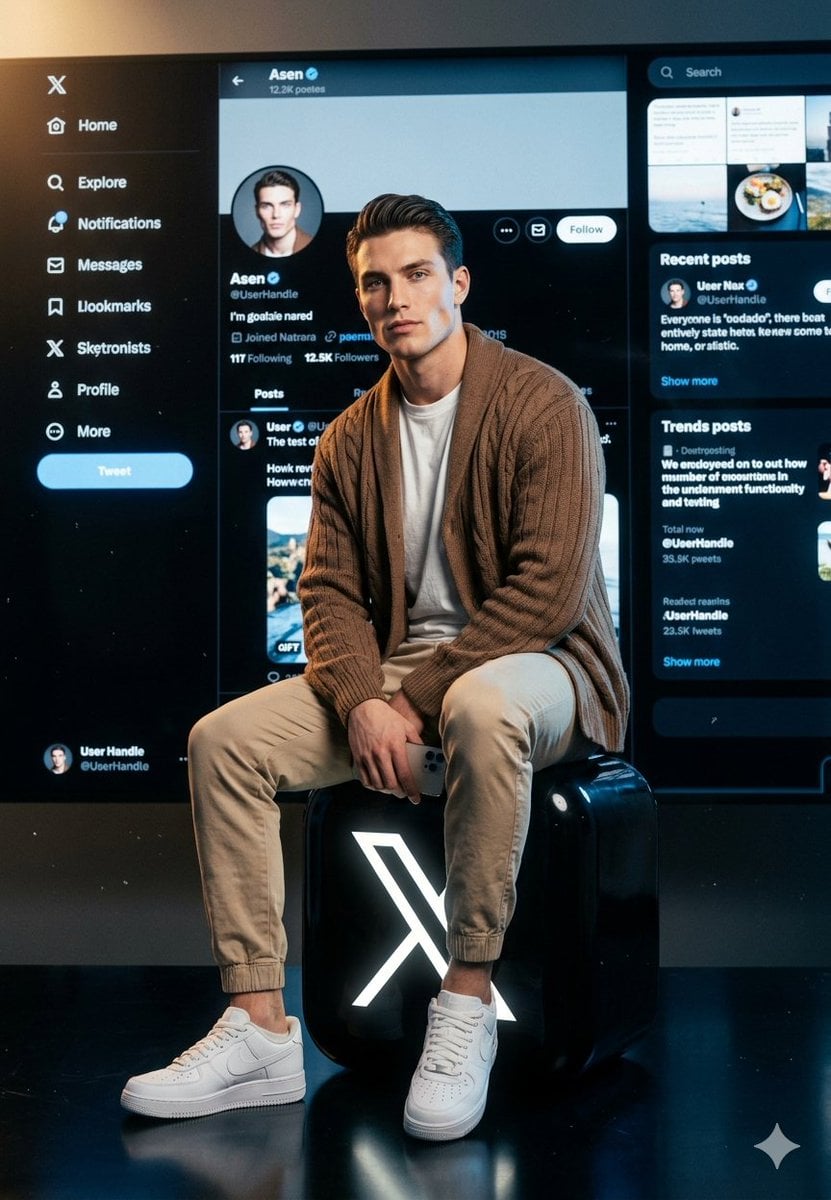
- Prompt included
- Model and format preset
- Free template
The prompt behind this image
Copy the exact prompt behind X/Twitter UI Interaction Scene, or open it in the studio and make it yours.
A young American white man with extremely sharp, chiseled jawline, high cheekbones, piercing eyes, clean skin — no tattoos anywhere. Dark neatly styled hair. Wearing a {argument name="top" default="brown oversized cardigan over a white t-shirt"}, beige jogger pants and white Nike Air Force 1 sneakers. Pose & Camera angle: Full body shot, character sitting centered and CLOSE to the camera — filling majority of the frame. Camera at slight low angle looking up, character dominates the foreground. Both legs relaxed, one knee slightly raised, holding a smartphone in one hand resting on his knee. Confident, calm expression looking slightly off-camera. Logo: He is sitting on a large {argument name="logo description" default="oversized glossy 3D X (Twitter) logo"} — big black rounded square with glowing white X symbol — logo is wide, taking up the lower 30% of frame. Character sits directly on top of it. Background screen: The X/Twitter dark mode UI screen behind the character is NOW very close — almost like a giant wall monitor right behind him, only 1-2 feet away. The screen is MASSIVE, filling the entire background from edge to edge and top to bottom. It is so close and large that the UI details are clearly visible and sharp — you can clearly read the profile handle [{argument name="handle" default="OzairAI"}] , see the profile picture (matching the character), follower counts, tweet feed posts, sidebar navigation. The screen feels like it's RIGHT THERE behind him, not floating far away. High resolution UI details, crisp and legible text inside the screen. Lighting: Cinematic dramatic lighting — strong key light from upper left on face and chest, soft cool fill from right, subtle blue/white glow from the screen behind reflecting onto the character's back and shoulders. Deep dark charcoal background edges with faint particles. Ultra photorealistic, 8K, cinematic color grading, no text overlays except inside the X UI screen. Vertical 9:13 format.
How to use X/Twitter UI Interaction Scene in 3 steps
- 1
Open
The prompt is already in the box next to the preview, with the template's model and format selected.
- 2…a portrait of your subject in softgolden-hour light, 85mm…
Personalize
Edit the subject and creative details for your destination.
- 3Generate
Generate
Press Generate — your image is created in PicX Studio, so you can compare it with the original and refine one variable at a time.
More like this
Templates with the same subject, style or setup. Open one to see its prompt.
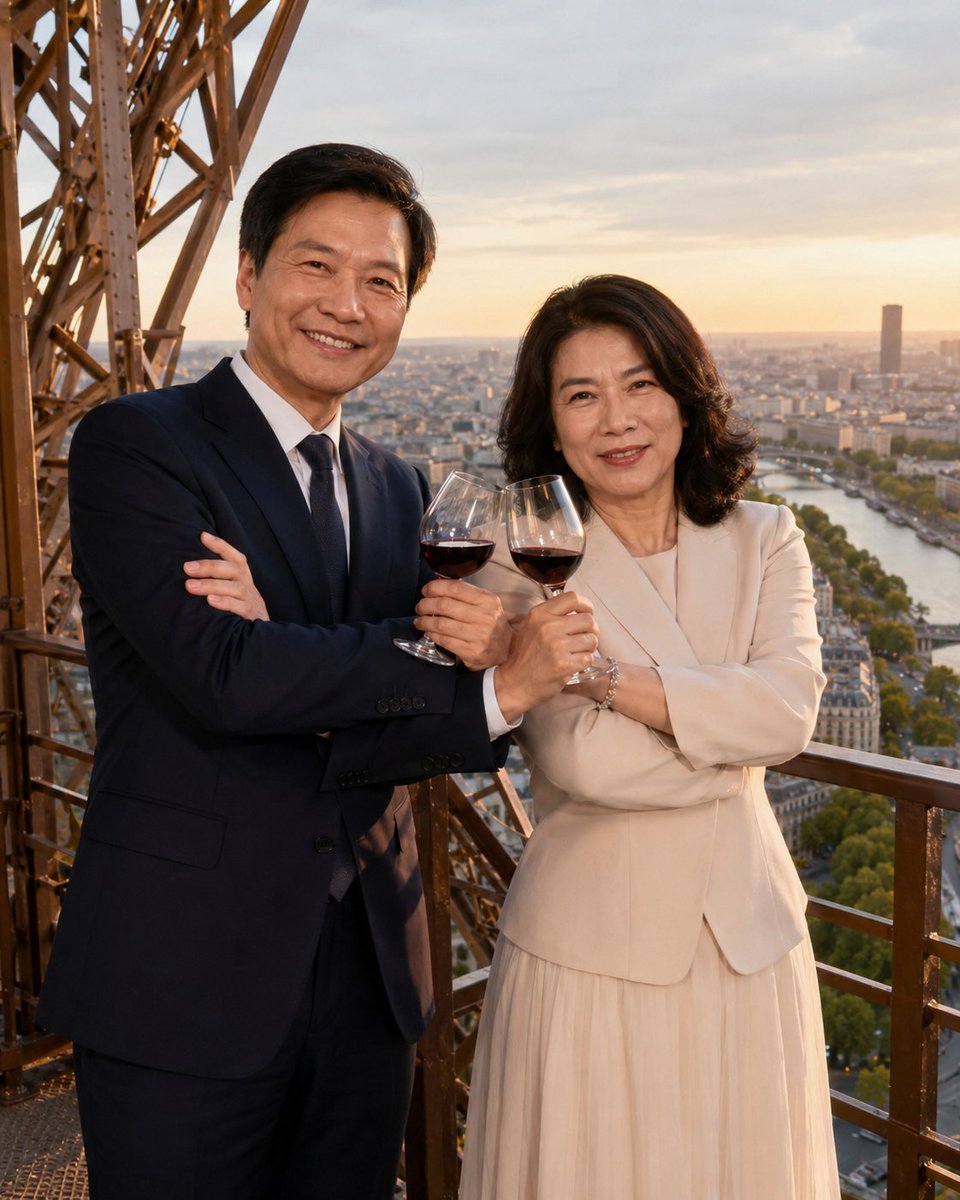
Cross-armed toast interaction prompt
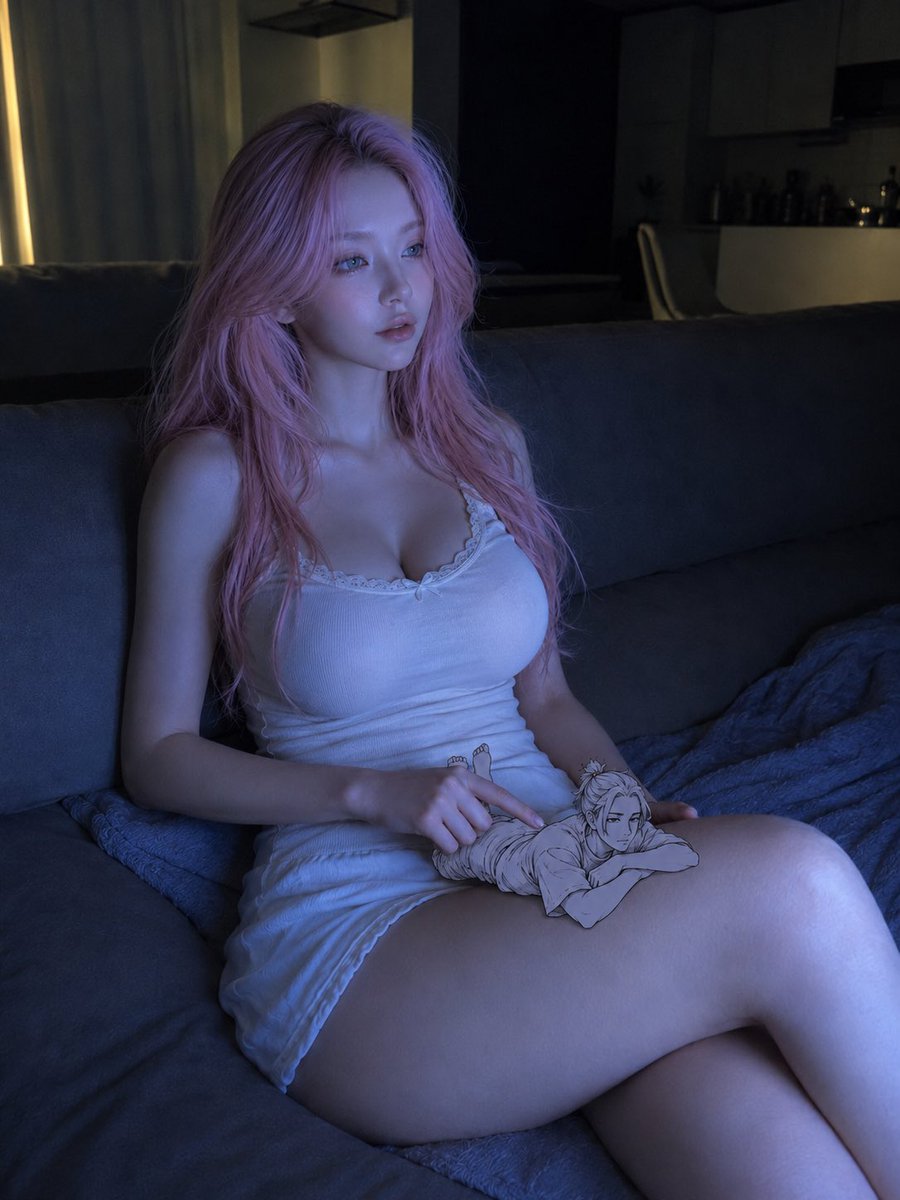
Realistic woman and tiny doodle man interaction
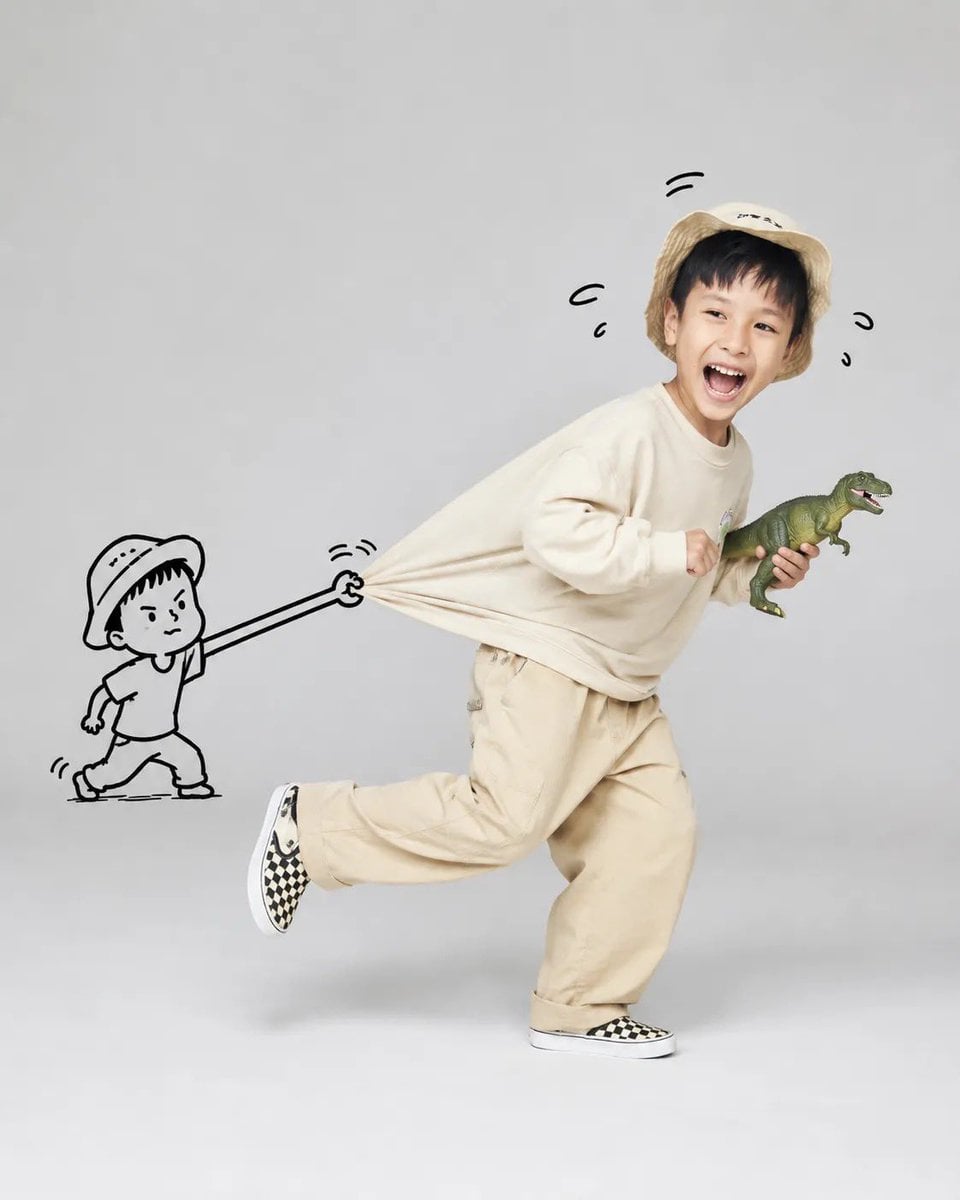
Whimsical Doodle Interaction Portrait
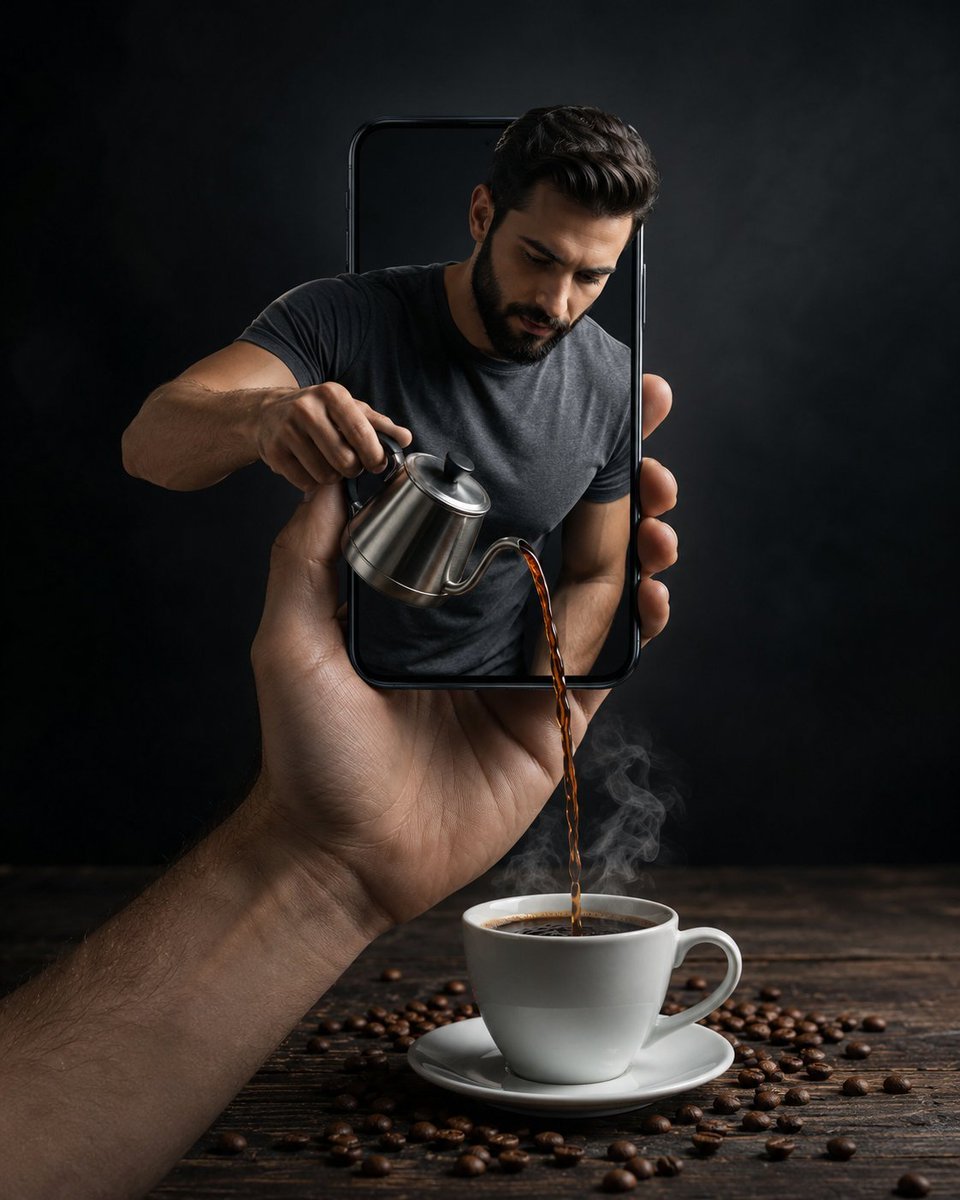
Surreal Coffee Smartphone Interaction

Cute Cat and Doodle Interaction
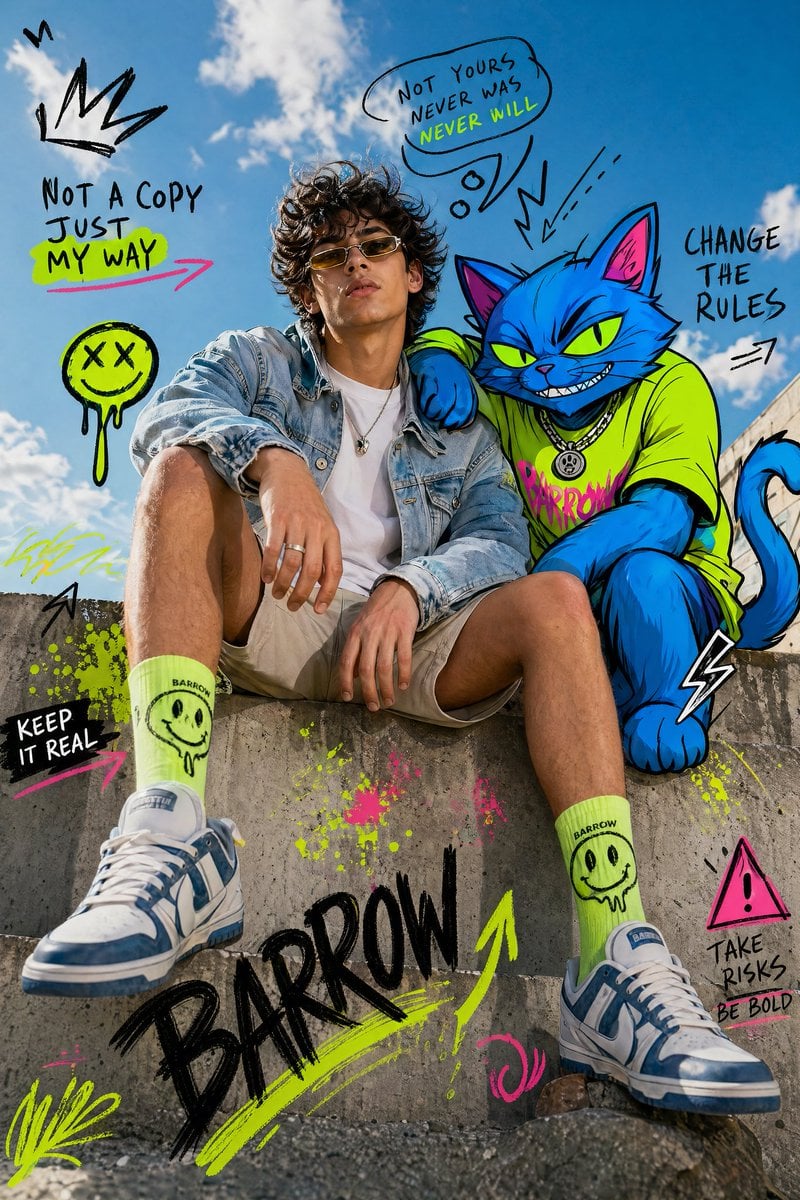
Mixed-Media Fashion Editorial with Neon Cartoon Interaction
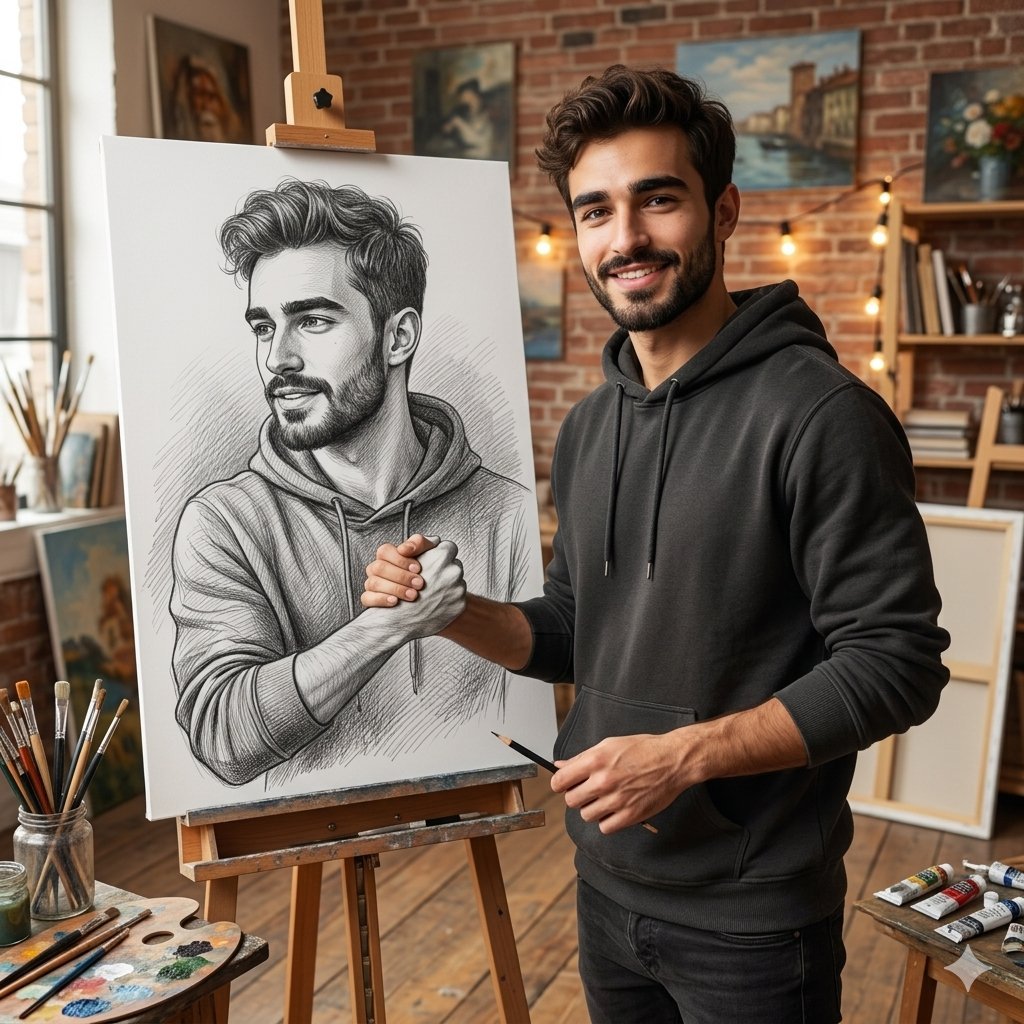
Realistic Artist Studio Sketch Interaction

Historical Character Modern Match Interaction
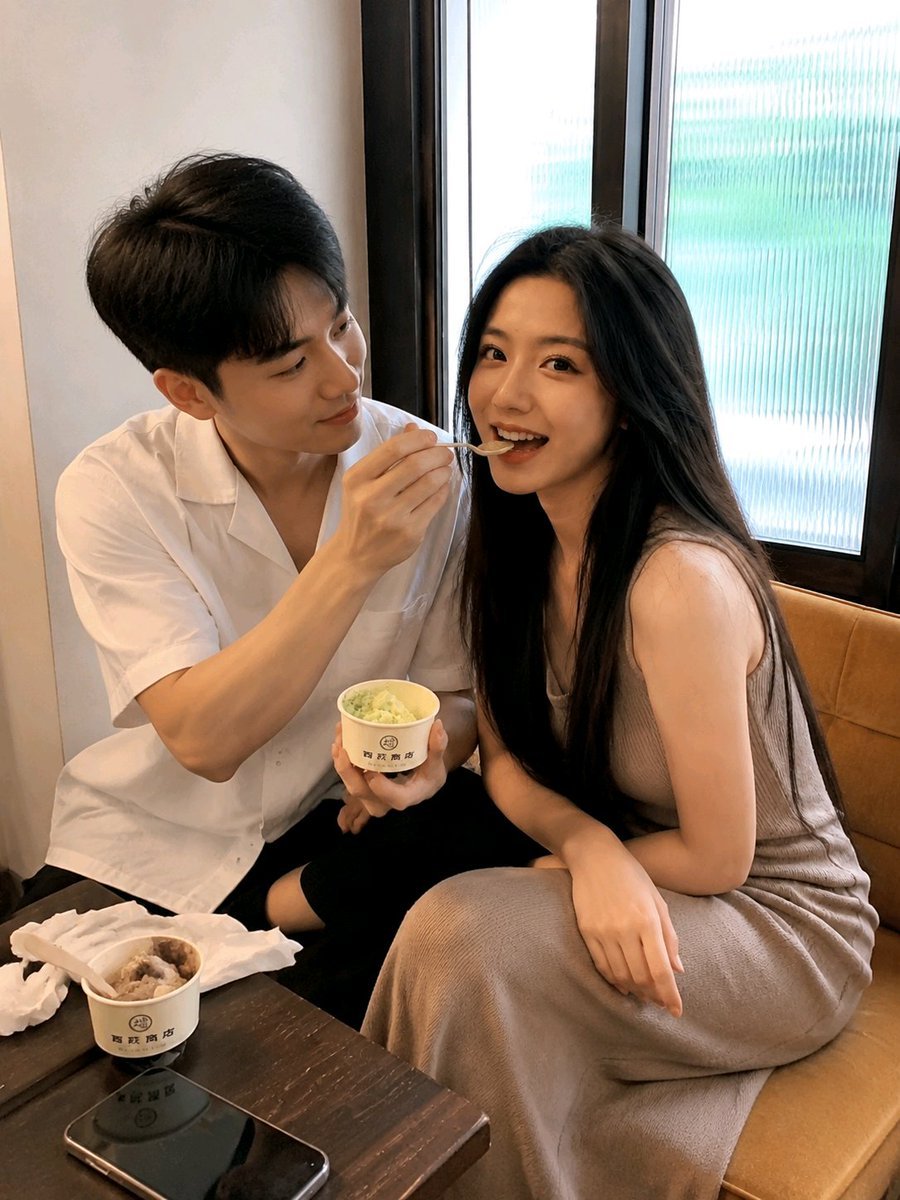
Candid Dessert Date Photography

Six VTuber Japanese Logo Sheet
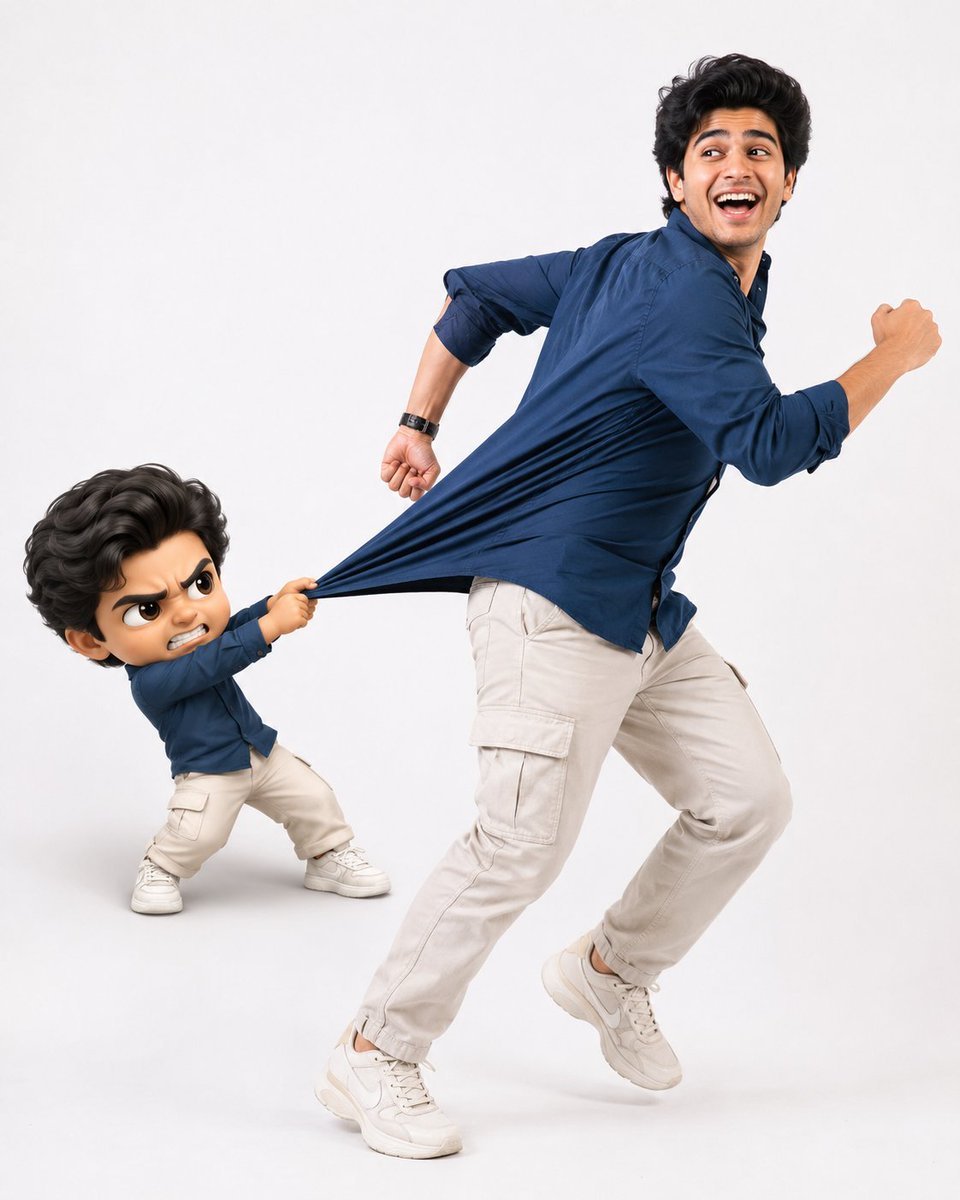
Playful Semi-Chibi Lifestyle Editorial

Realistic Portrait of Woman and Deer
Make it yours
X/Twitter UI Interaction Scene works as-is. These are the safest ways to change it without losing the look.
Change one field
Copy a single group, rewrite it, and generate again so you can see what that field is doing.
Keep the frame, change the subject
Hold the composition and light of X/Twitter UI Interaction Scene, then swap wardrobe, props or the person for a new take.
| If the result… | Why | Fix |
|---|---|---|
| The result drifts from the preview | Too many fields changed at once. | Reuse X/Twitter UI Interaction Scene as-is first, then change one group — subject, light, or setting. |
| The model over-stylizes the scene | The prose prompt leaves finish and camera underspecified. | Add one camera or lighting sentence and stay on Nano Banana 2. |
More Nano Banana 2 templates
Other prompts made for Nano Banana 2.

Photorealistic Leaf Shaped Like a Dragon

K-Pop Idol Portrait Grid for Rapid Selection

Poetic Rain Forest Portrait During Golden Hour

Urban Street Portrait with Cartoon Inner Self Duo

Candid Nighttime Photo with Cat Prompt

High-Concept 3D Diorama Generation Prompt

Cinematic Futuristic Studio Portrait Template

Skincare Editorial Photography Collage Prompt

Hyper-Realistic Commercial Product Photography (Splash Effect)

Hyper-Realistic Nightclub Portrait Prompt
More image prompts
Fresh picks from across the catalog.
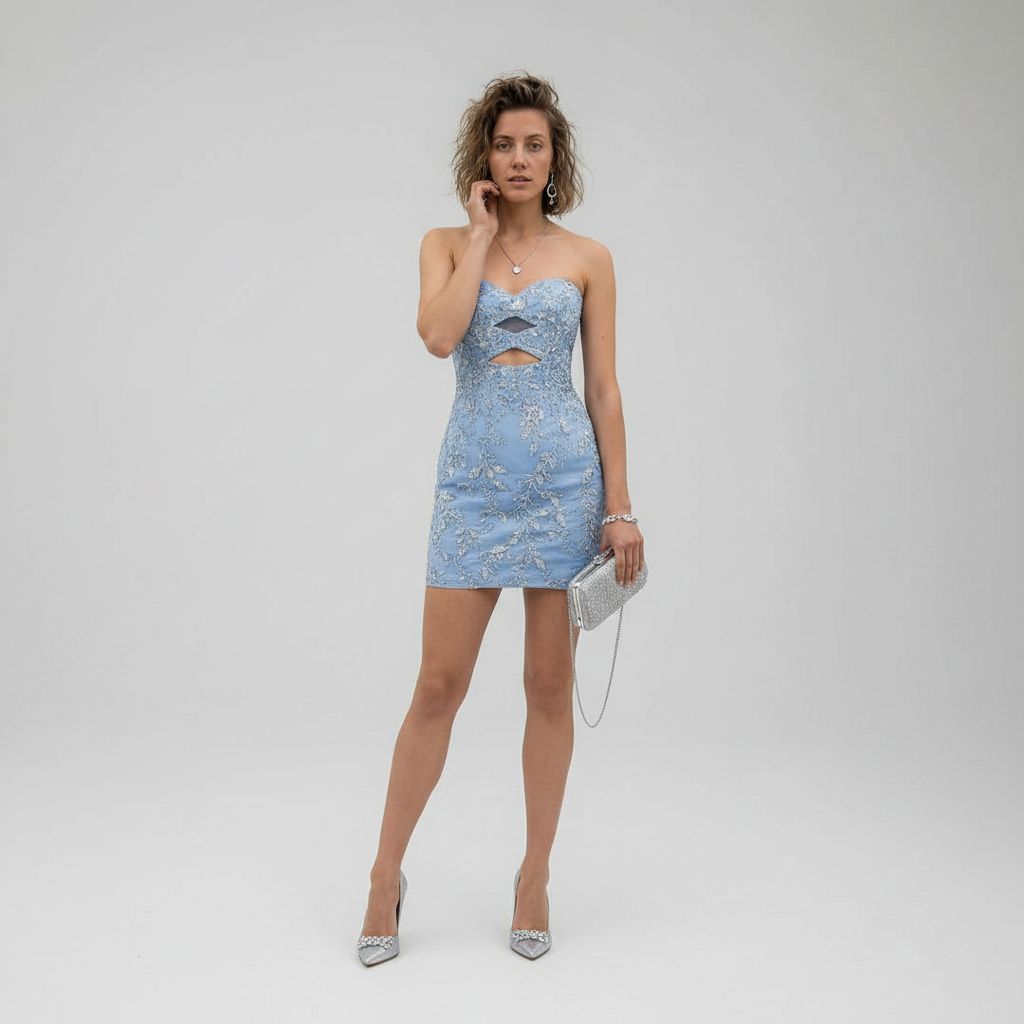
Gpt2 Profile Avatar Luxury Studio Outfit Transformation

Minimalist Sports Poster Campaign

Luxury Leather Fashion Ad Poster
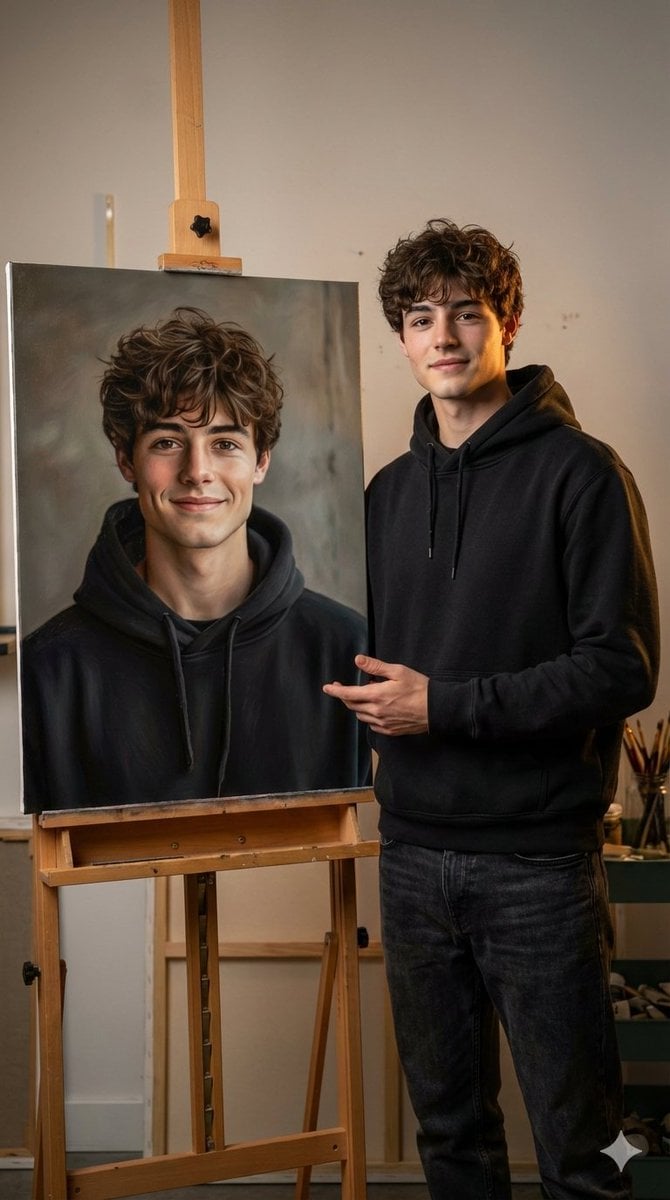
Hyper-realistic portrait with a painting of the subject
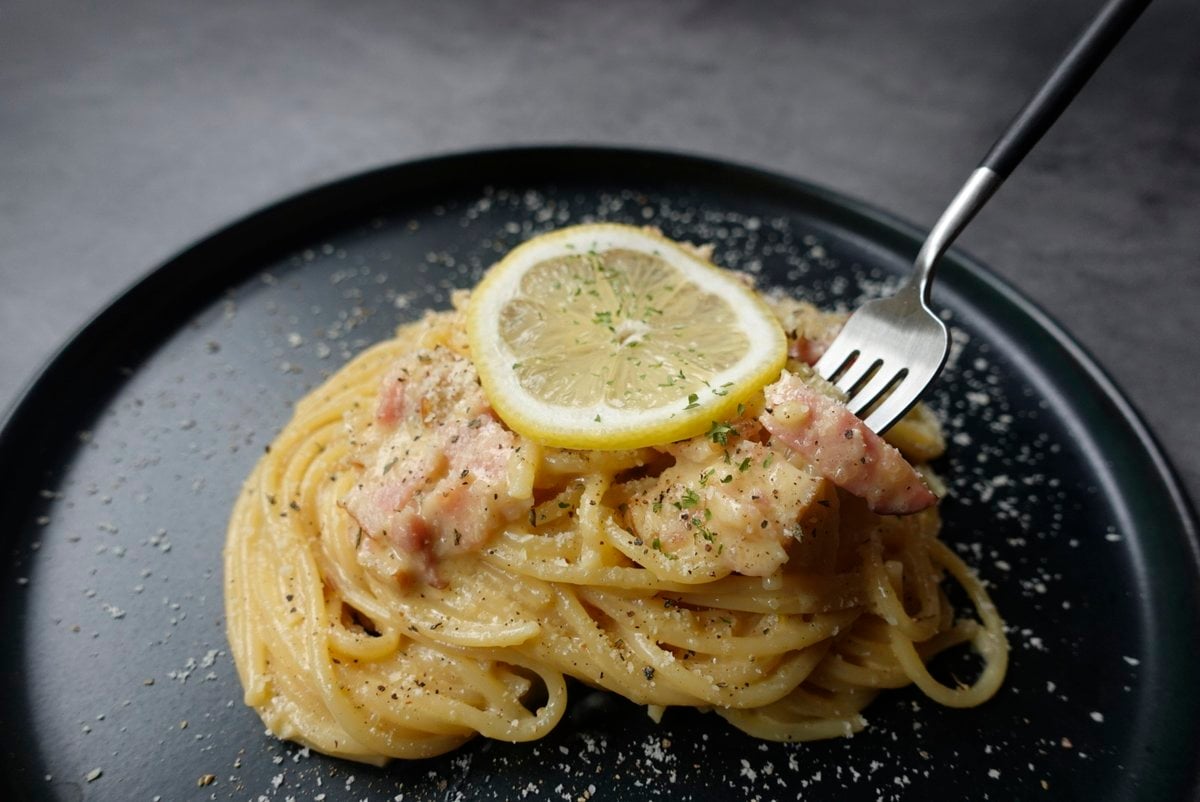
Food Plating and Processing for Instagram
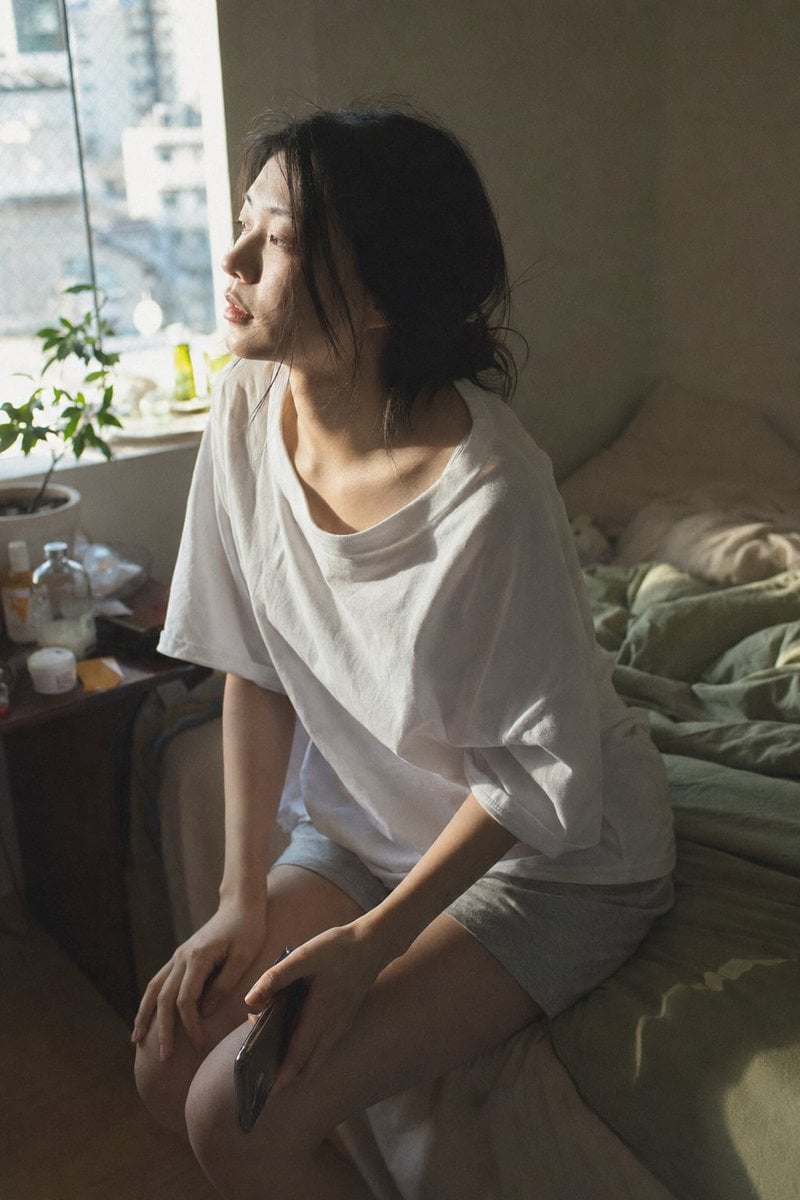
Candid Morning Bedroom Portrait
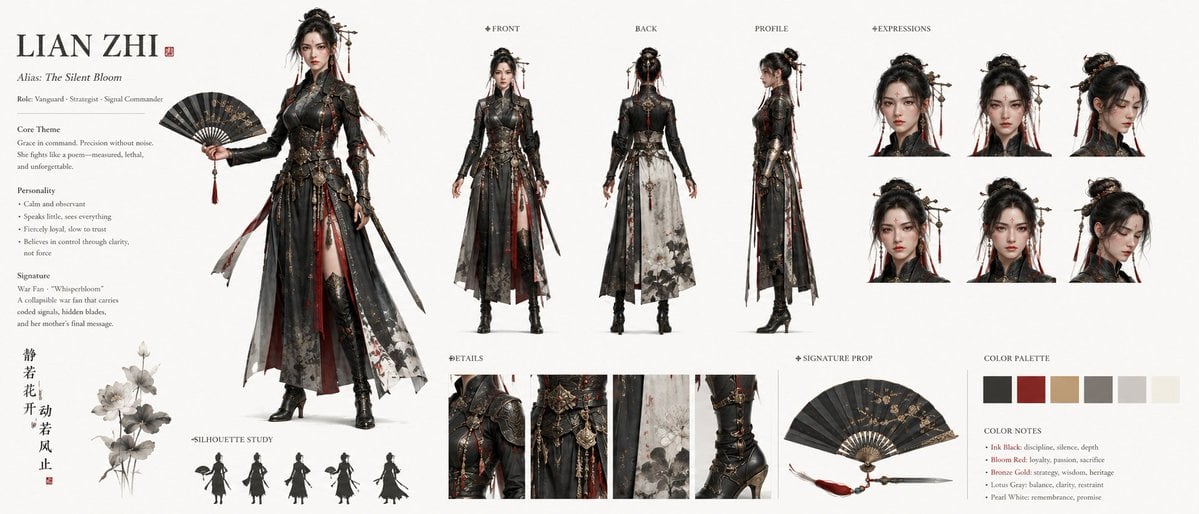
Lian Zhi Dark Fantasy Character Sheet
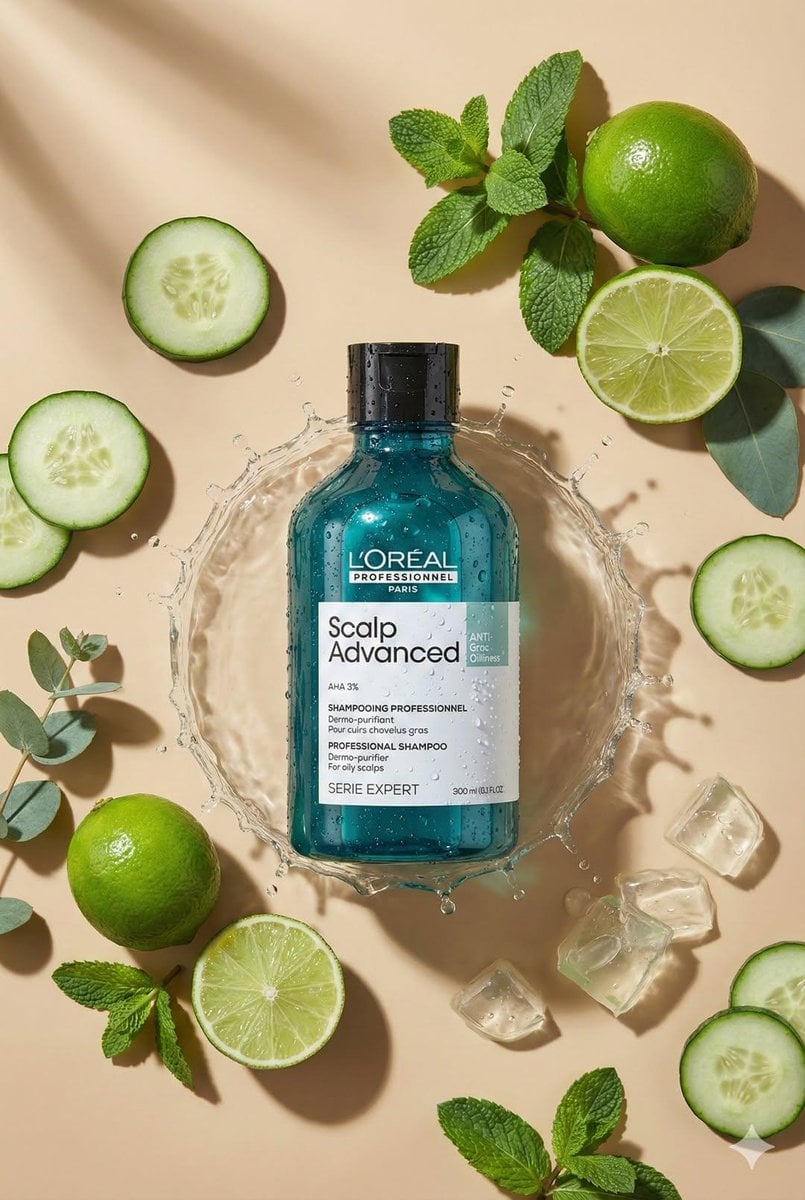
Top-Down Flat Lay Product Photo Generation Prompt
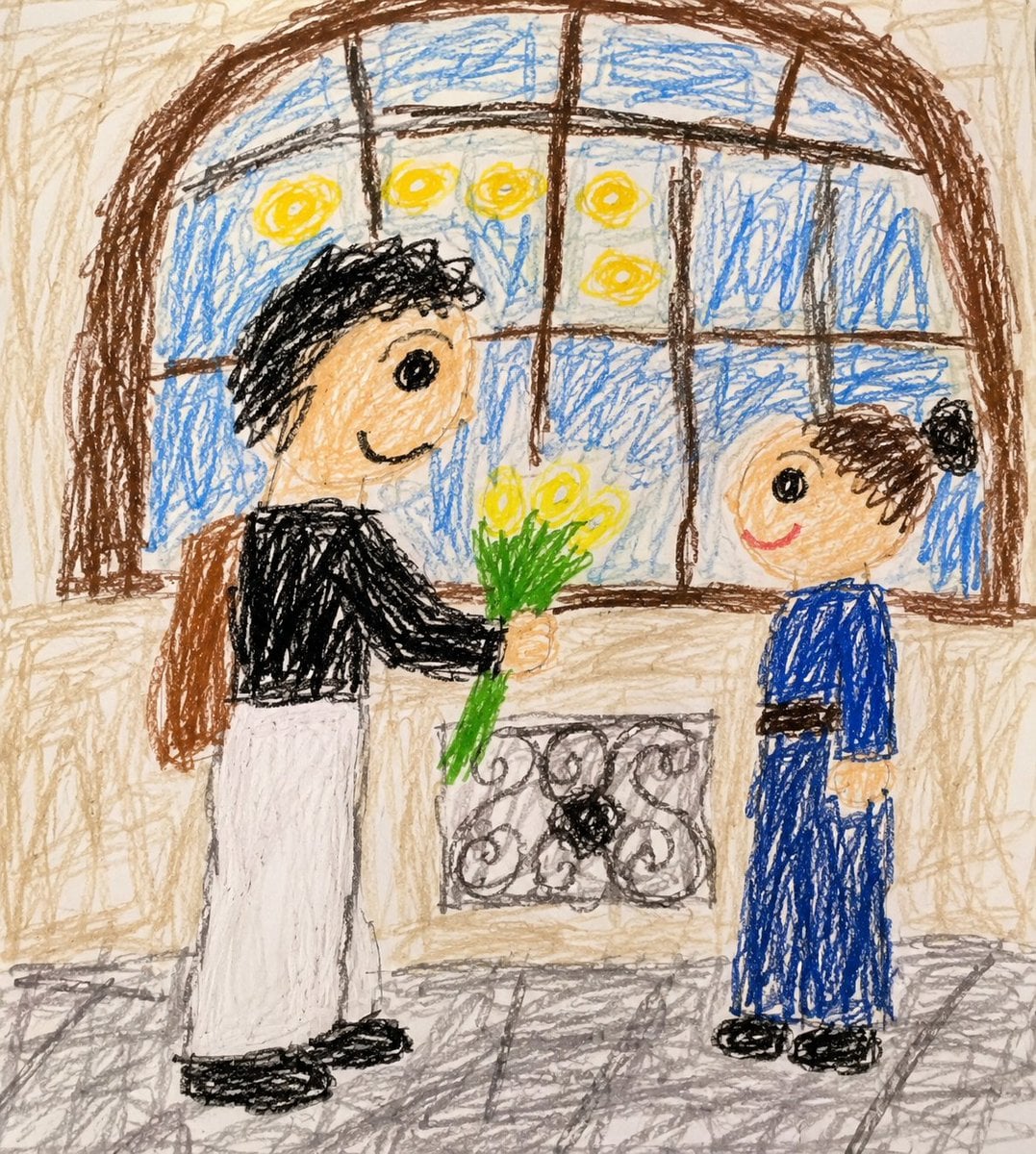
Toddler Crayon Drawing Transformation

Geospatial and Temporal Image Generation Prompt
Browse template categories
X/Twitter UI Interaction Scene questions
How do I use the X/Twitter UI Interaction Scene template?
Add your photo if the template asks for one, edit the prompt if you like — the template's model and format are already selected — and press Generate. Your version opens in PicX Studio.
Can I customize the X/Twitter UI Interaction Scene template?
Yes. You can change the subject, setting, lighting, mood, format, and available model controls before creating your image.
Is the X/Twitter UI Interaction Scene template free?
Opening and editing this template is free. Generating uses credits, shown on the Generate button when you are signed in.
Which AI model should I use?
Start with Nano Banana 2, which is the model associated with this template. You can compare another compatible model for a different finish.
Looking for something else? Browse all templates.

Your photo, any look
Thousands of ready templates for every top image and video model, from one credit balance.