How do I use the Large Cake Glossy Apple Birthday template?
Choose the primary action to open PicX Studio with the available template settings. Review the model and format, personalize the creative direction, and generate when ready.
A ready image prompt for PicX Studio. Change the subject, setting, or lighting one variable at a time.

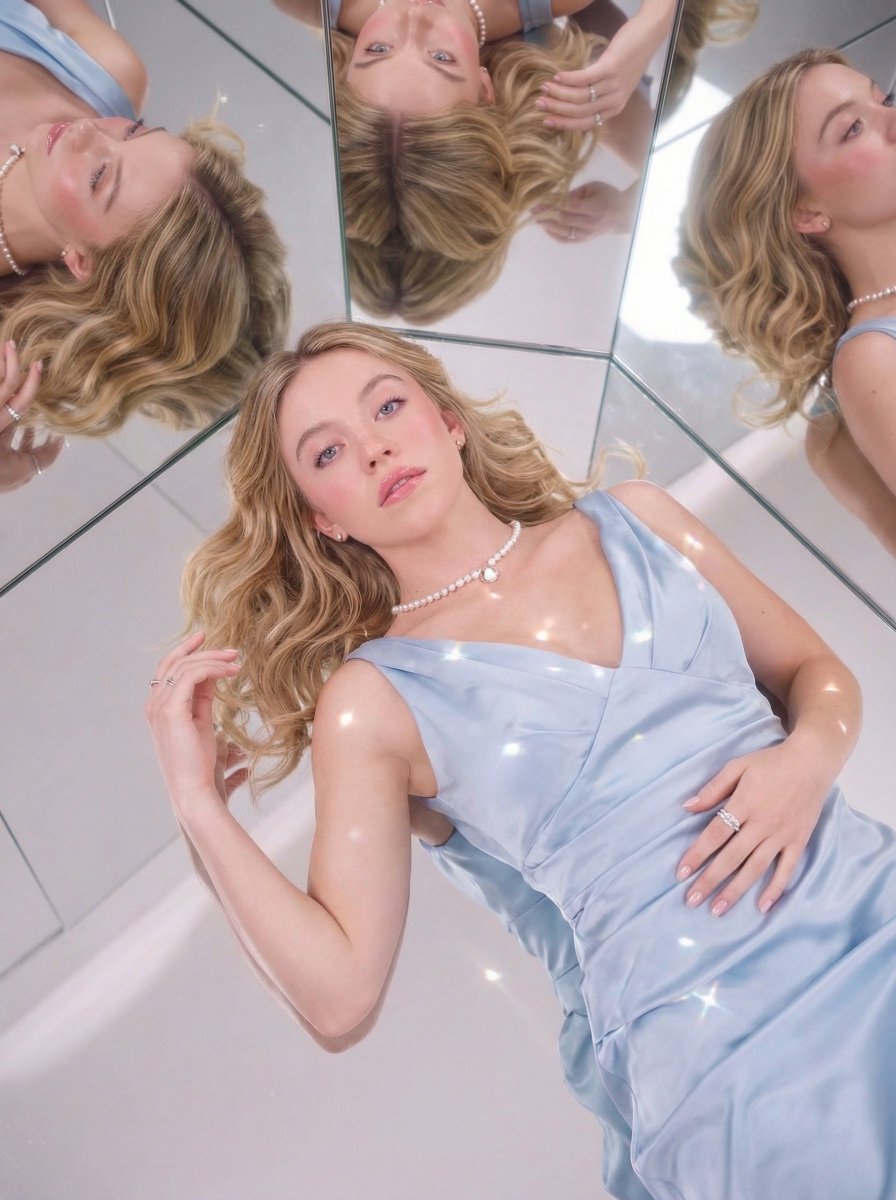
Ultra-realistic editorial shot of the uploaded image sitting elegantly on a large white tiered cake prop decorated with glossy red apples. Hair styled in an elegant updo in the natural color of the uploaded image, wearing a delicate tiara. Dressed in a silky champagne mini dress with black opera gloves. Bare feet resting on the cake edge, black heels placed beside apples on a lower tier. Background: clean studio gray with translucent hanging balloons. Soft diffused studio lighting, crisp shadows, luxury fashion shoot aesthetic, detailed textures on cake icing, high-resolution, Vogue-style composition.
Choose the primary action to open PicX Studio with the available template settings. Review the model and format, personalize the creative direction, and generate when ready.
Yes. You can change the subject, setting, lighting, mood, format, and available model controls before creating your image.
This template is free to open and customize. Generation usage is shown in PicX Studio before you create.
Choose a compatible model in PicX Studio based on the style, speed, and output controls your project needs.
© 2026 PicX Studio. All rights reserved.

Follow a topic to a crawlable collection of related PicX Studio templates.
43,474 public templates available. Verified via the PicX Studio public templates API; refreshed hourly.
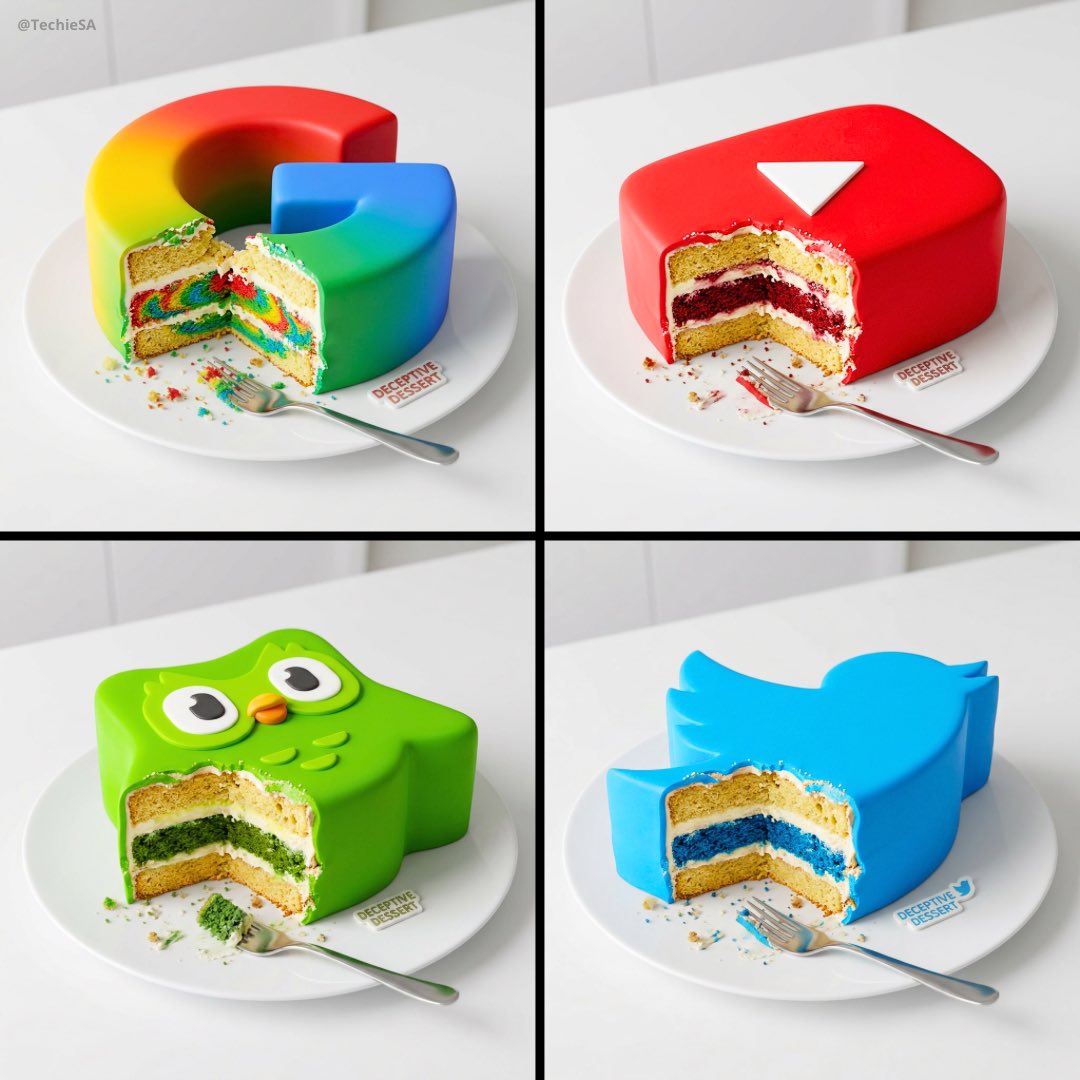
![Luxury Dessert Logo Product Photography — Minimalist luxury product photography of an edible sculpture inspired by the [brand name] logo. Logo transformed into](/_next/image?url=https%3A%2F%2Fcdn.picxstudio.com%2Fuploads%2Fmeigen_a9d271403edd_04fd5565-6f29-4349-9b66-e8e43523ac87.jpg&w=828&q=100)







![Hyper realistic food photography, cake decorated to recreate the famous — [cake type], hyper realistic food photography, cake decorated to recreate the famous p](https://images.meigen.ai/tweets/2020950596262691284/0.jpg)
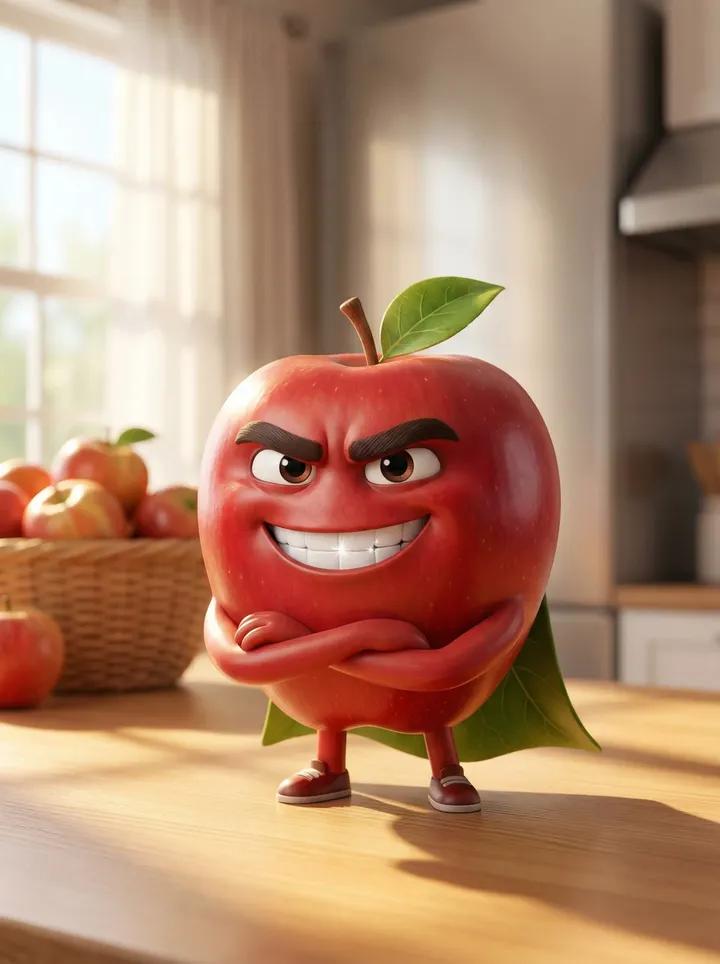




![Made of smooth inflated glossy vinyl plastic, ultra-realistic 3D render — [SUBJECT], made of smooth inflated glossy vinyl plastic, ultra-realistic 3D render, so](https://images.meigen.ai/tweets/2037922744856412584/0.jpg)











![Ink-Wash Style Presentation Slides — Title: {argument name="标题" default="在此输入幻灯片标题"}
Key Points:
- [要点 1:简洁的描述]
- [要点 2:核心数据或事实]
- [要点 3:关键结论]
Visual Elements](https://cms-assets.youmind.com/media/1778402613979_an5gcr_HH2JphkXIAAo_qZ.jpg)






![Animal Texture Product Marketing Shot Generator — A high-quality studio photograph of a {argument name="brand name" default="[BRAND]"} fully covered in ultra-re](https://pbs.twimg.com/media/G95aiIuXoAAgqwg.jpg)
