
Wuhan City Promotional Video Prompt for Seedance 2.0
A detailed, structured prompt for Seedance 2.0 to generate a promotional video about the city of Wuhan, capturing its blend of historical charm and modern urban life.
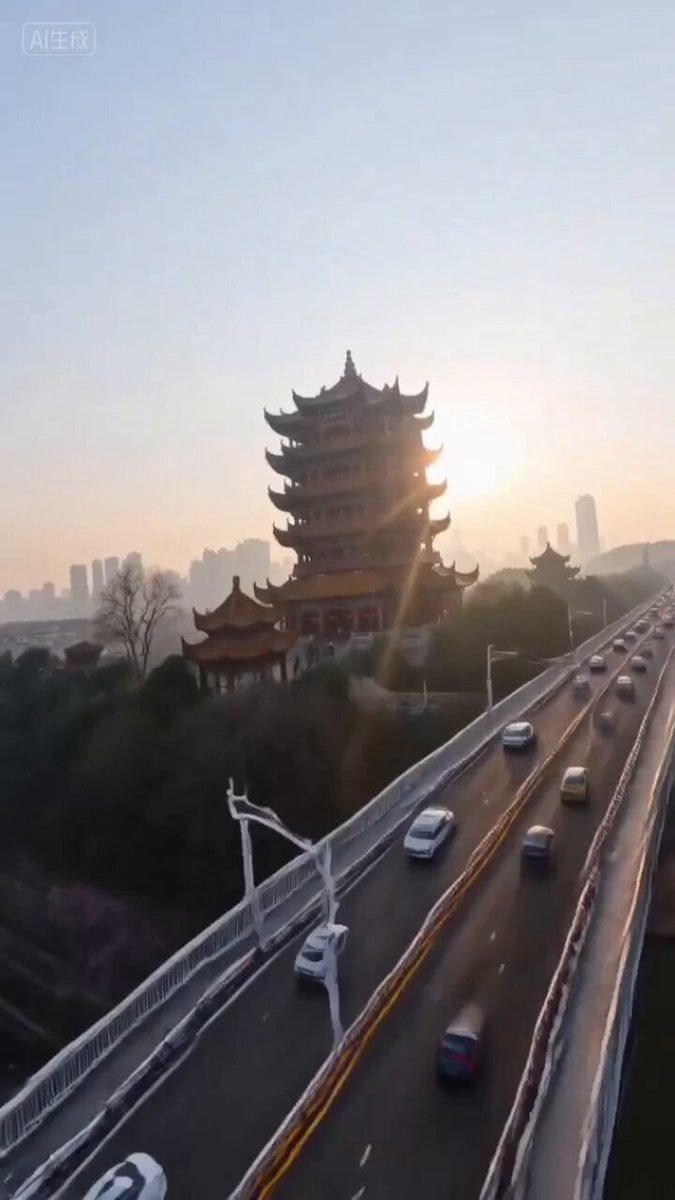
- Prompt included
- Model and format preset
- Free template
The prompt behind this video
Copy the exact prompt behind Wuhan City Promotional Video Prompt for Seedance 2.0, or open it in the studio and make it yours.
[Subject]: A group portrait of Wuhan cityscape, including the red walls and yellow tiles of the Yellow Crane Tower, steaming hot-dry noodles, the steel structure of the Yangtze River Bridge, and Wuhan University with cherry blossoms flying, the imagery bursting with vitality. [Action]: The camera slowly pushes in through the steam rising from the hot-dry noodles, then hard-cuts on a match to the vast misty waters of the Yangtze River; a dragon dance weaves nimbly through the old street, movements fluid and natural, not stiff. [Scene]: The Yellow Crane Tower at dawn, the Tyndall effect piercing through the upturned eaves; at night, the "light show" along both banks of the Yangtze River shines brightly, neon lights casting dazzling reflections on the river's surface. [Camerawork]: FPV drone perspective, diving at high speed through the bustling alleys of Liangdao Street and pulling up just above the river's surface, connecting into a 180-degree orbit around the main tower of the Yangtze River Bridge, the footage steady with no shake, smooth and fluid. [Style/Quality]: 8K ultra-high-definition, cinematic quality, richly detailed, sharp clarity, combining the cultural heritage of Jingchu with the modern tech feel of the River City. [Constraints]: Building proportions normal, no distortion or warping, faces stable, no flickering in the image, 15 seconds, one continuous take, coherent narrative logic.
How to use Wuhan City Promotional Video Prompt for Seedance 2.0 in 3 steps
- 1
Open
The prompt is already in the box next to the preview, with the template's model and format selected.
- 2…a portrait of your subject in softgolden-hour light, 85mm…
Personalize
Edit the subject and creative details for your destination.
- 3Generate
Generate
Press Generate — your video is created in PicX Studio, so you can compare it with the original and refine one variable at a time.
More like this
Templates with the same subject, style or setup. Open one to see its prompt.

Realistic City Street Story Cinematic Video - Seedance
Stone Colossus Desert Riders — Golden Fire Reveal
Subway Flood — Epic Tunnel Chaos
Asteroid Impact City Destruction
Speeder Chase Across a Cliff City
Seedance 2.0 Prompt for Cinematic City Promotional Video

Wholesome Puppy and Kitten Story - Seedance 2.5

Mysterious Home Exploration Vlog - Seedance 2.5

Dark Tokusatsu Transformation - Seedance 2.5

Cinematic Xinjiang Drone Landscapes - Seedance 2.5

Late Night Kitchen Phone Recording - Seedance 2.5

3D Animated Cat and Old Man - Seedance
Make it yours
Wuhan City Promotional Video Prompt for Seedance 2.0 works as-is. These are the safest ways to change it without losing the look.
Change one field
Copy a single group, rewrite it, and generate again so you can see what that field is doing.
Keep the frame, change the subject
Hold the composition and light of Wuhan City Promotional Video Prompt for Seedance 2.0, then swap wardrobe, props or the person for a new take.
| If the result… | Why | Fix |
|---|---|---|
| The result drifts from the preview | Too many fields changed at once. | Reuse Wuhan City Promotional Video Prompt for Seedance 2.0 as-is first, then change one group — subject, light, or setting. |
| The model over-stylizes the scene | The prose prompt leaves finish and camera underspecified. | Add one camera or lighting sentence and stay on Seedance 2.0. |
More Seedance 2.0 templates
Other prompts made for Seedance 2.0.

Comical Martial Arts Punch Scene

Maglev Train Action Sequence

Martial Arts Fight Sequence

Wuxia Protection and Trust Script

Vintage Korean Arcade MiniDV Vlog

Mercedes 190 SL Luxury Ad

Rainy Night Supernatural Reverse Comedy Video Script

Amazon Civilization Discovery

Futuristic South Asian City Transformation

Cozy Luxury Cafe Commercial
More video prompts
Fresh picks from across the catalog.
Korean Woman DV Camcorder Aesthetic
Cinematic Coastal Disaster Tsunami Prompt
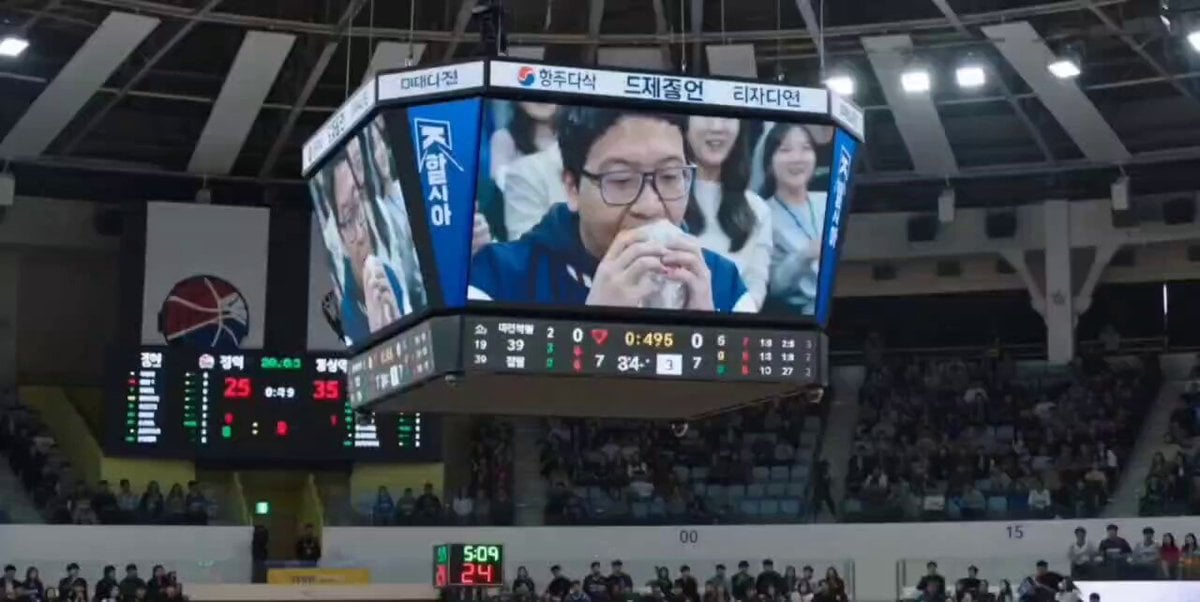
NBA Jumbotron Reaction Shot
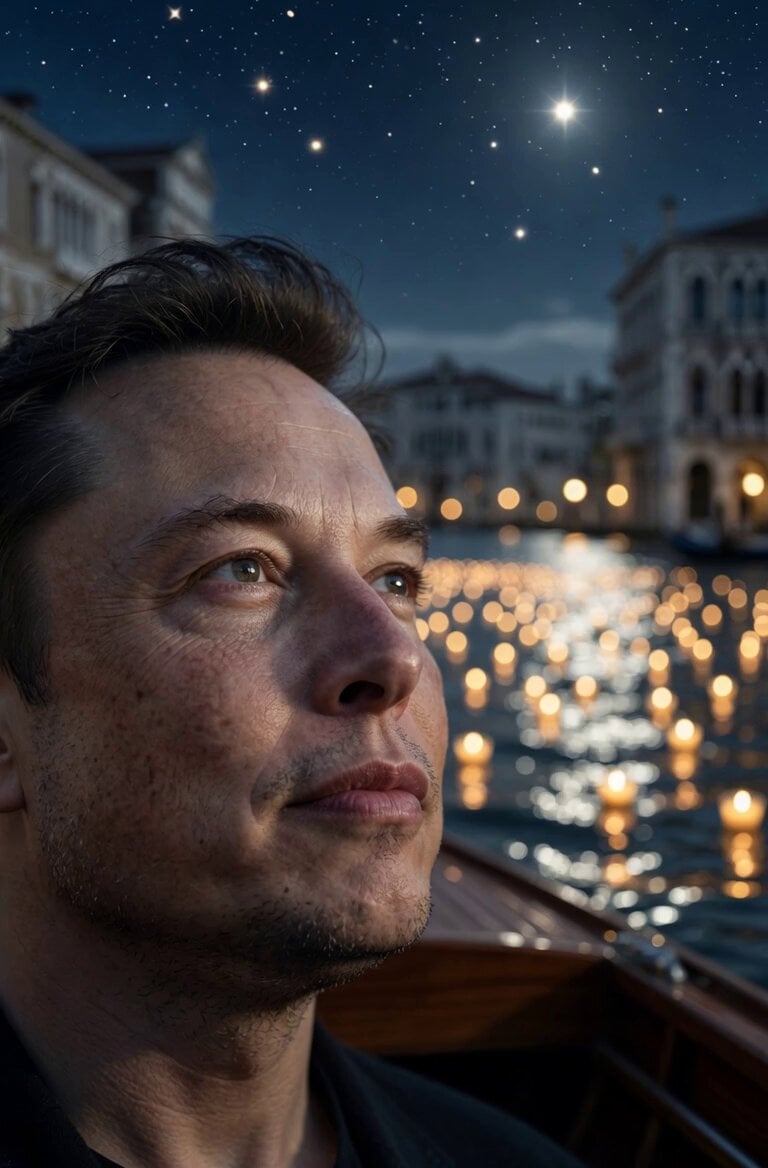
Poetic Moonlight Tide Animation
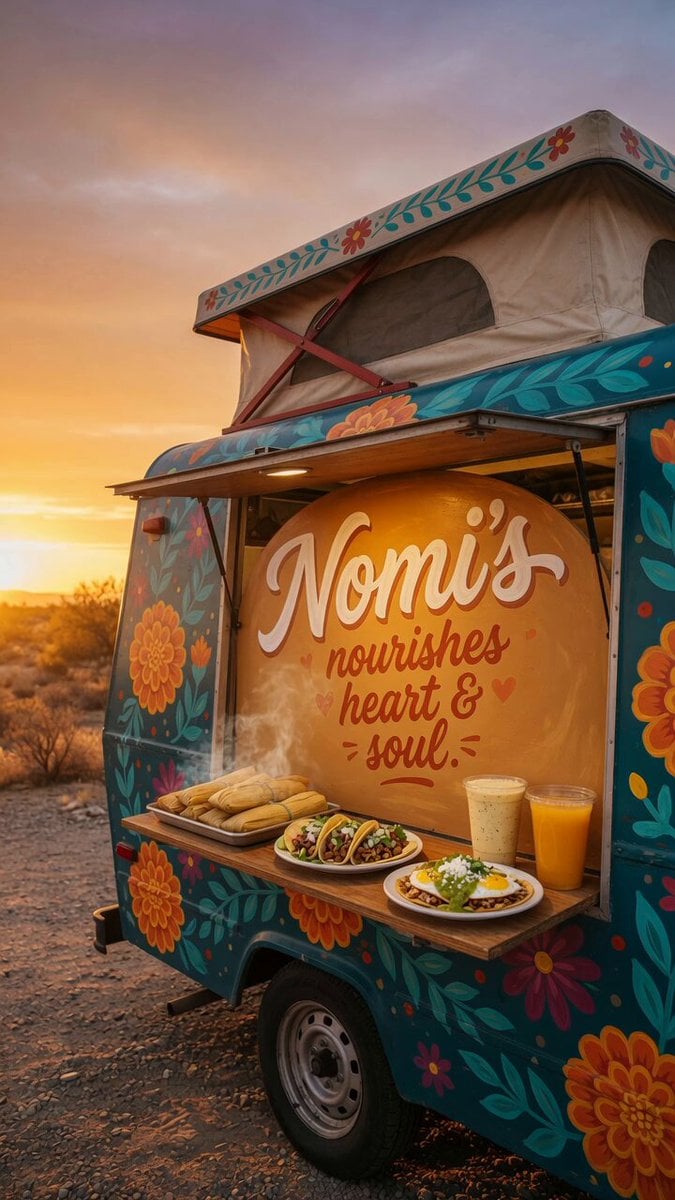
Custom Food Truck Animation
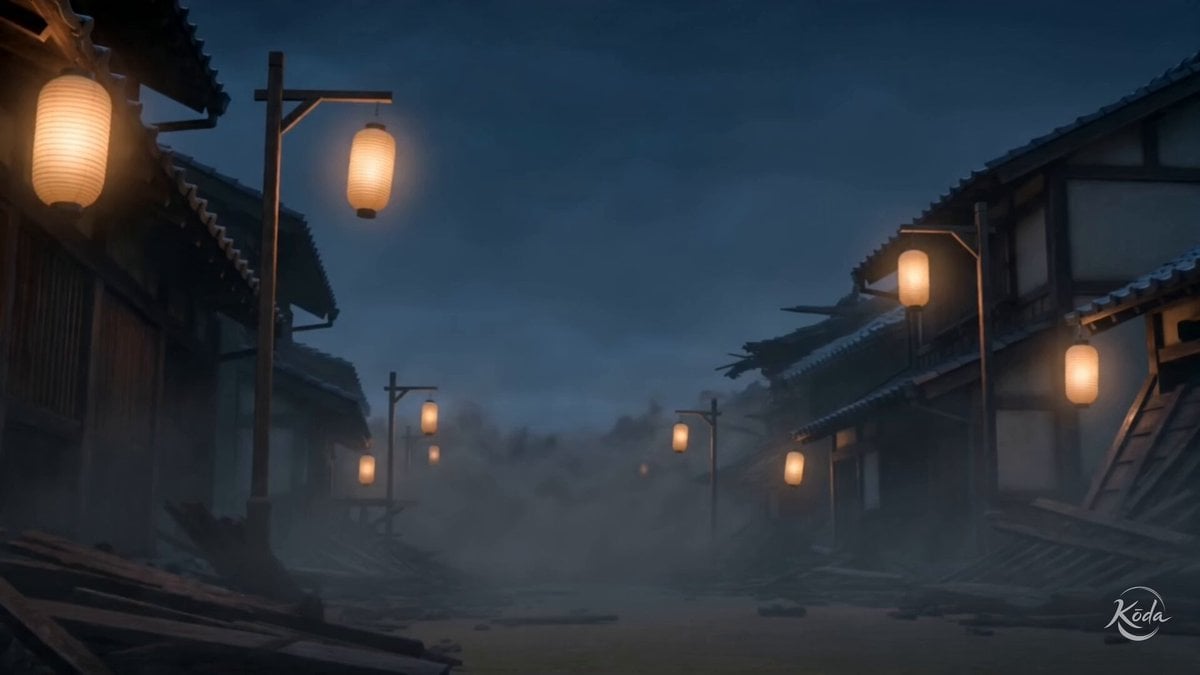
Edo Street Smoke Creature
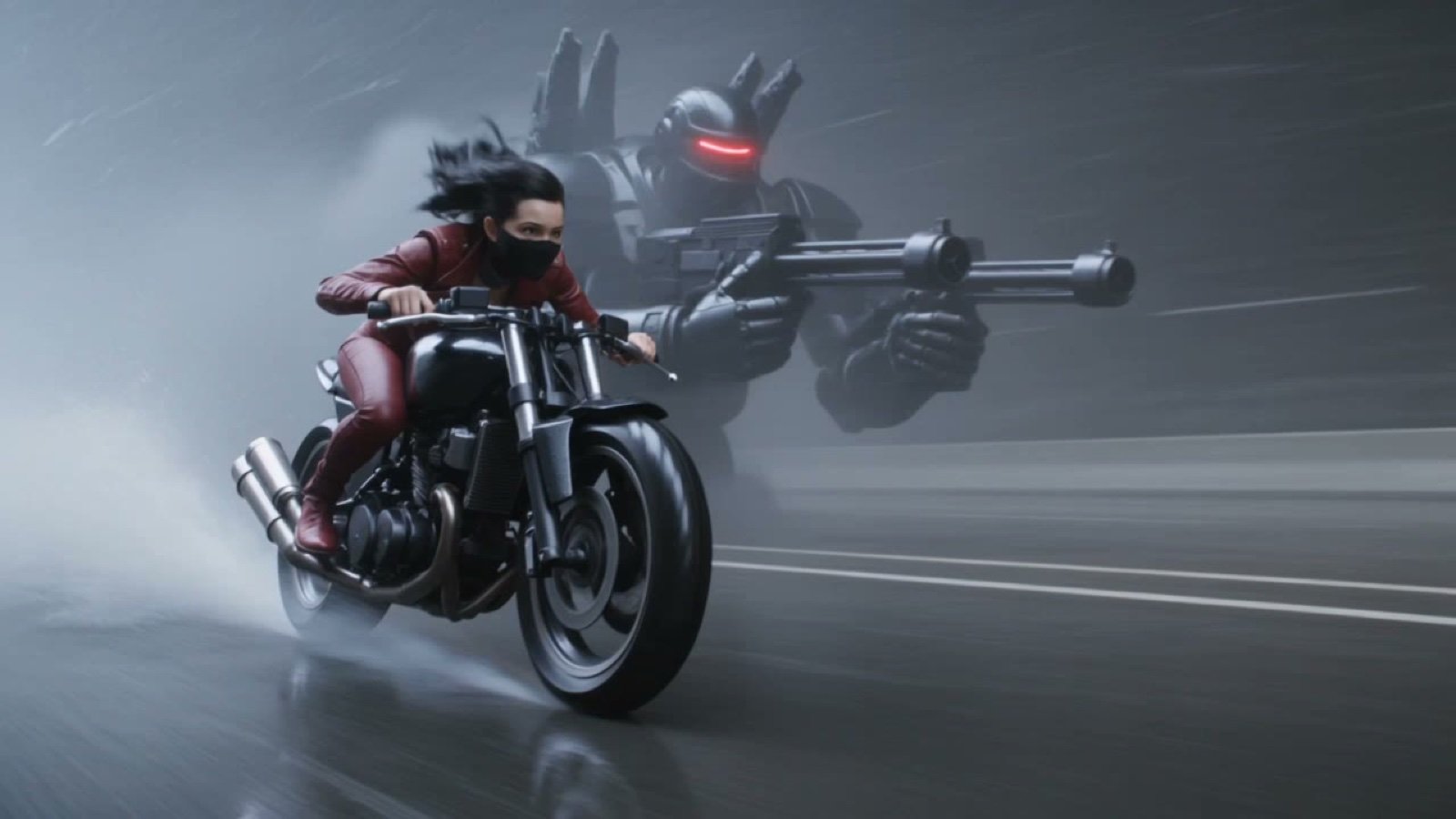
Photorealistic Cyberpunk Motorcycle-Robot Chase in Heavy Rain
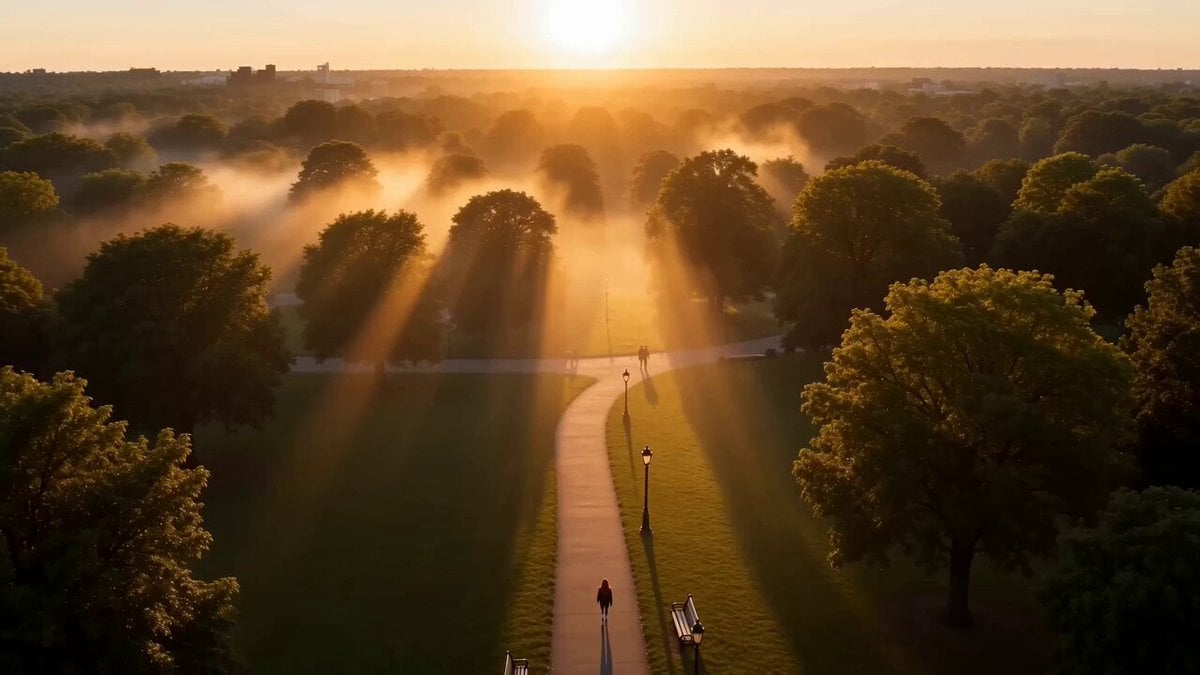
Cinematic Street Justice Action Scene
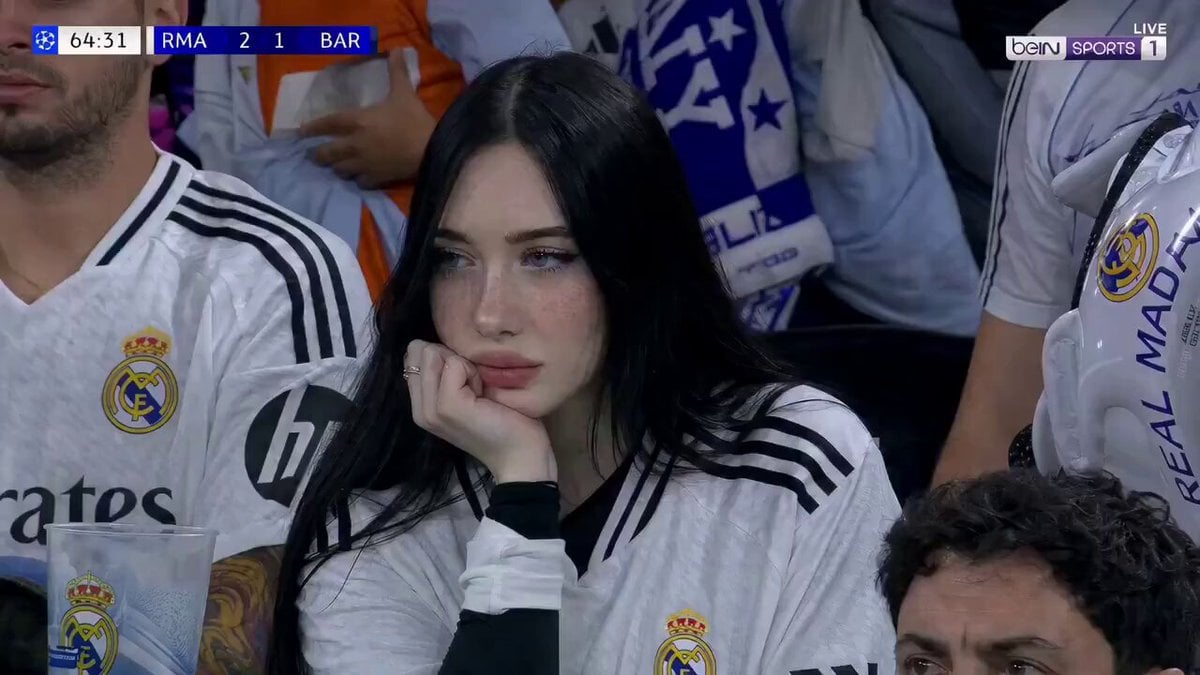
Football Match Female Fan Broadcast
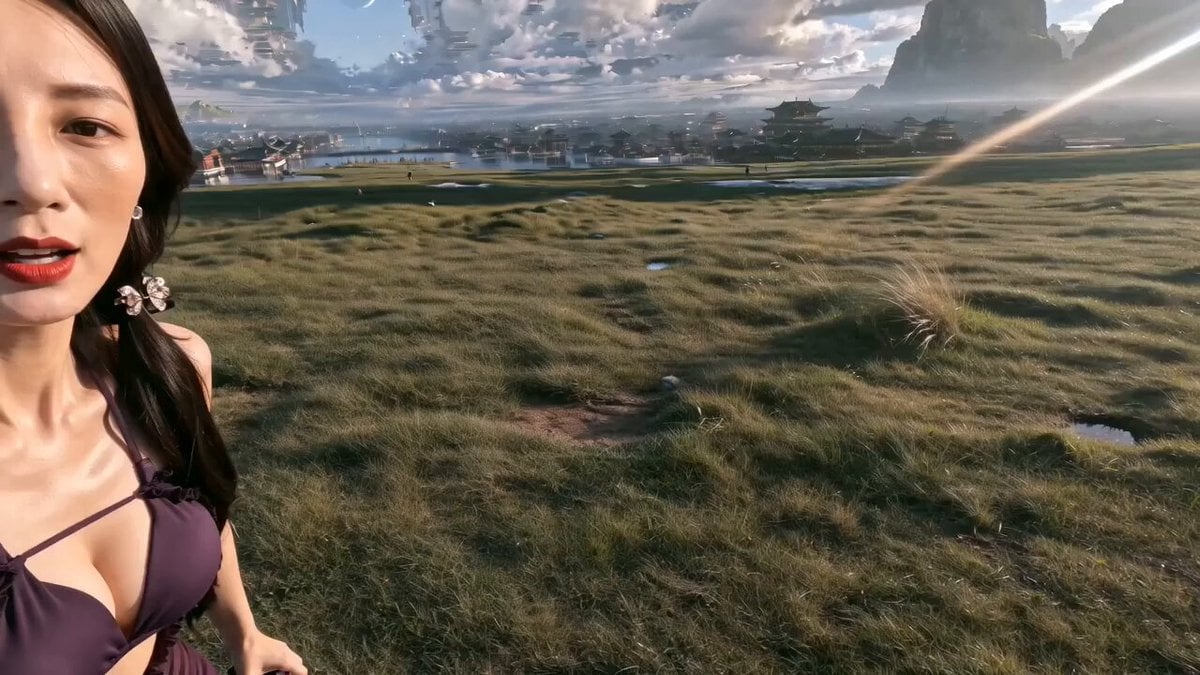
Epic Chinese Fantasy MiniDV Self-Vlog
Browse template categories
Wuhan City Promotional Video Prompt for Seedance 2.0 questions
How do I use the Wuhan City Promotional Video Prompt for Seedance 2.0 template?
Add your photo if the template asks for one, edit the prompt if you like — the template's model and format are already selected — and press Generate. Your version opens in PicX Studio.
Can I customize the Wuhan City Promotional Video Prompt for Seedance 2.0 template?
Yes. You can change the subject, setting, lighting, mood, format, and available model controls before creating your video.
Is the Wuhan City Promotional Video Prompt for Seedance 2.0 template free?
Opening and editing this template is free. Generating uses credits, shown on the Generate button when you are signed in.
Which AI model should I use?
Start with Seedance 2.0, which is the model associated with this template. You can compare another compatible model for a different finish.
Looking for something else? Browse all templates.

Your photo, any look
Thousands of ready templates for every top image and video model, from one credit balance.