
B&W Equestrian Horse
B&W Equestrian Horse is a ready photo look.
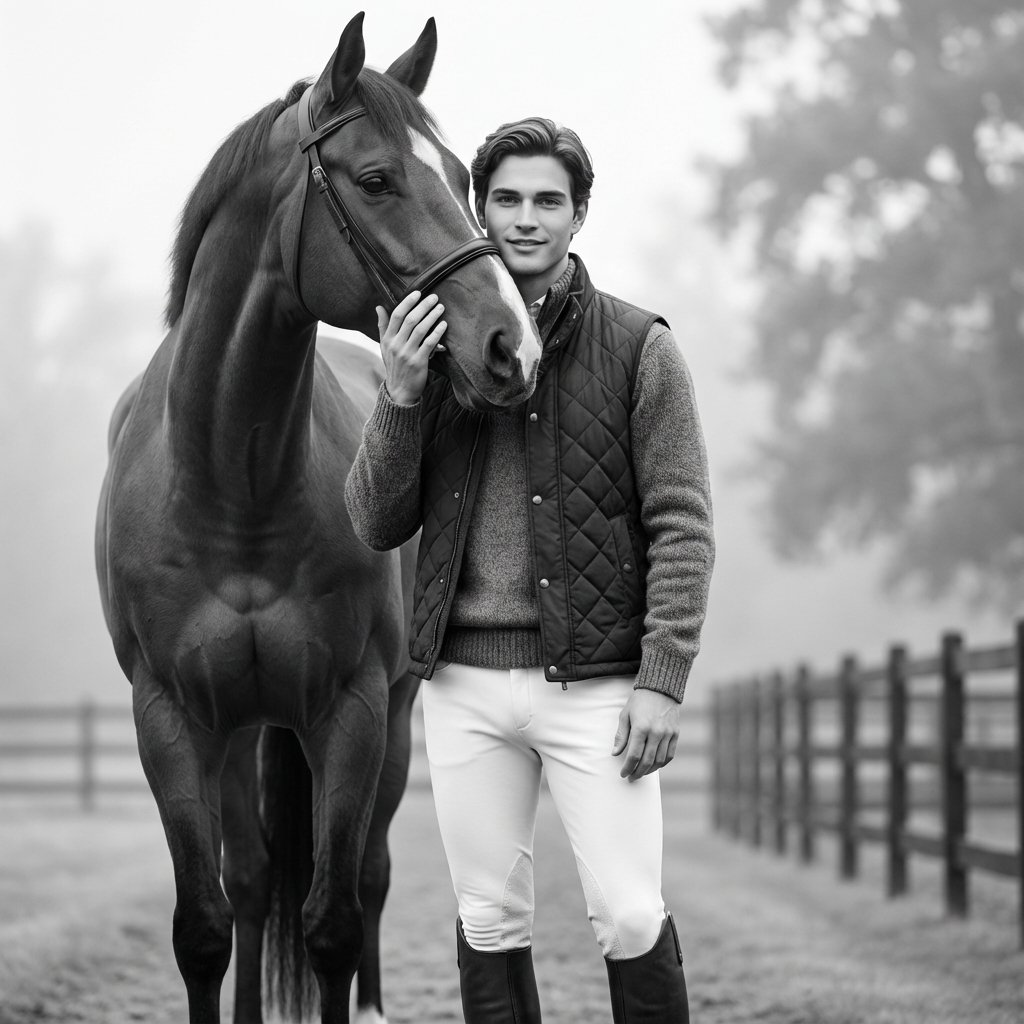
- Prompt included
- Model and format preset
- Premium template
The prompt behind this image
Copy the exact prompt behind B&W Equestrian Horse, or open it in the studio and make it yours.
Black-and-white equestrian editorial scene with the uploaded image standing gracefully beside a horse, hand gently resting on its face. The uploaded image wears a quilted vest over a textured sweater, paired with fitted white riding pants and tall riding boots. Soft grayscale tones, elegant composition, misty atmosphere, refined luxury fashion mood
How to use B&W Equestrian Horse in 3 steps
- 1Upload ImagePNG, JPG or paste
Add your photo
Upload the photo the template builds on. The prompt, model and format are already set.
- 2…a portrait of your subject in softgolden-hour light, 85mm…
Personalize
Edit the subject and creative details for your destination.
- 3Generate
Generate
Press Generate — your image is created in PicX Studio, so you can compare it with the original and refine one variable at a time.
More like this
Templates with the same subject, style or setup. Open one to see its prompt.
Expensive Lifestyle Equestrian Portrait
Equestrian Pitch Deck Storyboard
Equestrian Fashion Portrait
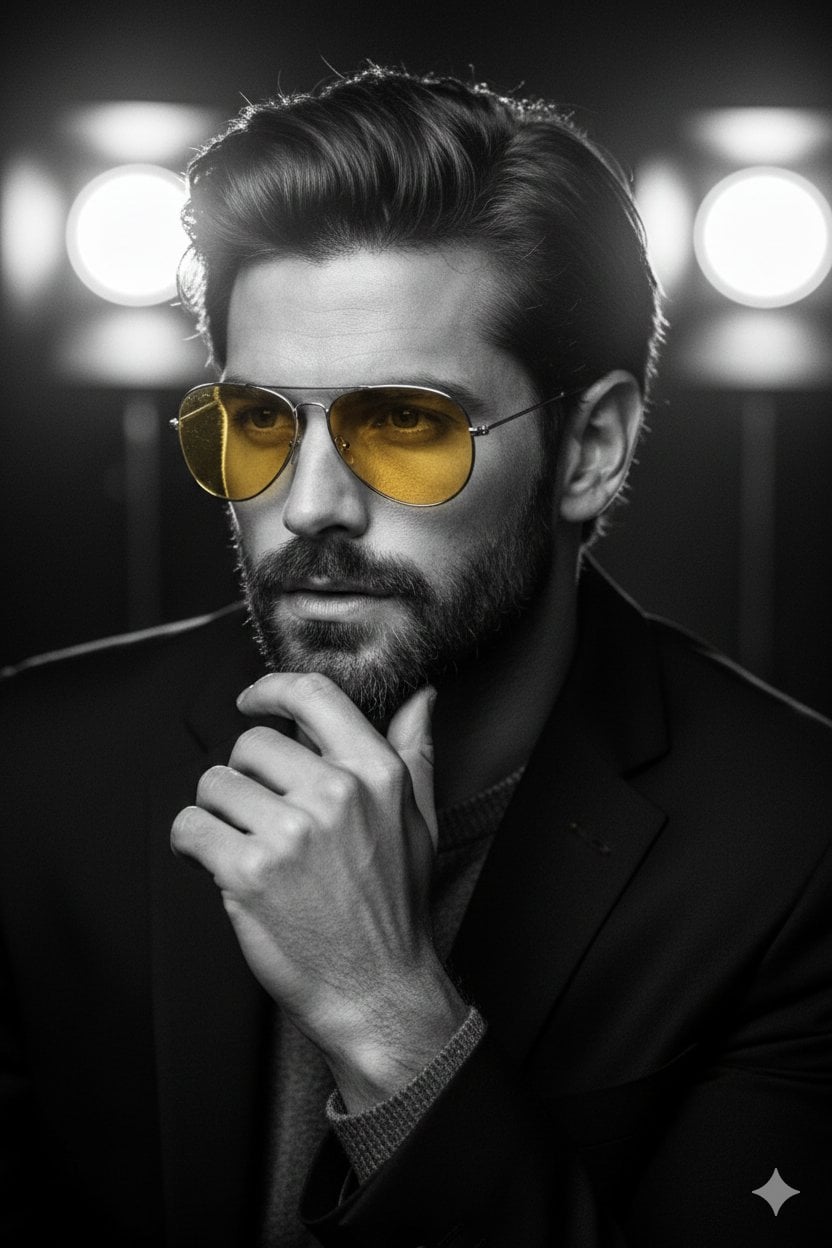
Equestrian Estate Morning

Minimalist Equestrian Luxury Wallpaper
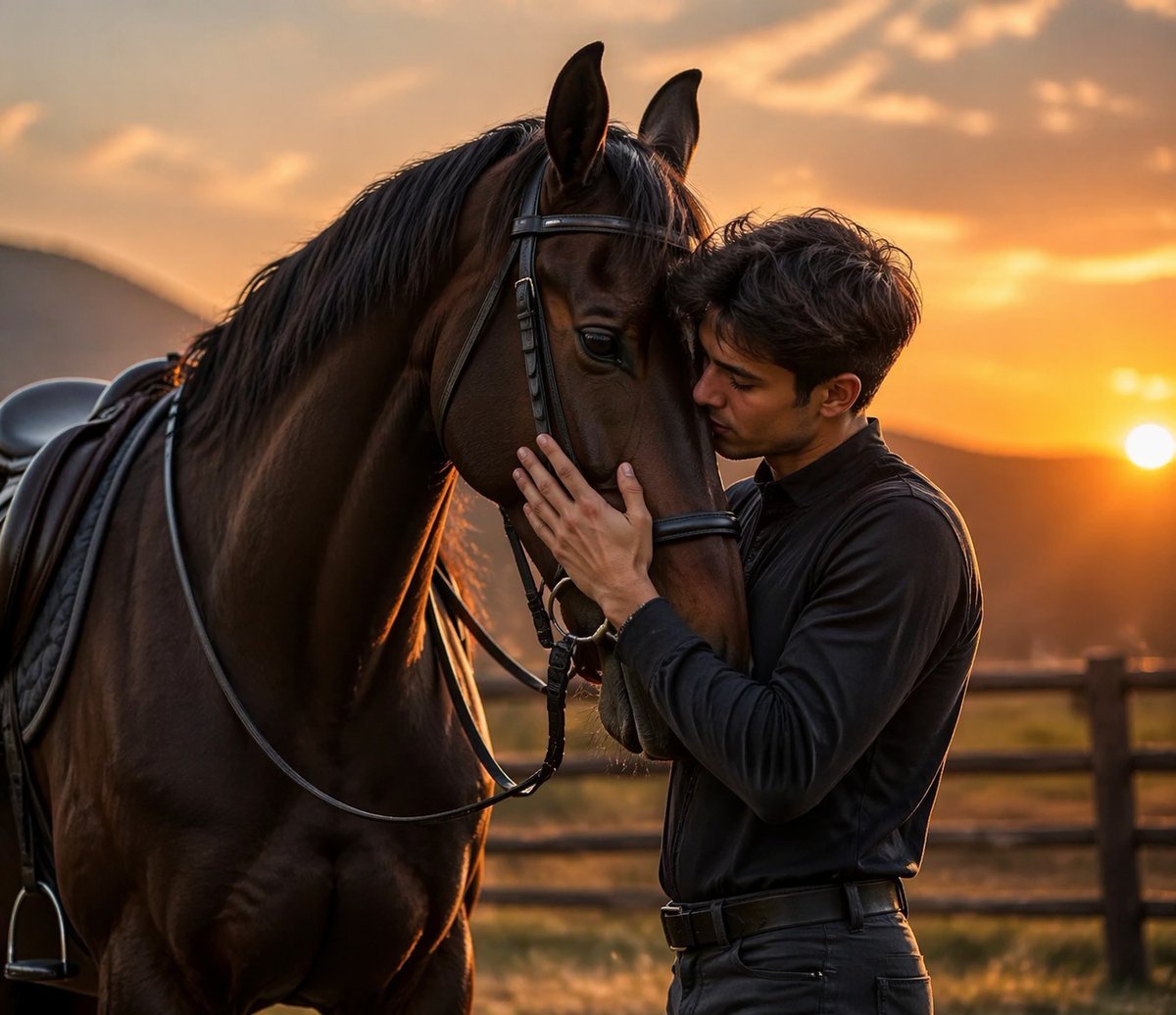
Luxury Sunset Equestrian Portrait
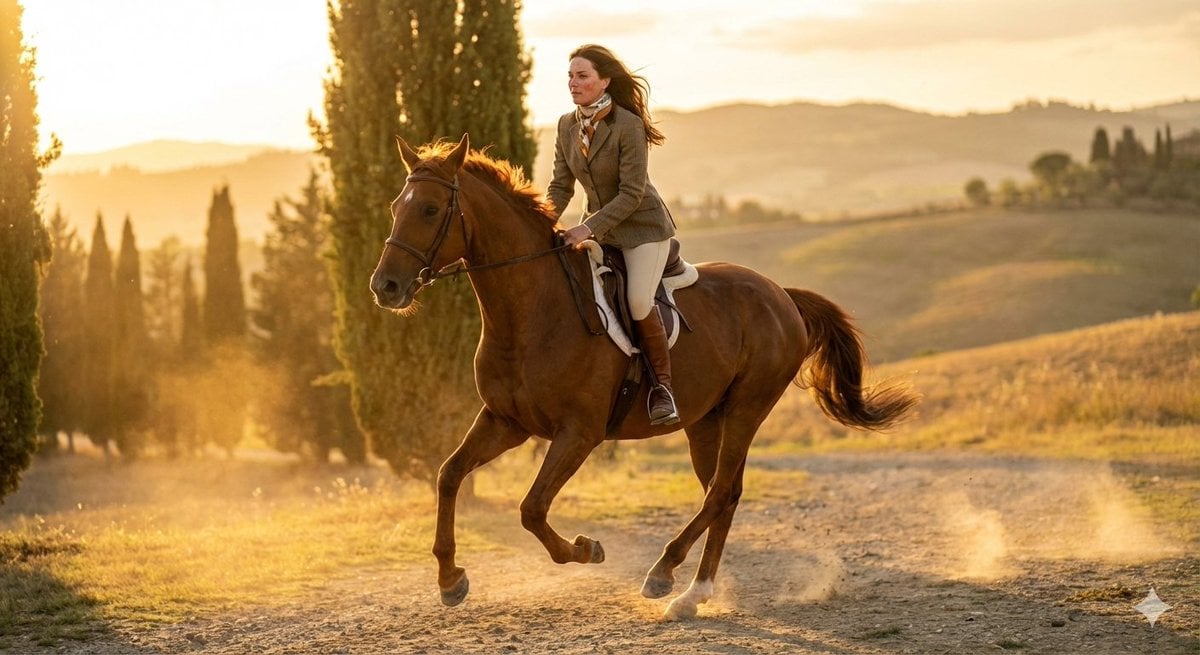
Dynamic Equestrian Model in Tuscan Fields at Golden Hour
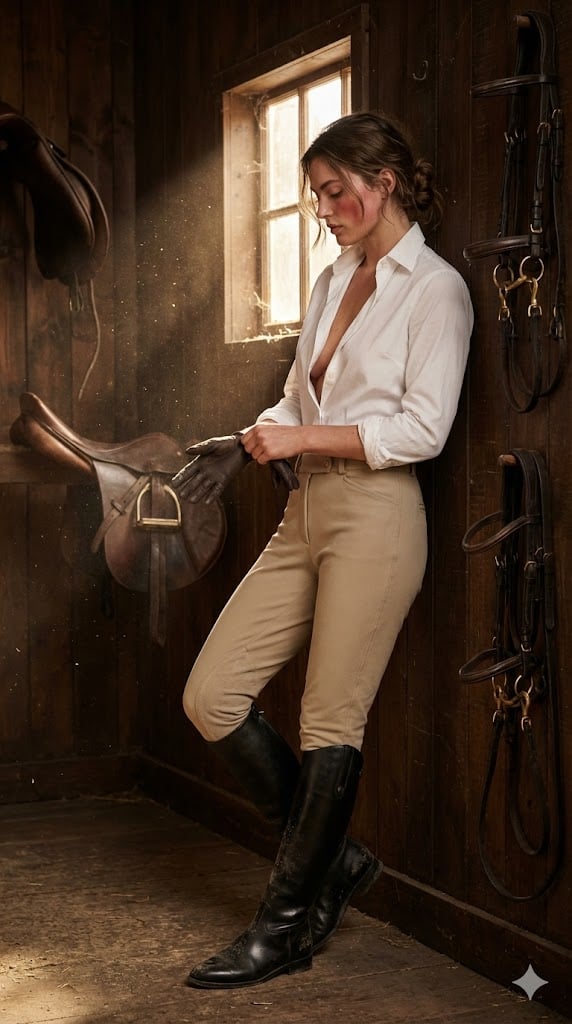
Ralph Lauren Equestrian Editorial Portrait
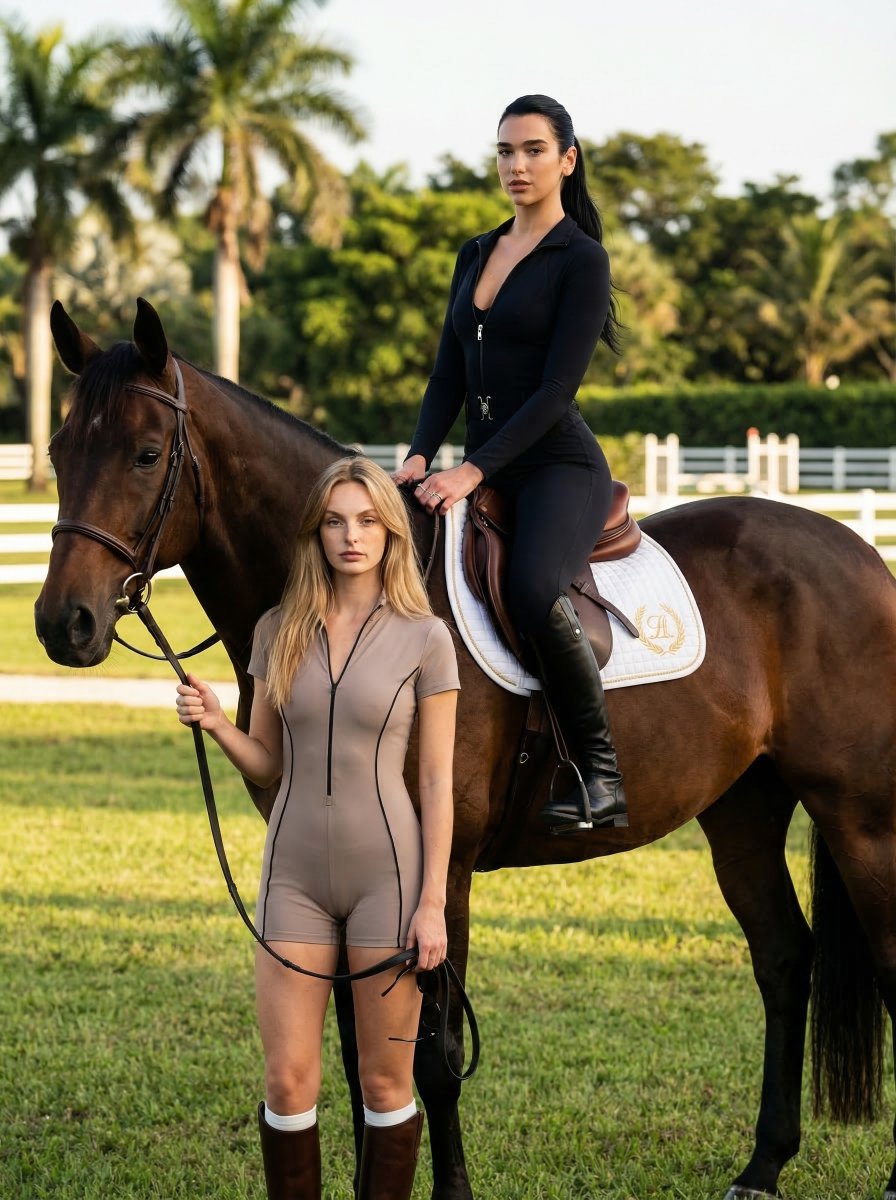
Luxury Equestrian Editorial with Dua Lipa
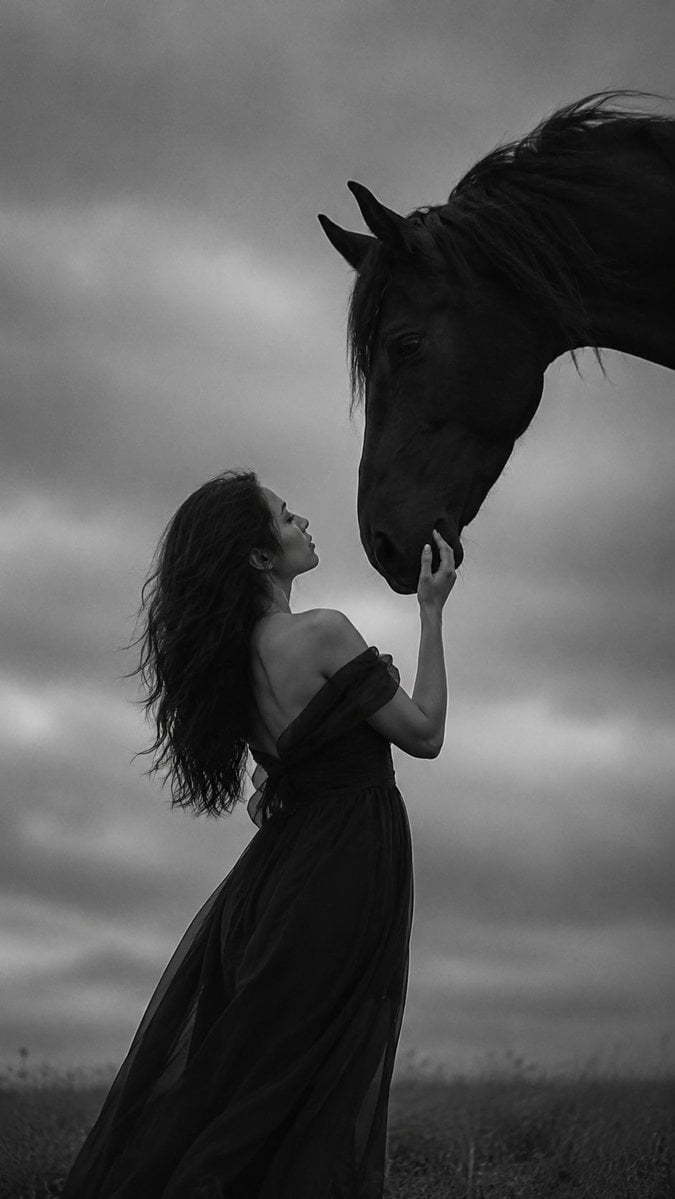
Monochrome Woman and Black Horse
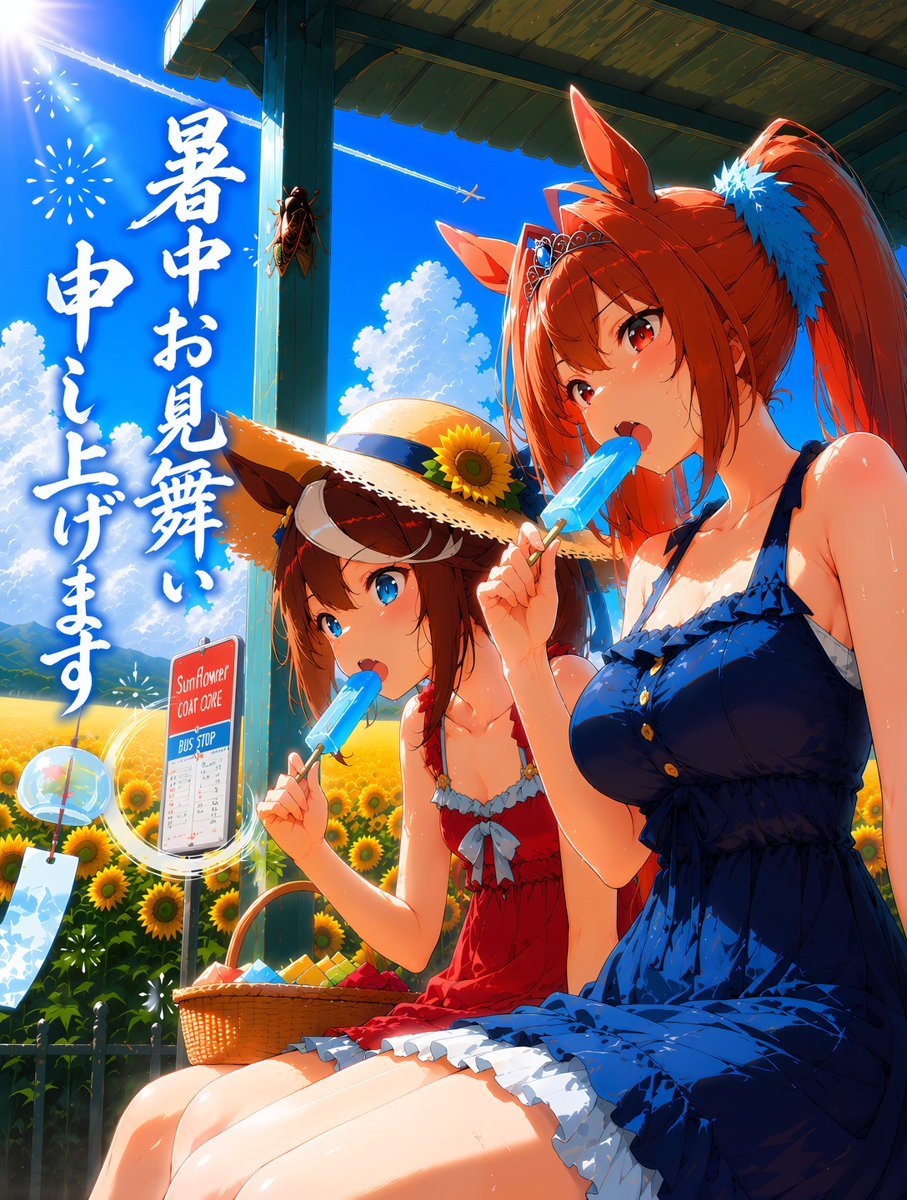
Summer Horse Girls at Bus Stop
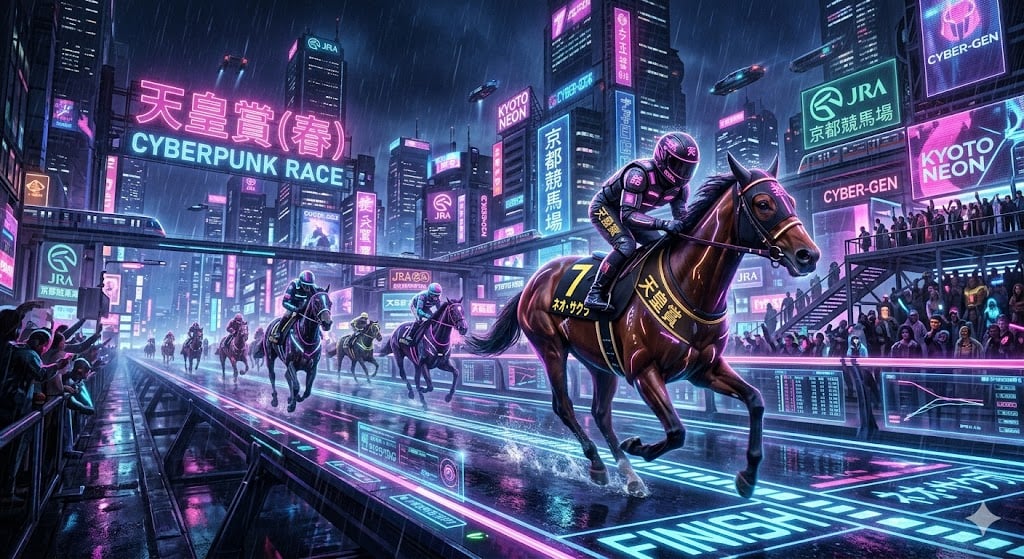
Cyberpunk Horse Racing Illustration
Make it yours
B&W Equestrian Horse works as-is. These are the safest ways to change it without losing the look.
Change one field
Copy a single group, rewrite it, and generate again so you can see what that field is doing.
Keep the frame, change the subject
Hold the composition and light of B&W Equestrian Horse, then swap wardrobe, props or the person for a new take.
| If the result… | Why | Fix |
|---|---|---|
| The result drifts from the preview | Too many fields changed at once. | Reuse B&W Equestrian Horse as-is first, then change one group — subject, light, or setting. |
| The model over-stylizes the scene | The prose prompt leaves finish and camera underspecified. | Add one camera or lighting sentence and stay on PicX Studio. |
More image prompts
Fresh picks from across the catalog.
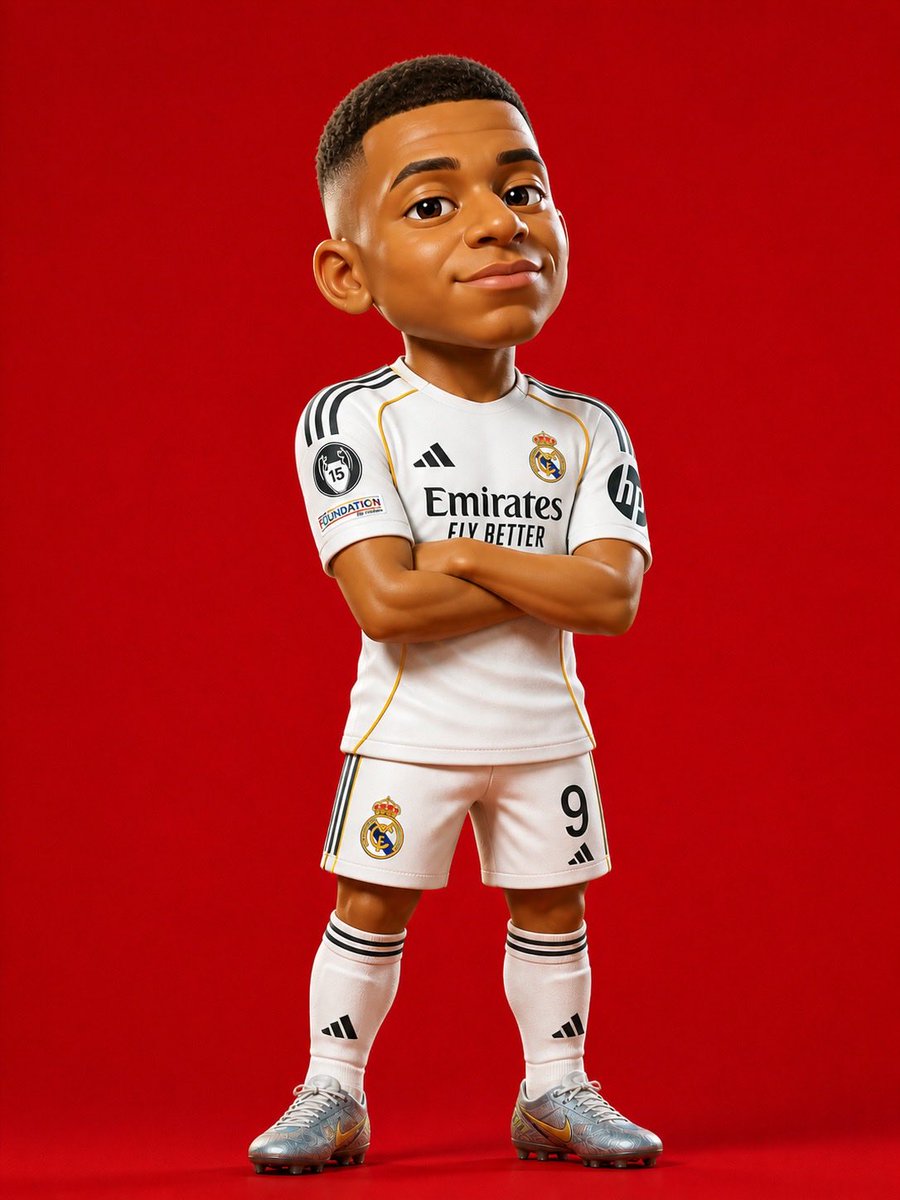
3D Stylized Soccer Player
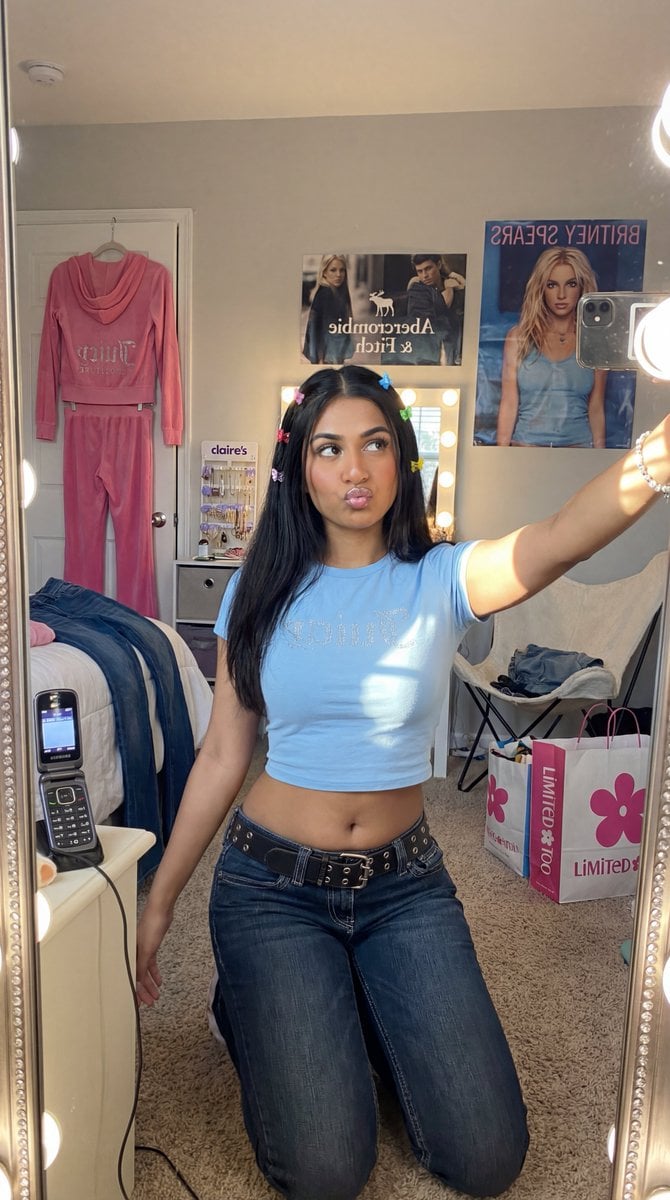
Y2K Diva Mirror Selfie in Mall-Themed Bedroom
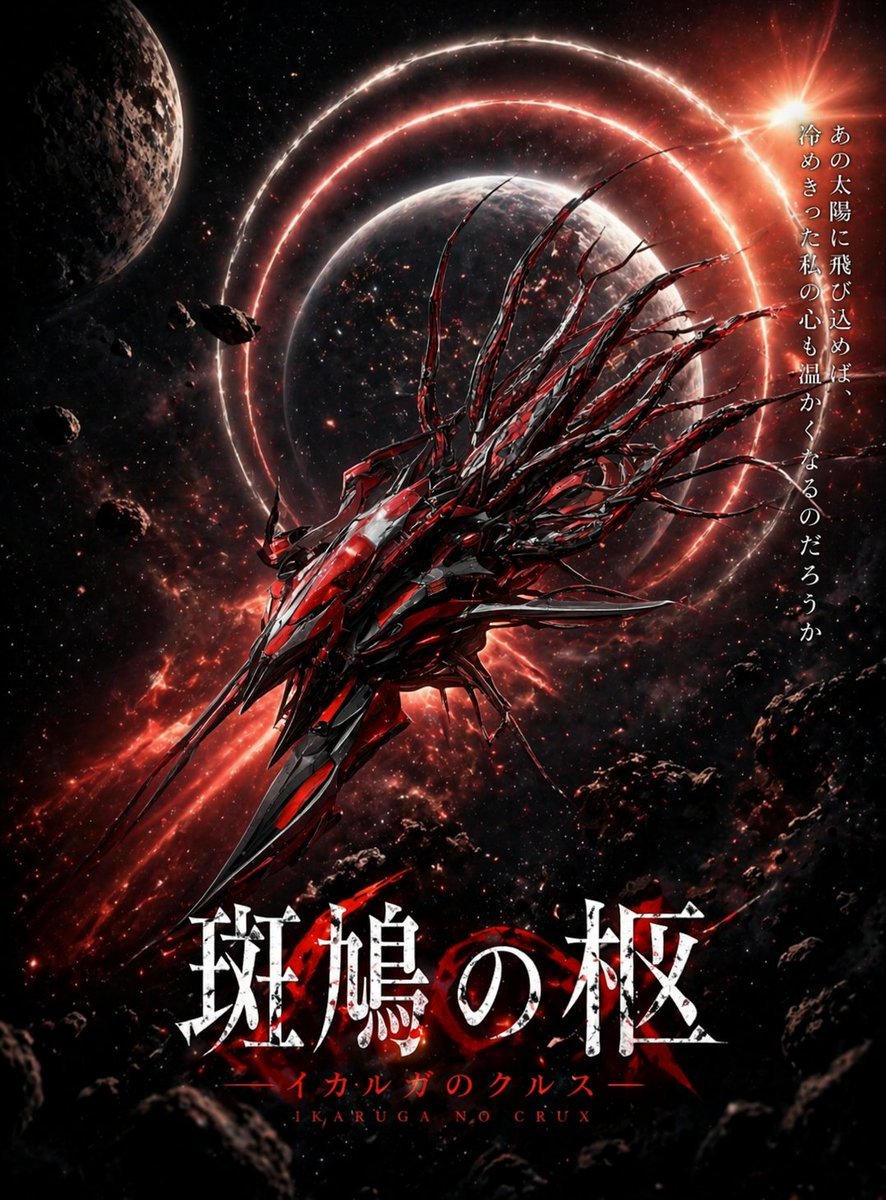
Crimson Space Opera Key Visual
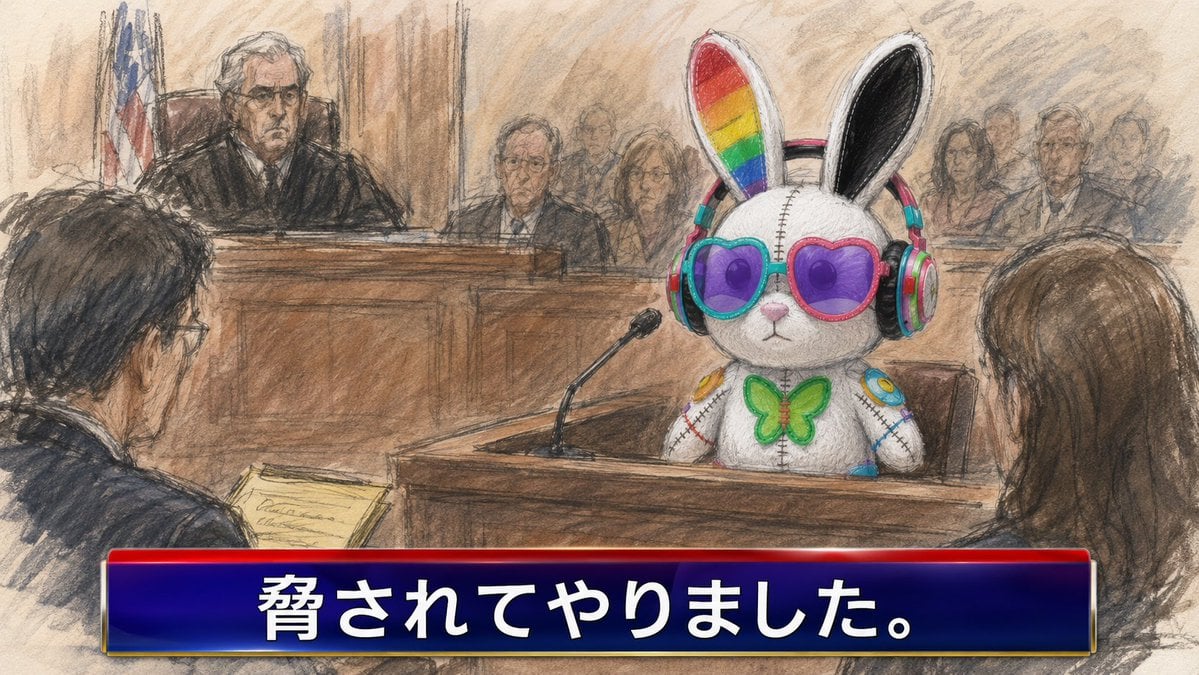
Courtroom Sketch Rabbit Witness
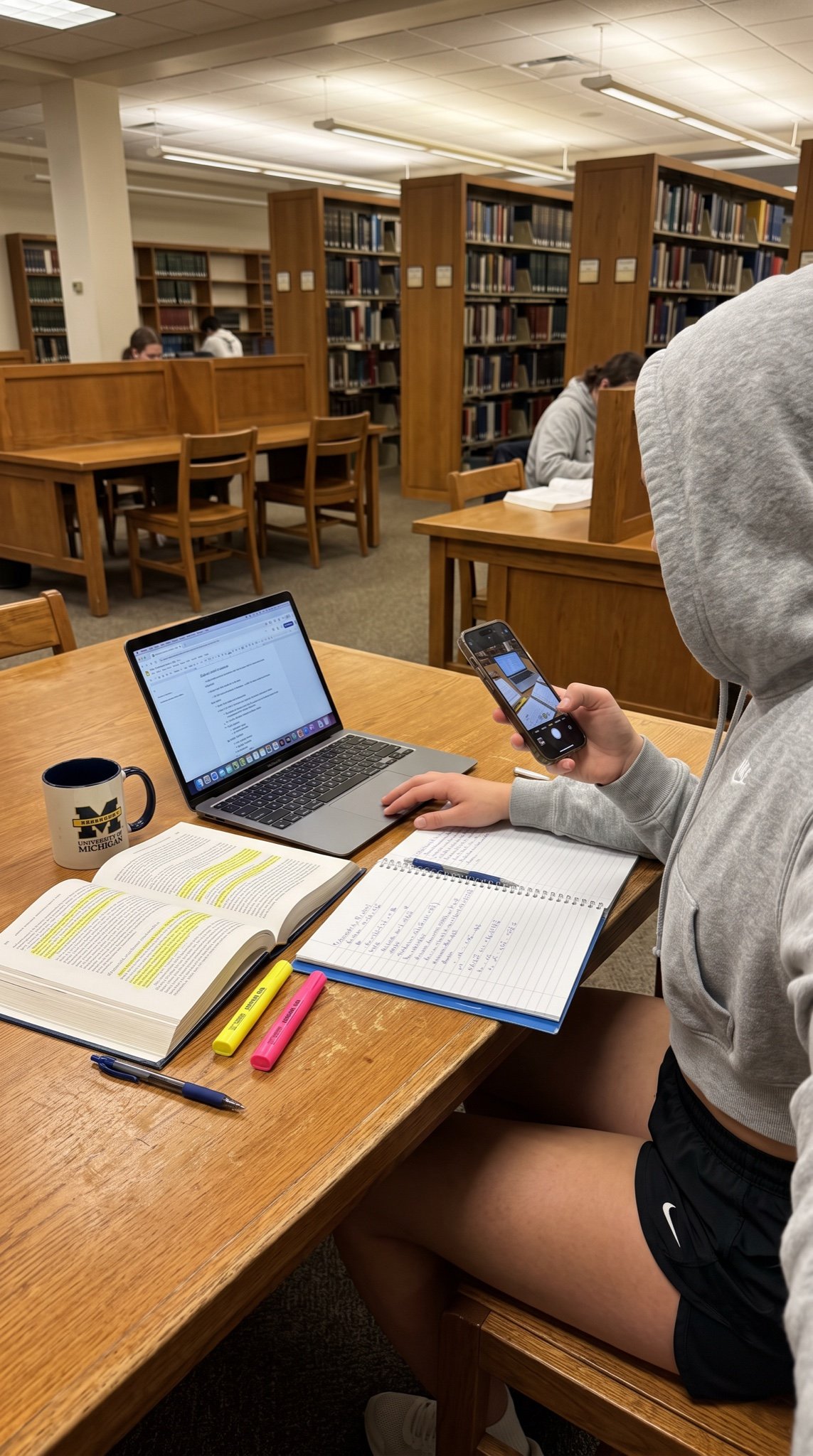
College Studying Candid Photo Prompt
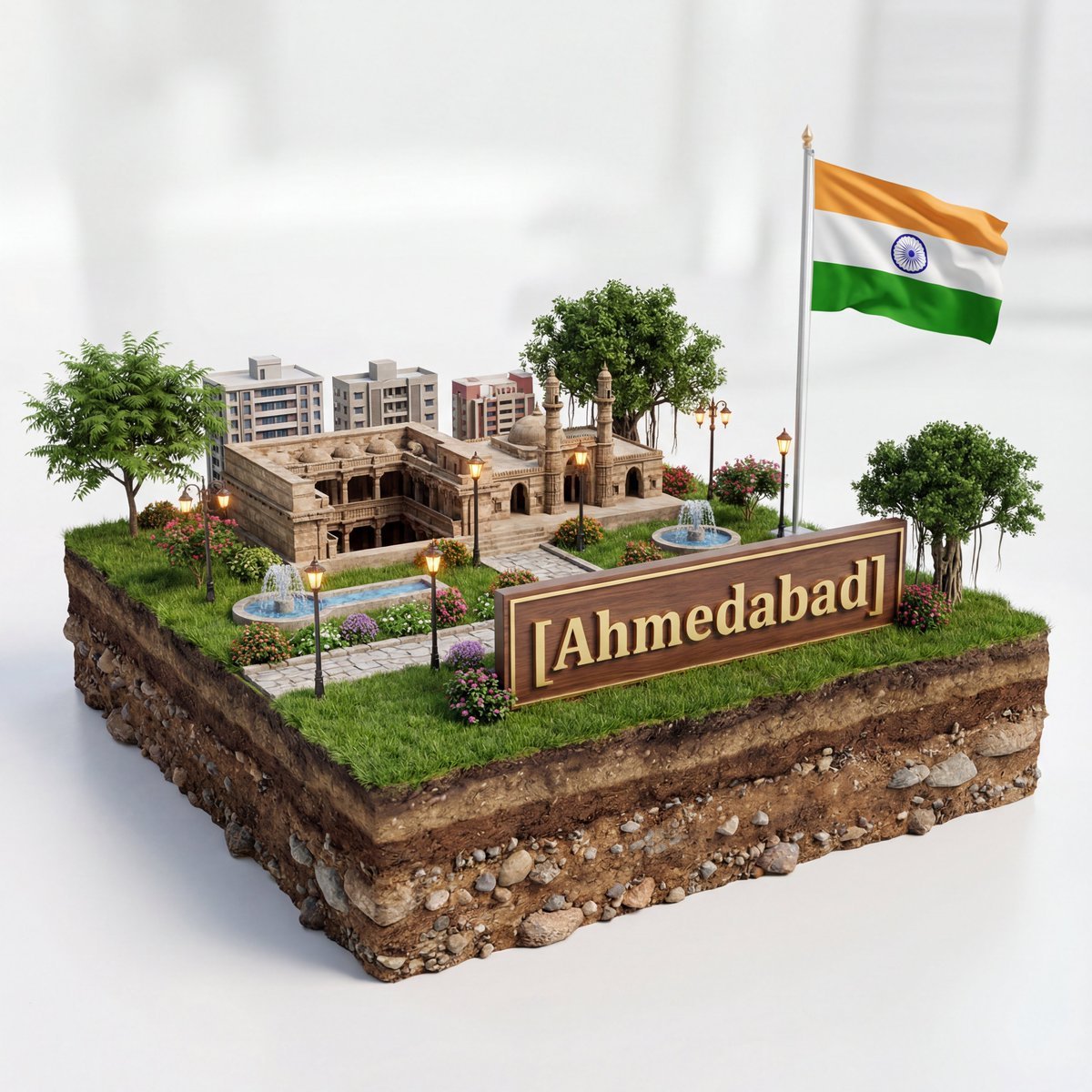
3D Diorama of Ahmedabad Landmark
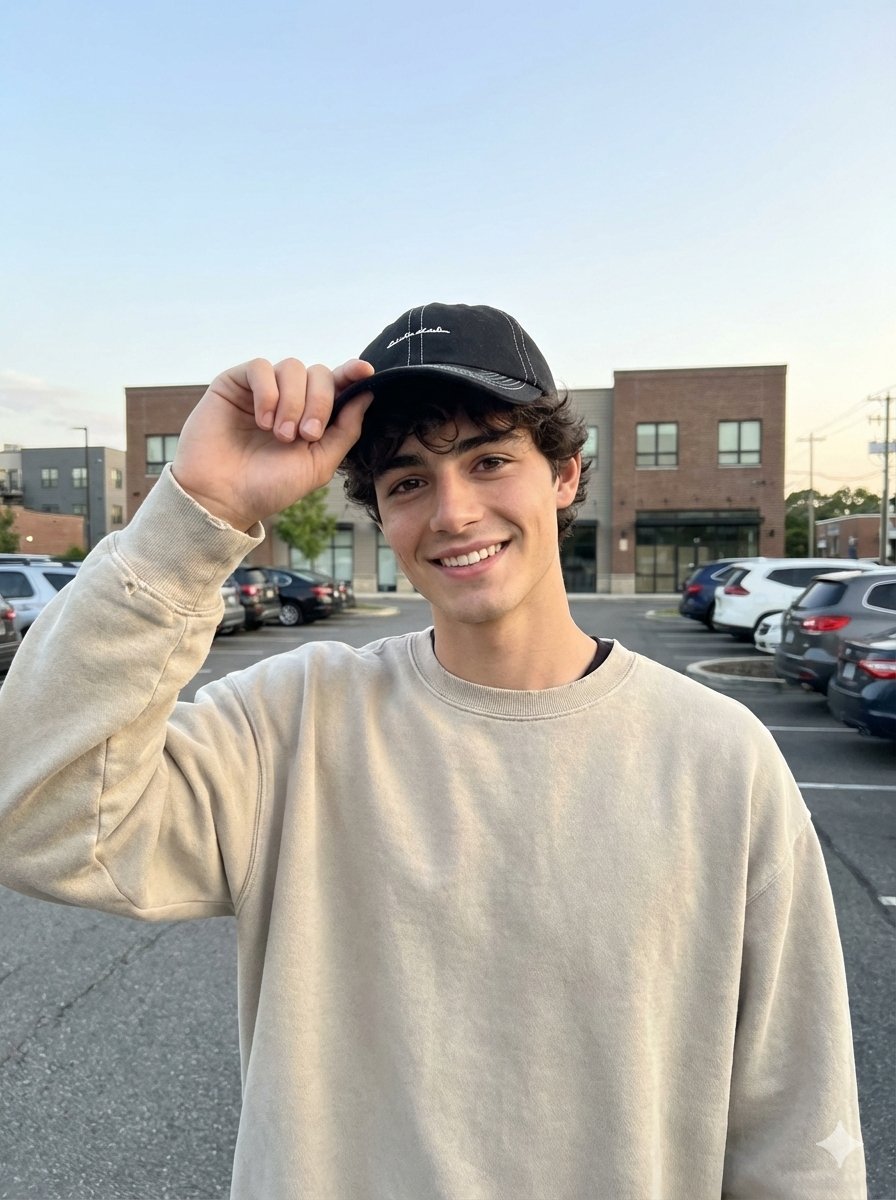
Amateur iPhone Photo Portrait with Accurate Face Reference
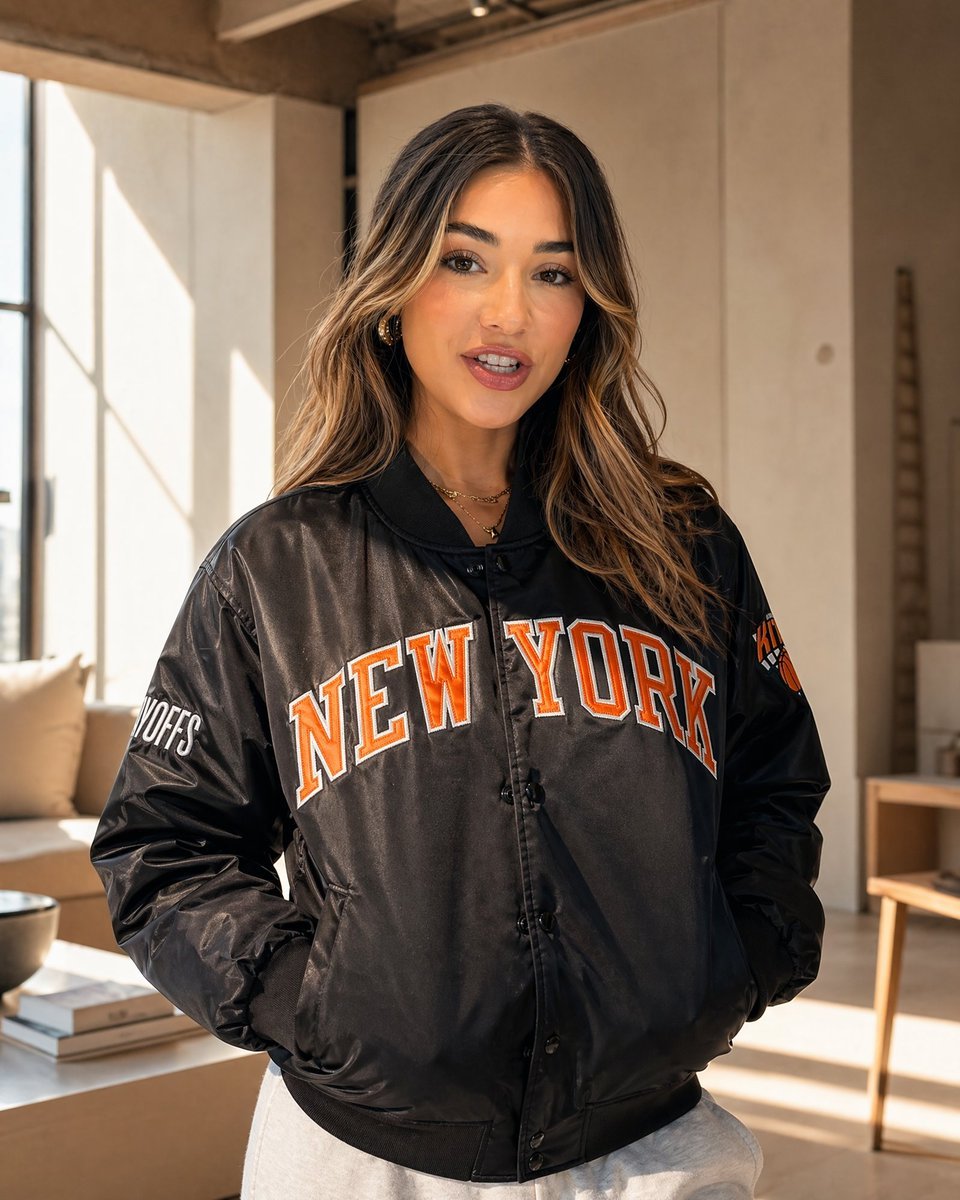
Sunlit Streetwear Jacket Portrait
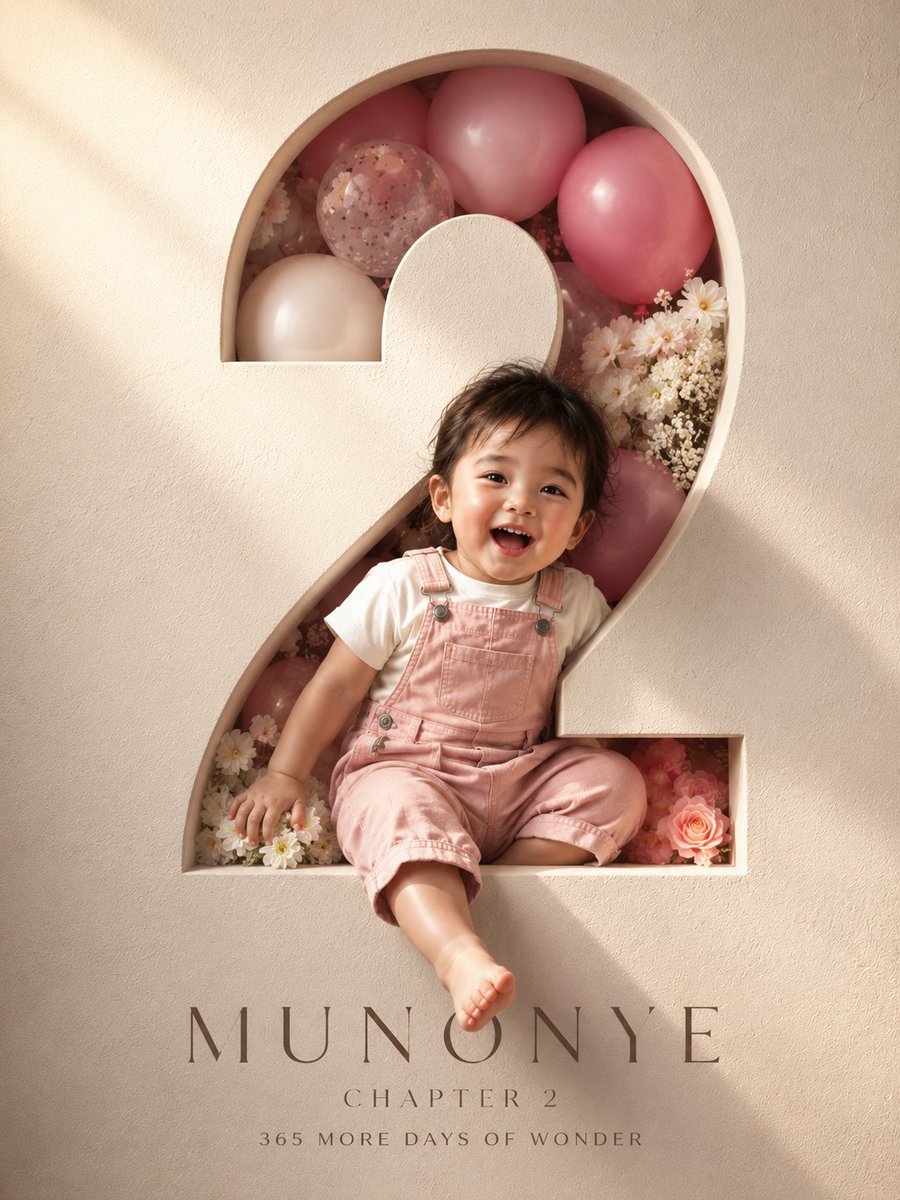
3D Luxury Birthday Poster
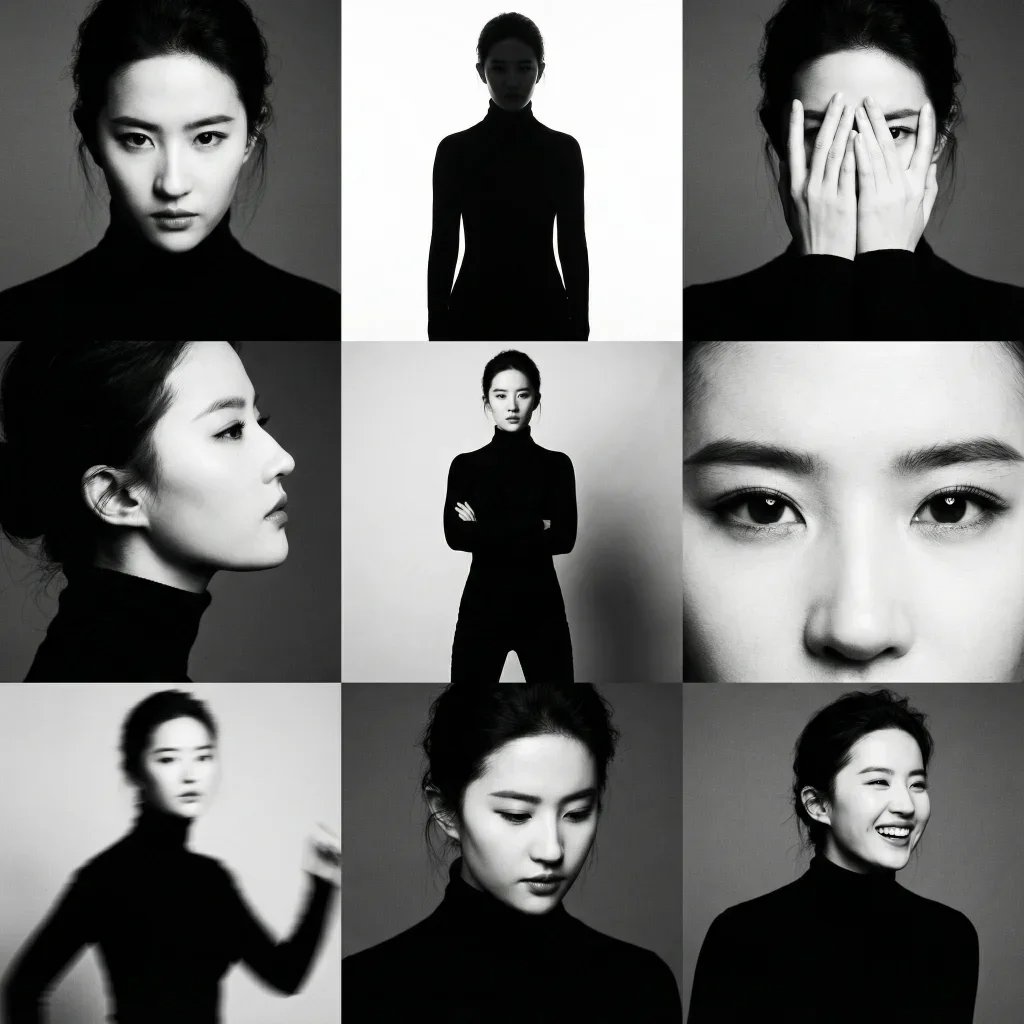
3x3 Black and White Photo Collage
Browse template categories
B&W Equestrian Horse questions
How do I use the B&W Equestrian Horse template?
Add your photo if the template asks for one, edit the prompt if you like — the template's model and format are already selected — and press Generate. Your version opens in PicX Studio.
Can I customize the B&W Equestrian Horse template?
Yes. You can change the subject, setting, lighting, mood, format, and available model controls before creating your image.
Is the B&W Equestrian Horse template free?
Opening and editing this template is free. Generating uses credits, shown on the Generate button when you are signed in.
Which AI model should I use?
Choose a compatible model in PicX Studio based on the style, speed, and output controls your project needs.
Looking for something else? Browse all templates.

Your photo, any look
Thousands of ready templates for every top image and video model, from one credit balance.