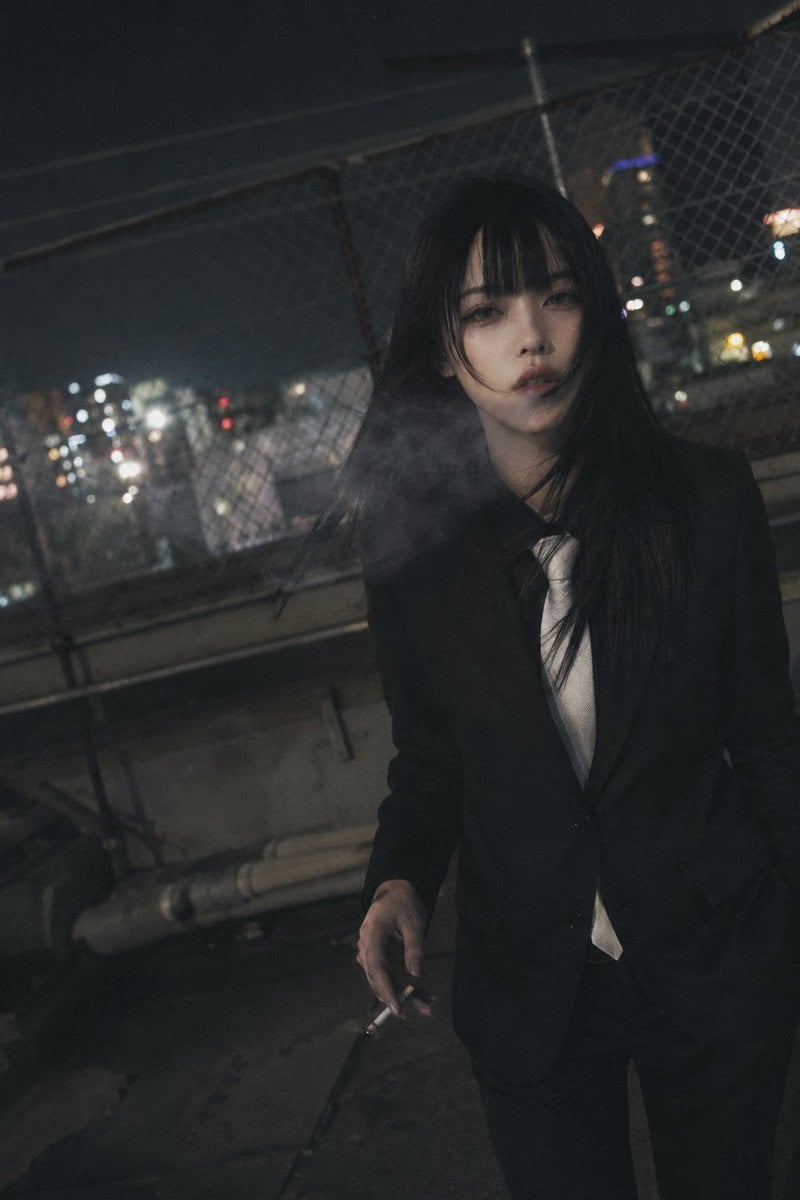
How do I use the 3D Model template?
Edit the prompt in the box under the preview — the template's model and format are already selected — and press Generate. Your version appears right on this page.
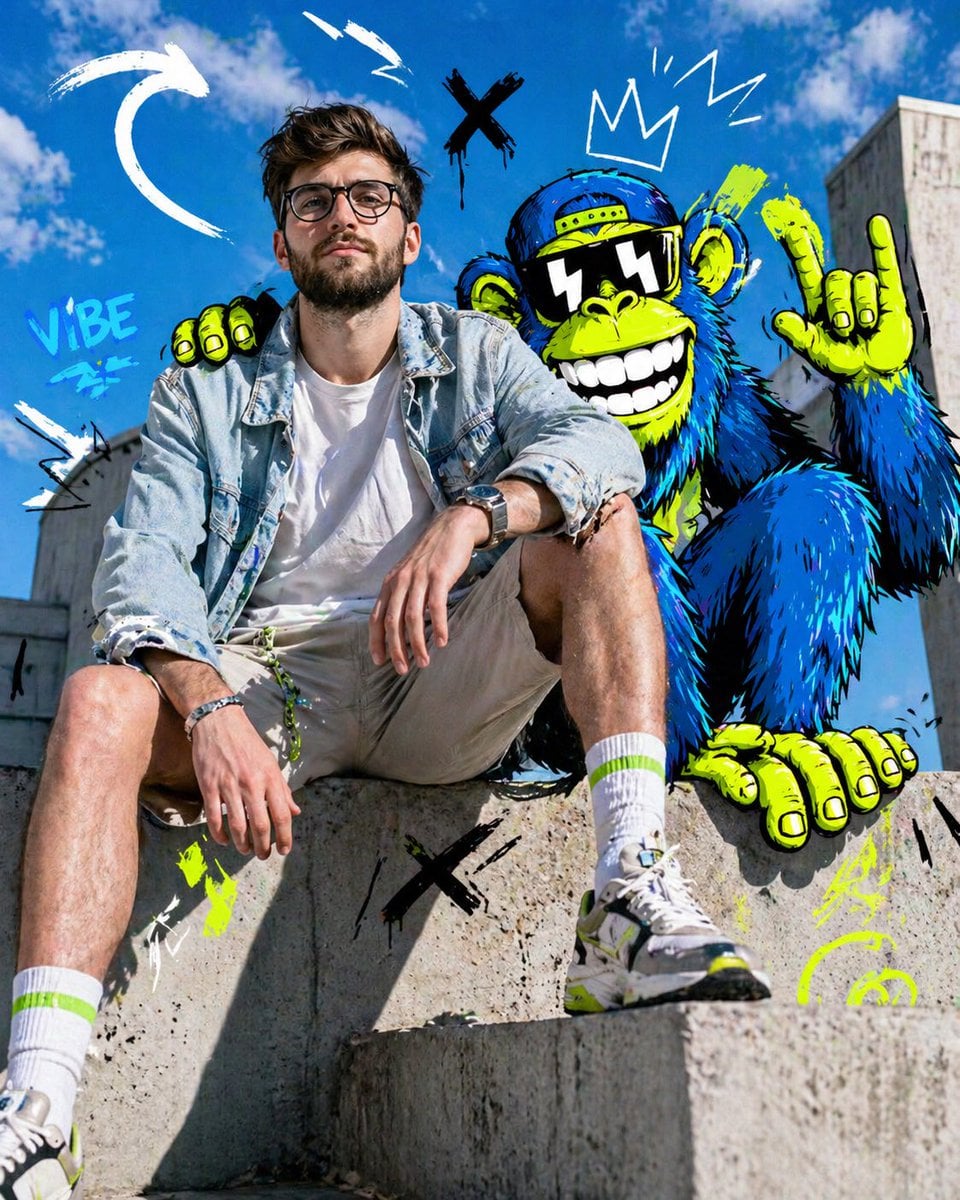
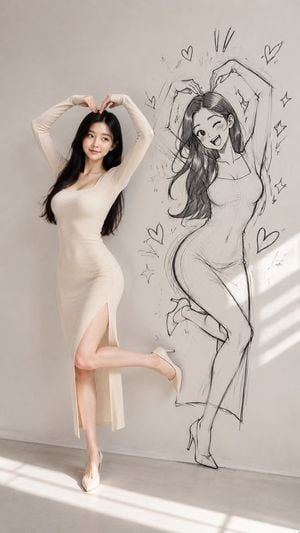
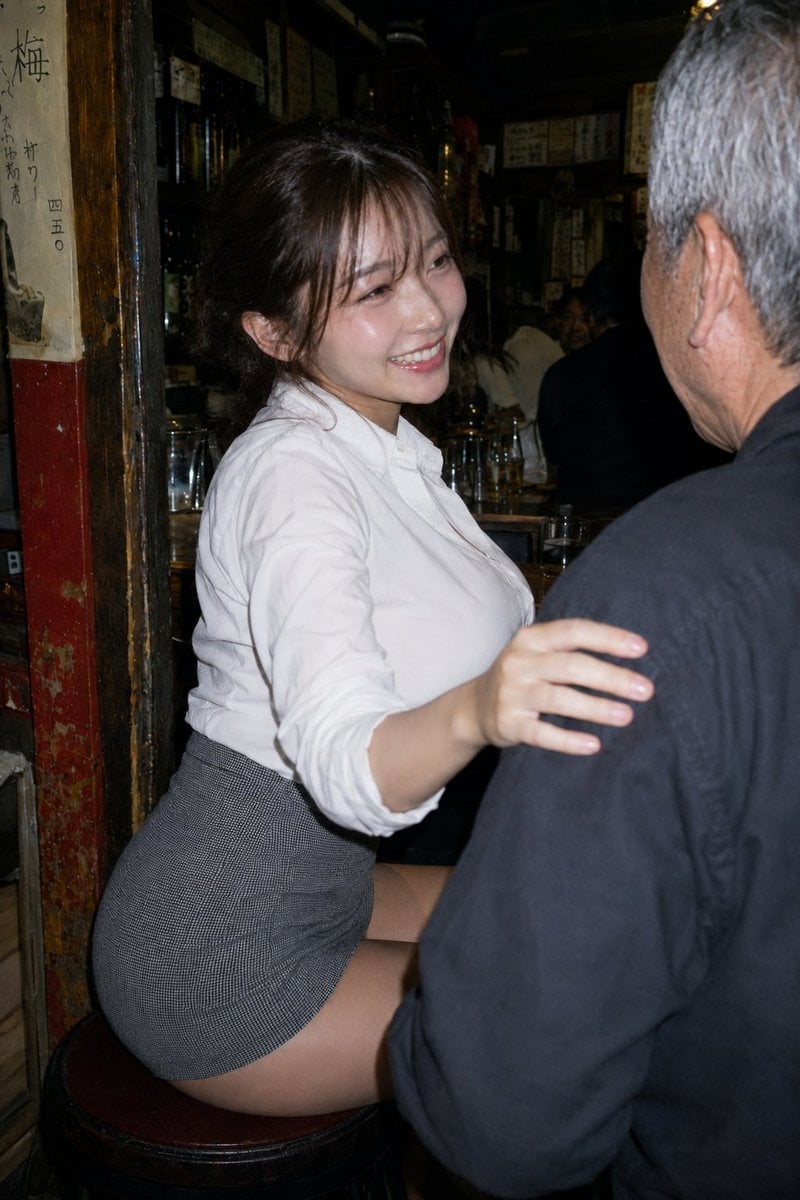
3D Model is a ready photo look.

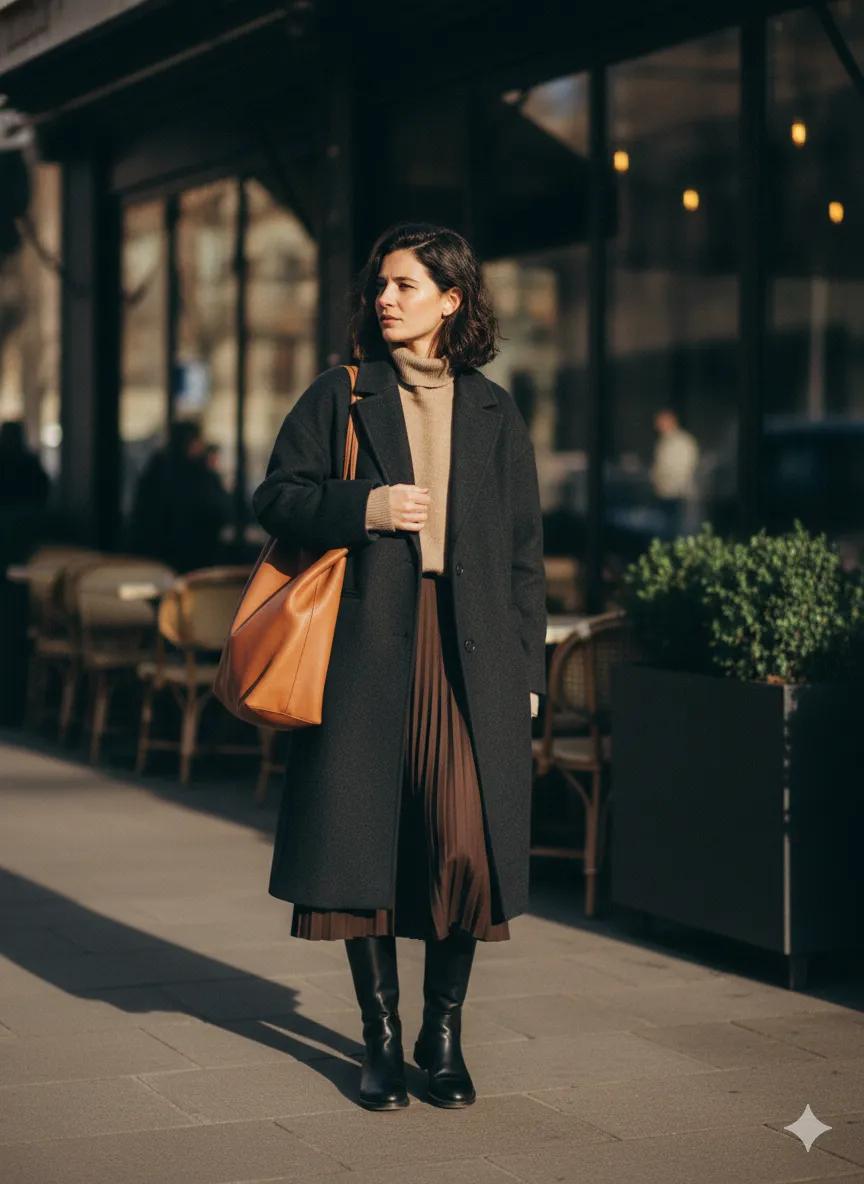
Create a 1/7 scale commercialized figurine of the character in the picture, in a realistic style, in a real environment. The figurine is placed on a computer desk. The figurine has a round transparent acrylic base, with no text on the base. The content on the computer screen is the brush modeling process of this figurine. Next to the computer screen is a BANDAI-style toy packaging box printed with the original artwork. The packaging features two-dimensional flat illustrations. Please turn this photo into a figure. Behind it, there should be a Model packaging box with the character from this photo printed on it. In front of the box on a round plastic baseplace the figure version of the photo I gave you. I'd like the PVC material to be clearly represented. It would be even better if the background is indoor.
Create a 1/7 scale commercialized figurine of the character in the picture, in a realistic style, in a real environment. The figurine is placed on a computer desk. The figurine has a round transparent acrylic base, with no text on the base. The content on the computer screen is the brush modeling process of this figurine. Next to the computer screen is a BANDAI-style toy packaging box printed with the original artwork. The packaging features two-dimensional flat illustrations. Please turn this photo into a figure. Behind it, there should be a Model packaging box with the character from this photo printed on it. In front of the box on a round plastic baseplace the figure version of the photo I gave you. I'd like the PVC material to be clearly represented. It would be even better if the background is indoor.
Edit the prompt in the box under the preview — the template's model and format are already selected — and press Generate. Your version appears right on this page.
Yes. You can change the subject, setting, lighting, mood, format, and available model controls before creating your image.
Opening and editing this template is free. Generating uses credits, shown on the Generate button when you are signed in.
Choose a compatible model in PicX Studio based on the style, speed, and output controls your project needs.
Follow a topic to a crawlable collection of related PicX Studio templates.