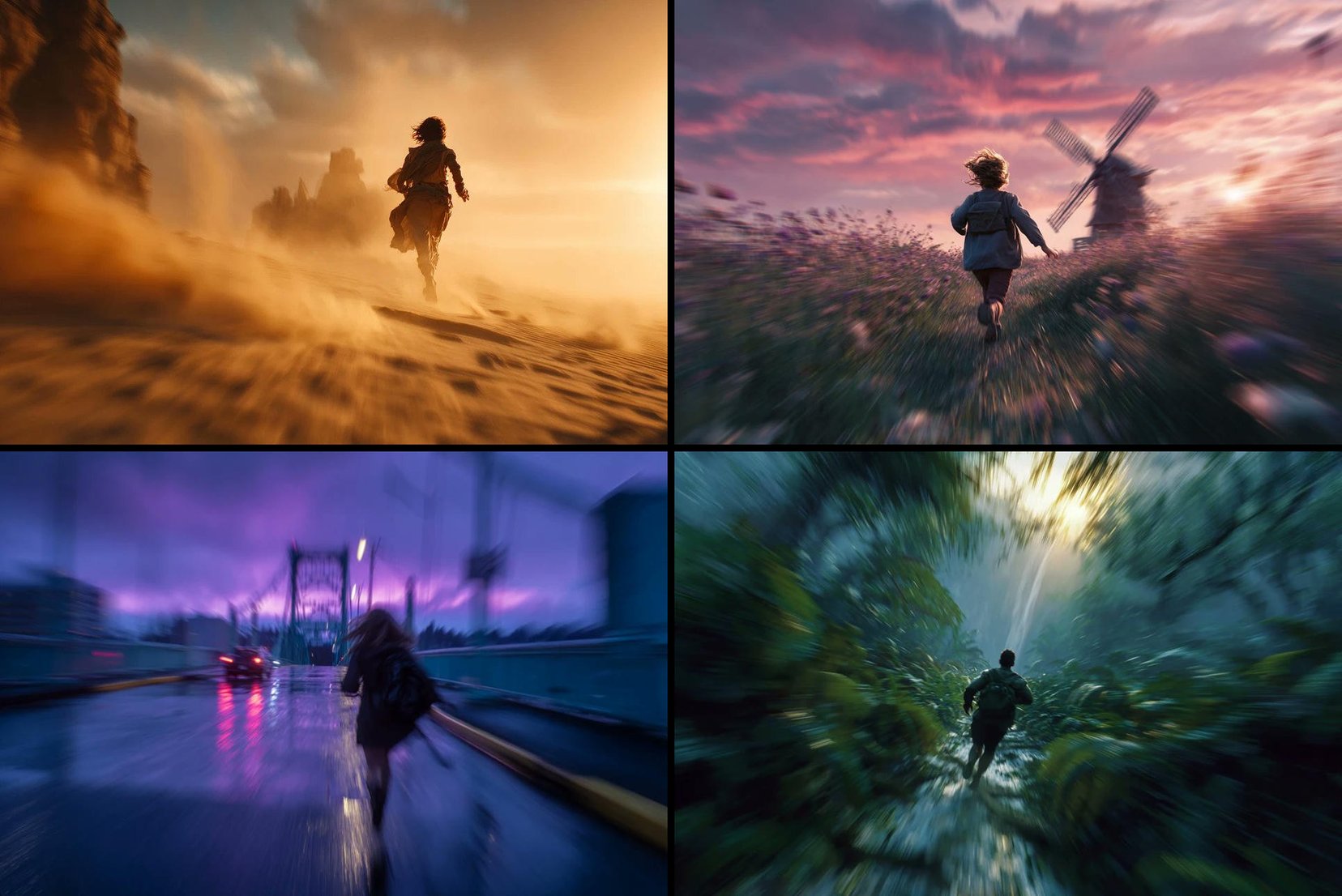
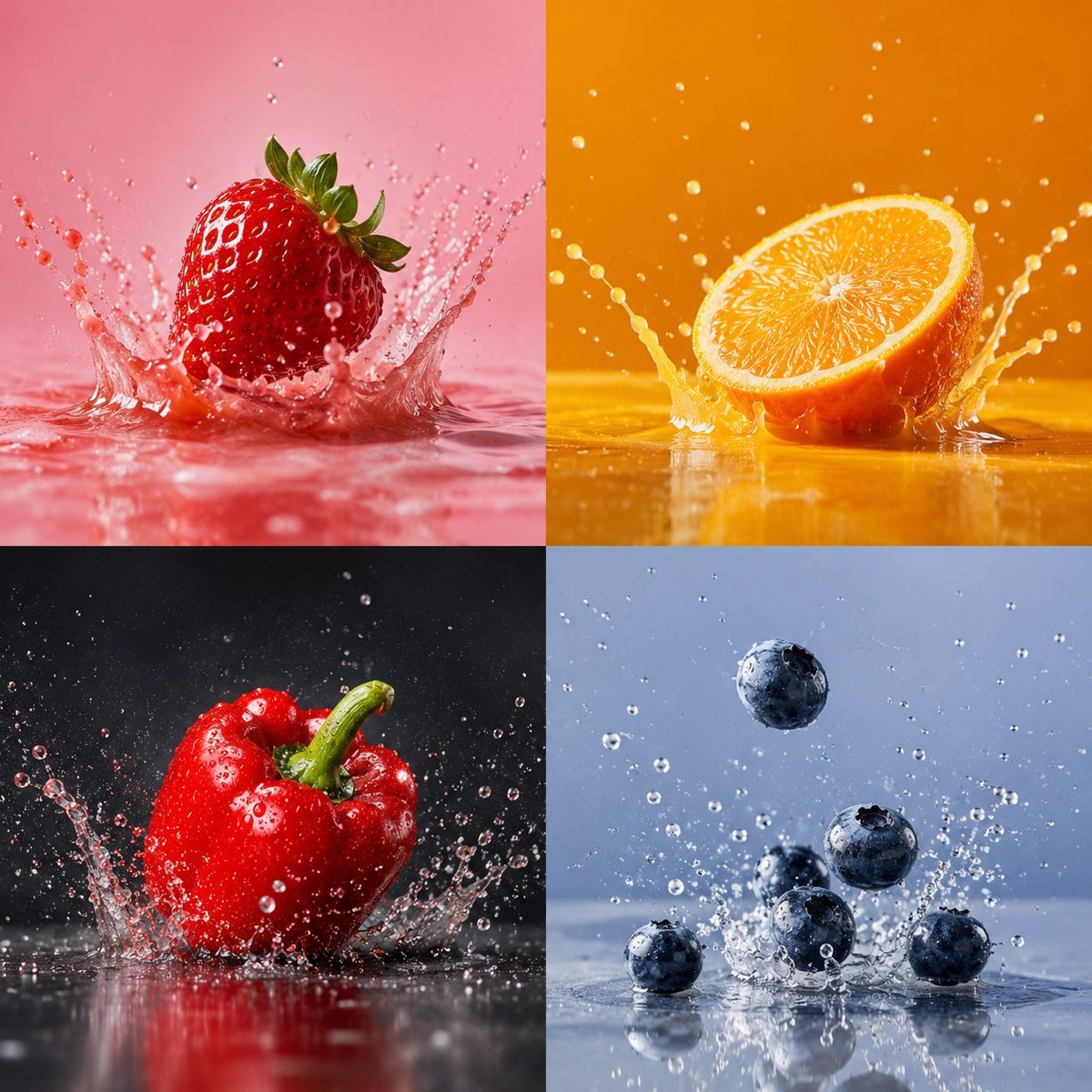
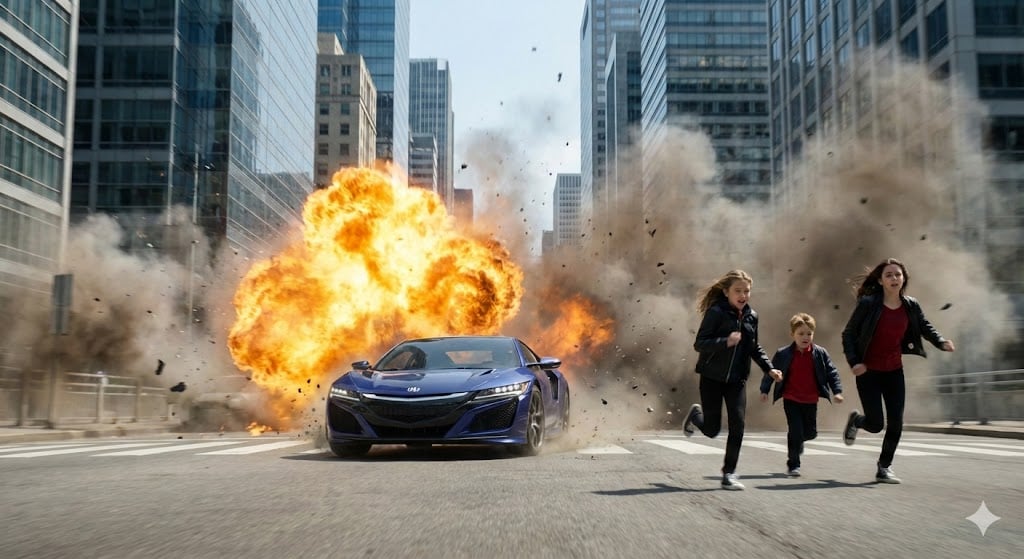
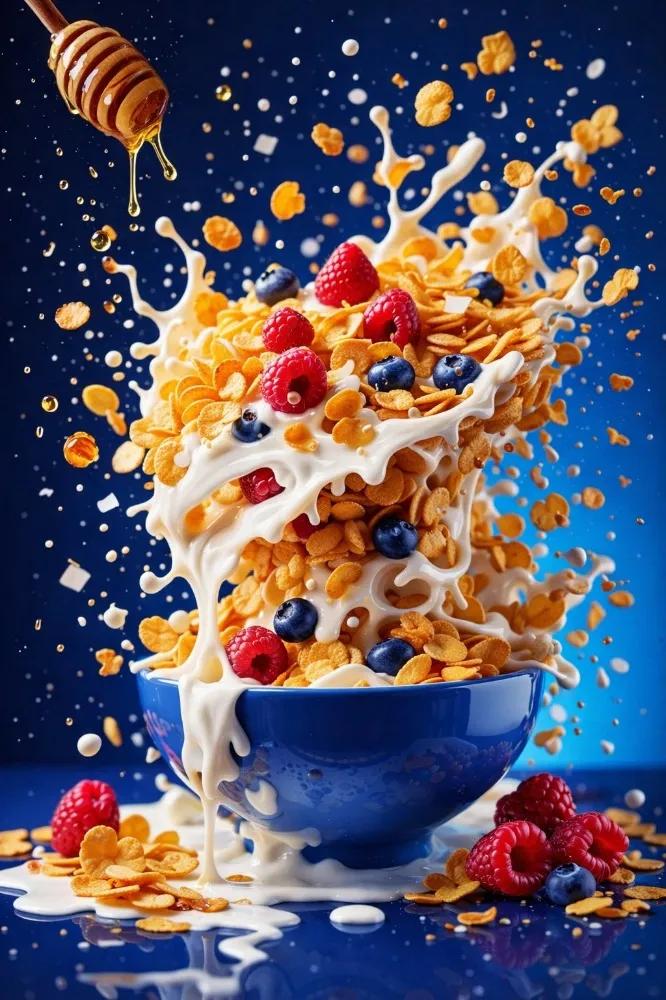
How do I use the Speed & Style template?
Edit the prompt in the box under the preview — the template's model and format are already selected — and press Generate. Your version appears right on this page.
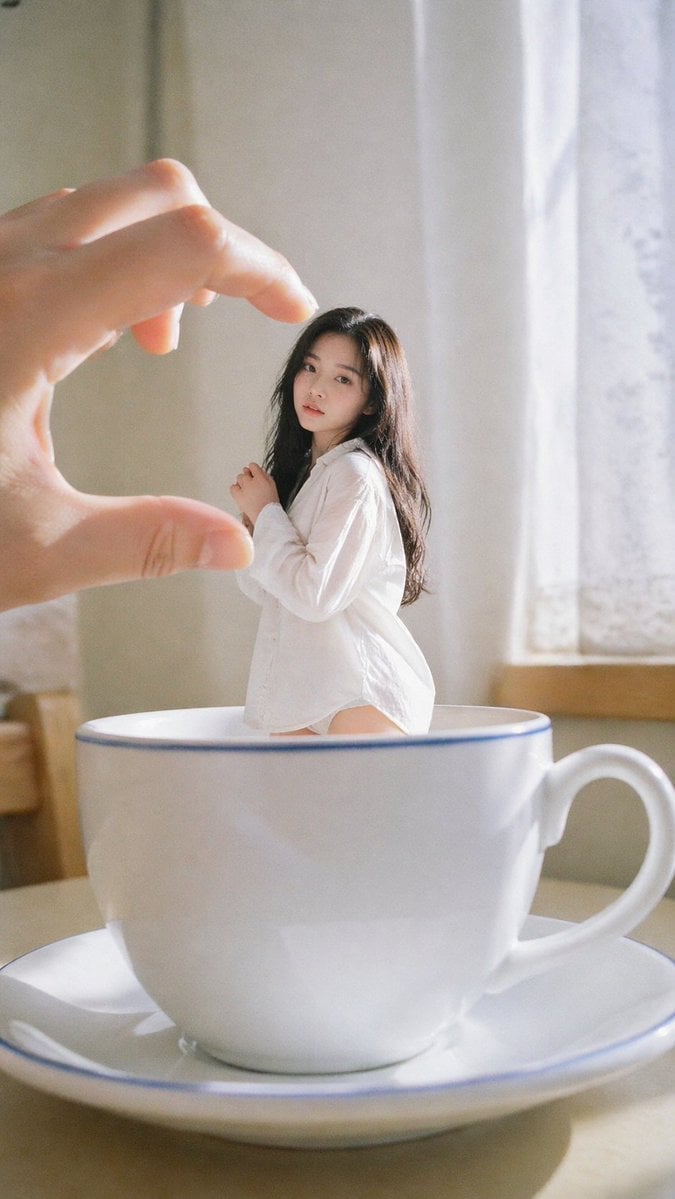
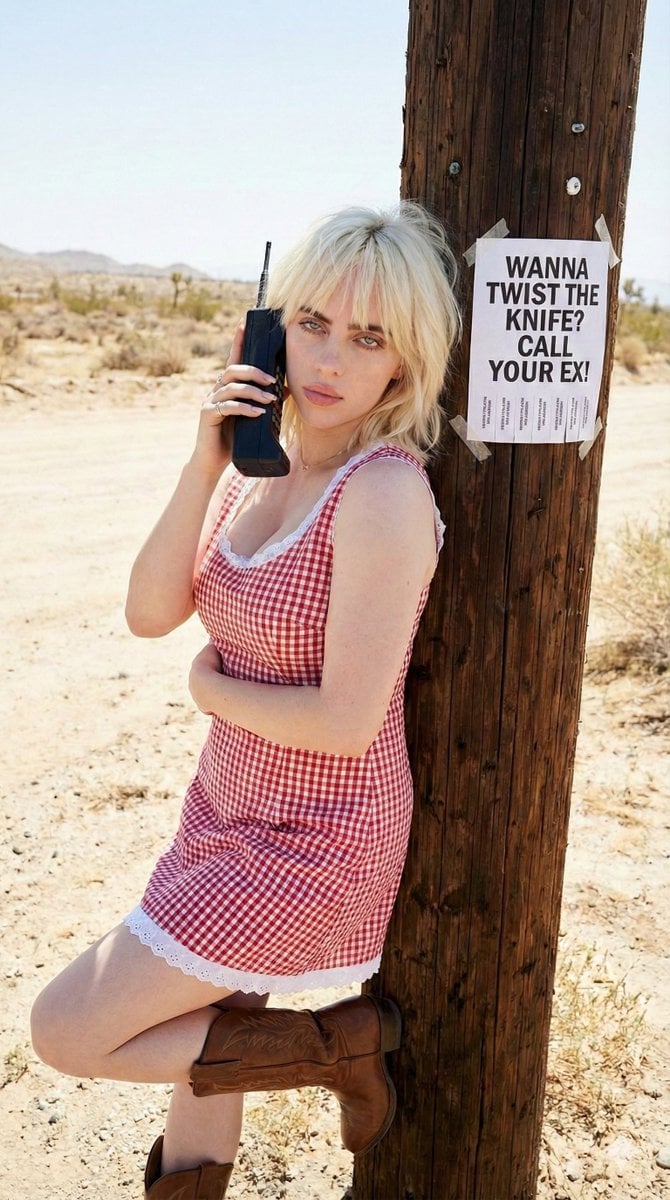
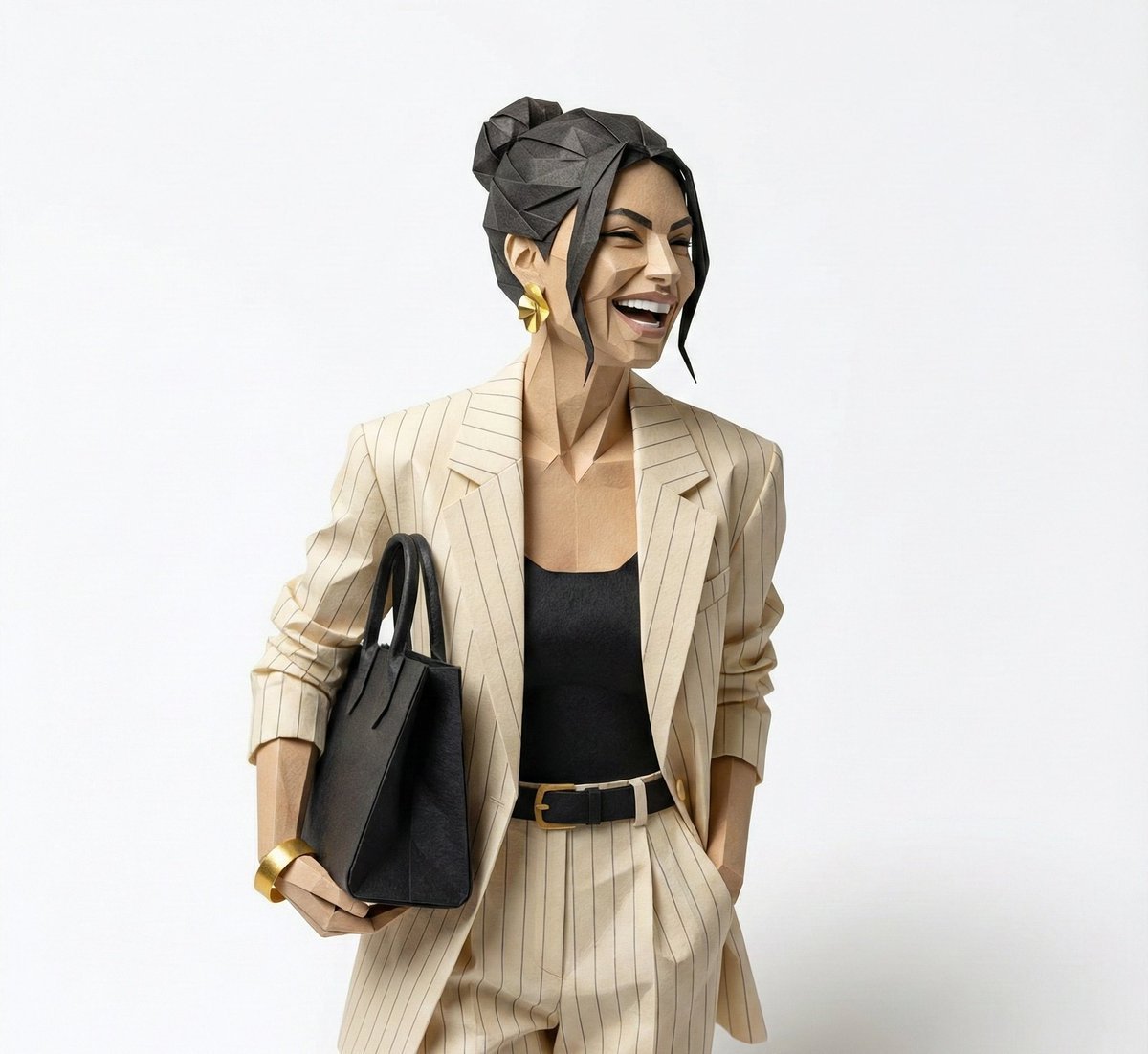
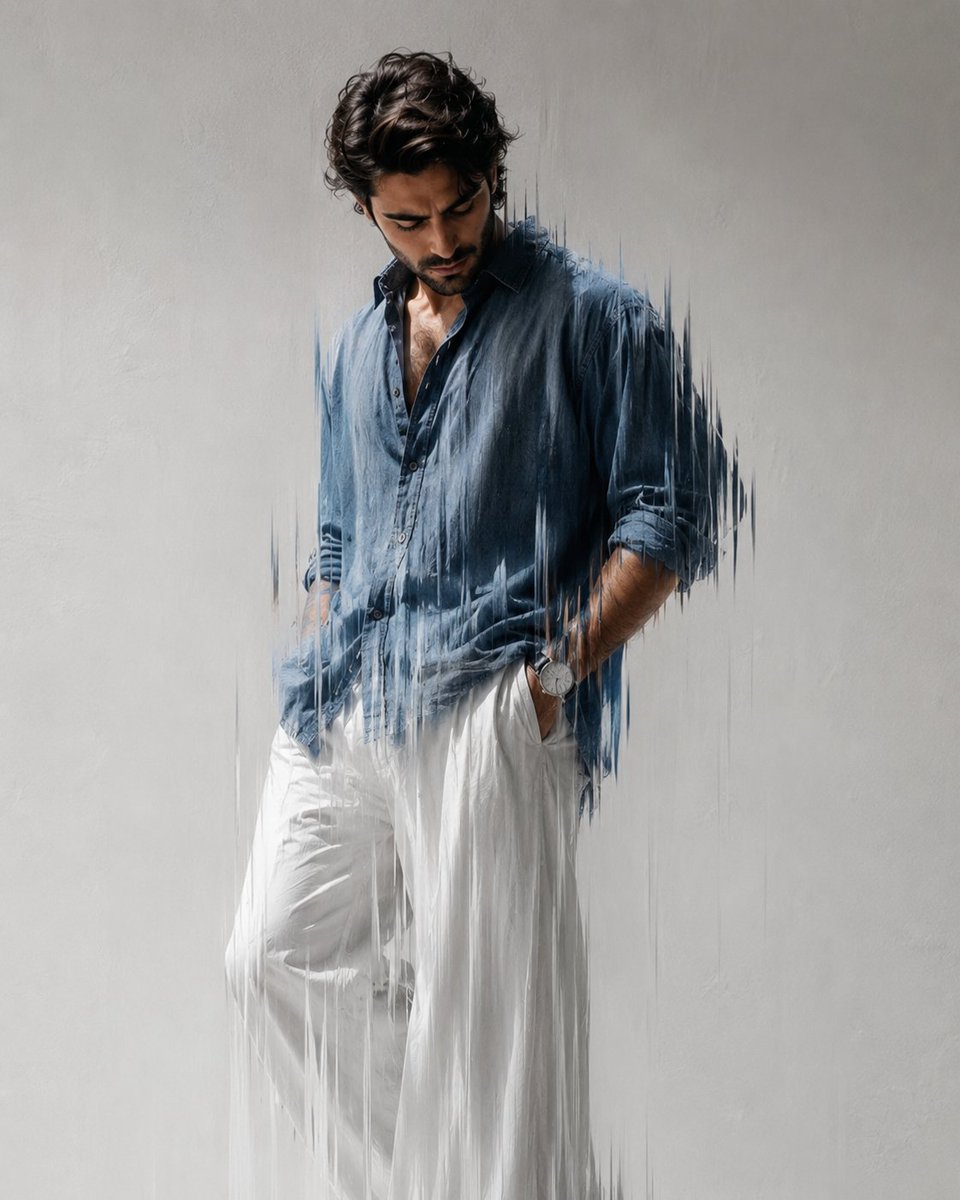
Speed & Style is a ready photo look.

{ "image_generation": { "face_identity": { "preserve_original": true, "reference_match": true, "description": "Use the same face and person from the attached photo with identical facial structure, features, and identity." }, "portrait": { "composition": "upper-body portrait, subject turning slightly over her shoulder", "expression": "slight smirk with confident attitude", "pose": "looking back over her shoulder, head turned toward the camera" }, "subject_details": { "hair": { "length": "long", "color": "dark brown or black", "texture": "wavy", "style": "high ponytail with natural volume" }, "accessories": { "sunglasses": { "type": "small oval-shaped sunglasses" } }, "clothing": { "jacket": "black fluffy jacket covering her shoulders", "style": "chic, modern, soft-textured outerwear" } }, "environment": { "background": "plain light-colored wall", "mood": "minimalistic and clean" }, "aesthetic": { "style": "chic, modern portrait", "tone": "natural beauty with subtle attitude", "focus": [ "face identity", "hair styling", "fashion accessories", "soft fluffy jacket texture" ] } } } Edit the image according to this prompt
{ "image_generation": { "face_identity": { "preserve_original": true, "reference_match": true, "description": "Use the same face and person from the attached photo with identical facial structure, features, and identity." }, "portrait": { "composition": "upper-body portrait, subject turning slightly over her shoulder", "expression": "slight smirk with confident attitude", "pose": "looking back over her shoulder, head turned toward the camera" }, "subject_details": { "hair": { "length": "long", "color": "dark brown or black", "texture": "wavy", "style": "high ponytail with natural volume" }, "accessories": { "sunglasses": { "type": "small oval-shaped sunglasses" } }, "clothing": { "jacket": "black fluffy jacket covering her shoulders", "style": "chic, modern, soft-textured outerwear" } }, "environment": { "background": "plain light-colored wall", "mood": "minimalistic and clean" }, "aesthetic": { "style": "chic, modern portrait", "tone": "natural beauty with subtle attitude", "focus": [ "face identity", "hair styling", "fashion accessories", "soft fluffy jacket texture" ] } } } Edit the image according to this prompt
Edit the prompt in the box under the preview — the template's model and format are already selected — and press Generate. Your version appears right on this page.
Yes. You can change the subject, setting, lighting, mood, format, and available model controls before creating your image.
Opening and editing this template is free. Generating uses credits, shown on the Generate button when you are signed in.
Choose a compatible model in PicX Studio based on the style, speed, and output controls your project needs.
Follow a topic to a crawlable collection of related PicX Studio templates.