How do I use the Photography template?
Choose the primary action to open PicX Studio with the available template settings. Review the model and format, personalize the creative direction, and generate when ready.
A ready image prompt for PicX Studio. Change the subject, setting, or lighting one variable at a time.
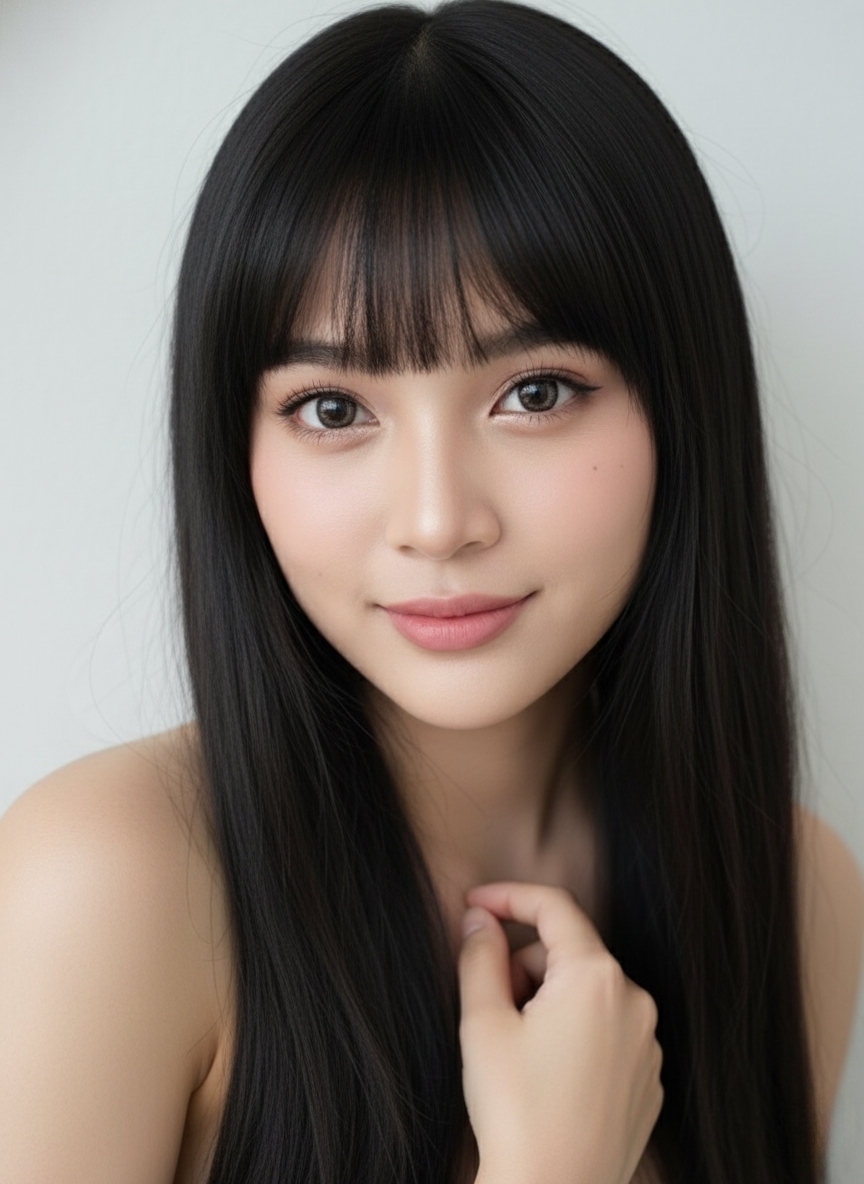
Buatkan foto close-up portrait profesional dari seorang wanita muda dengan gaya yang lebih edgy dan fashionable. Ekspresinya tenang dan intens dengan pose satu tangan memegang kalung dengan liontin berbentuk hati yang besar di leher,dengan mata melirik ke arah kanan searah bahu, Rambutnya berwarna hitam dengan poni depan yang tebal dan dipotong sangat pendek diatas alisnya. Rambutnya diikat menjadi dua sanggul atas (double bun atau space buns) di kedua sisi kepala. Riasan mata cukup dramatis dengan eyeliner bersayap, bulu mata bervolume, dan smokey eyes yang lembut. Pipi dan dahi memiliki highlighter yang jelas, memberikan kesan kulit berkilau (dewy/glowy). matanya berwaena coklat kehijauan. Bibirnya diwarnai dengan warna pink gelap yang natural dan tampak sedikit berkilau. Ia memiliki fake freackless yang jelas di hidung dan pipinya . Ia memamerkan kuku yang panjang dan berbentuk almond, dengan nail art berwarna hitam dan putih yang bermotif jaring-jaring atau geometris yang rumit dan sedikit aksen perak. Ia mengenakan anting hoop (lingkaran) besar berwarna perak dan kalung dengan liontin berbentuk hati yang besar di leher. Ia mengenakan atasan bustier berwarna putih dengan pola bunga biru muda yang samar-samar, serta lengan baju hitam yang dikenakan di bagian luar. Latar belakang terlihat dreamy dan out of focus (bokeh). Warnanya didominasi oleh pastel lembut, seperti ungu muda, biru muda, dan pink. Pencahayaan: Pencahayaan berkualitas tinggi, terarah dengan baik, menonjolkan tekstur kulit dan riasan. Jangan ubah wajah Jangan merubah wajah.
Choose the primary action to open PicX Studio with the available template settings. Review the model and format, personalize the creative direction, and generate when ready.
Yes. You can change the subject, setting, lighting, mood, format, and available model controls before creating your image.
This template is free to open and customize. Generation usage is shown in PicX Studio before you create.
Choose a compatible model in PicX Studio based on the style, speed, and output controls your project needs.
© 2026 PicX Studio. All rights reserved.

Follow a topic to a crawlable collection of related PicX Studio templates.
43,474 public templates available. Verified via the PicX Studio public templates API; refreshed hourly.