
Playful Garden Portrait Template
Playful Garden Portrait Template is a ready photo look.
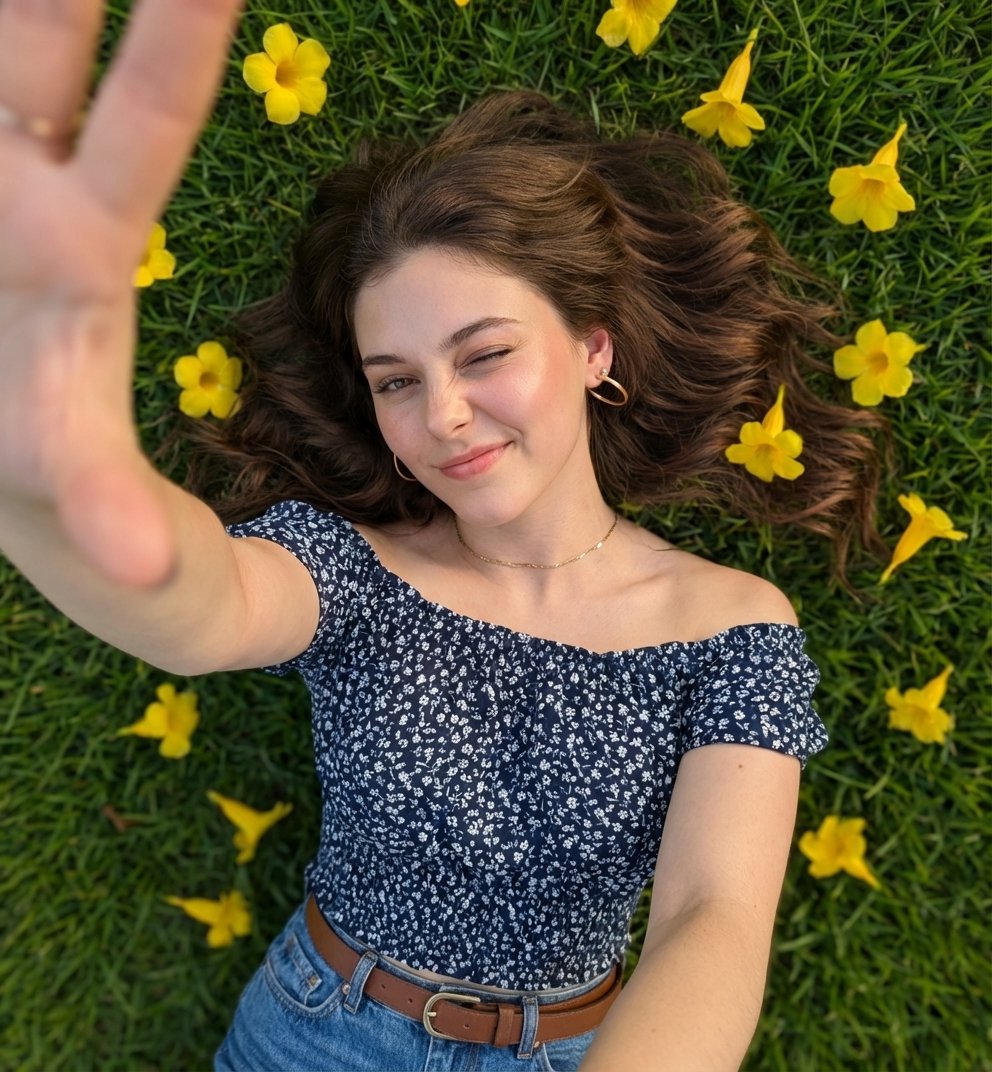
- Prompt included
- Model and format preset
- Free template
The prompt behind this image
Copy the exact prompt behind Playful Garden Portrait Template, or open it in the studio and make it yours.
Generate an ultra-realistic outdoor portrait of a girl lying on fresh green grass, surrounded by scattered bright yellow flowers. Use *the exact face, features, skin tone, hairline, and expressions from the reference photo of the girl* — keep her face perfectly consistent in every image: same smile lines, same jawline, same eyebrows, same eye shape, same nose structure, same youthful glow. Her hair is long, soft, natural, and slightly wavy, spread beautifully across the grass. The lighting must be natural daylight with gentle shadows — no artificial glow. Skin texture should be real, detailed, and human: pores, natural shine on cheeks, slight imperfections, subtle micro-shadows, and no smoothing. She is wearing a navy blue off-shoulder top with tiny white floral prints, paired with high-waisted blue jeans and a brown belt. Clothing texture should show real stitching, threads, and fabric stretch. Jewelry is minimal — small golden earrings and a delicate chain necklace. Camera angle: captured from above (top-down perspective) as she lies on the grass. Use a realistic smartphone camera aesthetic (like iPhone 15 Pro / Pixel 8 Pro), with natural depth, crisp focus on the face, and subtle bokeh on the background grass. Expressions: warm, candid, genuine happiness — smiling widely, laughing, winking, playful hand reaching toward the camera, soft shy smile while looking sideways, and dreamy poses with hand under chin. Make all expressions look *fully human*, never AI-posed. Environment details: • fresh green grass with uneven texture • scattered bright yellow trumpet flowers • soft diffused daylight • slight wind movement in the hair • realistic ground shadows • zero artificial lighting artifacts Overall mood: playful, soft, wholesome, youthful, carefree, and natural. Each frame must feel like a real candid photo taken by a friend lying next to her on the grass. No AI look, no plastic skin, no over-sharp edges , only natural DSLR/smartphone realism with perfect facial consistency.
How to use Playful Garden Portrait Template in 3 steps
- 1Upload ImagePNG, JPG or paste
Add your photo
Upload the photo the template builds on. The prompt, model and format are already set.
- 2…a portrait of your subject in softgolden-hour light, 85mm…
Personalize
Edit the subject and creative details for your destination.
- 3Generate
Generate
Press Generate — your image is created in PicX Studio, so you can compare it with the original and refine one variable at a time.
More like this
Templates with the same subject, style or setup. Open one to see its prompt.

Nano Banana Pro Photoreal Playful Couple

Found Photograph: Us, 1970

80s Couple Studio Portrait

80s Bollywood Star

80s Golden Hour Cinema

Me in 1985

1985 Studio Portrait

Hyper-Realistic Minecraft POV Portrait

Rooftop Fisheye — Cat-Ear Balaclava at Golden Hour
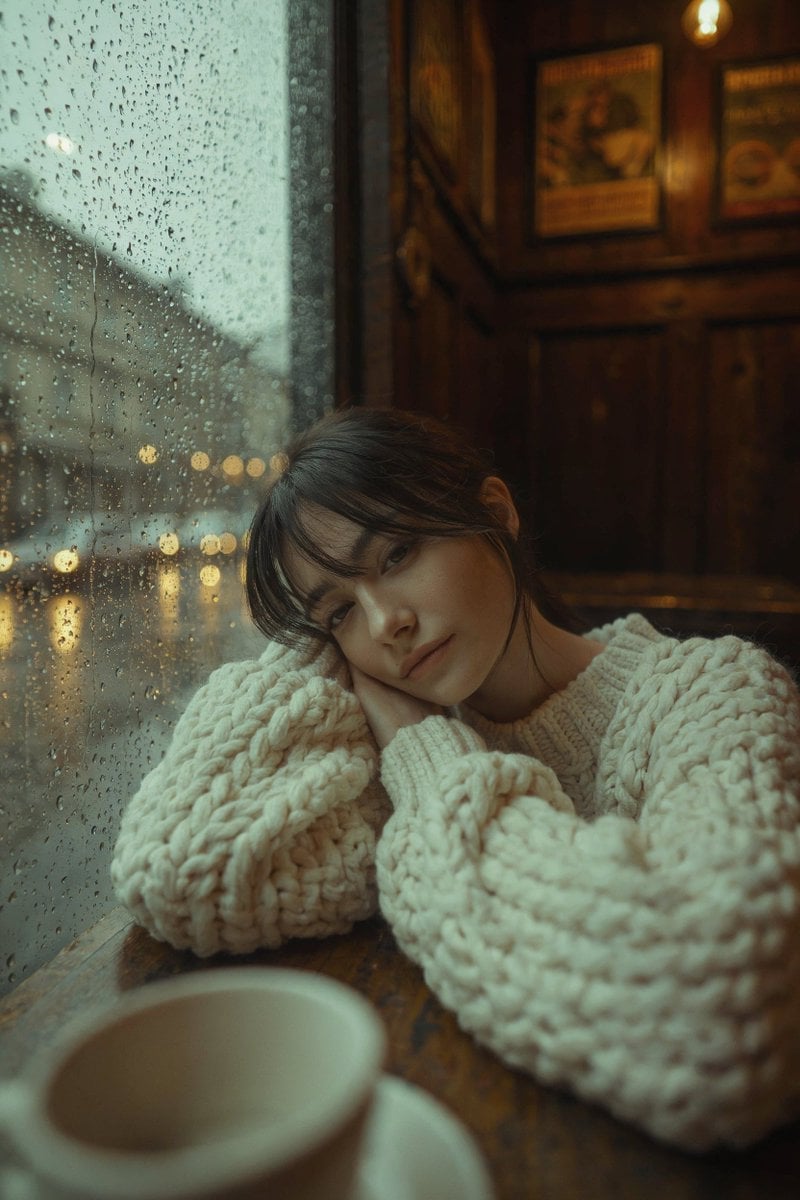
Rainy Café Window Moody Portrait
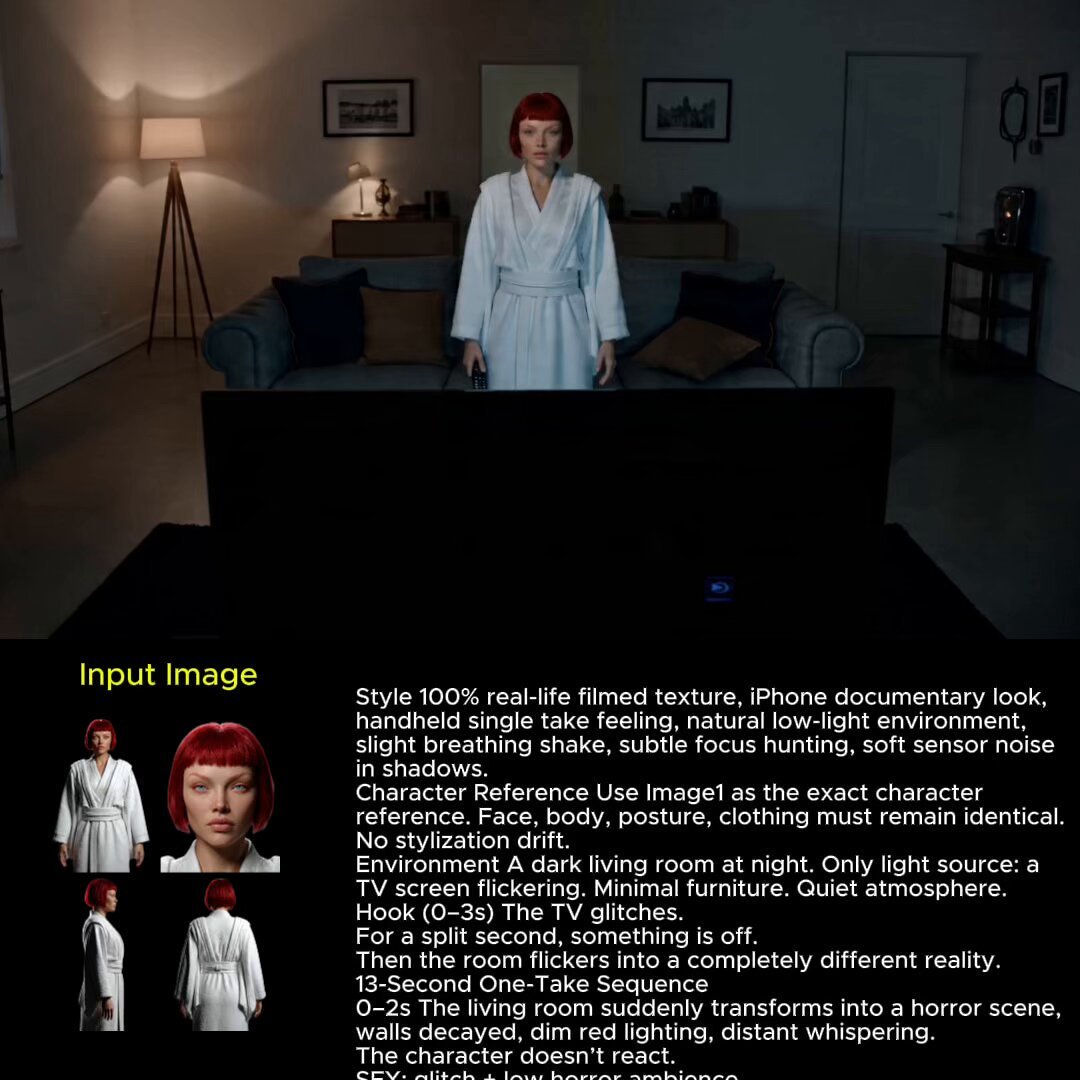
2025 Aesthetic Photography
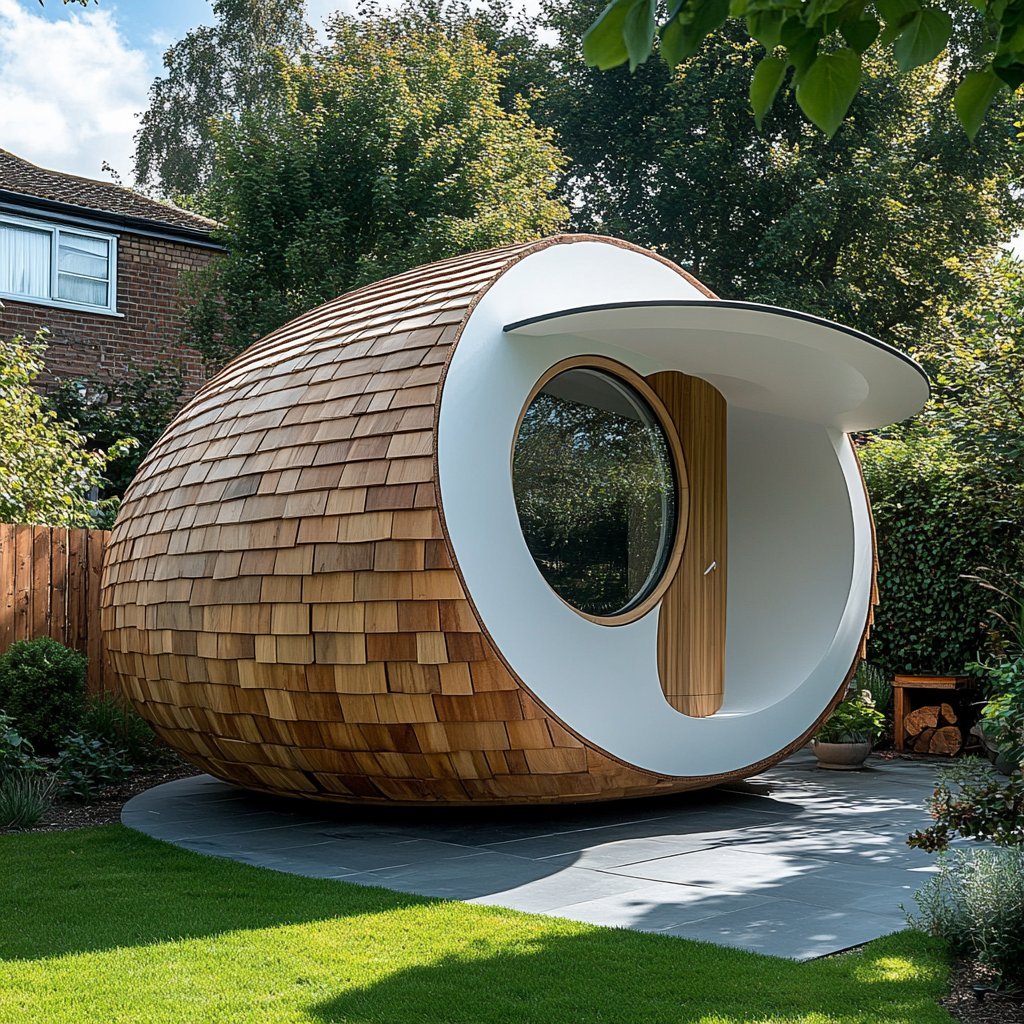
Nano Banana Is So Addictive
Make it yours
Playful Garden Portrait Template works as-is. These are the safest ways to change it without losing the look.
Change one field
Copy a single group, rewrite it, and generate again so you can see what that field is doing.
Keep the frame, change the subject
Hold the composition and light of Playful Garden Portrait Template, then swap wardrobe, props or the person for a new take.
| If the result… | Why | Fix |
|---|---|---|
| The result drifts from the preview | Too many fields changed at once. | Reuse Playful Garden Portrait Template as-is first, then change one group — subject, light, or setting. |
| The model over-stylizes the scene | The prose prompt leaves finish and camera underspecified. | Add one camera or lighting sentence and stay on PicX Studio. |
More image prompts
Fresh picks from across the catalog.

Zodiac Taurus Character Poster
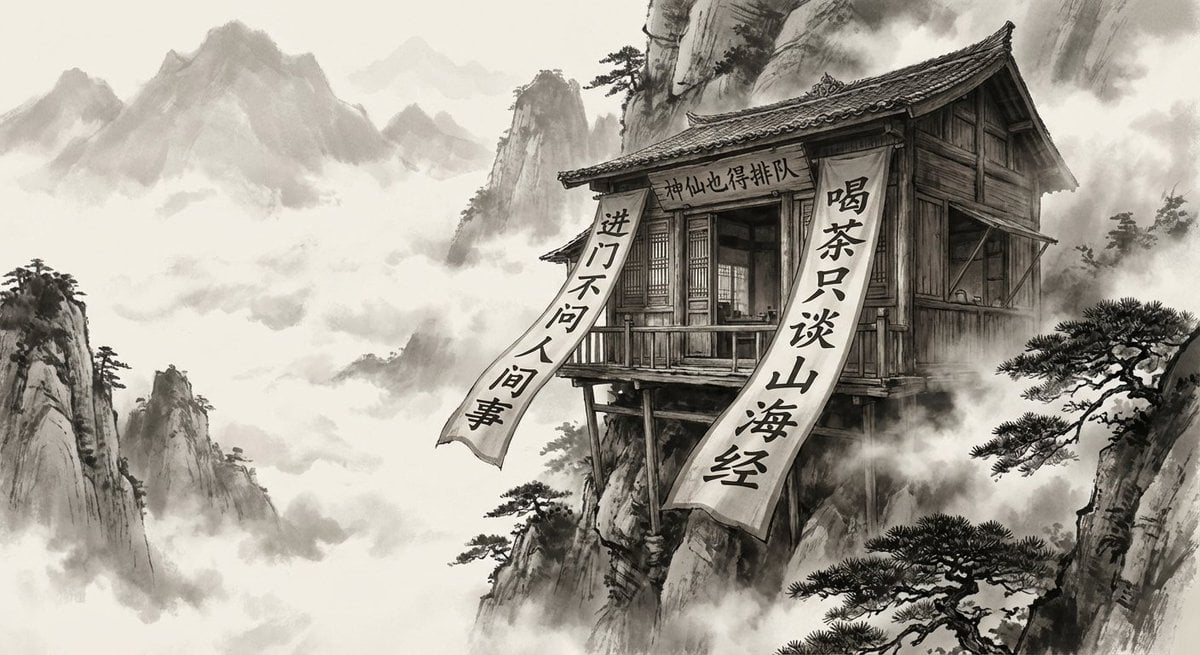
Illustration based on the poem “Song of Everlasting Regret”
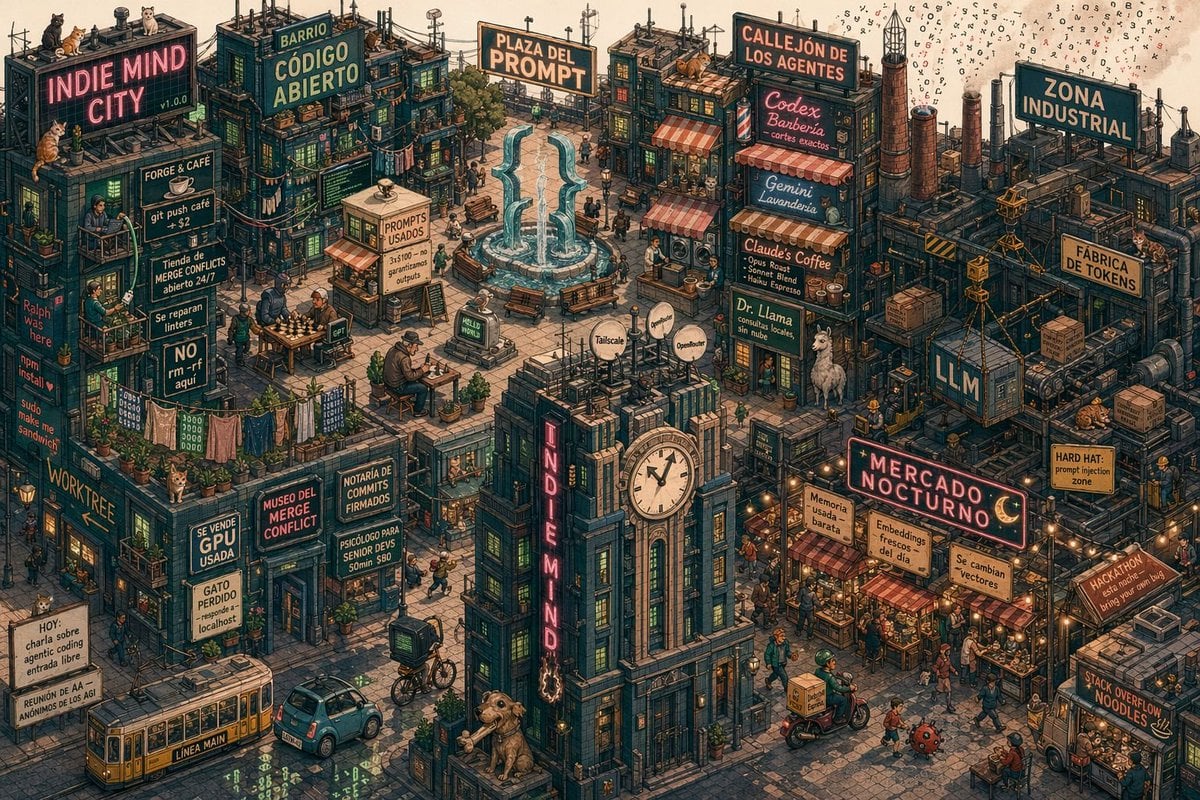
Indie Mind City Isometric Tech District
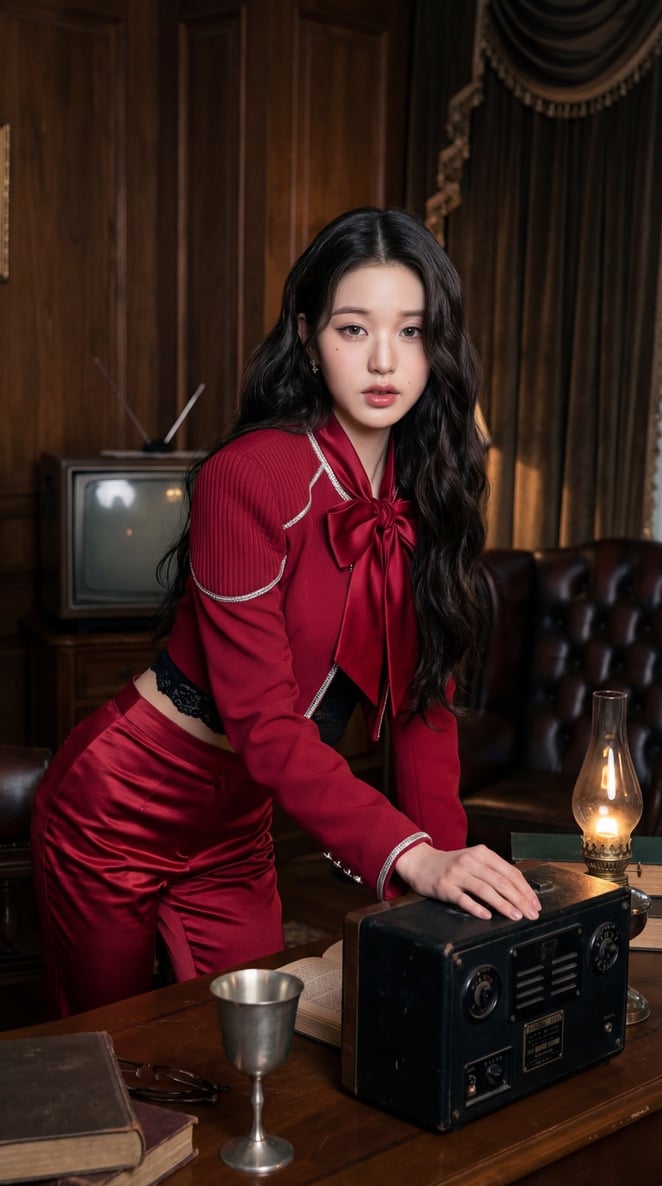
IVE KPOP Idol Retro Cinematic Portraits
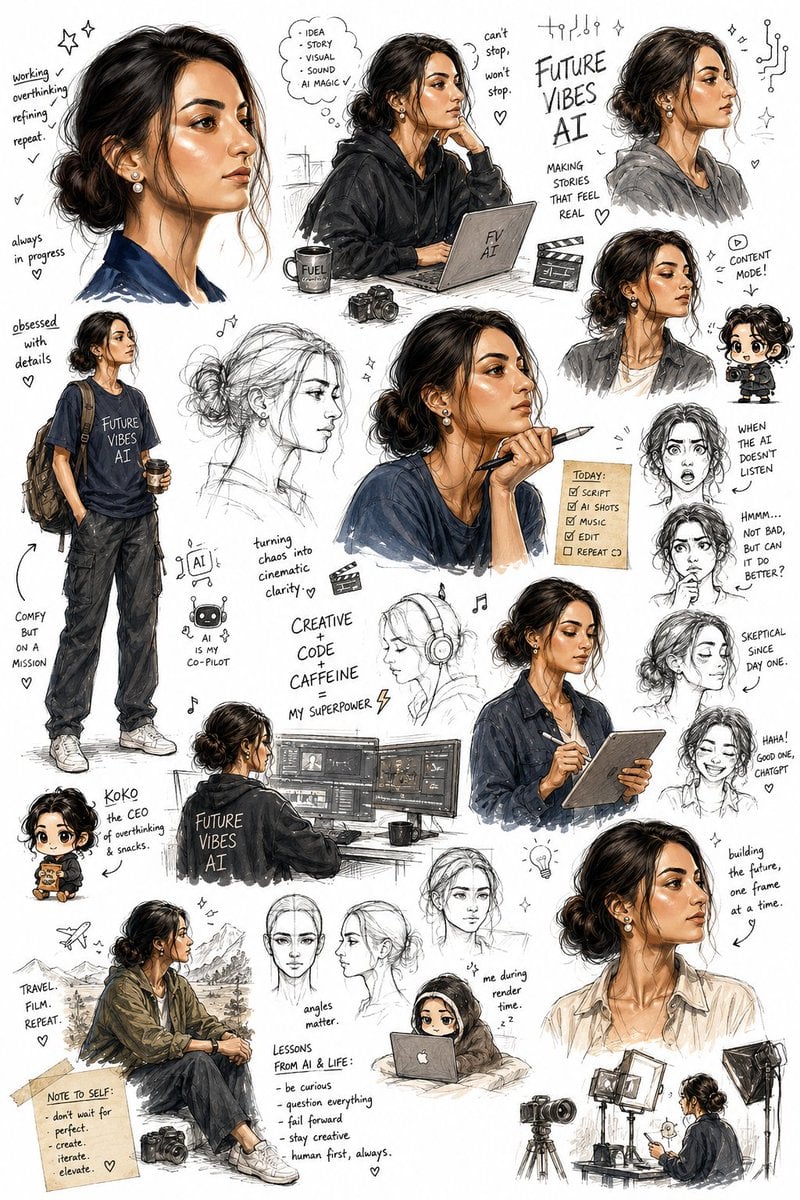
Sketchbook Character Exploration Sheet
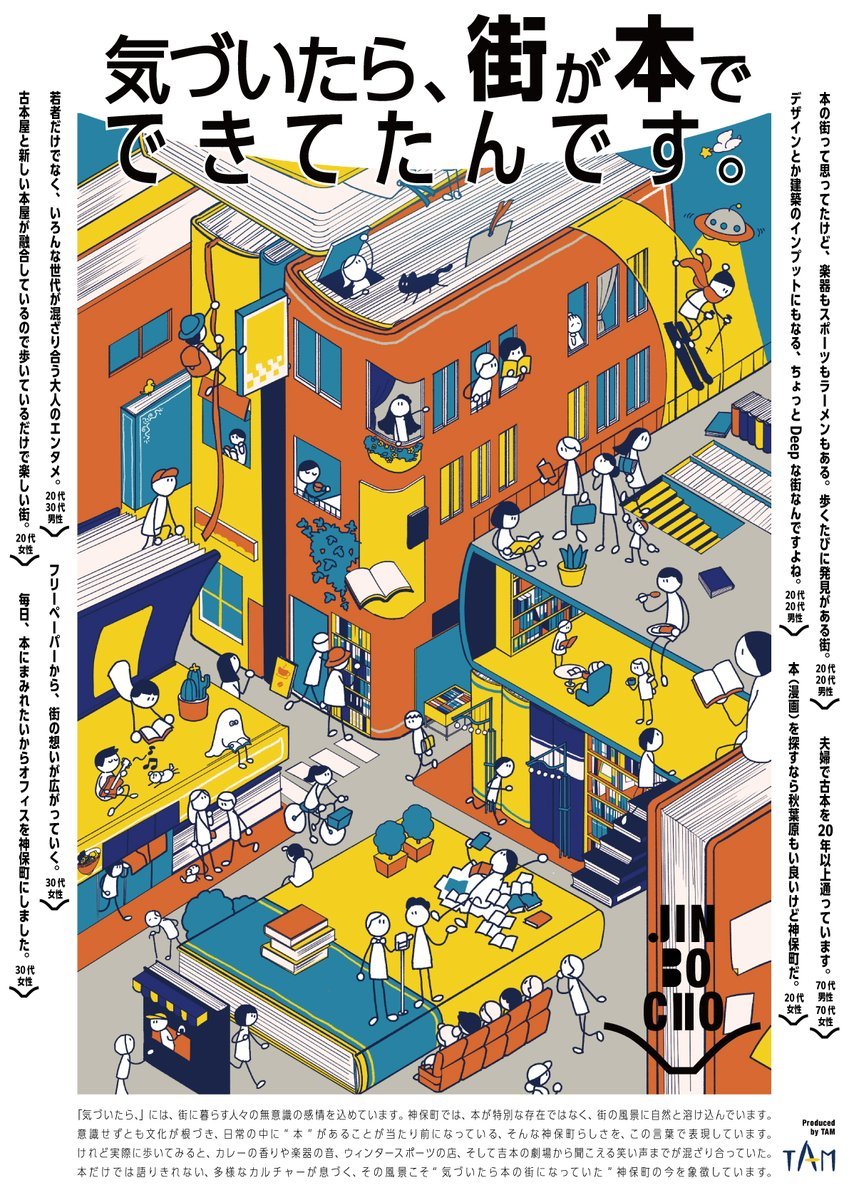
Jimbocho Book Town Poster
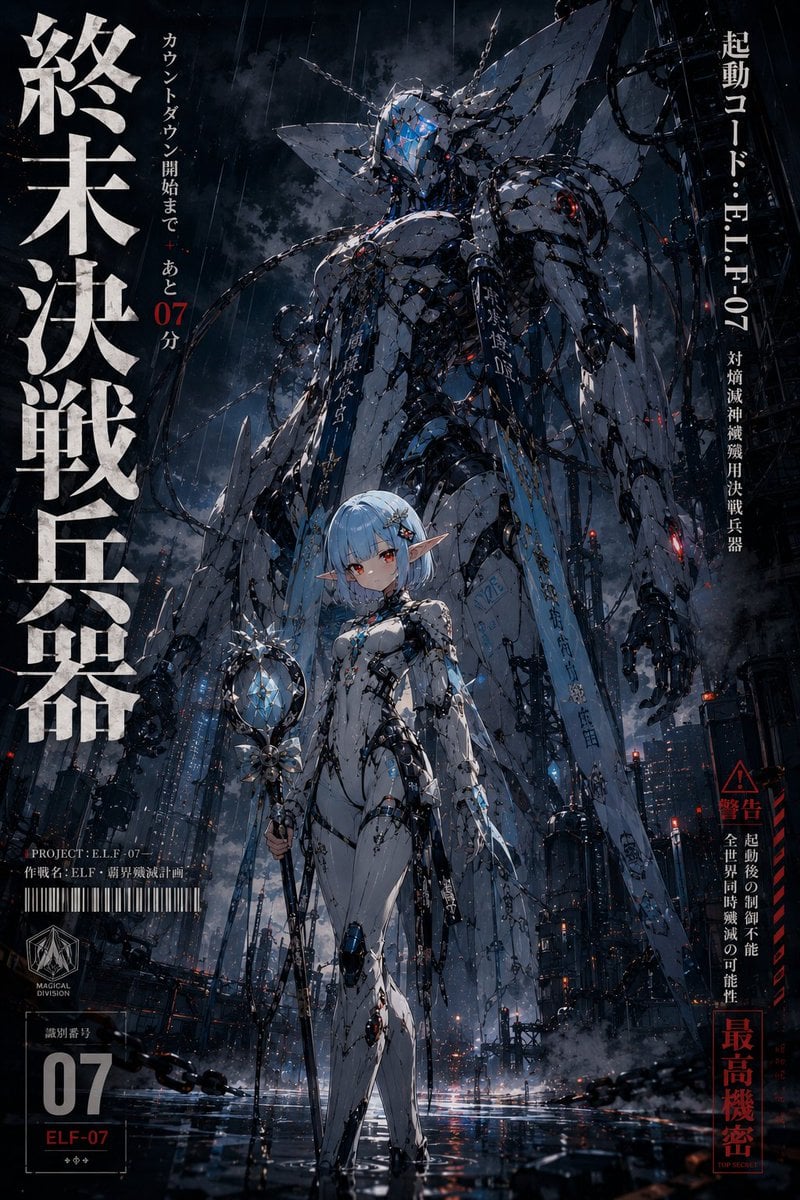
90s Mecha Anime Key Visual

Heatblast Ben 10 Streetwear Portrait
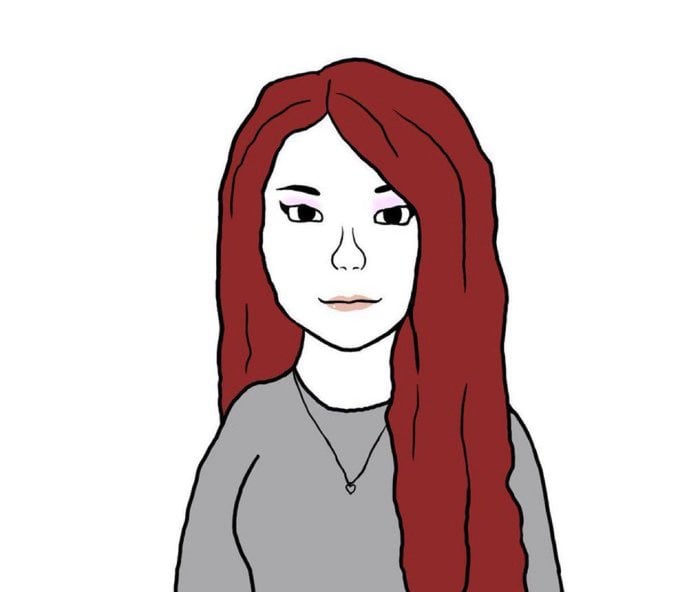
Nostalgic Polaroid Portrait Prompt
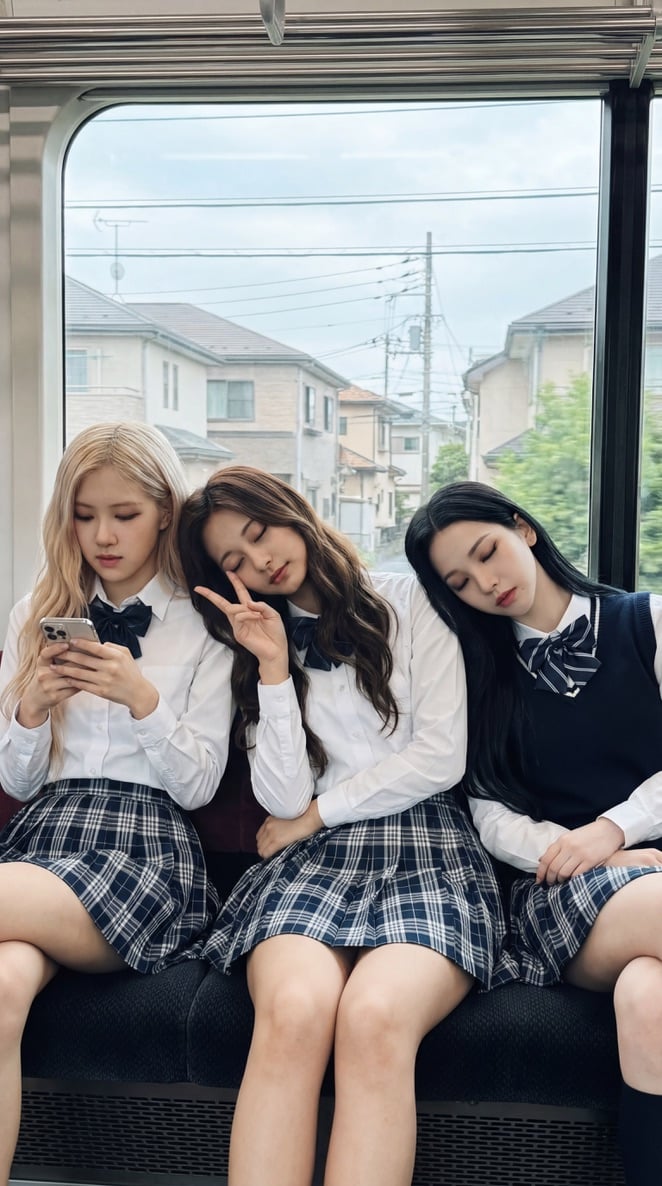
K-pop Idols Sleeping on a Train JSON Prompt
Browse template categories
Playful Garden Portrait Template questions
How do I use the Playful Garden Portrait Template template?
Add your photo if the template asks for one, edit the prompt if you like — the template's model and format are already selected — and press Generate. Your version opens in PicX Studio.
Can I customize the Playful Garden Portrait Template template?
Yes. You can change the subject, setting, lighting, mood, format, and available model controls before creating your image.
Is the Playful Garden Portrait Template template free?
Opening and editing this template is free. Generating uses credits, shown on the Generate button when you are signed in.
Which AI model should I use?
Choose a compatible model in PicX Studio based on the style, speed, and output controls your project needs.
Looking for something else? Browse all templates.

Your photo, any look
Thousands of ready templates for every top image and video model, from one credit balance.