How do I use the Dark Anime Boy with Pins and Prism Light template?
Edit the prompt in the box under the preview — the template's model and format are already selected — and press Generate. Your version appears right on this page.
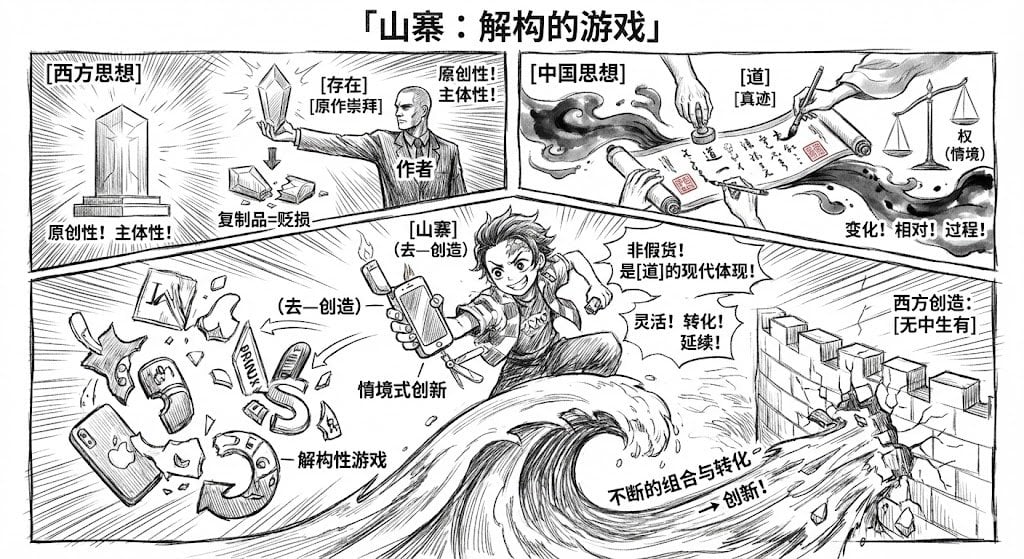
This prompt generates a dramatic single-panel anime illustration of a wounded young man on the floor with symbolic props and rainbow light, suitable for melancholic poster art or character key visuals.

This template uses your photo — add one with the + button.
A dark, moody anime-style illustration of a slim young man lying flat on a shadowy floor, shown from above in a vertical composition. He has messy short {argument name="hair color" default="white"} hair and a pale body, with his face mostly obscured by shadow and cropped ambiguity, creating an eerie, poetic atmosphere. His {argument name="shirt color" default="white"} button-up shirt is soaked, wrinkled, and hanging fully open, exposing his chest and abdomen. Thin streams of blood run down from his neck across his torso and lower body, stylized rather than gory. Count exactly 10 sewing pins stuck through the fabric and around his body: 2 near the left shoulder and upper sleeve, 2 on the left lower side near the waist and forearm, 3 on the right chest and shoulder area, 1 on the right mid torso, and 2 near the lower right hem. Place 1 overturned wine glass in the upper left corner with red wine spilled beside it. Place 1 white butterfly resting gently on his lower abdomen. Add diagonal bands of rainbow prism light crossing the dark floor and parts of his body, with cinematic high contrast, soft painterly shading, delicate linework, and melancholic symbolic storytelling. The overall mood should be tragic, beautiful, ethereal, and unsettling, like a dramatic key visual from a psychological anime.
A dark, moody anime-style illustration of a slim young man lying flat on a shadowy floor, shown from above in a vertical composition. He has messy short {argument name="hair color" default="white"} hair and a pale body, with his face mostly obscured by shadow and cropped ambiguity, creating an eerie, poetic atmosphere. His {argument name="shirt color" default="white"} button-up shirt is soaked, wrinkled, and hanging fully open, exposing his chest and abdomen. Thin streams of blood run down from his neck across his torso and lower body, stylized rather than gory. Count exactly 10 sewing pins stuck through the fabric and around his body: 2 near the left shoulder and upper sleeve, 2 on the left lower side near the waist and forearm, 3 on the right chest and shoulder area, 1 on the right mid torso, and 2 near the lower right hem. Place 1 overturned wine glass in the upper left corner with red wine spilled beside it. Place 1 white butterfly resting gently on his lower abdomen. Add diagonal bands of rainbow prism light crossing the dark floor and parts of his body, with cinematic high contrast, soft painterly shading, delicate linework, and melancholic symbolic storytelling. The overall mood should be tragic, beautiful, ethereal, and unsettling, like a dramatic key visual from a psychological anime.
Edit the prompt in the box under the preview — the template's model and format are already selected — and press Generate. Your version appears right on this page.
Yes. You can change the subject, setting, lighting, mood, format, and available model controls before creating your image.
Opening and editing this template is free. Generating uses credits, shown on the Generate button when you are signed in.
Start with GPT Image 2, which is the model associated with this template. You can compare another compatible model for a different finish.
Follow a topic to a crawlable collection of related PicX Studio templates.