
Surreal 404 Renaissance Memory Collage
Generates a distressed surreal collage poster of a ruined classical temple merged with servers, a floppy disk crash, brain diagrams, and retro system-error typography.
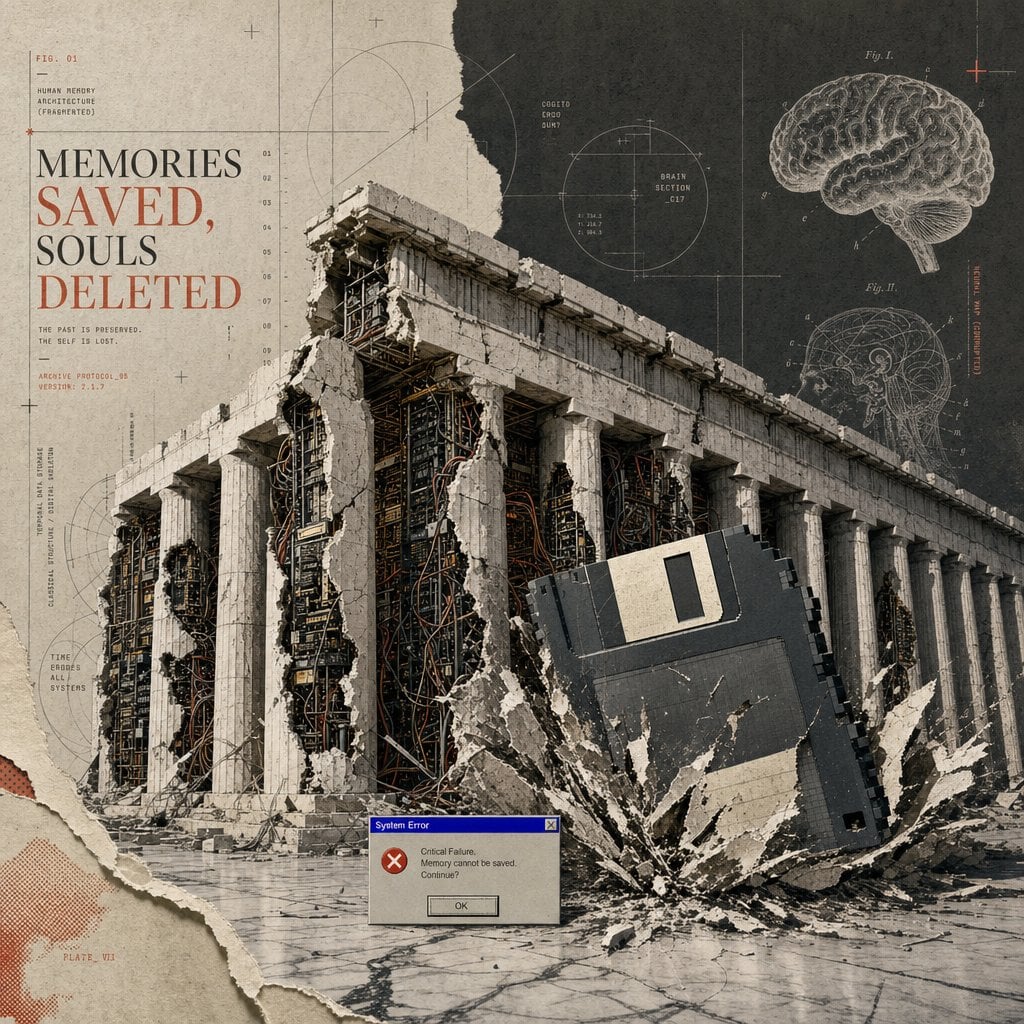
- Prompt included
- Model and format preset
- Free template
The prompt behind this image
Copy the exact prompt behind Surreal 404 Renaissance Memory Collage, or open it in the studio and make it yours.
Goal: Create a surreal Renaissance-style 404 collage poster about digital memory loss, combining ancient architecture, retro computing, anatomical diagrams, and distressed editorial typography. Canvas: Square 1:1 composition, aged beige paper background with torn-paper collage edges, halftone stains, fine grid lines, blueprint registration marks, and archival print texture. Use a muted palette of warm parchment beige, charcoal black, concrete gray, rusty red, and faded blue. Main subject: A monumental classical temple resembling the Parthenon dominates the center and lower half, shown in three-quarter perspective. It has a long colonnade with exactly 16 visible white stone columns. The structure is cracked open and partially collapsed, revealing dense server racks, circuit boards, cables, and exposed wiring inside the ruins. Large chunks of plaster and stone are missing, with jagged torn edges. Key surreal object: A giant black 3.5-inch floppy disk crashes into the right foreground at a diagonal angle, half buried in shattered concrete, sending a dramatic burst of debris outward. The floppy disk has a pale rectangular label area and visible side ridges. Text and typography: On the upper left, set a large editorial serif headline reading “{argument name="headline text" default="MEMORIES SAVED, SOULS DELETED"}”, with “SAVED,” and “DELETED” in rusty red and the rest in dark charcoal. Above it, add small technical text reading “FIG. 01” and “HUMAN MEMORY ARCHITECTURE (FRAGMENTED)”. Beneath the headline, add small typewriter-style lines reading “THE PAST IS PRESERVED. THE SELF IS LOST.” and “ARCHIVE PROTOCOL_404 VERSION: 7.1.9”. Keep the typography elegant, old scientific, and slightly misregistered. Diagram details: Include exactly 2 anatomical brain illustrations on the upper right: one large floating brain labeled like a scientific plate, and one smaller circular cross-section brain diagram below it. Add exactly 3 circular technical diagrams around the poster: one large faint circle near the top center-left, one central crosshair circle labeled “BRAIN SECTION_017”, and one small left-side circle near the columns. Add thin measuring lines, tiny numerals, plus signs, and red calibration marks throughout. Foreground detail: Place exactly 1 small retro Windows-style error dialog near the bottom center. It should have a blue title bar reading “System Error”, a red X error icon, body text reading “Critical Failure. Memory cannot be saved. Continue?”, and a single button labeled “OK”. Style: Hyper-detailed photomontage, surreal 404 error Renaissance collage, archaeological ruin meets cybernetic archive, analog computer nostalgia, brutalist marble dust, museum plate layout, screenprint grain, torn paper layers, precise but distressed graphic design. No people, no modern clean UI except the single error dialog, no extra headline text, no watermark.
How to use Surreal 404 Renaissance Memory Collage in 3 steps
- 1Upload ImagePNG, JPG or paste
Add your photo
Upload the photo the template builds on. The prompt, model and format are already set.
- 2…a portrait of your subject in softgolden-hour light, 85mm…
Personalize
Edit the subject and creative details for your destination.
- 3Generate
Generate
Press Generate — your image is created in PicX Studio, so you can compare it with the original and refine one variable at a time.
More like this
Templates with the same subject, style or setup. Open one to see its prompt.
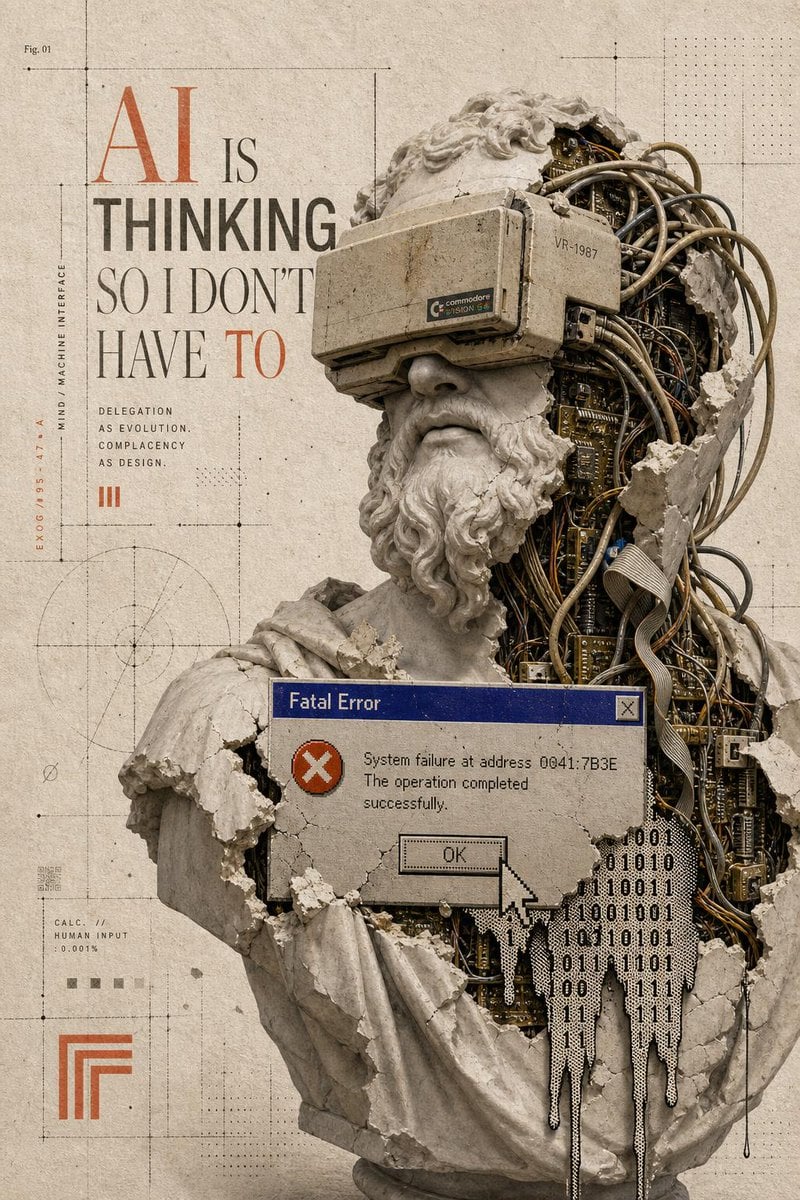
Surreal AI Error Renaissance Collage
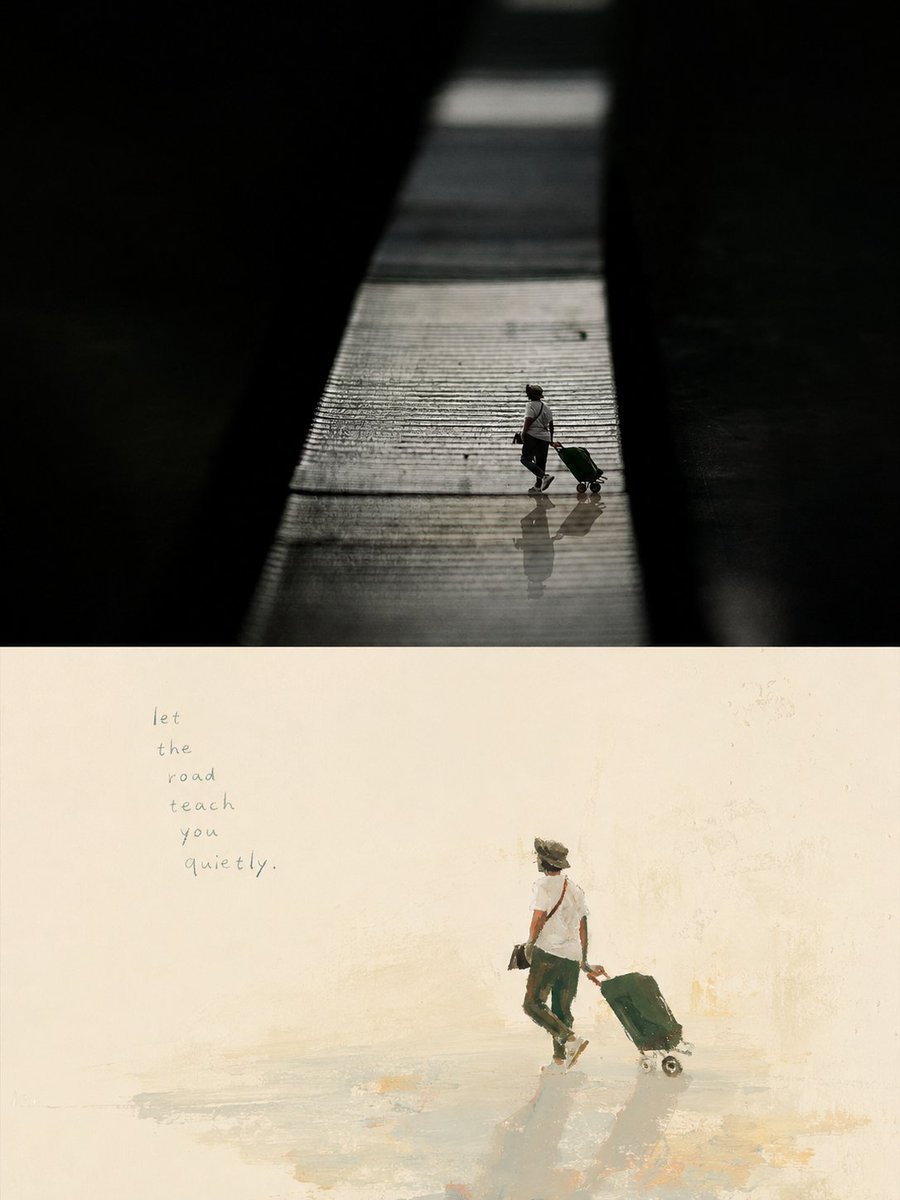
Artistic Memory Collage Poster

Surreal Cat Astronaut — Humanoid Face Freefall

Paper Cut Finale Fireworks

Paper Cut Garden Maze

Paper Cut Rooftop Concert

Paper Cut Bicycle Coast

Paper Cut Castle Gate

Paper Cut Kitchen Chaos

Paper Cut Carnival Ride

Paper Cut Rainy Bus Stop

Paper Cut Space Dock
Make it yours
Surreal 404 Renaissance Memory Collage works as-is. These are the safest ways to change it without losing the look.
Change one field
Copy a single group, rewrite it, and generate again so you can see what that field is doing.
Keep the frame, change the subject
Hold the composition and light of Surreal 404 Renaissance Memory Collage, then swap wardrobe, props or the person for a new take.
| If the result… | Why | Fix |
|---|---|---|
| The result drifts from the preview | Too many fields changed at once. | Reuse Surreal 404 Renaissance Memory Collage as-is first, then change one group — subject, light, or setting. |
| The model over-stylizes the scene | The prose prompt leaves finish and camera underspecified. | Add one camera or lighting sentence and stay on GPT Image 2. |
More GPT Image 2 templates
Other prompts made for GPT Image 2.

Six VTuber Japanese Logo Sheet

Realistic Portrait of Woman and Deer

The Vista Modular Condo Poster

AI Model Routing Comparison Infographic

2.5D Anime Art Board

Isometric Productivity Desk Scene

New York Double Exposure Poster

Four-Panel AI Landscape Comparison

Japanese Tatami Lifestyle Magazine Cover

NESCAFÉ Coffee Map Poster
More image prompts
Fresh picks from across the catalog.
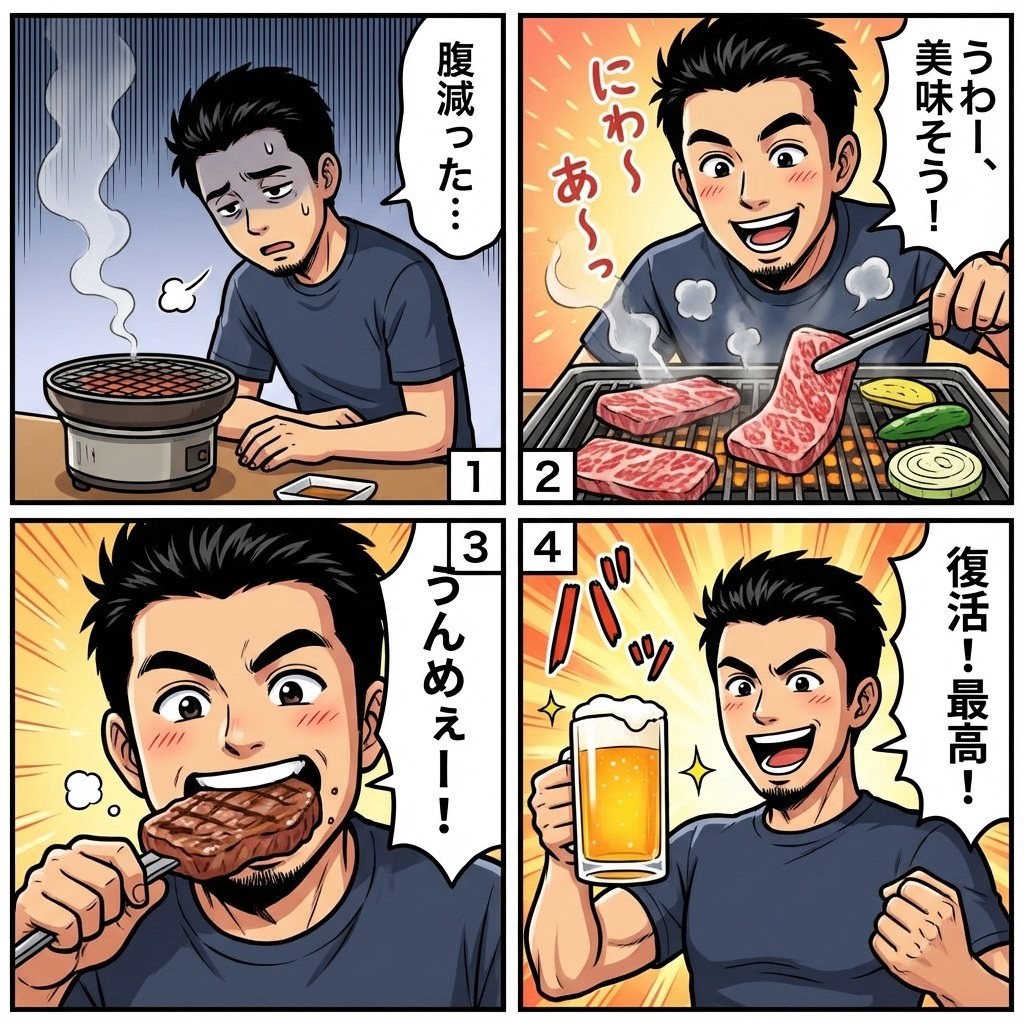
Color comic of a character getting energized by barbecue

3D Chibi Character Transformation Prompt for Nano Banana 2
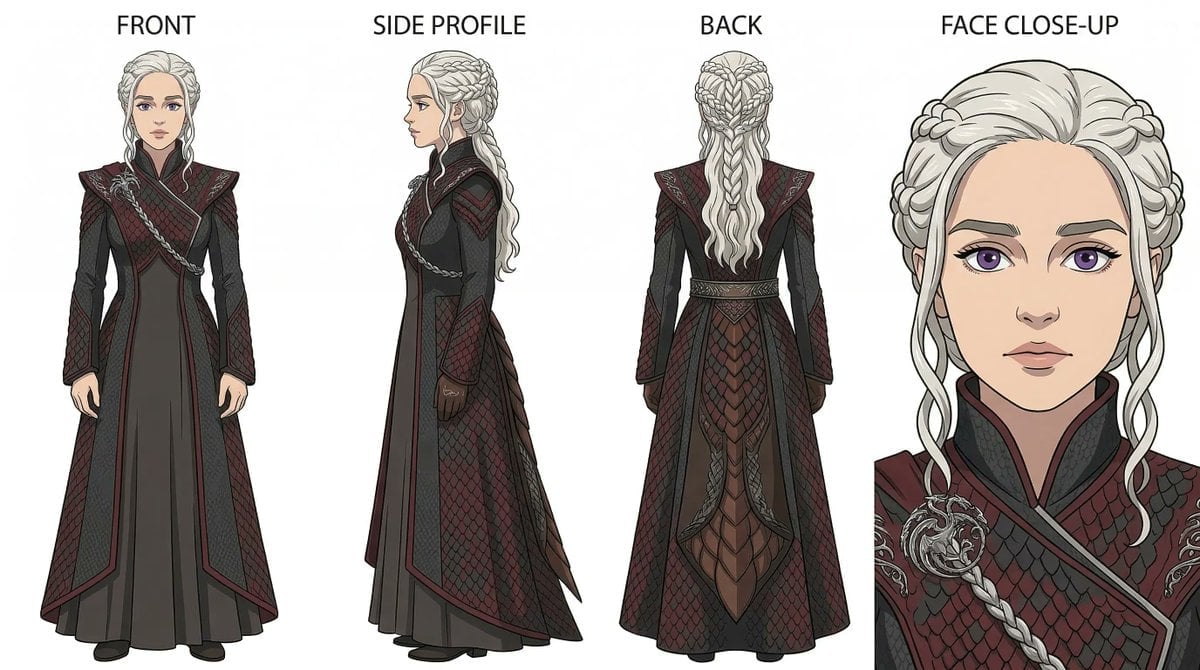
Ghibli x Game of Thrones Character Prompts
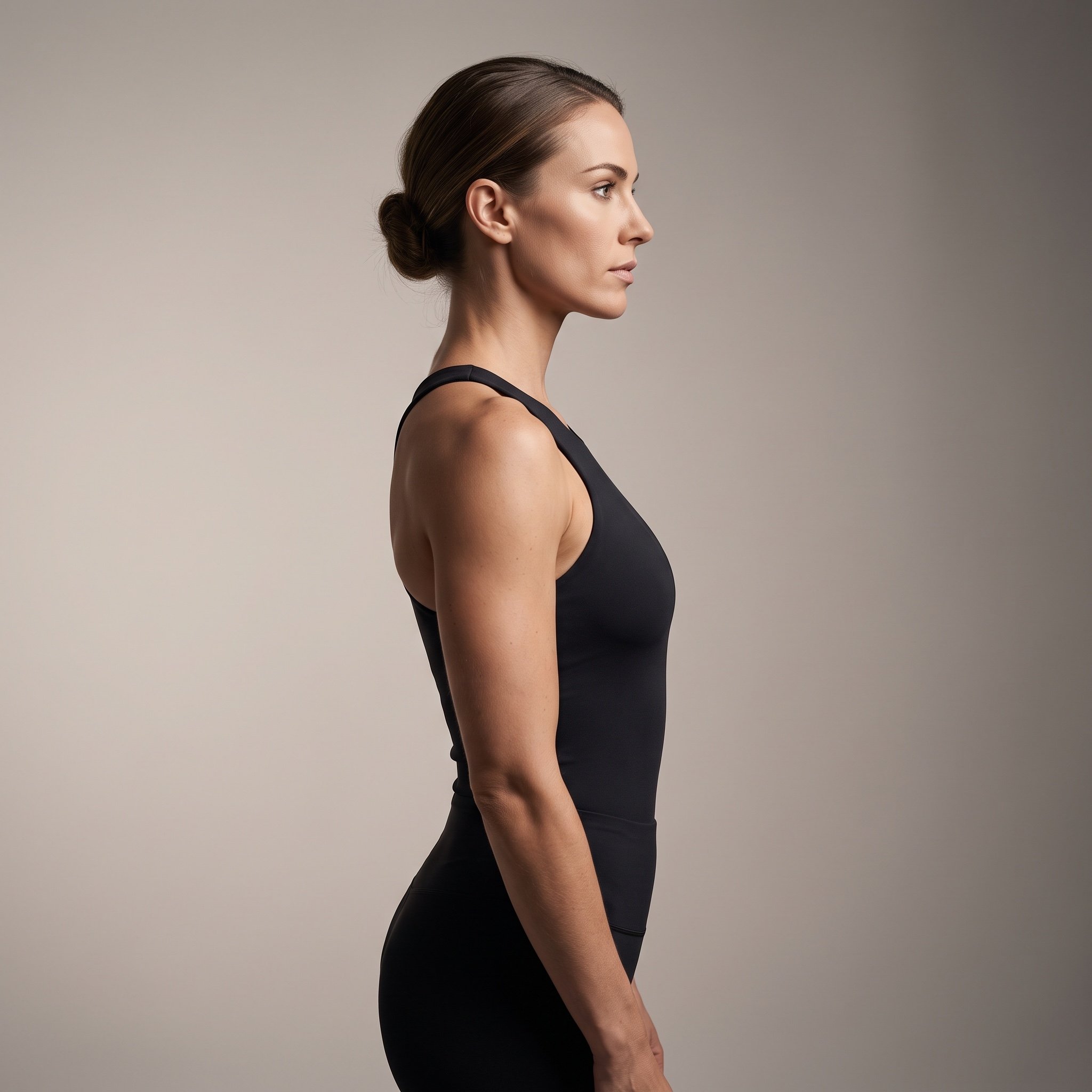
Ultra-Photorealistic Cinematic Side Profile Portrait Prompt
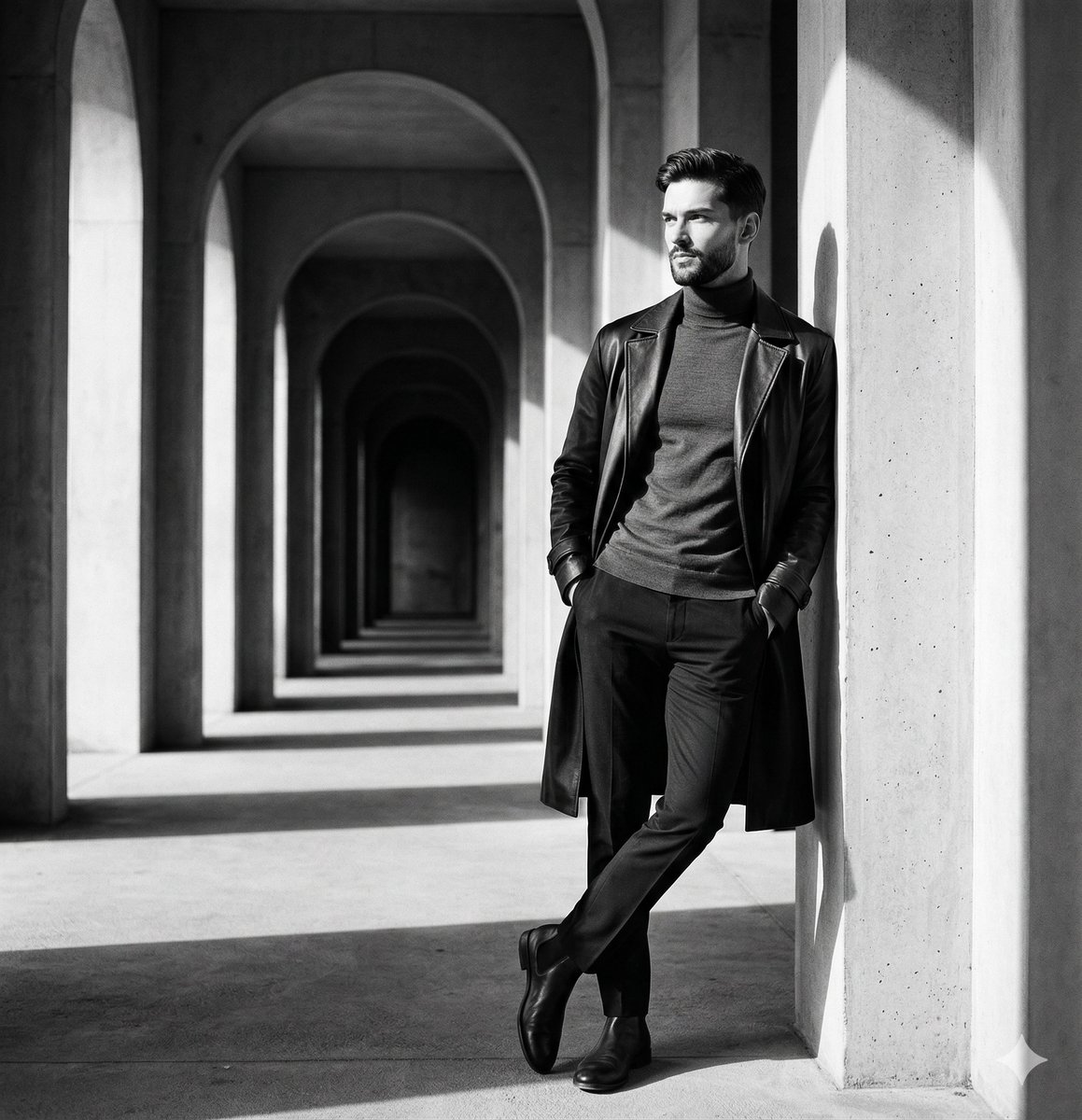
Monochromatic Editorial Portrait Prompt for Gemini Nano Banana 2
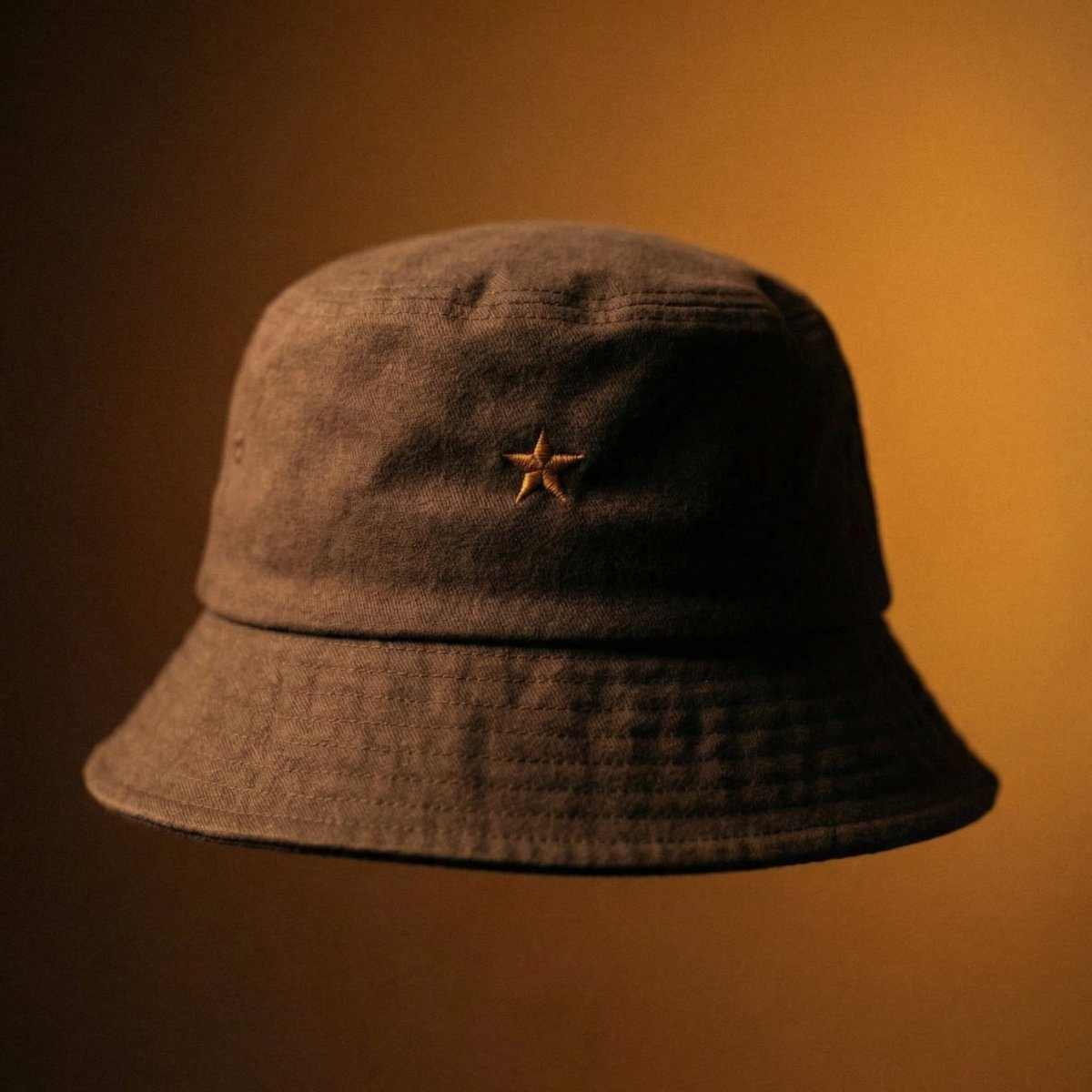
Luxury Bucket Hat Product Editorial
Cat drinking cola illustration

Free Christmas Promotional Prompt

博物馆图鉴式汉服拆解图 — GPT-image-2

Surreal Editorial Fashion Model with Rhino
Browse template categories
Surreal 404 Renaissance Memory Collage questions
How do I use the Surreal 404 Renaissance Memory Collage template?
Add your photo if the template asks for one, edit the prompt if you like — the template's model and format are already selected — and press Generate. Your version opens in PicX Studio.
Can I customize the Surreal 404 Renaissance Memory Collage template?
Yes. You can change the subject, setting, lighting, mood, format, and available model controls before creating your image.
Is the Surreal 404 Renaissance Memory Collage template free?
Opening and editing this template is free. Generating uses credits, shown on the Generate button when you are signed in.
Which AI model should I use?
Start with GPT Image 2, which is the model associated with this template. You can compare another compatible model for a different finish.
Looking for something else? Browse all templates.

Your photo, any look
Thousands of ready templates for every top image and video model, from one credit balance.