How do I use the Ligne Claire Suburban Landscape template?
Edit the prompt in the box under the preview — the template's model and format are already selected — and press Generate. Your version appears right on this page.
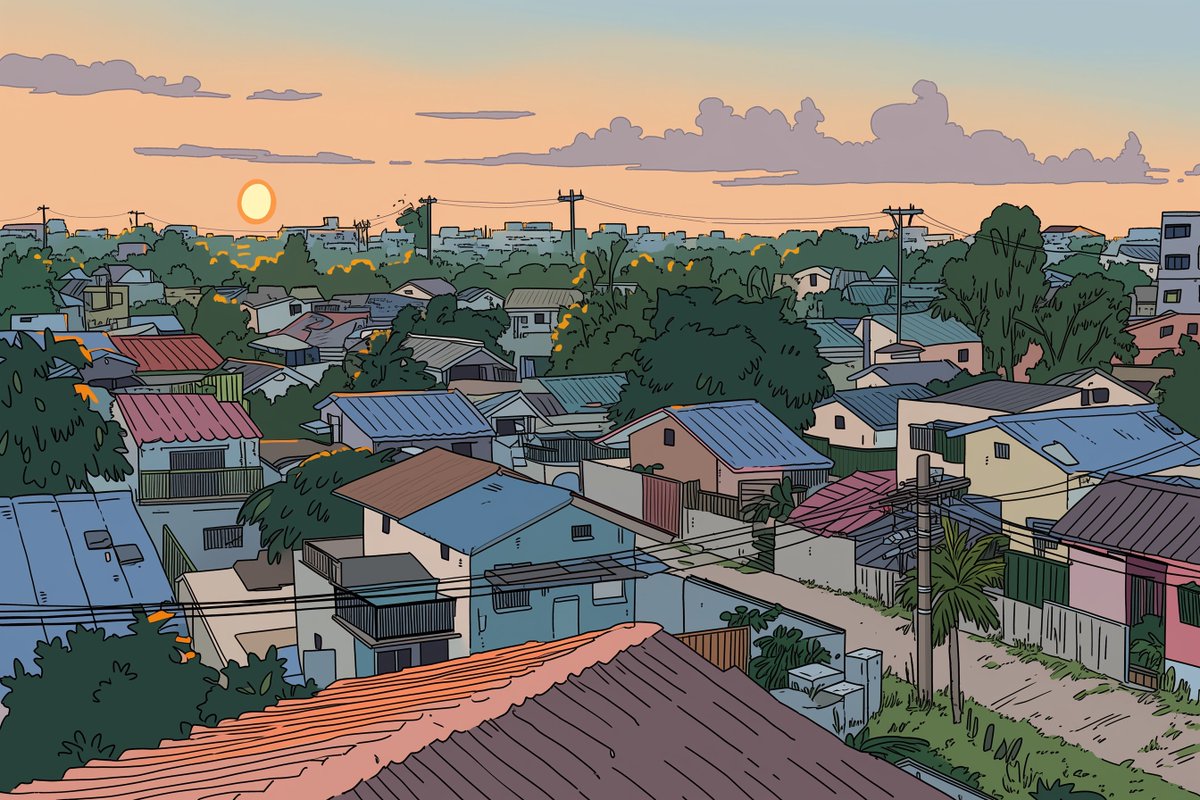
Generates a detailed, comic-style illustration of a neighborhood landscape with customizable time of day and setting.

This template uses your photo — add one with the + button.
A detailed {argument name="art style" default="ligne claire comic illustration"} of a sprawling {argument name="setting" default="suburban neighborhood"} viewed from an elevated rooftop perspective during {argument name="time of day" default="sunset"}. The scene features densely packed houses with varied roof colors including muted blues, reds, and browns, interspersed with lush green trees and foliage. Utility poles with crisscrossing power lines cut through the midground. A winding dirt road is visible on the right side. The sky is a smooth gradient of warm orange, pink, and light blue, with a bright round sun sitting low on the horizon behind stylized, fluffy clouds. The artwork uses flat colors, distinct black outlines, and a nostalgic, peaceful atmosphere reminiscent of classic anime background art.
A detailed {argument name="art style" default="ligne claire comic illustration"} of a sprawling {argument name="setting" default="suburban neighborhood"} viewed from an elevated rooftop perspective during {argument name="time of day" default="sunset"}. The scene features densely packed houses with varied roof colors including muted blues, reds, and browns, interspersed with lush green trees and foliage. Utility poles with crisscrossing power lines cut through the midground. A winding dirt road is visible on the right side. The sky is a smooth gradient of warm orange, pink, and light blue, with a bright round sun sitting low on the horizon behind stylized, fluffy clouds. The artwork uses flat colors, distinct black outlines, and a nostalgic, peaceful atmosphere reminiscent of classic anime background art.
Ligne Claire Suburban Landscape needs input media to work. Open it in the studio and these load alongside the prompt — pick whichever ones your chosen model can take.
Edit the prompt in the box under the preview — the template's model and format are already selected — and press Generate. Your version appears right on this page.
Yes. You can change the subject, setting, lighting, mood, format, and available model controls before creating your image.
Opening and editing this template is free. Generating uses credits, shown on the Generate button when you are signed in.
Start with GPT Image 2, which is the model associated with this template. You can compare another compatible model for a different finish.
Follow a topic to a crawlable collection of related PicX Studio templates.